Productivity & writingDocumented overviewLast checked Oct 4, 2026

Spiry: Pricing, Features & Best Use Cases

AI assistant for LinkedIn that generates, personalizes and schedules posts, with credit-based plans and a 7-day free trial.
Is Spiry right for you?

Choose Spiry if you build a personal brand on LinkedIn and want AI-written, scheduled posts, with a 7-day trial and credit-based plans from $27 per month. Based on the vendor's documentation, not on a hands-on test.

Best for: LinkedIn creators

Also a good fit for

  • Founders with little time for content

Consider another tool if credit based with caps of 50, 500 or 5000 credits

Or if

  • Limited to LinkedIn
  • Sign-up required, including Google or email login

Spiry pricing and usage limits

Prices checked Oct 4, 2026 on the official US pricing page. Official pricing ↗ Prices and limits change often.

Free access and trial conditions

None

7-day, 5 credits, no card

Paid plans: what changes as you upgrade

Usage caps, credits and extra costs

Credit caps

Not stated on the official pages

What is Spiry, and how does it work?

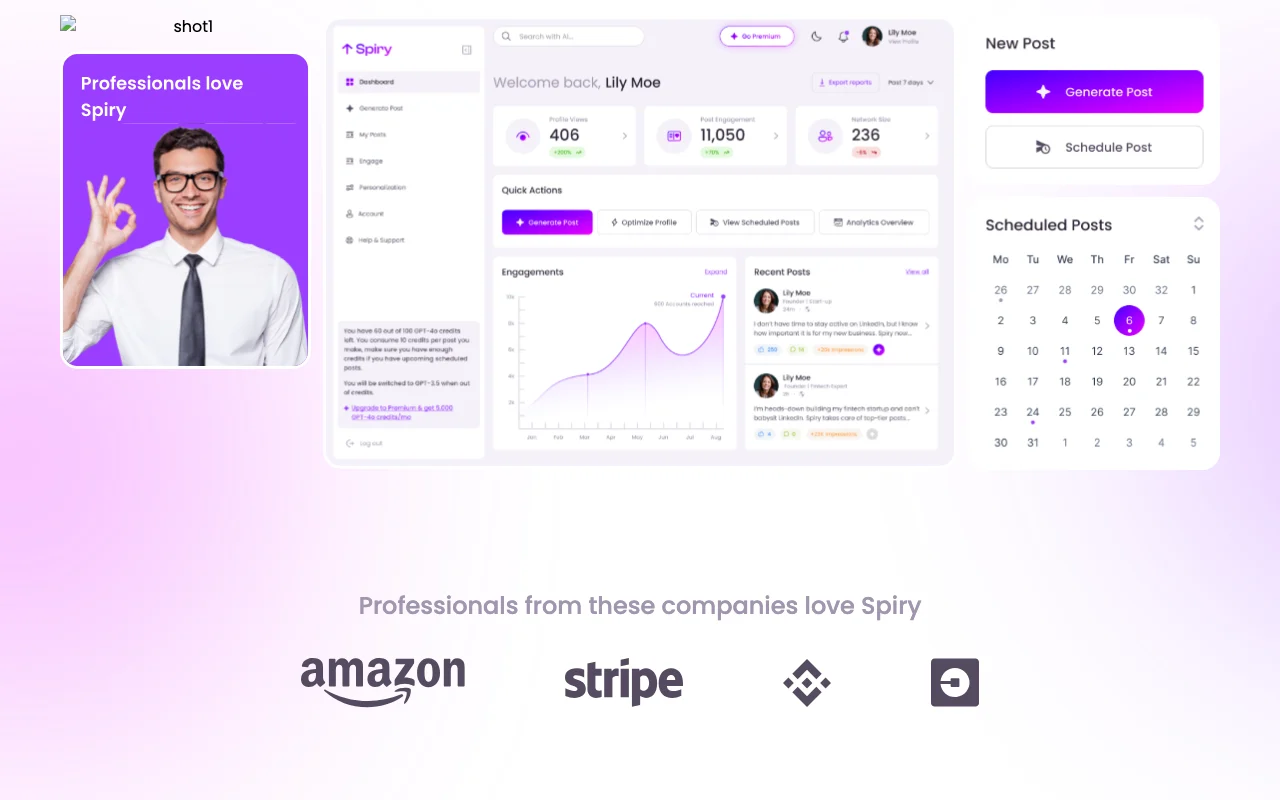
Spiry is an AI assistant for LinkedIn personal branding. It generates posts with hashtags and tone suggestions, lets you customize tone, audience and keywords, and offers scheduling and calendar features for planning content. Plans are credit based (Basic, Starter, Pro) with a 7-day free trial that includes 5 credits and needs no credit card. Higher plans add comment credits and AI engagement features, and the site offers an Arabic language version.
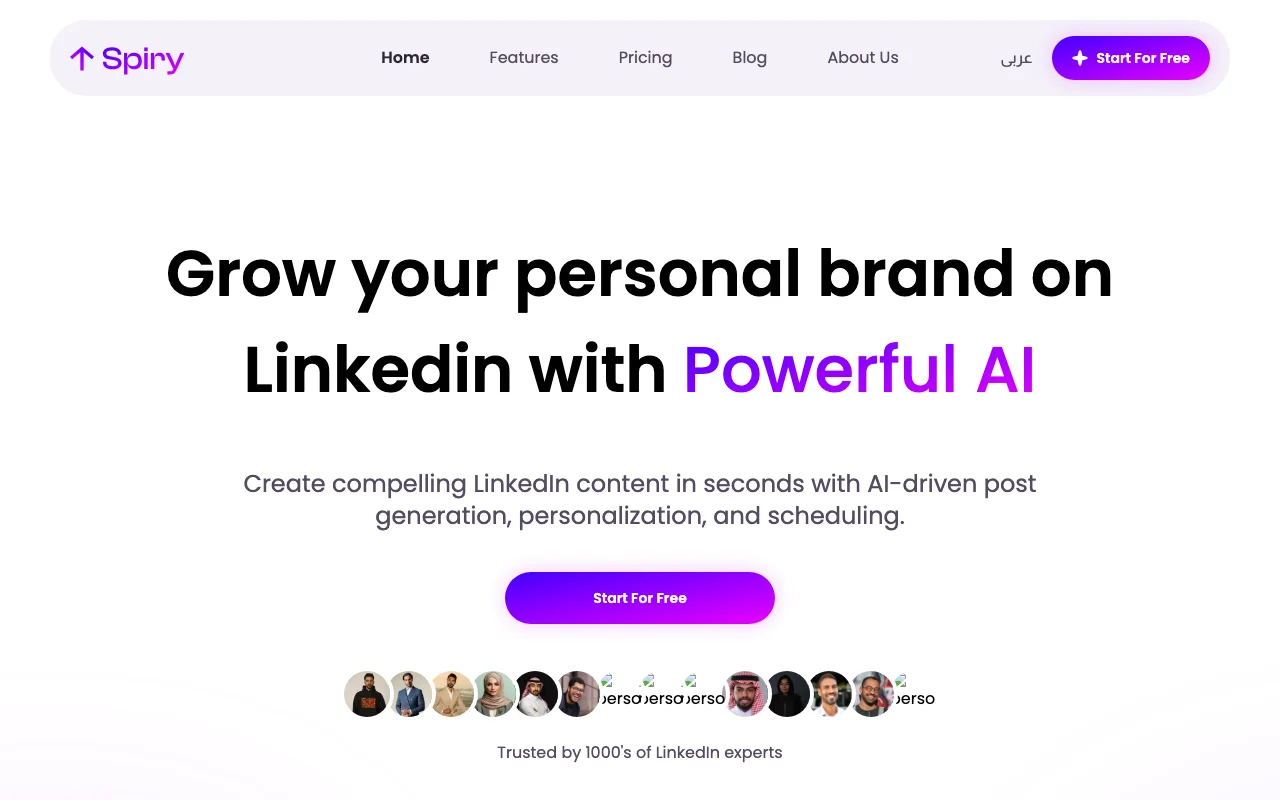
Spiry homepage — screenshot of the productivity & writing AI tool, Oct 2, 2026
Spiry's official site: how the product presents itself. spiry.ai, captured Oct 2, 2026

What you provide and what you get back

You provide

  • Topic, tone, audience, keywords

You get back

  • LinkedIn posts with hashtags
  • Scheduled calendar

Where you can use it

Account
Required
Network
LinkedIn
Credits
50 / 500 / 5000
Languages
English, Arabic site
Scheduling
Calendar

Best use cases for Spiry

Scenarios are worked out by our editors from the documentation; the actual result depends on your input and plan.
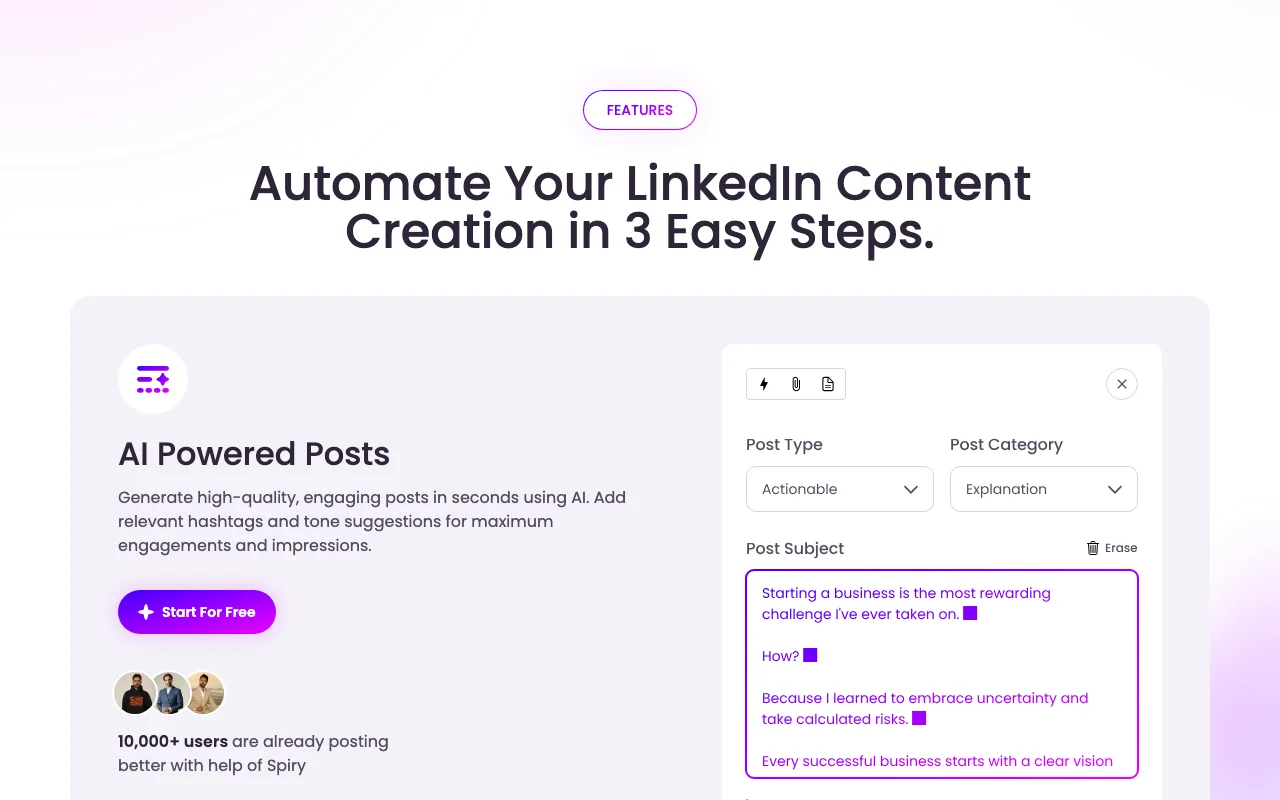
Writing LinkedIn posts for a personal brand

Who
Professionals
You provide
A topic
Expected result
Spiry returns a post draft with hashtags that you can edit before publishing.
Plan needed
Trial
Limitation
Posts are for LinkedIn only, and each draft uses credits. source (opens in a new tab)

Scheduling a weekly content calendar

Who
Creators
You provide
Weekly plan
Expected result
Spiry shows a calendar of posts planned for the week, queued for LinkedIn.
Plan needed
Trial
Limitation
Scheduled posts use credits, and the tool covers LinkedIn only. source (opens in a new tab)

Drafting engagement comments on LinkedIn

Who
Active commenters
You provide
A post
Expected result
Spiry offers a draft comment for the post you picked, which you can edit before posting.
Plan needed
Trial
Limitation
Comment features are listed with higher plans, so the trial may not include them. source (opens in a new tab)

What Spiry does, and where it stops

Spiry homepage — screenshot of the productivity & writing AI tool, Oct 2, 2026
Feature overview on the official site. spiry.ai, captured Oct 2, 2026

AI post generation with hashtags and tone suggestions

Writes posts with suggested tags. Professionals who write on LinkedIn get a draft with hashtags and a suggested tone instead of starting from a blank page.

Access: TrialLimit: Each generation uses credits from a plan with a fixed cap. source (opens in a new tab)

Tone, audience and keyword personalization

Sets voice and targeting. Users can set the voice, audience and keywords before generation, so drafts match their own positioning.

Access: Not statedLimit: These settings are entered by hand for each use. source (opens in a new tab)

Post scheduling and calendar integration

Plans and queues posts. Creators can plan a week of posts and queue them, so publishing does not depend on being online at that moment.

Access: Not statedLimit: Scheduling works for LinkedIn posts only, not for other networks. source (opens in a new tab)

Direct LinkedIn connection

Posts via your account. Users can post to their own LinkedIn account from inside Spiry without switching sites.

Access: Not statedLimit: Posting needs you to authorise Spiry to access your LinkedIn account. source (opens in a new tab)

Spiry pros and cons

Where Spiry is strong

  • 7-day free trial without a credit card The 7-day trial includes 5 credits and needs no credit card, so you can test post generation before paying. documented source (opens in a new tab)
  • Direct LinkedIn connection and scheduling Spiry connects to your LinkedIn account and schedules posts, so you do not need to copy text between tools. documented source (opens in a new tab)
  • Tone and audience personalization You can set tone, audience and keywords, so generated posts can be adjusted to how you want to sound. documented source (opens in a new tab)

Limitations to check before paying

  • Credit based with caps of 50, 500 or 5000 credits Plans are capped at 50, 500 or 5000 credits, so heavy posting or commenting can use up the allowance. documented source (opens in a new tab)
  • Limited to LinkedIn It supports only LinkedIn, so you cannot use it to plan posts for other social networks. documented source (opens in a new tab)
  • Sign-up required, including Google or email login You must sign up with Google or email before using it, so you cannot try it without creating an account. documented source (opens in a new tab)
  • Plan prices are tied to 12-month billing Plan prices are tied to 12-month billing, so the monthly figure on the site depends on committing for a year. documented source (opens in a new tab)

How to use Spiry for writing LinkedIn posts

Set up Spiry

  1. Sign up on spiry.ai.
  2. Connect LinkedIn.
  3. Set tone.

Example: writing LinkedIn posts

  1. Enter topic.
  2. Generate.
  3. Schedule.

Review and export the result

  1. Review tone.
  2. Check schedule.
Example prompt suggested by our editors (not a recorded output of the product)
A post about lessons from my first year as a founder.

Spiry API

API access and separate billing

Spiry has no public API in its official documentation.

Privacy, data use and commercial rights

Summarized from the vendor's current policies; this is not legal advice and a vendor's badge is not an independent audit.

How your inputs and outputs are handled

Posts and LinkedIn account

Not stated

Not stated

Commercial use and plan restrictions

Not stated

Not stated

Spiry alternatives by need

"Better suited" is based on documented features and pricing, not on a head-to-head test.

Jasper: better suited to

ChatGPT: better suited to

Alternatives
AlternativeWhen to choose itPricingLimitation
Jasper——Compare
ChatGPT——

Explore Spiry further

Tools and guides near Spiry

Spiry user reviews

No user reviews yet.

Used Spiry? Be the first to share your experience.

Write a review

Reviews are checked by a moderator before they appear. Your email is never published. Plain text only.

Your rating (required)

Show what you made or what went wrong. Images are published only if the review is approved; location data is removed.

    Spiry FAQ

    Trial?

    7 days with 5 credits and no card. source (opens in a new tab)

    Prices?

    Basic $27, Starter $34, Pro $48 per month on 12-month billing. source (opens in a new tab)

    Credit caps?

    50, 500 or 5000. source (opens in a new tab)

    Arabic?

    An Arabic version exists. source (opens in a new tab)

    Sources and review methodology

    Official sources and verification dates

    Not verified: Monthly price; Privacy; Official pages could not be read as text (client-rendered or empty fetch); facts come from the verified seed research.

    How we documented and maintain this page

    Every fact about Spiry above comes from the 2 official pages listed here, last compared on Oct 4, 2026; we have not run Spiry ourselves, so it has no editorial score. How we check and re-check pages.

    Article updated Oct 2, 2026; prices checked Oct 4, 2026. Outbound links to vendors are plain links; we do not earn commissions. How we review · Report an error