Productivity & writingDocumented overviewLast checked Oct 2, 2026

Storydoc: Pricing, Features & Best Use Cases

AI presentation and business document maker for interactive decks, proposals, reports and one-pagers.

Is Storydoc right for you?

Storydoc suits sales and marketing teams that want interactive, trackable decks and proposals, starting free and moving to Pro for personalization and collaboration. Based on the vendor's documentation, not on a hands-on test.

Best for: Sales and marketing teams

Also a good fit for

  • Founders preparing pitch decks

Consider another tool if starter limited to 5 active documents and limited templates

Or if

  • Annual billing shown as the headline price
  • Teams plan requires contacting sales

Storydoc pricing and usage limits

Prices checked Oct 2, 2026 on the official US pricing page. Official pricing ↗ Prices and limits change often.

Free access and trial conditions

Start free is offered (no credit card per homepage); free-plan limits not captured.

Not stated.

Paid plans: what changes as you upgrade

Starter web

$19.8/mo source (opens in a new tab)

Month, annual commitment

Billed annually $237.60; monthly-billing price not captured.

For: Individual professionals

Limits

  • 5 active documents
  • 20 AI image credits/month
1 more
  • 25 AI text credits/month

Includes

  • Basic analytics
  • PDF export
2 more
  • Remove Storydoc branding
  • 10 version automations/month

Pro web

$36/mo source (opens in a new tab)

Month, annual commitment

Billed annually $432; monthly-billing price not captured.

For: Businesses and teams

Limits

  • 30 active documents
  • 50 AI image credits/month
1 more
  • 125 AI text credits/month

Includes

  • Extended analytics
  • Collaboration
2 more
  • Personalization with variables
  • Integrations

Teams web

Custom pricing source (opens in a new tab)

Custom

For: 5+ users

Limits

  • Unlimited active documents

Includes

  • Advanced security and custom reporting
  • Designated storytelling expert
2 more
  • Studio design services
  • 100 version automations/month

Usage caps, credits and extra costs

Not stated.

Not stated.

What is Storydoc, and how does it work?

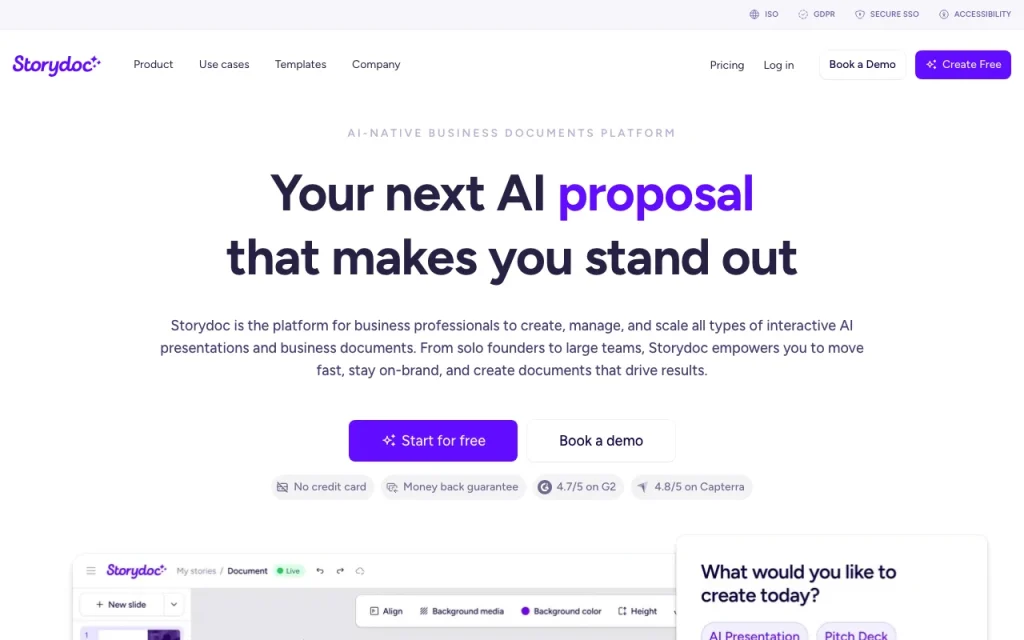
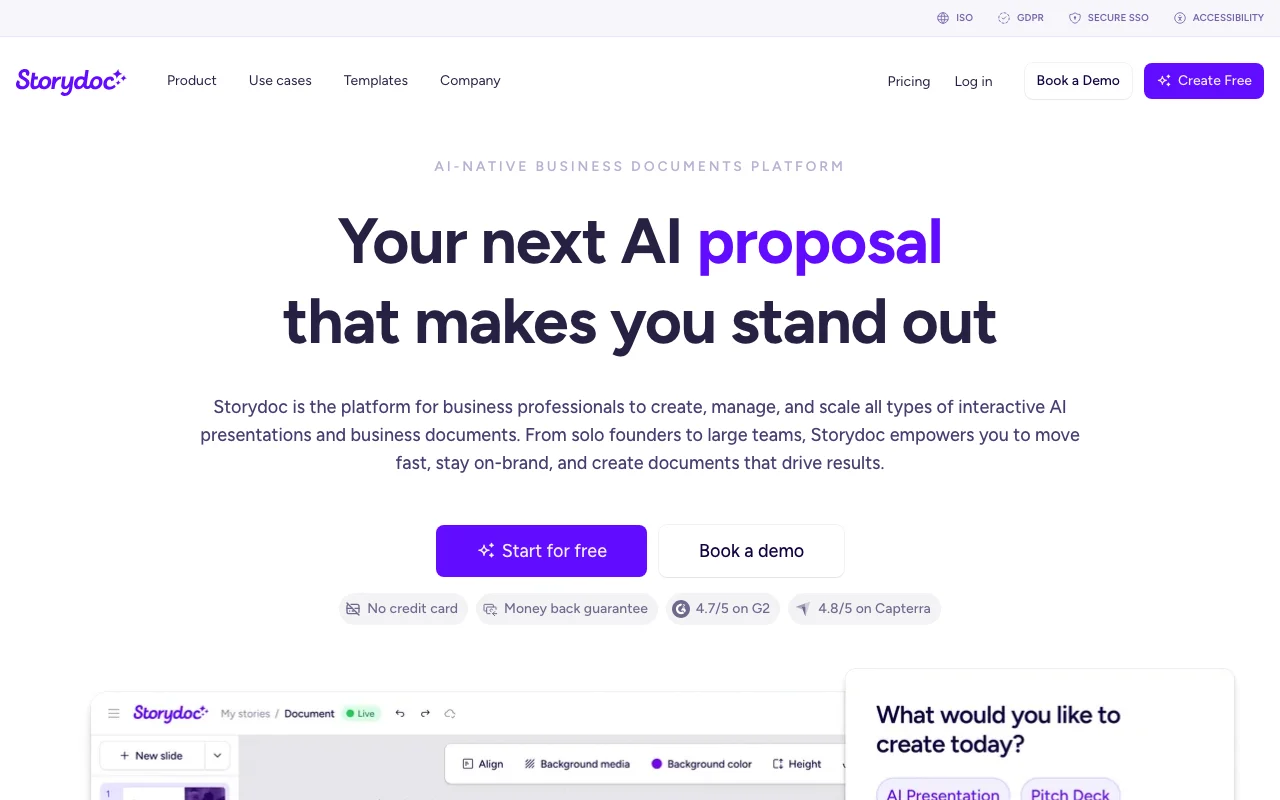
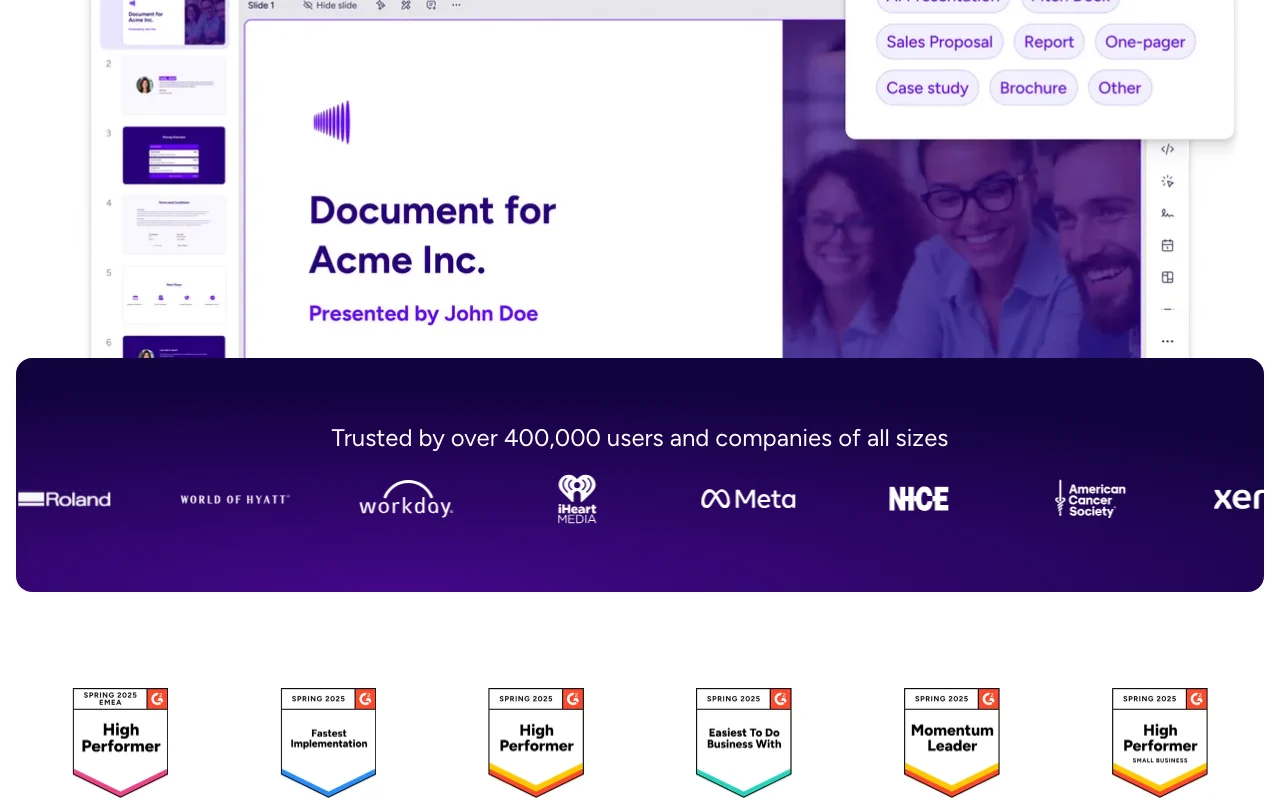
Storydoc is a platform for creating interactive AI presentations and business documents such as pitch decks, proposals, reports and one-pagers. The homepage describes AI generation from a prompt. Documents can embed videos, forms and calendar links, use dynamic fields tied to CRM data, and report opens, clicks and scrolls.

Storydoc homepage — screenshot of the productivity & writing AI tool, Oct 2, 2026
Storydoc's official site: how the product presents itself. storydoc.com, captured Oct 2, 2026

What you provide and what you get back

How Storydoc works: what you provide, where it runs and what you get backYOU PROVIDEYour inputPrompts describing the documentBrand assets and templatesCRM data for personalizationPRODUCTIVITY & WRITINGStorydocWebfrom $19.8/mo (Starter)free tier availableaccount requiredchecked Oct 2, 2026YOU GET BACKThe resultInteractive decks and proposalsShareable links with analyticsPDF exportinput → Storydoc → output · from the vendor's own pages, no hands-on test unless stated
What you give Storydoc and what comes back, from its documentation

You provide

  • Prompts describing the document
  • Brand assets and templates
  • CRM data for personalization

You get back

  • Interactive decks and proposals
  • Shareable links with analytics
  • PDF export

Where you can use it

Platforms
Web
Account
Required
Export
PDF
AI credits
Starter 25 text / 20 image; Pro 125 / 50
Version automations
10 / 25 / 100 per month
Analytics
Basic, Extended, Advanced

Best use cases for Storydoc

Scenarios are worked out by our editors from the documentation; the actual result depends on your input and plan.

Sales decks

Who
Sales teams
You provide
Prospect details and a deck template
Expected result
Personalized interactive sales decks
Plan needed
Pro
Limitation
Starter has no personalization with variables source (opens in a new tab)

Pitch decks

Who
Founders
You provide
A pitch outline
Expected result
A pitch deck shared by link with engagement analytics
Plan needed
Starter or Pro
Limitation
Starter has 5 active documents source (opens in a new tab)

Proposals

Who
Agencies and consultants
You provide
Client scope
Expected result
A proposal that tracks opens and scrolls
Plan needed
Pro
Limitation
Teams features need sales source (opens in a new tab)

Storydoc features and their limits

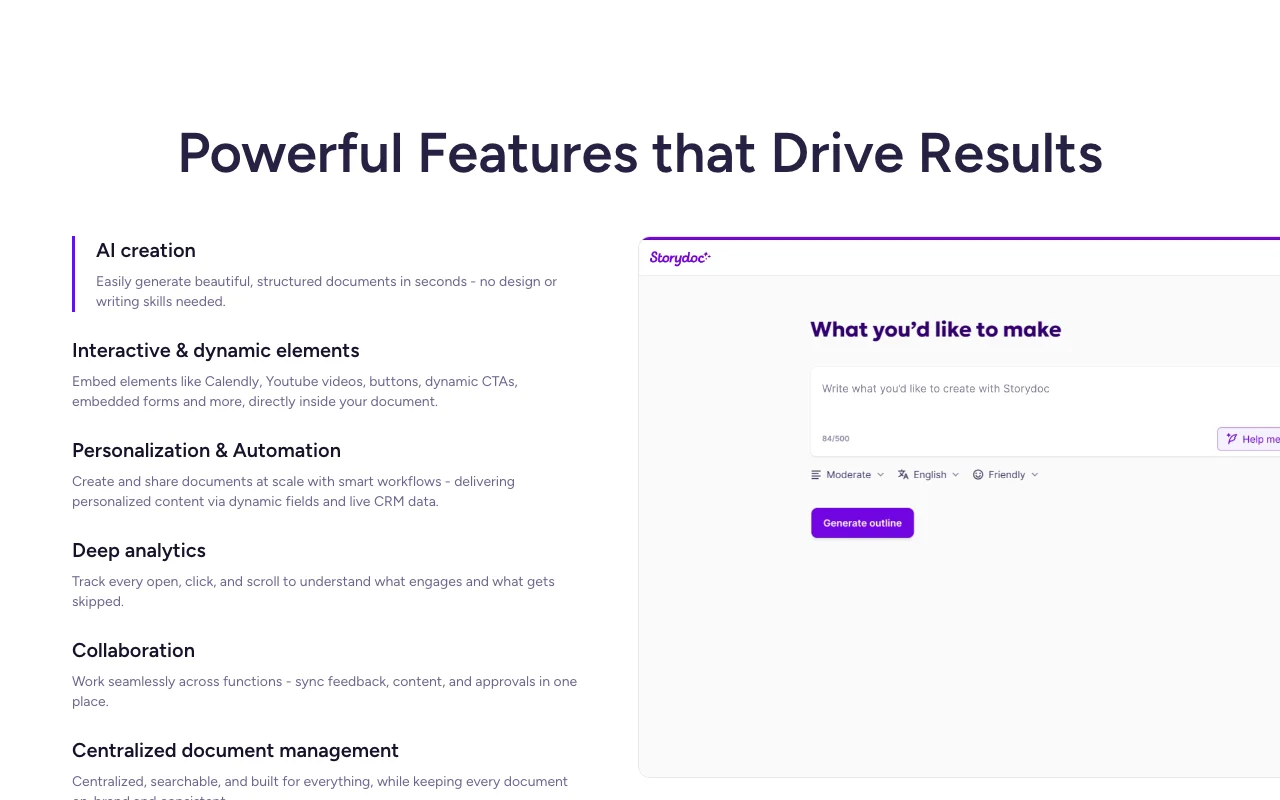
Storydoc homepage — screenshot of the productivity & writing AI tool, Oct 2, 2026
Feature overview on the official site. storydoc.com, captured Oct 2, 2026

AI document generation

Generates an entire deck or document from a prompt with an AI assistant. Reduces first-draft time.

Access: All plans, with monthly AI text creditsLimit: 25 credits/month on Starter source (opens in a new tab)

Interactive embedded elements

Embeds interactive elements in slides. Makes documents more engaging than static PDFs.

Access: Platform featureLimit: Details not captured source (opens in a new tab)

Personalization with dynamic fields and CRM data

Personalizes each version with dynamic text variables and CRM data. Tailors decks per lead.

Access: Pro and TeamsLimit: Not on Starter source (opens in a new tab)

Open, click and scroll analytics

Tracks opens, clicks and scrolls and sends alerts. Shows what readers care about.

Access: Basic on Starter, extended on ProLimit: Advanced reporting needs Teams source (opens in a new tab)

Storydoc: strengths and limits

Reasons to choose Storydoc

Check before paying for Storydoc

How to use Storydoc for creating an interactive sales deck

Set up Storydoc

  1. Open storydoc.com and start free
  2. Pick a template or ask the AI assistant
  3. Add your brand and content
  4. Share the link

Example: creating an interactive sales deck

  1. Describe the deck to the AI assistant
  2. Edit slides and images
  3. Add a variable for the prospect name
  4. Send the personalized link

Review and export the result

  1. Open the link as a recipient
  2. Check analytics for opens and scrolls
Example prompt suggested by our editors (not a recorded output of the product)
Create a 10-slide sales deck for a B2B analytics tool aimed at retail operations managers.

Storydoc integrations and API

Native integrations and export formats

Export: PDF

API access and separate billing

Storydoc has no public API in its official documentation. Not listed on fetched pages.

Privacy, data use and commercial rights

Summarized from the vendor's current policies; this is not legal advice and a vendor's badge is not an independent audit.

How your inputs and outputs are handled

Content and recipient analytics are processed to host documents.

Commercial use and plan restrictions

Security level varies: Basic, Advanced, Extended.

Controls for business users

  • SSO and GDPR/ISO badges shown on the site

Best Storydoc alternatives for different needs

"Better suited" is based on documented features and pricing, not on a head-to-head test.

Canva: better suited to

Notion AI: better suited to

Alternatives
AlternativeWhen to choose itPricingLimitation
Canva——Compare
Notion AI——Compare

Explore Storydoc further

Related to Storydoc

Storydoc user reviews

No user reviews yet.

Used Storydoc? Be the first to share your experience.

Write a review

Reviews are checked by a moderator before they appear. Your email is never published. Plain text only.

Your rating (required)

Show what you made or what went wrong. Images are published only if the review is approved; location data is removed.

    Storydoc FAQ

    How much does Storydoc Starter cost?

    Starter is $19.80 per month billed annually ($237.60 per year) and includes 5 active documents. source (opens in a new tab)

    What does Storydoc Pro add over Starter?

    Pro at $36 per month billed annually raises active documents to 30 and adds collaboration, personalization with variables, workspace and integrations. source (opens in a new tab)

    Does Storydoc offer unlimited documents?

    Only the Teams plan, designed for 5+ users and sold through sales, has unlimited active documents. source (opens in a new tab)

    Can Storydoc export to PDF?

    Yes, PDF export is listed on all three plans. source (opens in a new tab)

    Sources and review methodology

    Official sources and verification dates

    Not verified: Free plan limits; Privacy policy; Training use; Monthly-billing prices.

    How we documented and maintain this page

    Every fact about Storydoc above comes from the 2 official pages listed here, last compared on Oct 2, 2026; we have not run Storydoc ourselves, so it has no editorial score. How we check and re-check pages.

    Article updated Oct 10, 2026; prices checked Oct 2, 2026. Outbound links to vendors are plain links; we do not earn commissions. How we review · Report an error