Our take: Stellary suits small teams that want a kanban board where AI agents are assignees with configurable autonomy and approval gates, plus a built-in MCP server and REST API to drive it from outside.
Main limitation: The product is in beta, all plans are free and priced in EUR only, and the larger Beta Tester plan is by invitation through Discord.
By the AI Tool Atlas editors.
Based on the vendor's official documentation; we have not tested this product hands-on. What “documented overview” means
Who Stellary fits
Stellary suits small teams that want a kanban board where AI agents are assignees with configurable autonomy and approval gates, plus a built-in MCP server and REST API to drive it from outside. Based on the vendor's documentation, not on a hands-on test.
Best for: Small teams combining human and AI-agent work
Also a good fit for
Developers orchestrating agents through MCP
Teams evaluating AI-native project management during beta
Consider another tool if product is in beta; limits may change
Or if
Free plan capped at 1 workspace, 5 projects, 10 members and 700 AI credits per month
Larger Beta Tester plan is by invitation via Discord only
Stellary pricing and usage limits
Prices checked Sep 29, 2026 on the official US pricing page. Official pricing ↗ Prices and limits change often.
Vendor pricing page re-checked automatically 11 days ago: no changes detected.
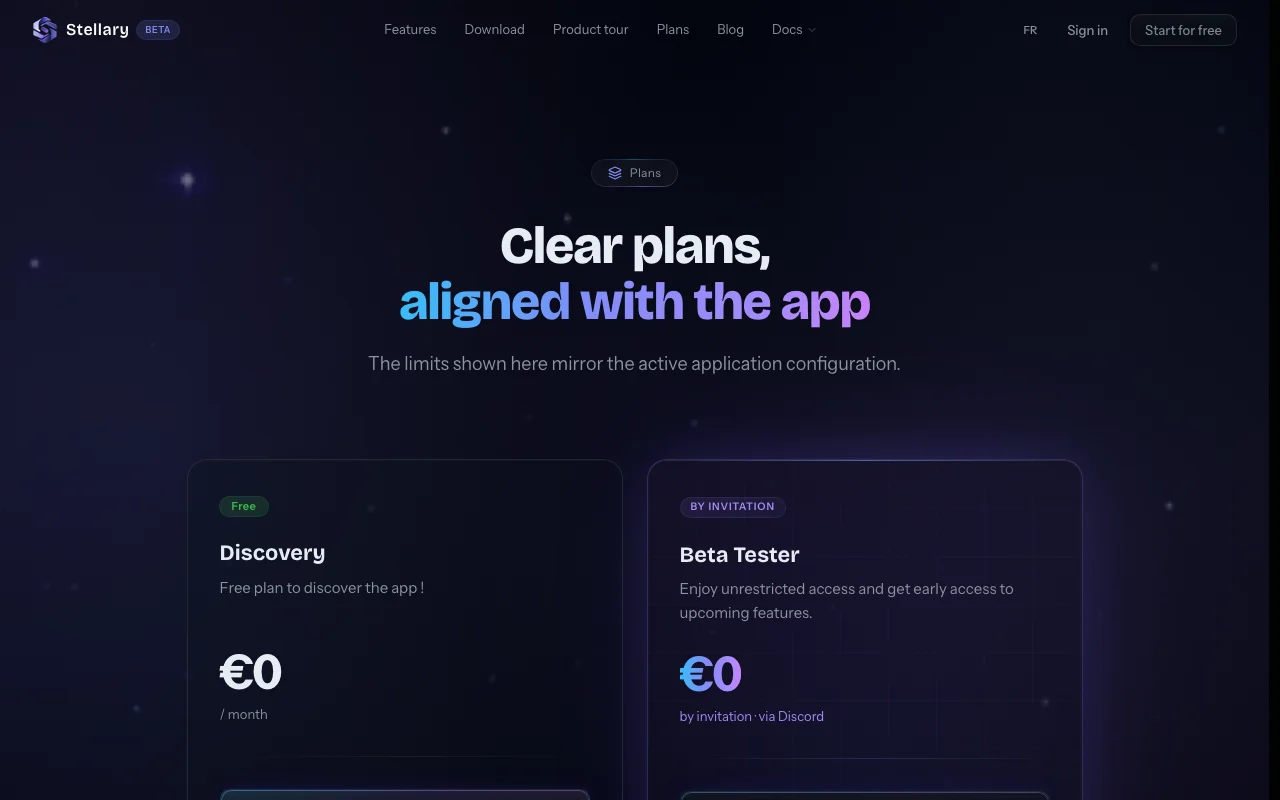
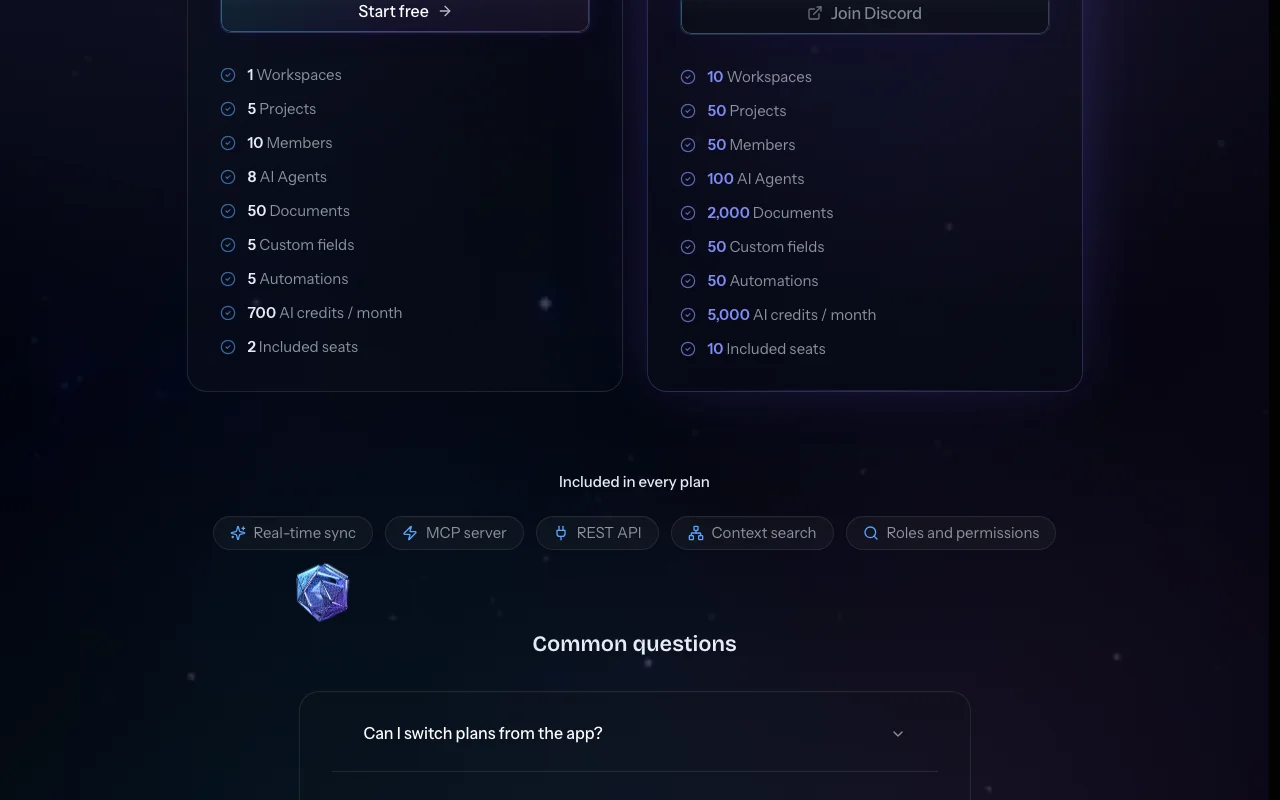
The official Stellary pricing page as we saw it. stellary.co, captured Oct 1, 2026
10 workspaces, 50 projects, 50 members, 100 AI agents
2,000 documents, 50 custom fields, 50 automations
1 more
5,000 AI credits/month, 10 included seats
Includes
Early access to upcoming features
Same included features as Free
API included
Usage caps, credits and extra costs
No paid plans listed; plans are month-to-month with no commitment. Page prices are in EUR, so no USD price is verified.
What is Stellary, and how does it work?
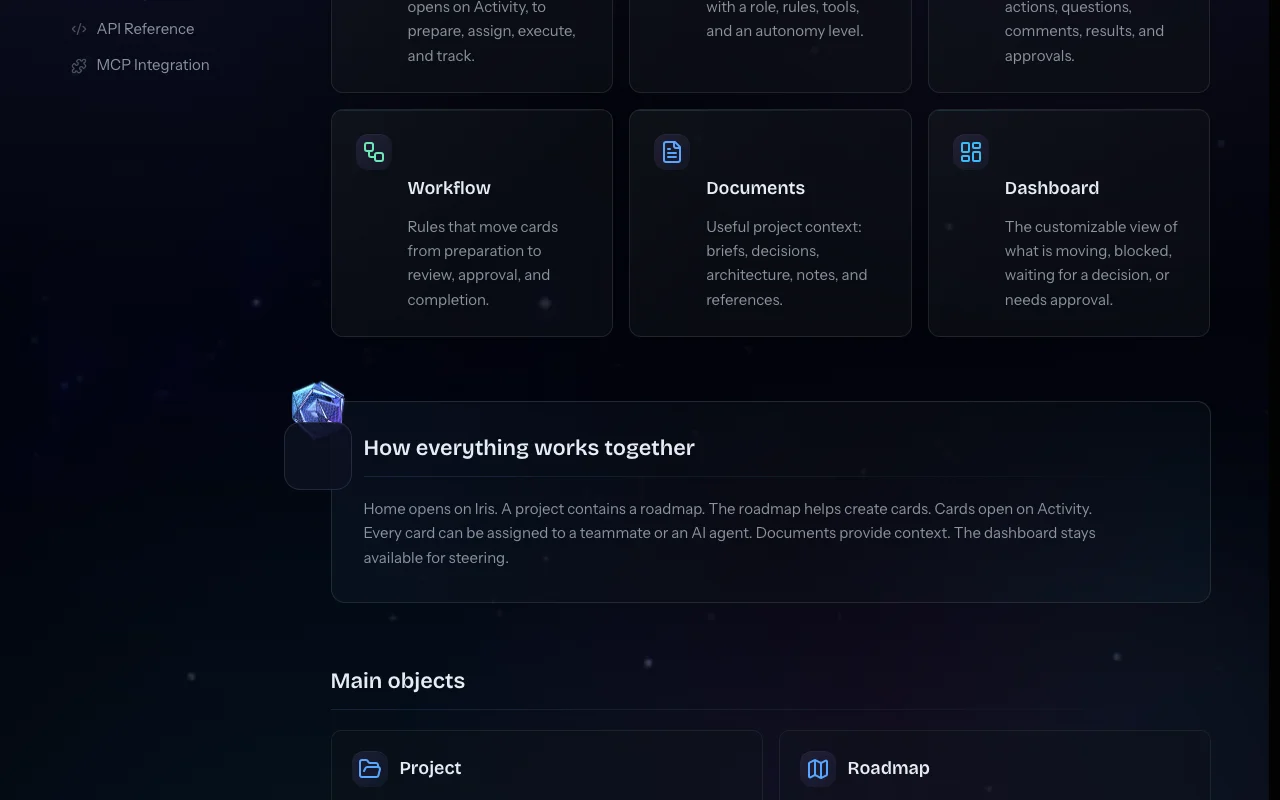
Stellary is a project management application, currently in beta, designed for teams that work alongside AI agents. You describe a project, an AI wizard generates the roadmap, and both humans and agents pick up cards on the same board under rules and permissions you set. Agents run a card, report back, and propose actions that you approve.
The product includes a dashboard 'cockpit' with widgets for risks and blockers, a knowledge base with context search, automations and AI workflows. It ships an MCP server and REST API so external agents can use the workspace, plus a desktop app for Windows and macOS that can access local folders.
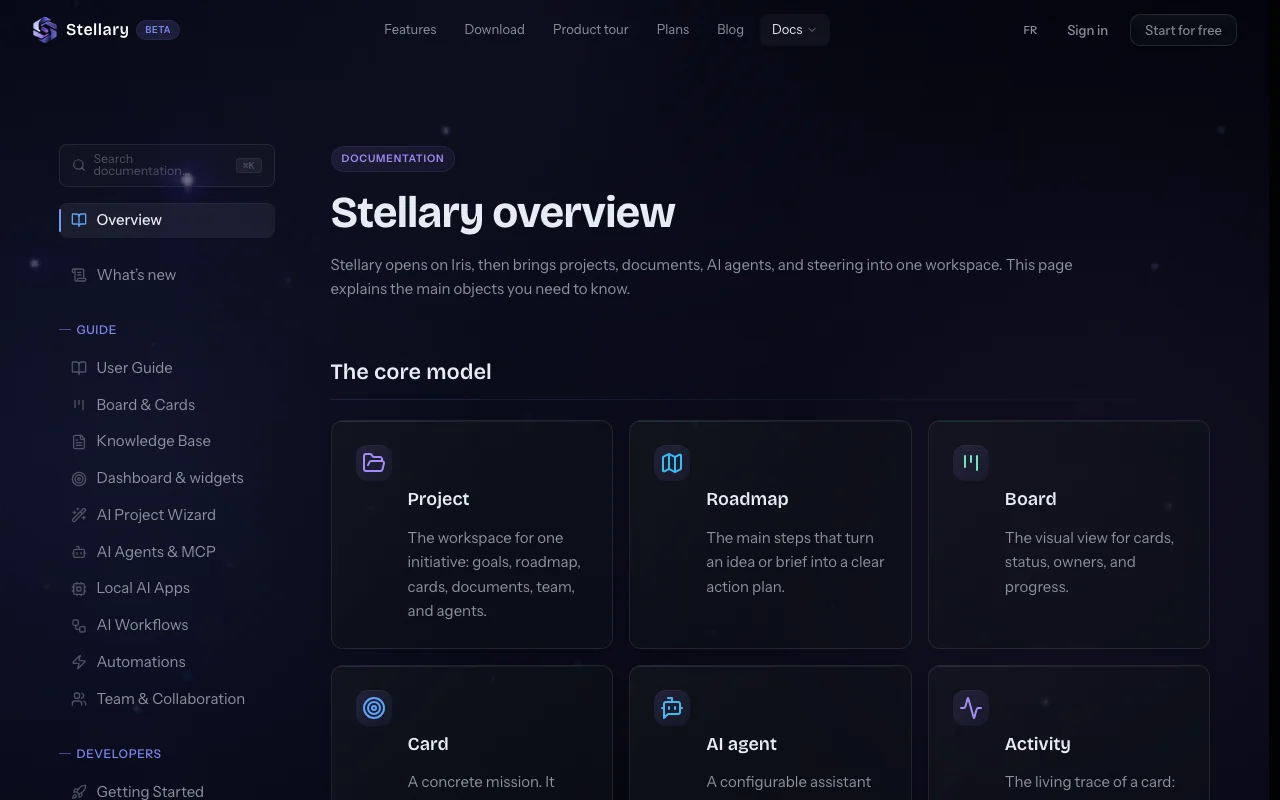
Stellary's official site: how the product presents itself. stellary.co, captured Oct 1, 2026
What you provide and what you get back
What you give Stellary and what comes back, from its documentation
You provide
A plain-language project description for the AI Project Wizard
Cards, documents and knowledge base entries
MCP or REST API calls from external agents
You get back
Generated roadmap and cards
Agent missions with progress reported in the card thread
Dashboard widgets showing risks, blockers and momentum
Feature overview on the official site. stellary.co, captured Oct 1, 2026
AI Project Wizard that generates roadmaps
You describe the project in plain language and the wizard produces a sequenced roadmap and cards you can launch as missions. Skips manual backlog setup.
AI agents as board members with governance and approvals
Each agent has a role, tool access and an autonomy level: autonomous for routine work, approval-gated for sensitive changes, proposal-only for money, data or compliance. Agents work without silent execution on risky tasks.
Access: Up to 8 agents Free, 100 Beta TesterLimit: Approvals add a human wait stepsource (opens in a new tab)
Dashboard widgets for project status
Missions, blockers, approval gates and agent activity are shown as widgets you compose yourself, fed by board data. No manual status reporting.
Free during the beta, no credit card required Full evaluation costs nothing.documentedsource (opens in a new tab)
MCP server and REST API included on every plan External agents can read and act on the workspace from day one.documentedsource (opens in a new tab)
Signed and notarized desktop apps for Windows and macOS Install without security warnings.documentedsource (opens in a new tab)
Public documentation with API reference and MCP guide Integrations can be built without a sales call.documentedsource (opens in a new tab)
Check before paying for Stellary
Product is in beta; limits may change Plan limits and pricing could change.documentedsource (opens in a new tab)
Free plan capped at 1 workspace, 5 projects, 10 members and 700 AI credits per month Growing teams hit limits quickly.documentedsource (opens in a new tab)
Larger Beta Tester plan is by invitation via Discord only Higher limits are not self-serve.documentedsource (opens in a new tab)
1 workspace, 5 projects, 10 members, 8 AI agents, 50 documents, 5 custom fields, 5 automations, 700 AI credits per month and 2 included seats. source (opens in a new tab)
How do I get the Beta Tester plan?
It is by invitation through Discord and offers 10 workspaces, 50 projects, 100 AI agents, 2,000 documents and 5,000 AI credits per month. source (opens in a new tab)
Is there a contract?
No. All plans are month-to-month with no commitment, and plan changes and invoices are handled in Organization settings. source (opens in a new tab)
What can agents do without approval?
It depends on the autonomy level you set per agent: autonomous for routine work, approval-gated for sensitive changes, or proposal-only for money, data and compliance. source (opens in a new tab)
Is my data used to train AI models?
The privacy policy states AI interaction data is processed only to provide AI features and is not used to train third-party AI models. source (opens in a new tab)
Not verified: USD pricing after beta; Data retention periods; Web app availability.
How we documented and maintain this page
Every fact about Stellary above comes from the 5 official pages listed here, last compared on Sep 29, 2026; we have not run Stellary ourselves, so it has no editorial score. How we check and re-check pages.
Article updated Oct 10, 2026; prices checked Sep 29, 2026. Outbound links to vendors are plain links; we do not earn commissions. How we review · Report an error