
Free Web
Kostenlos Quelle (öffnet in neuem Tab)
Monat, Jahresbindung
Für: Building a first agent
Limits
- Small starting credit, then buy credit as needed
Enthält
- Unlimited agents and seats
- Auto-refill and monthly cap options
1 mehr
- Community support

Produktivität & SchreibenDokumentierter ÜberblickZuletzt geprüft Oct 1, 2026
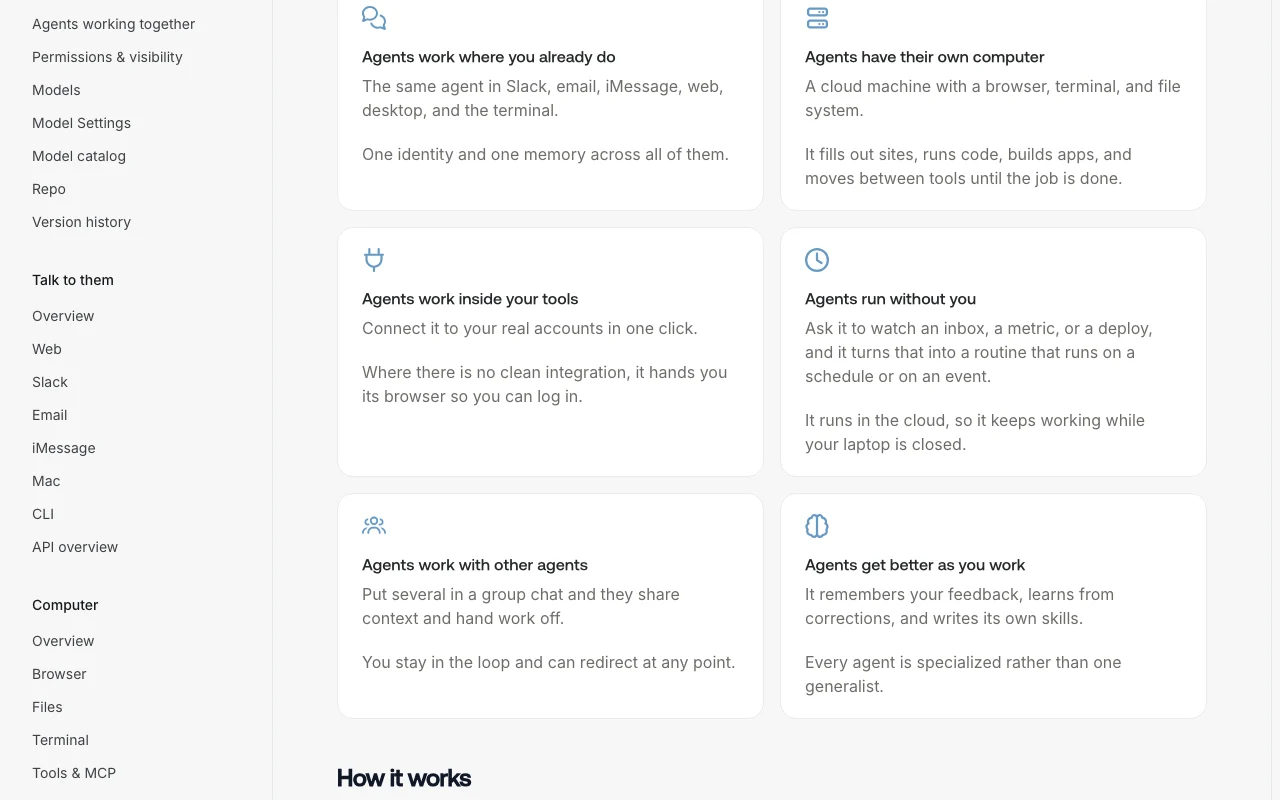
Build cloud-hosted AI agents with their own computer, reachable via Slack, email, iMessage, web, Mac desktop app or CLI.
 (in voller Größe in neuem Tab öffnen)
 (in voller Größe in neuem Tab öffnen)
 (in voller Größe in neuem Tab öffnen)
 (in voller Größe in neuem Tab öffnen)
Unsere Einschätzung: Skydive is a fit for small teams and developers who want always-on AI agents with their own cloud computer, reachable in Slack, email, iMessage or a Mac app, on flat workspace pricing with model costs passed through at provider rates.
Wichtigste Einschränkung: Usage beyond the included credit is pay as you go, the desktop app is macOS only, and credit top-up presets start at $50.
Skydive is a fit for small teams and developers who want always-on AI agents with their own cloud computer, reachable in Slack, email, iMessage or a Mac app, on flat workspace pricing with model costs passed through at provider rates. Auf Basis der Dokumentation des Anbieters, nicht in einem praktischen Test.
Auch gut geeignet für
Oder wenn
Schlagzeilen von US-Medien, automatisch ausgewählt – keine Empfehlungen. Aktualisiert Oct 2, 2026
Preise am Oct 1, 2026 auf der offiziellen US-Preisseite geprüft. Offizielle Preise ↗ Preise und Limits ändern sich häufig.
Preisseite des Anbieters vor 11 Tagen automatisch neu geprüft: keine Änderungen festgestellt.
Free workspaces with a small credit, then pay as you go; no card required to start
None stated
Kostenlos Quelle (öffnet in neuem Tab)
Monat, Jahresbindung
Für: Building a first agent
Limits
Enthält
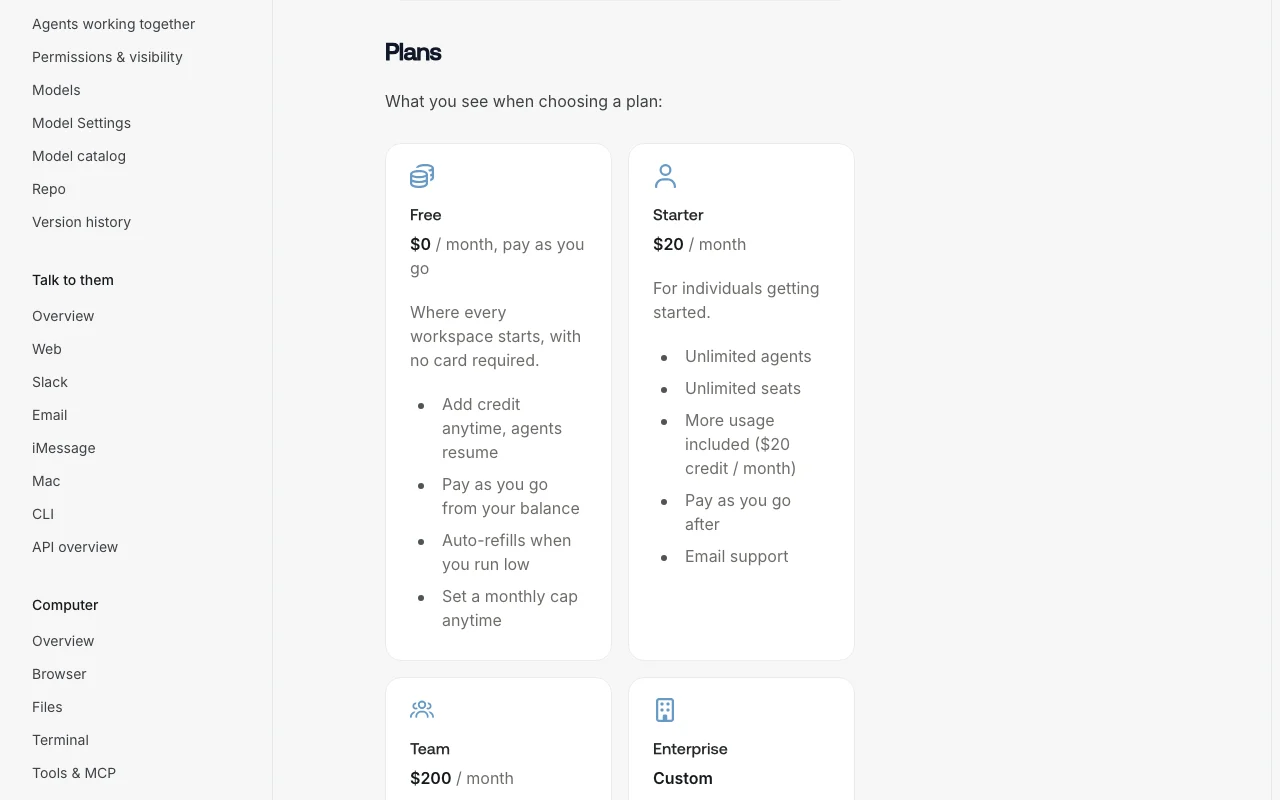
$20/mo per workspace per month Quelle (öffnet in neuem Tab)
Monat, Jahresbindung
$240 per year with $264 of credit (10% bonus)
Für: Individuals getting started
Limits
Enthält
$200/mo per workspace per month Quelle (öffnet in neuem Tab)
Monat, Jahresbindung
$2,400 per year with $2,640 of credit (10% bonus)
Für: Groups with heavier agent use
Limits
Enthält
Individuelle Preise Quelle (öffnet in neuem Tab)
Unbekannt, Jahresbindung
Für: Organizations with security requirements
Enthält
Credit top-ups (presets start at $50), auto-refill; compute and metered services also draw the balance
unknown
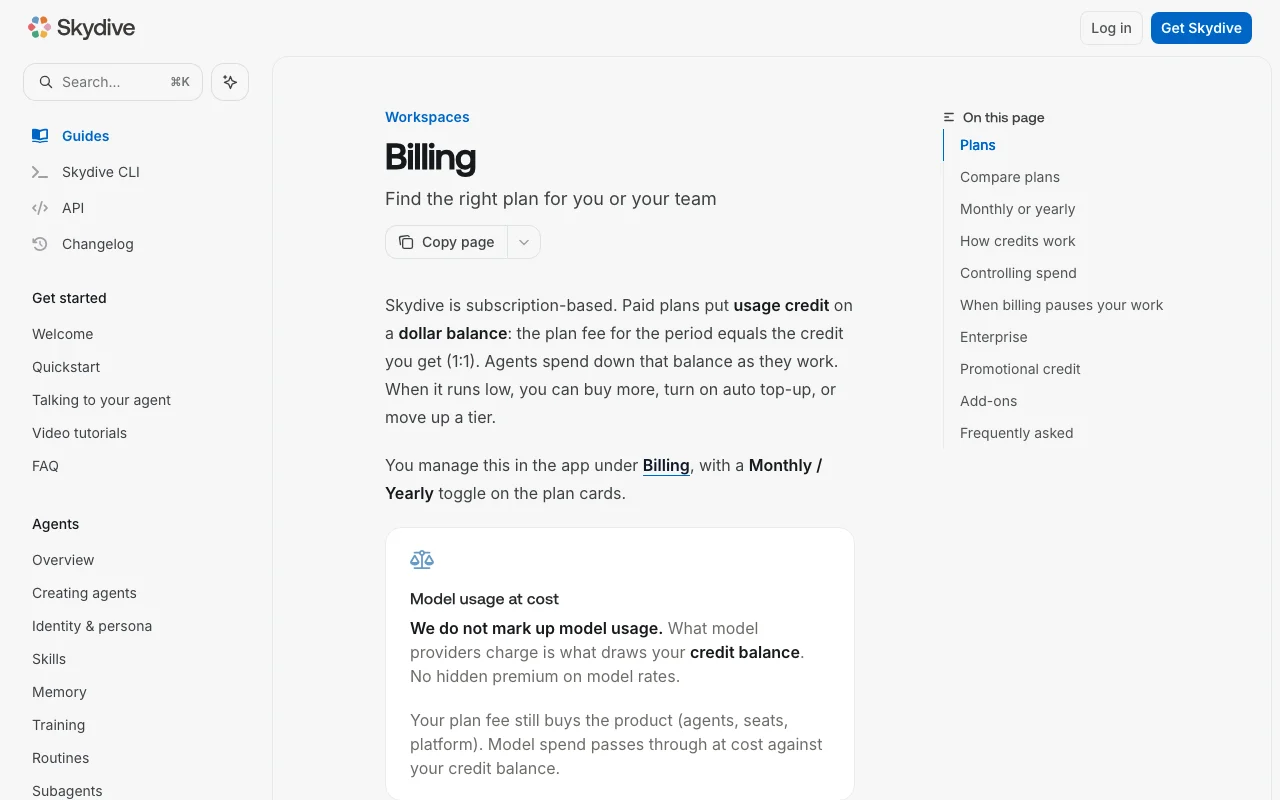
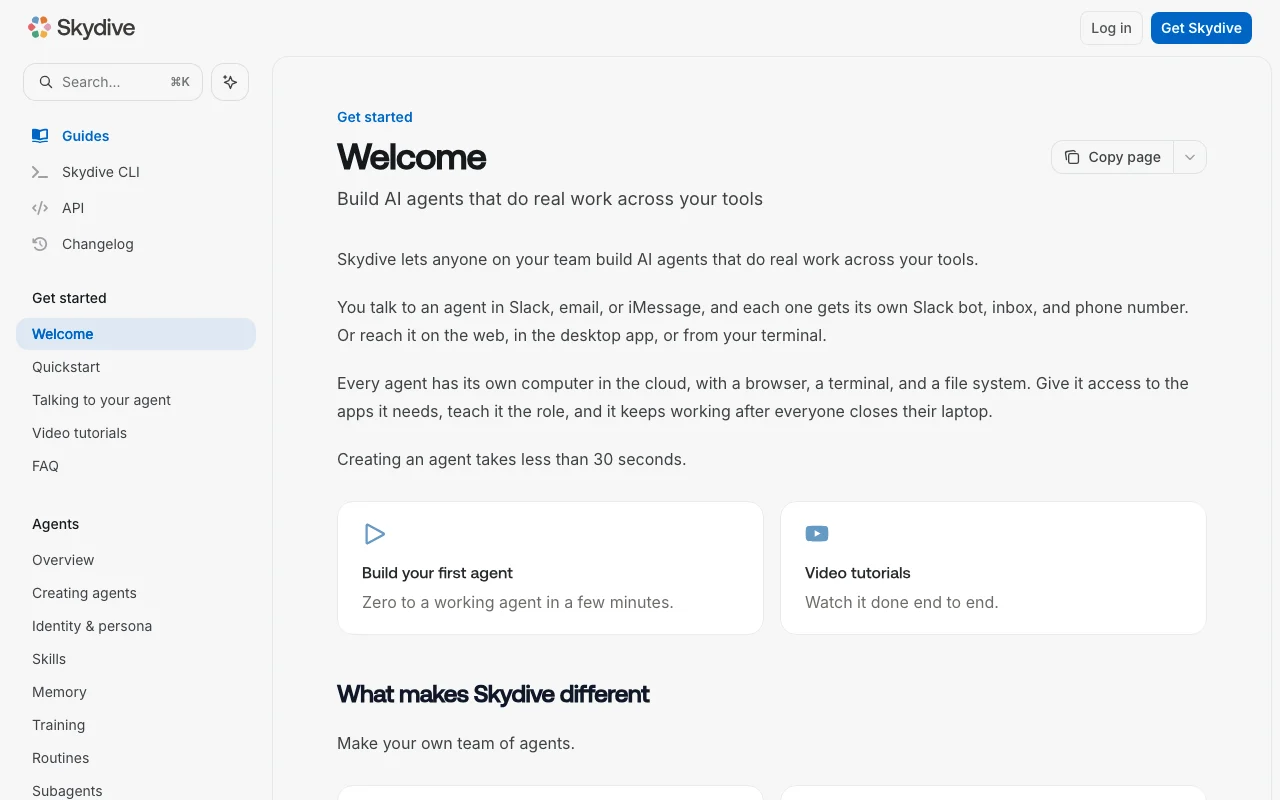
Skydive lets teams create AI agents that run on their own cloud machine with a browser, terminal and file system. Each agent gets a Slack bot, an email inbox and a phone number, and can also be reached on the web, in the macOS desktop app or from the terminal via the Skydive CLI. Agents keep working after users close their laptops. Billing is subscription plus usage credit: Free workspaces pay as they go, Starter ($20/mo) and Team ($200/mo) include an equal amount of credit, and model usage is passed through at provider cost with no markup. Yearly plans grant 10% bonus credit.
Sie liefern
Sie erhalten zurück
Die Szenarien erarbeiten unsere Redakteure anhand der Dokumentation; das tatsächliche Ergebnis hängt von Ihrer Eingabe und Ihrem Tarif ab.
Gives each agent a cloud computer with browser, terminal and file system Lets agents do real work, not just chat
Provides each agent a Slack bot, email inbox and phone number Lets teammates reach agents where they work
Offers a macOS desktop app with optional local access Allows tasks on your own Mac
Ships a CLI and API Allows scripting and developer workflows
Every weekday at 9am, check our support inbox, summarize new tickets by priority, and post the summary to #support in Slack.
Skydive hat laut offizieller Dokumentation keine öffentliche API. CLI and API API-Dokumentation ↗
Zusammengefasst aus den aktuellen Richtlinien des Anbieters; dies ist keine Rechtsberatung, und das Badge eines Anbieters ersetzt kein unabhängiges Audit.
Agent tasks, files and conversation data in cloud workspaces
unknown
unknown
unknown
Audit logs on Enterprise
„Besser geeignet“ beruht auf dokumentierten Funktionen und Preisen, nicht auf einem direkten Test.
| Alternative | Wann Sie es wählen sollten | Preise | Einschränkung | |
|---|---|---|---|---|
| Zapier | — | — | Vergleichen | |
| Make | — | — | Vergleichen | |
| n8n | — | — | Vergleichen | |
| Claude | — | — |
Noch keine Nutzerbewertungen.
Verwendet Skydive? Teilen Sie als Erste oder Erster Ihre Erfahrung.
Free is pay as you go, Starter is $20 per month with $20 credit and Team is $200 per month with $200 credit; Enterprise is custom. Quelle (öffnet in neuem Tab)
No, model usage is billed at provider cost with no markup, though compute and metered services also draw the balance. Quelle (öffnet in neuem Tab)
No, all plans including Free have unlimited seats and Starter and Team are flat per workspace. Quelle (öffnet in neuem Tab)
Yearly Starter is $240 and Team $2,400, with a 10% bonus credit rather than a fee discount. Quelle (öffnet in neuem Tab)
Set an auto-refill threshold and an optional monthly limit that either notifies owners or hard-pauses new runs. Quelle (öffnet in neuem Tab)
Nicht verifiziert: Privacy and retention terms (privacy page empty); Homepage content (JS-rendered).
Jede Angabe zu Skydive oben stammt aus den 4 hier aufgeführten offiziellen Seiten, zuletzt verglichen am Oct 1, 2026; wir haben Skydive nicht selbst getestet, daher gibt es keine redaktionelle Bewertung. Wie wir Seiten prüfen und erneut prüfen.
Artikel aktualisiert Oct 10, 2026; Preise geprüft Oct 1, 2026. Ausgehende Links zu Anbietern sind einfache Links; wir erhalten keine Provisionen. So testen wir · Fehler melden
compare>