Productivity & writingDocumented overviewLast checked Oct 2, 2026

SkipUp: Pricing, Features & Best Use Cases

AI follow-up and scheduling assistant that reads email threads and books meetings.
Is SkipUp right for you?

SkipUp suits sales reps, recruiters and founders who want an assistant that follows up on email threads and books meetings, starting with 10 free meetings per person. Based on the vendor's documentation, not on a hands-on test.

Best for: Sales reps

Also a good fit for

  • Recruiters
  • Founders

Consider another tool if free plan limits 3 concurrent organized meetings

Or if

  • Pro capped at 30 to 250 meetings per month by tier
  • Requires account and calendar access

SkipUp pricing and usage limits

Prices checked Oct 2, 2026 on the official US pricing page. Official pricing ↗ Prices and limits change often.

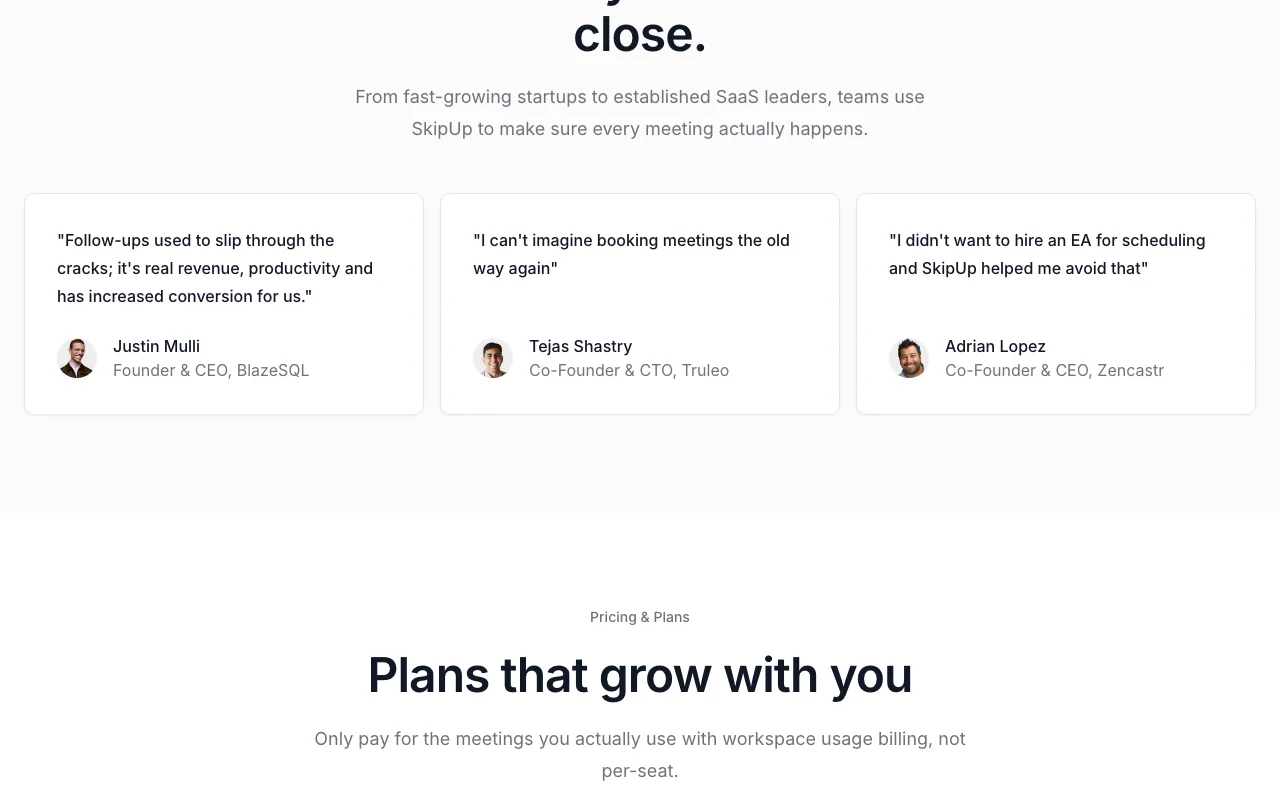
SkipUp pricing page with plans and prices — screenshot of the productivity & writing AI tool, Oct 2, 2026
The official SkipUp pricing page as we saw it. skipup.ai, captured Oct 2, 2026

Free access and trial conditions

Free for your first 10 meetings, no credit card required.

Free plan acts as the trial.

Paid plans: what changes as you upgrade

Personal web

Free source (opens in a new tab)

Month

For: Individuals trying it

Limits

  • 10 free meetings per person
  • 3 meetings organized concurrently

Includes

  • Unlimited calendars
  • Email support

Pro web

$49/mo source (opens in a new tab)

Month

For: Busy professionals and small teams

Limits

  • 30, 100 or 250 meetings per month (1-2 people)
  • Shared workspace allowance

Includes

  • Unlimited active scheduling
  • Unlimited calendars
1 more
  • Priority support

Custom web

Custom pricing source (opens in a new tab)

Custom

For: Company-wide scheduling

Includes

  • Agent customization
  • Annual invoicing
2 more
  • Custom contracts
  • Dedicated support

Usage caps, credits and extra costs

Billing is by workspace usage, not per seat.

Not stated.

What is SkipUp, and how does it work?

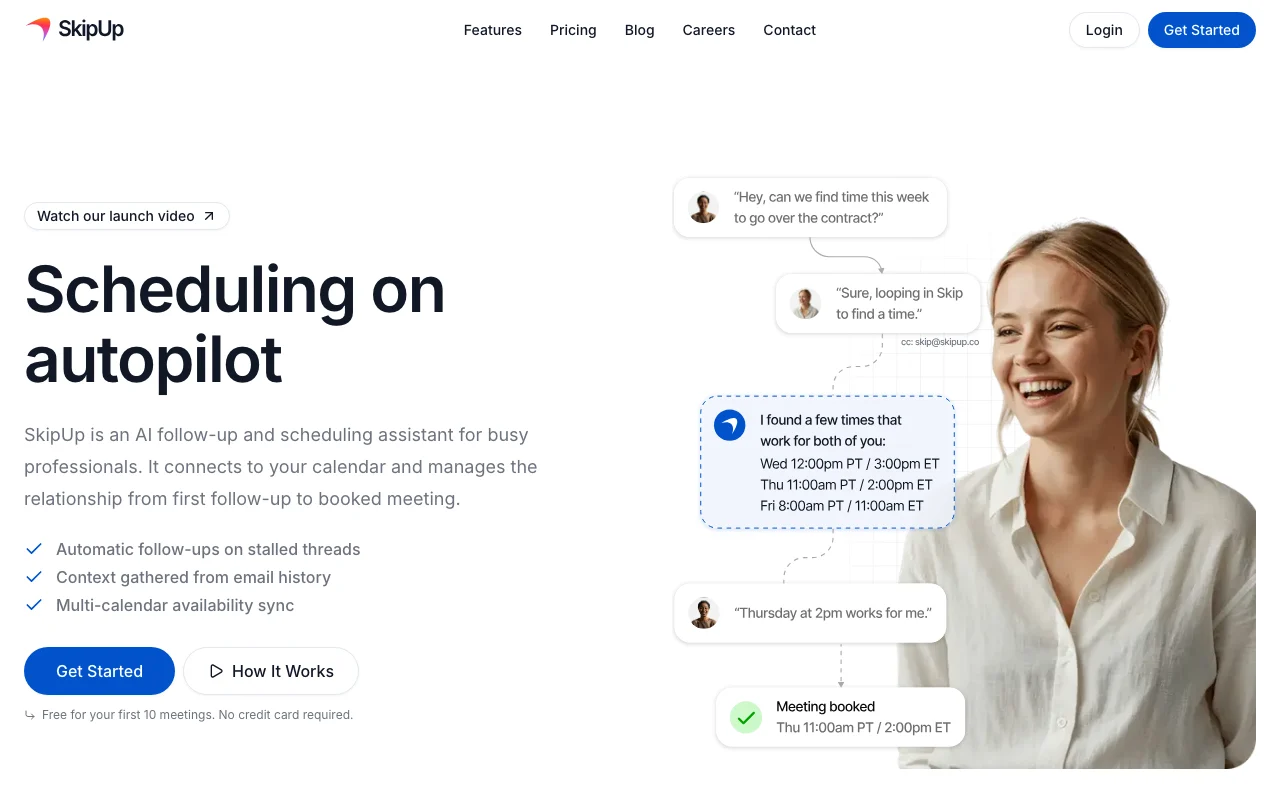
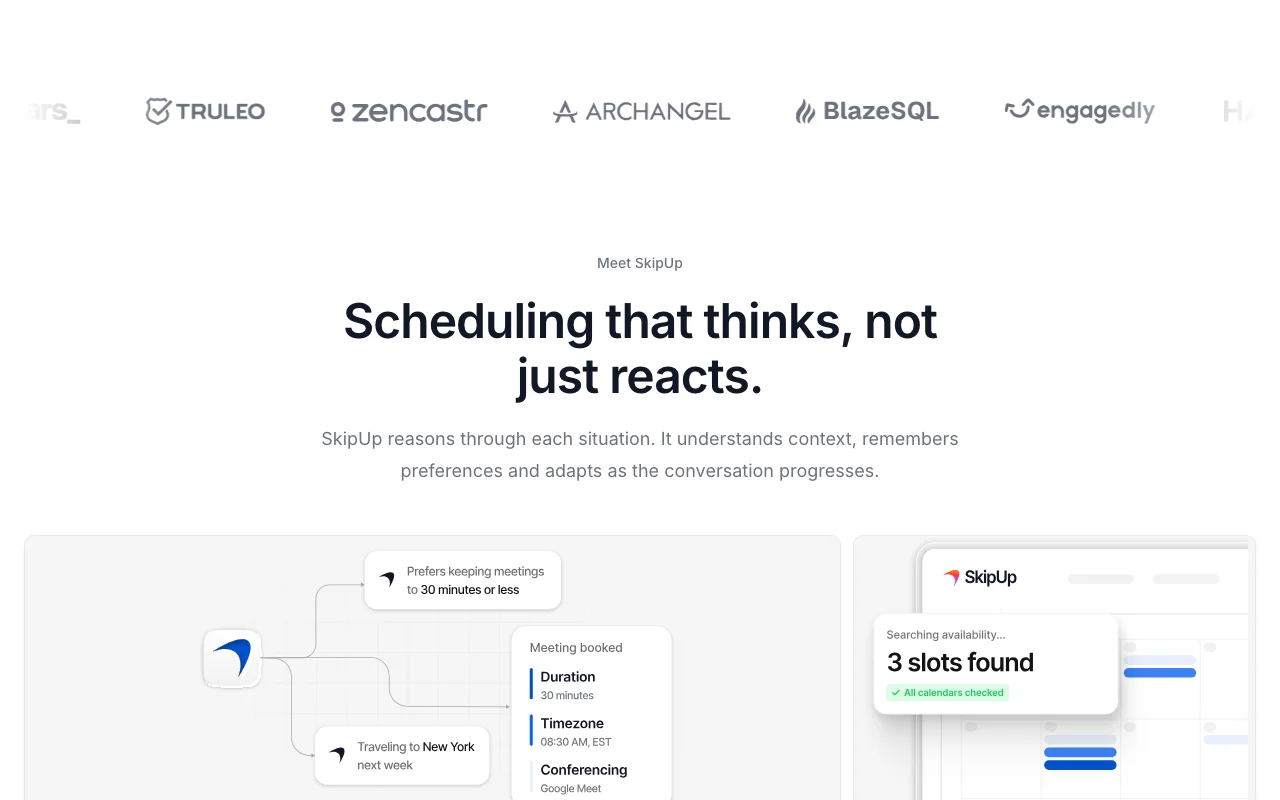
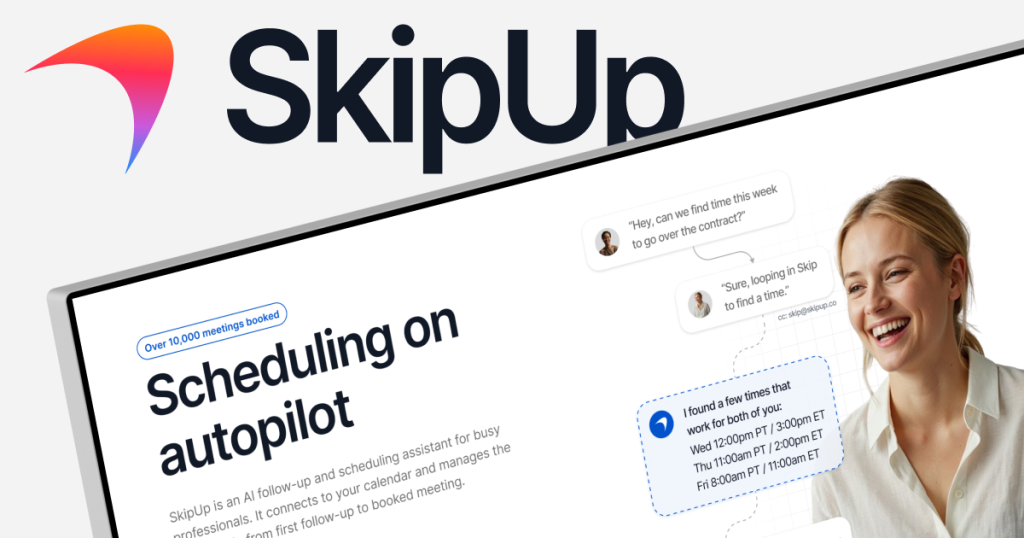
SkipUp is an AI scheduling assistant. You CC it on an email thread and it checks calendars, follows up on stalled threads and works toward a booked meeting, using context from email history and learned preferences. It targets sales reps, customer success, recruiters and founders. The site lists API, webhook, Zapier, HubSpot and Salesforce integrations, and billing is by workspace usage rather than per seat.

SkipUp homepage — screenshot of the productivity & writing AI tool, Oct 2, 2026
SkipUp's official site: how the product presents itself. skipup.ai, captured Oct 2, 2026

What you provide and what you get back

How SkipUp works: what you provide, where it runs and what you get backYOU PROVIDEYour inputEmail threads where SkipUp is CCedCalendar accessScheduling preferencesPRODUCTIVITY & WRITINGSkipUpWeb, APIfrom $49/mo (Pro)free tier availableaccount requiredchecked Oct 2, 2026YOU GET BACKThe resultFollow-up emailsCalendar invitesBooked meetingsinput → SkipUp → output · from the vendor's own pages, no hands-on test unless stated
What you give SkipUp and what comes back, from its documentation

You provide

  • Email threads where SkipUp is CCed
  • Calendar access
  • Scheduling preferences

You get back

  • Follow-up emails
  • Calendar invites
  • Booked meetings

Where you can use it

Platforms
Web, API
Account
Required
Free allowance
10 meetings per person
Pro tiers
30 / 100 / 250 meetings per month
Calendars
Unlimited
API
Quickstart on support site

Best use cases for SkipUp

Scenarios are worked out by our editors from the documentation; the actual result depends on your input and plan.

Following up on demo requests

Who
Sales reps
You provide
Demo request emails
Expected result
Follow-ups until a meeting is booked
Plan needed
Free or Pro
Limitation
Free allows 10 meetings source (opens in a new tab)

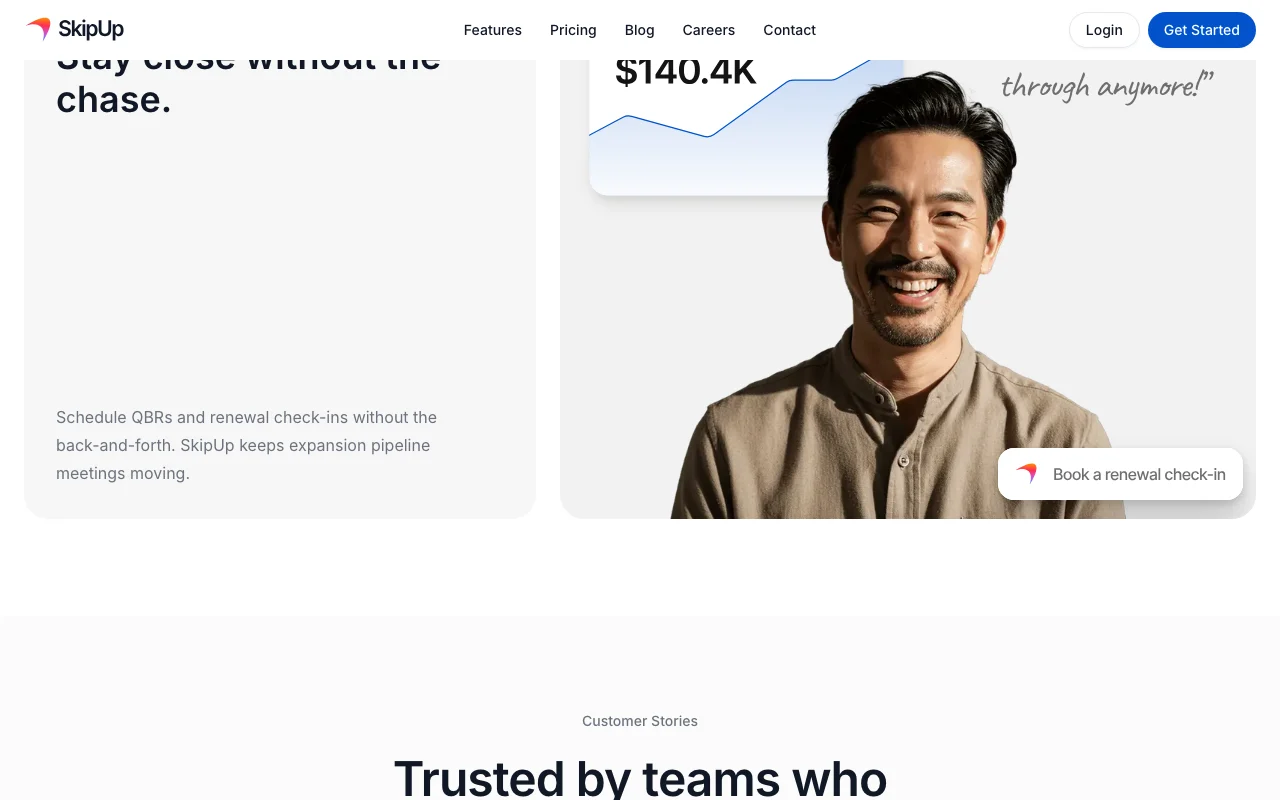
Scheduling renewals and QBRs

Who
Customer success managers
You provide
Renewal and QBR threads
Expected result
Scheduled check-ins without back-and-forth
Plan needed
Pro
Limitation
Monthly meeting caps source (opens in a new tab)

Coordinating interview panels

Who
Recruiters
You provide
Panel interview requests
Expected result
A coordinated interview panel schedule
Plan needed
Pro
Limitation
Calendar access required source (opens in a new tab)

What SkipUp does, and where it stops

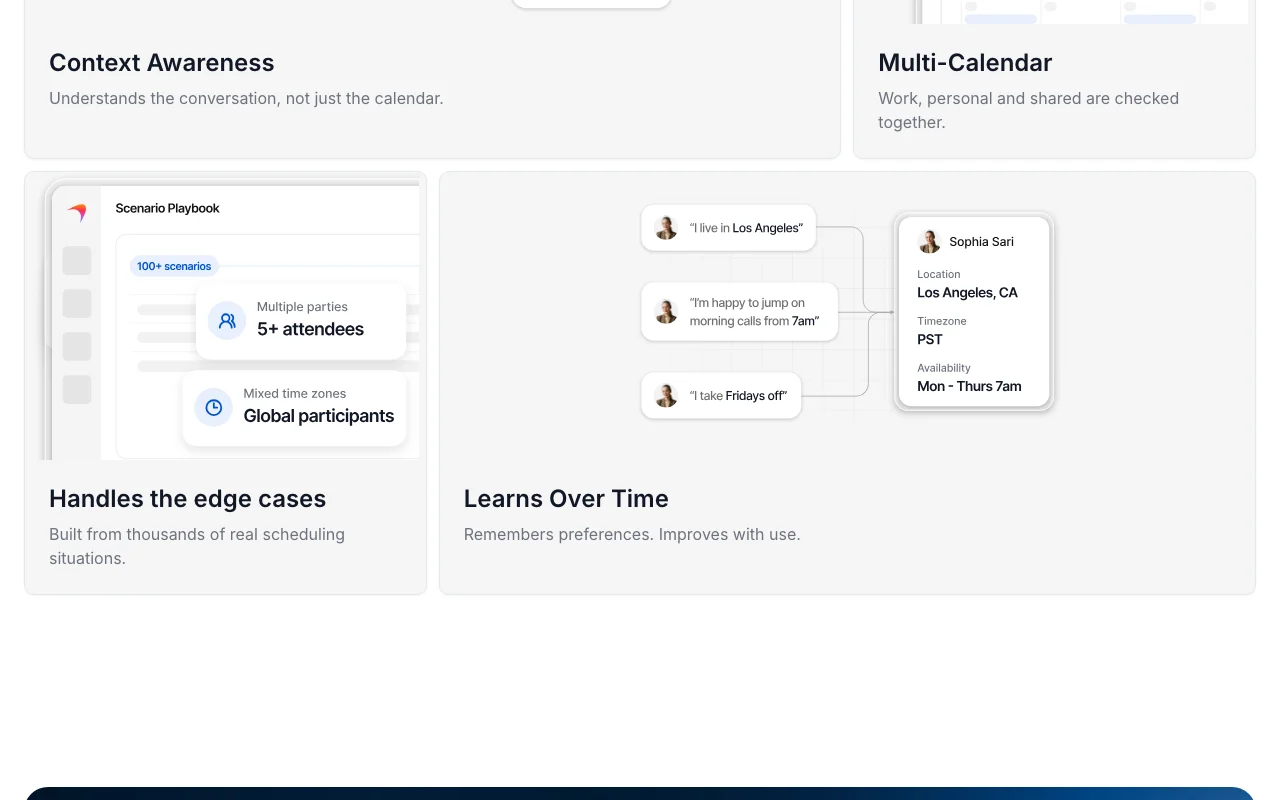
SkipUp homepage — screenshot of the productivity & writing AI tool, Oct 2, 2026
Feature overview on the official site. skipup.ai, captured Oct 2, 2026

Automatic follow-ups

Chases stalled email threads automatically until a time is agreed. Stops prospects going cold.

Access: All plansLimit: Counts against meeting quota source (opens in a new tab)

Context from email history

Reads the email history to understand the situation before replying. Produces relevant replies.

Access: All plansLimit: Needs email thread access source (opens in a new tab)

Multi-calendar availability

Checks work, personal and shared calendars together. Avoids double booking.

Access: Unlimited calendars on all plansLimit: Needs calendar connections source (opens in a new tab)

Preference learning

Remembers your preferences and improves with use. Reduces repeated corrections.

Access: All plansLimit: Learning details not documented source (opens in a new tab)

Pros, cons and deal-breakers

Where SkipUp is strong

Limitations to check before paying

How to use SkipUp for scheduling meetings from an email thread

Set up SkipUp

  1. Sign up at skipup.ai
  2. Connect your calendar
  3. Set scheduling preferences
  4. Learn the CC workflow

Example: scheduling meetings from an email thread

  1. CC SkipUp on an email thread
  2. Let it propose times
  3. Let it follow up if no reply
  4. Check the booked invite

Review and export the result

  1. Confirm the calendar invite and attendees
  2. Review the email SkipUp sent on your behalf

SkipUp API

SkipUp pricing page with plans and prices — screenshot of the productivity & writing AI tool, Oct 2, 2026
Plan comparison on the official pricing page. skipup.ai, captured Oct 2, 2026

API access and separate billing

SkipUp has no public API in its official documentation. API quickstart on the support site. API documentation ↗

Privacy, data use and commercial rights

Summarized from the vendor's current policies; this is not legal advice and a vendor's badge is not an independent audit.

How your inputs and outputs are handled

Reads email threads and calendar availability.

Controls for business users

  • FAQ lists a SOC2 question

Best SkipUp alternatives for different needs

"Better suited" is based on documented features and pricing, not on a head-to-head test.

Zapier: better suited to

Alternatives
AlternativeWhen to choose itPricingLimitation
Zapier——Compare

Explore SkipUp further

If you are looking at SkipUp

SkipUp user reviews

No user reviews yet.

Used SkipUp? Be the first to share your experience.

Write a review

Reviews are checked by a moderator before they appear. Your email is never published. Plain text only.

Your rating (required)

Show what you made or what went wrong. Images are published only if the review is approved; location data is removed.

    SkipUp FAQ

    How many meetings does the SkipUp free plan include?

    Personal is free for 10 meetings per person, with 3 organized concurrently and unlimited calendars. source (opens in a new tab)

    How much is SkipUp Pro?

    Pro is $49 per month with tiers of 30, 100 or 250 meetings per month for 1-2 people. source (opens in a new tab)

    How do I make SkipUp schedule a meeting?

    CC SkipUp on the email thread and it handles follow-ups until the meeting is booked. source (opens in a new tab)

    Is SkipUp billed per seat?

    No. The pricing section says it uses workspace usage billing, not per-seat. source (opens in a new tab)

    Sources and review methodology

    Official sources and verification dates

    Not verified: Privacy policy; SOC2 answer; Training use; Retention.

    How we documented and maintain this page

    Every fact about SkipUp above comes from the 2 official pages listed here, last compared on Oct 2, 2026; we have not run SkipUp ourselves, so it has no editorial score. How we check and re-check pages.

    Article updated Oct 2, 2026; prices checked Oct 2, 2026. Outbound links to vendors are plain links; we do not earn commissions. How we review · Report an error