Productivity & writingDocumented overviewLast checked Oct 2, 2026

Hiver: Pricing, Features & Best Use Cases

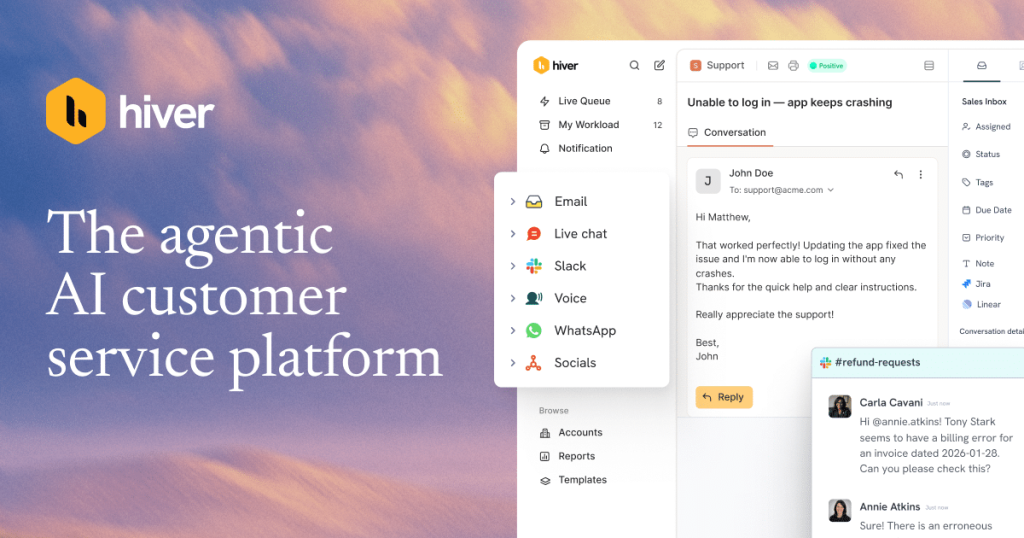
Omnichannel customer service platform with shared inbox, ticketing, and AI agents and copilot for email, chat, Slack and voice.

Who should use Hiver

Choose Hiver Omni if your support team wants a shared inbox and ticketing platform with AI agents and copilot across email, chat, Slack and voice, with a 7-day free trial and per-user plans from $25. Based on the vendor's documentation, not on a hands-on test.

Best for: Customer support teams

Also a good fit for

  • Teams working in Gmail or Slack

Consider another tool if billed per user

Or if

  • Voice costs extra as an add-on
  • SLAs, portal and API require Pro or higher

Hiver in the news

Headlines from US outlets, selected automatically — not endorsements. Updated Oct 2, 2026

Hiver pricing and usage limits

Prices checked Oct 2, 2026 on the official US pricing page. Official pricing ↗ Prices and limits change often.

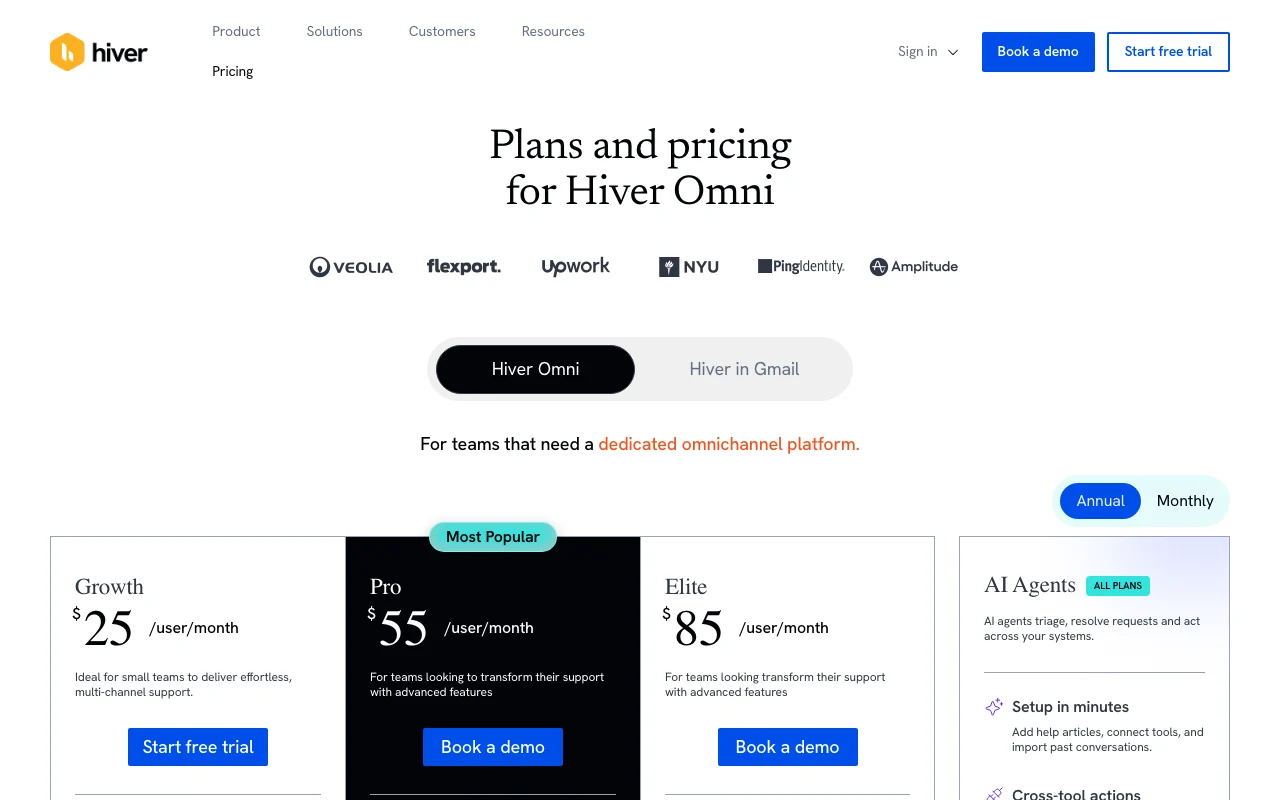
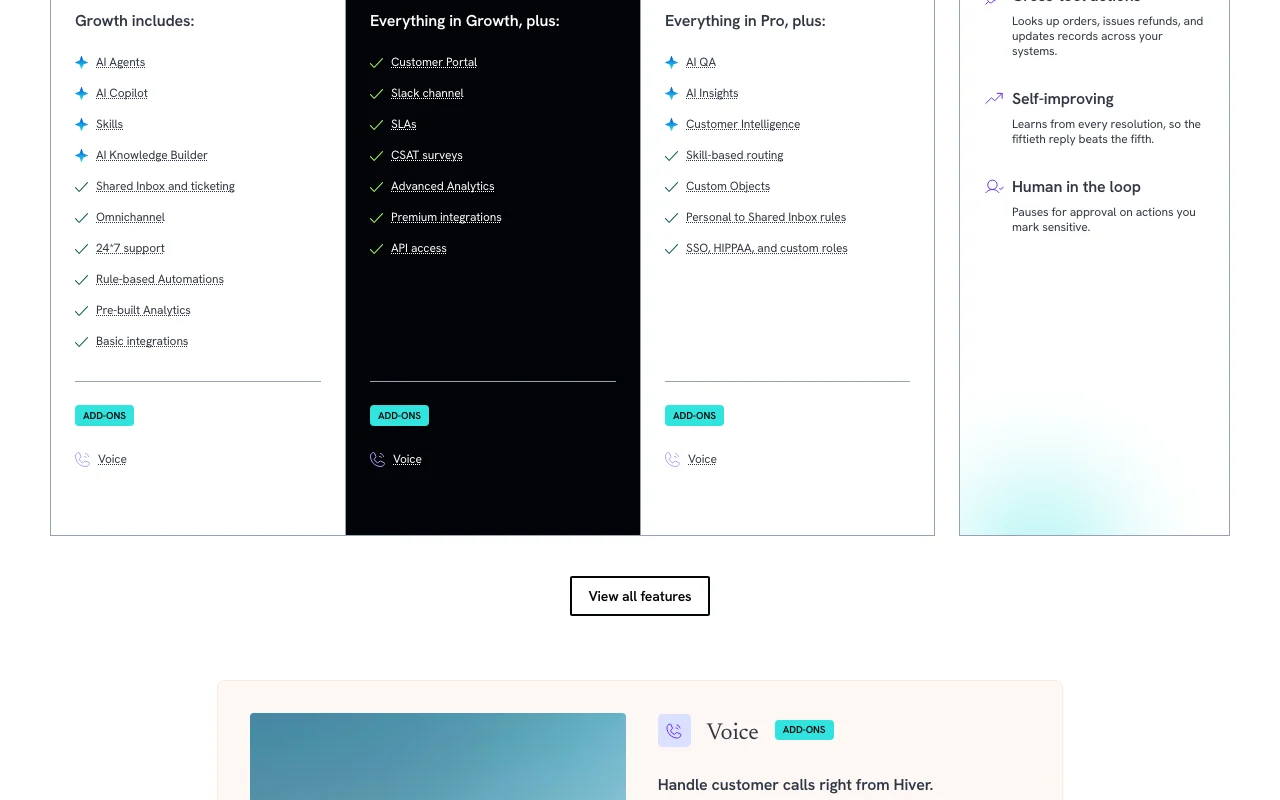
Hiver pricing page with plans and prices — screenshot of the productivity & writing AI tool, Oct 2, 2026
The official Hiver pricing page as we saw it. hiverhq.com, captured Oct 2, 2026

Free access and trial conditions

None; 7-day trial.

7-day free trial on the Elite plan, no card needed.

Paid plans: what changes as you upgrade

Growth web

See official pricing source (opens in a new tab)

Month

Pricing page shows two toggle prices without clear monthly/annual labels (e.g. $25/$35); exact monthly price not confirmed. Annual/monthly mapping of $25/$35 inferred from toggle order

For: Small teams

Limits

  • Plans start at 2 seats

Includes

  • AI Agents and Copilot
  • Shared inbox and ticketing
2 more
  • 24/7 support
  • Rule-based automations

Pro web

See official pricing source (opens in a new tab)

Month

Pricing page shows two toggle prices without clear monthly/annual labels (e.g. $25/$35); exact monthly price not confirmed. Annual/monthly mapping inferred

For: Teams transforming support

Limits

  • Plans start at 2 seats

Includes

  • Customer portal
  • SLAs and CSAT
2 more
  • Slack channels
  • API access

API included

Elite web

See official pricing source (opens in a new tab)

Month

Pricing page shows two toggle prices without clear monthly/annual labels (e.g. $25/$35); exact monthly price not confirmed. Annual/monthly mapping inferred

For: Larger or regulated teams

Limits

  • Plans start at 2 seats

Includes

  • AI QA and Insights
  • Skill-based routing
1 more
  • SSO, HIPAA, custom roles

API included

Voice add-on web

See official pricing source (opens in a new tab)

Month

Pricing page shows two toggle prices without clear monthly/annual labels (e.g. $25/$35); exact monthly price not confirmed.

For: Teams taking calls

Limits

  • 1,000 minutes per voice seat per month pooled
  • Extra usage $0.03 per minute

Includes

  • Call recordings and transcripts
  • AI call summaries

Usage caps, credits and extra costs

Voice seat $30/mo plus $0.03/min beyond pooled minutes.

Not stated.

What is Hiver, and how does it work?

Hiver is a customer service platform that combines shared inboxes and ticketing with AI agents, an AI copilot and analytics across email, live chat, Slack and voice. It offers separate Hiver Omni and Hiver-in-Gmail pricing tabs. The pricing page lists per-user plans (Growth, Pro, Elite) with a free trial, and API access is listed on the Pro plan.

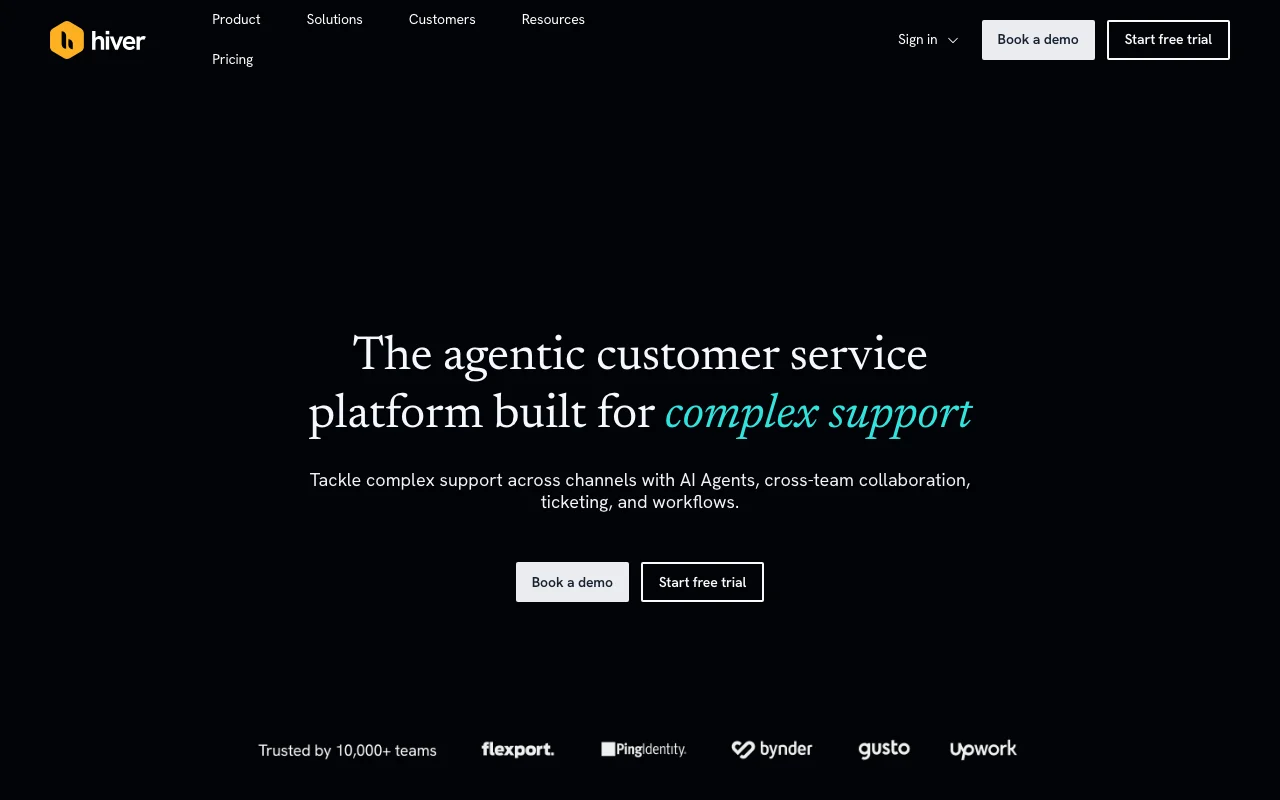
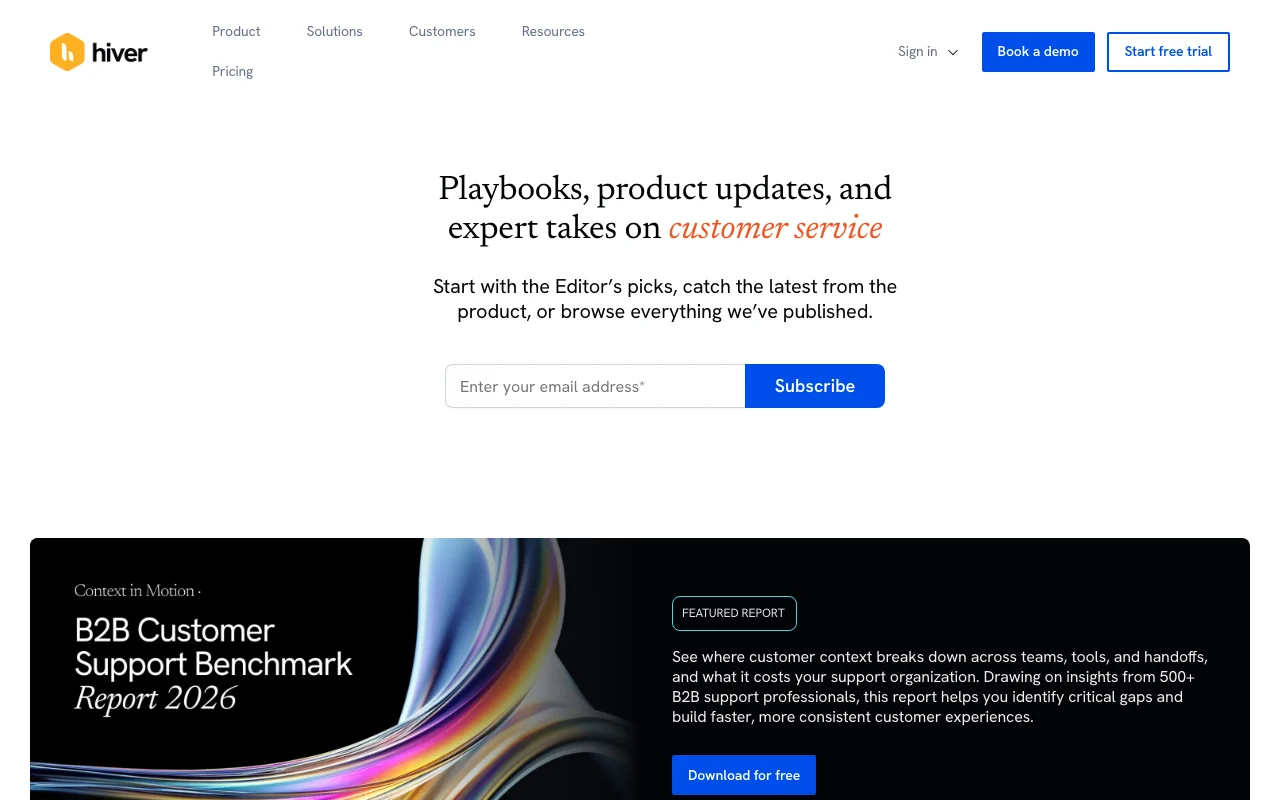
Hiver homepage — screenshot of the productivity & writing AI tool, Oct 2, 2026
Hiver's official site: how the product presents itself. hiverhq.com, captured Oct 2, 2026

What you provide and what you get back

How Hiver works: what you provide, where it runs and what you get backYOU PROVIDEYour inputCustomer emails, chats, Slack and…Help articles and past conversati…Skills and rulesPRODUCTIVITY & WRITINGHiverWeb, APIprice not publishedno free tieraccount requiredchecked Oct 2, 2026YOU GET BACKThe resultReplies and resolved requestsTickets with historyAnalytics and QA scoresinput → Hiver → output · from the vendor's own pages, no hands-on test unless stated
What you give Hiver and what comes back, from its documentation

You provide

  • Customer emails, chats, Slack and calls
  • Help articles and past conversations
  • Skills and rules

You get back

  • Replies and resolved requests
  • Tickets with history
  • Analytics and QA scores

Where you can use it

Platforms
Web, API
Account
Required

What people use Hiver for

Scenarios are worked out by our editors from the documentation; the actual result depends on your input and plan.

Shared support inbox for teams

Who
Support teams
You provide
Shared mailbox
Expected result
Tracked tickets with owners
Plan needed
Growth
Limitation
Per-user billing source (opens in a new tab)

AI-resolved customer requests

Who
Support managers
You provide
Customer requests
Expected result
AI-resolved routine requests
Plan needed
Any plan
Limitation
AI actions need approval for sensitive steps source (opens in a new tab)

Slack-based customer support

Who
Slack-first teams
You provide
Slack channel messages
Expected result
Customer support in Slack
Plan needed
Pro
Limitation
Pro required source (opens in a new tab)

Hiver features and their limits

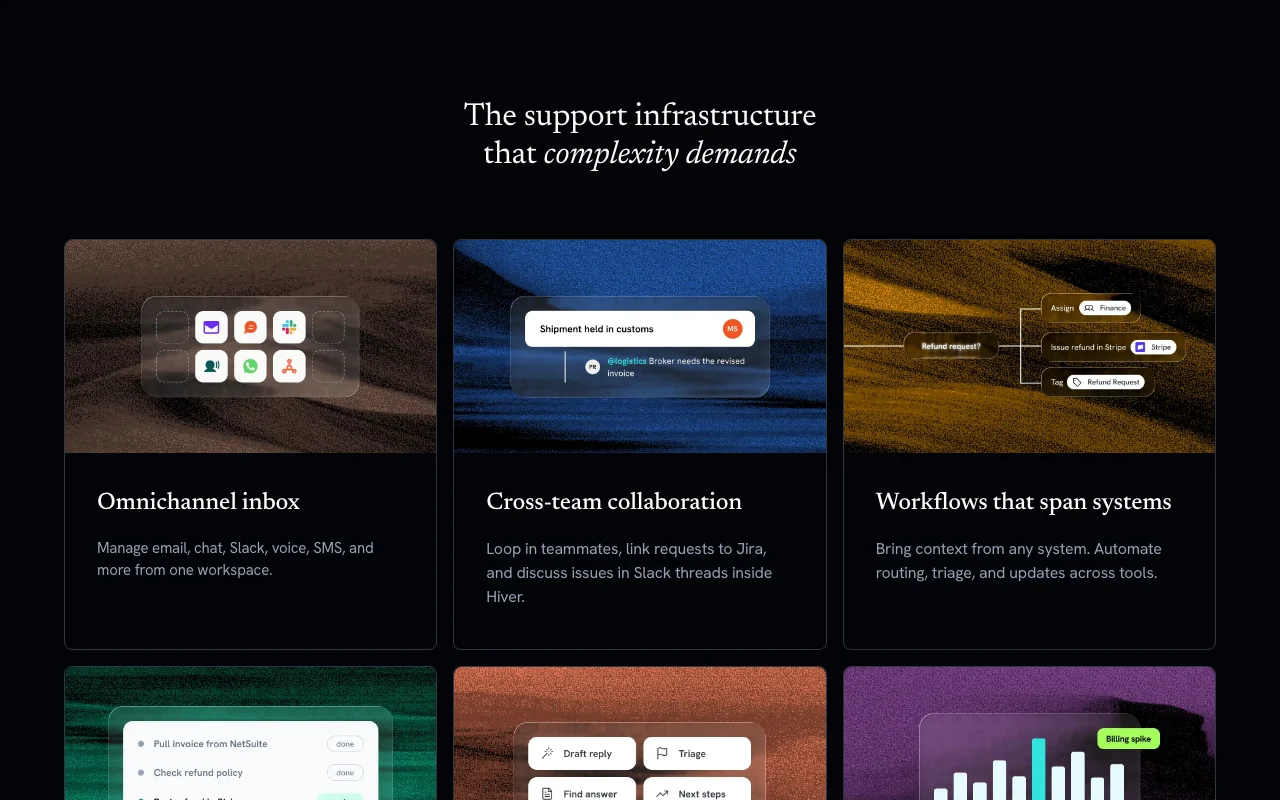
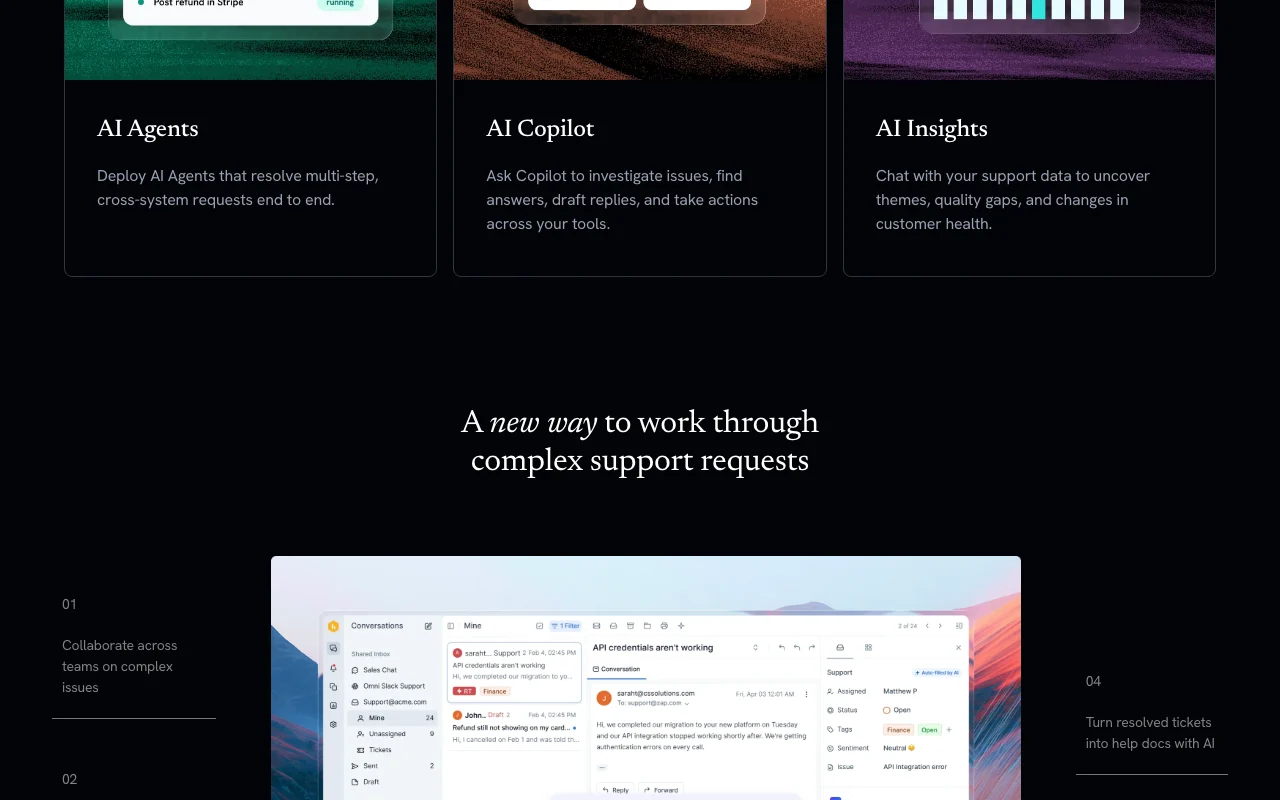
Hiver homepage — screenshot of the productivity & writing AI tool, Oct 2, 2026
Feature overview on the official site. hiverhq.com, captured Oct 2, 2026

AI Agents and AI Copilot

AI agents resolve and act across tools Less manual work

Access: All plansLimit: Human approval for sensitive actions source (opens in a new tab)

Omnichannel email, chat, Slack, voice

Email, chat, Slack, voice in one place Unified view

Access: Plan-dependentLimit: Voice is an add-on source (opens in a new tab)

Rule-based automations

Rule-based automations Cuts repetitive work

Access: All plansLimit: Rules must be maintained source (opens in a new tab)

Hiver: strengths and limits

Reasons to choose Hiver

Check before paying for Hiver

How to use Hiver for running a shared support inbox with AI

Set up Hiver

  1. Open hiverhq.com and start the free trial
  2. Connect your support email
  3. Add help articles and past conversations for the AI agent
  4. Invite your team

Example: running a shared support inbox with AI

  1. Route support@ into the shared inbox
  2. Let the AI agent handle simple requests
  3. Use AI Copilot to draft a reply
  4. Review analytics

Review and export the result

  1. Review AI-resolved tickets for accuracy
  2. Check SLA and CSAT reports (Pro)

Hiver API

Hiver pricing page with plans and prices — screenshot of the productivity & writing AI tool, Oct 2, 2026
Plan comparison on the official pricing page. hiverhq.com, captured Oct 2, 2026

API access and separate billing

An API is available, billing not documented. API access listed from Pro.

Privacy, data use and commercial rights

Summarized from the vendor's current policies; this is not legal advice and a vendor's badge is not an independent audit.

How your inputs and outputs are handled

Privacy policy covers personal data handling and AI providers.

Commercial use and plan restrictions

SSO and HIPAA handling on Elite.

Controls for business users

  • SOC 2 Type II, ISO 27001, GDPR, CCPA, HIPAA (vendor claim)
  • SSO (Elite)

Policies: hiverhq.com/privacy

Best Hiver alternatives for different needs

"Better suited" is based on documented features and pricing, not on a head-to-head test.

Zapier: better suited to

Microsoft Copilot: better suited to

Alternatives
AlternativeWhen to choose itPricingLimitation
Zapier——Compare
Microsoft Copilot——

Explore Hiver further

Related to Hiver

Hiver user reviews

No user reviews yet.

Used Hiver? Be the first to share your experience.

Write a review

Reviews are checked by a moderator before they appear. Your email is never published. Plain text only.

Your rating (required)

Show what you made or what went wrong. Images are published only if the review is approved; location data is removed.

    Hiver FAQ

    How much does Hiver Omni cost?

    Growth $25-$35, Pro $55-$65 and Elite $85-$95 per user per month depending on annual or monthly billing. source (opens in a new tab)

    Is there a free trial?

    Yes, 7 days of Elite with no credit card. source (opens in a new tab)

    How much is voice?

    $30 per voice seat per month with 1,000 pooled minutes, then $0.03 per minute. source (opens in a new tab)

    Is Hiver compliant?

    The vendor says GDPR, SOC 2 Type II, ISO 27001, CCPA and HIPAA. source (opens in a new tab)

    Can I migrate from another help desk?

    Yes, migration help is offered at no extra cost. source (opens in a new tab)

    Sources and review methodology

    Official sources and verification dates

    Not verified: Which toggle price is annual versus monthly (inferred); Hiver in Gmail pricing; Training use of data; Retention periods; Exact monthly vs annual mapping of the pricing toggle.

    How we documented and maintain this page

    Every fact about Hiver above comes from the 3 official pages listed here, last compared on Oct 2, 2026; we have not run Hiver ourselves, so it has no editorial score. How we check and re-check pages.

    Article updated Oct 2, 2026; prices checked Oct 2, 2026. Outbound links to vendors are plain links; we do not earn commissions. How we review · Report an error