Productivity & writingDocumented overviewLast checked Oct 2, 2026

iGenflow: Pricing, Features & Best Use Cases

Captures browser workflows and turns them into step-by-step guides, SOPs and walkthrough videos.
Who iGenflow fits

iGenflow works for operations and support teams who want to record a web process once and get a step-by-step guide and walkthrough video, with a free plan advertised. Based on the vendor's documentation, not on a hands-on test.

Best for: Operations and support teams documenting web processes

Also a good fit for

  • Customer success and onboarding teams

Consider another tool if paid plan prices not visible on the site's static pages

Or if

  • Some export options, watermark removal and advanced editing are described as tied to paid plans
  • Platforms (browser extension, apps) not confirmed on loaded pages

iGenflow pricing and usage limits

Prices checked Oct 2, 2026 on the official US pricing page. Prices and limits change often.

Free access and trial conditions

Free plan, no card.

Not stated.

Paid plans: what changes as you upgrade

Free web

Free

Monthly

For: Trying

Limits

  • Paid features gated

Paid web

See official pricing

Unknown

For: Teams

Includes

  • Watermark removal
  • Advanced editing

Usage caps, credits and extra costs

Not stated.

Not stated.

What is iGenflow, and how does it work?

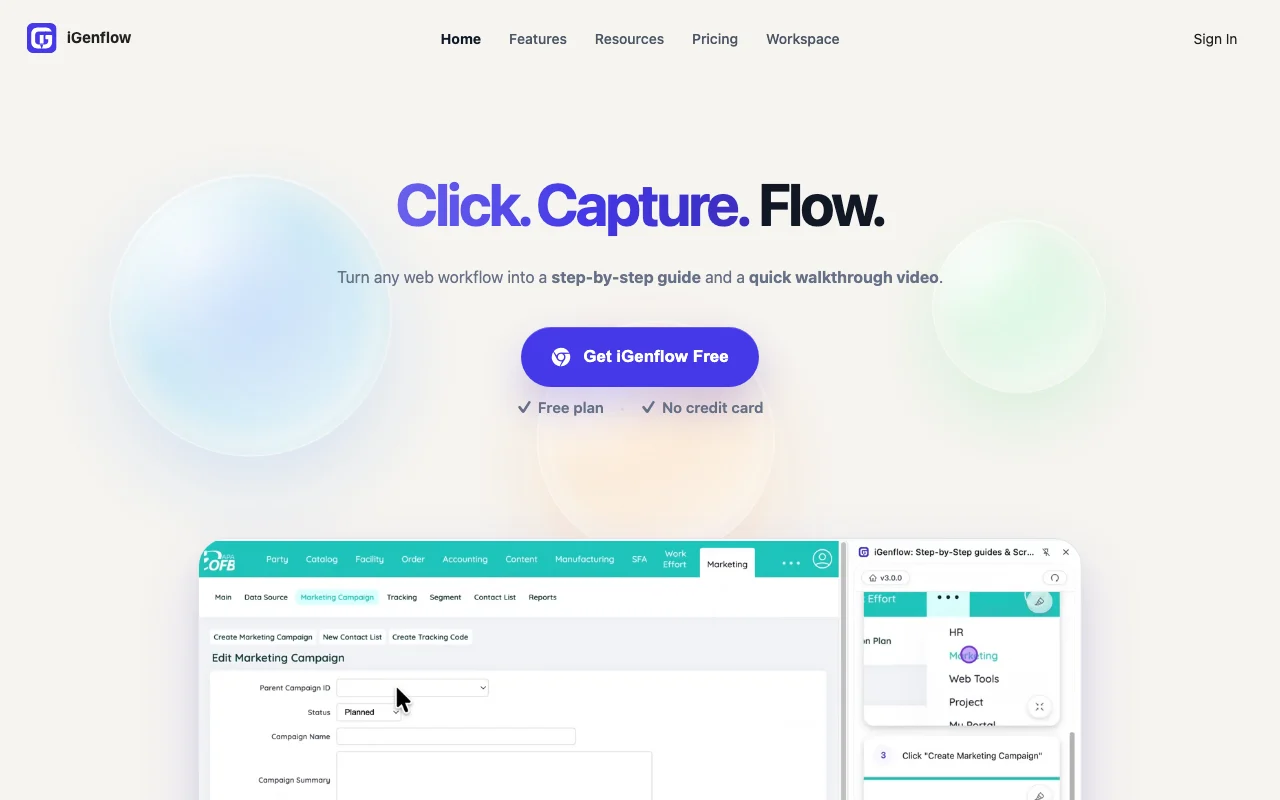
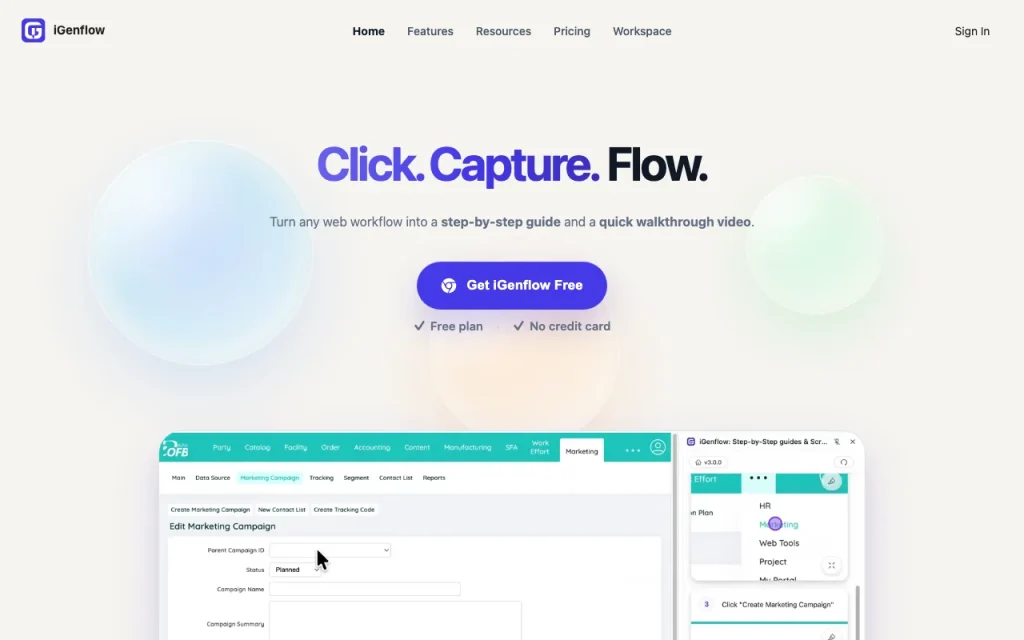
iGenflow records actions, screenshots and cursor positions in the browser and turns the recorded workflow into an illustrated step-by-step guide or SOP, plus a short walkthrough video. Guides can be edited with notes and exported in formats such as PDF, Word, PPT, Markdown, HTML and video. The site advertises a free plan with no credit card required.
iGenflow homepage — screenshot of the productivity & writing AI tool, Oct 2, 2026
iGenflow's official site: how the product presents itself. igenflow.ai, captured Oct 2, 2026

What you provide and what you get back

How iGenflow works: what you provide, where it runs and what you get backYOU PROVIDEYour inputRecorded browser actions and scre…NotesPRODUCTIVITY & WRITINGiGenflowfree tier, paid price not publish…free tier availableaccount requiredchecked Oct 2, 2026YOU GET BACKThe resultStep-by-step guide or SOPWalkthrough videoinput → iGenflow → output · from the vendor's own pages, no hands-on test unless stated
What you give iGenflow and what comes back, from its documentation

You provide

  • Recorded browser actions and screenshots
  • Notes

You get back

  • Step-by-step guide or SOP
  • Walkthrough video

Where you can use it

Account
Required
Scope
Web workflows source (opens in a new tab)

Best use cases for iGenflow

Scenarios are worked out by our editors from the documentation; the actual result depends on your input and plan.
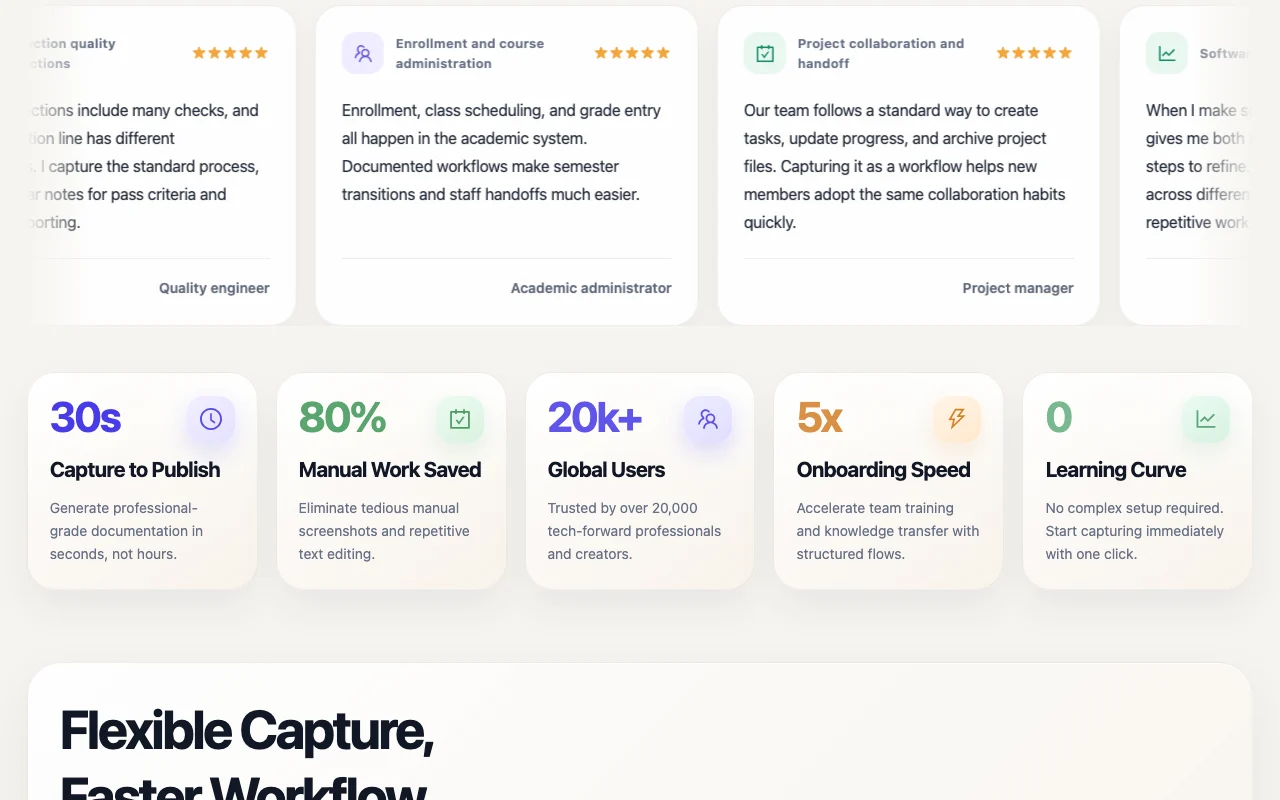
Customer go-live and onboarding guides

Who
Implementation engineers
You provide
Recorded path
Expected result
Go-live guide
Plan needed
Free
Limitation
Paid features gated source (opens in a new tab)

Internal system SOPs

Who
Finance teams
You provide
Process recording
Expected result
SOP
Plan needed
Free
Limitation
Web only source (opens in a new tab)

Software tutorials and release documentation

Who
L&D leads
You provide
Task recording
Expected result
Training guide
Plan needed
Free
Limitation
Watermark on free source (opens in a new tab)

What iGenflow does, and where it stops

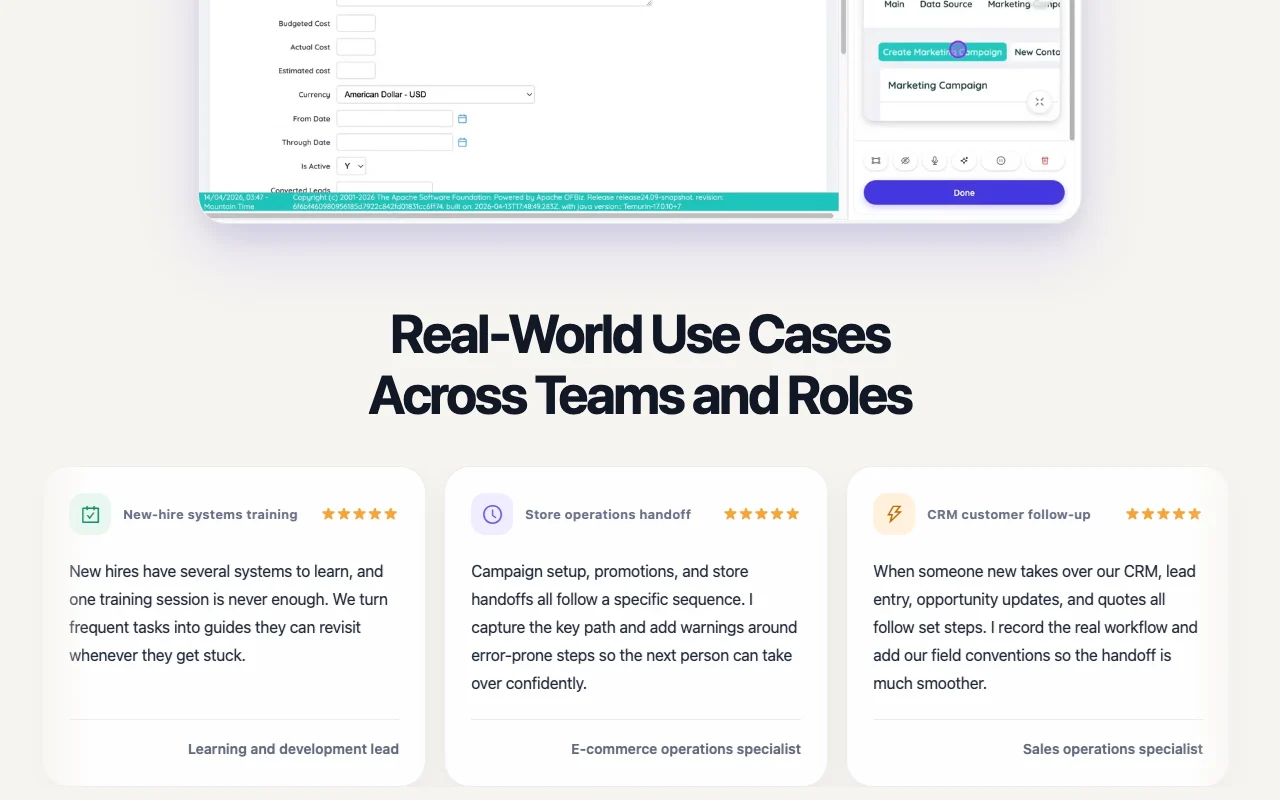
iGenflow homepage — screenshot of the productivity & writing AI tool, Oct 2, 2026
Feature overview on the official site. igenflow.ai, captured Oct 2, 2026

Browser workflow capture with screenshots

Records actions and screenshots in the browser; captures steps. Captures steps.

Access: Free.Limit: Web only. source (opens in a new tab)

Automatic step-by-step guide generation

Turns the capture into an illustrated guide; skips manual writing. Skips manual writing.

Access: Free.Limit: Needs edits. source (opens in a new tab)

Walkthrough video generation

Generates a short video; adds a video format. Adds a video format.

Access: Free.Limit: Detail limited. source (opens in a new tab)

Editing with notes and highlights

Lets you add notes and highlights; adds context. Adds context.

Access: Free.Limit: Advanced editing paid. source (opens in a new tab)

Pros, cons and deal-breakers

Where iGenflow is strong

Limitations to check before paying

How to use iGenflow for documenting a web process

Set up iGenflow

  1. Get iGenflow free.
  2. Start a capture.
  3. Walk through the workflow.

Example: documenting a web process

  1. Record the process.
  2. Review generated steps.
  3. Add notes.
  4. Export as PDF.

Review and export the result

  1. Check every step.
  2. Check export.

iGenflow integrations and API

Native integrations and export formats

Export: PDF, Word, PPT, Markdown, HTML, Video

API access and separate billing

iGenflow has no public API in its official documentation. Not stated in fetched pages.

Privacy, data use and commercial rights

Summarized from the vendor's current policies; this is not legal advice and a vendor's badge is not an independent audit.

How your inputs and outputs are handled

Screenshots and cursor positions.

iGenflow alternatives by need

"Better suited" is based on documented features and pricing, not on a head-to-head test.

Notion AI: better suited to

Canva: better suited to

Descript: better suited to

Alternatives
AlternativeWhen to choose itPricingLimitation
Notion AI——Compare
Canva——Compare
Descript——

Explore iGenflow further

Related to iGenflow

iGenflow user reviews

No user reviews yet.

Used iGenflow? Be the first to share your experience.

Write a review

Reviews are checked by a moderator before they appear. Your email is never published. Plain text only.

Your rating (required)

Show what you made or what went wrong. Images are published only if the review is approved; location data is removed.

    iGenflow FAQ

    Which exports does iGenflow list?

    PDF, Word, PPT, Markdown, HTML and video.

    Does iGenflow make videos?

    Yes, a short walkthrough video.

    Is iGenflow free?

    A free plan is advertised with no card.

    What does iGenflow capture?

    Actions, screenshots and cursor positions.

    Which tool does iGenflow compare itself to?

    Scribe, on a comparison page.

    Sources and review methodology

    Official sources and verification dates

    Not verified: Paid prices not visible.; Platforms unconfirmed..

    How we documented and maintain this page

    Every fact about iGenflow above comes from the 5 official pages listed here, last compared on Oct 2, 2026; we have not run iGenflow ourselves, so it has no editorial score. How we check and re-check pages.

    Article updated Oct 10, 2026; prices checked Oct 2, 2026. Outbound links to vendors are plain links; we do not earn commissions. How we review · Report an error