Our take: Choose InteScene if you plan and run film or TV shoots and want script, schedule, budget and call sheets in one workspace, with a free plan and a 14-day trial of paid tiers.
Main limitation: USD prices were not captured; the fetched page showed GBP.
By the AI Tool Atlas editors.
Based on the vendor's official documentation; we have not tested this product hands-on. What “documented overview” means
Who InteScene fits
Choose InteScene if you plan and run film or TV shoots and want script, schedule, budget and call sheets in one workspace, with a free plan and a 14-day trial of paid tiers. Based on the vendor's documentation, not on a hands-on test.
Best for: Indie filmmakers
Also a good fit for
Production companies
Commercial and episodic crews
Consider another tool if free plan: 1 project, 25 AI credits/mo, emails to 10 people/mo
Or if
Collaborators capped (2 to 10) on paid tiers
AI usage limited by monthly credits
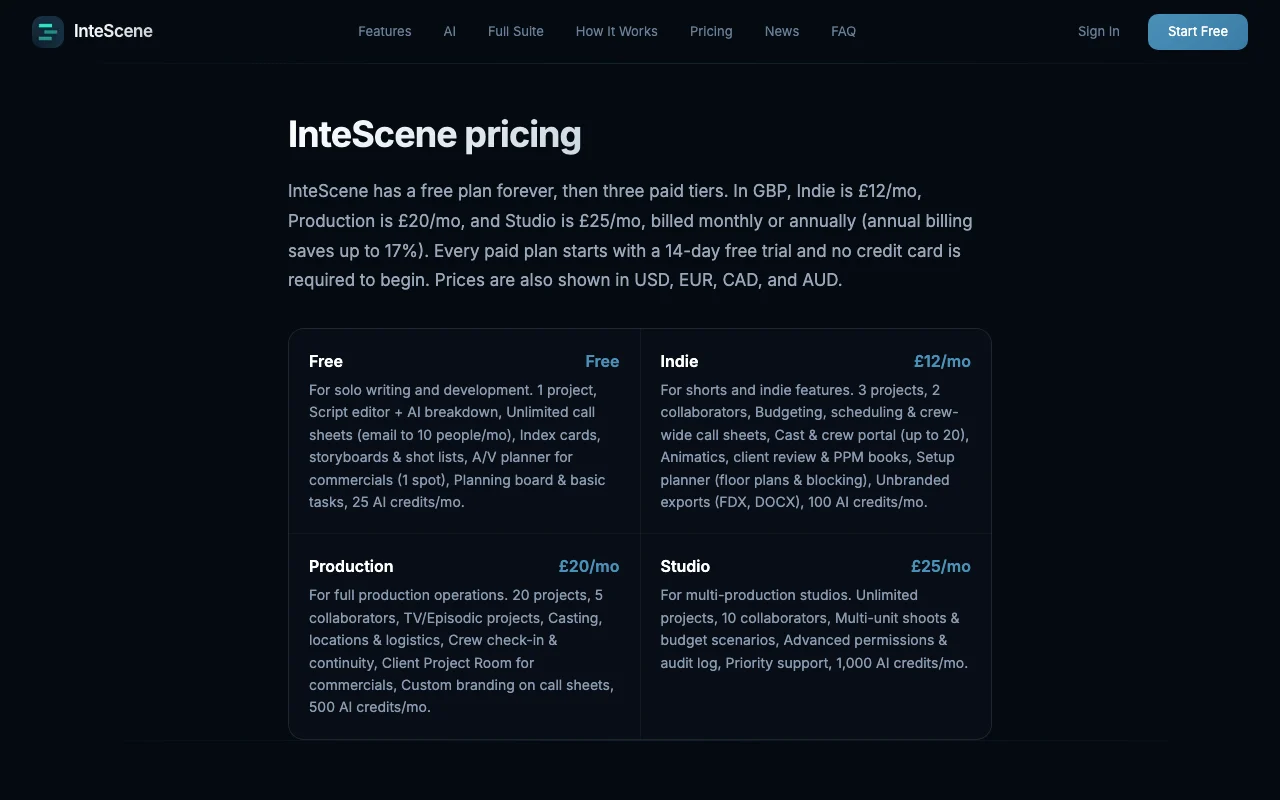
InteScene pricing and usage limits
Prices checked Oct 1, 2026 on the official US pricing page. Official pricing ↗ Prices and limits change often.
The official InteScene pricing page as we saw it. intescene.com, captured Oct 1, 2026
Free access and trial conditions
Free plan forever.
14-day free trial on every paid plan, no card required.
Fetched page showed GBP 25/month; a USD toggle exists but USD was not captured
For: Multi-production studios
Limits
Unlimited projects, 10 collaborators
1000 AI credits per month
Includes
Multi-unit shoots
Advanced permissions and audit log
1 more
Priority support
What is InteScene, and how does it work?
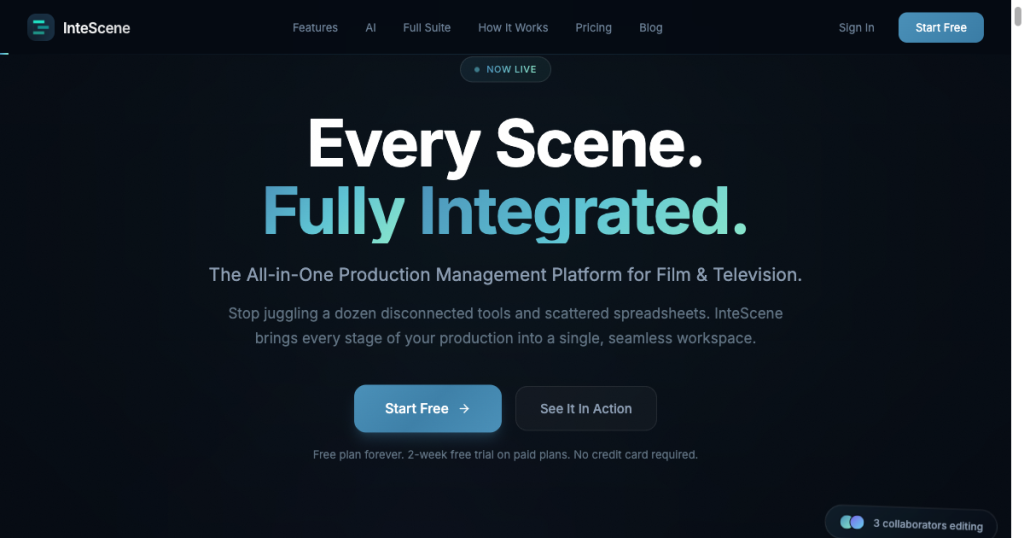
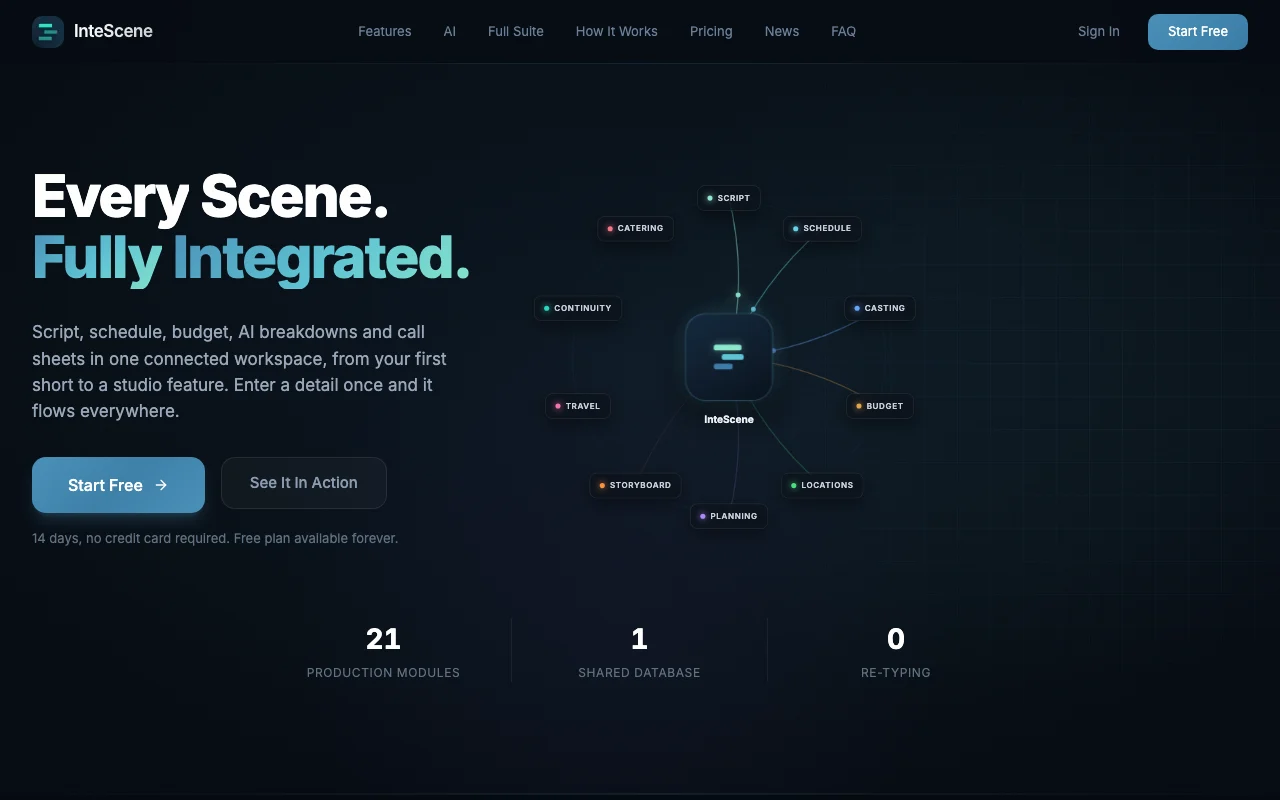
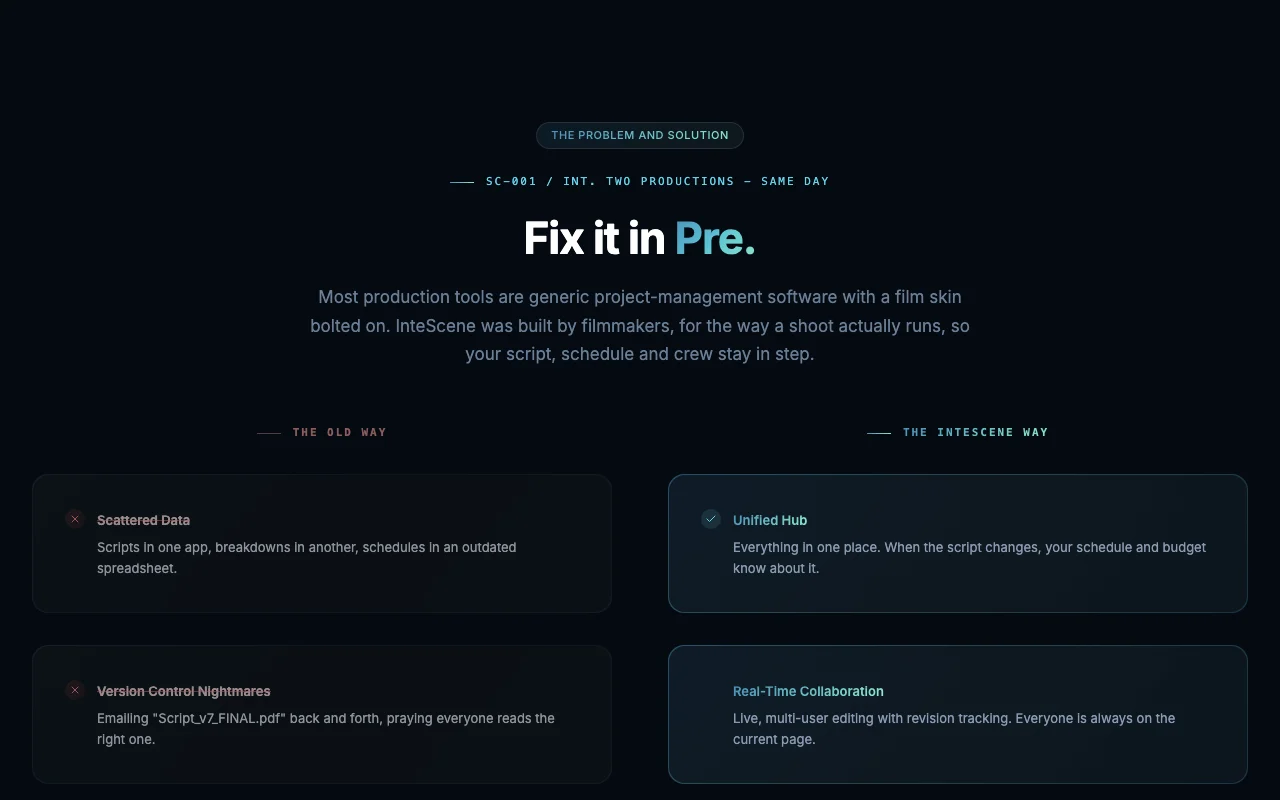
InteScene is production management software for film and television. It connects script, schedule, budget, casting, locations and call sheets in one shared workspace, with AI script breakdowns.
The site lists a free plan and three paid tiers with a 14-day trial. Plans differ by project count, collaborators, storage and monthly AI credits.
InteScene's official site: how the product presents itself. intescene.com, captured Oct 1, 2026
What you provide and what you get back
What you give InteScene and what comes back, from its documentation
You provide
Screenplay
Cast, crew and location details
Budget figures
You get back
Schedules and call sheets
Budgets
Exports in FDX and DOCX
Storyboards and shot lists
Where you can use it
Platforms
Web
Account
Required
Project limits
1 Free, 3 Indie, 20 Production, unlimited Studio
AI credits
25, 100, 500, 1,000 per month
Exports
FDX, DOCX
Billing discount
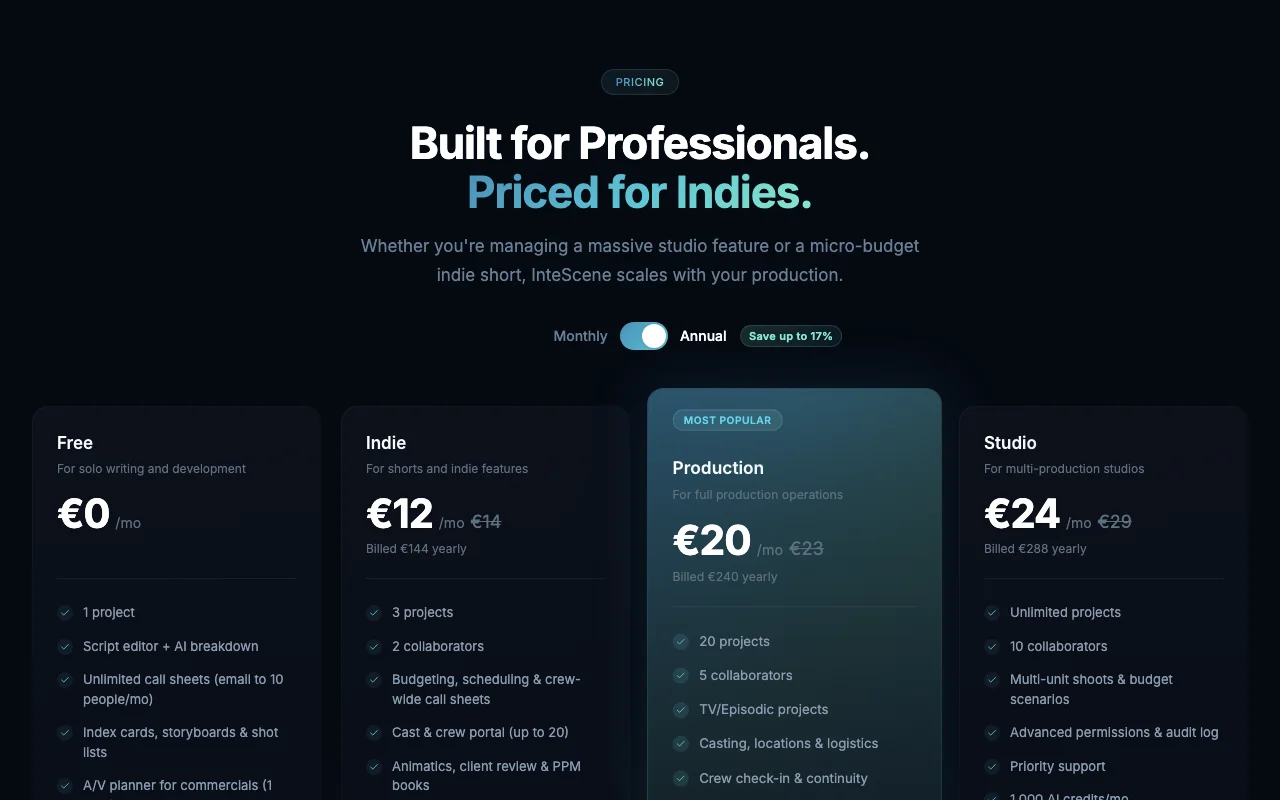
Annual saves up to 17%
Currencies
GBP, USD, EUR, CAD, AUD displayed
What people use InteScene for
Scenarios are worked out by our editors from the documentation; the actual result depends on your input and plan.
14-day trial on paid plans, no card required Paid plans have a 14-day trial with no carddocumentedsource (opens in a new tab)
Exports in FDX and DOCX on Indie and above Exports in FDX and DOCX are available on Indie and abovedocumentedsource (opens in a new tab)
Collaboration with revision tracking Collaboration with revision tracking is includeddocumentedsource (opens in a new tab)
Limitations to check before paying
Free plan: 1 project, 25 AI credits/mo, emails to 10 people/mo Free is limited to 1 project, 25 AI credits and emails to 10 people a monthdocumentedsource (opens in a new tab)
Collaborators capped (2 to 10) on paid tiers Collaborators are capped from 2 to 10 on paid tiersdocumentedsource (opens in a new tab)
AI usage limited by monthly credits AI use is limited by monthly creditsdocumentedsource (opens in a new tab)
Fetched pricing page displayed GBP The fetched pricing page displayed GBPdocumentedsource (opens in a new tab)
How to use InteScene for scheduling a shoot from a script
Set up InteScene
Click Start Free on intescene.com and create an account
Create a project and import or write your script
Run the AI breakdown on the script
Example: scheduling a shoot from a script
Review the scenes, cast and locations the breakdown identified
Build a shooting schedule from the scenes
Add costs in the budget
Generate a call sheet for day one and email the crew
Review and export the result
Confirm every scene appears on the schedule
Check the budget total matches the breakdown
Verify the call sheet times and locations
InteScene integrations and API
Plan comparison on the official pricing page. intescene.com, captured Oct 1, 2026
Native integrations and export formats
Export: FDX, DOCX
API access and separate billing
InteScene has no public API in its official documentation. No API stated.
Privacy, data use and commercial rights
Summarized from the vendor's current policies; this is not legal advice and a vendor's badge is not an independent audit.
How your inputs and outputs are handled
Collects account, production data (scripts, schedules, budgets), billing and usage data; AI features process production content.
Not verified: USD prices; Docs (not available); Training use of scripts; Retention period.
How we documented and maintain this page
Every fact about InteScene above comes from the 2 official pages listed here, last compared on Oct 1, 2026; we have not run InteScene ourselves, so it has no editorial score. How we check and re-check pages.
Article updated Oct 10, 2026; prices checked Oct 1, 2026. Outbound links to vendors are plain links; we do not earn commissions. How we review · Report an error