Our take: Choose Jugl if you want AI agents answering customers on WhatsApp, Instagram and Messenger with a built-in CRM, starting on a free plan before paying $176 per month.
Main limitation: The free Starter plan is limited to 5 users and 500 AI responses.
By the AI Tool Atlas editors.
Based on the vendor's official documentation; we have not tested this product hands-on. What “documented overview” means
Is Jugl AI right for you?
Choose Jugl if you want AI agents answering customers on WhatsApp, Instagram and Messenger with a built-in CRM, starting on a free plan before paying $176 per month. Based on the vendor's documentation, not on a hands-on test.
Best for: Small and mid-sized businesses selling over messaging apps
Also a good fit for
Teams wanting AI agents plus a built-in CRM
Consider another tool if starter plan limited to 5 users and 500 AI responses
Or if
Paid plans scale with users and AI response caps
Enterprise needs a custom discussion
Jugl AI pricing and usage limits
Prices checked Oct 4, 2026 on the official US pricing page. Official pricing ↗ Prices and limits change often.
Vendor pricing page re-checked automatically 22 days ago: no changes detected.
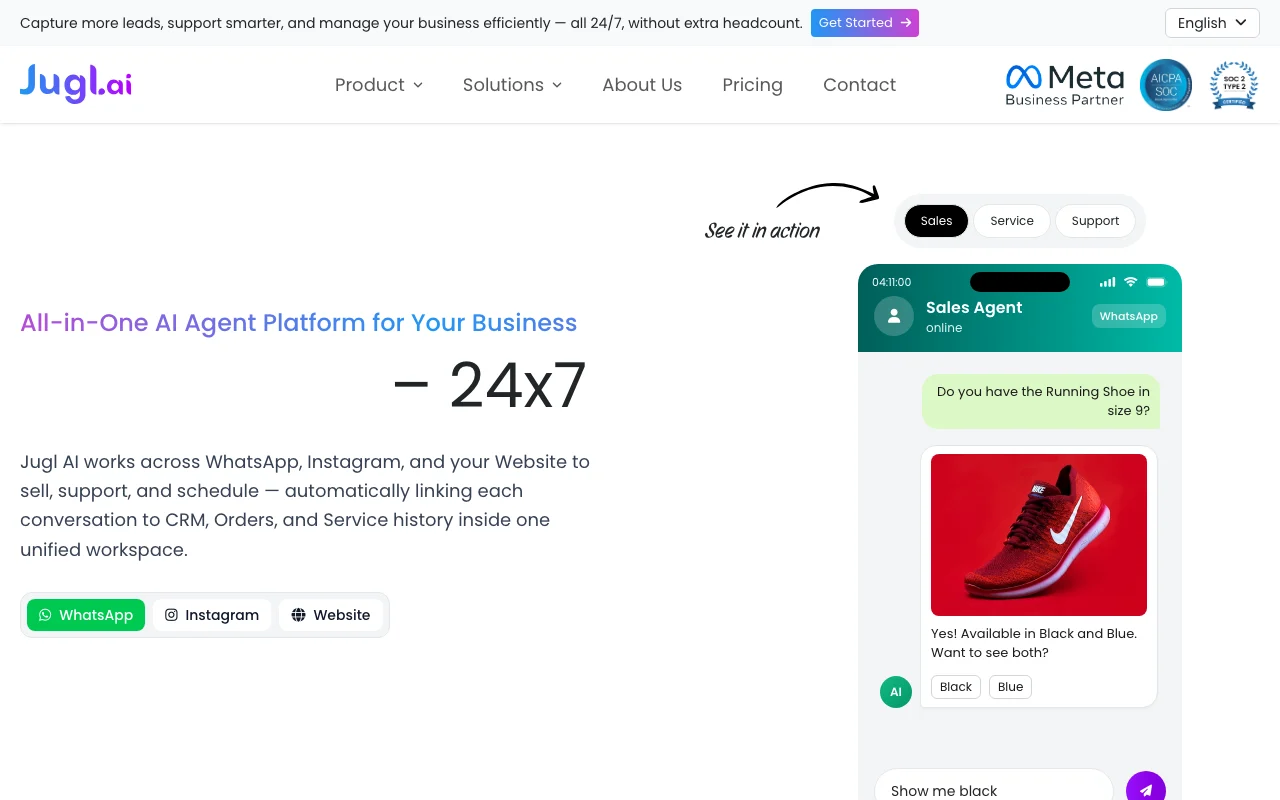
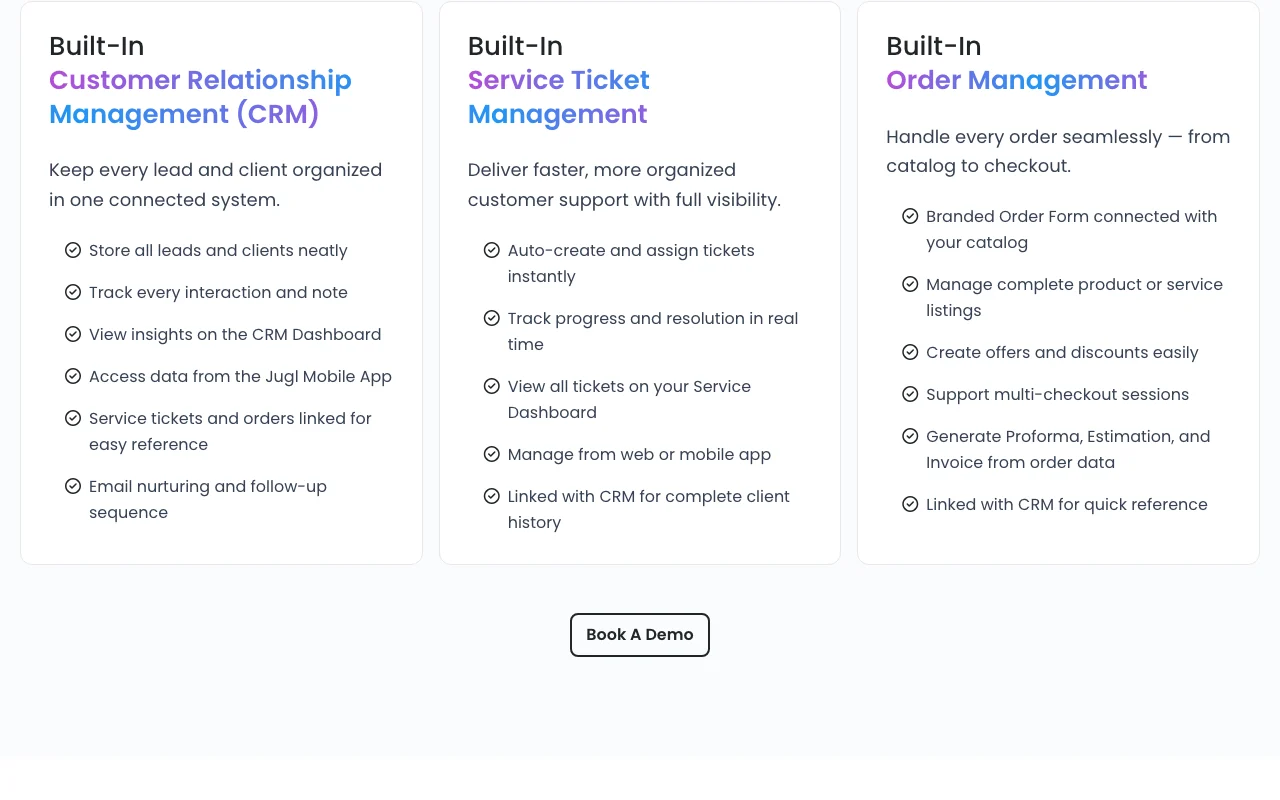
Jugl AI offers AI agents for sales, support and service that answer customers on WhatsApp, Instagram, Messenger and a business website, 24/7. The site describes a multilingual platform that reads and replies in many languages and works with major CRM and eCommerce platforms. Beyond the agents, Jugl bundles a business command center with chat inbox, built-in CRM, order management, service ticket management, dashboards and automations. A free-forever Starter plan exists, and paid plans scale users, storage and AI responses.
Jugl AI's official site: how the product presents itself. jugl.ai, captured Oct 28, 2026
What you provide and what you get back
What you give Jugl AI and what comes back, from its documentation
You provide
Customer messages
Business catalog and CRM data
You get back
AI replies and orders
Tickets and CRM records
Where you can use it
Account
Required
Channels
WhatsApp, Instagram, Messenger, web
Agents
Sales, Support, Service
Built in
CRM, orders, tickets
Free limits
5 users, 500 responses
Where Jugl AI is most useful
Scenarios are worked out by our editors from the documentation; the actual result depends on your input and plan.
Sales conversations that turn into orders
Who
Sales teams
You provide
Chat enquiries
Expected result
Chat enquiries are answered and can be turned into orders in the built-in CRM.
Plan needed
Starter
Limitation
The Starter plan allows 500 AI responses, which limits how many enquiries can be handled for free. source (opens in a new tab)
Customer support and ticket resolution
Who
Support teams
You provide
Customer questions
Expected result
Customer questions are answered and tickets are tracked through to resolution.
Booking requests are routed to the right place for your service business.
Plan needed
Starter
Limitation
The details of booking and routing were not readable in the official pages we could read. source (opens in a new tab)
Key features and their practical limits
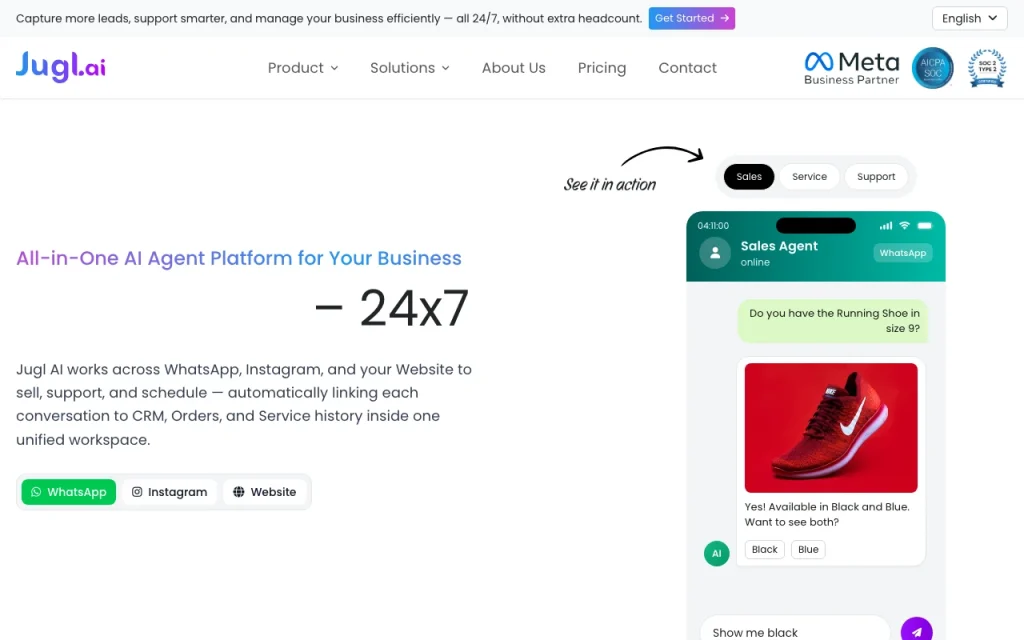
Feature overview on the official site. jugl.ai, captured Oct 28, 2026
Sales, Support and Service AI agents
Provides separate agents tuned for selling, supporting and servicing customers. Teams can assign separate agents to selling, supporting and servicing customers instead of using one general agent.
Access: StarterLimit: The plan caps AI responses, so the agents stop being usable once the cap is reached.source (opens in a new tab)
WhatsApp, Instagram, Messenger and website channels
Answers on four customer channels from one place. Businesses can answer customers on WhatsApp, Instagram, Messenger and their website from one place.
Access: Not statedLimit: Each channel must be set up separately before it can be used.source (opens in a new tab)
Built-in CRM, order and service ticket management
Keeps customer, order and ticket records without a separate tool. Small businesses can keep customer, order and ticket records without paying for a separate CRM.
Access: Not statedLimit: The depth of the CRM features has not been verified in the official pages we could read.source (opens in a new tab)
Multilingual replies
Reads and replies in many languages. Teams serving customers in different languages can have the agent reply in the customer's language.
Access: Not statedLimit: The list of supported languages was not readable in the official pages we could read.source (opens in a new tab)
Pros, cons and deal-breakers
Where Jugl AI is strong
Free-forever Starter plan The Starter plan is free with no expiry, so a small team can use it without paying while it stays within the limits.documentedsource (opens in a new tab)
14-day trial for WhatsApp AI agents without a credit card The 14-day trial for WhatsApp AI agents needs no credit card, so you can test the WhatsApp agents before subscribing.documentedsource (opens in a new tab)
Multiple messaging channels in one place Several messaging channels are handled in one place, so your team does not have to switch between separate inboxes.documentedsource (opens in a new tab)
Site states customer data is not used to train external AI systems The site states customer data is not used to train external AI systems, which is a vendor claim to confirm in the privacy policy.documentedsource (opens in a new tab)
Limitations to check before paying
Starter plan limited to 5 users and 500 AI responses The Starter plan allows only 5 users and 500 AI responses, so a growing team or busy channel will outgrow it quickly.documentedsource (opens in a new tab)
Paid plans scale with users and AI response caps Paid plans scale with the number of users and AI response caps, so costs rise as your usage grows.documentedsource (opens in a new tab)
Enterprise needs a custom discussion The Enterprise plan needs a custom discussion with the vendor, so you cannot get its terms without contacting sales.documentedsource (opens in a new tab)
Platforms and apps not stated on the site The official pages we could read do not state which platforms or apps are supported, so access options are unclear.documentedsource (opens in a new tab)
How to use Jugl AI for automating customer chats
Set up Jugl AI
Sign up on jugl.ai.
Connect a messaging channel.
Add your products or services.
Example: automating customer chats
Choose an agent.
Test a customer message.
Review in the inbox.
Review and export the result
Check responses used.
Review CRM records.
Jugl AI API
API access and separate billing
Jugl AI has no public API in its official documentation.
Privacy, data use and commercial rights
Summarized from the vendor's current policies; this is not legal advice and a vendor's badge is not an independent audit.
How your inputs and outputs are handled
Customer conversations
Site states customer data is not used to train external AI systems
Not verified: Platforms; US availability; Retention; Official pages could not be read as text (client-rendered or empty fetch); facts come from the verified seed research.
How we documented and maintain this page
Every fact about Jugl AI above comes from the 2 official pages listed here, last compared on Oct 4, 2026; we have not run Jugl AI ourselves, so it has no editorial score. How we check and re-check pages.
Article updated Oct 2, 2026; prices checked Oct 4, 2026. Outbound links to vendors are plain links; we do not earn commissions. How we review · Report an error