Our take: Kolva suits people who want bot-free Chrome meeting recording with transcripts, summaries and tasks and who prefer paying per hour or a flat unlimited fee.
Main limitation: Prices are published in GBP and EUR only, so USD cost cannot be confirmed.
By the AI Tool Atlas editors.
Based on the vendor's official documentation; we have not tested this product hands-on. What “documented overview” means
Who Kolva fits
Kolva suits people who want bot-free Chrome meeting recording with transcripts, summaries and tasks and who prefer paying per hour or a flat unlimited fee. Based on the vendor's documentation, not on a hands-on test.
Best for: People who attend occasional meetings
Also a good fit for
Users who prefer usage-based billing
Consider another tool if pricing shown in EUR and GBP, not USD
Or if
Unlimited plans have fair-use hour caps (40 h or 100 h per month)
Requires an account
Kolva pricing and usage limits
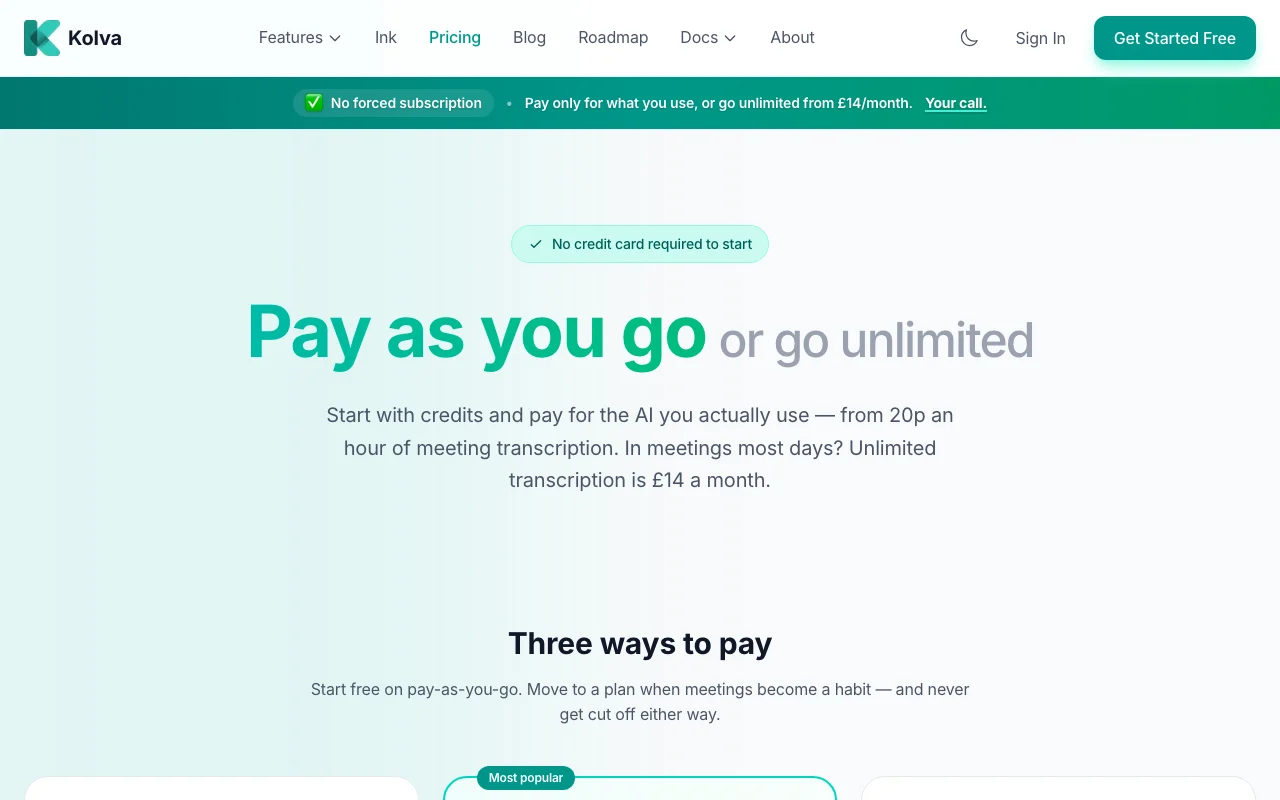
Prices checked Oct 1, 2026 on the official US pricing page. Official pricing ↗ Prices and limits change often.
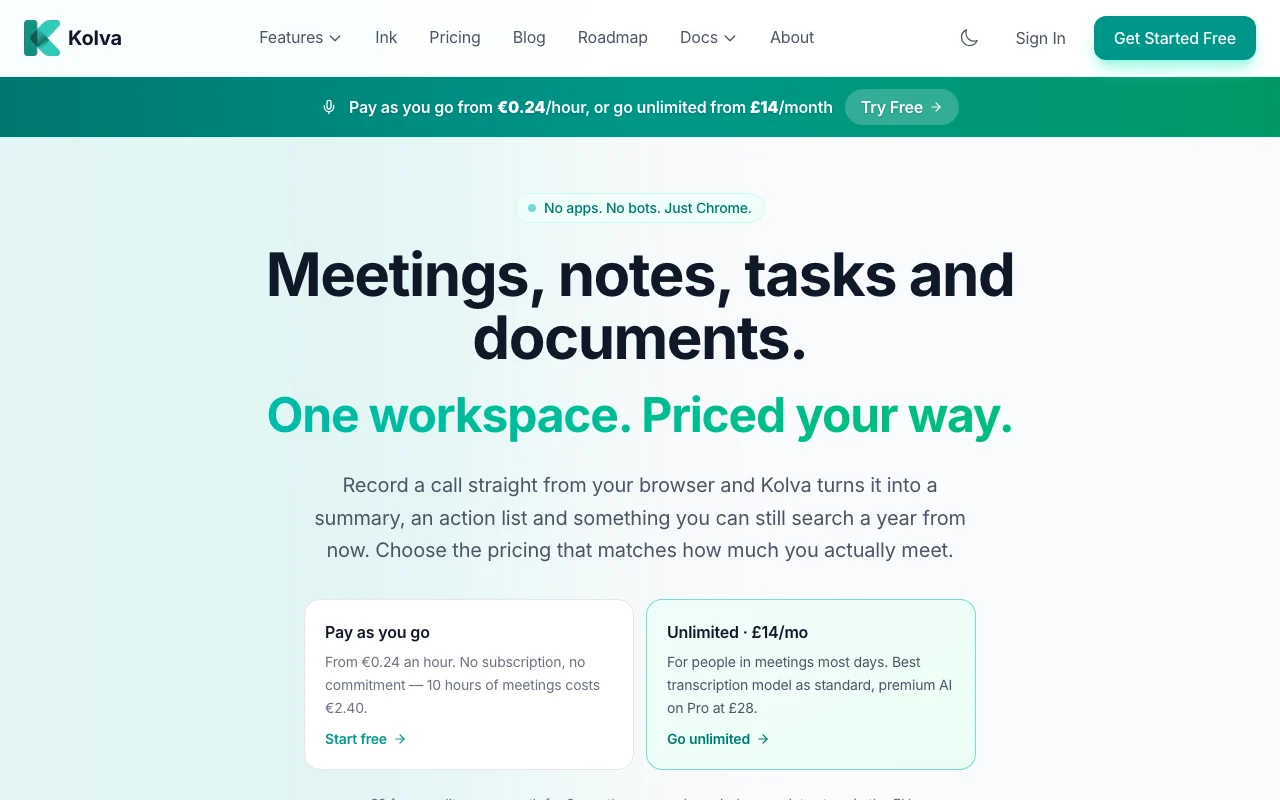
The official Kolva pricing page as we saw it. kolva.io, captured Oct 2, 2026
Free access and trial conditions
Pay-as-you-go starts at GBP 0/month with no subscription.
EUR 2 free credit per month for the first 2 months, no card required.
Storage beyond 100 MB free is EUR 0.60/GB per month; each AI action shows its cost in usage history.
Not stated on the pricing page.
What is Kolva, and how does it work?
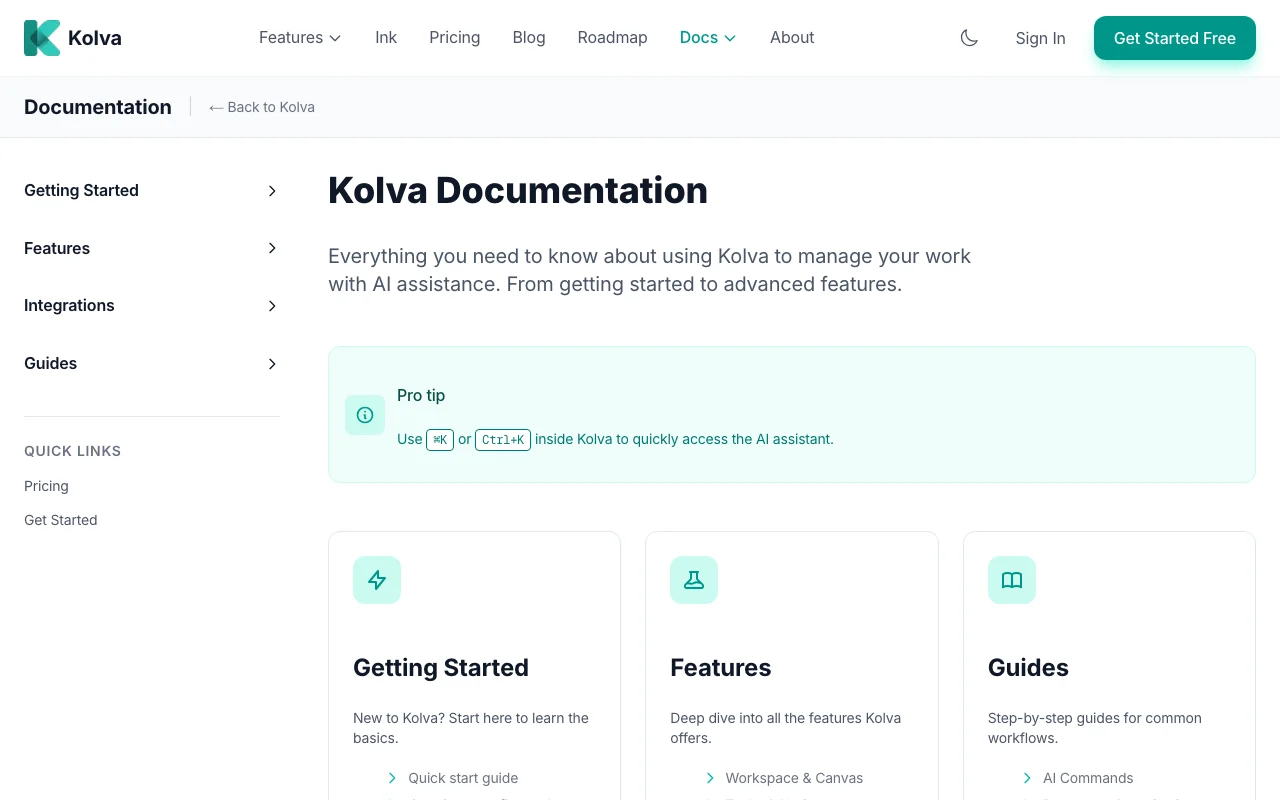
Kolva is a workspace for meetings, notes, tasks and documents. It records calls from the browser (Chrome) without a meeting bot and produces transcripts, summaries and action lists.
It also offers AI task breakdown, document upload with natural-language search, a PIN-protected vault and Claude MCP and email integrations. It states that user data stays in the EU.
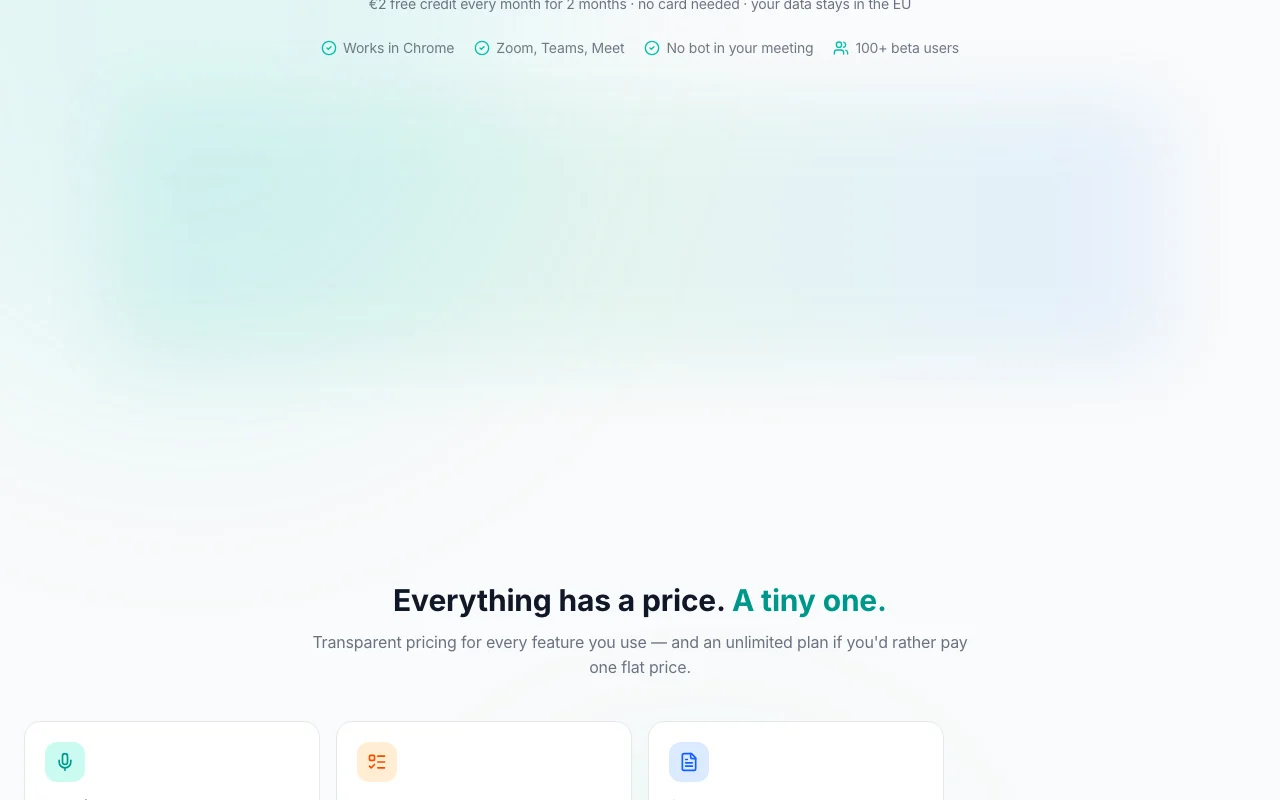
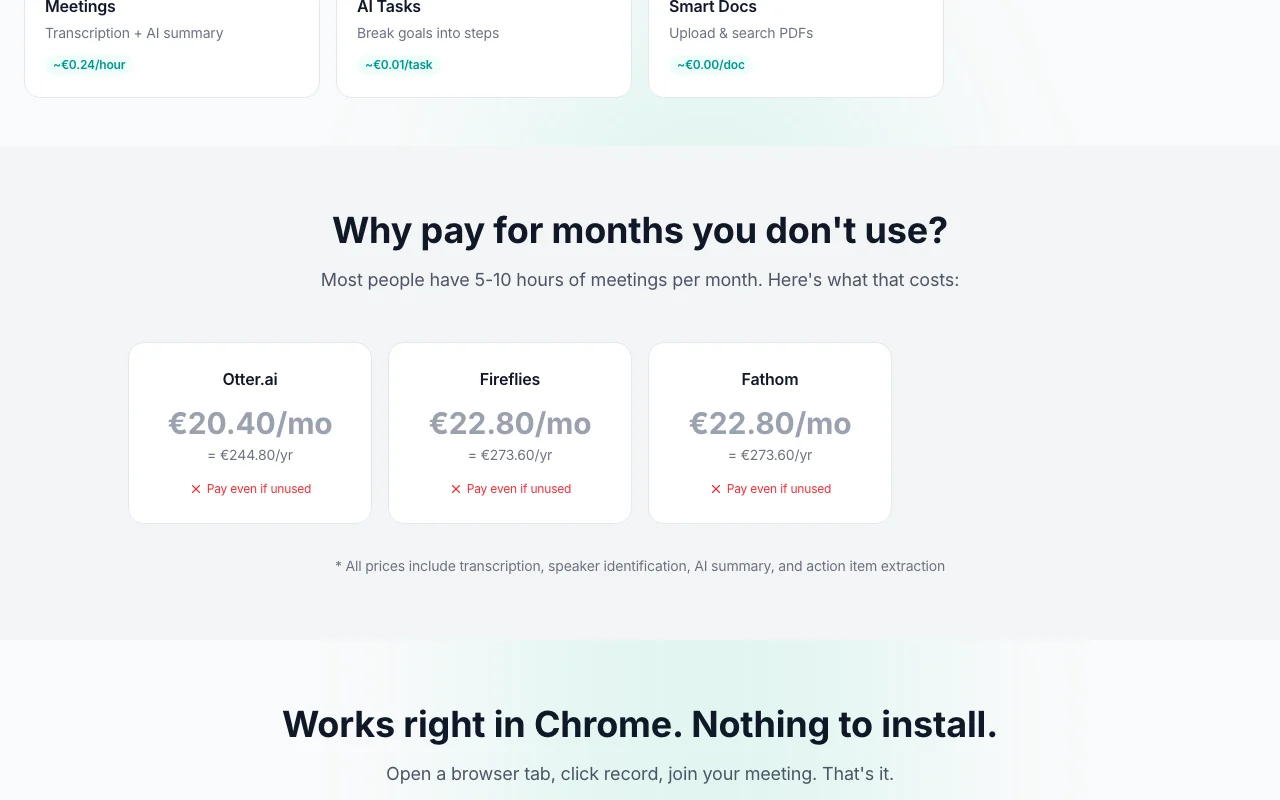
Kolva's official site: how the product presents itself. kolva.io, captured Oct 2, 2026
What you provide and what you get back
What you give Kolva and what comes back, from its documentation
You provide
Browser tab audio from Zoom, Teams or Meet
Uploaded documents (PDF, Word)
Emails to turn into tasks
You get back
Transcript with named speakers
AI summary and action items
Task breakdowns with subtasks
Where you can use it
Platforms
Web
Account
Required
Recording method
Chrome tab audio, no bot
Supported calls
Zoom, Teams, Meet
Free storage
100 MB, then EUR 0.60/GB/month
Data location
Stated as EU
Where Kolva is most useful
Scenarios are worked out by our editors from the documentation; the actual result depends on your input and plan.
Recording and summarizing Zoom, Teams or Meet calls
Who
Freelancers and consultants with a few client calls a month
You provide
A client call recorded from a Chrome tab
Expected result
Transcript, summary and action list saved in the workspace
Turns recordings into a transcript and summary using AI models. Saves manual note taking.
Access: All plans; best model by default on UnlimitedLimit: Quality of the standard model after the fair-use cap is not detailed.source (opens in a new tab)
Speaker naming
Learns speaker names across meetings and labels them in transcripts. Makes transcripts attributable.
Offers spending caps and per-action cost history Spend stays predictabledocumentedsource (opens in a new tab)
Limitations to check before paying
Pricing shown in EUR and GBP, not USD US buyers must convert and cannot compare directlydocumentedsource (opens in a new tab)
Unlimited plans have fair-use hour caps (40 h or 100 h per month) Heavy users drop to the standard model after the capdocumentedsource (opens in a new tab)
Home page describes recording as working in Chrome only Other browsers are not documenteddocumentedsource (opens in a new tab)
Privacy policy says data may be processed in the US by OpenAI, Anthropic and Google The EU-only claim has caveats for AI processingdocumentedsource (opens in a new tab)
How to use Kolva for recording and summarizing a meeting
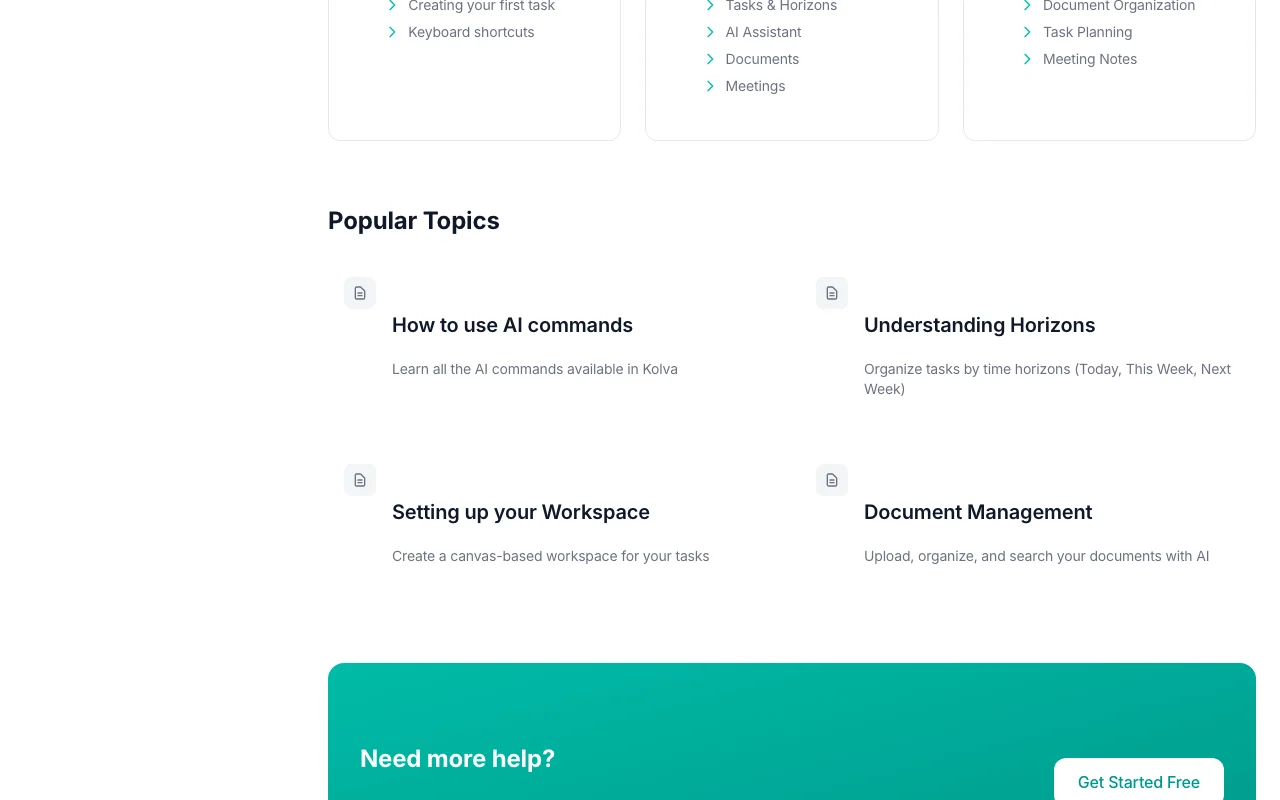
Kolva documentation: where the steps below come from. kolva.io, captured Oct 2, 2026
Set up Kolva
Open kolva.io in Chrome and sign up (no card needed for the free credit)
Open the meetings page and allow tab audio sharing when prompted
Set a monthly spending cap in settings if using pay-as-you-go
Example: recording and summarizing a meeting
Start recording, then join your Zoom, Teams or Meet call in another tab and share that tab's audio
End the meeting to generate transcript, summary and action items
Name the speakers so Kolva can recognise them next time
Turn action items into tasks and break them into subtasks
Review and export the result
Read the transcript against the recording for missed speakers
Check the usage history to confirm the cost of the meeting
Kolva API
Kolva documentation (continued). kolva.io, captured Oct 2, 2026
API access and separate billing
Kolva has no public API in its official documentation. No public API stated; MCP integration mentioned. API documentation ↗
Privacy, data use and commercial rights
Summarized from the vendor's current policies; this is not legal advice and a vendor's badge is not an independent audit.
How your inputs and outputs are handled
Account data, tasks, uploaded documents and meeting recordings and transcripts are stored; AI features send content to OpenAI, Anthropic and Google when used.
Policy states user data is never used to train AI models, and provider contracts prohibit it.
Deleted content is purged within 30 days; AI providers may hold data about 48 hours for abuse prevention.
AI features pause while everything else keeps working and your data stays safe until you top up. source (opens in a new tab)
How much transcription is included on the Unlimited plan?
Unlimited is fair use at 40 hours a month (100 on Pro); beyond that recordings continue on the standard model rather than being cut off. source (opens in a new tab)
Does Kolva add a bot to my Zoom or Teams call?
No. It records from a Chrome tab by sharing tab audio, so no bot joins the meeting. source (opens in a new tab)
Does Kolva train AI models on my meetings?
No. The privacy policy says content is never used for training and provider contracts prohibit it, though providers may keep data about 48 hours for abuse checks. source (opens in a new tab)
Is there a USD price for Kolva?
Not on the pages checked: prices appear in GBP (GBP 14 and 28 a month) and EUR (EUR 0.24 an hour). source (opens in a new tab)
Not verified: USD pricing; Mobile or desktop apps; Public API; Commercial use terms.
How we documented and maintain this page
Every fact about Kolva above comes from the 5 official pages listed here, last compared on Oct 1, 2026; we have not run Kolva ourselves, so it has no editorial score. How we check and re-check pages.
Article updated Oct 2, 2026; prices checked Oct 1, 2026. Outbound links to vendors are plain links; we do not earn commissions. How we review · Report an error