Productivity & writingDocumented overviewLast checked Oct 1, 2026

InkScan: Pricing, Features & Best Use Cases

Handwriting OCR that turns photos and scans of handwritten or printed text into editable text, with a web tool and REST API.
Is InkScan right for you?

InkScan suits anyone digitizing handwritten notes or letters who prefers paying about a cent per page over a subscription, with a REST API for batch jobs. Based on the vendor's documentation, not on a hands-on test.

Best for: Students and teachers

Also a good fit for

  • Researchers and genealogists
  • Developers needing OCR API

Consider another tool if image uploads limited to 10 MB

Or if

  • Accuracy stated as 90-95%, not perfect
  • PDF processing and API need an account

InkScan pricing and usage limits

Prices checked Oct 1, 2026 on the official US pricing page. Official pricing ↗ Prices and limits change often.

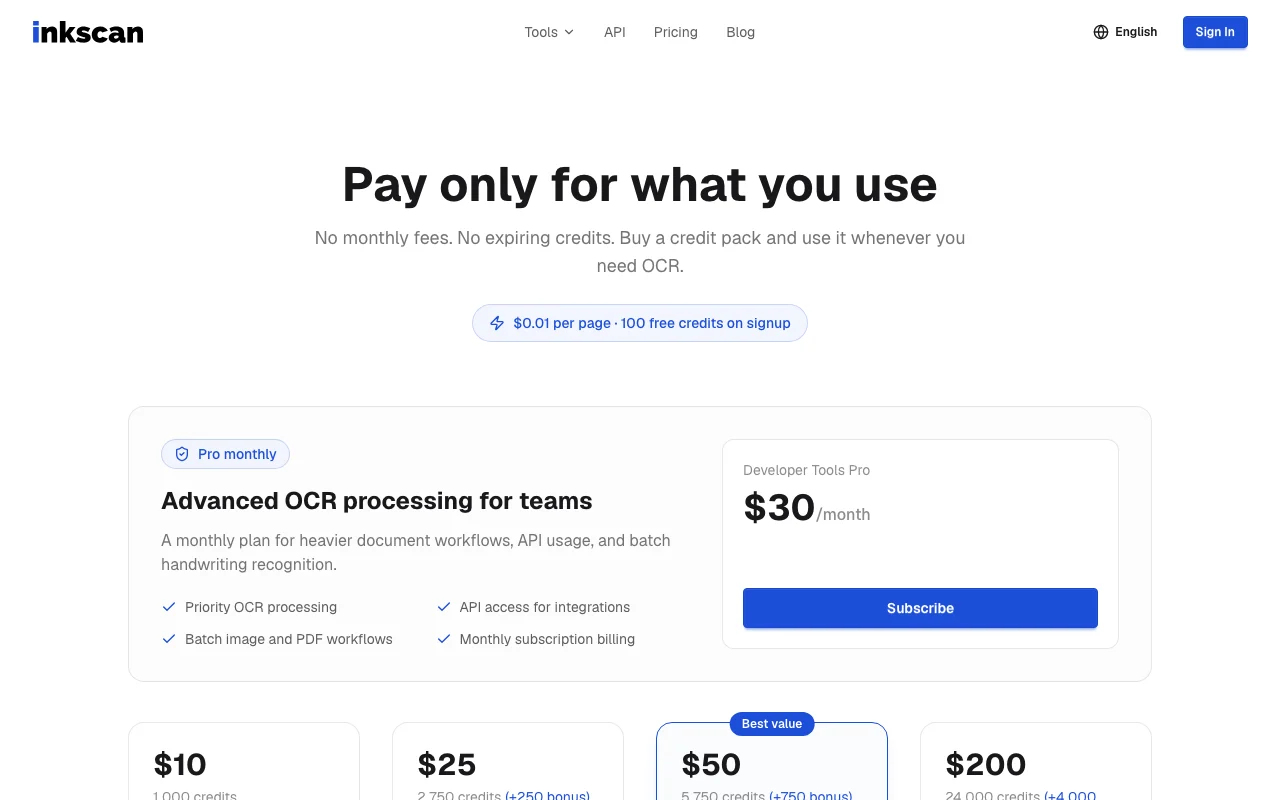
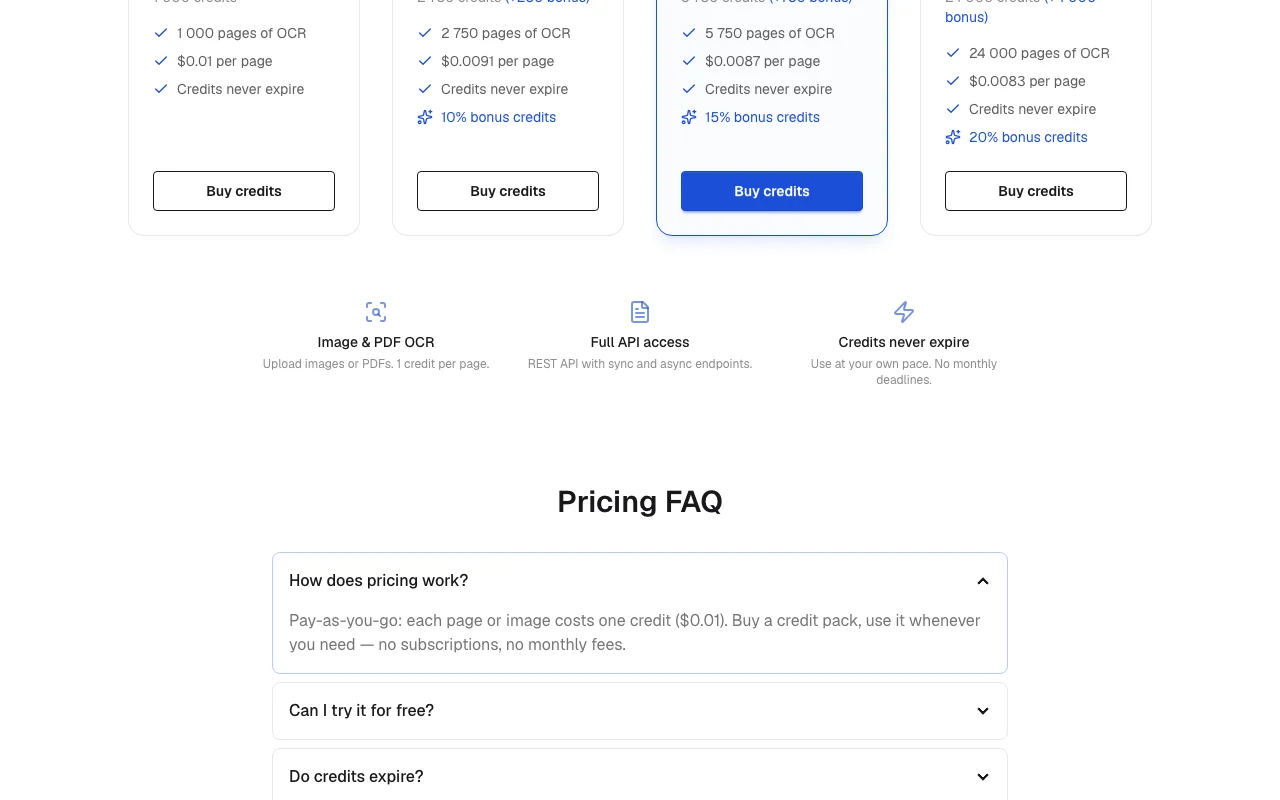
InkScan pricing page with plans and prices — screenshot of the productivity & writing AI tool, Oct 1, 2026
The official InkScan pricing page as we saw it. inkscan.app, captured Oct 1, 2026

Free access and trial conditions

5 free scans per day without signup; 100 welcome credits on account creation

Paid plans: what changes as you upgrade

Free scans web

Free source (opens in a new tab)

Monthly

For: Trying the OCR

Limits

  • 5 scans per day without signup
  • Images up to 10 MB

Includes

  • Handwriting OCR

Credit pack 1,000 web

$10 source (opens in a new tab)

One_time

For: Occasional digitizing

Limits

  • 1,000 pages of OCR
  • Credits never expire

Includes

  • $0.01 per page

Credit pack 2,750 web

$25 source (opens in a new tab)

One_time

For: Regular digitizing

Limits

  • 2,750 pages (250 bonus)
  • Credits never expire

Includes

  • $0.0091 per page

Credit pack 5,750 web

$50 source (opens in a new tab)

One_time

For: Larger archives

Limits

  • 5,750 pages (750 bonus)
  • Credits never expire

Includes

  • $0.0087 per page
  • Marked best value

Credit pack 24,000 web

$200 source (opens in a new tab)

One_time

For: Bulk digitization

Limits

  • 24,000 pages (4,000 bonus)
  • Credits never expire

Includes

  • $0.0083 per page

Pro monthly web

$30 source (opens in a new tab)

Monthly

For: Heavier document and API workflows

Limits

  • Monthly subscription

Includes

  • Priority OCR processing
  • API access
1 more
  • Batch image and PDF workflows

Usage caps, credits and extra costs

1 credit ($0.01) per page; bonus credits on larger packs

Not stated

What is InkScan, and how does it work?

InkScan converts handwriting, cursive and printed text from photos, scans and screenshots into editable text. The site claims 90-95% accuracy on clear handwriting and support for 100+ languages, with Markdown export. Users upload JPG, PNG or WebP images, and PDFs are supported with an account. Billing is pay-as-you-go credits at one credit per page, plus a Pro subscription.

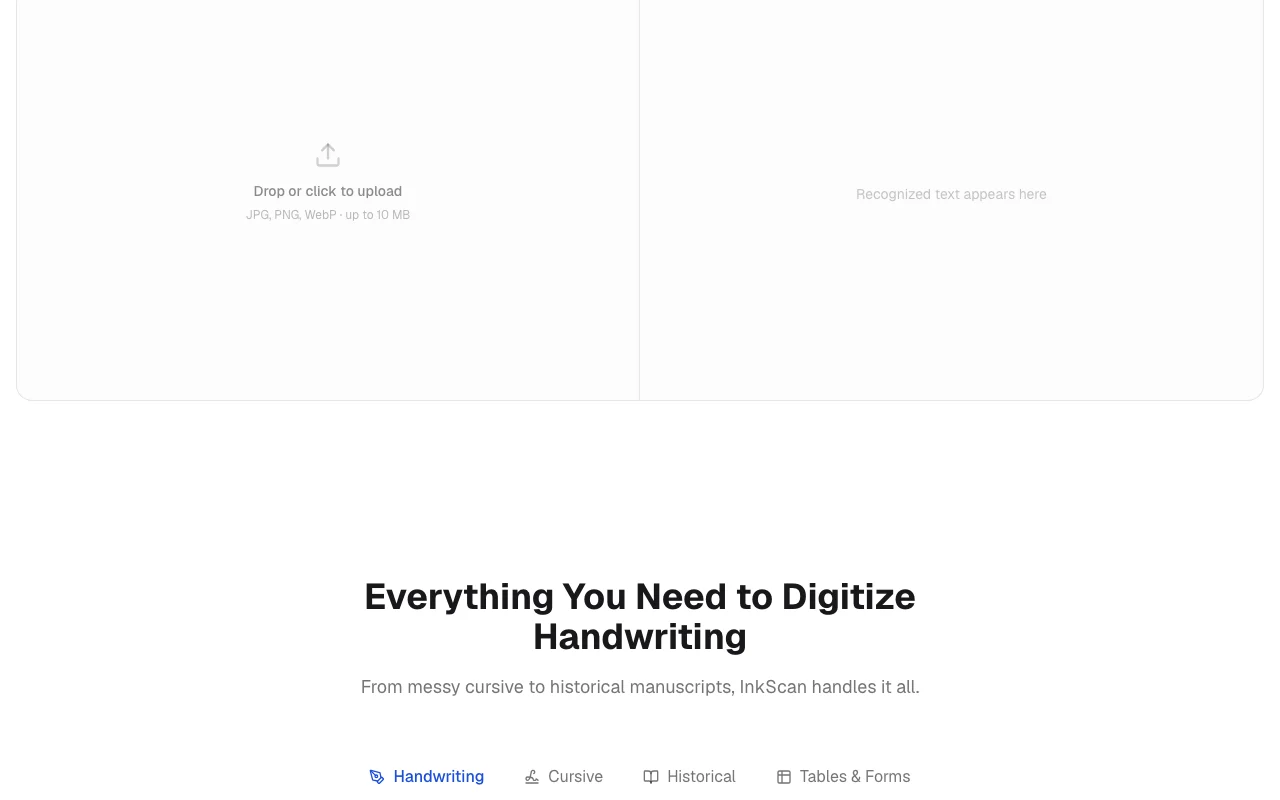
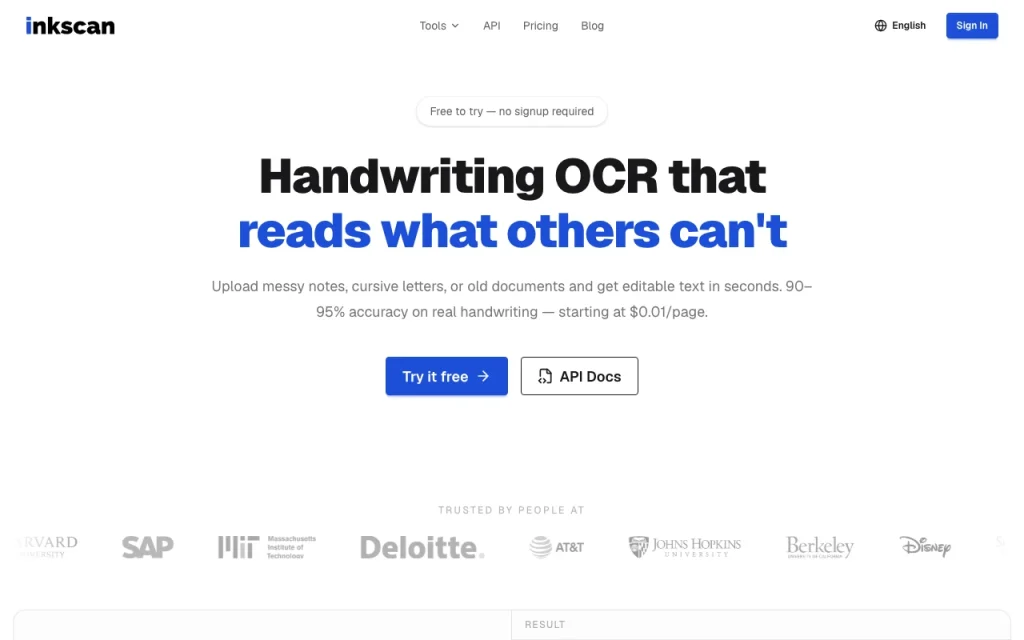
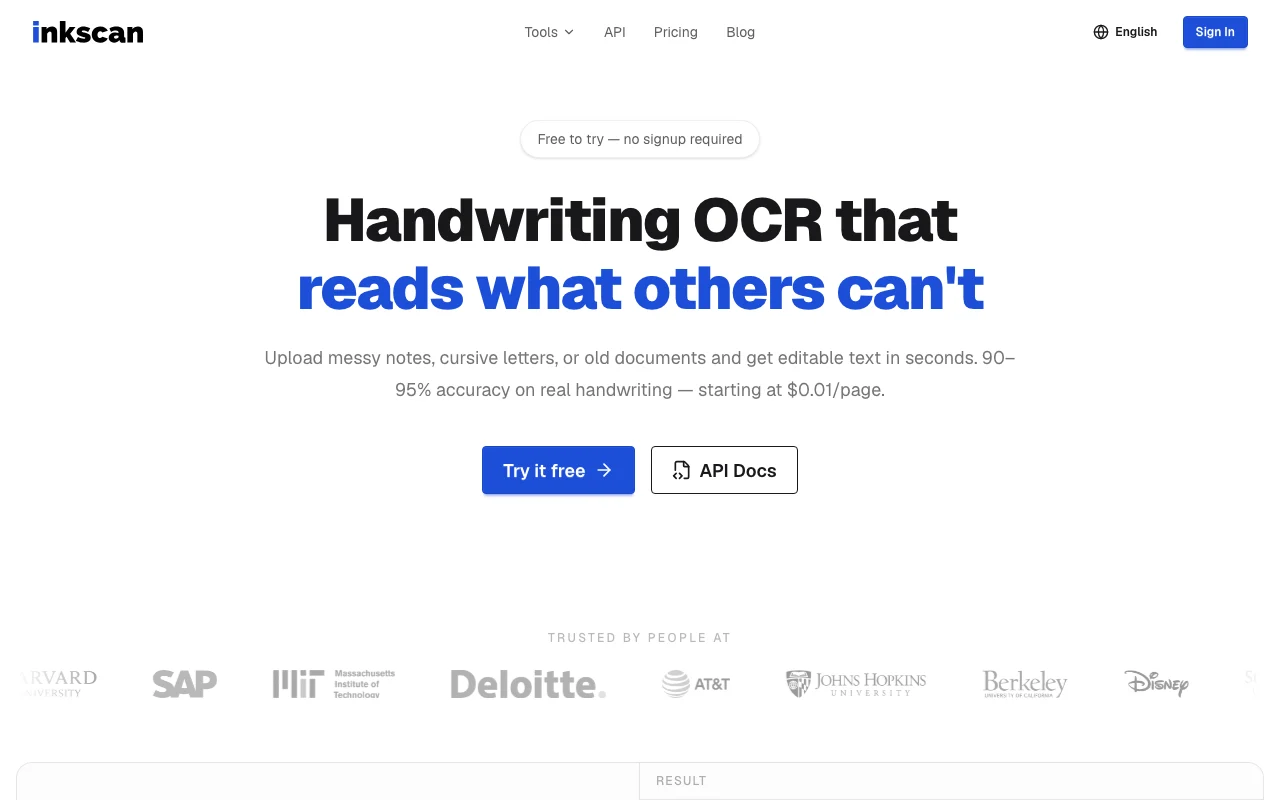
InkScan homepage — screenshot of the productivity & writing AI tool, Oct 1, 2026
InkScan's official site: how the product presents itself. inkscan.app, captured Oct 1, 2026

What you provide and what you get back

How InkScan works: what you provide, where it runs and what you get backYOU PROVIDEYour inputJPG, PNG or WebP image up to 10 MBPDF up to 50 MB (account needed)PRODUCTIVITY & WRITINGInkScanWeb, APIfrom $30 (Pro monthly)free tier availableaccount requiredchecked Oct 1, 2026YOU GET BACKThe resultEditable textMarkdown exportinput → InkScan → output · from the vendor's own pages, no hands-on test unless stated
What you give InkScan and what comes back, from its documentation

You provide

  • JPG, PNG or WebP image up to 10 MB
  • PDF up to 50 MB (account needed)

You get back

  • Editable text
  • Markdown export

Where you can use it

Platforms
Web, API
Account
Required
Image formats
JPG, PNG, WebP up to 10 MB source (opens in a new tab)
PDF
Up to 50 MB with account source (opens in a new tab)
Languages
100+ auto-detected source (opens in a new tab)
Output
Editable text, Markdown source (opens in a new tab)
Refund
7 days on unused credits source (opens in a new tab)

What people use InkScan for

Scenarios are worked out by our editors from the documentation; the actual result depends on your input and plan.

Digitizing handwritten notes

Who
Students and professionals
You provide
Photos of notebooks
Expected result
Editable text or Markdown
Plan needed
Free scans or credits
Limitation
Images capped at 10 MB source (opens in a new tab)

Reading cursive letters

Who
Family historians
You provide
Scans of letters
Expected result
Machine-readable text
Plan needed
Credits
Limitation
Accuracy stated as 90-95% on clear handwriting source (opens in a new tab)

Transcribing historical documents

Who
Archivists
You provide
Multi-page PDF scans
Expected result
Text per page via async job
Plan needed
Credits or Pro
Limitation
PDF requires an account source (opens in a new tab)

What InkScan does, and where it stops

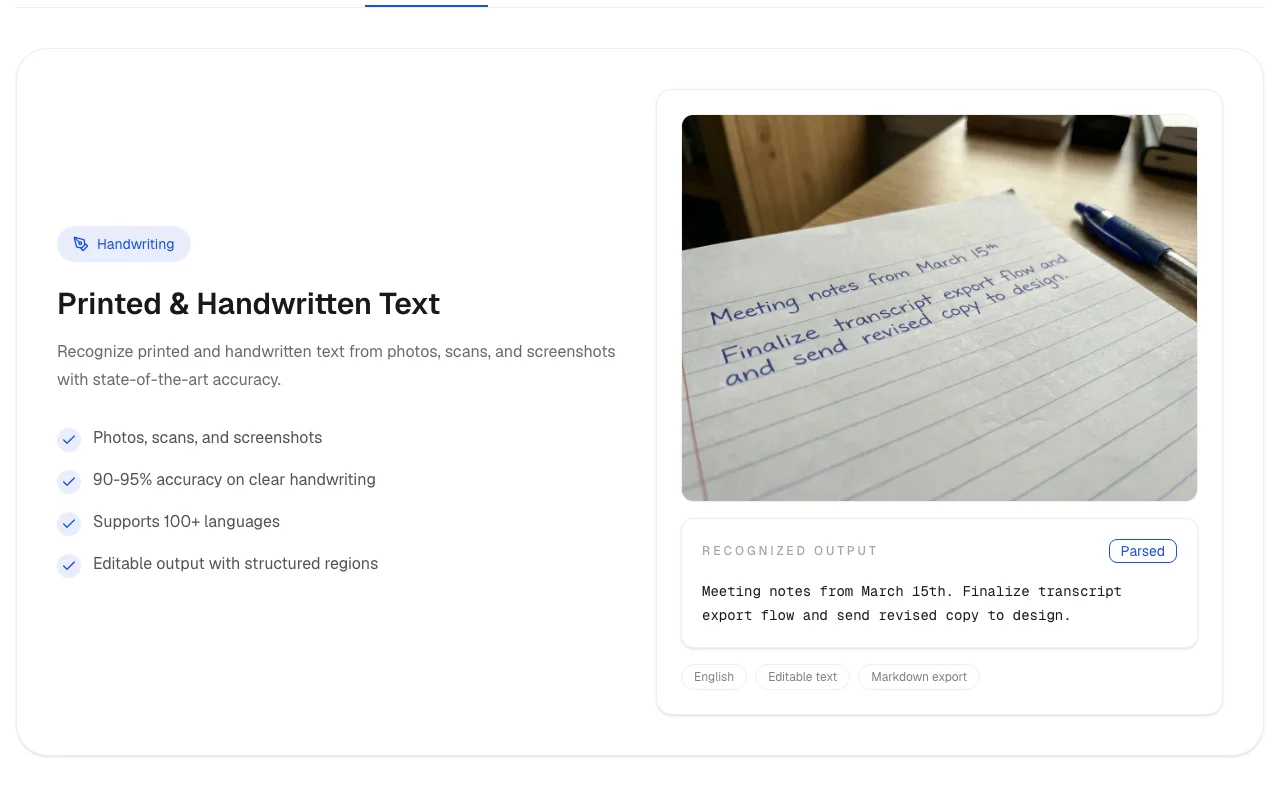
InkScan homepage — screenshot of the productivity & writing AI tool, Oct 1, 2026
Feature overview on the official site. inkscan.app, captured Oct 1, 2026

Handwriting and printed text OCR

Recognizes handwriting, cursive and print from images Replaces manual retyping

Access: AllLimit: Quality drops on unclear handwriting source (opens in a new tab)

100+ languages

Auto-detects language across many scripts including Cyrillic, Arabic, CJK Handles multilingual notes

Access: AllLimit: Accuracy varies by language source (opens in a new tab)

Editable and Markdown output

Outputs text you can edit or export as Markdown Fits note-taking workflows

Access: AllLimit: Layout fidelity not claimed source (opens in a new tab)

Image and PDF input

Takes JPG, PNG, WebP images and PDFs up to 50 MB Covers photos and scans
Access: PDF needs accountLimit: 1 credit per page source (opens in a new tab)

Pros, cons and deal-breakers

Reasons to choose InkScan

Check before paying for InkScan

How to use InkScan for converting handwritten notes to text

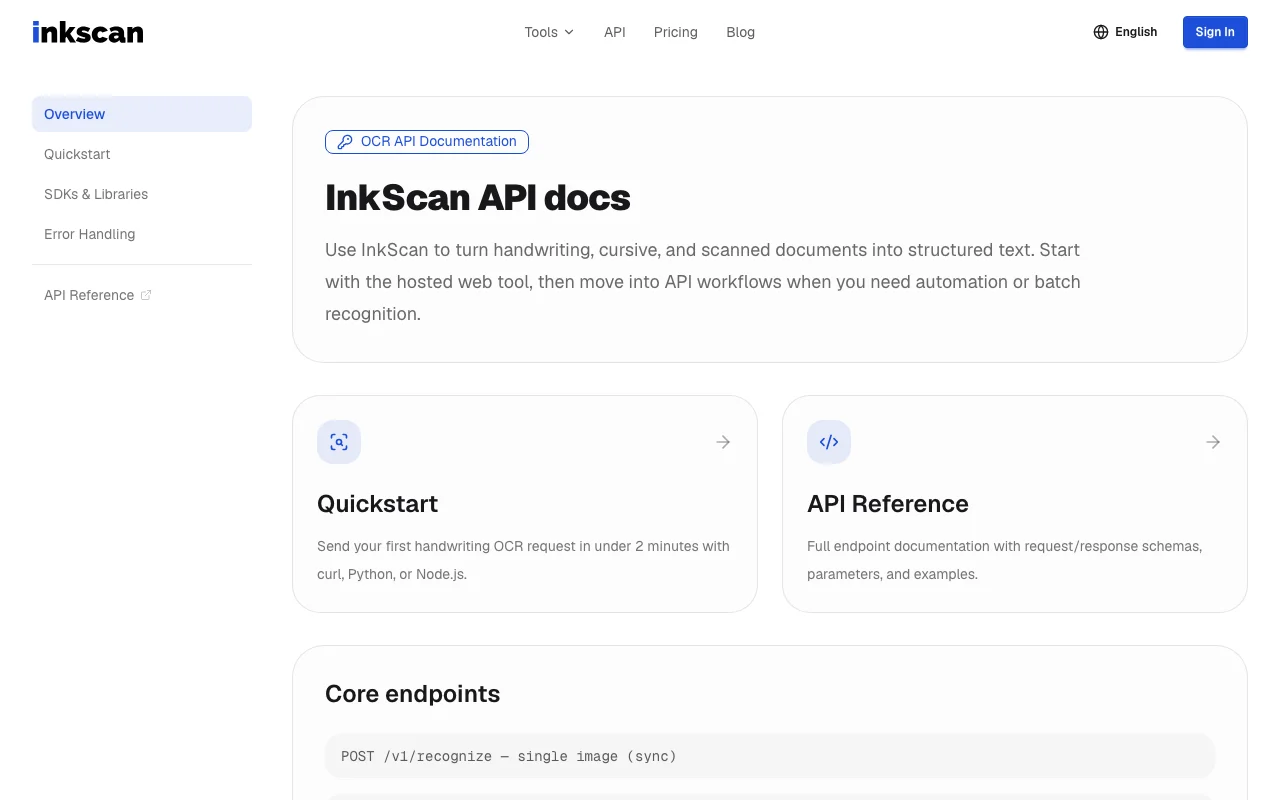
InkScan documentation — screenshot of the productivity & writing AI tool, Oct 1, 2026
InkScan documentation: where the steps below come from. inkscan.app, captured Oct 1, 2026

Set up InkScan

  1. Open inkscan.app and use the free scans without signup
  2. Create a free account for 100 credits, PDFs and API
  3. Photograph pages in good light as JPG, PNG or WebP

Example: converting handwritten notes to text

  1. Upload the image
  2. Wait for recognition
  3. Review and edit the output
  4. Copy or export as Markdown

Review and export the result

  1. Compare the output with the original for names and numbers
  2. Check remaining credits

InkScan integrations and API

InkScan documentation — screenshot of the productivity & writing AI tool, Oct 1, 2026
InkScan documentation (continued). inkscan.app, captured Oct 1, 2026

Native integrations and export formats

Export: Editable text, Markdown

API access and separate billing

InkScan has no public API in its official documentation. REST API with sync and async endpoints; docs URL not captured

Privacy, data use and commercial rights

Summarized from the vendor's current policies; this is not legal advice and a vendor's badge is not an independent audit.

How your inputs and outputs are handled

Images and documents you upload

Documents are never used to train models; pre-trained models only (site FAQ)

Images deleted immediately after processing; files encrypted in transit and at rest

Policies: inkscan.app/en/privacy

Best InkScan alternatives for different needs

"Better suited" is based on documented features and pricing, not on a head-to-head test.

ChatGPT: better suited to

Google Gemini: better suited to

Alternatives
AlternativeWhen to choose itPricingLimitation
ChatGPT——
Google Gemini——

Explore InkScan further

If you are looking at InkScan

InkScan user reviews

No user reviews yet.

Used InkScan? Be the first to share your experience.

Write a review

Reviews are checked by a moderator before they appear. Your email is never published. Plain text only.

Your rating (required)

Show what you made or what went wrong. Images are published only if the review is approved; location data is removed.

    InkScan FAQ

    Can I try InkScan for free?

    Yes: 5 free scans per day with no signup, plus 100 welcome credits with a free account. source (opens in a new tab)

    How much does OCR cost?

    One credit per page, $0.01 on the 1,000 credit pack and down to about $0.0083 on the largest. source (opens in a new tab)

    Do credits expire?

    No, purchased credits never expire. source (opens in a new tab)

    What file types and sizes work?

    JPG, PNG, WebP up to 10 MB, and PDFs up to 50 MB with a free account. source (opens in a new tab)

    Are my documents used for training?

    No; the FAQ says documents are never used to train models and images are deleted after processing. source (opens in a new tab)

    Sources and review methodology

    Official sources and verification dates

    Not verified: Free-tier monthly caps beyond 5 per day; API docs URL; Page not available: https://inkscan.app/en/privacy.

    How we documented and maintain this page

    Every fact about InkScan above comes from the 3 official pages listed here, last compared on Oct 1, 2026; we have not run InkScan ourselves, so it has no editorial score. How we check and re-check pages.

    Article updated Oct 10, 2026; prices checked Oct 1, 2026. Outbound links to vendors are plain links; we do not earn commissions. How we review · Report an error