Productivity & writingDocumented overviewLast checked Sep 29, 2026

Hyperguard: Pricing, Features & Best Use Cases

Bot-traffic detection script that scores site visitors and stops bots from firing ad pixels and wasting ad spend.

Is Hyperguard right for you?

Hyperguard is a fit for advertisers whose Google, Meta or TikTok spend is polluted by bot traffic and who want a single script that scores visitors and keeps bots out of ad pixels. Based on the vendor's documentation, not on a hands-on test.

Best for: Advertisers running paid campaigns

Also a good fit for

  • Marketing teams
  • E-commerce sites

Consider another tool if priced by pageview volume with overage fees

Or if

  • Entry plan covers 1 property and 500K pageviews/mo
  • Enterprise pricing is custom

Hyperguard pricing and usage limits

Prices checked Sep 29, 2026 on the official US pricing page. Official pricing ↗ Prices and limits change often.

Free access and trial conditions

No free plan; free calculators and tools such as a GA4 Traffic Analyzer are offered.

Paid plans: what changes as you upgrade

Starter web

$60/mo source (opens in a new tab)

Month

$50 per month billed annually

For: Small advertisers

Limits

  • 500K pageviews per month, then $0.60 per extra 1K
  • 1 property

Includes

  • Real-time bot detection
  • Click fraud attribution
2 more
  • Wasted ad spend reports
  • Traffic analytics and insights

Growth web

$249/mo source (opens in a new tab)

Month

$199 per month billed annually

For: Scaling ad campaigns

Limits

  • 3M pageviews per month, then $0.50 per extra 1K
  • 3 properties

Includes

  • Real-time bot detection
  • Click fraud attribution
2 more
  • Wasted ad spend reports
  • Traffic analytics and insights

Business web

$499/mo source (opens in a new tab)

Month

$399 per month billed annually

For: Established advertisers with large spend

Limits

  • 10M pageviews per month, then $0.40 per extra 1K
  • 5 properties

Includes

  • Real-time bot detection
  • Click fraud attribution
2 more
  • Wasted ad spend reports
  • Traffic analytics and insights

Enterprise web

Custom pricing source (opens in a new tab)

Custom

For: Large-scale operations

Limits

  • Custom volume
  • Unlimited properties

Includes

  • Same detection engine
  • Custom fraud alerts

Usage caps, credits and extra costs

Overage per extra 1K pageviews: $0.60 Starter, $0.50 Growth, $0.40 Business.

Not stated.

What is Hyperguard, and how does it work?

Hyperguard is a bot detection service for advertisers. A single script on the website scores every visitor in real time and returns a verdict per session, so bot pageviews do not fire conversion pixels or feed retargeting. It reports on wasted ad spend and click fraud and lists Google Ads, Meta, TikTok and LinkedIn among supported ad platforms. Pricing scales with monthly pageviews.

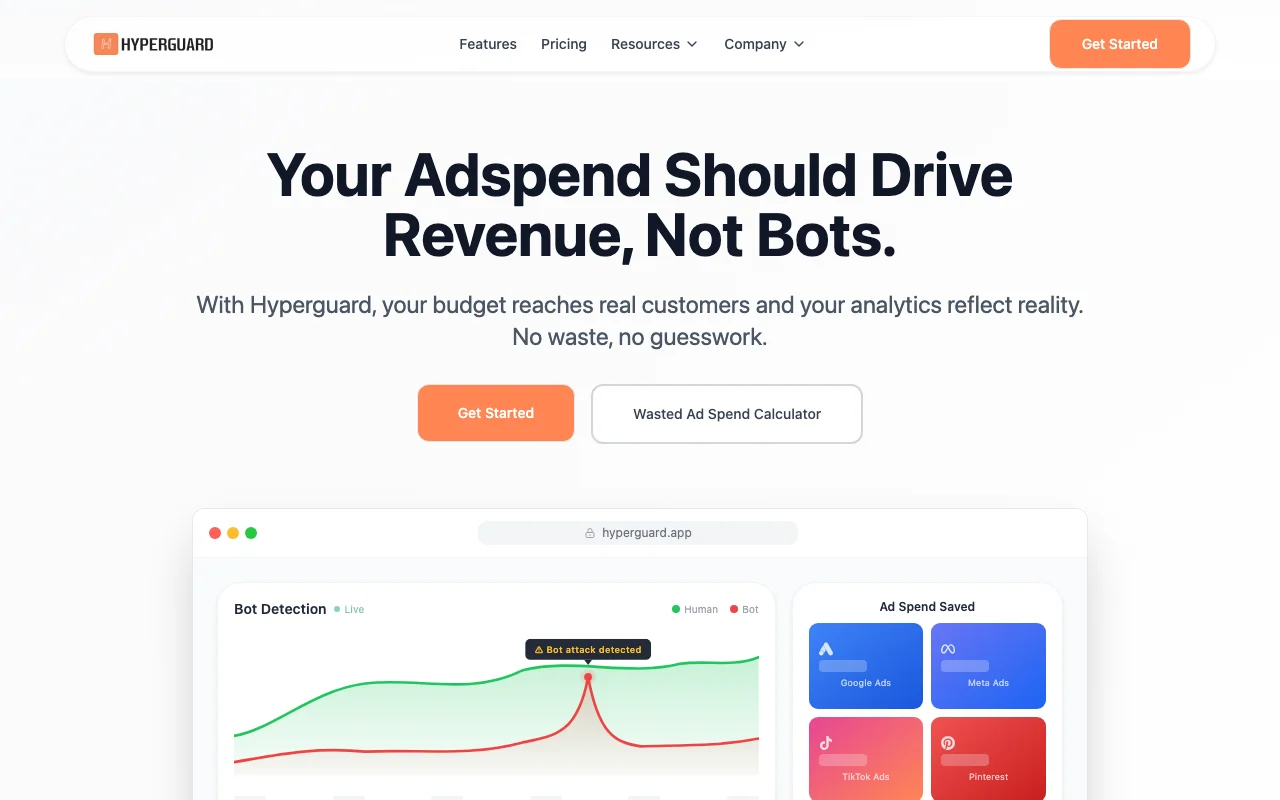
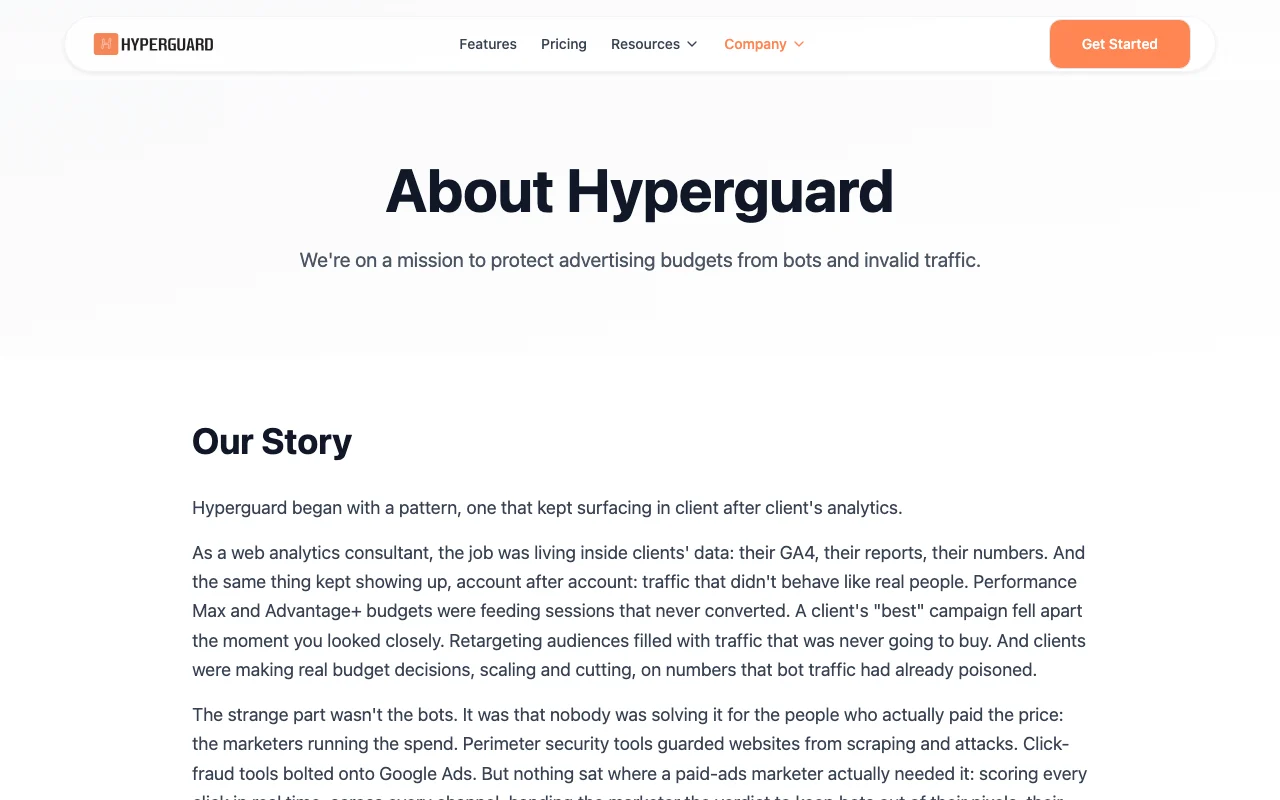
Hyperguard homepage — screenshot of the productivity & writing AI tool, Oct 2, 2026
Hyperguard's official site: how the product presents itself. hyperguard.app, captured Oct 2, 2026

What you provide and what you get back

How Hyperguard works: what you provide, where it runs and what you get backYOU PROVIDEYour inputA script tag added to your siteVisitor sessions and mouse activi…Ad platform connectionsPRODUCTIVITY & WRITINGHyperguardWebfrom $60/mo (Starter)no free tieraccount requiredchecked Sep 29, 2026YOU GET BACKThe resultA bot or human verdict per visitWasted ad spend reportsFraud breakdown by campaigninput → Hyperguard → output · from the vendor's own pages, no hands-on test unless stated
What you give Hyperguard and what comes back, from its documentation

You provide

  • A script tag added to your site
  • Visitor sessions and mouse activity samples
  • Ad platform connections

You get back

  • A bot or human verdict per visit
  • Wasted ad spend reports
  • Fraud breakdown by campaign

Where you can use it

Platforms
Web
Account
Required
Ad platforms
Google, Meta, TikTok, LinkedIn, Pinterest and more
Install
One script
Properties
1 / 3 / 5 / unlimited
Included pageviews
500K / 3M / 10M
Annual discount
17%

What people use Hyperguard for

Scenarios are worked out by our editors from the documentation; the actual result depends on your input and plan.

Filtering bot traffic from analytics

Who
Performance marketers
You provide
Site traffic from Google, Meta, TikTok and LinkedIn ads
Expected result
Clean analytics and fewer fake conversions
Plan needed
Starter or higher
Limitation
Needs a script on every property source (opens in a new tab)

Reducing wasted ad spend

Who
Ecommerce growth teams
You provide
Retargeting audience pixels
Expected result
Bots kept out of retargeting lists
Plan needed
Growth
Limitation
Verdicts, not automatic blocking, in the basic flow source (opens in a new tab)

Keeping bots out of retargeting audiences

Who
Agencies reporting CAC
You provide
Campaign traffic data
Expected result
Campaign-level fraud breakdown for client reports
Plan needed
Business
Limitation
Property count capped at 5 source (opens in a new tab)

What Hyperguard does, and where it stops

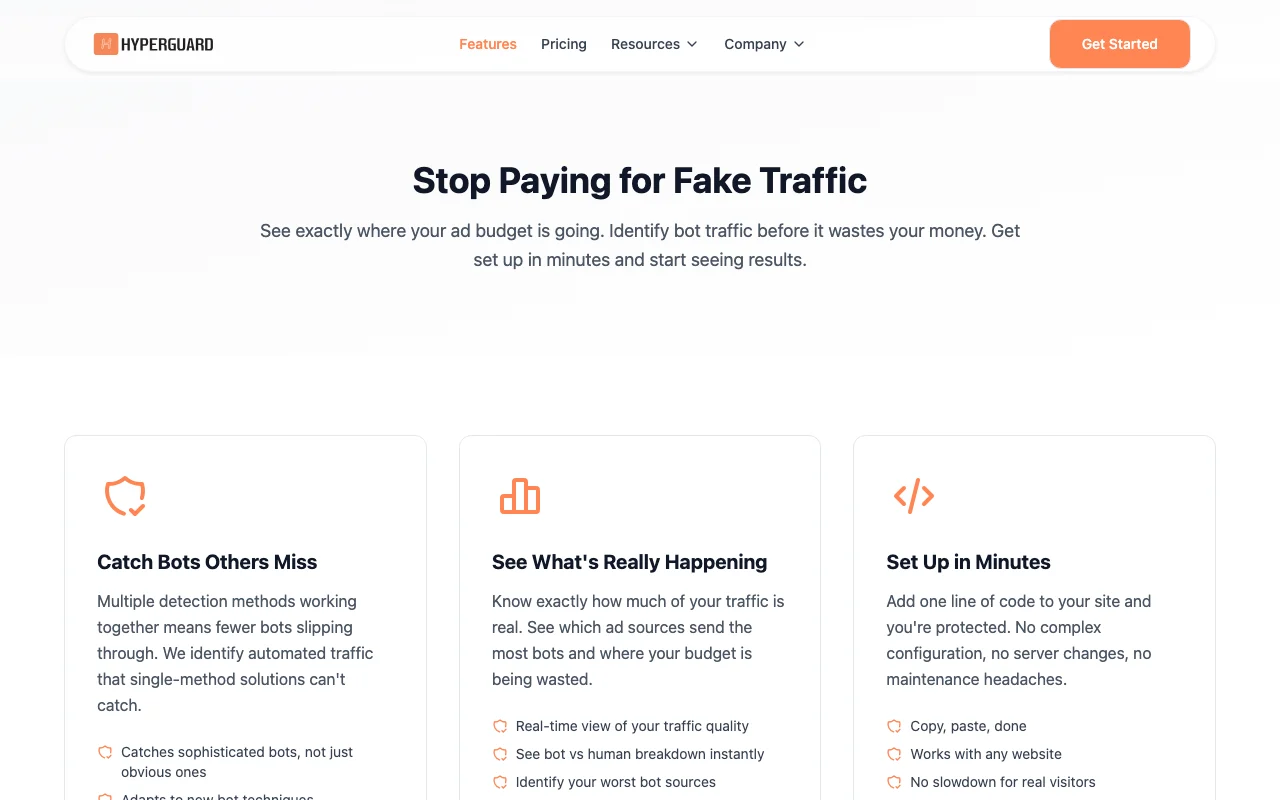
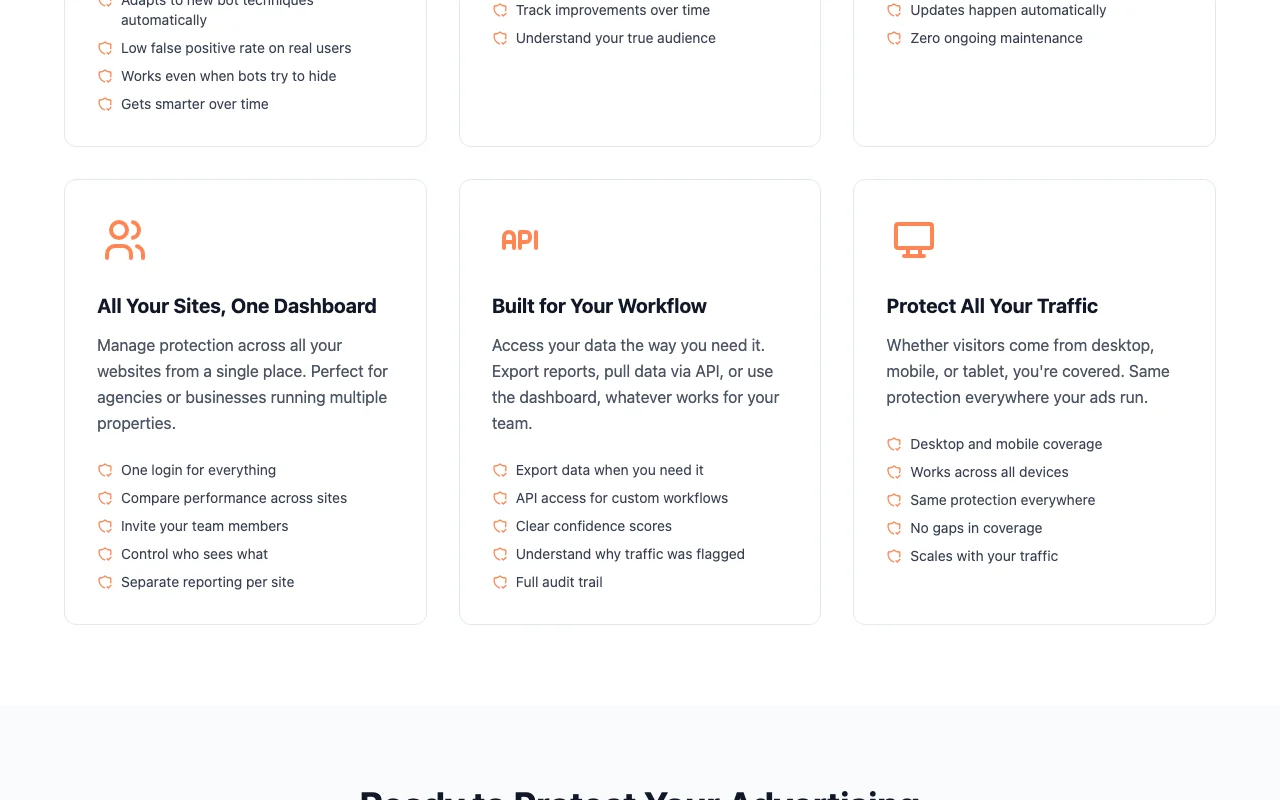
Hyperguard homepage — screenshot of the productivity & writing AI tool, Oct 2, 2026
Feature overview on the official site. hyperguard.app, captured Oct 2, 2026

Real-time visitor scoring

Scores each session in real time as human or bot Stops bot visits from firing pixels

Access: All plansLimit: Rule/score-based, not clearly generative AI source (opens in a new tab)

Click fraud attribution

Attributes click fraud to campaigns Shows which sources send bots

Access: All plansLimit: Evidence stored 60 days for paid-ad bot visits source (opens in a new tab)

Wasted ad spend reports

Reports ad spend lost to bots Quantifies waste

Access: All plansLimit: Savings depend on your bot rate source (opens in a new tab)

Traffic analytics

Gives traffic analytics and custom fraud alerts Spot spikes early

Access: All plansLimit: Alert channels not detailed source (opens in a new tab)

Pros, cons and deal-breakers

Where Hyperguard is strong

Limitations to check before paying

How to use Hyperguard for filtering bot traffic from ad campaigns

Set up Hyperguard

  1. Pick a pageview volume on the pricing page and sign up
  2. Add the Hyperguard script to your website
  3. Connect the ad platforms you run, such as Google Ads or Meta
  4. Open the dashboard to see the first visitor verdicts

Example: filtering bot traffic from ad campaigns

  1. Review the human versus bot split by traffic source
  2. Open the campaign-level fraud breakdown
  3. Set a custom fraud alert
  4. Stop bot sessions from firing conversion pixels

Review and export the result

  1. Compare your analytics bounce rate before and after
  2. Check pageview usage against the plan volume

Hyperguard API

API access and separate billing

Hyperguard has no public API in its official documentation. API configuration mentioned in policy; no docs.

Privacy, data use and commercial rights

Summarized from the vendor's current policies; this is not legal advice and a vendor's badge is not an independent audit.

How your inputs and outputs are handled

Visitor device, network and interaction samples are collected to judge traffic quality; no names or emails.

Full IP and user agent kept 60 days only for paid-ad visits flagged as bots; other IPs shortened and hashed.

Controls for business users

  • IP hashing
  • No key presses or form contents captured

Policies: hyperguard.app/privacy

Explore Hyperguard further

Tools and guides near Hyperguard

Hyperguard user reviews

No user reviews yet.

Used Hyperguard? Be the first to share your experience.

Write a review

Reviews are checked by a moderator before they appear. Your email is never published. Plain text only.

Your rating (required)

Show what you made or what went wrong. Images are published only if the review is approved; location data is removed.

    Hyperguard FAQ

    How much does Hyperguard cost?

    Starter $60 per month ($50 billed annually), Growth $249 ($199) and Business $499 ($399); Enterprise is custom. source (opens in a new tab)

    What counts toward the limit?

    Pageviews: 500K for Starter, 3M for Growth and 10M for Business, then $0.60, $0.50 or $0.40 per extra 1,000. source (opens in a new tab)

    Does it slow my site?

    The FAQ says it is designed to be invisible to real users with no impact on page speed. source (opens in a new tab)

    How does annual billing pool pageviews?

    Annual plans pool volume across the year, so monthly spikes do not trigger overage if the yearly total stays within allocation. source (opens in a new tab)

    What visitor data does Hyperguard store?

    Device and network details plus a small mouse-activity sample; IPs are hashed except flagged paid-ad bots, kept in full for 60 days. source (opens in a new tab)

    Sources and review methodology

    Official sources and verification dates

    Not verified: AI or machine learning methods; docs; trial; blocking vs scoring only.

    How we documented and maintain this page

    Every fact about Hyperguard above comes from the 3 official pages listed here, last compared on Sep 29, 2026; we have not run Hyperguard ourselves, so it has no editorial score. How we check and re-check pages.

    Article updated Oct 10, 2026; prices checked Sep 29, 2026. Outbound links to vendors are plain links; we do not earn commissions. How we review · Report an error