Our take: GPTBots suits enterprises that want to build customer-support, SDR and knowledge-search agents without code, with data-center choice and private deployment options.
Main limitation: No plan prices are published on the pages checked, so cost and free-tier limits cannot be compared before contacting the vendor.
By the AI Tool Atlas editors.
Based on the vendor's official documentation; we have not tested this product hands-on. What “documented overview” means
Is GPTBots.ai right for you?
GPTBots suits enterprises that want to build customer-support, SDR and knowledge-search agents without code, with data-center choice and private deployment options. Based on the vendor's documentation, not on a hands-on test.
Best for: Enterprises
Also a good fit for
Customer support teams
Non-developers building agents
Consider another tool if no pricing page found; pricing sits in docs/sales
Or if
Requires account to use
Positioned for enterprises, with demo booking
GPTBots.ai pricing and usage limits
Prices checked Oct 2, 2026 on the official US pricing page. Prices and limits change often.
Free access and trial conditions
Homepage shows Join Free and Start for Free buttons; free-tier limits are not stated.
No USD price or monthly/annual mapping appears on the fetched pages.
For: Enterprises building AI agents
Limits
Pricing not published in fetched pages
Docs menu mentions Subscription and Service, Credit & Pricing
Includes
Join Free and Start for Free buttons appear on the homepage
Usage caps, credits and extra costs
Docs navigation lists a credit-based model (Service, Credit & Pricing), details not fetched.
What is GPTBots.ai, and how does it work?
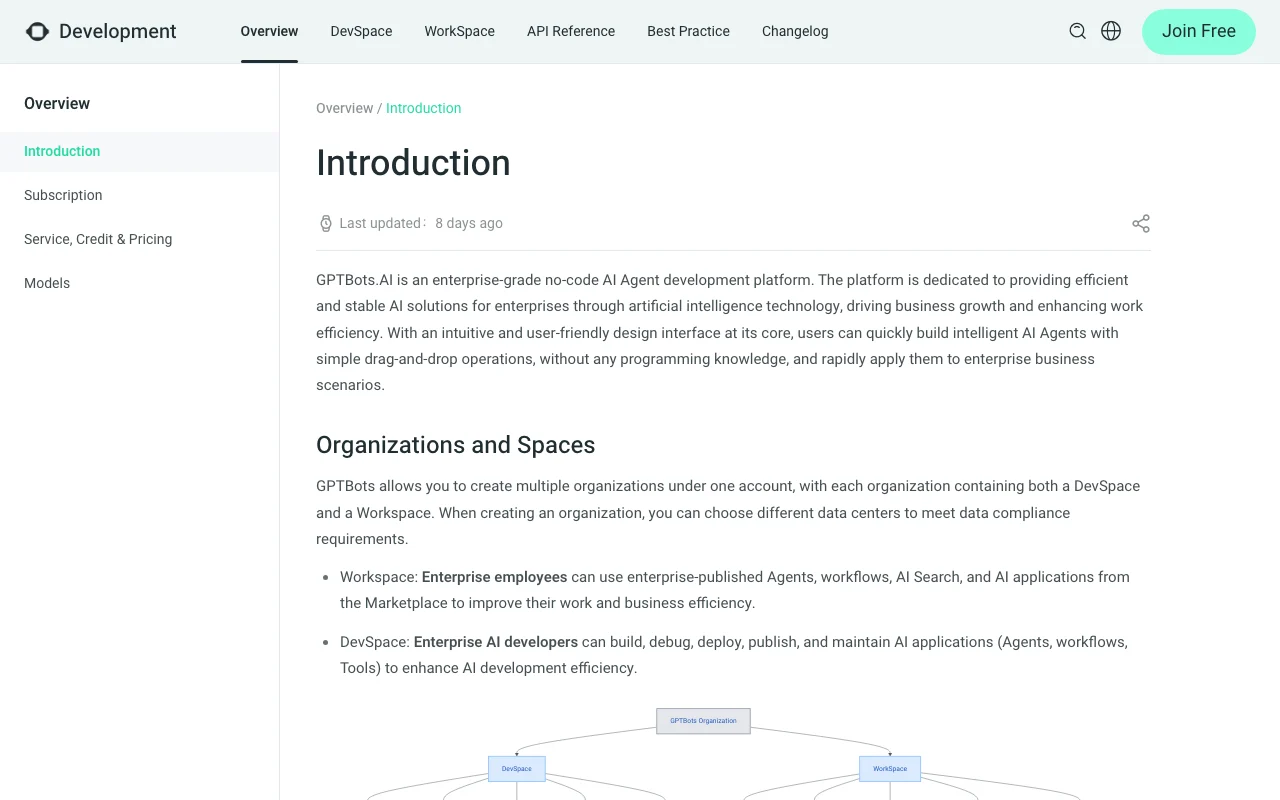
GPTBots.ai is an enterprise no-code AI agent platform. Teams build agents and workflows with a drag-and-drop interface, attach knowledge bases and tools, and deploy them.
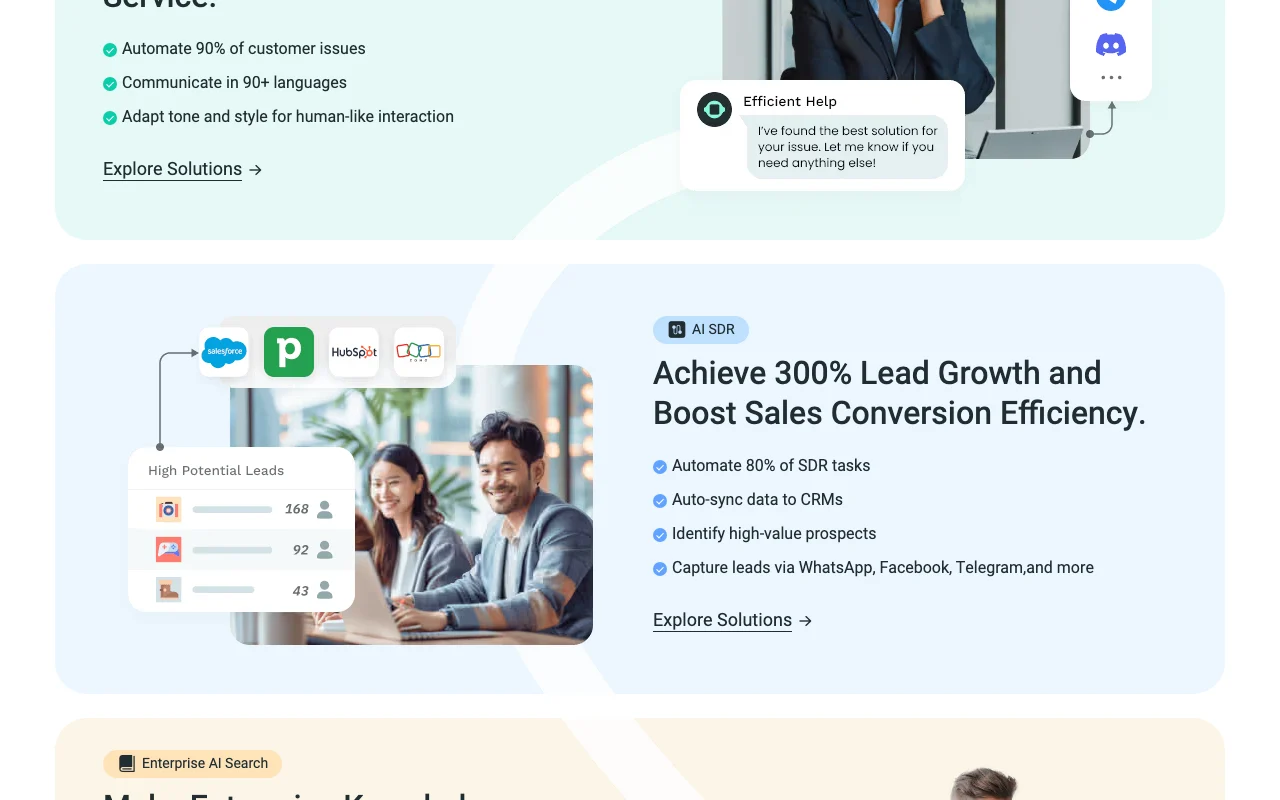
The site highlights customer support, AI SDR, enterprise search and data insights solutions, with options for private deployment and a choice of data centers.
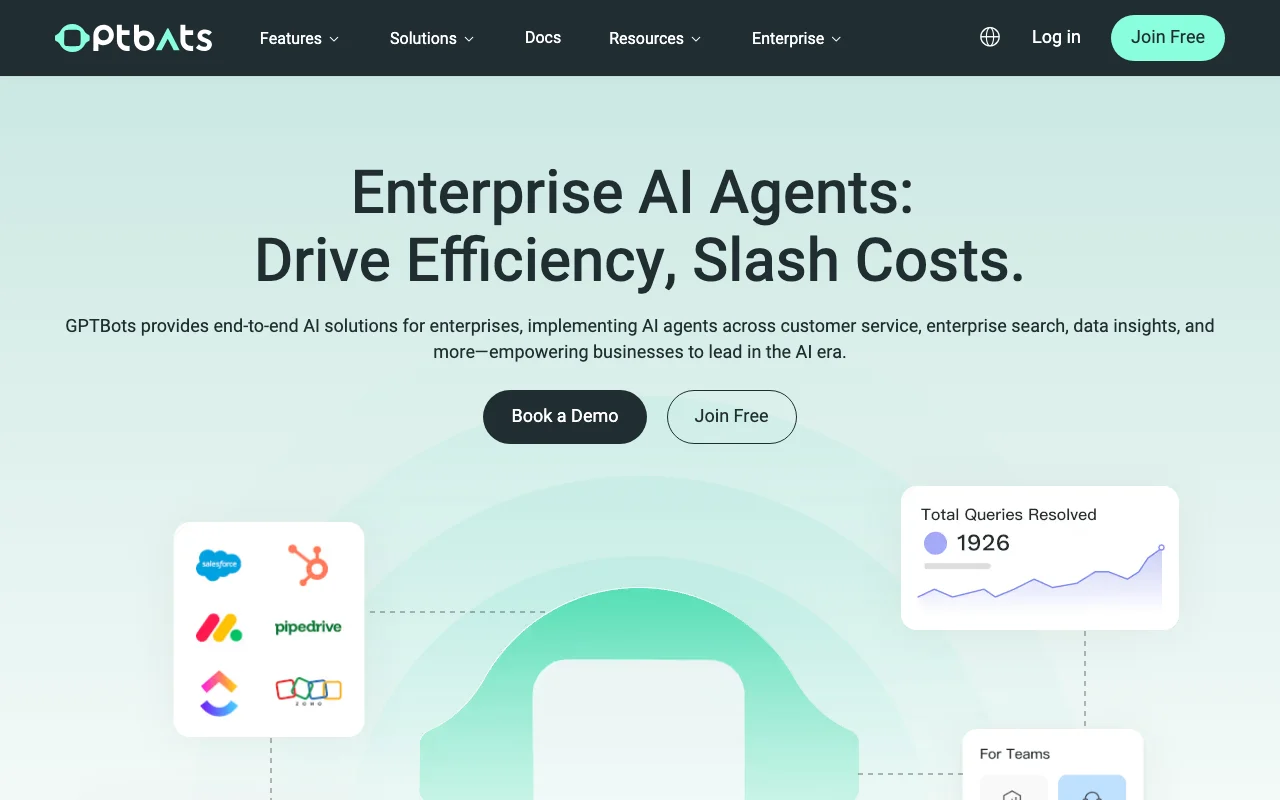
GPTBots.ai's official site: how the product presents itself. gptbots.ai, captured Oct 2, 2026
What you provide and what you get back
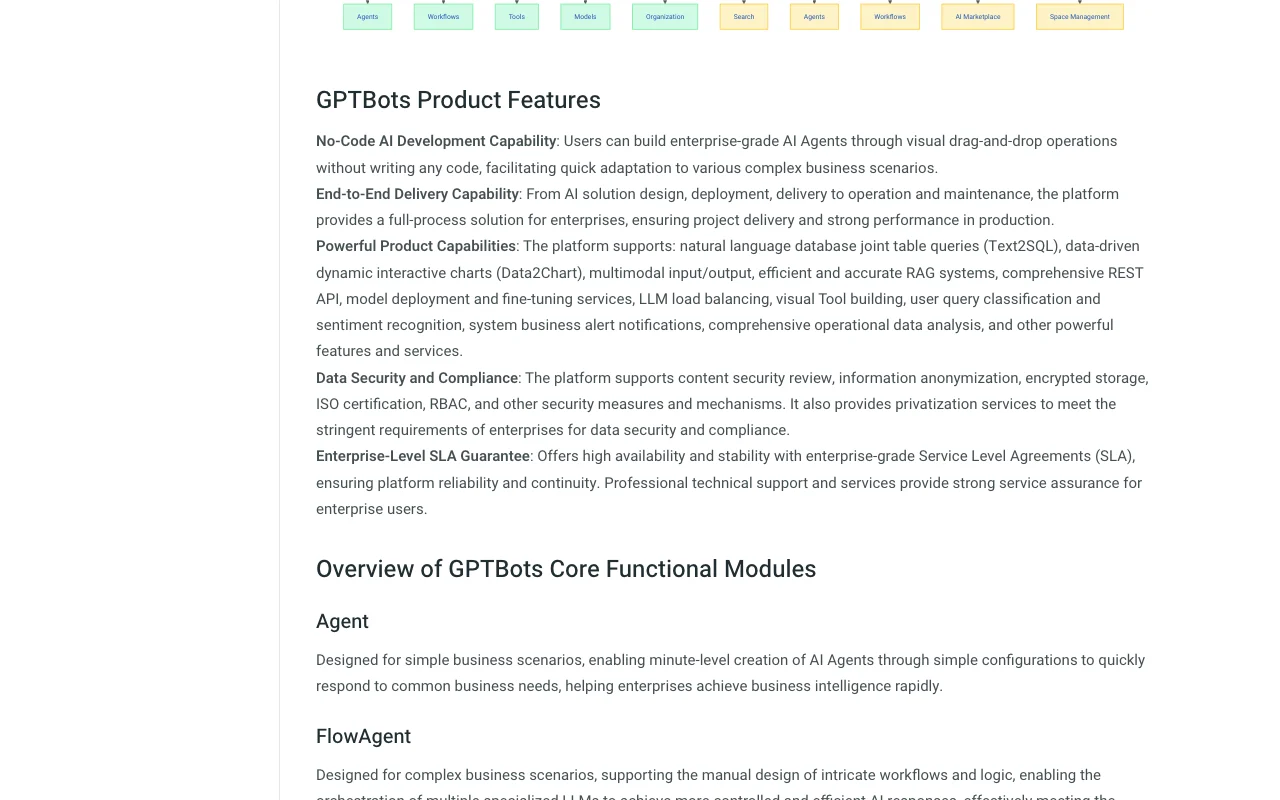
What you give GPTBots.ai and what comes back, from its documentation
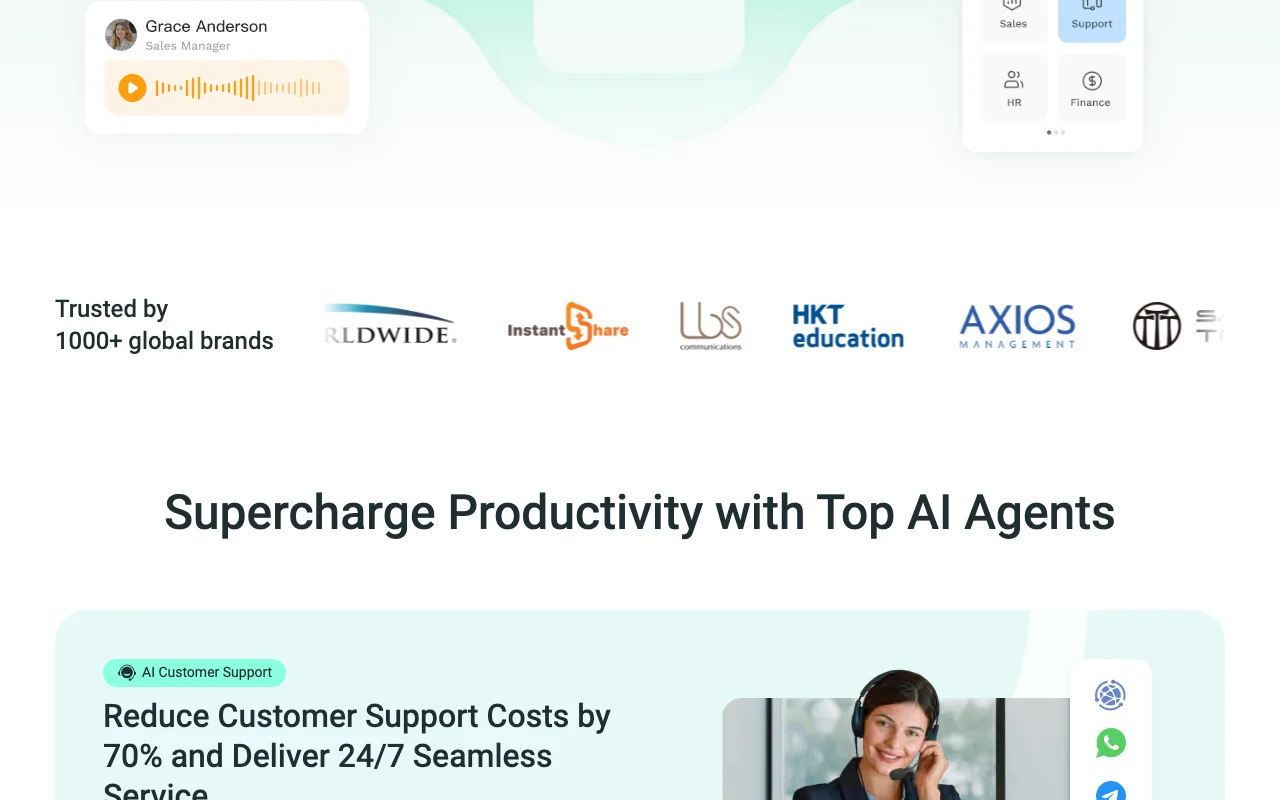
Feature overview on the official site. gptbots.ai, captured Oct 2, 2026
No-code agent builder
Builds simple agents through drag-and-drop configuration without programming knowledge, with templates available. Lets non-engineers create agents quickly.
Access: Platform sign-inLimit: Complex scenarios need the FlowAgent workflow design.source (opens in a new tab)
Knowledge base
Ingests doc, pdf, txt, markdown, csv and spreadsheet files plus web crawls and Q&A pairs, using hybrid sparse and dense vector search with reranking. Grounds answers in company knowledge.
Positioned for enterprises, with demo booking Small teams may find it heavier than lightweight chatbot builders.documentedsource (opens in a new tab)
Page used credit-based subscription model per docs menu (details not verified) Cost per usage is unclear until credit rules are reviewed.documentedsource (opens in a new tab)
How to use GPTBots.ai for building a customer-support AI agent
GPTBots.ai documentation: where the steps below come from. gptbots.ai, captured Oct 2, 2026
Set up GPTBots.ai
Open gptbots.ai and choose Join Free to create an account.
Create an organization and choose a data center.
Open DevSpace and create an Agent from a template.
Upload documents to a Knowledge Base.
Example: building a customer-support AI agent
Create a new Agent in DevSpace.
Attach a knowledge base with your help-centre PDFs.
Choose a model such as ChatGPT or DeepSeek.
Test the agent in the debug chat, then publish it.
Review and export the result
Ask questions you know the answers to and compare against source documents.
Review chat records for quality scores and adjust the knowledge base.
Example prompt suggested by our editors (not a recorded output of the product)
You are a support agent for our store. Answer only from the attached knowledge base and escalate refund requests to a human.
GPTBots.ai API
GPTBots.ai documentation (continued). gptbots.ai, captured Oct 2, 2026
API access and separate billing
GPTBots.ai has no public API in its official documentation. Homepage tutorials reference developer API integration; billing terms not fetched. API documentation ↗
Privacy, data use and commercial rights
Summarized from the vendor's current policies; this is not legal advice and a vendor's badge is not an independent audit.
How your inputs and outputs are handled
Organizations choose a data center to meet data-compliance requirements; handling of uploaded knowledge is not detailed in fetched pages.
Commercial use and plan restrictions
Private deployment is promoted for enterprises; plan mapping not stated.
Controls for business users
Data center choice per organization
ISO 27001
ISO 27701
SOC 2 Type II
ESOF
Best GPTBots.ai alternatives for different needs
"Better suited" is based on documented features and pricing, not on a head-to-head test.
Zapier: better suited to workflow automation across apps
Make: better suited to visual automation scenarios
n8n: better suited to self-hostable workflow automation
Microsoft Copilot: better suited to assistant inside Microsoft 365
GPTBots shows no USD prices on its homepage or the introduction docs; the docs menu lists Subscription and Service, Credit & Pricing sections that were not fetched. source (opens in a new tab)
Can GPTBots agents be built without coding?
Yes; the docs describe a no-code drag-and-drop builder for AI agents, with FlowAgent for more complex workflows. source (opens in a new tab)
Which file types can a GPTBots knowledge base use?
It supports doc/docx, pdf, txt, markdown, csv, xls/xlsx, web crawling and Q&A data. source (opens in a new tab)
Not verified: Plan prices and free-tier limits; Trial terms; Privacy policy and data retention (HTTP 404); Training use of customer data; US availability not stated.
How we documented and maintain this page
Every fact about GPTBots.ai above comes from the 2 official pages listed here, last compared on Oct 2, 2026; we have not run GPTBots.ai ourselves, so it has no editorial score. How we check and re-check pages.
Article updated Oct 2, 2026; prices checked Oct 2, 2026. Outbound links to vendors are plain links; we do not earn commissions. How we review · Report an error