Free Web
Free source (opens in a new tab)
Month
For: Trying live chat
Limits
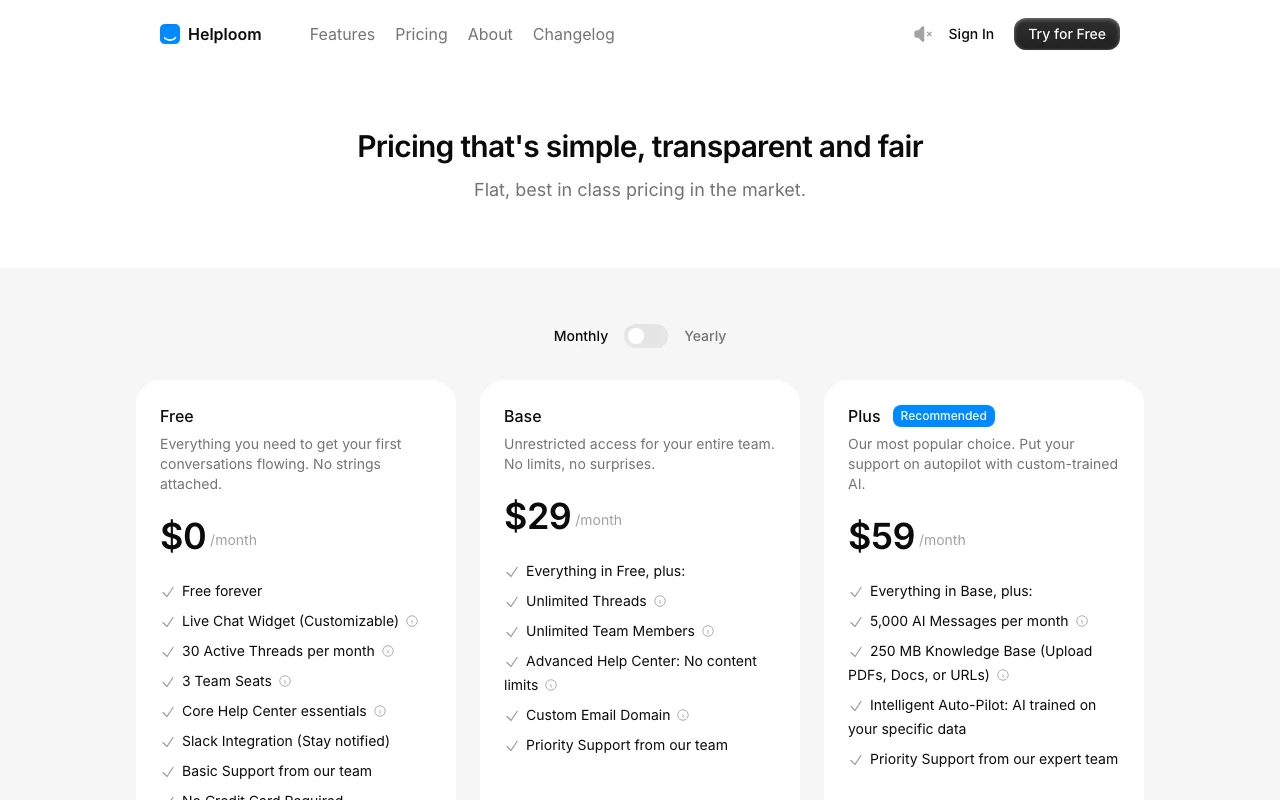
- 30 active threads per month
- 3 team seats
Includes
- Customizable live chat widget
- Core Help Center essentials
2 more
- Slack integration
- Basic support
Productivity & writingDocumented overviewLast checked Oct 2, 2026
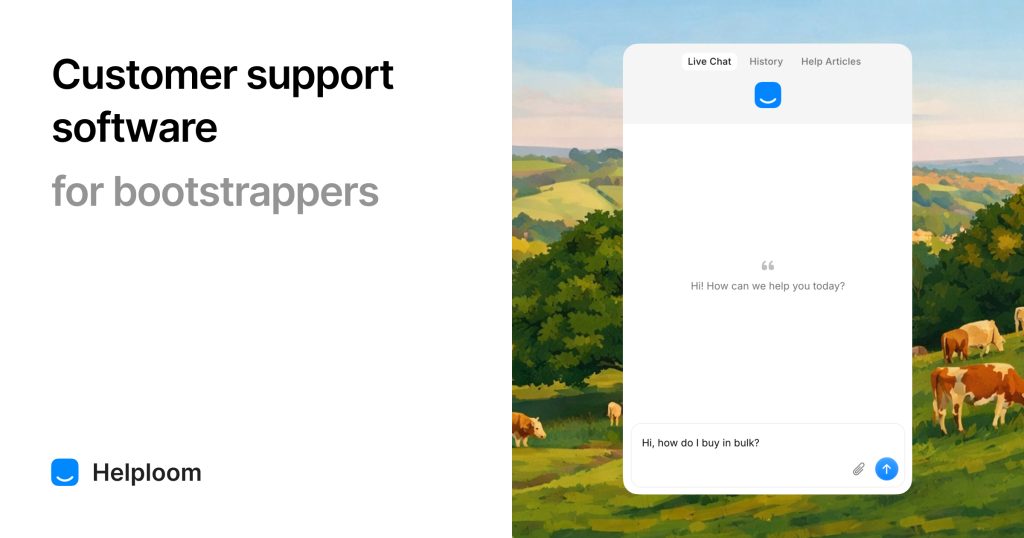
Customer support software with live chat, help center and an optional AI agent.
 (open full size in a new tab)
 (open full size in a new tab)
 (open full size in a new tab)
 (open full size in a new tab)
 (open full size in a new tab)
 (open full size in a new tab)
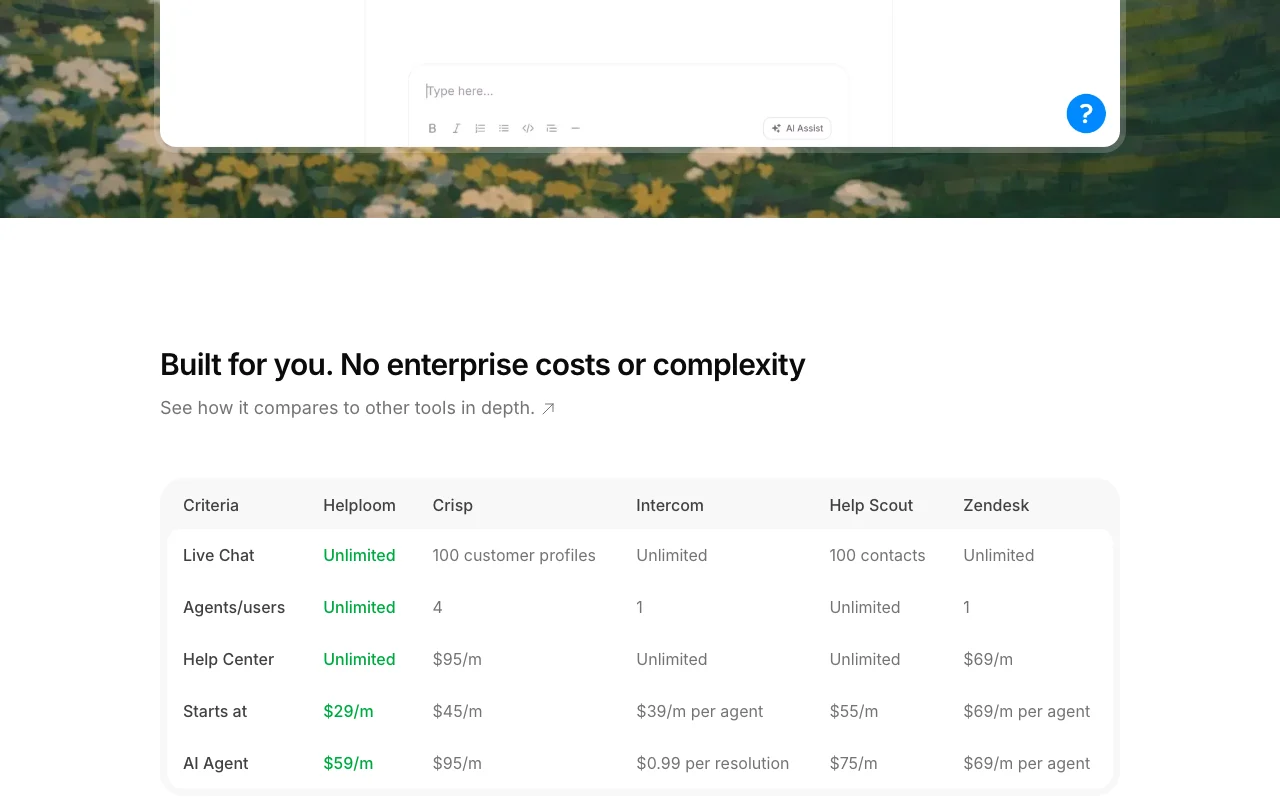
Our take: Helploom suits small teams that want live chat and a help center without per-agent pricing, with an optional AI agent on the $59 Plus plan.
Main limitation: AI agent features require the Plus plan at $59 per month with 5,000 AI messages.
Helploom suits small teams that want live chat and a help center without per-agent pricing, with an optional AI agent on the $59 Plus plan. Based on the vendor's documentation, not on a hands-on test.
Also a good fit for
Or if
Prices checked Oct 2, 2026 on the official US pricing page. Official pricing ↗ Prices and limits change often.
Free plan, no credit card required.
Free source (opens in a new tab)
Month
For: Trying live chat
Limits
Includes
$29/mo source (opens in a new tab)
Month
Pricing page has a Monthly/Yearly toggle; yearly prices not shown in fetched text.
For: Growing support teams
Limits
Includes
$59/mo source (opens in a new tab)
Month
Same Monthly/Yearly toggle; yearly price not shown.
For: Teams automating answers with AI
Limits
Includes
Pricing FAQ asks what happens when AI message credits run out; the answer is not in the fetched text.
Pricing FAQ asks if VAT is included; the answer is not in the fetched text.
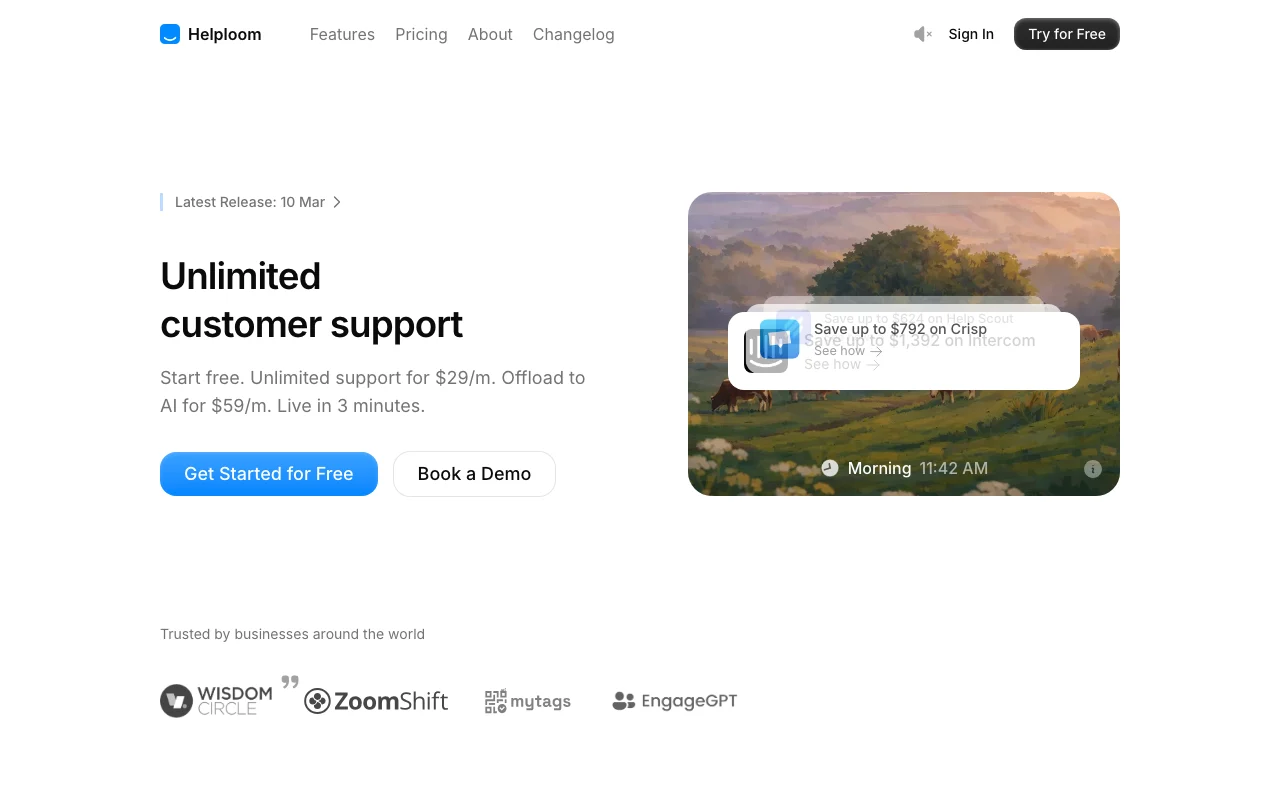
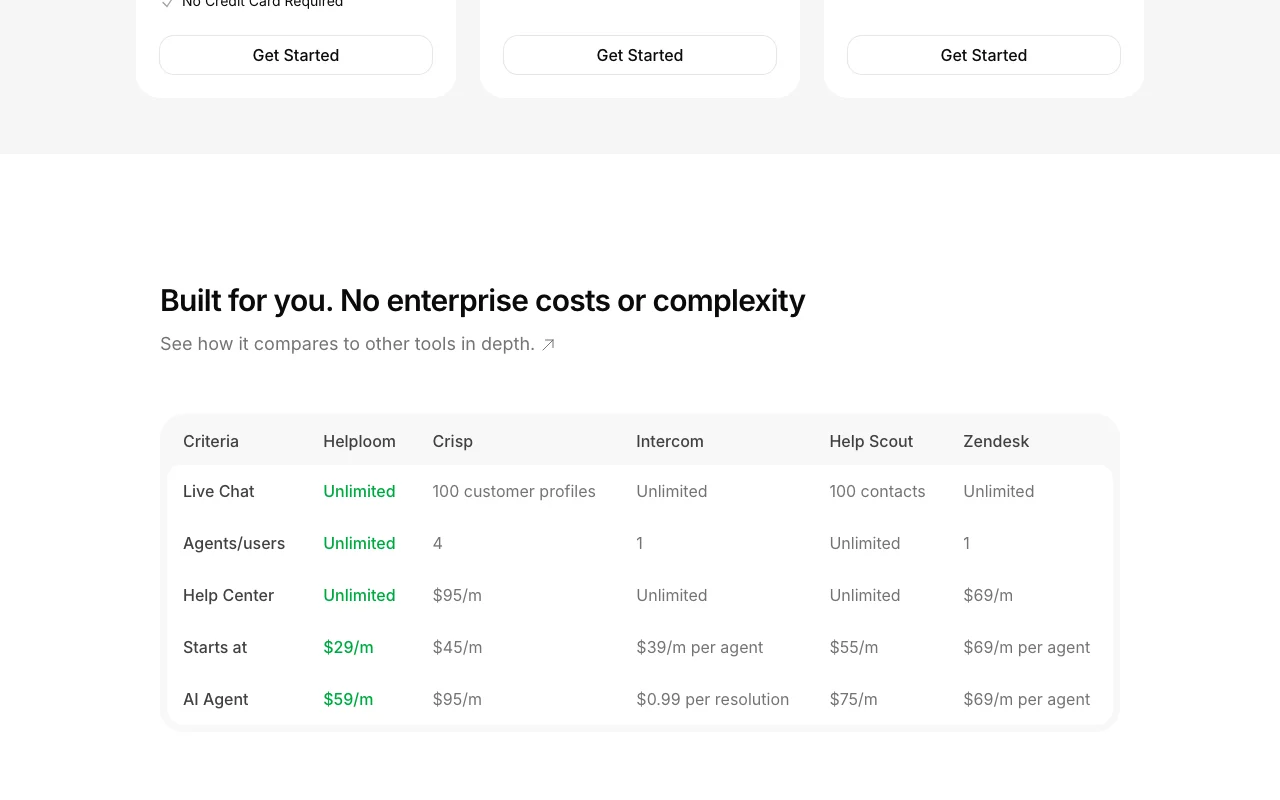
Helploom is customer support software combining live chat, a shared inbox and a help center. Its site advertises unlimited agents and unlimited live chat. A free start is offered, with an unlimited-support plan at $29/m and an AI agent at $59/m according to the site.
You provide
You get back
Scenarios are worked out by our editors from the documentation; the actual result depends on your input and plan.
Embeds a customizable chat widget on any website through a short copy-paste script. Lets visitors reach you without leaving the page.
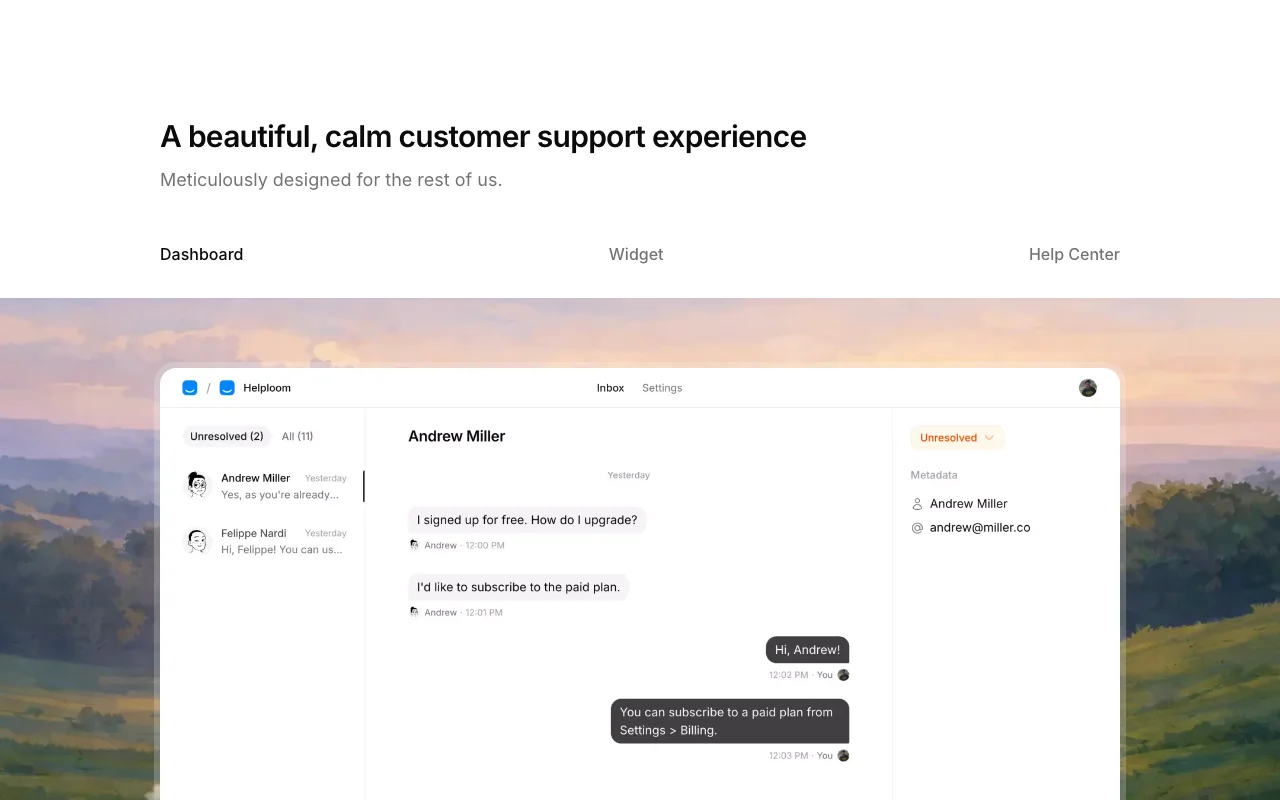
Lets any number of teammates reply to conversations from a single shared inbox. Avoids per-seat costs as the team grows.
Hosts articles grouped into collections with instant search, view tracking and a generated sitemap.xml. Reduces repeat questions by letting customers self-serve.
Emails the customer a follow-up when they leave the chat and notifies you of each new request. Keeps conversations alive after the visitor closes the tab.
Helploom has no public API in its official documentation. Homepage shows a JavaScript identify call to pass logged-in user details; no full API docs found.
Summarized from the vendor's current policies; this is not legal advice and a vendor's badge is not an independent audit.
Policy lists collected data such as contact, billing and device information; it states some customers use Helploom as a processor.
Policies: helploom.com/privacy
"Better suited" is based on documented features and pricing, not on a head-to-head test.
| Alternative | When to choose it | Pricing | Limitation | |
|---|---|---|---|---|
| Microsoft Copilot | You want a general assistant rather than a support desk | See vendor page | Not a customer support inbox | |
| Zapier | You need to connect support events to other apps | See vendor page | Not a chat or help center product | Compare |
No user reviews yet.
Used Helploom? Be the first to share your experience.
Three team seats, plus 30 active threads per month. source (opens in a new tab)
5,000 AI messages per month and a 250 MB knowledge base for $59 per month. source (opens in a new tab)
By pasting a short script into the site; the homepage says setup takes under a minute and the widget is 0.5 KB. source (opens in a new tab)
It serves in 50+ languages, replying in the customer's language, and hands off to a human when it finds no answer. source (opens in a new tab)
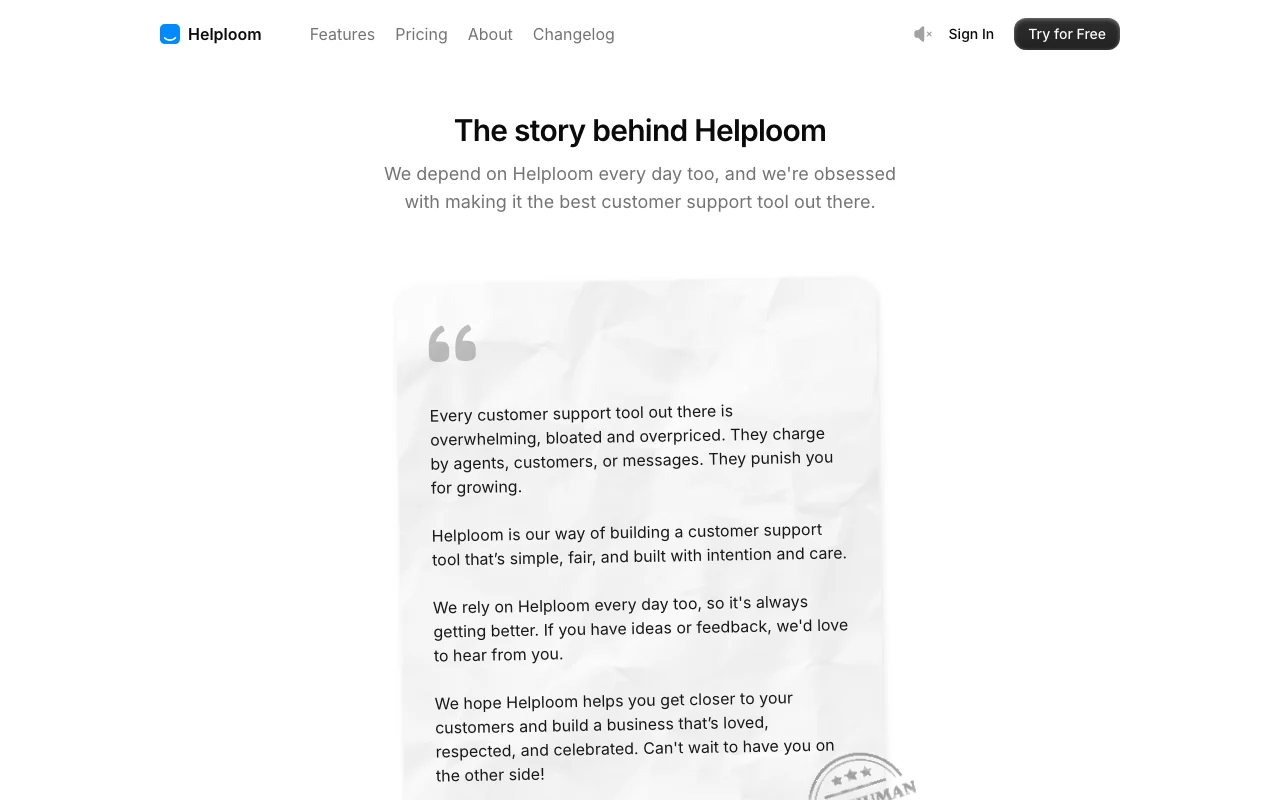
Mailshake, LLC doing business as Helploom, based in Austin, Texas, per the privacy policy. source (opens in a new tab)
Not verified: Yearly prices not visible in fetched text; Privacy policy text truncated: training use, retention, commercial terms not verified; No docs page (404), no API docs; Pricing FAQ answers not included in fetched text.
Every fact about Helploom above comes from the 3 official pages listed here, last compared on Oct 2, 2026; we have not run Helploom ourselves, so it has no editorial score. How we check and re-check pages.
Article updated Oct 2, 2026; prices checked Oct 2, 2026. Outbound links to vendors are plain links; we do not earn commissions. How we review · Report an error
compare>