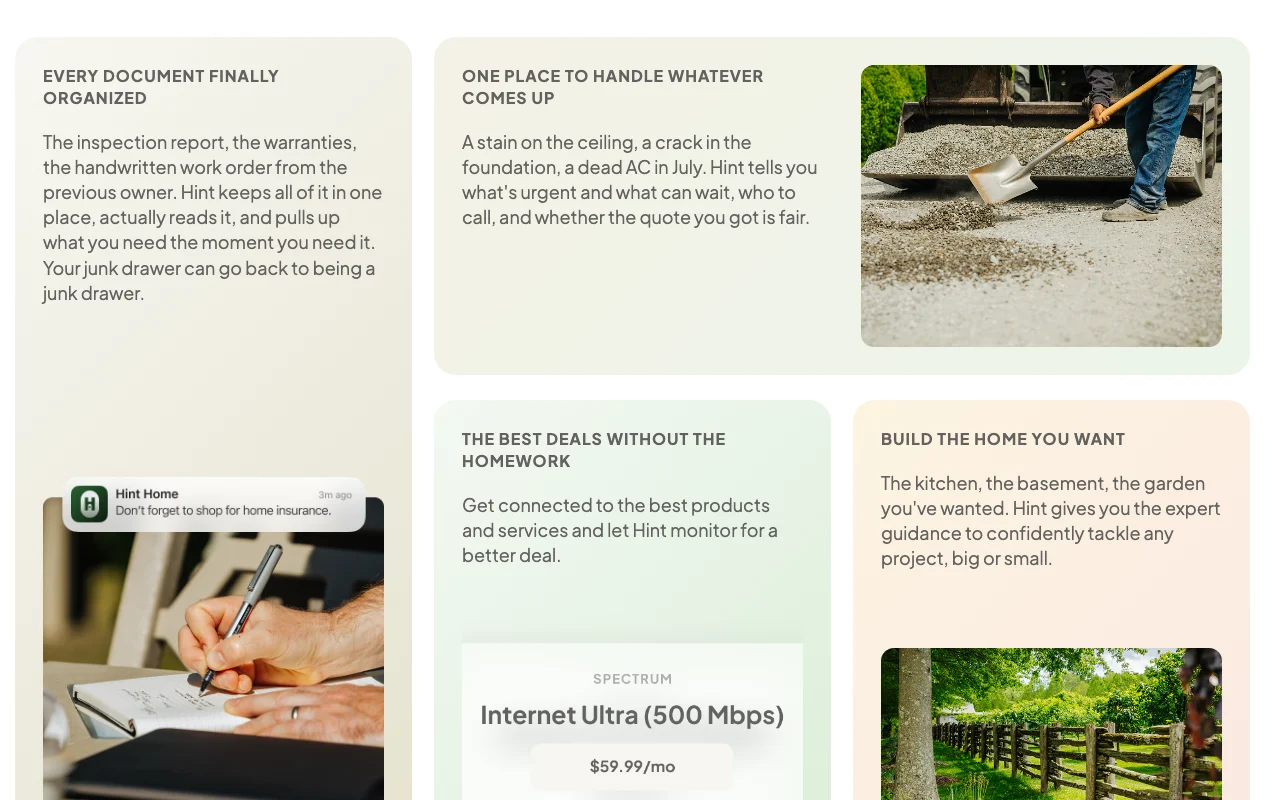
Our take: Hint suits homeowners who want an iPhone app that builds a picture of their house from an address, organizes its documents, and flags what needs attention each season.
Main limitation: It is available on the App Store only, with Google Play marked coming soon, and no pricing or privacy policy page could be fetched.
By the AI Tool Atlas editors.
Based on the vendor's official documentation; we have not tested this product hands-on. What “documented overview” means
Who should use Hint (Home Intelligence)
Hint suits homeowners who want an iPhone app that builds a picture of their house from an address, organizes its documents, and flags what needs attention each season. Based on the vendor's documentation, not on a hands-on test.
Best for: New homeowners
Also a good fit for
People managing home documents and upkeep
Consider another tool if google Play version listed as coming soon
Or if
No pricing page found on the official site
Account and personal home data needed to personalize
Hint (Home Intelligence) pricing and usage limits
Prices checked Oct 1, 2026 on the official US pricing page. Prices and limits change often.
Free access and trial conditions
Not stated on the official site; the seed notes an App Store listing saying free to download, unverified here.
Not stated.
Hint (Home Intelligence) does not publish a plan table we could verify. See official pricing ↗
Usage caps, credits and extra costs
Not stated; in-app purchases are not verified.
Not stated.
What is Hint (Home Intelligence), and how does it work?
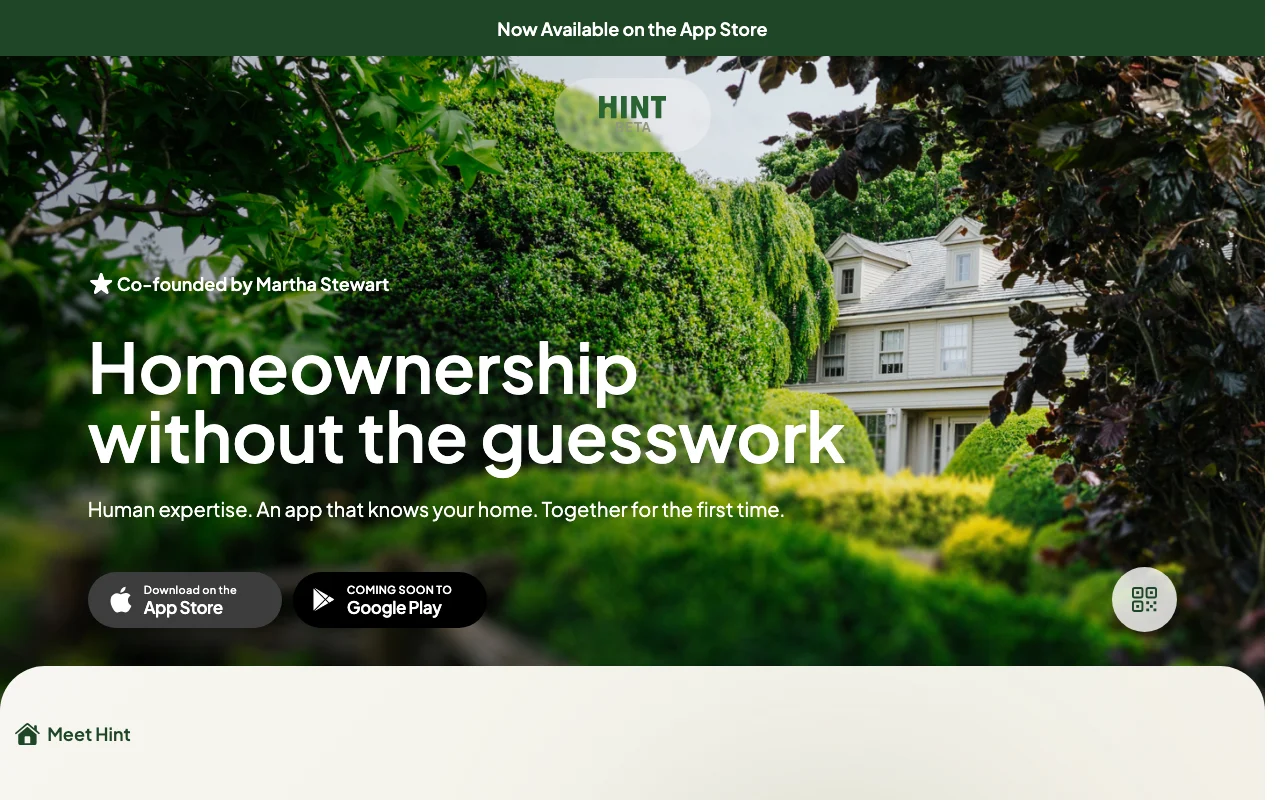
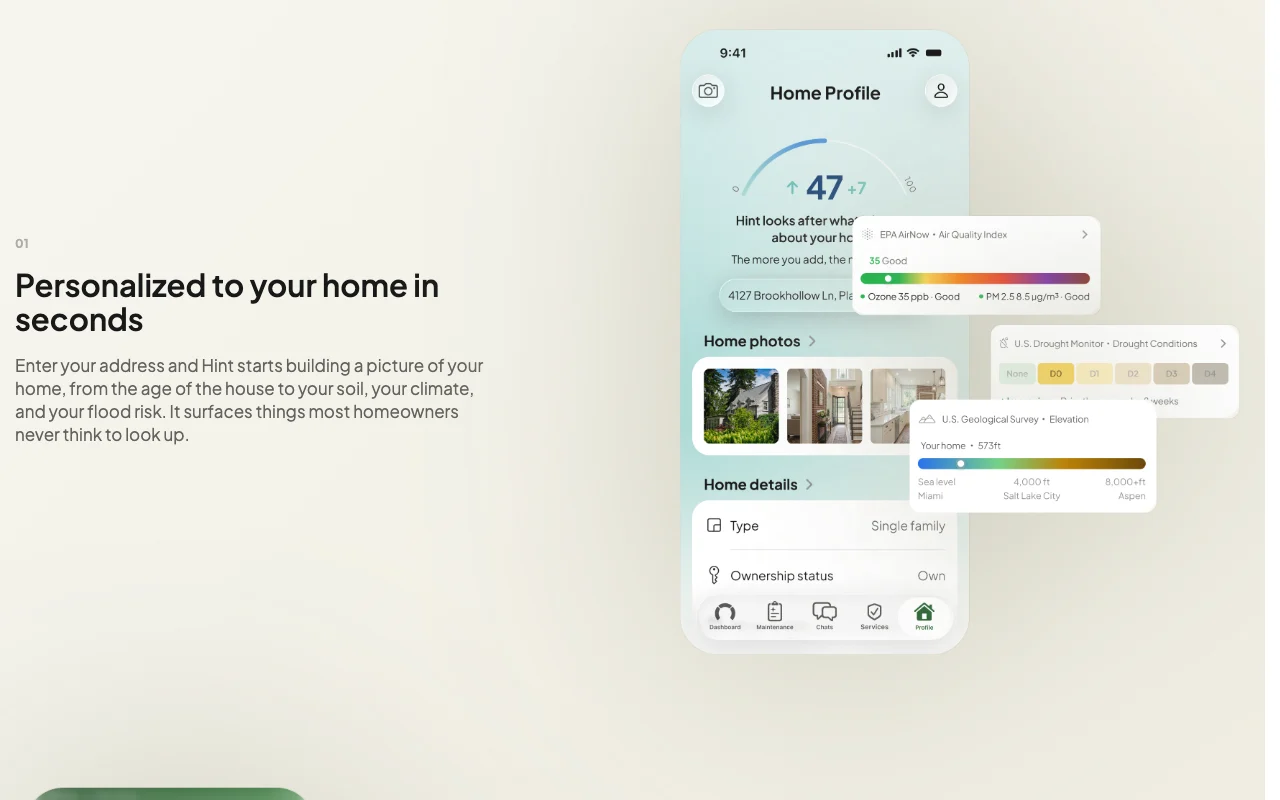
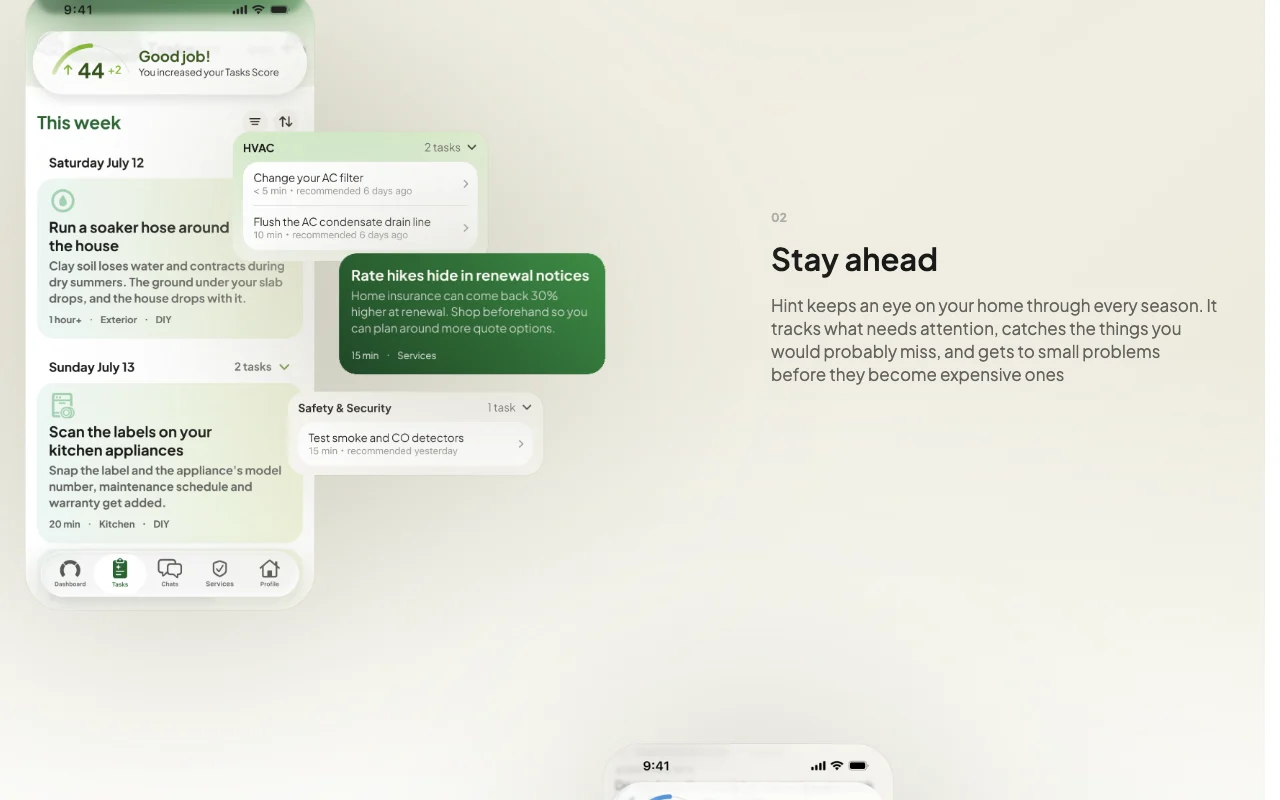
Hint is a homeownership app co-founded by Martha Stewart. After you enter an address, it assembles details such as the home's age, climate, soil and flood risk, and builds a seasonal maintenance plan.
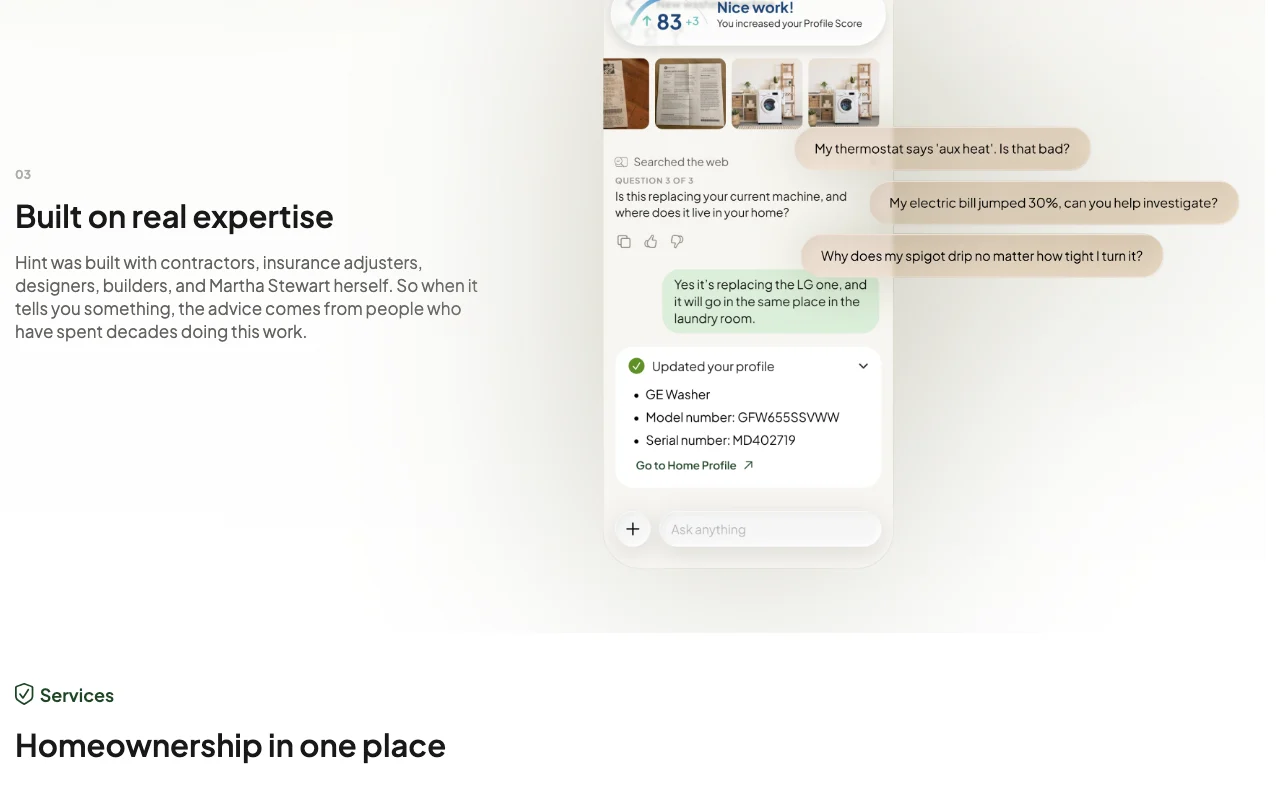
Users can share inspection reports, insurance policies and bills, which the app reads and keeps in one library. It also offers guidance on problems, projects and quotes, per the official site.
Hint (Home Intelligence)'s official site: how the product presents itself. hinthome.com, captured Oct 1, 2026
What you provide and what you get back
What you give Hint (Home Intelligence) and what comes back, from its documentation
You provide
Home address
Inspection reports, warranties and work orders
Photos of home problems
Contractor quotes
You get back
Home profile (age, soil, climate, flood risk)
Prioritized issues and who to call
Searchable document library
Project guidance
Where you can use it
Platforms
Mobile
Account
Required
Platform
iPhone app; Google Play coming soon
Profile inputs
Address, then age, soil, climate, flood risk
Documents
Inspection reports, warranties, work orders
Data policy claim
No sale, no sharing without consent, no model training
What people use Hint (Home Intelligence) for
Scenarios are worked out by our editors from the documentation; the actual result depends on your input and plan.
Seasonal home maintenance planning
Who
New homeowners
You provide
The home's address
Expected result
A seasonal view of what needs attention before problems grow
Free to download per App Store listing linked from the official site It costs nothing to install and try according to the store listing.documentedsource (opens in a new tab)
Starts from just an address Setup takes about a minute instead of long forms.documentedsource (opens in a new tab)
Keeps home documents in one searchable place Papers and manuals stop being scattered.documentedsource (opens in a new tab)
Guidance developed with contractors and insurance adjusters per the vendor Advice comes with the reasoning of tradespeople.documentedsource (opens in a new tab)
No data sale or training The site states it never sells data, shares without consent, or trains models on it.documentedsource (opens in a new tab)
No pricing page found on the official site You cannot judge cost before installing.documentedsource (opens in a new tab)
Account and personal home data needed to personalize Personalization depends on sharing your address and documents.documentedsource (opens in a new tab)
Listing is iPhone only on the App Store Anyone on Android or desktop cannot use it yet.documentedsource (opens in a new tab)
Privacy policy page unavailable Data handling claims could not be checked against a policy.documentedsource (opens in a new tab)
How to use Hint (Home Intelligence) for setting up a home maintenance profile
Set up Hint (Home Intelligence)
Download Hint from the App Store on an iPhone.
Create an account in the app.
Enter your home address.
Wait a moment while Hint builds the profile.
Example: setting up a home maintenance profile
Open the document section and upload your inspection report and warranties.
Ask Hint what is due this season.
Describe a ceiling stain and ask whether it is urgent.
Review the suggested next steps and who to call.
Review and export the result
Compare the profile facts, such as age of the house, with your records.
Check that uploaded documents show up in search.
Verify any quote advice with a local professional.
Example prompt suggested by our editors (not a recorded output of the product)
There is a brown stain on my bedroom ceiling below the bathroom. How urgent is it and who should I call?
Privacy, data use and commercial rights
Summarized from the vendor's current policies; this is not legal advice and a vendor's badge is not an independent audit.
How your inputs and outputs are handled
Uses your address and home documents to personalize advice.
The site says Hint never uses your data to train models.
Controls for business users
Never sells data
Never shares without your say
Hint (Home Intelligence) alternatives by need
"Better suited" is based on documented features and pricing, not on a head-to-head test.
Not verified: Pricing and in-app purchases; Privacy policy (404); Documentation (404); Country availability; Retention periods.
How we documented and maintain this page
Every fact about Hint (Home Intelligence) above comes from the 2 official pages listed here, last compared on Oct 1, 2026; we have not run Hint (Home Intelligence) ourselves, so it has no editorial score. How we check and re-check pages.
Article updated Oct 10, 2026; prices checked Oct 1, 2026. Outbound links to vendors are plain links; we do not earn commissions. How we review · Report an error