Productivity & writingDocumented overviewLast checked Sep 29, 2026

hiData: Pricing, Features & Best Use Cases

AI workspace that turns files and data into spreadsheets, analysis and presentations.
Who hiData fits

hiData suits analysts and small teams who want to turn PDFs, images and spreadsheets into cleaned tables, analysis and slides, starting on a free workspace and paying by credits. Based on the vendor's documentation, not on a hands-on test.

Best for: Analysts and operations staff

Also a good fit for

  • Small teams making data reports

Consider another tool if usage limited by credits

Or if

  • Free storage only 10MB
  • Plan limits may be adjusted per the FAQ

hiData pricing and usage limits

Prices checked Sep 29, 2026 on the official US pricing page. Official pricing ↗ Prices and limits change often.

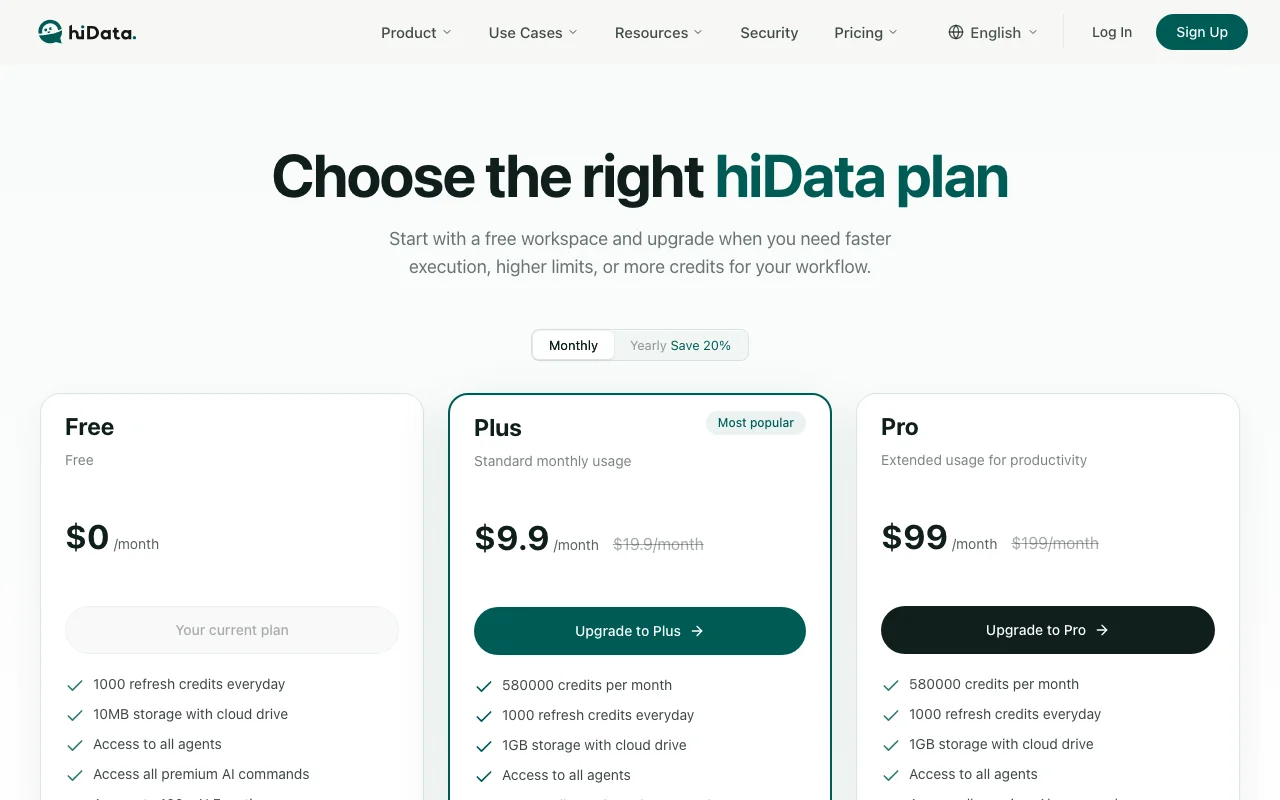
hiData pricing page with plans and prices — screenshot of the productivity & writing AI tool, Oct 1, 2026
The official hiData pricing page as we saw it. hidata.ai, captured Oct 1, 2026

Free access and trial conditions

Free workspace available.

Paid plans: what changes as you upgrade

Free web

Free source (opens in a new tab)

Month

For: Trying the workspace

Limits

  • Credit allowance resets with subscription
  • 10 MB storage

Includes

  • AI Sheets and AI Slides
  • Extraction from PDFs, web pages and images

Plus web

$19.9/mo source (opens in a new tab)

Month

$16 per month billed yearly (20% saved)

For: Individual analysts

Limits

  • More credits than Free (amount not in fetched text)

Includes

  • Faster execution
  • Higher limits

Pro web

$199/mo source (opens in a new tab)

Month

$159 per month billed yearly

For: Heavy individual workloads

Limits

  • Highest individual credit tier (amount not in fetched text)

Includes

  • Faster execution
  • Higher limits

Team web

$35/mo per user per month source (opens in a new tab)

Month

Billing detail not checked

For: Small teams sharing credits

Limits

  • Shared usage across the team

Includes

  • Team membership with Owner, Administrator, Member roles

Point packs web

Usage-based source (opens in a new tab)

One-time

For: Occasional spikes

Limits

  • Extra credits on top of a subscription

Includes

  • For one-off bursts or temporary campaigns

Usage caps, credits and extra costs

Point packs sold separately for extra credits.

Not stated.

What is hiData, and how does it work?

hiData is an AI workspace combining AI Sheets and AI Slides. It extracts data from PDFs, webpages, images and documents into tables, cleans and analyzes them without formulas, and produces presentation-ready output. The pricing page lists a Free plan, Plus and Pro monthly plans, a Team plan per user, and extra point packs; credits reset per subscription period.

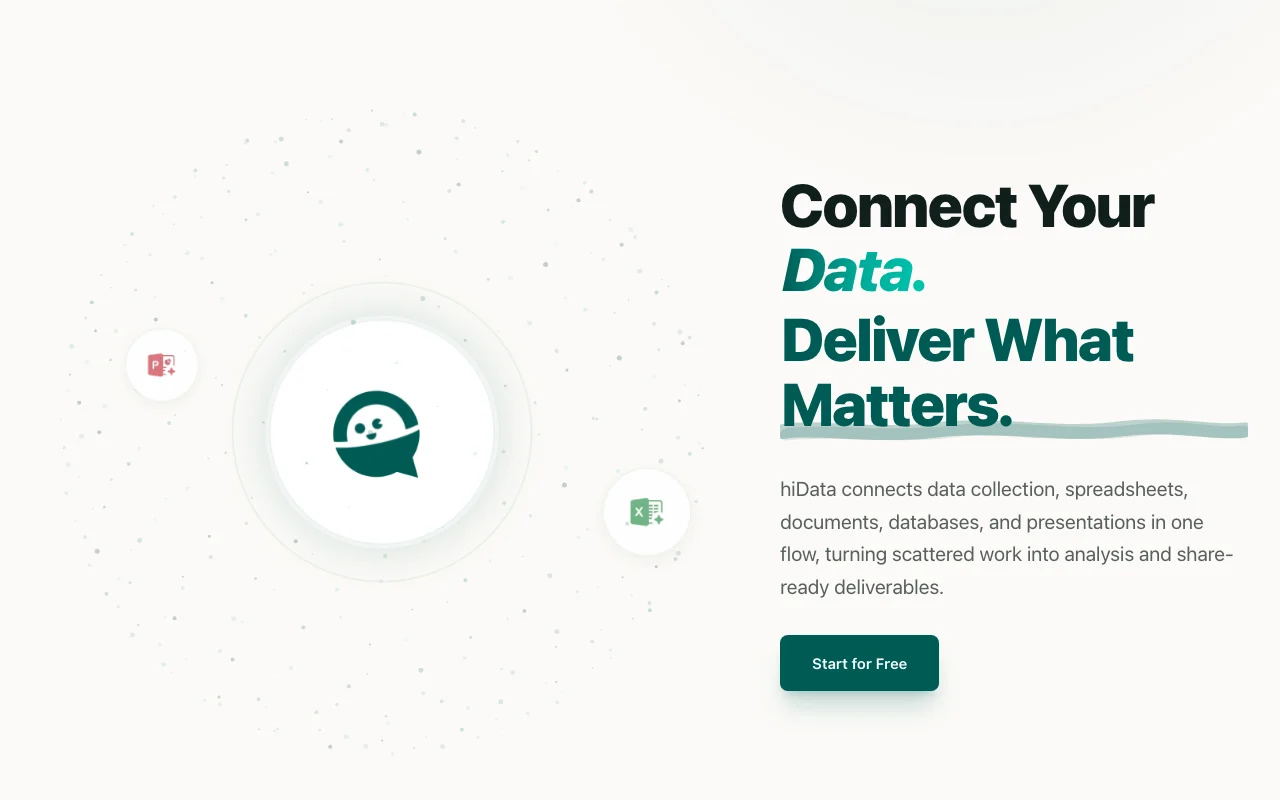
hiData homepage — screenshot of the productivity & writing AI tool, Oct 1, 2026
hiData's official site: how the product presents itself. hidata.ai, captured Oct 1, 2026

What you provide and what you get back

How hiData works: what you provide, where it runs and what you get backYOU PROVIDEYour inputPDFs, images, web pages and sprea…Databases and CRM data via integr…Plain-language data requestsPRODUCTIVITY & WRITINGhiDataWebfrom $19.9/mo (Plus)free tier availableaccount requiredchecked Sep 29, 2026YOU GET BACKThe resultStructured spreadsheetsAnalysis and dashboardsShareable presentationsinput → hiData → output · from the vendor's own pages, no hands-on test unless stated
What you give hiData and what comes back, from its documentation

You provide

  • PDFs, images, web pages and spreadsheets
  • Databases and CRM data via integrations
  • Plain-language data requests

You get back

  • Structured spreadsheets
  • Analysis and dashboards
  • Shareable presentations

Where you can use it

Platforms
Web
Account
Required
Inputs
PDFs, images, web pages, spreadsheets
Outputs
Sheets, analysis, slides
Free storage
10 MB
Log retention
30 days free / 90 days paid
Roles
Owner, Administrator, Member

Best use cases for hiData

Scenarios are worked out by our editors from the documentation; the actual result depends on your input and plan.

Extracting tables from PDFs and images

Who
Finance and operations staff
You provide
Scanned invoices or PDF tables
Expected result
A clean spreadsheet with extracted rows
Plan needed
Free to start
Limitation
Credits consumed per extraction source (opens in a new tab)

Cleaning and merging spreadsheets

Who
Analysts with messy exports
You provide
Several spreadsheets with mismatched columns
Expected result
Merged, cleaned sheet
Plan needed
Plus
Limitation
Limits adjustable by vendor source (opens in a new tab)

Generating analysis and dashboards

Who
Managers needing a report
You provide
A dataset and a question
Expected result
Analysis, charts and slides ready to share
Plan needed
Plus or Pro
Limitation
Slide polish may still need manual edits source (opens in a new tab)

hiData features and their limits

hiData homepage — screenshot of the productivity & writing AI tool, Oct 1, 2026
Feature overview on the official site. hidata.ai, captured Oct 1, 2026

AI Sheets

Builds and edits spreadsheets from a prompt Skips manual formulas and cleaning

Access: Free tier includedLimit: Uses credits per task source (opens in a new tab)

AI Slides

Generates slide decks from data and files Turns analysis into a shareable report

Access: Free tier includedLimit: Output quality varies with input source (opens in a new tab)

Extraction from PDFs, web and images

Pulls tables and text out of PDFs, web pages and images Cuts retyping scanned data

Access: Credit-basedLimit: Accuracy on poor scans not documented source (opens in a new tab)

Credit-based usage

Meters work as credits that reset by plan You see usage before overspending

Access: All plansLimit: Unused credits roll-over answer not in fetched text source (opens in a new tab)

hiData pros and cons

Reasons to choose hiData

Check before paying for hiData

How to use hiData for turning PDF tables into a clean spreadsheet

Set up hiData

  1. Open the pricing page and start the free workspace
  2. Sign in and create a new workspace
  3. Upload a PDF or image containing a table

Example: turning PDF tables into a clean spreadsheet

  1. Ask AI Sheets to extract the table
  2. Request cleaned column names and a merged total
  3. Ask for a summary chart
  4. Generate a short slide deck from the sheet

Review and export the result

  1. Compare five extracted rows with the source
  2. Check the credits remaining after the run
Example prompt suggested by our editors (not a recorded output of the product)
Extract every line item from this PDF invoice into a table, normalize the dates to YYYY-MM-DD and add a total row.

hiData API

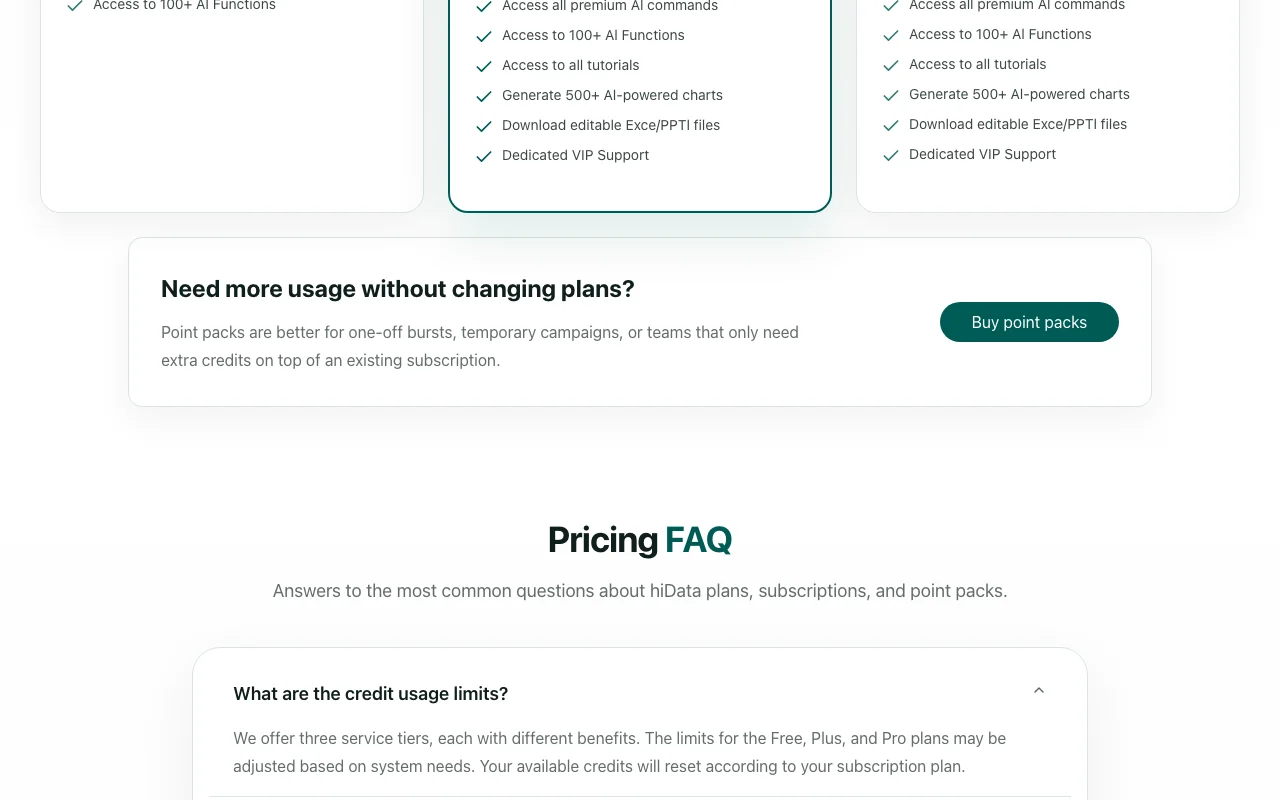
hiData pricing page with plans and prices — screenshot of the productivity & writing AI tool, Oct 1, 2026
Plan comparison on the official pricing page. hidata.ai, captured Oct 1, 2026

API access and separate billing

hiData has no public API in its official documentation. No public API stated on fetched pages.

Privacy, data use and commercial rights

Summarized from the vendor's current policies; this is not legal advice and a vendor's badge is not an independent audit.

How your inputs and outputs are handled

Uploaded files, databases, spreadsheets and queries are processed by the service.

Policy lists training algorithms to enhance data processing among its uses.

Closed accounts deleted within 90 days; query logs kept 30 days (free) or 90 days (paid); backups up to 180 days.

Commercial use and plan restrictions

Log retention differs by plan

Controls for business users

  • Admin access to team management and usage data

Policies: hidata.ai/privacy

Other tools to consider instead of hiData

"Better suited" is based on documented features and pricing, not on a head-to-head test.

Notion AI: better suited to

ChatGPT: better suited to

Google Gemini: better suited to

Alternatives
AlternativeWhen to choose itPricingLimitation
Notion AI——Compare
ChatGPT——
Google Gemini——

Explore hiData further

If you are looking at hiData

hiData user reviews

No user reviews yet.

Used hiData? Be the first to share your experience.

Write a review

Reviews are checked by a moderator before they appear. Your email is never published. Plain text only.

Your rating (required)

Show what you made or what went wrong. Images are published only if the review is approved; location data is removed.

    hiData FAQ

    How much does hiData cost?

    Free is $0, Plus $19.9 per month ($16 billed yearly), Pro $199 ($159 yearly) and Team $35 per user per month; point packs are extra. source (opens in a new tab)

    Is there a free plan?

    Yes. The pricing page invites you to start with a free workspace. source (opens in a new tab)

    What happens when I run out of credits?

    The pricing FAQ lists the question; the answer is not in the fetched text, but point packs are sold for extra credits. source (opens in a new tab)

    Does hiData keep my data after I close my account?

    The privacy policy says data is deleted within 90 days after closure, with backups kept up to 180 days. source (opens in a new tab)

    Does yearly billing save money?

    Yes, the pricing toggle shows Save 20% for yearly billing. source (opens in a new tab)

    Sources and review methodology

    Official sources and verification dates

    Not verified: credit amounts per plan; Team billing detail; credit rollover answer; mobile apps; API.

    How we documented and maintain this page

    Every fact about hiData above comes from the 3 official pages listed here, last compared on Sep 29, 2026; we have not run hiData ourselves, so it has no editorial score. How we check and re-check pages.

    Article updated Oct 10, 2026; prices checked Sep 29, 2026. Outbound links to vendors are plain links; we do not earn commissions. How we review · Report an error