Productivity & writingDocumented overviewLast checked Oct 1, 2026

Hexus: Pricing, Features & Best Use Cases

AI tool that turns screen recordings into interactive product demos, videos and guides.
Is Hexus right for you?

Hexus suits product marketers and sales teams who want to turn screen recordings into interactive demos, videos and guides, with free sign-up and no card. Based on the vendor's documentation, not on a hands-on test.

Best for: Product marketers

Also a good fit for

  • Sales teams
  • Customer education teams

Consider another tool if starter limited to 1 user and 720p export

Or if

  • Growth plan costs $499/month monthly billing
  • Hexus watermark removed only on Growth and above

Hexus pricing and usage limits

Prices checked Oct 1, 2026 on the official US pricing page. Official pricing ↗ Prices and limits change often.

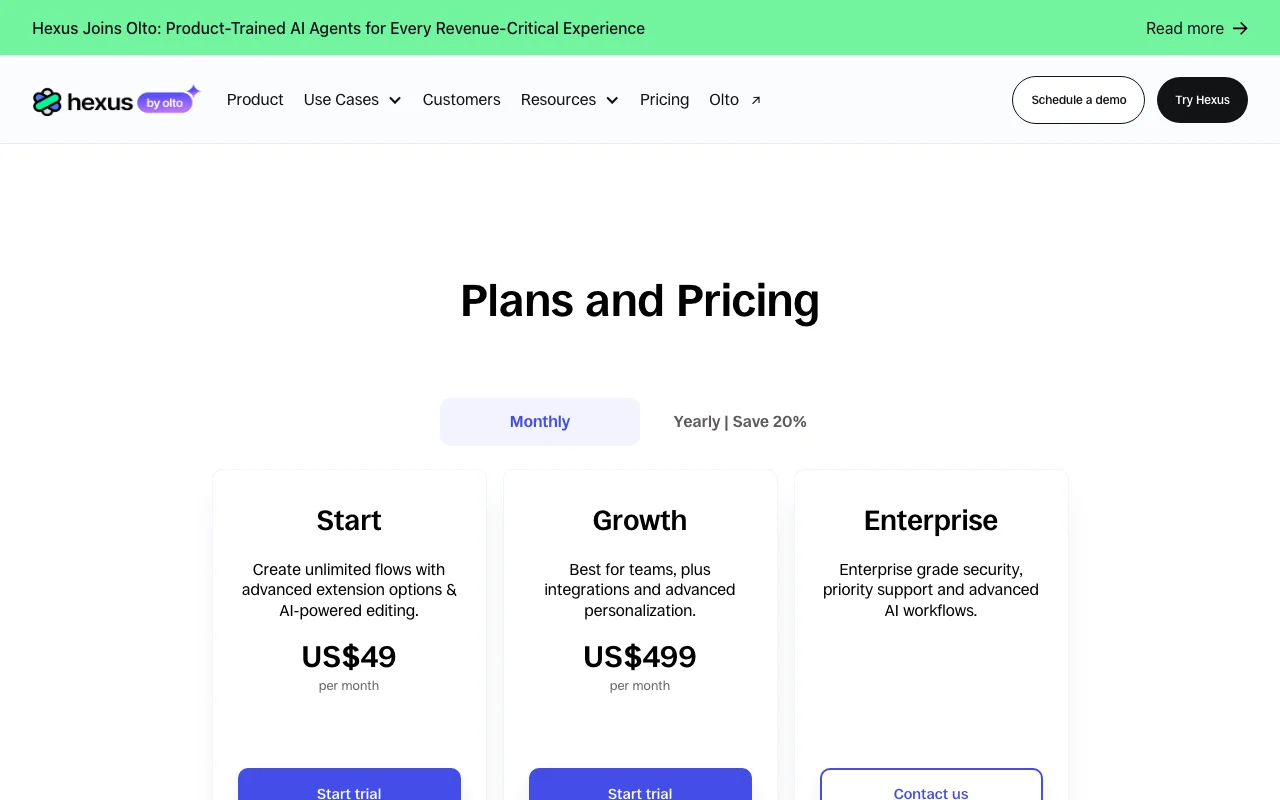
Hexus pricing page with plans and prices — screenshot of the productivity & writing AI tool, Oct 2, 2026
The official Hexus pricing page as we saw it. hexus.ai, captured Oct 2, 2026

Free access and trial conditions

Free sign-up, no credit card required.

Start trial buttons shown.

Paid plans: what changes as you upgrade

Start web

$49 source (opens in a new tab)

Monthly

$40/month billed yearly (Save 20%)

For: Individuals

Limits

  • 1 user
  • MP4 up to 720p/30FPS

Includes

  • Screen capture and recording extension
  • AI text and voiceover
1 more
  • Limited analytics

Growth web

$499 source (opens in a new tab)

Monthly

$400/month billed yearly

For: Teams

Limits

  • 5 members

Includes

  • Remove Hexus watermark
  • Integrations (HubSpot, Slack, Zapier, Wistia)
2 more
  • Advanced analytics
  • Up to 1080p 60FPS export

Enterprise web

Custom pricing source (opens in a new tab)

Monthly

For: Large organizations

Limits

  • Custom

Includes

  • SSO
  • Custom branding
2 more
  • Localization
  • Custom domain

Usage caps, credits and extra costs

Enterprise add-ons: AI voice cloning, multimodal search, migration.

Not stated.

What is Hexus, and how does it work?

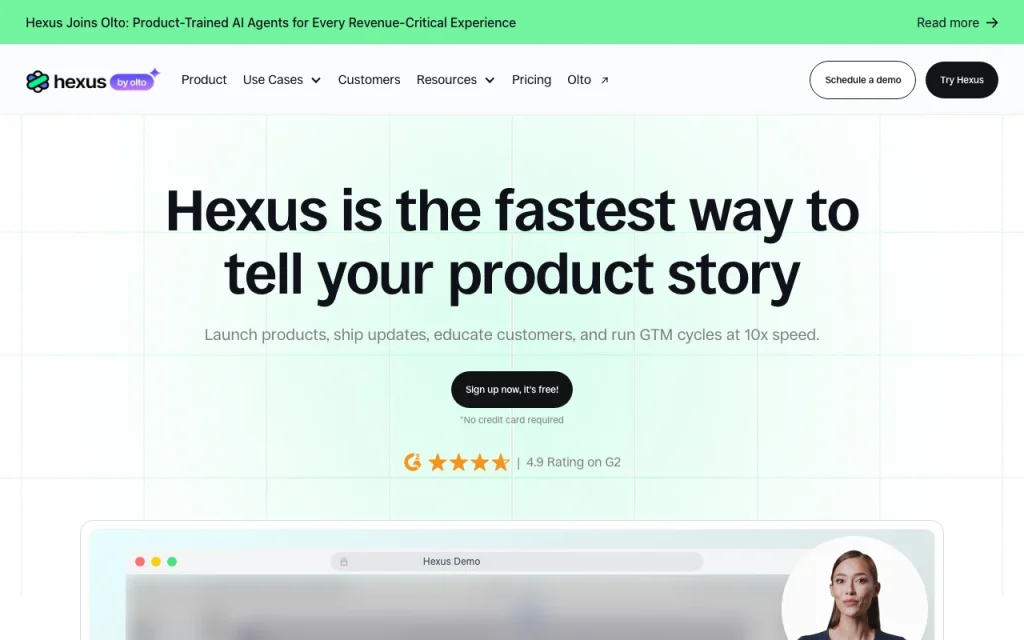
Hexus creates interactive demos, videos and step-by-step guides from prompts, screen recordings or existing content, and can repurpose one format into another. It targets marketing, sales and customer experience teams. The site announces that Hexus has joined Olto, a company building product-trained AI agents. Plans include a free start, Starter and Growth tiers, and custom Enterprise pricing.

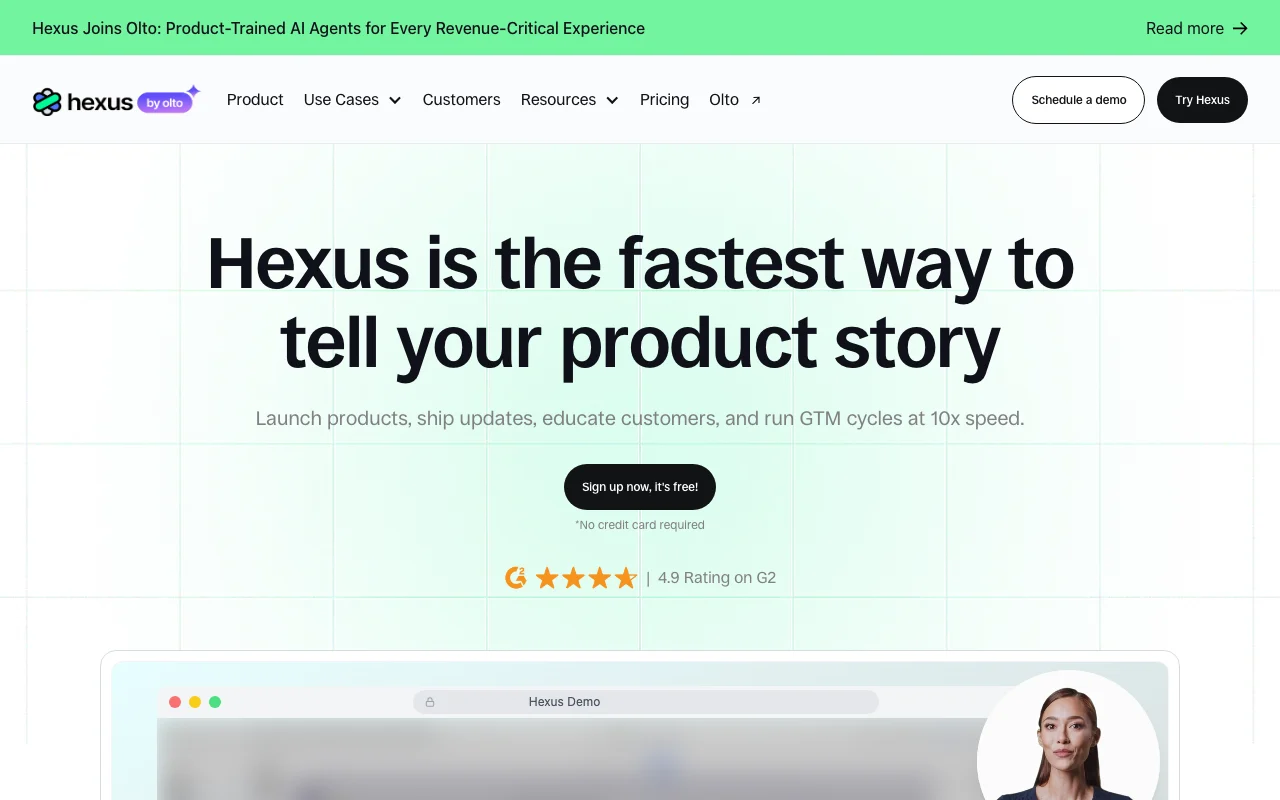
Hexus homepage — screenshot of the productivity & writing AI tool, Oct 2, 2026
Hexus's official site: how the product presents itself. hexus.ai, captured Oct 2, 2026

What you provide and what you get back

How Hexus works: what you provide, where it runs and what you get backYOU PROVIDEYour inputScreen recordingsImages, GIFs and videoPromptsPRODUCTIVITY & WRITINGHexusWebfrom $49 (Start)free tier availableaccount requiredchecked Oct 1, 2026YOU GET BACKThe resultInteractive demosVideos, guides and walkthroughsinput → Hexus → output · from the vendor's own pages, no hands-on test unless stated
What you give Hexus and what comes back, from its documentation

You provide

  • Screen recordings
  • Images, GIFs and video
  • Prompts

You get back

  • Interactive demos
  • Videos, guides and walkthroughs

Where you can use it

Platforms
Web
Account
Required
Export
MP4, GIF, PDF, HTML
Resolution
720p (Start), 1080p (Growth)
Users
1 / 5 / custom
Integrations
HubSpot, Slack, Zapier, Wistia

Where Hexus is most useful

Scenarios are worked out by our editors from the documentation; the actual result depends on your input and plan.

Interactive product demos

Who
Product marketers
You provide
Screen recording
Expected result
Interactive product demo
Plan needed
Start or Growth
Limitation
Start has limited analytics source (opens in a new tab)

Help center guides

Who
Support teams
You provide
Product walkthrough
Expected result
Help center guide
Plan needed
Start
Limitation
Watermark on Start source (opens in a new tab)

Sales leave-behinds

Who
Sales teams
You provide
Demo recording
Expected result
Leave-behind demo
Plan needed
Growth for integrations
Limitation
Needs Growth for HubSpot source (opens in a new tab)

What Hexus does, and where it stops

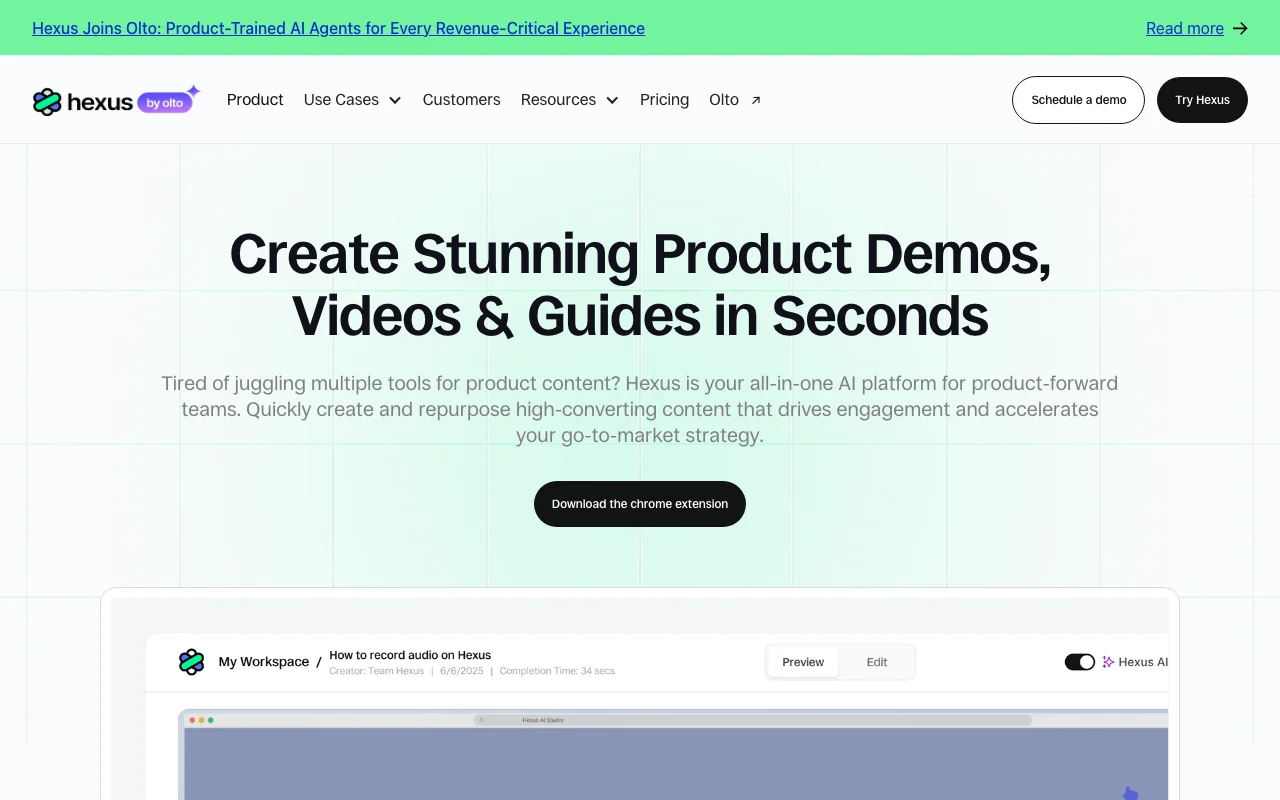
Hexus homepage — screenshot of the productivity & writing AI tool, Oct 2, 2026
Feature overview on the official site. hexus.ai, captured Oct 2, 2026

Screen capture and video recording extension

Captures the screen and records video via an extension. Fast capture.

Access: Start and upLimit: Browser extension source (opens in a new tab)

AI text and voiceover

Adds AI text and voiceover. Polished narration.

Access: Start and upLimit: Voice cloning is Enterprise add-on source (opens in a new tab)

Analytics on viewer behavior

Shows analytics on viewer behavior. Reveals drop-off.

Access: Limited on Start; advanced on GrowthLimit: Depth by plan source (opens in a new tab)

Hexus: strengths and limits

Where Hexus is strong

Limitations to check before paying

How to use Hexus for creating an interactive product demo

Set up Hexus

  1. Sign up at hexus.ai (free, no card)
  2. Install the browser extension
  3. Record your product flow
  4. Open it in the editor

Example: creating an interactive product demo

  1. Record the signup flow
  2. Add AI voiceover
  3. Edit steps
  4. Share or embed the demo

Review and export the result

  1. Preview the demo end to end
  2. Check analytics after sharing

Hexus integrations and API

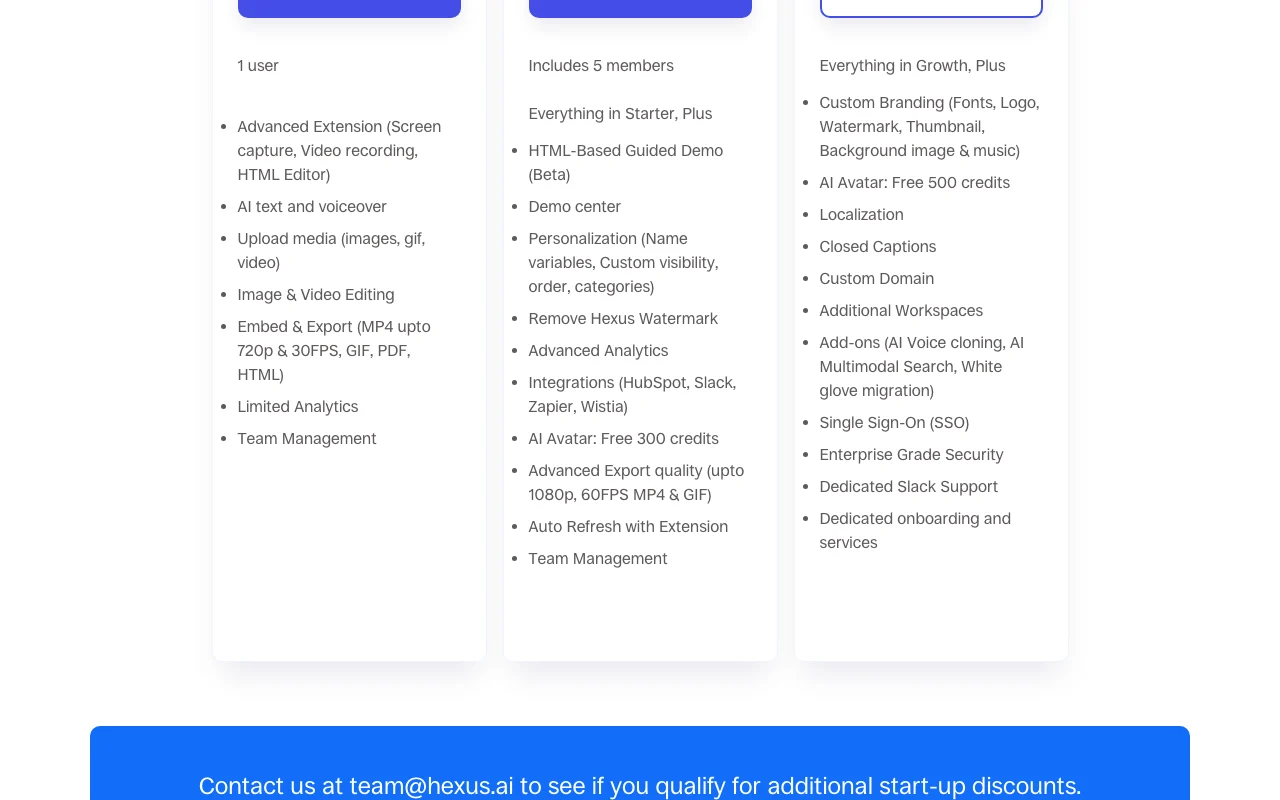
Hexus pricing page with plans and prices — screenshot of the productivity & writing AI tool, Oct 2, 2026
Plan comparison on the official pricing page. hexus.ai, captured Oct 2, 2026

Native integrations and export formats

Export: MP4, GIF, PDF, HTML

API access and separate billing

Hexus has no public API in its official documentation. No API documented.

Privacy, data use and commercial rights

Summarized from the vendor's current policies; this is not legal advice and a vendor's badge is not an independent audit.

How your inputs and outputs are handled

Privacy page returned 404.

Not documented.

Not documented.

Commercial use and plan restrictions

Not documented.

Best Hexus alternatives for different needs

"Better suited" is based on documented features and pricing, not on a head-to-head test.

Canva: better suited to

Descript: better suited to

Synthesia: better suited to

Alternatives
AlternativeWhen to choose itPricingLimitation
Canva——Compare
Descript——
Synthesia——

Explore Hexus further

If you are looking at Hexus

Hexus user reviews

No user reviews yet.

Used Hexus? Be the first to share your experience.

Write a review

Reviews are checked by a moderator before they appear. Your email is never published. Plain text only.

Your rating (required)

Show what you made or what went wrong. Images are published only if the review is approved; location data is removed.

    Hexus FAQ

    How much does Hexus cost?

    Start US$49 per month and Growth US$499 per month; Enterprise by quote. source (opens in a new tab)

    Can I try it free?

    Sign-up is free with no credit card, per the homepage. source (opens in a new tab)

    How do I remove the watermark?

    On Growth and above. source (opens in a new tab)

    What export quality is available?

    MP4 up to 720p on Start and up to 1080p/60FPS on Growth. source (opens in a new tab)

    What changed recently?

    Hexus joined Olto, per the site banner. source (opens in a new tab)

    Sources and review methodology

    Official sources and verification dates

    Not verified: Free tier details; Privacy; Roadmap after Olto.

    How we documented and maintain this page

    Every fact about Hexus above comes from the 3 official pages listed here, last compared on Oct 1, 2026; we have not run Hexus ourselves, so it has no editorial score. How we check and re-check pages.

    Article updated Oct 2, 2026; prices checked Oct 1, 2026. Outbound links to vendors are plain links; we do not earn commissions. How we review · Report an error