Our take: Hermes Desktop suits people who want a native app for the open-source Hermes Agent with persistent memory and skills, at no cost beyond model usage.
Main limitation: Model usage may need your own API keys, cloud agents and bundled credits need a Nous Portal account, and the macOS requirement differs between pages.
By the AI Tool Atlas editors.
Based on the vendor's official documentation; we have not tested this product hands-on. What “documented overview” means
Is Hermes Desktop (Nous Research) right for you?
Hermes Desktop suits people who want a native app for the open-source Hermes Agent with persistent memory and skills, at no cost beyond model usage. Based on the vendor's documentation, not on a hands-on test.
Best for: Developers and power users of agent tooling
Also a good fit for
People who want an open-source local AI agent
Consider another tool if linux install is done through the terminal rather than an installer
Or if
Desktop docs list macOS on Apple Silicon only, landing page says macOS 12+
Cloud agents and bundled credits need a Nous Portal account
Hermes Desktop (Nous Research) pricing and usage limits
Prices checked Sep 29, 2026 on the official US pricing page. Prices and limits change often.
What is Hermes Desktop (Nous Research), and how does it work?
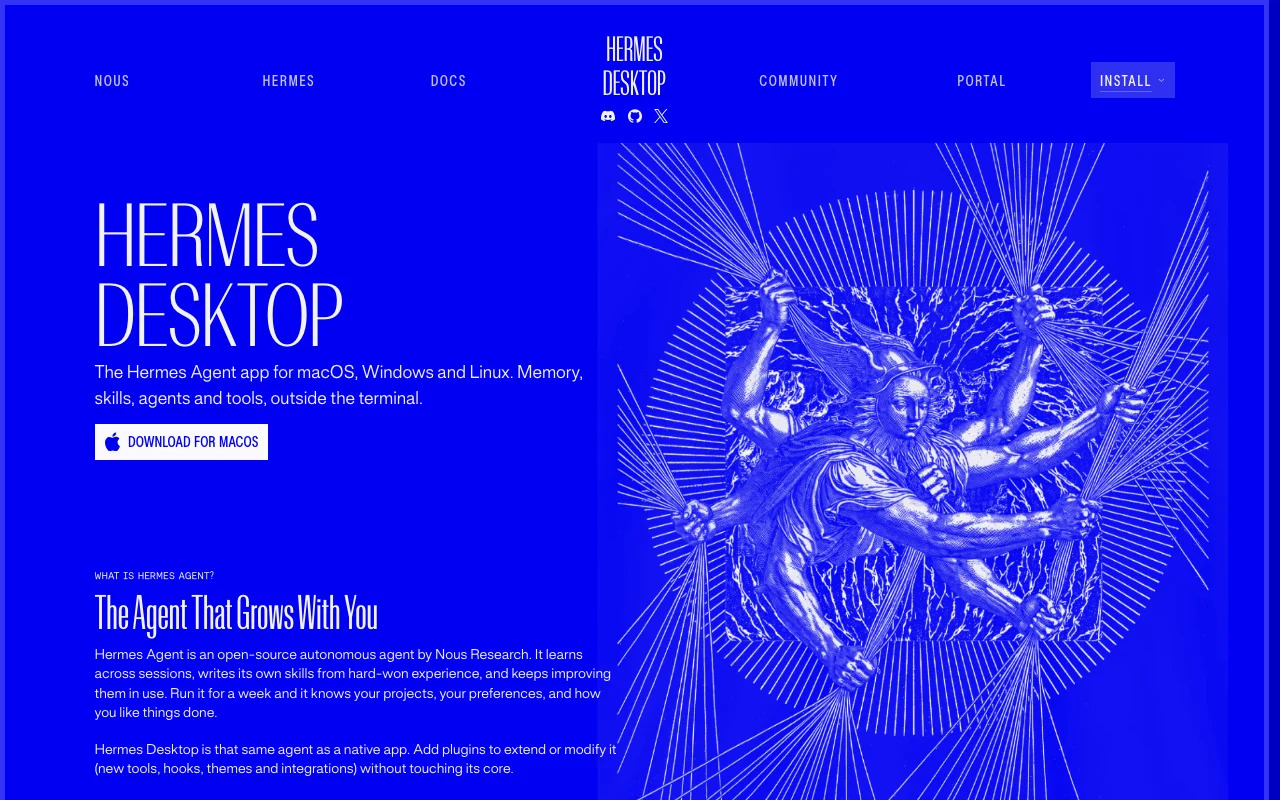
Hermes Desktop is the graphical app for Hermes Agent, an open-source autonomous agent by Nous Research. It uses the same agent core, config, sessions, skills and memory as the command-line version, with chat, sessions, file browsing and previews in a native window.
The app is released under the MIT license and is free to download. No account is needed for the base app; signing in to Nous Portal adds cloud agents, free and discounted models and bundled tool credits. Plugins can add tools, hooks, themes and integrations.
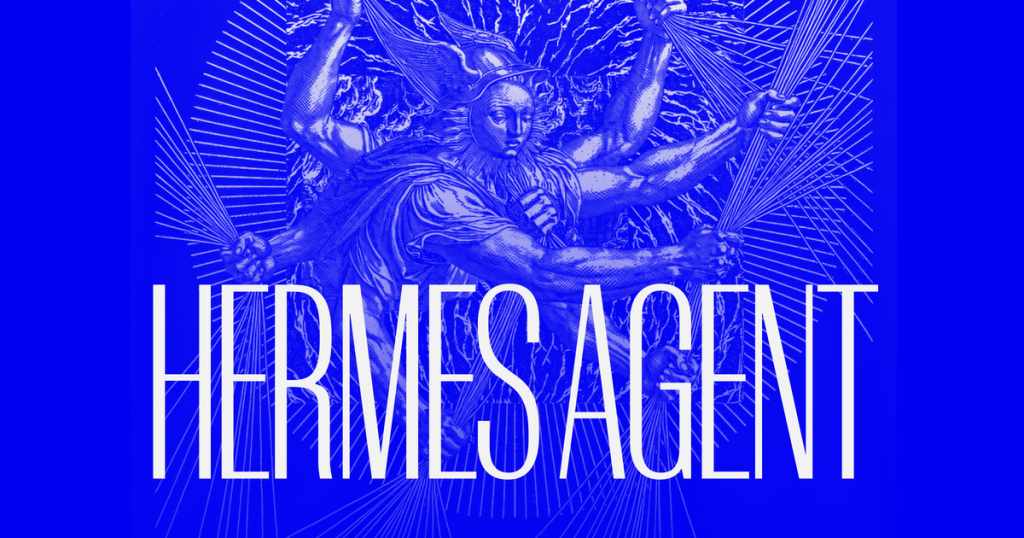
Hermes Desktop (Nous Research)'s official site: how the product presents itself. hermes-agent.nousresearch.com, captured Oct 1, 2026
What you provide and what you get back
What you give Hermes Desktop (Nous Research) and what comes back, from its documentation
You provide
Chat messages
Project files
You get back
Agent replies with streaming tool output
File previews
Where you can use it
Platforms
Desktop
Account
Required
Platforms
macOS, Windows, Linux
License
MIT
Extensibility
Plugins
Memory
Persistent, shared with CLI
What people use Hermes Desktop (Nous Research) for
Scenarios are worked out by our editors from the documentation; the actual result depends on your input and plan.
Chatting with a persistent AI agent that remembers projects
Who
Developers and power users
You provide
A project and task
Expected result
You get an agent that the site says learns your projects and preferences over repeated sessions.
Plan needed
Free (MIT)
Limitation
The agent needs access to a model, which may require your own API keys, so setup is not entirely free of cost. source (opens in a new tab)
Running agent tasks with streaming tool output
Who
Terminal users moving to a GUI
You provide
Agent tasks
Expected result
You get agent replies with tool output shown as it streams, in a window instead of a terminal.
Plan needed
Free (MIT)
Limitation
On Linux the install is done through the terminal, so non-technical Linux users may find setup harder. source (opens in a new tab)
Browsing files and previewing results side by side
Who
Writers and analysts
You provide
Files in a project
Expected result
You get your project files and result previews in the same window as the chat.
Plan needed
Free (MIT)
Limitation
The docs list macOS on Apple Silicon only, while the landing page says macOS 12 or later, so Mac support is unclear. source (opens in a new tab)
What Hermes Desktop (Nous Research) does, and where it stops
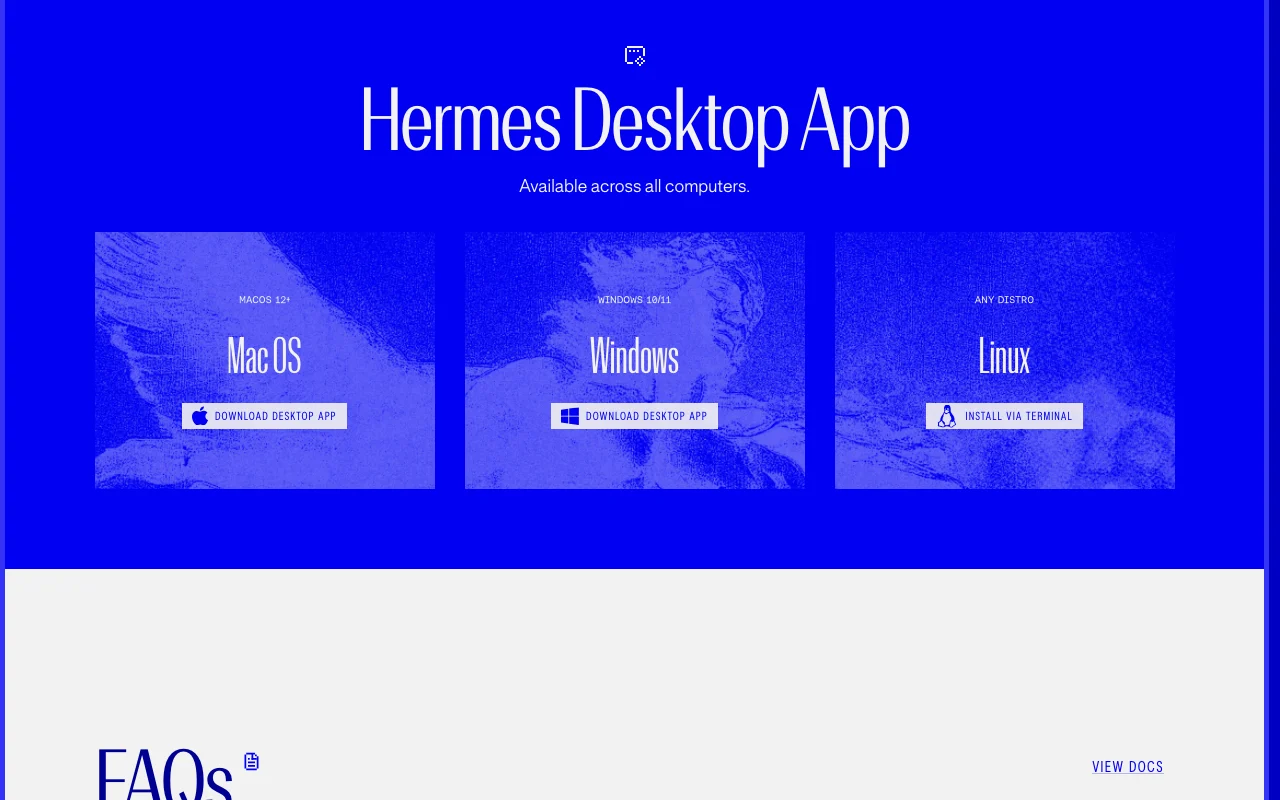
Feature overview on the official site. hermes-agent.nousresearch.com, captured Oct 1, 2026
Native app for macOS, Windows and Linux
Ships as a native app for macOS, Windows and Linux. It helps people who prefer a window to the command line because it offers the same agent on macOS, Windows and Linux.
Access: DownloadLimit: On Linux the agent is installed through the terminal rather than an installer.source (opens in a new tab)
Shares config, keys, sessions, skills and memory with the CLI
Shares config, keys, sessions, skills and memory with the CLI. It helps people who use both the app and the terminal because they keep one set of settings, sessions, skills and memory.
Access: DownloadLimit: The app uses the same state as the CLI, so a change made in one interface also shows in the other.source (opens in a new tab)
Agent writes and improves its own skills across sessions
Writes and improves its own skills across sessions. It helps long-term users because the site says the agent learns across sessions and improves its skills in use.
Plugin system for tools, hooks, themes and integrations
Supports plugins for tools, hooks, themes and integrations. It helps users who want extra tools, hooks, themes or integrations without touching the app's core.
MIT-licensed and free to download and use The app is MIT-licensed and free to download and use, so there is no licence fee for the base app.documentedsource (opens in a new tab)
No account required for the base app The base app needs no account, so you can start without registering with the vendor.documentedsource (opens in a new tab)
Same state as the CLI, so sessions carry across interfaces The app shares sessions with the command-line version, so work started in one interface can continue in the other.documentedsource (opens in a new tab)
Plugins extend the app without changing its core Plugins can add tools, hooks, themes and integrations without changing the core, so you can extend the app without modifying it.documentedsource (opens in a new tab)
Limitations to check before paying
Linux install is done through the terminal rather than an installer On Linux the agent installs through the terminal instead of an installer, so Linux users need to be comfortable with the command line.documentedsource (opens in a new tab)
Desktop docs list macOS on Apple Silicon only, landing page says macOS 12+ The desktop docs list macOS on Apple Silicon only while the landing page says macOS 12 or later, so check your Mac before installing.documentedsource (opens in a new tab)
Cloud agents and bundled credits need a Nous Portal account Cloud agents and bundled credits need a Nous Portal account, so those extras are not part of the account-free base app.documentedsource (opens in a new tab)
Model usage may require your own API keys Model usage may require your own API keys, so you may still pay a model provider even though the app is free.documentedsource (opens in a new tab)
How to use Hermes Desktop (Nous Research) for chatting with a persistent AI agent
Set up Hermes Desktop (Nous Research)
Download Hermes Desktop for your OS.
Install it.
Add a model API key in settings.
Example: chatting with a persistent AI agent
Open a project folder.
Ask the agent to do a task.
Watch tool output stream in.
Preview files beside the chat.
Review and export the result
Close and reopen to check memory persists.
Check the CLI sees the same sessions.
Example prompt suggested by our editors (not a recorded output of the product)
Summarize the TODO comments in this repository.
Privacy, data use and commercial rights
Summarized from the vendor's current policies; this is not legal advice and a vendor's badge is not an independent audit.
How your inputs and outputs are handled
Local app; data sent to the model provider you configure
Not verified: Portal prices; Exact macOS support; Privacy.
How we documented and maintain this page
Every fact about Hermes Desktop (Nous Research) above comes from the 2 official pages listed here, last compared on Sep 29, 2026; we have not run Hermes Desktop (Nous Research) ourselves, so it has no editorial score. How we check and re-check pages.
Article updated Oct 2, 2026; prices checked Sep 29, 2026. Outbound links to vendors are plain links; we do not earn commissions. How we review · Report an error
 (open full size in a new tab)
 (open full size in a new tab)
 (open full size in a new tab)
 (open full size in a new tab)
 (open full size in a new tab)