Productivity & writingDocumented overviewLast checked Sep 29, 2026

Granola: Pricing, Features & Best Use Cases

AI notepad for meetings that transcribes device audio without a bot and enhances your notes.

Who should use Granola

Granola suits professionals who sit through many calls and want AI-enhanced notes without a bot joining, with a free Basic plan to try it. Based on the vendor's documentation, not on a hands-on test.

Best for: Professionals in back-to-back meetings

Also a good fit for

  • Small teams

Consider another tool if basic plan history limited to 30 days

Or if

  • Integrations like Notion/Zapier need Business
  • Business is $14 per user per month

Granola in the news

Headlines from US outlets, selected automatically — not endorsements. Updated Oct 2, 2026

Granola pricing and usage limits

Prices checked Sep 29, 2026 on the official US pricing page. Official pricing ↗ Prices and limits change often.

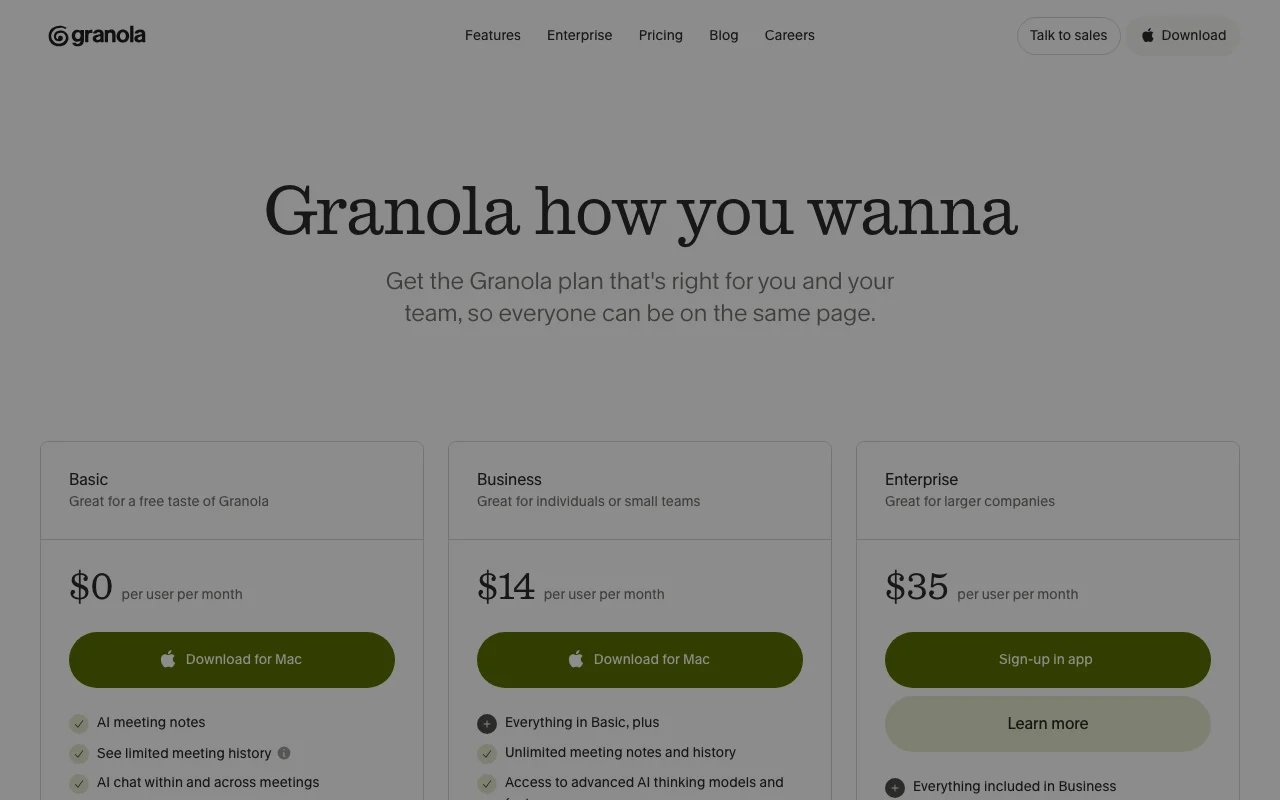
Granola pricing page with plans and prices — screenshot of the productivity & writing AI tool, Oct 1, 2026
The official Granola pricing page as we saw it. granola.ai, captured Oct 1, 2026

Free access and trial conditions

Basic plan at $0 per user per month

Not stated beyond the free Basic plan

Paid plans: what changes as you upgrade

Basic web

Free source (opens in a new tab)

Month

For: Individuals trying Granola

Limits

  • 30 days of meeting history
  • MCP access limited to the last 30 days of personal notes
1 more
  • AI chat on Auto model only

Includes

  • AI meeting notes
  • Shared folders
1 more
  • Customized note templates

No API

Business web

$14/mo per user per month source (opens in a new tab)

Month

For: Individuals and small teams

Limits

  • Unlimited meeting history
  • Auto plus model selection for AI chat

Includes

  • Integrations with Attio, Notion, HubSpot, Affinity and Zapier
  • MCP integration
2 more
  • API access
  • Centralized billing and user management

API included

Enterprise web

$35/mo per user per month source (opens in a new tab)

Month

For: Larger companies

Limits

  • Everything in Business
  • Org-wide auto-deletion periods

Includes

  • SSO
  • Priority support and usage analytics
2 more
  • Admin controls for sharing and API access
  • Org-wide opt-out from model training

API included

Usage caps, credits and extra costs

Not stated

Not stated

What is Granola, and how does it work?

Granola is an AI notepad that captures meeting audio from your computer, so no bot joins the call, and turns your notes into enhanced summaries. It works with Zoom, Google Meet, Teams and other meeting apps. It offers AI chat across meetings, shared folders, templates and integrations, with a free Basic plan and paid Business and Enterprise tiers.

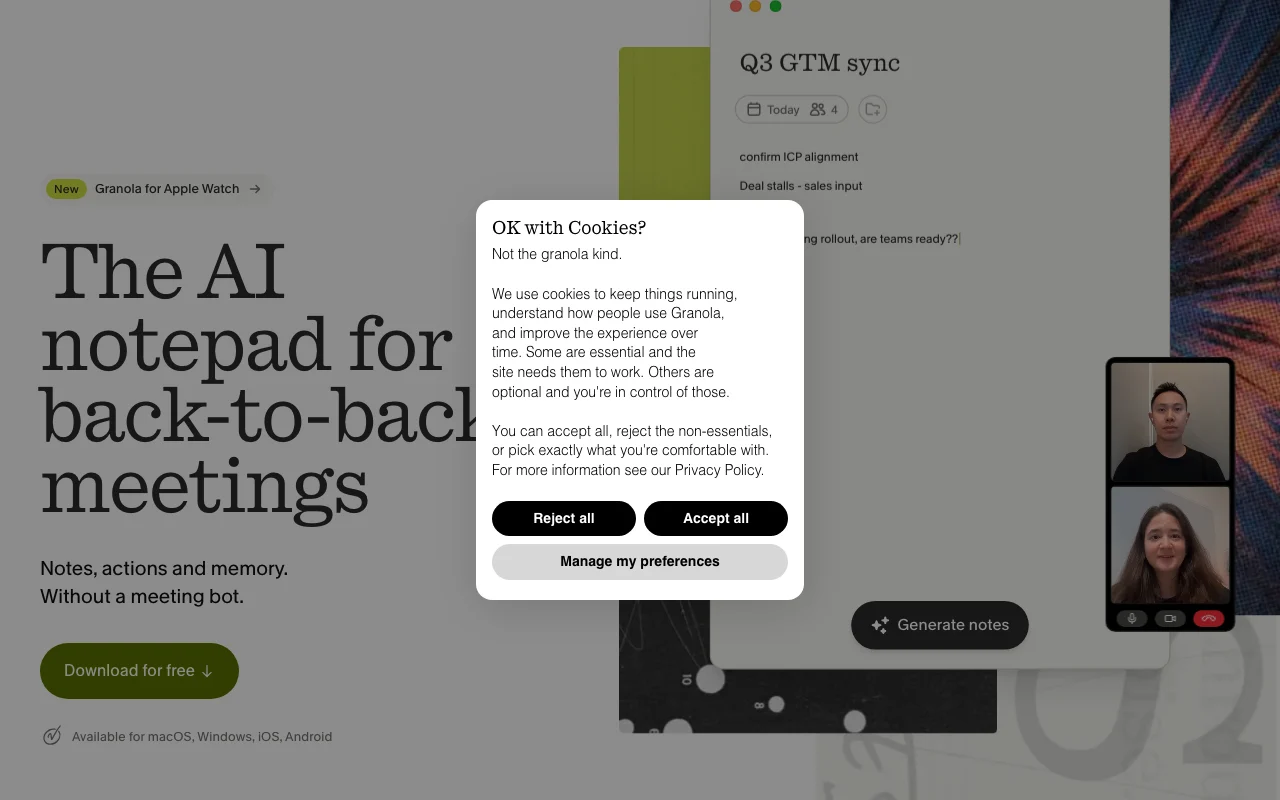
Granola homepage — screenshot of the productivity & writing AI tool, Oct 1, 2026
Granola's official site: how the product presents itself. granola.ai, captured Oct 1, 2026

What you provide and what you get back

How Granola works: what you provide, where it runs and what you get backYOU PROVIDEYour inputComputer audio from meetings (no…Your own typed notesCalendar eventsPRODUCTIVITY & WRITINGGranolaDesktop, Mobile, APIfrom $14/mo (Business)free tier availableaccount requiredchecked Sep 29, 2026YOU GET BACKThe resultEnhanced meeting notesFollow-up emails and pre-meeting…AI chat answers across meetingsinput → Granola → output · from the vendor's own pages, no hands-on test unless stated
What you give Granola and what comes back, from its documentation

You provide

  • Computer audio from meetings (no bot joins)
  • Your own typed notes
  • Calendar events

You get back

  • Enhanced meeting notes
  • Follow-up emails and pre-meeting briefs
  • AI chat answers across meetings

Where you can use it

Platforms
Desktop, Mobile, API
Account
Required
Models / versions
unnamed 'advanced AI thinking models'; model selection on Business/Enterprise
Apps
macOS, Windows, iOS, Android, Apple Watch
Meeting apps
Zoom, Google Meet, Teams and others
History
30 days Basic; unlimited Business
Integrations
Slack, Notion, Zapier, HubSpot, Attio, Affinity
Compliance
SOC 2 Type II

Best use cases for Granola

Scenarios are worked out by our editors from the documentation; the actual result depends on your input and plan.

Meeting notes

Who
Professionals in back-to-back meetings
You provide
Device audio plus a few typed notes
Expected result
Enhanced notes without a bot in the call
Plan needed
Basic
Limitation
History limited to 30 days on Basic source (opens in a new tab)

Action item follow-ups

Who
Account managers and founders
You provide
Notes from a finished meeting
Expected result
Follow-up emails drafted from the meeting
Plan needed
Business
Limitation
Follow-up emails are not on Basic source (opens in a new tab)

Searching past meetings with AI chat

Who
Teams reviewing past decisions
You provide
Questions across stored meetings
Expected result
Answers that reference earlier meetings
Plan needed
Basic for auto chat; Business for model selection
Limitation
30-day history on Basic source (opens in a new tab)

Sharing notes with a team

Who
Small teams
You provide
Notes placed in shared folders
Expected result
Common reference notes for colleagues
Plan needed
Basic and above
Limitation
Advanced integrations need higher tiers source (opens in a new tab)

Granola features and their limits

Granola homepage — screenshot of the productivity & writing AI tool, Oct 1, 2026
Feature overview on the official site. granola.ai, captured Oct 1, 2026

Bot-free device audio capture

Captures meeting audio from your device instead of joining as a bot Participants see no extra attendee

Access: All plansLimit: Audio is captured from the device; platform permissions needed source (opens in a new tab)

Enhanced notes

Merges your typed notes with the transcript into structured notes Saves cleanup time after meetings

Access: All plansLimit: Quality depends on audio and your notes source (opens in a new tab)

AI chat across meetings

Lets you ask questions over one or many meetings Finds past decisions quickly

Access: All plans, model selection from BusinessLimit: Basic uses Auto only source (opens in a new tab)

Custom note templates and recipes

Applies templates and recipes to structure notes Matches formats like sales calls or 1:1s

Access: All plansLimit: Pre-meeting briefs and follow-up emails need Business source (opens in a new tab)

MCP and API access

Exposes notes to Claude, ChatGPT and other apps Connects Granola to your AI workflows

Access: Business API; limited MCP on BasicLimit: Basic MCP covers only the last 30 days of notes source (opens in a new tab)

Granola pros and cons

Where Granola is strong

Limitations to check before paying

How to use Granola for taking AI-enhanced notes in a meeting without a bot

Set up Granola

  1. Download Granola for macOS or Windows from granola.ai and sign in
  2. Grant microphone and system audio permissions
  3. Connect your calendar so meetings appear automatically

Example: taking AI-enhanced notes in a meeting without a bot

  1. Open the upcoming meeting in Granola before the call starts
  2. Type a few rough notes while people speak
  3. End the meeting and let Granola produce enhanced notes
  4. Use a template or follow-up email to share results

Review and export the result

  1. Review the notes against the transcript for names and numbers
  2. Ask the AI chat a question about the meeting to confirm it answers correctly
Example prompt suggested by our editors (not a recorded output of the product)
List the action items and owners from my call with Northwind.

Granola API

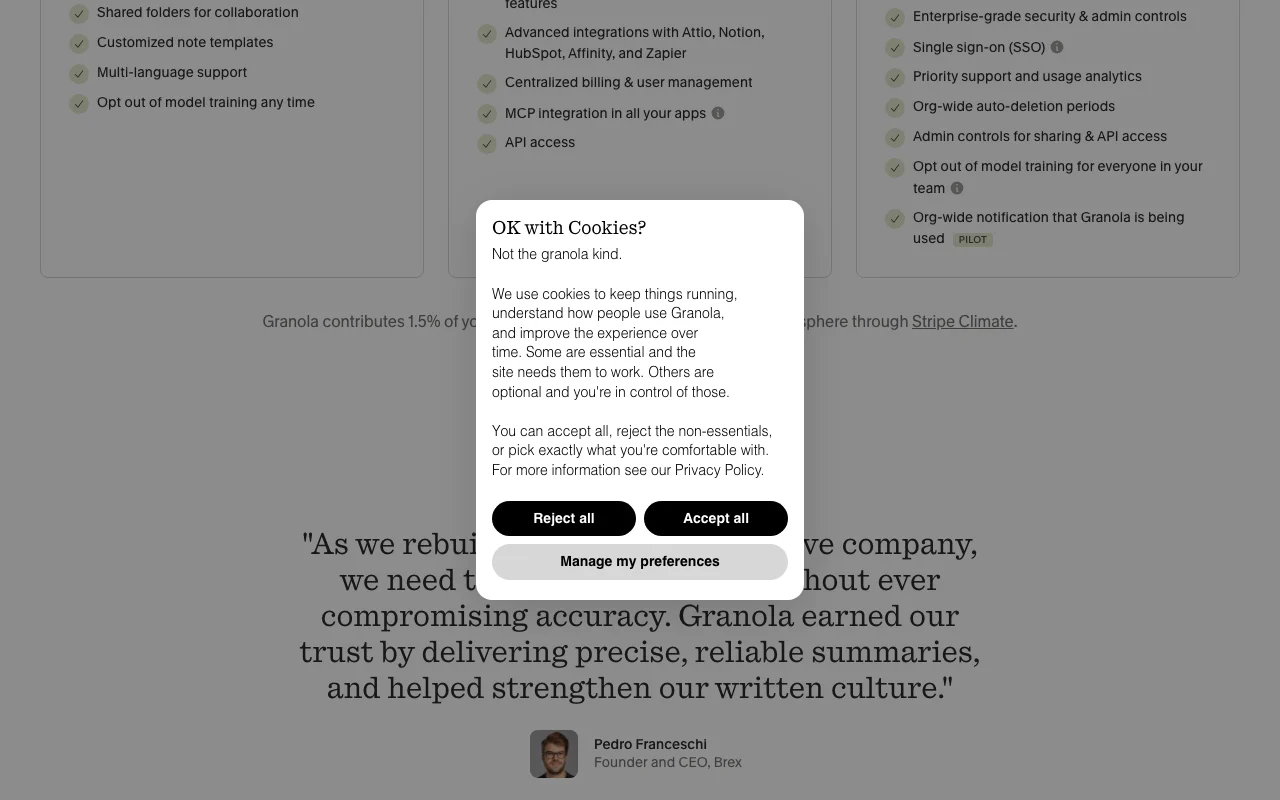
Granola pricing page with plans and prices — screenshot of the productivity & writing AI tool, Oct 1, 2026
Plan comparison on the official pricing page. granola.ai, captured Oct 1, 2026

API access and separate billing

An API is available, included in the plan. API and MCP on Business; Granola API listed in help center API documentation ↗

Privacy, data use and commercial rights

Summarized from the vendor's current policies; this is not legal advice and a vendor's badge is not an independent audit.

How your inputs and outputs are handled

Audio is transcribed and then deleted; notes and transcripts are stored in AWS

Third parties such as OpenAI or Anthropic may not train on your data; Granola uses only de-identified data for training with opt-out

Audio deleted after transcription; configurable transcript retention on Enterprise

Commercial use and plan restrictions

Not stated

Enterprise admins enforce opt-out for everyone

Controls for business users

  • SOC 2 Type II
  • Model training opt-out
  • HIPAA BAA for covered entities
  • Org-wide auto-deletion

Policies: docs.granola.ai/help-center/policies/privacy-policy

Best Granola alternatives for different needs

"Better suited" is based on documented features and pricing, not on a head-to-head test.

Otter.ai: better suited to

Notion AI: better suited to

ChatGPT: better suited to

Alternatives
AlternativeWhen to choose itPricingLimitation
Otter.ai——
Notion AI——Compare
ChatGPT——

Explore Granola further

Tools and guides near Granola

Granola user reviews

No user reviews yet.

Used Granola? Be the first to share your experience.

Write a review

Reviews are checked by a moderator before they appear. Your email is never published. Plain text only.

Your rating (required)

Show what you made or what went wrong. Images are published only if the review is approved; location data is removed.

    Granola FAQ

    How much does Granola cost?

    Basic is free, Business is $14 per user per month and Enterprise is $35 per user per month. source (opens in a new tab)

    Does a bot join my meetings?

    No, Granola captures audio from your device, so no bot joins the call. source (opens in a new tab)

    Does Granola train on my data?

    It uses only de-identified data to train models, you can opt out in settings, and Enterprise workspaces are opted out by default. source (opens in a new tab)

    How long is meeting history kept on the free plan?

    Basic shows 30 days of meeting history; Business and Enterprise are unlimited. source (opens in a new tab)

    Is Granola SOC 2 compliant?

    Yes, the site lists SOC 2 Type II certification, and Enterprise customers can sign a HIPAA BAA. source (opens in a new tab)

    Sources and review methodology

    Official sources and verification dates

    Not verified: Annual pricing; Languages list; Free trial of Business.

    How we documented and maintain this page

    Every fact about Granola above comes from the 3 official pages listed here, last compared on Sep 29, 2026; we have not run Granola ourselves, so it has no editorial score. How we check and re-check pages.

    Article updated Oct 10, 2026; prices checked Sep 29, 2026. Outbound links to vendors are plain links; we do not earn commissions. How we review · Report an error