Productivity & writingDocumented overviewLast checked Oct 1, 2026

Gridset: Pricing, Features & Best Use Cases

AI document design tool by Lumin that applies brand rules to content and exports reports, proposals and decks.

Who should use Gridset

Use Gridset if your team repeatedly turns existing Word, PDF, Notion or Google Docs content into reports, proposals or decks that must follow brand rules, and you are fine starting on a free sign-up since paid pricing is not published. Based on the vendor's documentation, not on a hands-on test.

Best for: Marketing and communications teams

Also a good fit for

  • HR and operations teams producing handbooks
  • Finance teams producing branded reports

Consider another tool if no pricing page found; plans and limits not published

Or if

  • Requires an account
  • Web-only; no desktop or mobile apps shown

Gridset pricing and usage limits

Prices checked Oct 1, 2026 on the official US pricing page. Official pricing ↗ Prices and limits change often.

Vendor pricing page re-checked automatically 12 days ago: no changes detected.

Free access and trial conditions

Get started free and a Try the demo option are offered; limits unpublished.

Not stated.

Paid plans: what changes as you upgrade

Free sign-up web

See official pricing source (opens in a new tab)

For: Evaluating the tool

Limits

  • Limits not published; an anonymous demo account has usage limits per the privacy policy

Includes

  • Get started free
  • Try the demo

Usage caps, credits and extra costs

Unknown.

Unknown.

What is Gridset, and how does it work?

Gridset, from the PDF company Lumin, turns raw content into branded documents. Users import text from Word, PDF, markdown, Notion or Google Docs, apply brand guidelines (uploaded or pulled from a website URL), and refine layout and wording with plain-language AI requests. It targets reports, proposals, presentations, briefings and handbooks, exports to PDF, PPTX and PNG, and offers integrations with Claude, ChatGPT and Perplexity plus an MCP server.

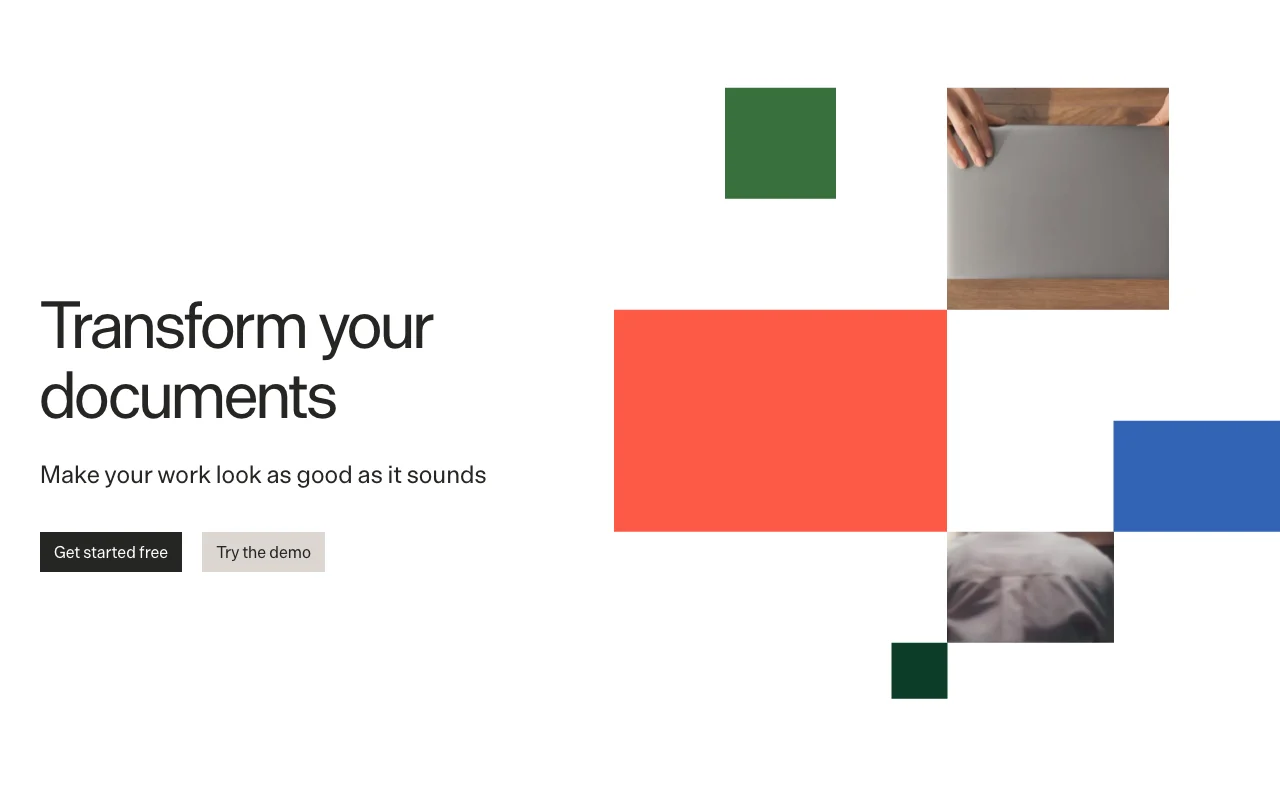
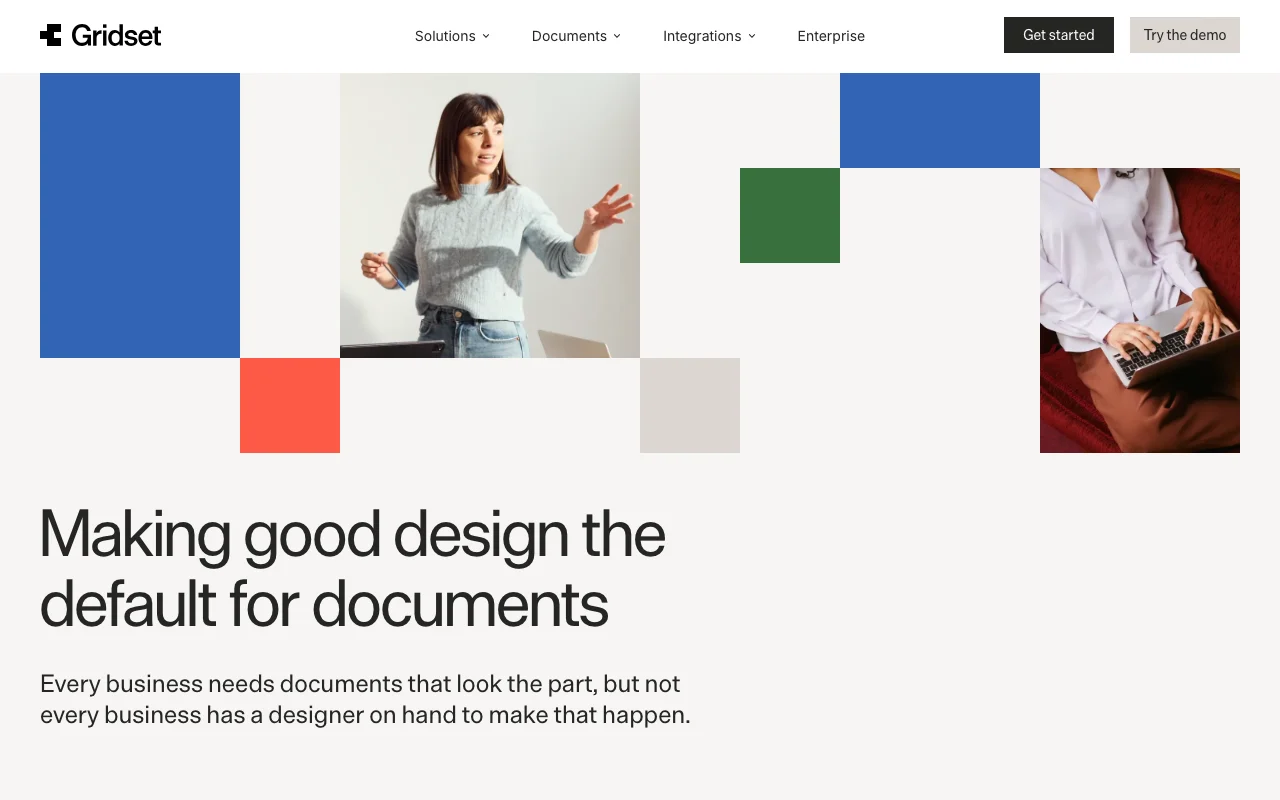
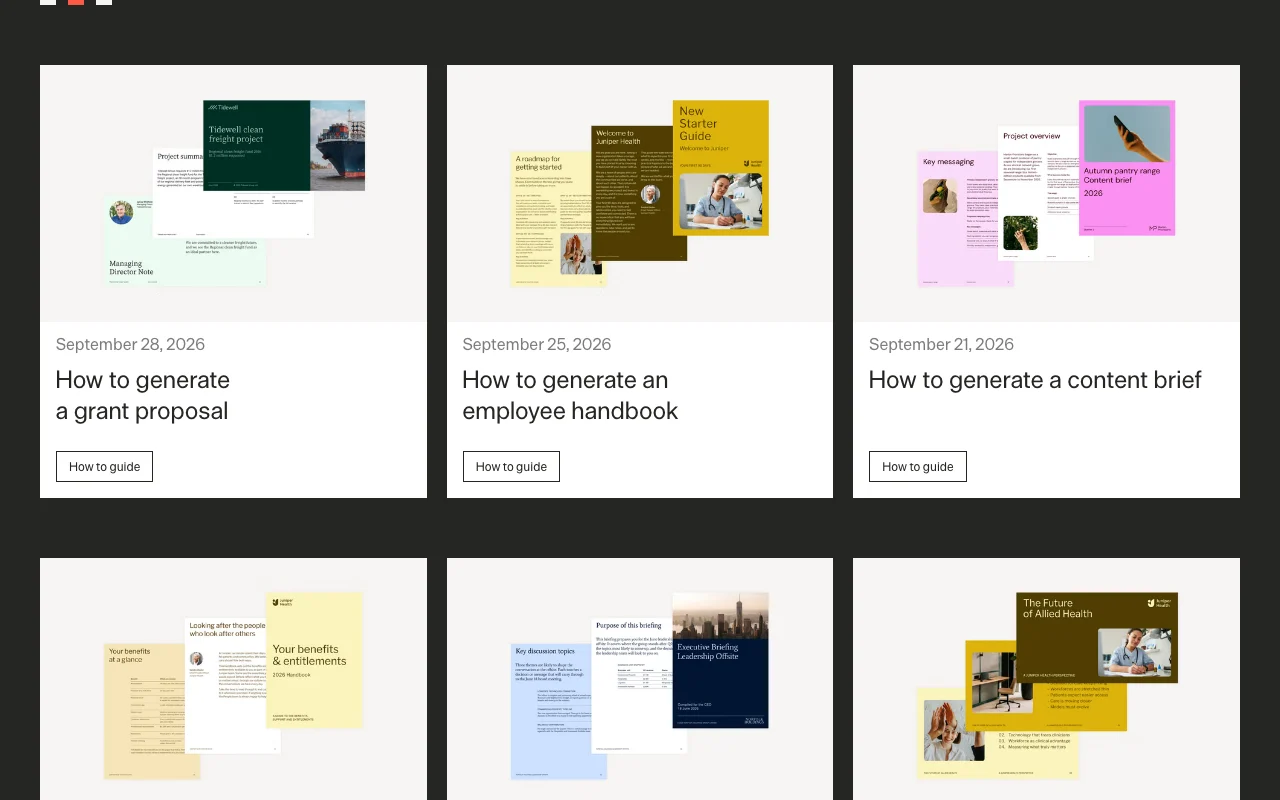
Gridset homepage — screenshot of the productivity & writing AI tool, Oct 2, 2026
Gridset's official site: how the product presents itself. gridset.app, captured Oct 2, 2026

What you provide and what you get back

How Gridset works: what you provide, where it runs and what you get backYOU PROVIDEYour inputNotion page, Google Doc, PDF or W…Brand guidelines or a website URLPlain-language edit requestsPRODUCTIVITY & WRITINGGridsetWebfree tier, paid price not publish…free tier availableaccount requiredchecked Oct 1, 2026YOU GET BACKThe resultPDFPPTXPNGBranded reports, proposals and ha…input → Gridset → output · from the vendor's own pages, no hands-on test unless stated
What you give Gridset and what comes back, from its documentation

You provide

  • Notion page, Google Doc, PDF or Word file
  • Brand guidelines or a website URL
  • Plain-language edit requests

You get back

  • PDF
  • PPTX
  • PNG
  • Branded reports, proposals and handbooks

Where you can use it

Platforms
Web
Account
Required
Export formats
PDF, PPTX, PNG
Page formats
Presentation 16:9 or 4:3; Report A4 or Letter
Imports
Notion, Google Docs, PDF, Word, markdown
AI integrations
Claude, ChatGPT, Perplexity, MCP

Where Gridset is most useful

Scenarios are worked out by our editors from the documentation; the actual result depends on your input and plan.

Formatting reports to brand guidelines

Who
Marketing and communications teams
You provide
Draft copy and brand guidelines
Expected result
A branded presentation or document
Plan needed
Free sign-up
Limitation
Limits unpublished source (opens in a new tab)

Producing proposals and presentations from drafts

Who
Finance and operations
You provide
Board-pack numbers and text
Expected result
A consistently formatted report
Plan needed
Free sign-up
Limitation
Number accuracy remains your check source (opens in a new tab)

Generating HR handbooks and briefings

Who
HR and people operations
You provide
Policy text from Word or Notion
Expected result
A designed handbook or all-hands document
Plan needed
Free sign-up
Limitation
Web only source (opens in a new tab)

What Gridset does, and where it stops

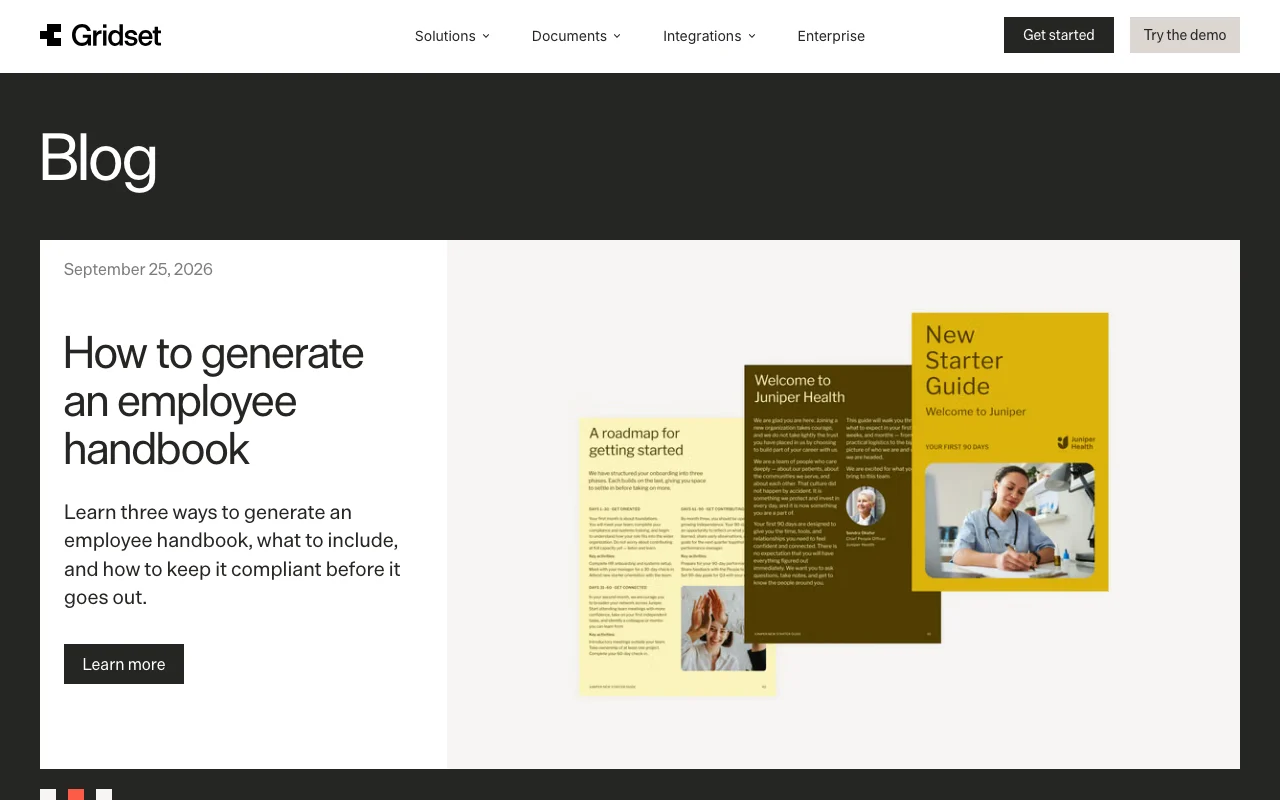
Gridset homepage — screenshot of the productivity & writing AI tool, Oct 2, 2026
Feature overview on the official site. gridset.app, captured Oct 2, 2026

Brand rule extraction from guidelines or a URL

Reads uploaded guidelines or your website to derive rules for color, type and layout, then applies them to every generated document. Consistent branding

Access: Sign-upLimit: Accuracy depends on source guidelines source (opens in a new tab)

Import from Word, PDF, markdown, Notion, Google Docs

Pulls text from Word, PDF, markdown, Notion or Google Docs and lays it out without retyping. No copy-paste

Access: Sign-upLimit: Complex source layouts may need review source (opens in a new tab)

Consistent margins, spacing and typography

Enforces structural rules so margins, spacing and typography stay constant from one page to fifty. Stable layout

Access: Sign-upLimit: Rule customization not documented source (opens in a new tab)

Plain-language AI edits to design and copy

Accepts plain-language requests to restyle layout or reword copy and regenerates the affected parts. Fast iteration

Access: Sign-upLimit: Quota unknown source (opens in a new tab)

Gridset: strengths and limits

Where Gridset is strong

Limitations to check before paying

  • No pricing page found; plans and limits not published Budgeting is impossible until pricing is published. documented source (opens in a new tab)
  • Requires an account Demo use sits under unpublished usage limits. documented source (opens in a new tab)
  • Web-only; no desktop or mobile apps shown Mobile and desktop workflows are not available. documented source (opens in a new tab)
  • Listed formats are presentations at 16:9 or 4:3 and reports at A4 or Letter, exported as PDF, PPTX or PNG Other page sizes or output types are not documented. documented source (opens in a new tab)

How to use Gridset for turning a draft into an on-brand report

Set up Gridset

  1. On gridset.app click Try the demo (an anonymous demo account is created) or Get started free to sign up
  2. Provide your brand by uploading brand guidelines or pointing Gridset at your website URL
  3. Import content from a Notion page, Google Doc, PDF or Word file
  4. Choose the document type, such as report (A4 or Letter) or presentation (16:9 or 4:3)

Example: turning a draft into an on-brand report

  1. Import the draft report and let Gridset apply the structural brand rules
  2. Ask in plain language for changes such as a tighter executive summary or a different layout
  3. Review margins, spacing and typography across pages
  4. Export as PDF, PPTX or PNG

Review and export the result

  1. Compare fonts and colors in the output with your brand guidelines
  2. Open the exported PDF or PPTX and confirm page count and layout hold
  3. Check that no source text was lost during import
Example prompt suggested by our editors (not a recorded output of the product)
Turn this quarterly summary into a 12-page A4 report using our brand colors, with the key numbers on the first page.

Gridset integrations and API

Native integrations and export formats

Export: PDF, PPTX, PNG

API access and separate billing

Gridset has no public API in its official documentation. /docs returned 404; MCP server listed in seed

Privacy, data use and commercial rights

Summarized from the vendor's current policies; this is not legal advice and a vendor's badge is not an independent audit.

How your inputs and outputs are handled

Uploaded drafts, brand assets and generated documents are your content; an anonymous demo account is created on first use.

Controls for business users

  • Encryption of content and personal data (per policy)
  • Policy states it will not sell content or personal data

Policies: gridset.app/privacy

Gridset alternatives by need

"Better suited" is based on documented features and pricing, not on a head-to-head test.

Canva: better suited to

Notion AI: better suited to

Adobe Firefly: better suited to

Claude: better suited to

Alternatives
AlternativeWhen to choose itPricingLimitation
Canva——Compare
Notion AI——Compare
Adobe Firefly——
Claude——

Explore Gridset further

Related to Gridset

Gridset user reviews

No user reviews yet.

Used Gridset? Be the first to share your experience.

Write a review

Reviews are checked by a moderator before they appear. Your email is never published. Plain text only.

Your rating (required)

Show what you made or what went wrong. Images are published only if the review is approved; location data is removed.

    Gridset FAQ

    What file types can Gridset export?

    PDF, PPTX and PNG; presentations come in 16:9 or 4:3 and reports in A4 or Letter. source (opens in a new tab)

    What can I import?

    A Notion page, Google Doc, PDF, Word file, or markdown, per the homepage and seed. source (opens in a new tab)

    How does Gridset learn my brand?

    Upload your brand guidelines or point it at your website URL to extract structural brand rules. source (opens in a new tab)

    Is there a price list?

    No. The pricing page returns 404; the site offers Get started free and Try the demo, with limits unpublished. source (opens in a new tab)

    Who makes it and where do I find the privacy terms?

    Gridset is brought to you by Lumin and the privacy policy names Nitrolabs Limited; it states content and personal data will not be sold. source (opens in a new tab)

    Sources and review methodology

    Official sources and verification dates

    Not verified: Pricing and free-tier limits; Model training use; Retention period; API docs.

    How we documented and maintain this page

    Every fact about Gridset above comes from the 2 official pages listed here, last compared on Oct 1, 2026; we have not run Gridset ourselves, so it has no editorial score. How we check and re-check pages.

    Article updated Oct 10, 2026; prices checked Oct 1, 2026. Outbound links to vendors are plain links; we do not earn commissions. How we review · Report an error