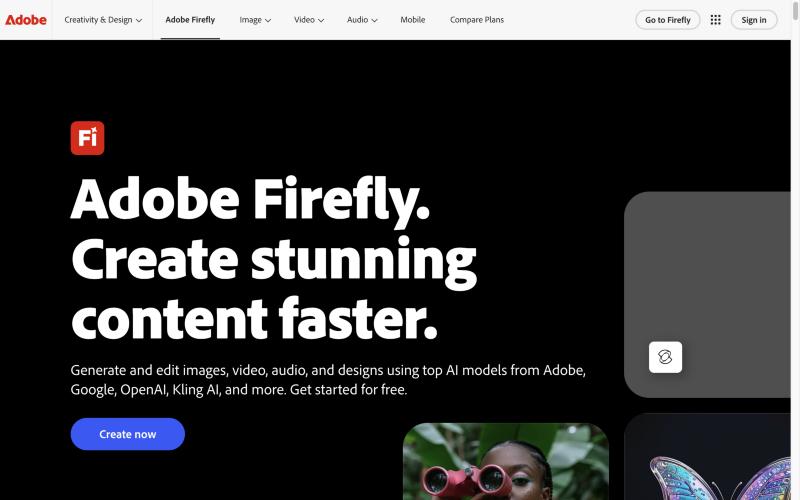
Firefly generates and edits images, video, audio and vector graphics from text prompts in one web/mobile app, using Adobe's own commercially safe models plus partner models from Google, OpenAI, Kling and others.
Our take: Pick Firefly if you need commercially usable image and video generation that hands off directly into Photoshop, Premiere or Express; standard image features are unlimited on any paid plan while video and audio spend generative credits.
Main limitation: Video, audio, translation and partner-model outputs all draw from a monthly generative-credit pool that does not roll over, and USD prices were not visible from our region.
By the AI Tool Atlas editors.
Based on the vendor's official documentation; we have not tested this product hands-on. What “documented overview” means
Who Adobe Firefly fits
Pick Firefly if you need commercially usable image and video generation that hands off directly into Photoshop, Premiere or Express; standard image features are unlimited on any paid plan while video and audio spend generative credits. Based on the vendor's documentation, not on a hands-on test.
Best for: Designers and marketers already in Adobe Creative Cloud
Also a good fit for
Teams needing commercially safe outputs with Content Credentials
Video editors wanting b-roll, sound effects and translation in one tool
Developers automating asset variants via Firefly Services APIs
Consider another tool if you want one flat price for unlimited video generation
Or if
You need a specific single model (e.g. Midjourney aesthetics) rather than a model hub
You need offline or self-hosted generation
You want a public per-call API price list
Scenario fit
Scenario
Fit
Why
Plan
Occasional image and vector generation for design work
Good fit
All paid plans include unlimited standard image features like Generative Fill and Text to Vector
Firefly Standard (individuals)
Regular short-video generation
Fits with conditions
5-second videos are capped by credits (20/40/100 per month); only Premium has unlimited Firefly Video Model access
Firefly Premium (individuals)
Trying AI generation without paying
Good fit
Free daily generations across image, video and audio, refreshing daily
Free
Brand-consistent assets at scale via code
Fits with conditions
Custom Models and Generate Image APIs exist, but pricing is enterprise/contact-based and default rate limit is 4 RPM
Firefly Services / Firefly API (developer channel)
Team with admin controls and support
Good fit
Teams plans add admin tools and 24x7 support on annual commitment
Firefly Pro for teams (business channel)
Need IP indemnification
Fits with conditions
Offered only to eligible enterprise customers for select Firefly outputs
Firefly Enterprise Solutions (enterprise channel)
Adobe Firefly in the news
Headlines from US outlets, selected automatically — not endorsements. Updated Oct 12, 2026
US pricing page geo-localized to EUR in our session; USD not shown, so price left null; a limited-time 30% first-year discount was shown, ending Oct 21
For: Heavy individual users of premium video/audio features
Limits
10,000 generative credits per month
5-second videos: up to 100
3 more
Translate audio/video: up to 33 minutes
Sound effects: up to 1,000
Music: up to 500 minutes
Includes
Unlimited access to standard image features like Generative Fill (vendor wording)
Premium features (Text to Video, Generate Speech, partner models) consume generative credits
US pricing page geo-localized to EUR in our session; USD not shown, so price left null; a limited-time 30% first-year discount was shown, ending Oct 21
For: High-volume video and multi-format production
Limits
50,000 generative credits per month
Unlimited access to the Firefly Video Model in Generate Video (vendor wording)
3 more
Translate audio/video: up to 166 minutes
Sound effects: up to 5,000
Music: up to 2,500 minutes
Includes
Unlimited access to standard image features like Generative Fill (vendor wording)
Premium features (Text to Video, Generate Speech, partner models) consume generative credits
For: Enterprises needing brand-trained models and indemnification
Limits
Contact sales; no public price
Includes
Firefly Creative Production workflows
Firefly Custom Models trained on brand assets
2 more
Firefly Foundry (Adobe-trained brand models)
IP indemnification for select Firefly outputs for eligible enterprise customers (per plans FAQ)
Usage caps, credits and extra costs
Credit add-on plans starting at 2,000 credits when monthly credits run out; Adobe says it will not charge for extra credits unless purchased. Credits reset monthly and do not roll over.
Prices in our session displayed incl. VAT (individuals) and excl. VAT (teams) in EUR; US tax treatment not seen.
What is Adobe Firefly, and how does it work?
Adobe Firefly is an AI creative workspace for generating and editing images, video, audio (sound effects, music, speech, translation) and vector graphics from text prompts, plus Firefly Boards for collaborative ideation. It hosts Adobe's Firefly models alongside partner models and is also offered as Firefly Services APIs for automation.
What you provide and what you get back
What you give Adobe Firefly and what comes back, from its documentation
You provide
Text prompts (up to 750 characters in the homepage generator)
Reference/source images for edit, expand, fill and image-to-video
Image Model 5 native 4 MP; API quickstart returns 2048x2048; plans mention 1K/2K/4K image models source (opens in a new tab)
Video duration / dimensions
Plans count 5-second videos; API supports 16:9, 9:16, 1:1 from 540p up to 1920x1080 / 1080x1920 source (opens in a new tab)
Credits
Generative credits: 2,000 / 4,000 / 10,000 / 50,000 per month by tier; reset monthly, no rollover; standard image features unlimited on paid plans source (opens in a new tab)
Watermark / provenance
Content Credentials attached to outputs; removing or disabling them is prohibited source (opens in a new tab)
Commercial terms
Adobe Firefly model outputs are commercially safe (trained on Adobe Stock licensed and public-domain content); partner-model outputs are the user's responsibility; enterprise IP indemnification for select outputs source (opens in a new tab)
Adobe models trained on licensed and public-domain content and marketed as commercially safe Lower rights risk for brand and marketing workdocumentedsource (opens in a new tab)
Unlimited standard image features on every paid tier Image-heavy users are not metereddocumentedsource (opens in a new tab)
One app covers image, video, audio, vector and boards, plus partner models Fewer subscriptions to compare modelsdocumentedsource (opens in a new tab)
Direct handoff to Photoshop, Premiere, Illustrator, Lightroom and Express Generated assets flow into finishing toolsdocumentedsource (opens in a new tab)
Content Credentials on outputs Built-in provenance for AI-disclosure needsdocumentedsource (opens in a new tab)
Limitations to check before paying
Video, audio and partner-model use consume monthly credits that do not roll over Heavy video users must buy high tiers or add-onsdocumentedsource (opens in a new tab)
Videos are counted in 5-second units with per-tier caps Long-form generation is expensivedocumentedsource (opens in a new tab)
Commercial-safety claim covers Adobe models only; partner-model outputs are your responsibility Need to track which model produced each assetdocumentedsource (opens in a new tab)
API pricing is not public and default limit is 4 requests per minute Hard to budget or scale without an account managerdocumentedsource (opens in a new tab)
Removing Content Credentials is prohibited by the guidelines Outputs always carry AI provenance metadatadocumentedsource (opens in a new tab)
How to use Adobe Firefly for generate a commercially usable marketing image
Set up Adobe Firefly
Sign in with an Adobe account at the Firefly web app or install the iOS/Android app
Pick a plan or stay on the free tier with daily generations
Example: generate a commercially usable marketing image
Choose Generate Image and select an Adobe Firefly model for commercial safety
Enter a prompt (max 750 characters), set aspect ratio and style presets
Generate, then use Instruct Edit or Generative Fill to refine
Export as PNG/JPG or open in Photoshop/Express
Review and export the result
Confirm the model used was an Adobe model if commercial safety matters
Check Content Credentials are present on the export
Watch the credit balance if premium features were used
Example prompt suggested by our editors (not a recorded output of the product)
Studio product photo of a matte black water bottle on a wet slate surface, soft window light, shallow depth of field, 16:9
Adobe Firefly integrations, API and team features
Adobe Firefly API documentation. developer.adobe.com, captured Oct 2, 2026
Native integrations and export formats
Integrations
Integration
Type
Notes
Adobe Photoshop
Native
Open generated assets for refining; Photoshop web/mobile bundled on Pro and above source (opens in a new tab)
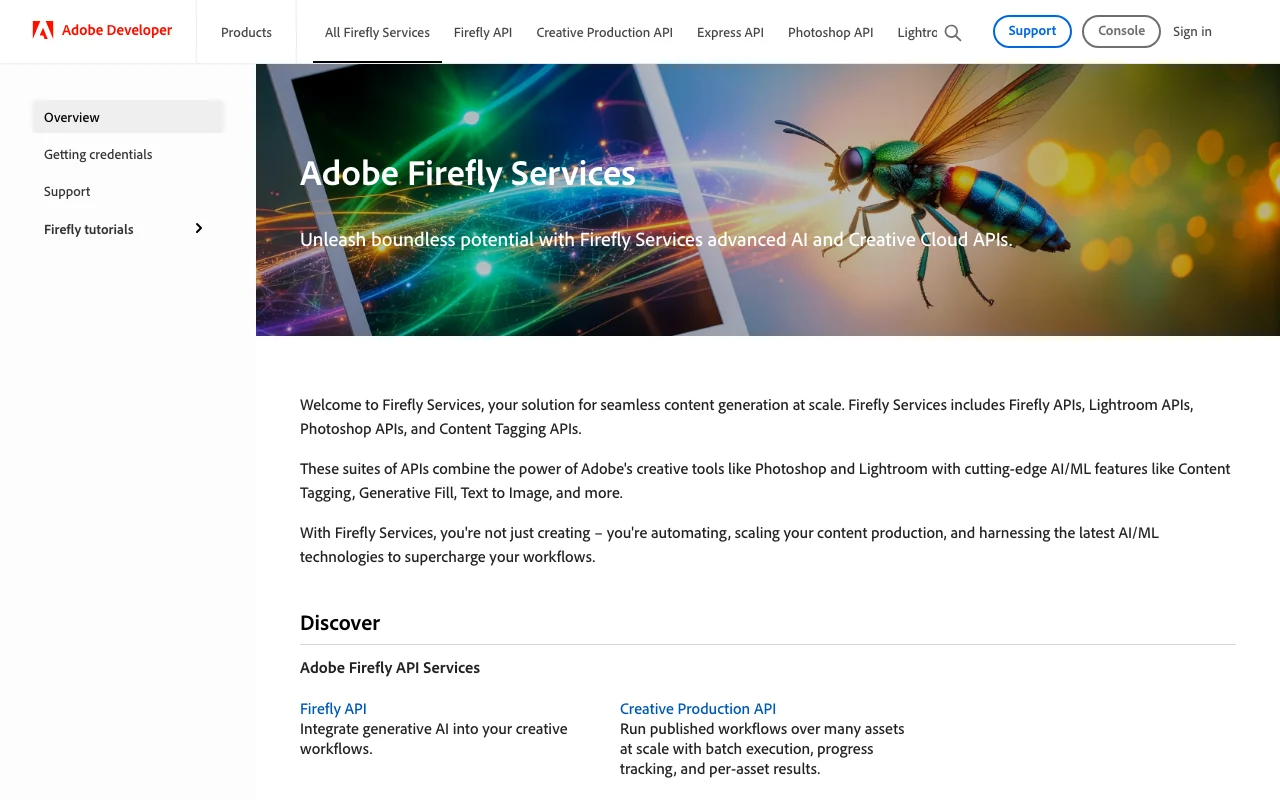
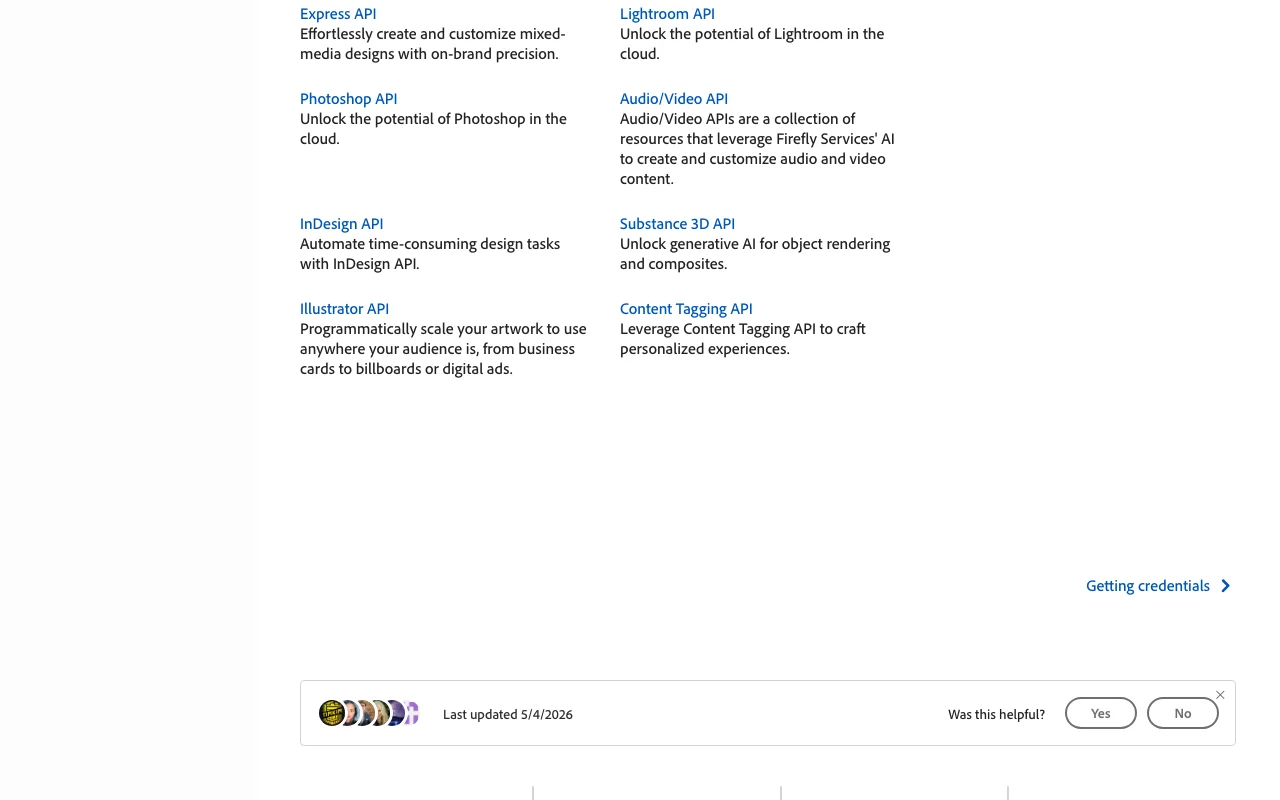
An API is available, billed separately from the app subscription. Firefly Services: Firefly API plus Photoshop, Lightroom, Express, InDesign, Illustrator, Substance 3D, Audio/Video and Content Tagging APIs; OAuth server-to-server via Developer Console; enterprise pricing API documentation ↗
Summarized from the vendor's current policies; this is not legal advice and a vendor's badge is not an independent audit.
How your inputs and outputs are handled
Prompts, inputs and generated results may be reviewed by automated and manual methods for abuse prevention and content filtering; Adobe advises not entering sensitive personal information.
Adobe states it does not train Firefly or partner models on Creative Cloud subscribers' personal or generated content; Firefly models are trained on Adobe Stock licensed content and public-domain content.
Commercial use and plan restrictions
Outputs from Adobe Firefly models may be used commercially; users judge partner-model outputs; eligible enterprises can get IP indemnification for select outputs.
Content Credentials must not be removed; Generative AI User Guidelines prohibit infringing, explicit and deceptive content.
Controls for business users
Admin tools on teams plans
Enterprise Custom Models hosted by Adobe with asset-ID versioning
Client-secret rotation via Developer Console / I/O Management API
Yes, there is a free tier with daily generations across image, video and audio that refresh each day; paid plans are needed for more. source (opens in a new tab)
How much does Firefly cost in USD?
Not verified: the pricing page showed EUR in our session. Tiers are Standard, Pro, Pro Plus and Premium with 2,000 to 50,000 monthly credits; check the official plans page for US prices. source (opens in a new tab)
Can I use Firefly images commercially?
Yes for outputs from Adobe Firefly models; you are responsible for judging partner-model outputs. source (opens in a new tab)
Does Adobe train on my content?
Adobe says it does not train Firefly or partner models on subscribers' personal or generated content. source (opens in a new tab)
What happens when credits run out?
Standard image features stay unlimited on paid plans; premium features pause until the monthly reset, an upgrade or a credit add-on (from 2,000 credits). source (opens in a new tab)
Is there an API?
Yes, Firefly Services offers Firefly, Photoshop, Lightroom and other APIs with OAuth server-to-server auth; pricing is via Adobe sales and default limits are 4 requests/min. source (opens in a new tab)
Not verified: USD prices for all consumer and teams plans: pricing page geo-localized to EUR, US figures not visible; Free trial length and free-tier daily generation counts; Firefly Services API per-call or per-credit pricing (enterprise contact only); Data retention period for prompts and generated assets; Official changelog/release notes (hosted on helpx, which returned 403); Maximum video clip length beyond the 5-second unit counted on plans; Whether Firefly Services usage is billed with separate credits.
How we documented and maintain this page
Every fact about Adobe Firefly above comes from the 12 official pages listed here, last compared on Sep 30, 2026; we have not run Adobe Firefly ourselves, so it has no editorial score. How we check and re-check pages.
Article updated Sep 28, 2026; prices checked Sep 30, 2026. Outbound links to vendors are plain links; we do not earn commissions. How we review · Report an error