Our take: ArchRender fits architects and residential designers who want quick photorealistic renders from elevations, sketches or imported 3D models without setting up a traditional rendering scene.
Main limitation: Output is capped by monthly credits, projects and storage, and the only prices visible are homepage promo prices.
By the AI Tool Atlas editors.
Based on the vendor's official documentation; we have not tested this product hands-on. What “documented overview” means
Is ArchRender right for you?
ArchRender fits architects and residential designers who want quick photorealistic renders from elevations, sketches or imported 3D models without setting up a traditional rendering scene. Based on the vendor's documentation, not on a hands-on test.
Best for: Architects
Also a good fit for
Residential designers
Interior designers
Consider another tool if usage limited by monthly credits
Or if
Project and storage caps per plan
Account sign-in needed
ArchRender pricing and usage limits
Prices checked Oct 1, 2026 on the official US pricing page. Official pricing ↗ Prices and limits change often.
Free access and trial conditions
Homepage shows a Try For Free button; free tier terms are not stated.
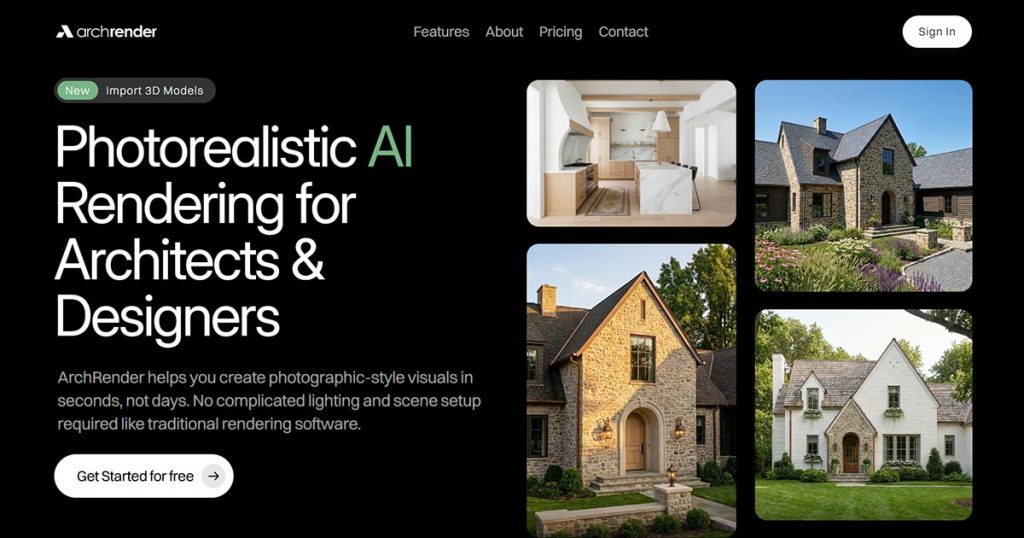
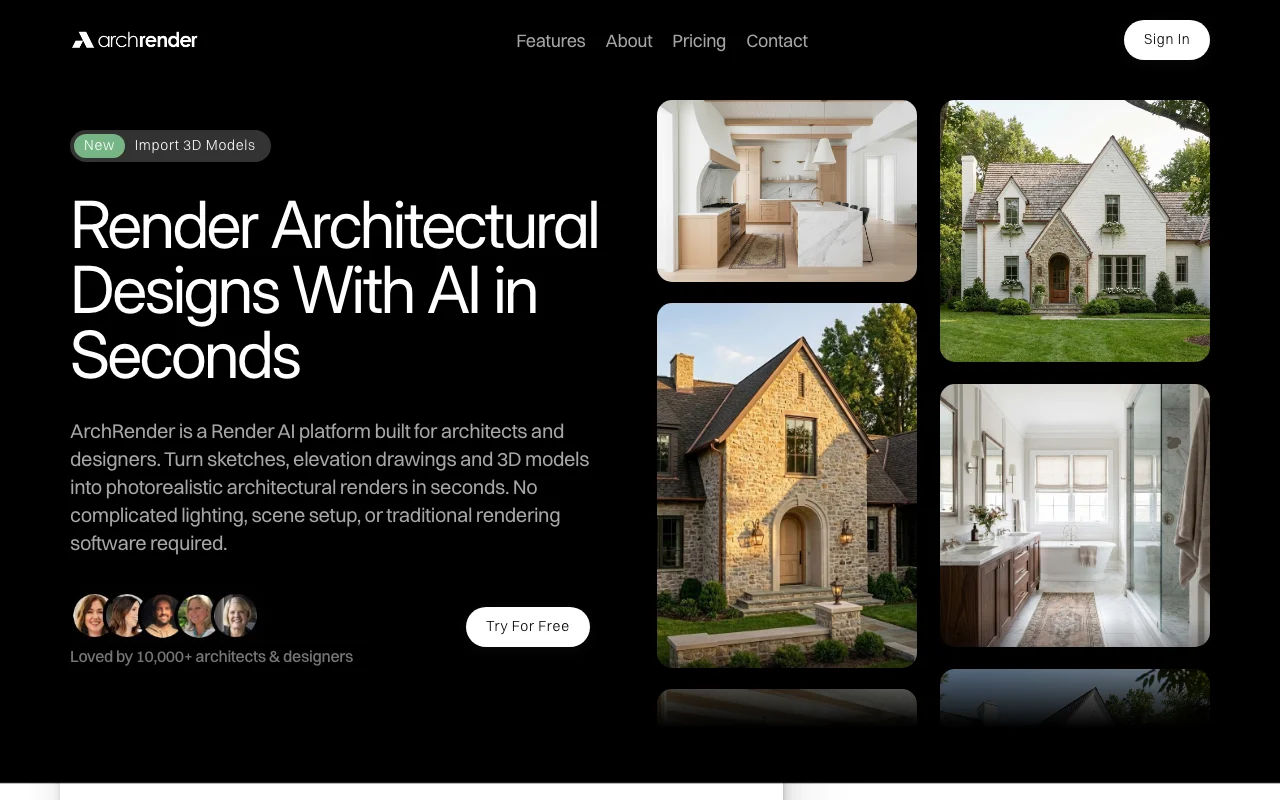
ArchRender is a rendering platform for architects and designers. It converts sketches, elevation drawings and imported 3D models into photorealistic images guided by text prompts.
It offers controls for season, time of day, environment and camera view, mood boards, 4K upscaling and an edit mode, with usage metered in monthly credits.
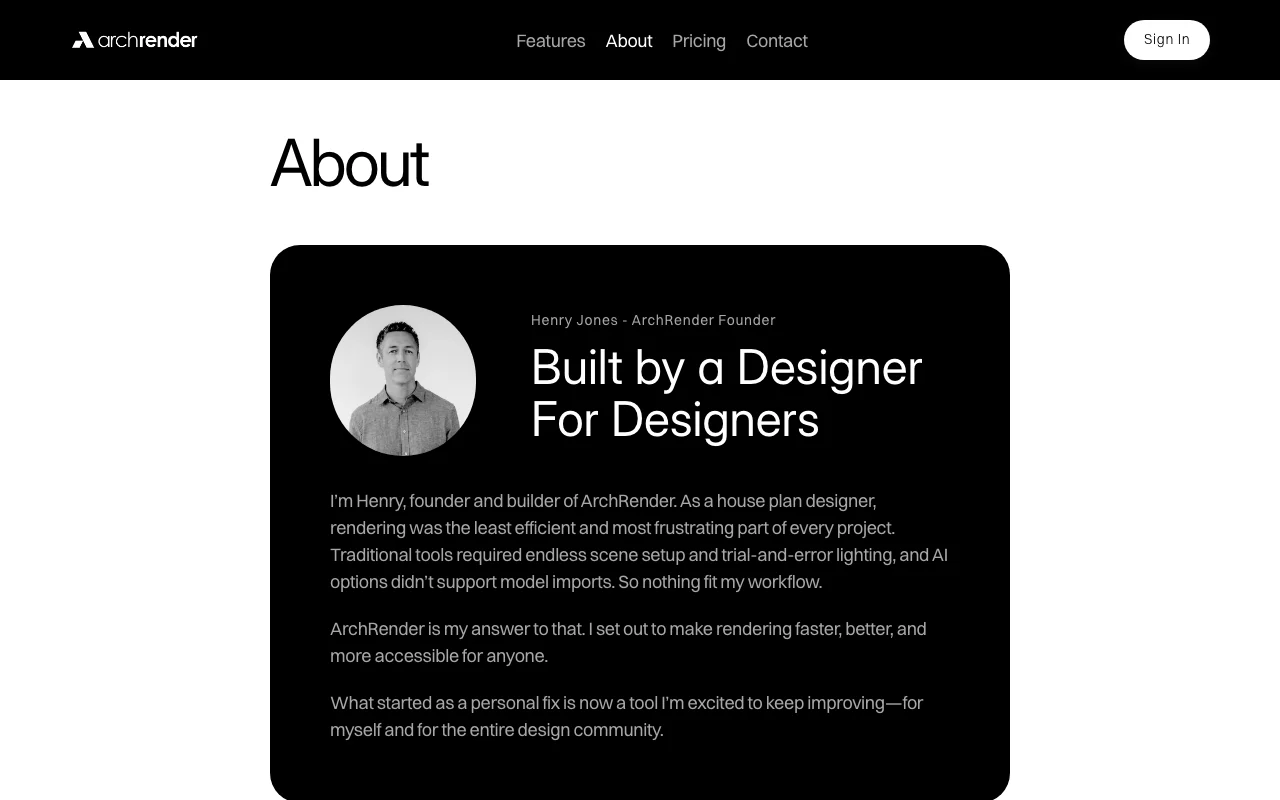
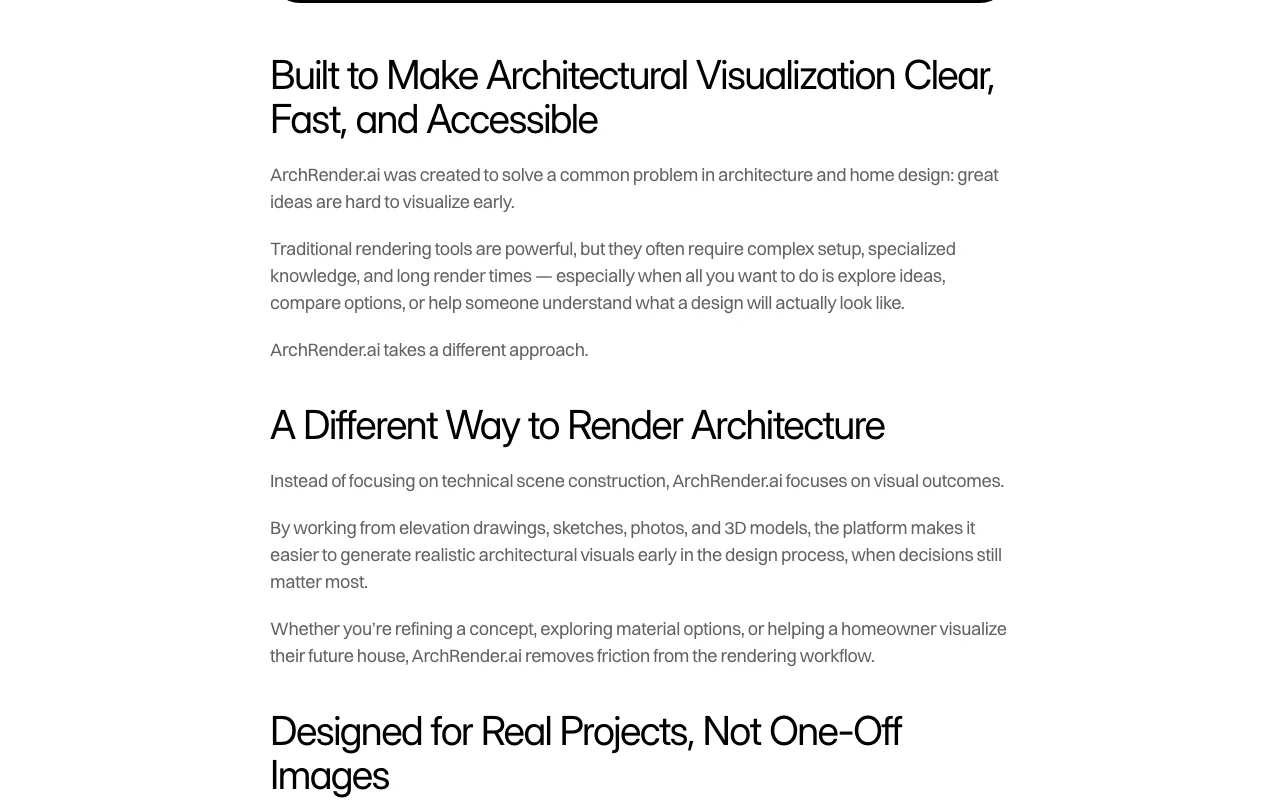
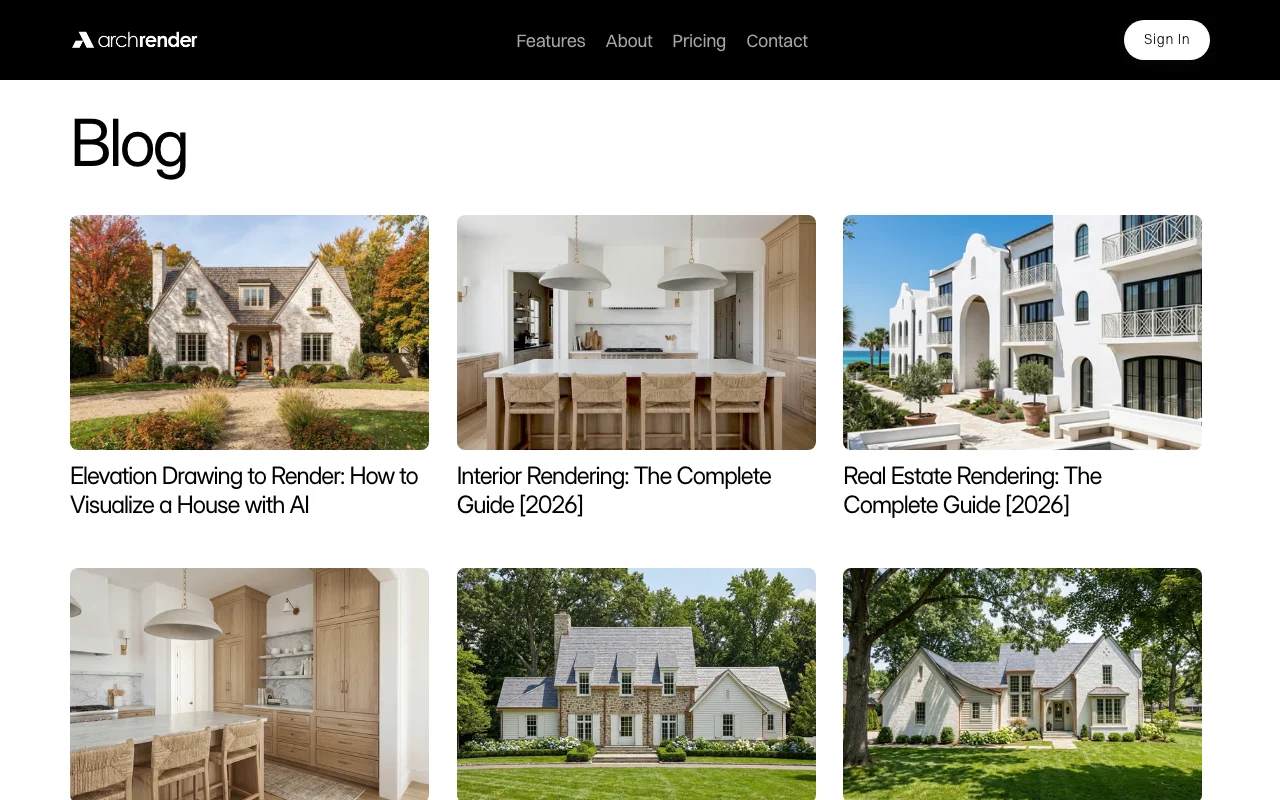
ArchRender's official site: how the product presents itself. archrender.ai, captured Oct 2, 2026
What you provide and what you get back
What you give ArchRender and what comes back, from its documentation
You provide
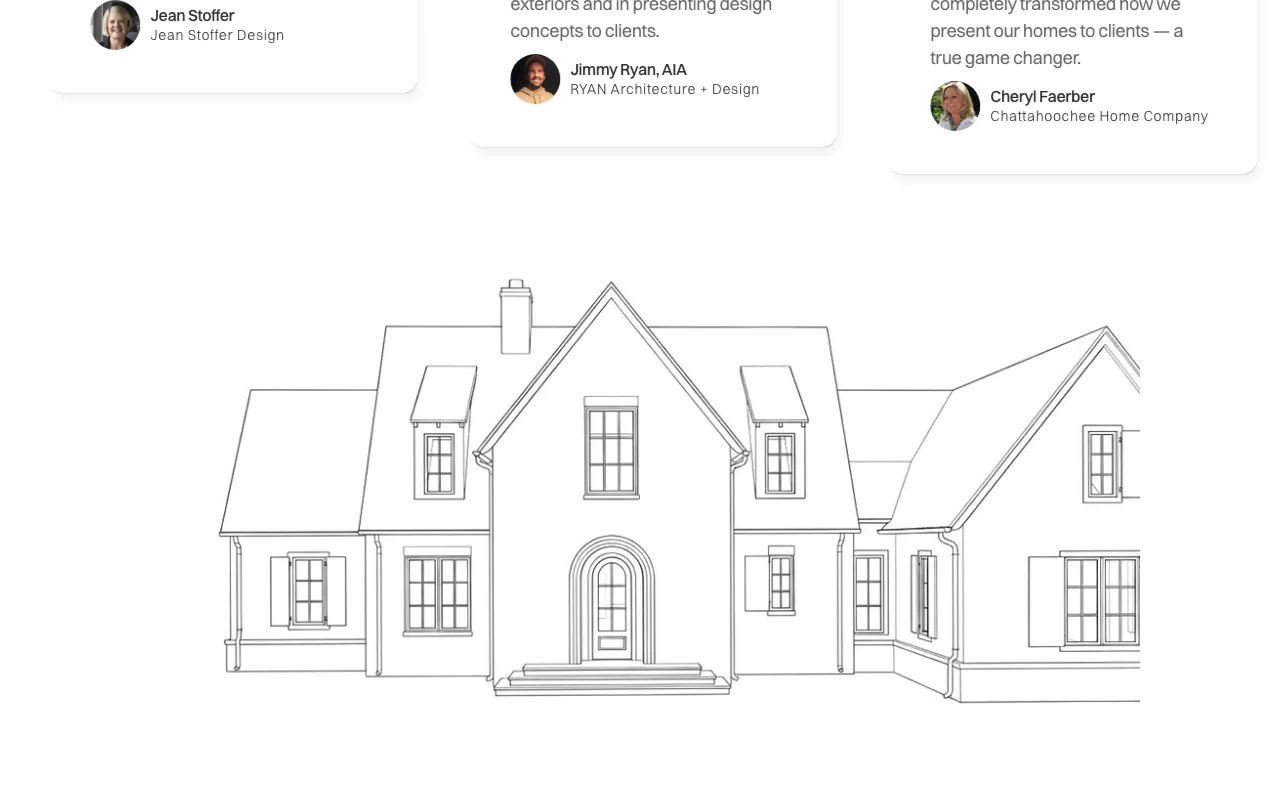
Elevation drawings
Sketches
3D models
Text prompts and mood boards
You get back
Photorealistic architectural renders
4K upscaled images
Where you can use it
Platforms
Web
Account
Required
Inputs
Sketches, elevations, 3D models, mood boards
Resolution
4K upscaling
Controls
Season, time of day, environment, view angle/FOV/aspect
Credits
150 (Basic), 300 (Pro) per month
Where ArchRender is most useful
Scenarios are worked out by our editors from the documentation; the actual result depends on your input and plan.
Feature overview on the official site. archrender.ai, captured Oct 2, 2026
Prompt-driven materials and style
Lets you describe the materials, style, mood and lighting you want in plain natural language and renders the design to match, with no lighting or scene setup. Guides the render without scene setup.
Sets the season (spring, summer, fall or winter) and the time of day so you can see how light, shadows and atmosphere change the same design. Shows a design in different conditions.
Places the design in a chosen surrounding, from natural landscapes to more developed settings, so the render shows the project in context. Gives project context.
Homepage pricing shows a limited-time discount; regular price may differ Real price may be higher after promo endsdocumentedsource (opens in a new tab)
How to use ArchRender for rendering an architectural elevation
Set up ArchRender
Open archrender.ai and click Try For Free
Sign in to the web app
Create a project
Upload an elevation, sketch or 3D model
Example: rendering an architectural elevation
Upload the elevation drawing
Describe materials and style in the prompt
Pick season, time of day and environment
Generate and upscale to 4K
Review and export the result
Compare facade proportions with the source drawing
Check that materials match the prompt
Confirm remaining credits
Example prompt suggested by our editors (not a recorded output of the product)
Modern farmhouse, white board-and-batten siding, black metal roof, golden hour, spring landscaping
ArchRender API
API access and separate billing
ArchRender has no public API in its official documentation. No API documented; docs page returned 404.
Privacy, data use and commercial rights
Summarized from the vendor's current policies; this is not legal advice and a vendor's badge is not an independent audit.
How your inputs and outputs are handled
Not documented; privacy page returned 404.
Not documented.
Not documented.
Commercial use and plan restrictions
Not documented.
Best ArchRender alternatives for different needs
"Better suited" is based on documented features and pricing, not on a head-to-head test.
Not verified: Free-tier or trial terms; Regular and yearly prices; Studio plan limits; Privacy and training terms; Commercial use terms; API.
How we documented and maintain this page
Every fact about ArchRender above comes from the 4 official pages listed here, last compared on Oct 1, 2026; we have not run ArchRender ourselves, so it has no editorial score. How we check and re-check pages.
Article updated Oct 2, 2026; prices checked Oct 1, 2026. Outbound links to vendors are plain links; we do not earn commissions. How we review · Report an error