Image generationDocumented overviewLast checked Oct 2, 2026

Anpo.ai: Pricing, Features & Best Use Cases

AI creative pipeline that turns product photos into lifestyle images, try-on shots and video ads.

Who should use Anpo.ai

Anpo.ai suits fashion and product sellers who want to turn a product photo into lifestyle images, try-on shots and a video ad through a node-based pipeline, though pricing is not published. Based on the vendor's documentation, not on a hands-on test.

Best for: Fashion and product sellers

Also a good fit for

  • E-commerce brands making lifestyle and video ads

Consider another tool if no pricing page (404)

Or if

  • No feature or docs pages found
  • Requires an account

Anpo.ai pricing and usage limits

Prices checked Oct 2, 2026 on the official US pricing page. Prices and limits change often.

Free access and trial conditions

Not stated

Not stated

Paid plans: what changes as you upgrade

Not published web

See official pricing

Unknown

Pricing page returned 404

For: Unknown

Usage caps, credits and extra costs

Not stated

Not stated

What is Anpo.ai, and how does it work?

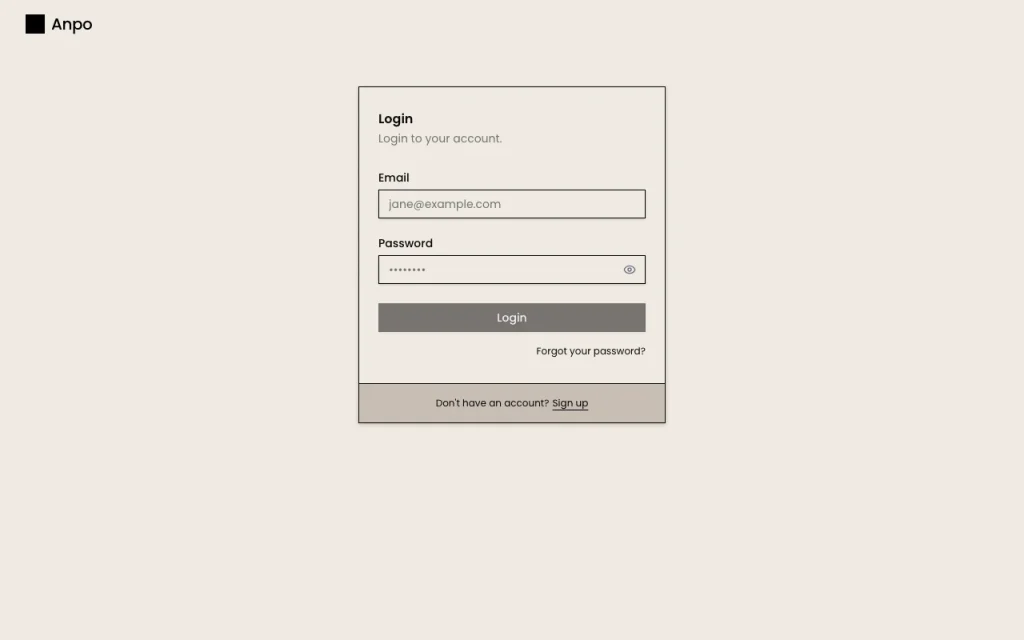
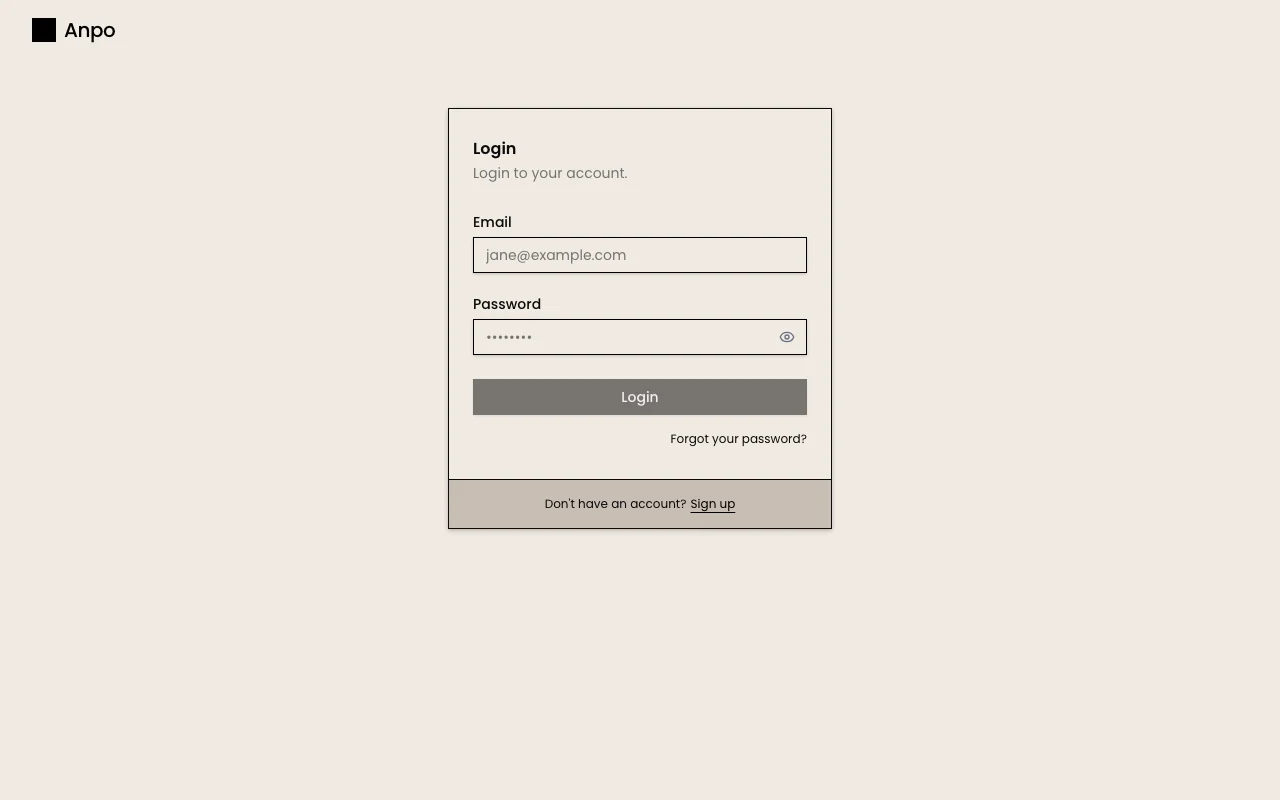
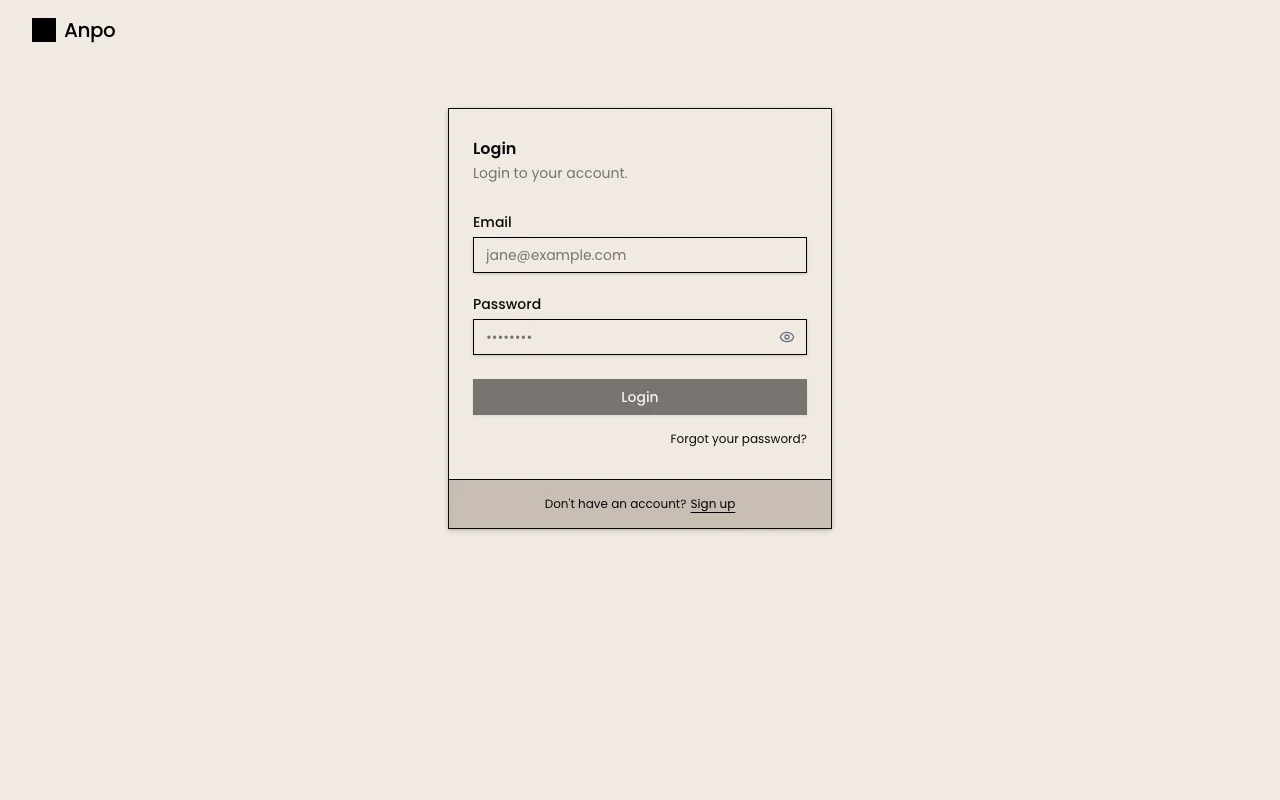
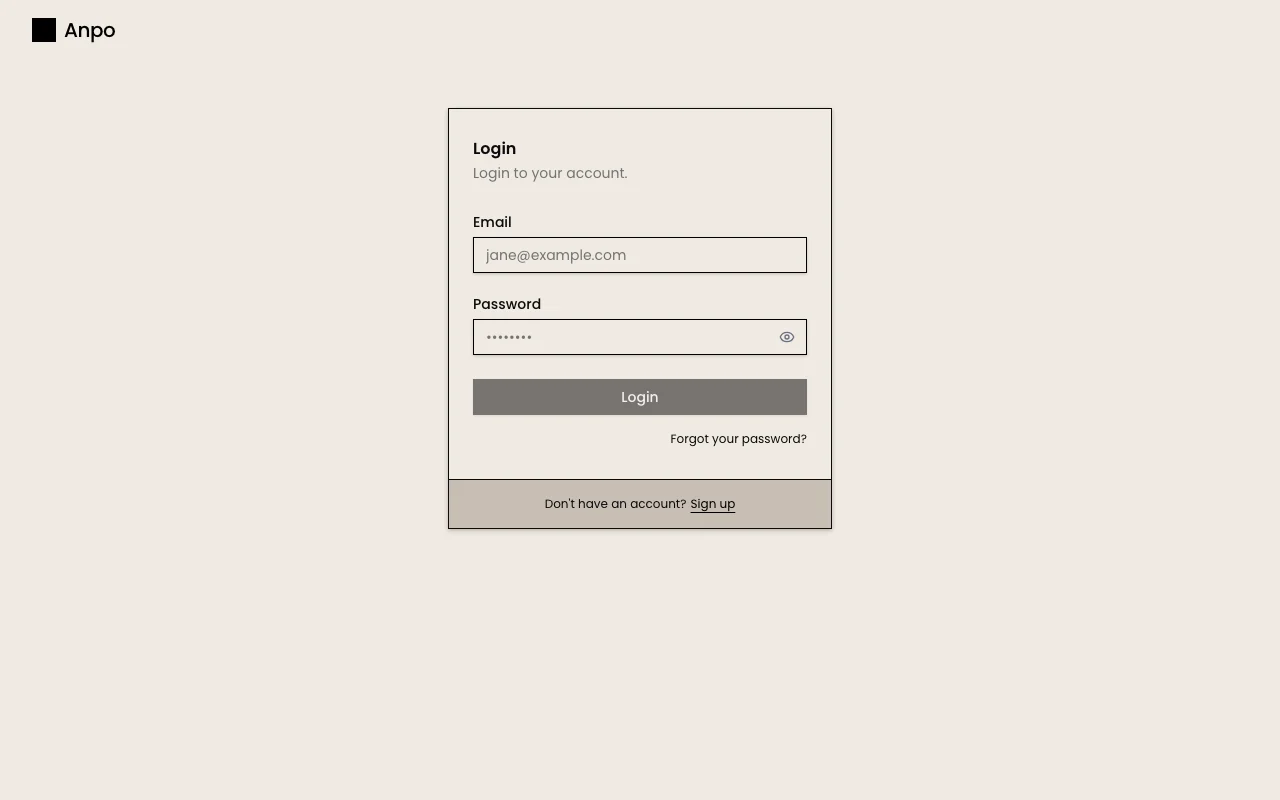
Anpo.ai presents a creative pipeline for product imagery. Example workflows turn a flatlay photo into lifestyle images and a video ad, or into model shots and a reel. It also shows a virtual try-on workflow that swaps clothing onto different models. The site offers a login and get-started link; no pricing or feature documentation was found.

What you provide and what you get back

How Anpo.ai works: what you provide, where it runs and what you get backYOU PROVIDEYour inputProduct or flatlay photosClothing images for try-onModel selectionsIMAGE GENERATIONAnpo.aiWebprice not publishedno free tieraccount requiredchecked Oct 2, 2026YOU GET BACKThe resultLifestyle and model imagesMannequin displaysVideo ads and reelsinput → Anpo.ai → output · from the vendor's own pages, no hands-on test unless stated
What you give Anpo.ai and what comes back, from its documentation

You provide

  • Product or flatlay photos
  • Clothing images for try-on
  • Model selections

You get back

  • Lifestyle and model images
  • Mannequin displays
  • Video ads and reels

Where you can use it

Platforms
Web
Account
Required
Workflows
Flatlay to video, static to reel, virtual try-on
Outputs
Images and video

Best use cases for Anpo.ai

Scenarios are worked out by our editors from the documentation; the actual result depends on your input and plan.

Product photos to lifestyle images

Who
Product sellers
You provide
A product photo
Expected result
Lifestyle images from one photo
Plan needed
Not published
Limitation
Pricing and limits unknown source (opens in a new tab)

Flatlay to video campaign

Who
Fashion marketers
You provide
A flatlay photo
Expected result
Model shots, mannequin displays and a video reel
Plan needed
Not published
Limitation
Output quality not documented source (opens in a new tab)

Virtual clothing try-on

Who
Clothing brands
You provide
Garment image and model
Expected result
The garment shown on different models plus a lifestyle video
Plan needed
Not published
Limitation
Try-on details not documented source (opens in a new tab)

Key features and their practical limits

Flatlay to video workflow

Turns one flatlay photo into a set of lifestyle images and a final video ad. Cuts the shoot-to-ad steps

Access: Homepage demo; login requiredLimit: Details of video length not stated source (opens in a new tab)

Static to dynamic reel

Converts a flatlay into model shots, mannequin displays and a video reel. Produces social content from a static photo

Access: Homepage demoLimit: Output formats not stated source (opens in a new tab)

Virtual try-on

Puts clothing onto different models and generates a lifestyle video. Lets sellers preview garments on models without new shoots

Access: Homepage demoLimit: Fit realism not documented source (opens in a new tab)

Node-based pipeline view

Shows the workflow as connected nodes you can move and remove. Makes each step of the pipeline visible

Access: Homepage demoLimit: No docs available source (opens in a new tab)

Anpo.ai pros and cons

Where Anpo.ai is strong

Limitations to check before paying

How to use Anpo.ai for turning product photos into lifestyle images and video ads

Set up Anpo.ai

  1. Open anpo.ai and click Get started
  2. Sign in or create an account
  3. Choose a workflow such as Flatlay to Full Video Campaign
  4. Upload your product photo

Example: turning product photos into lifestyle images and video ads

  1. Pick the Flatlay to Video workflow
  2. Upload a flatlay photo
  3. Run the pipeline nodes
  4. Review the lifestyle images and video

Review and export the result

  1. Check the product looks accurate in outputs
  2. Review terms before commercial use

Anpo.ai API

API access and separate billing

Anpo.ai has no public API in its official documentation. No API information found

Privacy, data use and commercial rights

Summarized from the vendor's current policies; this is not legal advice and a vendor's badge is not an independent audit.

How your inputs and outputs are handled

Policy covers personal information, log data (IP, browser, pages) and account details; uploaded image handling not specified

Kept only as long as needed per policy

Policies: anpo.ai/privacy

Best Anpo.ai alternatives for different needs

"Better suited" is based on documented features and pricing, not on a head-to-head test.

Leonardo.Ai: better suited to

Runway: better suited to

Alternatives
AlternativeWhen to choose itPricingLimitation
Leonardo.Ai——Compare
Runway——

Explore Anpo.ai further

Tools and guides near Anpo.ai

Anpo.ai user reviews

No user reviews yet.

Used Anpo.ai? Be the first to share your experience.

Write a review

Reviews are checked by a moderator before they appear. Your email is never published. Plain text only.

Your rating (required)

Show what you made or what went wrong. Images are published only if the review is approved; location data is removed.

    Anpo.ai FAQ

    What does Anpo.ai do?

    It turns a product photo into lifestyle images, model shots and a video ad through a node-based creative pipeline. source (opens in a new tab)

    Does Anpo.ai publish pricing?

    No, the /pricing page returned 404 and no plans appear on the homepage. source (opens in a new tab)

    Which Anpo.ai workflows are shown?

    Flatlay to Full Video Campaign, Static to Dynamic Reel, and Virtual Try-On. source (opens in a new tab)

    How do I contact Anpo.ai?

    The homepage lists [email protected]. source (opens in a new tab)

    What legal pages does Anpo.ai publish?

    Privacy, Terms and Acceptable Use are linked in the homepage footer. source (opens in a new tab)

    Sources and review methodology

    Official sources and verification dates

    Not verified: Pricing; Platforms; Image/video resolution and limits; Training use of uploads.

    How we documented and maintain this page

    Every fact about Anpo.ai above comes from the 3 official pages listed here, last compared on Oct 2, 2026; we have not run Anpo.ai ourselves, so it has no editorial score. How we check and re-check pages.

    Article updated Oct 2, 2026; prices checked Oct 2, 2026. Outbound links to vendors are plain links; we do not earn commissions. How we review · Report an error