Free start web
Free source (opens in a new tab)
One-time
For: Testing output quality
Limits
- 20 points offered on homepage
- Further free-tier terms not published
Includes
- Try the AI design tools

Image generationDocumented overviewLast checked Oct 2, 2026
AI rendering tool that turns architectural sketches and models into photorealistic images, credit-based plans.

 (open full size in a new tab)
 (open full size in a new tab)
 (open full size in a new tab)
 (open full size in a new tab)
 (open full size in a new tab)
 (open full size in a new tab)
Our take: Choose ArchiQuill if you want a credit-based AI renderer for architectural sketches, elevations and models, starting with the 20 free points on the homepage.
Main limitation: Output is capped by monthly credits (50, 150 or 250) and the advertised prices assume yearly billing.
Choose ArchiQuill if you want a credit-based AI renderer for architectural sketches, elevations and models, starting with the 20 free points on the homepage. Based on the vendor's documentation, not on a hands-on test.
Also a good fit for
Or if
Prices checked Oct 2, 2026 on the official US pricing page. Official pricing ↗ Prices and limits change often.
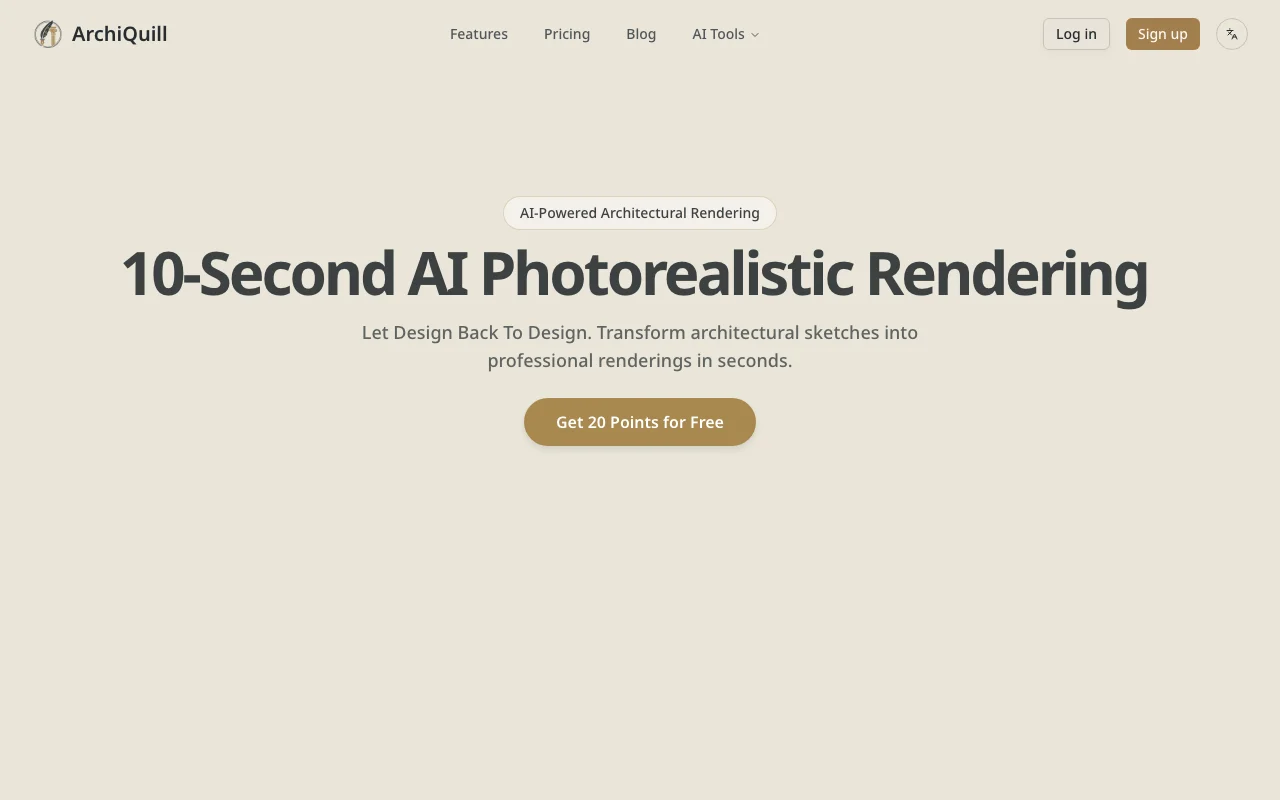
Homepage offers 20 points for free ("Get 20 Points for Free").
No separate trial stated.
Free source (opens in a new tab)
One-time
For: Testing output quality
Limits
Includes
$8.3/mo source (opens in a new tab)
Month, annual commitment
$8.3/month shown, $100 billed yearly
For: Hobbyists and occasional use
Limits
Includes
$24/mo source (opens in a new tab)
Month, annual commitment
$24/month shown, $288 billed yearly
For: Professionals and power users
Limits
Includes
$30/mo source (opens in a new tab)
Month, annual commitment
$30/month shown, $360 billed yearly
For: Teams and high-volume users
Limits
Includes
Not stated beyond plan credits.
Not stated.
ArchiQuill converts architectural sketches, elevations and models from tools such as SketchUp, Rhino, Revit and 3ds Max into photorealistic renderings. It offers separate tools for sketch, elevation, exterior, interior, landscape and garden design. Use is credit-based: the homepage offers 20 free points to start, and paid plans give monthly credits that roll over.
You provide
You get back
Scenarios are worked out by our editors from the documentation; the actual result depends on your input and plan.
Turns hand-drawn sketches into photorealistic renders Fast concept visuals
Converts elevation drawings into visualizations Presents facades quickly
Creates exterior architectural renderings Early exterior studies
Visualizes interior spaces Interior concept review
Modern two-storey house, white concrete and timber cladding, evening light, photorealistic exterior.
"Better suited" is based on documented features and pricing, not on a head-to-head test.
| Alternative | When to choose it | Pricing | Limitation | |
|---|---|---|---|---|
| Midjourney | — | — | Compare | |
| Adobe Firefly | — | — | Compare | |
| Leonardo.Ai | — | — | Compare |
No user reviews yet.
Used ArchiQuill? Be the first to share your experience.
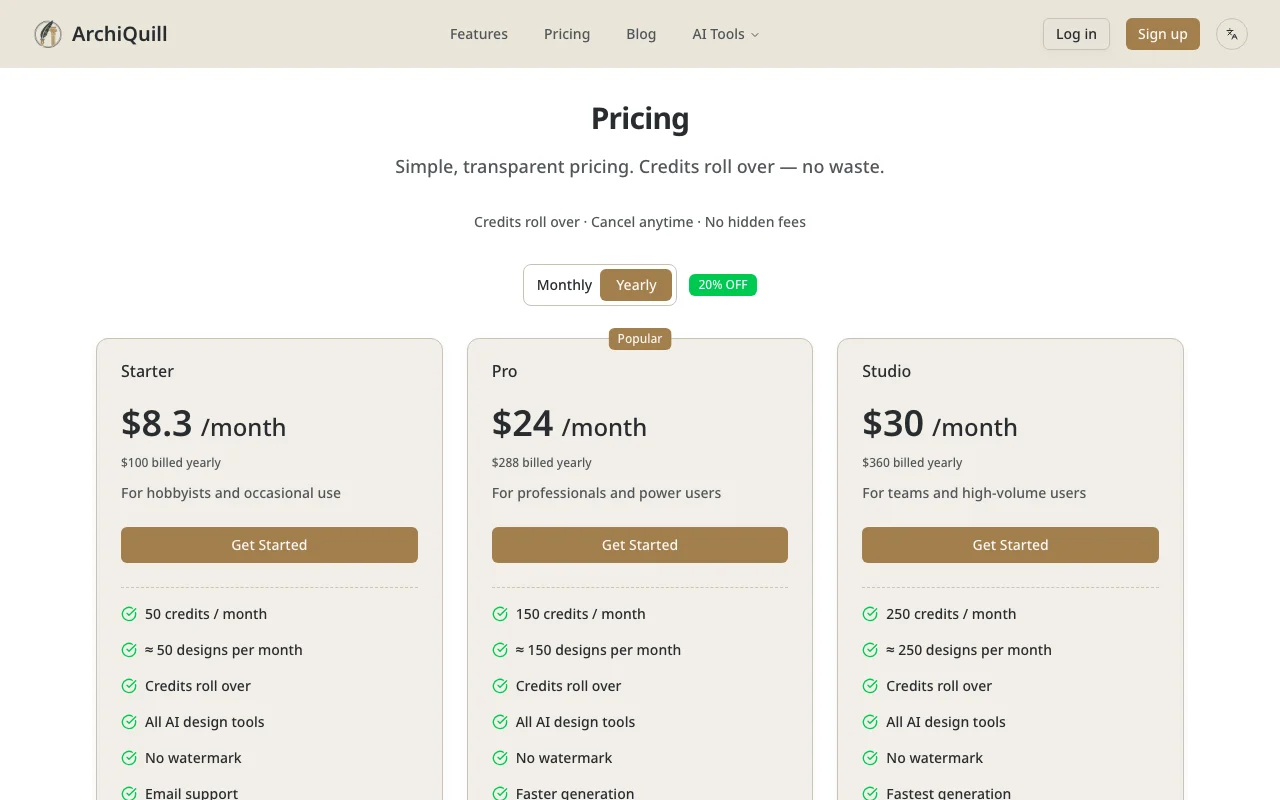
Yearly billing shows Starter $8.3/month ($100/yr), Pro $24/month ($288/yr) and Studio $30/month ($360/yr). source (opens in a new tab)
The homepage offers 20 free points to start; other free-tier terms are not published. source (opens in a new tab)
Yes, the pricing page states credits roll over. source (opens in a new tab)
No, all three paid plans list "No watermark". source (opens in a new tab)
SketchUp, Rhino, 3ds Max, Revit and Cinema 4D are named on the homepage. source (opens in a new tab)
Not verified: Monthly-billing prices; Account requirement; Privacy, training and retention terms; Commercial-use terms; Output resolution and generation time; API availability.
Every fact about ArchiQuill above comes from the 2 official pages listed here, last compared on Oct 2, 2026; we have not run ArchiQuill ourselves, so it has no editorial score. How we check and re-check pages.
Article updated Oct 2, 2026; prices checked Oct 2, 2026. Outbound links to vendors are plain links; we do not earn commissions. How we review · Report an error
compare>