Productivity & writingDocumented overviewLast checked Oct 2, 2026

GoReportly: Pricing, Features & Best Use Cases

API service that turns JSON data into branded PDF reports using Razor (CSHTML) templates.
Who should use GoReportly

Choose GoReportly if your app can already produce JSON and you are comfortable writing Razor (CSHTML) templates to get branded PDFs through an API. Based on the vendor's documentation, not on a hands-on test.

Best for: Developers needing PDF generation

Also a good fit for

  • Apps that need branded invoices or batch reports from JSON data

Consider another tool if requires knowledge of Razor templates

Or if

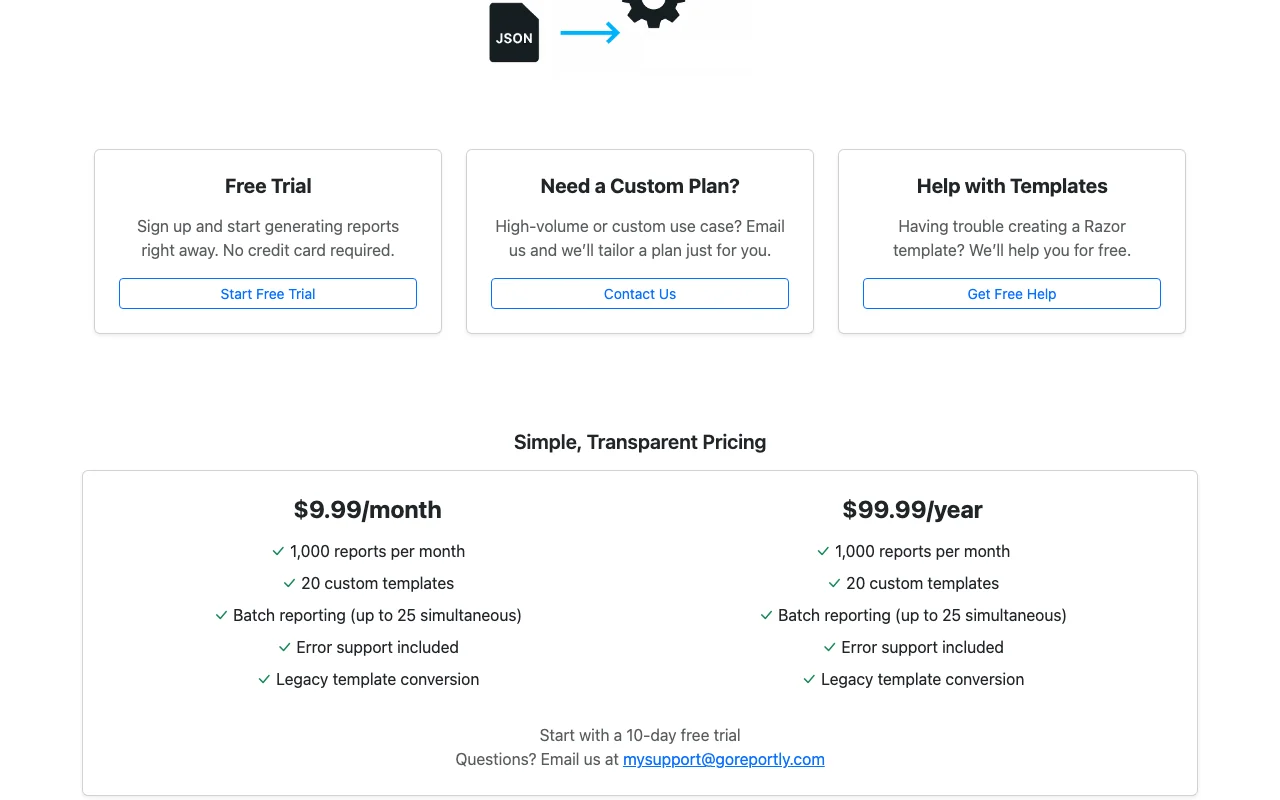
  • 1,000 reports per month on listed plan
  • 20 custom templates

GoReportly pricing and usage limits

Prices checked Oct 2, 2026 on the official US pricing page. Official pricing ↗ Prices and limits change often.

Free access and trial conditions

10-day free trial; no credit card required.

10 days.

Paid plans: what changes as you upgrade

Monthly web

$9.99 source (opens in a new tab)

Monthly

For: Developers with steady PDF needs

Limits

  • 1,000 reports per month
  • 20 custom templates
1 more
  • Batch up to 25 simultaneous

Includes

  • Error support
  • Legacy template conversion

API included

Yearly web

$99.99 source (opens in a new tab)

Yearly, annual commitment

Billed $99.99 once per year, versus $9.99 per month.

For: Teams committing for a year

Limits

  • 1,000 reports per month
  • 20 custom templates
1 more
  • Batch up to 25 simultaneous

Includes

  • Error support
  • Legacy template conversion

API included

Usage caps, credits and extra costs

Not stated; high-volume needs are quoted by email.

Not stated.

What is GoReportly, and how does it work?

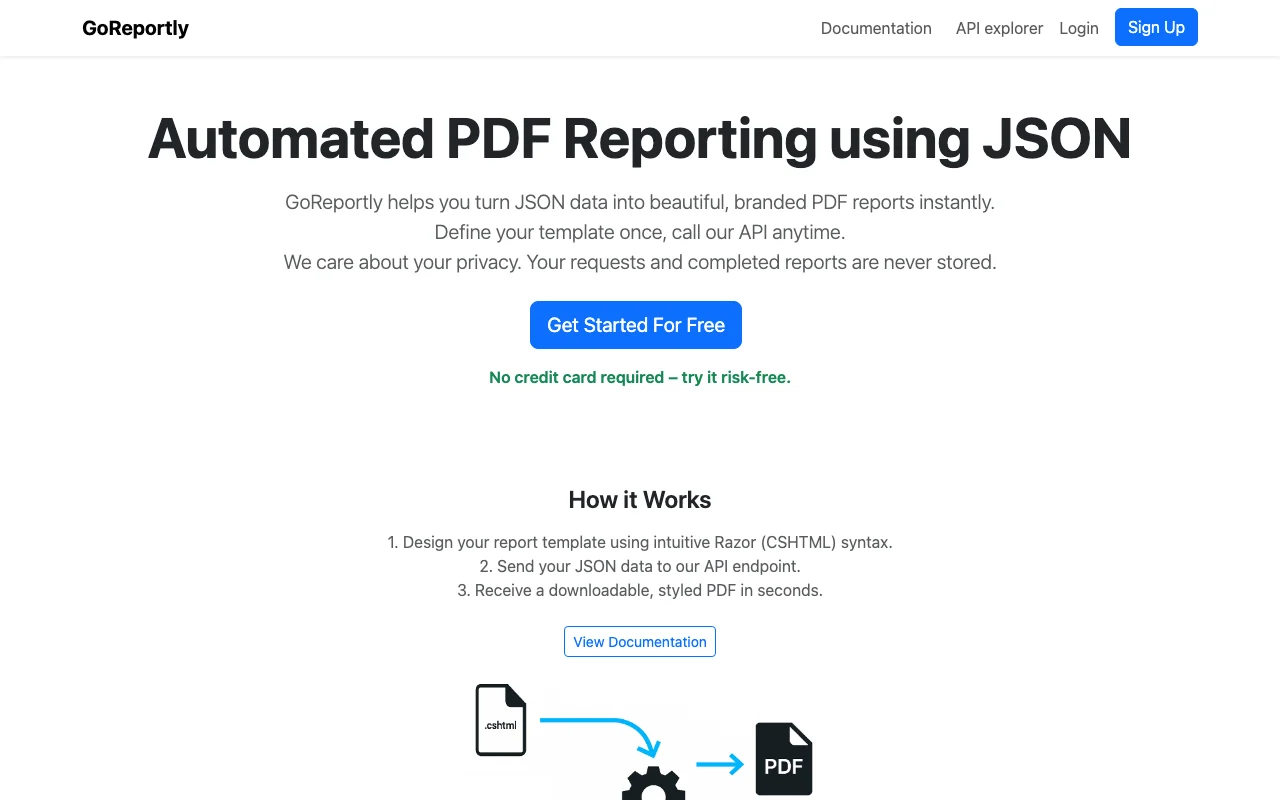
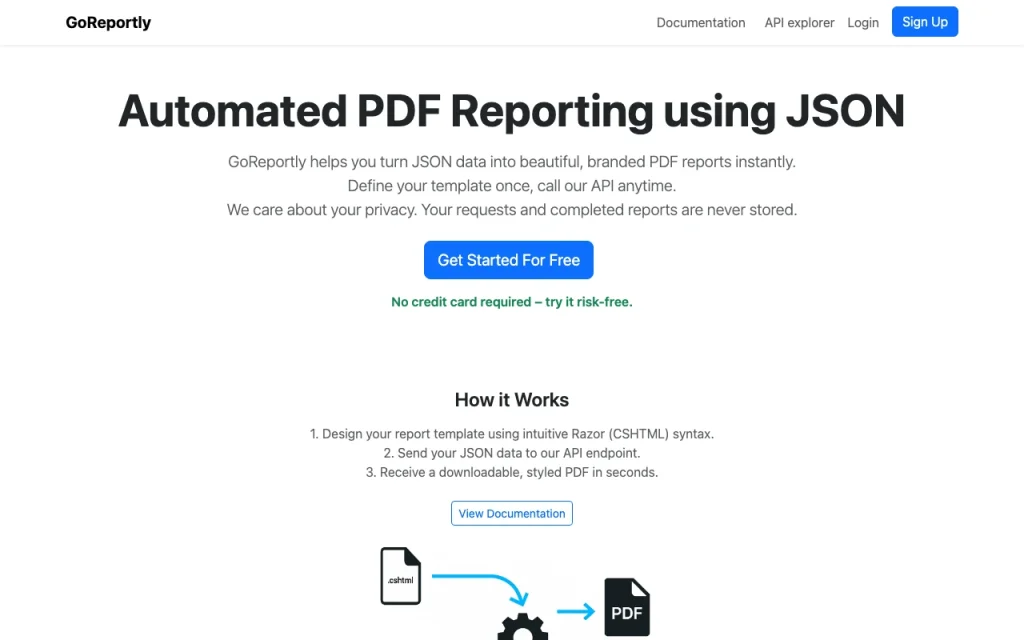
GoReportly lets you define a report template in Razor (CSHTML) syntax, send JSON data to an API endpoint and receive a styled PDF. The site states requests and completed reports are not stored, and offers a 10-day free trial. It is a template-based PDF generator rather than a generative AI tool.

GoReportly homepage — screenshot of the productivity & writing AI tool, Oct 2, 2026
GoReportly's official site: how the product presents itself. goreportly.com, captured Oct 2, 2026

What you provide and what you get back

How GoReportly works: what you provide, where it runs and what you get backYOU PROVIDEYour inputJSON data sent to an API endpointRazor (CSHTML) report templatePRODUCTIVITY & WRITINGGoReportlyWeb, APIfrom $9.99 (Monthly)no free tieraccount requiredchecked Oct 2, 2026YOU GET BACKThe resultStyled PDF reportBatch of PDF reportsinput → GoReportly → output · from the vendor's own pages, no hands-on test unless stated
What you give GoReportly and what comes back, from its documentation

You provide

  • JSON data sent to an API endpoint
  • Razor (CSHTML) report template

You get back

  • Styled PDF report
  • Batch of PDF reports

Where you can use it

Platforms
Web, API
Account
Required
Template syntax
Razor (CSHTML) source (opens in a new tab)
Batch size
Up to 25 simultaneous source (opens in a new tab)
Monthly volume
1,000 reports on listed plan source (opens in a new tab)

Best use cases for GoReportly

Scenarios are worked out by our editors from the documentation; the actual result depends on your input and plan.

Invoices

Who
Developers adding invoice output to a billing app
You provide
JSON invoice data plus a CSHTML template
Expected result
A branded invoice PDF returned by the API
Plan needed
Monthly or yearly plan
Limitation
Template design needs Razor knowledge source (opens in a new tab)

Employee list reports

Who
HR or ops teams automating roster printouts
You provide
JSON list of employees and a table template
Expected result
A tabular employee list PDF
Plan needed
Monthly or yearly plan
Limitation
Capped at 20 custom templates source (opens in a new tab)

Batch report generation

Who
Backend teams producing many documents at once
You provide
Several JSON payloads
Expected result
Multiple PDFs generated in one batch
Plan needed
Monthly or yearly plan
Limitation
Batch limited to 25 simultaneous reports source (opens in a new tab)

Key features and their practical limits

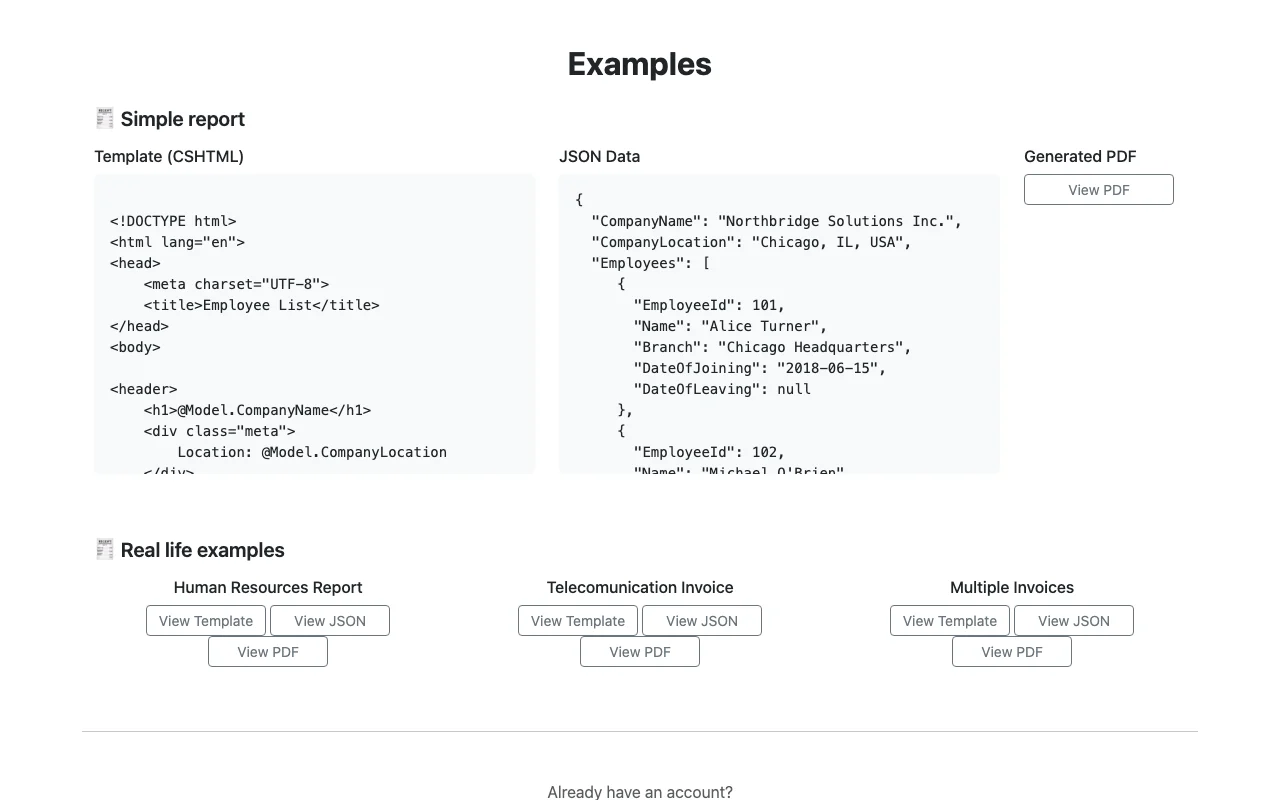
GoReportly homepage — screenshot of the productivity & writing AI tool, Oct 2, 2026
Feature overview on the official site. goreportly.com, captured Oct 2, 2026

JSON to PDF via API

Accepts a JSON payload on an API endpoint and returns a rendered PDF document. Removes manual layout work from reporting pipelines.

Access: API, with a free trial on sign-up.Limit: Output is PDF only per the site. source (opens in a new tab)

Razor (CSHTML) templates

Lets you define the layout as HTML with Razor expressions bound to the JSON model. Gives full control over branding and loops over rows.

Access: Included in the listed plan.Limit: Requires Razor syntax knowledge; free template help is offered by email. source (opens in a new tab)

Up to 25 simultaneous batch reports

Renders up to 25 reports in parallel in one batch call. Speeds up bulk document runs such as month-end statements.

Access: Included in the listed plan.Limit: Ceiling of 25 simultaneous reports. source (opens in a new tab)

Legacy template conversion

Converts older templates to the Razor format used by the service. Helps teams migrate existing report layouts.

Access: Included in the listed plan.Limit: Conversion scope is not detailed on the page. source (opens in a new tab)

GoReportly pros and cons

Reasons to choose GoReportly

Check before paying for GoReportly

How to use GoReportly for generating PDF reports from JSON

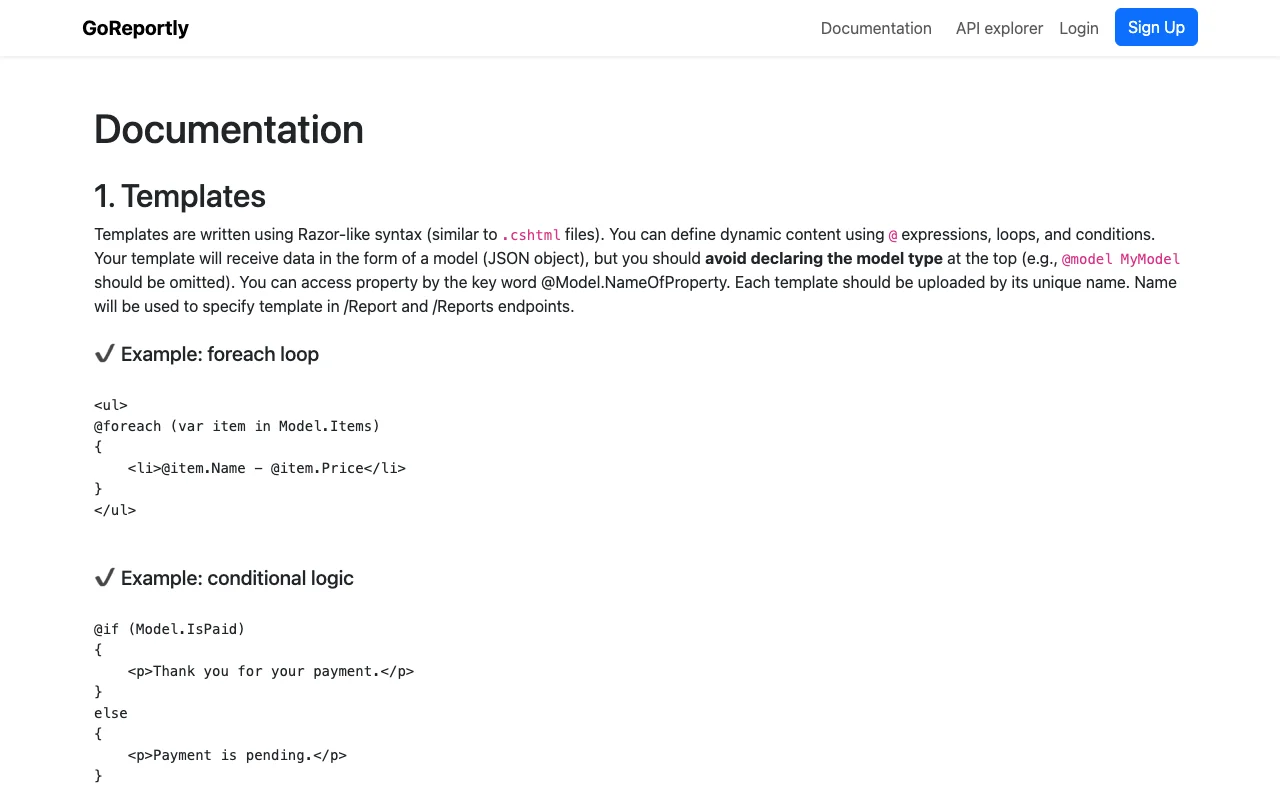
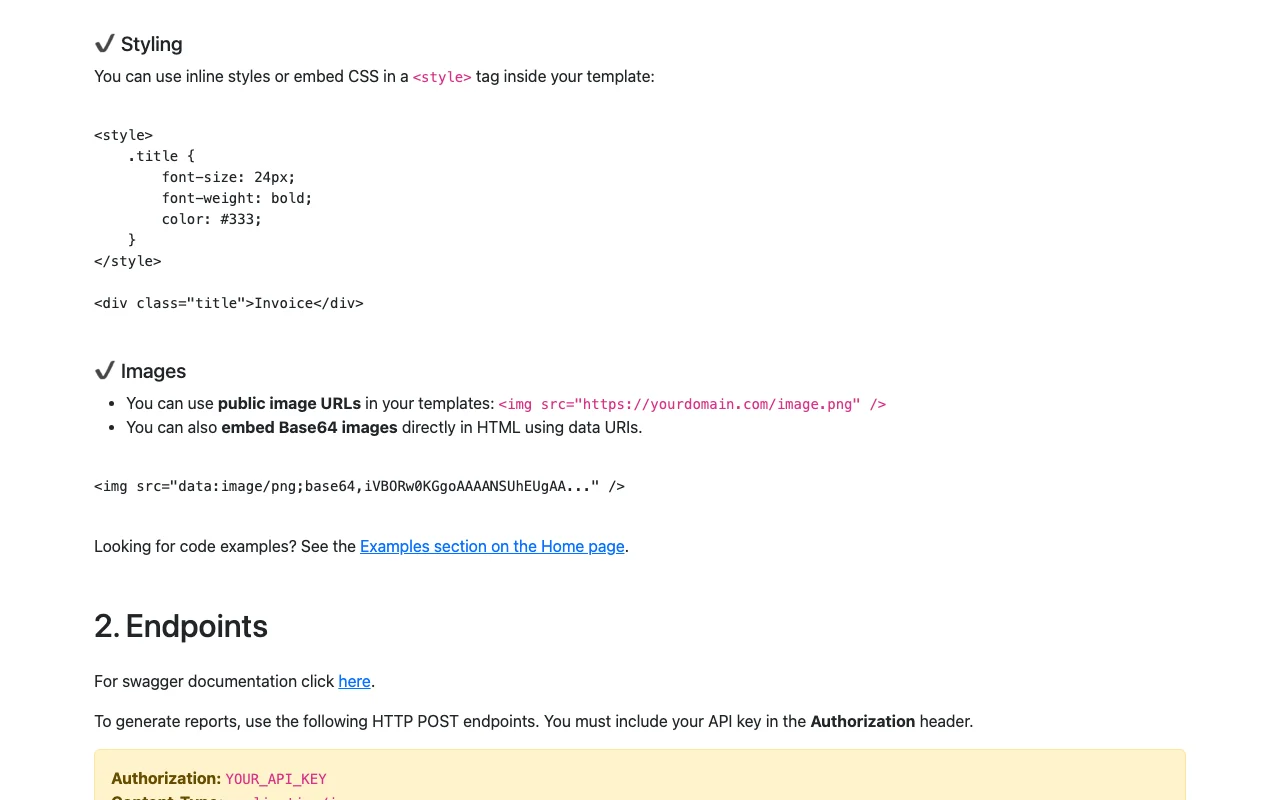
GoReportly documentation — screenshot of the productivity & writing AI tool, Oct 2, 2026
GoReportly documentation: where the steps below come from. goreportly.com, captured Oct 2, 2026

Set up GoReportly

  1. Start the free trial on goreportly.com.
  2. Write a Razor (CSHTML) template for your report layout.
  3. Upload the template in your account.
  4. Call the API endpoint with your JSON data.

Example: generating PDF reports from JSON

  1. Create an employee-list template with a table loop over Model.Employees.
  2. Send a JSON body with CompanyName and an Employees array.
  3. Download the returned PDF.
  4. Adjust the CSS in the template and resend.

Review and export the result

  1. Open the PDF and compare row counts with the JSON array.
  2. Check fonts, margins and page breaks against the template.

GoReportly integrations and API

GoReportly documentation — screenshot of the productivity & writing AI tool, Oct 2, 2026
GoReportly documentation (continued). goreportly.com, captured Oct 2, 2026

Native integrations and export formats

Export: PDF

API access and separate billing

GoReportly has no public API in its official documentation. Core product is the API. API documentation ↗

Privacy, data use and commercial rights

Summarized from the vendor's current policies; this is not legal advice and a vendor's badge is not an independent audit.

How your inputs and outputs are handled

JSON data and templates are sent to the API.

Not applicable; the site does not describe AI model training.

Site states requests and completed reports are never stored.

Other tools to consider instead of GoReportly

"Better suited" is based on documented features and pricing, not on a head-to-head test.

Zapier: better suited to

Make: better suited to

Alternatives
AlternativeWhen to choose itPricingLimitation
Zapier——Compare
Make——Compare

Explore GoReportly further

Tools and guides near GoReportly

GoReportly user reviews

No user reviews yet.

Used GoReportly? Be the first to share your experience.

Write a review

Reviews are checked by a moderator before they appear. Your email is never published. Plain text only.

Your rating (required)

Show what you made or what went wrong. Images are published only if the review is approved; location data is removed.

    GoReportly FAQ

    Which template language does GoReportly use for PDF layouts?

    Razor (CSHTML), as stated on the home page.

    Does GoReportly keep the reports it generates?

    No. The home page says requests and completed reports are never stored.

    How many reports can GoReportly produce per month on its listed plan?

    1,000 reports per month, with 20 custom templates and batches of up to 25.

    Can GoReportly help if I struggle with a Razor template?

    Yes, the site offers free help with templates by contact request.

    What does GoReportly cost per month versus per year?

    $9.99 per month or $99.99 per year, with a 10-day free trial.

    Sources and review methodology

    Official sources and verification dates

    Not verified: Vendor name and legal entity not stated.; Rate limits, uptime and data-processing details not stated.; Commercial-use terms and policy URLs not found.; Page not available: https://www.goreportly.com/privacy; Page not available: https://www.goreportly.com/docs.

    How we documented and maintain this page

    Every fact about GoReportly above comes from the 2 official pages listed here, last compared on Oct 2, 2026; we have not run GoReportly ourselves, so it has no editorial score. How we check and re-check pages.

    Article updated Oct 2, 2026; prices checked Oct 2, 2026. Outbound links to vendors are plain links; we do not earn commissions. How we review · Report an error