Our take: Choose DOBS if you work in CPA, transaction advisory or private equity diligence and want traceable workbooks from data rooms, with pricing by demo only.
Main limitation: No pricing is public, so a demo or contact with the vendor is needed, and no self-serve signup is stated.
By the AI Tool Atlas editors.
Based on the vendor's official documentation; we have not tested this product hands-on. What “documented overview” means
Who should use DOBS AI
Choose DOBS if you work in CPA, transaction advisory or private equity diligence and want traceable workbooks from data rooms, with pricing by demo only. Based on the vendor's documentation, not on a hands-on test.
Best for: CPA firms and transaction advisory teams
Also a good fit for
Private equity deal teams
Consider another tool if no public pricing; demo or contact required
Or if
No self-serve signup stated
Built for finance due diligence only
DOBS AI pricing and usage limits
Prices checked Oct 4, 2026 on the official US pricing page. Official pricing ↗ Prices and limits change often.
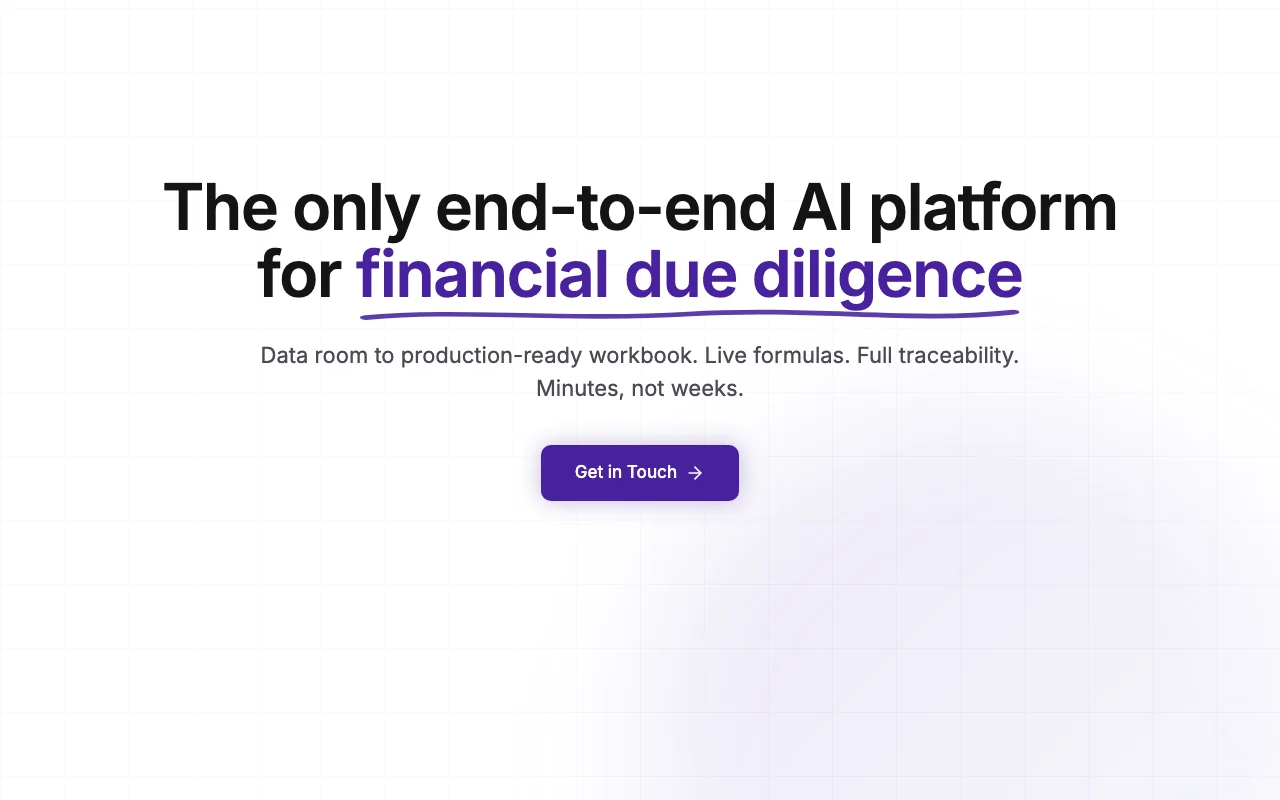
DOBS AI is a platform for financial due diligence aimed at CPA firms, transaction advisory teams and private equity. Users upload a data room or connect an ERP (QuickBooks, Xero, NetSuite, Sage), and an AI agent indexes the files, extracts data from PDFs, ledgers, bank statements and payroll files, and builds a traceable Excel-style workbook.
The site states standard analyses such as proof of cash, payroll, customer concentration and net working capital run automatically, with every number linked to its source document. Teams can review, give feedback and regenerate workbooks and reports in PDF or PowerPoint. It lists SOC 2 Type I compliance, private-VPC deployment and no training on customer data. Demos are by request; no pricing is published.
DOBS AI's official site: how the product presents itself. dobs.ai, captured Oct 2, 2026
What you provide and what you get back
What you give DOBS AI and what comes back, from its documentation
You provide
Data rooms
ERP connections
You get back
Traceable workbooks
PDF or PowerPoint reports
Where you can use it
Account
Required
ERPs
QuickBooks, Xero, NetSuite, Sage
Analyses
Proof of cash, payroll, NWC
Outputs
Workbook, PDF, PPT
Security
SOC 2 Type I
What people use DOBS AI for
Scenarios are worked out by our editors from the documentation; the actual result depends on your input and plan.
Quality of earnings analysis
Who
Diligence advisors
You provide
Data room
Expected result
DOBS builds a quality of earnings workbook from the data room, with each figure linked to its source.
DOBS produces payroll and AP/AR aging analyses from the uploaded files, with links to the source documents.
Plan needed
Contact sales
Limitation
The pages we could read do not say how far the analyses go beyond the ones named. source (opens in a new tab)
DOBS AI features and their limits
Feature overview on the official site. dobs.ai, captured Oct 2, 2026
Data room upload and ERP integrations (QuickBooks, Xero, NetSuite, Sage)
Imports files or pulls from accounting systems. Diligence teams can load a data room or connect their accounting system instead of copying figures by hand.
Access: Contact salesLimit: Only QuickBooks, Xero, NetSuite and Sage are named as accounting systems.source (opens in a new tab)
Extraction from PDFs, ledgers, bank statements and payroll files
Reads financial documents. Analysts do not have to key in numbers from PDFs, ledgers, bank statements and payroll files.
Access: Contact salesLimit: The accuracy claim is the vendor's own and should be tested on your files.source (opens in a new tab)
Workbooks with live formulas and source links
Builds spreadsheets with formulas linking to source. Reviewers can click from a figure to the document it came from and adjust the formulas.
Access: Contact salesLimit: A person must still review the workbook before it is relied on.source (opens in a new tab)
Confidence scores on mappings
Marks uncertain mappings. Reviewers can focus on the mappings the system is unsure about instead of checking every line.
Access: Contact salesLimit: The scores are produced by the tool, so low-confidence items need review.source (opens in a new tab)
DOBS AI pros and cons
Reasons to choose DOBS AI
Every number links back to a source document Every number links back to its source document, so a reviewer can trace a figure in the workbook to the file it came from.documentedsource (opens in a new tab)
SOC 2 Type I compliance stated The site states SOC 2 Type I compliance, which gives firms handling client financials a security point to ask about in a demo.documentedsource (opens in a new tab)
Site says customer data is not used for model training The site says customer data is not used for model training, so a firm can ask for this in writing before uploading a data room.documentedsource (opens in a new tab)
Check before paying for DOBS AI
No public pricing; demo or contact required No pricing is public and a demo or contact is required, so a firm cannot compare the cost with other tools in advance.documentedsource (opens in a new tab)
No self-serve signup stated No self-serve signup is stated, so you cannot try the product without going through the vendor.documentedsource (opens in a new tab)
Built for finance due diligence only The product is built for finance due diligence only, so it will not help with other kinds of document analysis.documentedsource (opens in a new tab)
Accuracy claims (99%+) are vendor statements The accuracy figure of 99 percent or more is the vendor's own statement, so a firm should test it on its own files.documentedsource (opens in a new tab)
How to use DOBS AI for financial due diligence
Set up DOBS AI
Book a demo.
Connect ERP or upload data room.
Configure.
Example: financial due diligence
Upload.
Review analyses.
Export.
Review and export the result
Click through links.
Verify totals.
DOBS AI integrations and API
Native integrations and export formats
Export: Excel-style workbook, PDF, PowerPoint
API access and separate billing
DOBS AI has no public API in its official documentation.
Privacy, data use and commercial rights
Summarized from the vendor's current policies; this is not legal advice and a vendor's badge is not an independent audit.
How your inputs and outputs are handled
Financial data
Site states customer data is not used for model training
Not verified: Pricing; Platforms; Official pages could not be read as text (client-rendered or empty fetch); facts come from the verified seed research.
How we documented and maintain this page
Every fact about DOBS AI above comes from the 2 official pages listed here, last compared on Oct 4, 2026; we have not run DOBS AI ourselves, so it has no editorial score. How we check and re-check pages.
Article updated Oct 10, 2026; prices checked Oct 4, 2026. Outbound links to vendors are plain links; we do not earn commissions. How we review · Report an error