Productivity & writingDocumented overviewLast checked Oct 2, 2026

Easy MCP AI: Pricing, Features & Best Use Cases

Free WordPress plugin that exposes a site as an MCP server so Claude, ChatGPT or other agents can manage content.
Who should use Easy MCP AI

Easy MCP AI is useful for WordPress owners who want Claude, ChatGPT or Cursor to manage posts, SEO fields and WooCommerce through a free in-site MCP server. Based on the vendor's documentation, not on a hands-on test.

Best for: WordPress site owners

Also a good fit for

  • SEO and content teams
  • Agencies

Consider another tool if requires WordPress 6.9+ for the plugin integrations noted

Or if

  • Third-party SEO APIs are paid separately
  • Needs an external AI client

Easy MCP AI pricing and usage limits

Prices checked Oct 2, 2026 on the official US pricing page. Prices and limits change often.

Free access and trial conditions

Plugin is free on WordPress.org.

None needed.

Paid plans: what changes as you upgrade

Plugin plugin

Free

Monthly

For: WordPress sites

Limits

  • Third-party SEO APIs paid separately

Usage caps, credits and extra costs

Third-party SEO APIs and your AI client.

Not applicable.

What is Easy MCP AI, and how does it work?

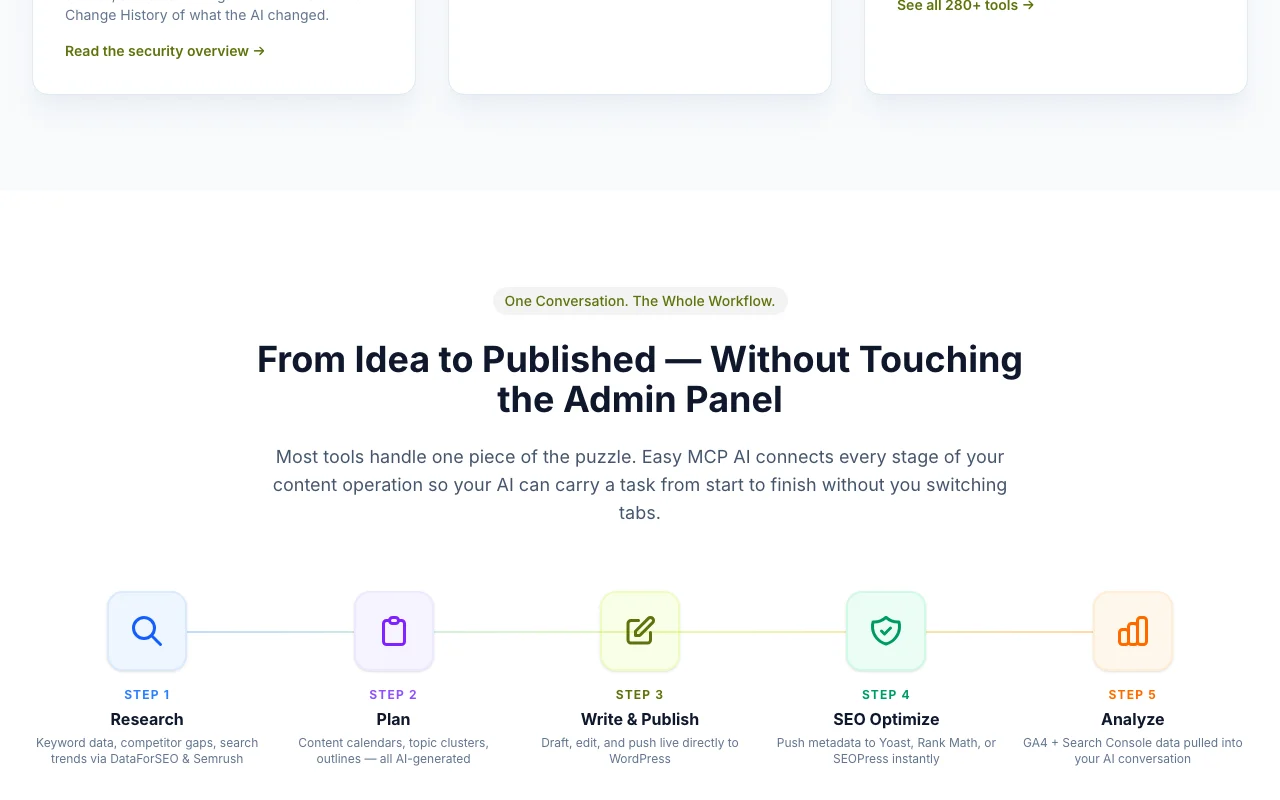
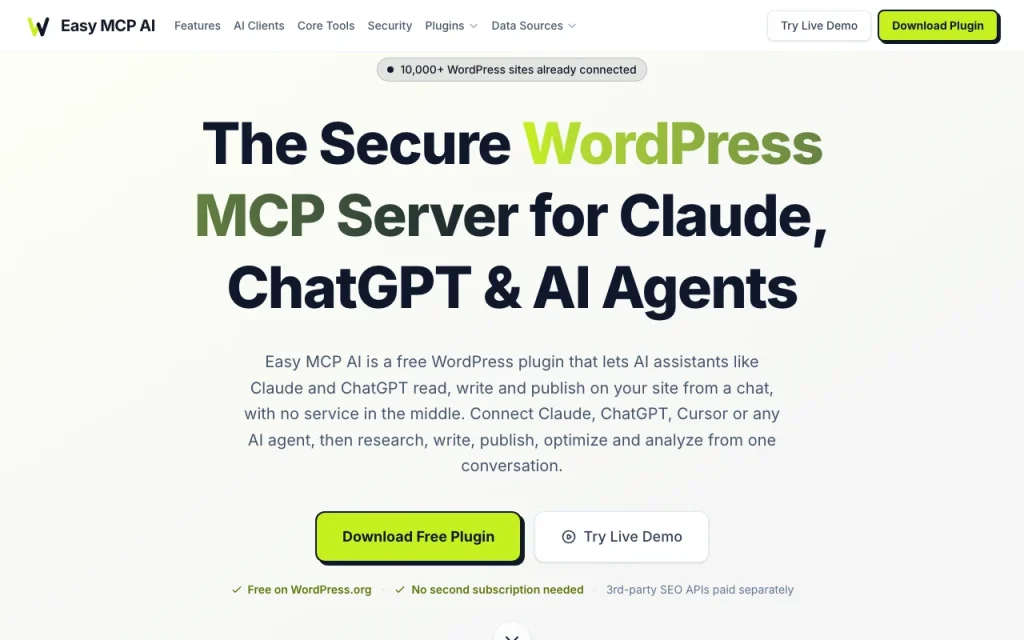
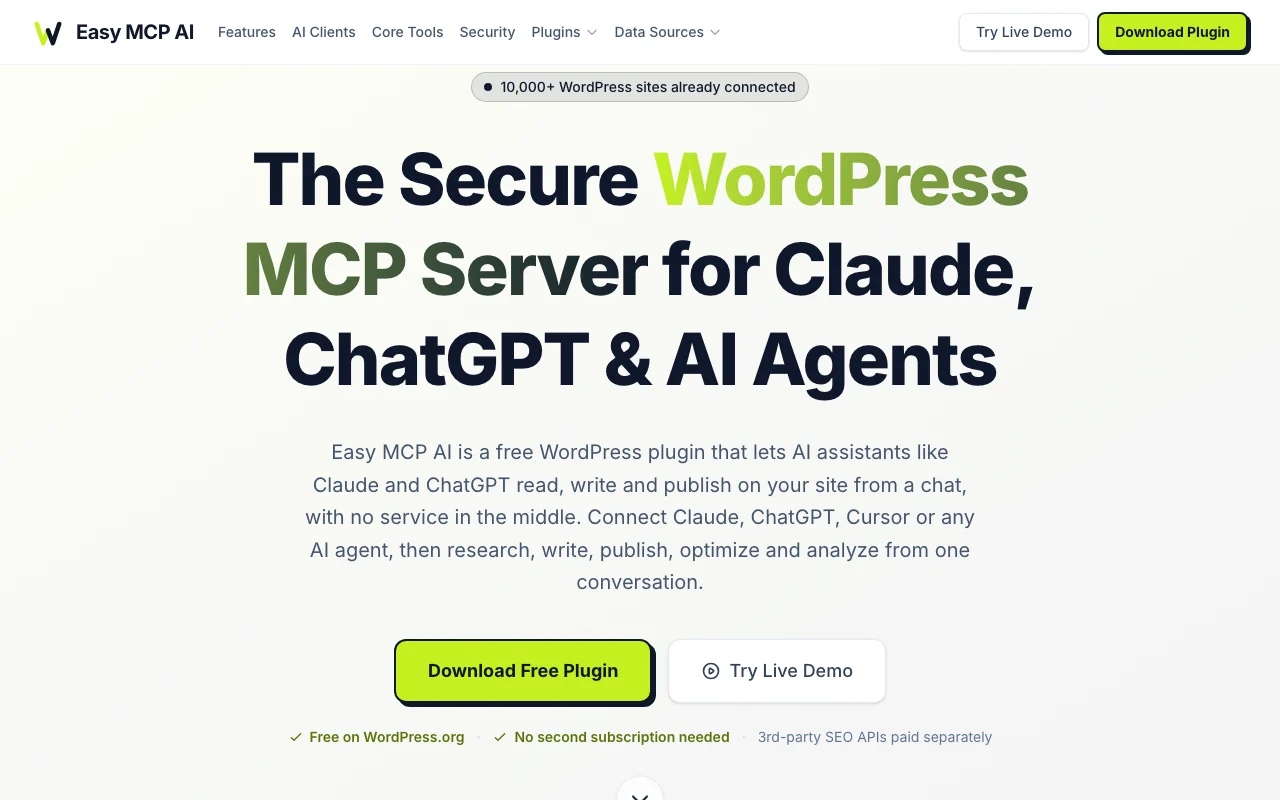
Easy MCP AI is a WordPress plugin that turns a site into an MCP server. AI assistants such as Claude, ChatGPT or Cursor can read, write and publish content from a chat, with the plugin running inside WordPress and no hosted relay. It lists 280+ tools covering posts, pages, media, users, WooCommerce, several SEO plugins and analytics sources, secured with OAuth 2.1, per-token permissions and an audit log.

Easy MCP AI homepage — screenshot of the productivity & writing AI tool, Oct 2, 2026
Easy MCP AI's official site: how the product presents itself. easymcpai.com, captured Oct 2, 2026

What you provide and what you get back

How Easy MCP AI works: what you provide, where it runs and what you get backYOU PROVIDEYour inputChat instructions from an MCP cli…WordPress site contentPRODUCTIVITY & WRITINGEasy MCP AIfree tier, paid price not publish…free tier availableaccount requiredchecked Oct 2, 2026YOU GET BACKThe resultPublished posts and pagesUpdated SEO and product datainput → Easy MCP AI → output · from the vendor's own pages, no hands-on test unless stated
What you give Easy MCP AI and what comes back, from its documentation

You provide

  • Chat instructions from an MCP client
  • WordPress site content

You get back

  • Published posts and pages
  • Updated SEO and product data

Where you can use it

Account
Required
Hosting
In WordPress source (opens in a new tab)

Best use cases for Easy MCP AI

Scenarios are worked out by our editors from the documentation; the actual result depends on your input and plan.

Publishing posts from chat

Who
Site owners
You provide
Chat request
Expected result
Published draft post
Plan needed
Free plugin
Limitation
AI client required source (opens in a new tab)

Setting SEO metadata

Who
SEO teams
You provide
Keyword request
Expected result
Yoast or Rank Math fields filled
Plan needed
Free plugin
Limitation
SEO data APIs paid separately source (opens in a new tab)

Managing WooCommerce products

Who
Store managers
You provide
Product instruction
Expected result
Updated WooCommerce products
Plan needed
Free plugin
Limitation
Needs WooCommerce source (opens in a new tab)

Easy MCP AI features and their limits

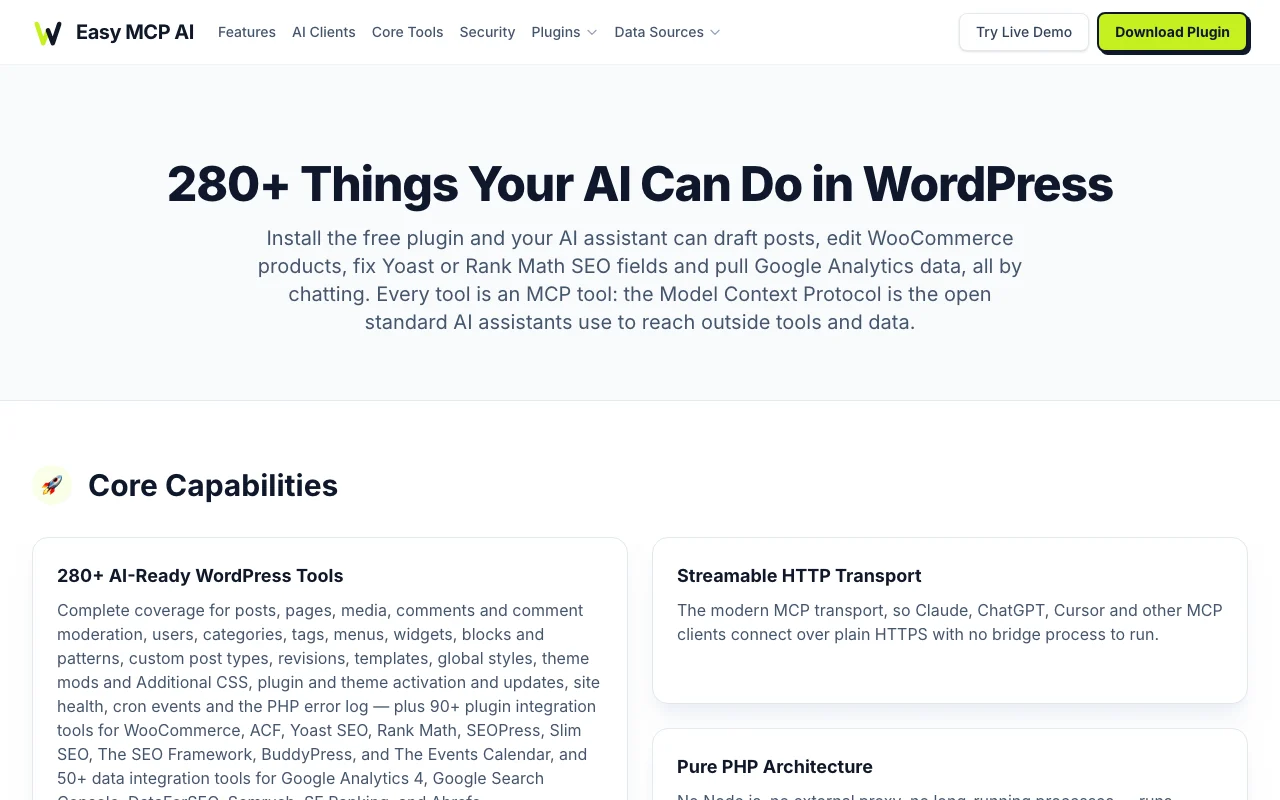
Easy MCP AI homepage — screenshot of the productivity & writing AI tool, Oct 2, 2026
Feature overview on the official site. easymcpai.com, captured Oct 2, 2026

280+ MCP tools

Gives AI clients more than 280 tools across core, plugin and data sources. Covers most admin tasks.

Access: Free plugin.Limit: Specific tools need matching plugins. source (opens in a new tab)

OAuth 2.1 and per-token permissions

Authenticates with OAuth 2.1 and lets you restrict tools per token. Limits what AI can do.

Access: Free plugin.Limit: Admin must configure. source (opens in a new tab)

Audit log with change history

Logs AI actions with before and after change history. Enables review and rollback.

Access: Free plugin.Limit: Scope per site. source (opens in a new tab)

Works with Claude, ChatGPT, Cursor

Connects through MCP to Claude, ChatGPT, Cursor and other agents. Avoids a relay service.

Access: Free plugin.Limit: Client supplies model costs. source (opens in a new tab)

Easy MCP AI pros and cons

Reasons to choose Easy MCP AI

Check before paying for Easy MCP AI

How to use Easy MCP AI for managing a WordPress site from an AI chat

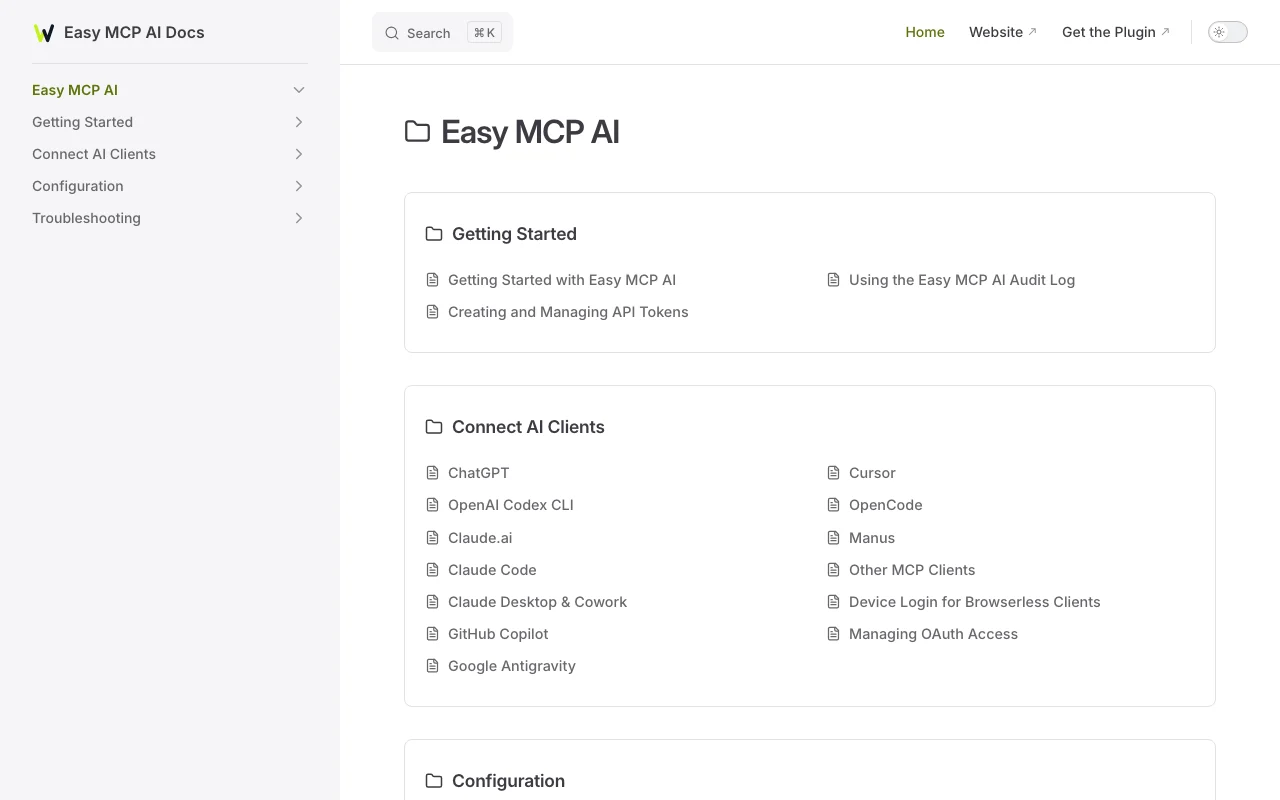
Easy MCP AI documentation — screenshot of the productivity & writing AI tool, Oct 2, 2026
Easy MCP AI documentation: where the steps below come from. docs.easymcpai.com, captured Oct 2, 2026

Set up Easy MCP AI

  1. Install Easy MCP AI from WordPress.org.
  2. Create an access token with chosen tool permissions.
  3. Add the MCP endpoint to Claude or ChatGPT.

Example: managing a WordPress site from an AI chat

  1. Ask the AI to draft a post.
  2. Ask it to set the Yoast focus keyword.
  3. Review the post in WordPress.
  4. Publish.

Review and export the result

  1. Open the audit log for the change.
  2. Confirm the post status.
Example prompt suggested by our editors (not a recorded output of the product)
Write a 1,200-word post about home office setup, publish it, and set the Yoast focus keyword.

Easy MCP AI API

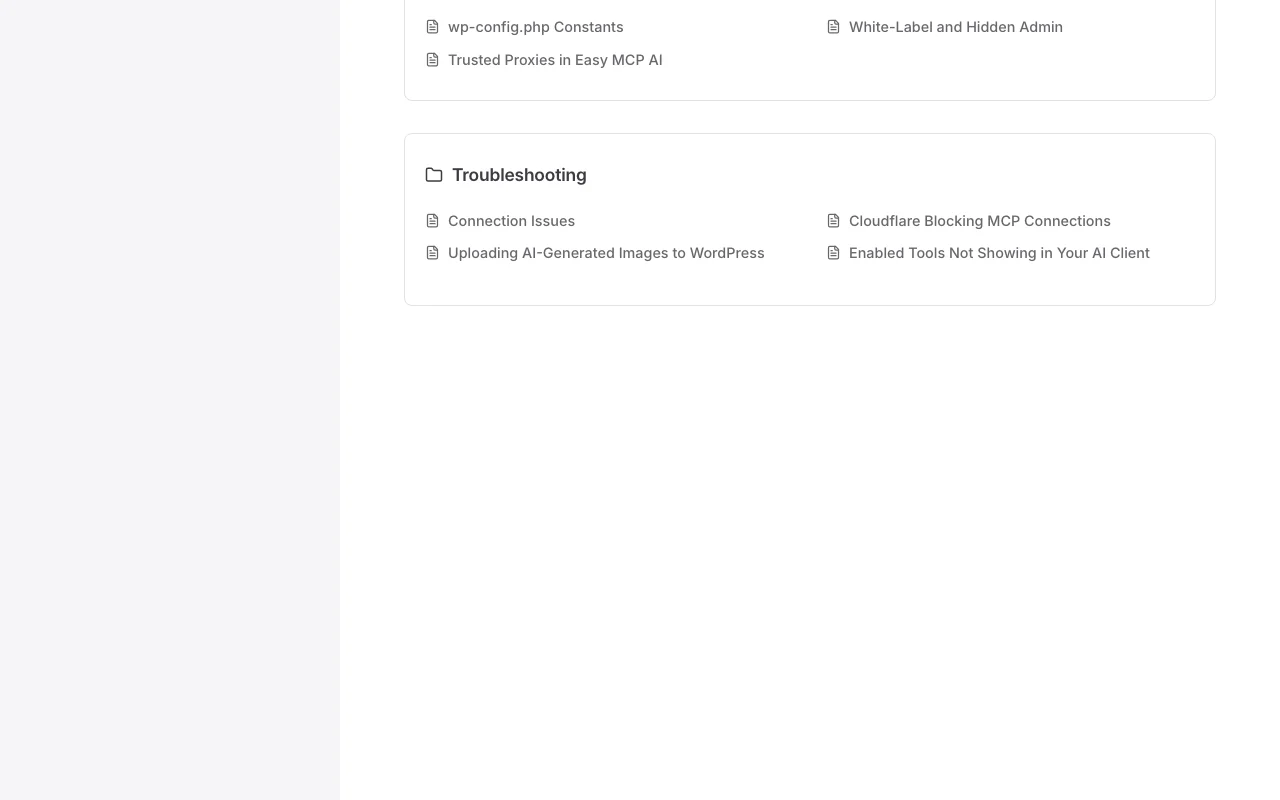
Easy MCP AI documentation — screenshot of the productivity & writing AI tool, Oct 2, 2026
Easy MCP AI documentation (continued). docs.easymcpai.com, captured Oct 2, 2026

API access and separate billing

Easy MCP AI has no public API in its official documentation. MCP server. API documentation ↗

Privacy, data use and commercial rights

Summarized from the vendor's current policies; this is not legal advice and a vendor's badge is not an independent audit.

How your inputs and outputs are handled

Runs inside WordPress with no hosted relay.

Audit log within WordPress.

Controls for business users

  • OAuth 2.1
  • IP allowlist
  • Rate limits
  • Kill switch

Easy MCP AI alternatives by need

"Better suited" is based on documented features and pricing, not on a head-to-head test.

n8n: better suited to

Zapier: better suited to

Claude: better suited to

Alternatives
AlternativeWhen to choose itPricingLimitation
n8n——Compare
Zapier——Compare
Claude——

Explore Easy MCP AI further

Tools and guides near Easy MCP AI

Easy MCP AI user reviews

No user reviews yet.

Used Easy MCP AI? Be the first to share your experience.

Write a review

Reviews are checked by a moderator before they appear. Your email is never published. Plain text only.

Your rating (required)

Show what you made or what went wrong. Images are published only if the review is approved; location data is removed.

    Easy MCP AI FAQ

    How many tools does Easy MCP AI list?

    Over 280: 130+ core, 90+ plugin and 50+ data integrations.

    Does Easy MCP AI need a hosted relay?

    No, it runs inside WordPress in pure PHP.

    What auth does Easy MCP AI use?

    OAuth 2.1 with per-token permissions.

    Which SEO plugins does Easy MCP AI support?

    Yoast, Rank Math and SEOPress among six listed.

    Is there a way to pause Easy MCP AI access?

    Yes, one switch pauses all AI access.

    Sources and review methodology

    Official sources and verification dates

    Not verified: No official pricing page.; WordPress version requirements only from seed.; Page not available: https://easymcpai.com/pricing.

    How we documented and maintain this page

    Every fact about Easy MCP AI above comes from the 5 official pages listed here, last compared on Oct 2, 2026; we have not run Easy MCP AI ourselves, so it has no editorial score. How we check and re-check pages.

    Article updated Oct 10, 2026; prices checked Oct 2, 2026. Outbound links to vendors are plain links; we do not earn commissions. How we review · Report an error