Our take: Best for product designers, product managers, and small product teams who need AI design assistance with full product context understanding.
Main limitation: Free plan limited to 3 canvases and 1 Context Pod; credit-based usage model; Starter plan includes only one full-access seat
By the AI Tool Atlas editors.
Based on the vendor's official documentation; we have not tested this product hands-on. What “documented overview” means
Is Figr right for you?
Best for product designers, product managers, and small product teams who need AI design assistance with full product context understanding. Based on the vendor's documentation, not on a hands-on test.
Best for: Product designers
Also a good fit for
Product managers
Small product teams needing context-aware AI design
Teams using Figma
Consider another tool if need unlimited free credits (free plan limited to 10/month)
Or if
Prefer non-credit-based pricing model
Need multiple team seats on budget (Starter has 1 seat)
Figr pricing and usage limits
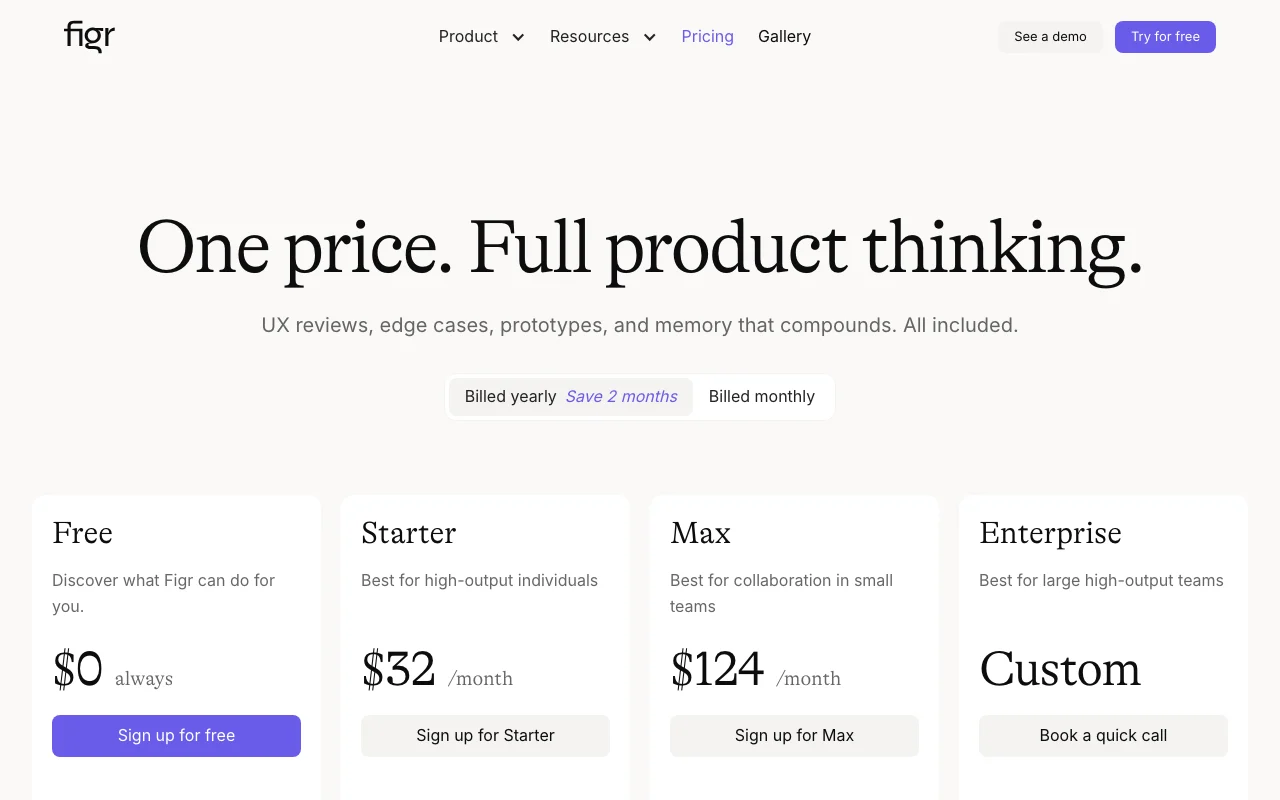
Prices checked Sep 29, 2026 on the official US pricing page. Official pricing ↗ Prices and limits change often.
Vendor pricing page re-checked automatically 11 days ago: no changes detected.
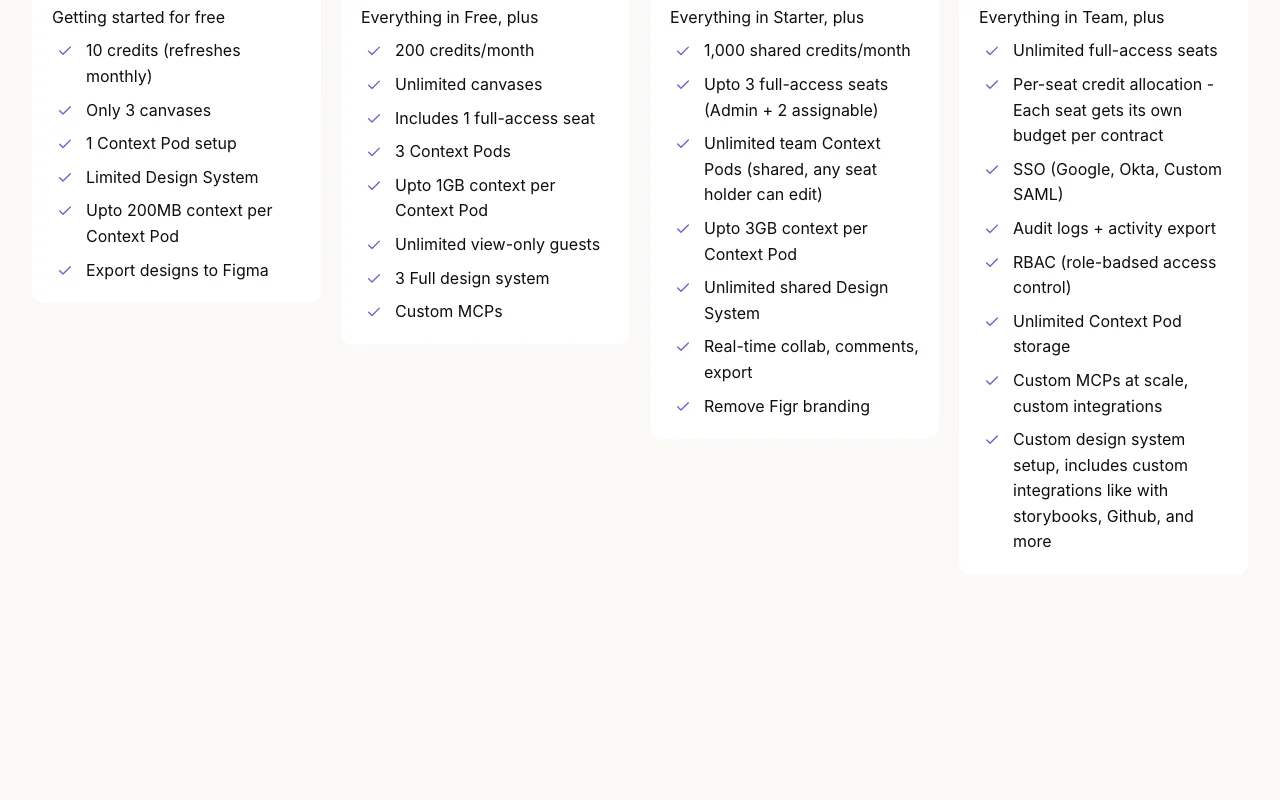
The official Figr pricing page as we saw it. figr.design, captured Oct 1, 2026
Free access and trial conditions
Free plan with 10 monthly credits (resets each month). Includes access to core features but limited canvas and Context Pod counts.
Free plan serves as unlimited trial; no time-limited trial
For: Large teams, enterprises with compliance and security requirements
Includes
Everything in Max, plus:
Unlimited full-access seats
21 more
Per-seat credit allocation (each seat gets own budget)
SSO (Google, Okta, Custom SAML)
Enforced SSO (disable password login)
Audit logs and activity export
RBAC (role-based access control) with custom roles
Unlimited Context Pod storage
Custom MCPs at scale
Custom integrations (Storybook, Github, etc.)
Data residency choice (US/EU/custom)
Encryption at rest (AES-256 + BYOK option)
SOC 2 Type II report (available on request)
Custom NDA/security review support
Pen test reports shared
Custom support over Slack
Dedicated CSM
Custom onboarding (multi-session)
Roadmap influence (direct PM access)
On-demand training sessions
Early access to features (private preview)
Incident response SLA (priority escalation)
Uptime SLA (99.9%)
API included
Usage caps, credits and extra costs
Additional credits can be purchased via 'Boost packs' on paid plans
Not mentioned in pricing pages; handled at checkout by Stripe
What is Figr, and how does it work?
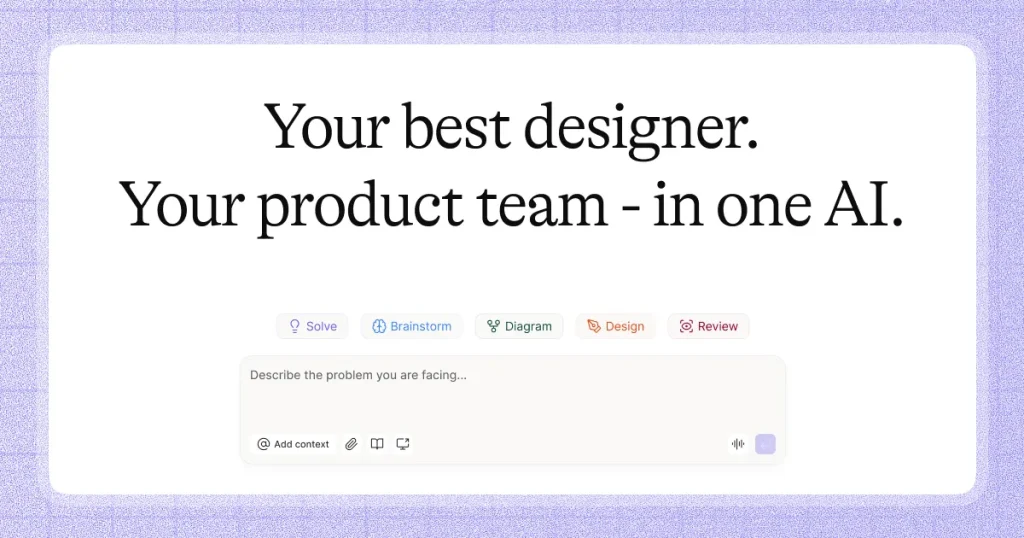
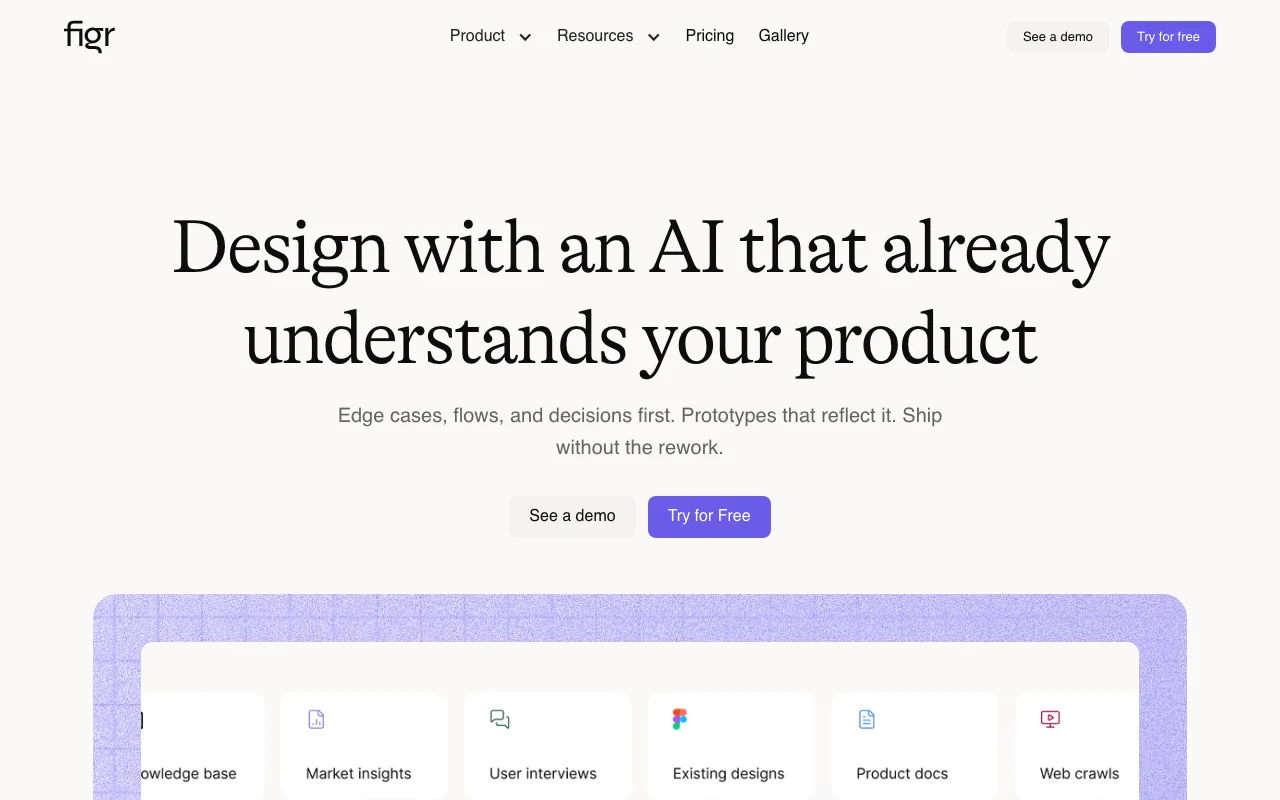
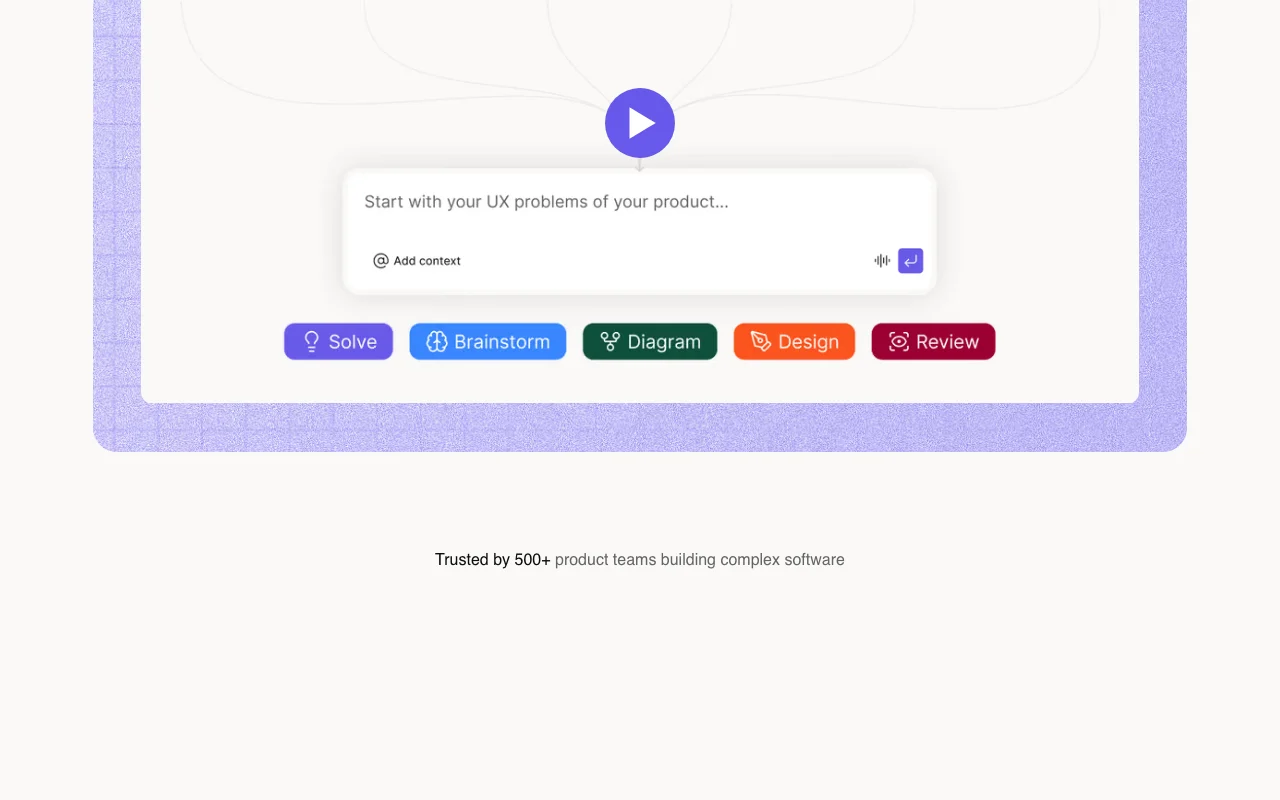
Figr is an AI design agent for product teams. It builds a context map of an existing product from captures, screen recordings, docs, PRDs, design systems and code context. From that context it maps UX flows and edge cases, reviews existing UX, generates designs and prototypes, and syncs work with Figma. The tool aims to produce product-aware designs that reflect flows, components, and design decisions rather than generic AI-generated screens.
Figr's official site: how the product presents itself. figr.design, captured Oct 1, 2026
What you provide and what you get back
What you give Figr and what comes back, from its documentation
You provide
PRDs and product documents
Screenshots and screen recordings (Chrome extension)
Figma files and design systems
Analytics files and research
Code context and Storybook
Queries for brainstorms, flows, reviews, prototypes
You get back
UX flows and edge case maps
Design reviews with explanations
Interactive prototypes
Figma-ready designs
React/TSX code exports
PNG/JPG images
Where you can use it
Platforms
Web (browser-based)
Account
Required
Fractional credits based on task complexity: quick brainstorm/flow 0.75-1 credit, design review 2-3 credits, mobile screen 4-5 credits, full web page 5-6 credits, design iteration 0.75-1 credit
Free: 200MB; Starter: 1GB per pod; Max: 3GB per pod; Enterprise: unlimited
Free: 1 DS; Starter: 3 DS per workspace; Max/Enterprise: unlimited DS with versioning and Storybook/code integration
Free/Starter: individual workspace; Max: up to 3 full-access seats; Enterprise: unlimited seats
Figma, React/TSX code, PNG/JPG, MCP artifacts
Monthly or yearly; yearly offers 2-month discount (~15% savings)
Where Figr is most useful
Scenarios are worked out by our editors from the documentation; the actual result depends on your input and plan.
Turn PRDs into UX flows
Who
Product managers, designers
You provide
Product requirements document with feature specs
Expected result
Complete UX flows with user paths and interactions
Feature overview on the official site. figr.design, captured Oct 1, 2026
Visual Context Graph of the product
Builds a visual map of product screens, flows, components, and design system from captures, docs, and files AI understands the product instead of just the prompt
Access: Included in Context Pods (free tier: 1 read-only, limited 200MB; paid tiers: more Pods and storage)Limit: Quality depends on quantity and clarity of context uploadedsource (opens in a new tab)
Context Pods for reusable product memory
Stores and organizes product knowledge (PRDs, docs, recordings, design files) for reuse across canvases; semantic search within Pods Persistent product context that can be shared or reused across team
Access: Free: 1 read-only Pod (200MB); Starter: 3 Pods (1GB each); Max: unlimited Pods (3GB each); Enterprise: unlimited with analyticsLimit: Free tier read-only; higher tiers unlock shared Pods and better searchsource (opens in a new tab)
Figma sync and export
Two-way sync with Figma files; export to Figma-ready components, React/TSX code, PNG/JPG, or as MCP artifacts Seamless integration with existing design workflow
Access: All tiersLimit: Two-way sync included on all tiers; code export availablesource (opens in a new tab)
Design system intelligence
Grounds design output in existing design system (components, tokens, visual rules) to maintain consistency Output matches product brand and component library instead of being generic
Access: Free: limited; Starter: 3 design systems per workspace; Max: unlimited; Enterprise: unlimited with Storybook/code integrationLimit: Free tier limited to 1 design system; DS versioning on paid tierssource (opens in a new tab)
Figr pros and cons
Where Figr is strong
Free plan with monthly credits No paywall to try the tool; 10 credits/month provides limited but real usagedocumentedsource (opens in a new tab)
Exports designs directly to Figma Seamless integration; no manual handoff neededdocumentedsource (opens in a new tab)
Monthly or yearly billing with discount Yearly billing offers ~15% discount; flexibility in billingdocumentedsource (opens in a new tab)
Enterprise option with SSO, RBAC, and audit logs Scales to large teams with compliance requirementsdocumentedsource (opens in a new tab)
Limitations to check before paying
Free plan limited to 3 canvases and 1 Context Pod Limits exploration; only single product context alloweddocumentedsource (opens in a new tab)
Credit-based usage model Usage unpredictable; complex tasks burn credits faster; can run out mid-projectdocumentedsource (opens in a new tab)
Starter includes only one full-access seat Collaboration requires Max or Enterprisedocumentedsource (opens in a new tab)
Figr is product-aware AI design software. It uses your screens, specs, docs, analytics, and design system to create UX reviews, flows, edge cases, prototypes, and designs that fit your product. source (opens in a new tab)
How is Figr different from other AI design tools?
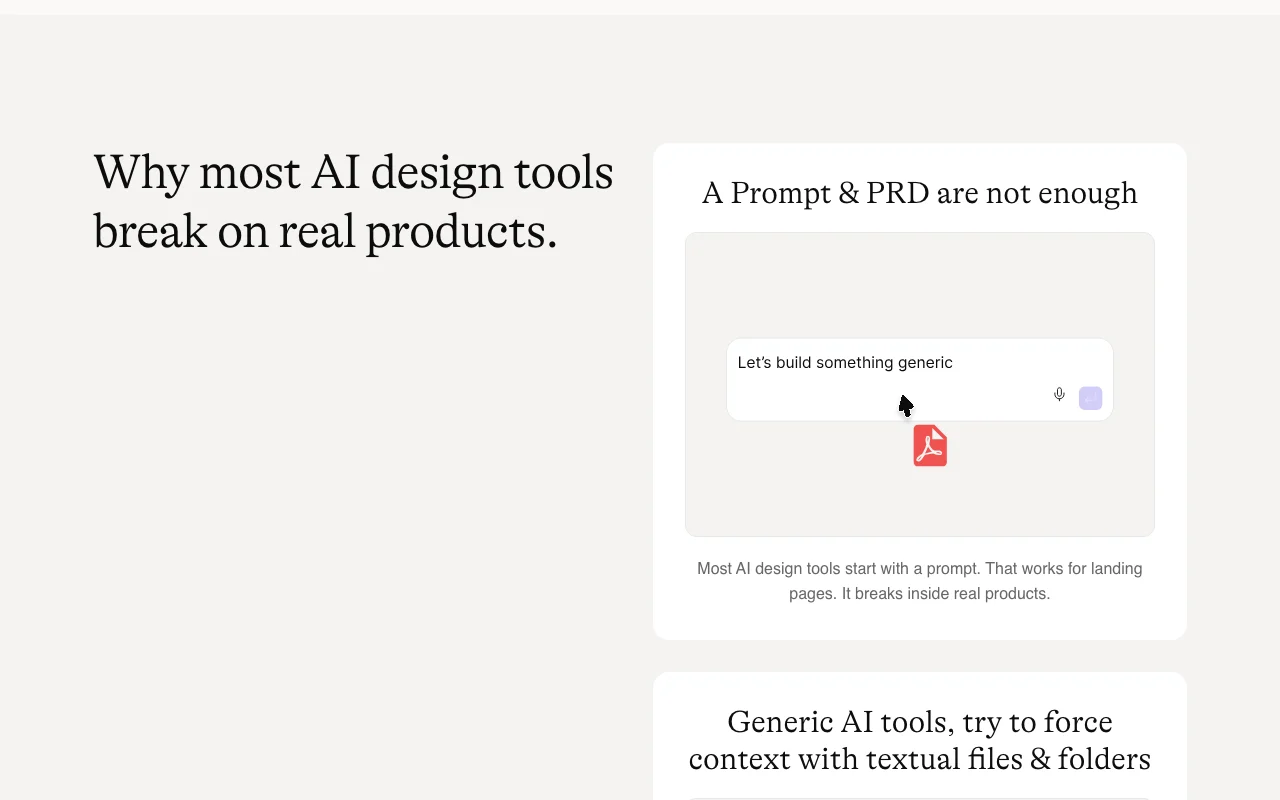
Most tools jump from prompt to screen. Figr learns your product first. Then it helps you brainstorm, wireframe, map flows, review UX, and design on top of existing context. source (opens in a new tab)
How do credits work?
Credits are fractional and based on task complexity. A quick brainstorm or flow diagram can use 0.1-1 credit. A design review can use 2-3 credits. A mobile screen can use 4-5 credits. Think of credits like design effort. source (opens in a new tab)
Can I use Figr with existing Figma files?
Yes. Figr can use Figma files as context and help create Figma-ready designs that sync back to Figma. source (opens in a new tab)
Do I need to know how to design?
No, but taste still matters. Figr explains decisions, catches edge cases, and gives you a stronger starting point. It does not remove the need for product judgment. source (opens in a new tab)
Not verified: Enterprise pricing (custom, requires sales call); Additional credit costs and pricing (Boost packs mentioned but not priced); Specific AI models used; SLA/uptime guarantee for Free/Starter plans (only mentioned for Max: 99.5%, Enterprise: 99.9%).
How we documented and maintain this page
Every fact about Figr above comes from the 2 official pages listed here, last compared on Sep 29, 2026; we have not run Figr ourselves, so it has no editorial score. How we check and re-check pages.
Article updated Oct 10, 2026; prices checked Sep 29, 2026. Outbound links to vendors are plain links; we do not earn commissions. How we review · Report an error