Free web
Free source (opens in a new tab)
Monthly
For: Exploring
Limits
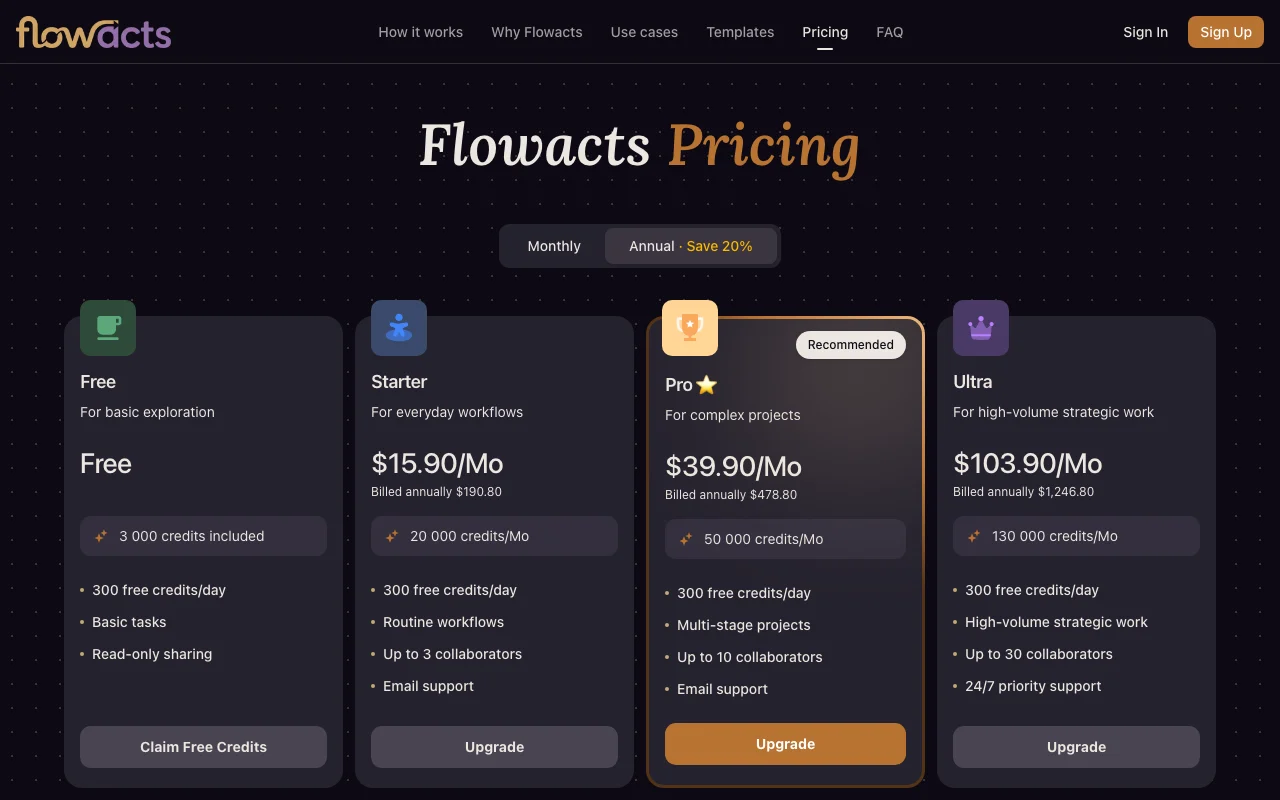
- 300 free credits/day
- Read-only sharing
Productivity & writingDocumented overviewLast checked Oct 2, 2026
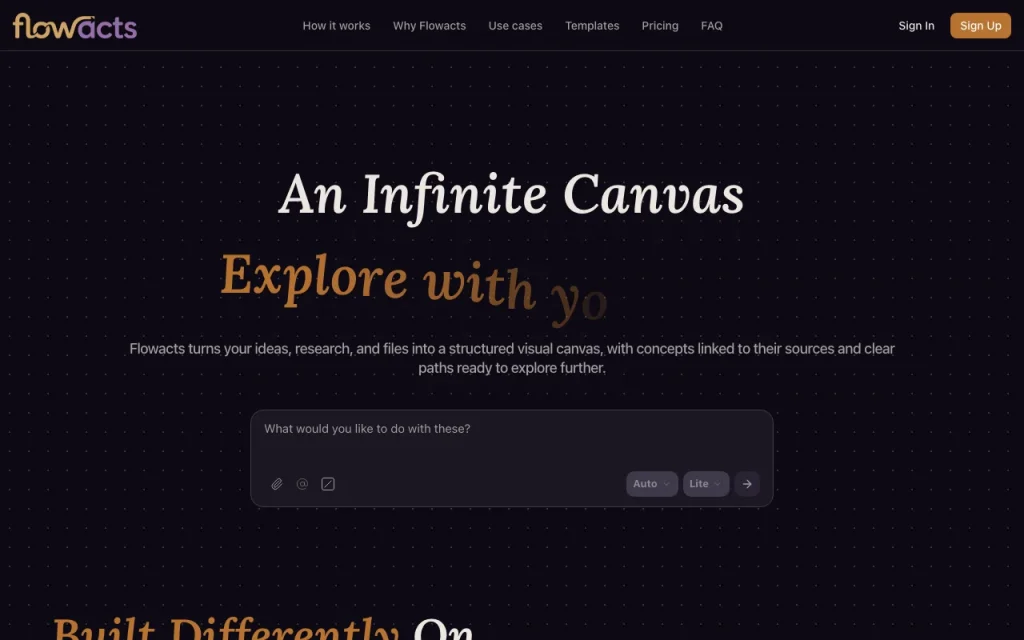
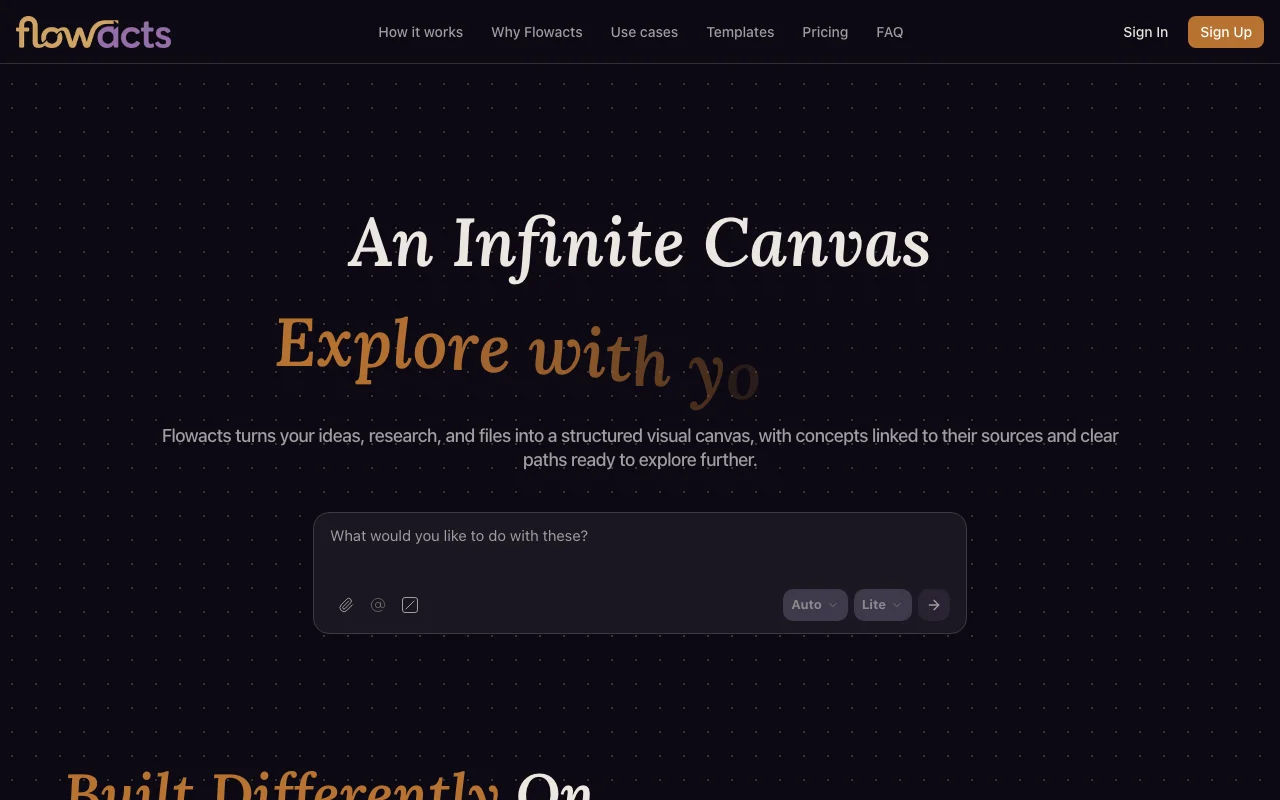
AI infinite canvas that turns ideas, files and questions into connected, source-linked maps, documents, slides and more.
 (open full size in a new tab)
 (open full size in a new tab)
 (open full size in a new tab)
 (open full size in a new tab)
 (open full size in a new tab)
Our take: Flowacts is a good fit for researchers and project teams who want a branching canvas whose claims stay linked to sources, with a free 3,000-credit start.
Main limitation: Usage is credit-based with monthly caps, and the Free plan only allows read-only sharing.
Flowacts is a good fit for researchers and project teams who want a branching canvas whose claims stay linked to sources, with a free 3,000-credit start. Based on the vendor's documentation, not on a hands-on test.
Also a good fit for
Or if
Prices checked Oct 2, 2026 on the official US pricing page. Official pricing ↗ Prices and limits change often.
3,000 credits plus 300 free per day.
None.
Free source (opens in a new tab)
Monthly
For: Exploring
Limits
$15.9 source (opens in a new tab)
Monthly, annual commitment
For: Everyday workflows
Limits
$39.9 source (opens in a new tab)
Monthly, annual commitment
For: Complex projects
Limits
$103.9 source (opens in a new tab)
Monthly, annual commitment
For: High-volume work
Limits
Includes
Top-ups if available.
Not stated.
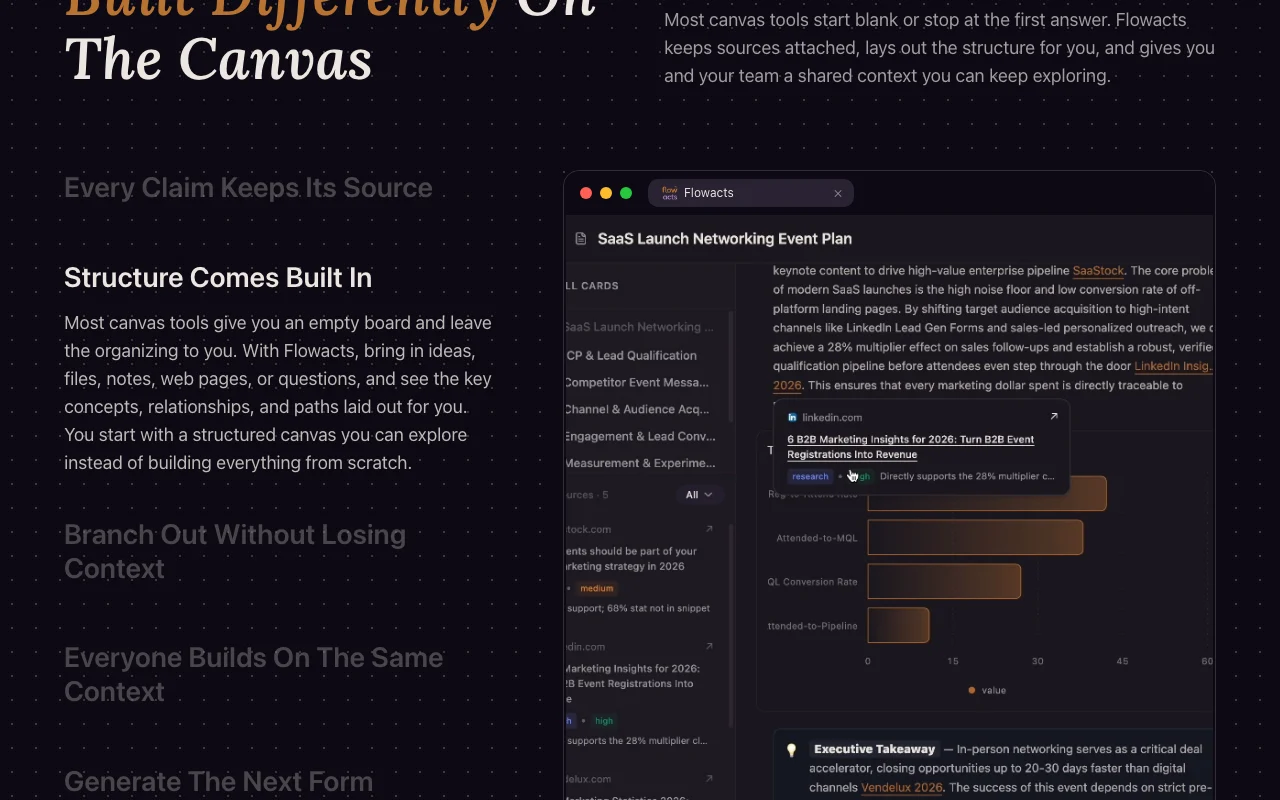
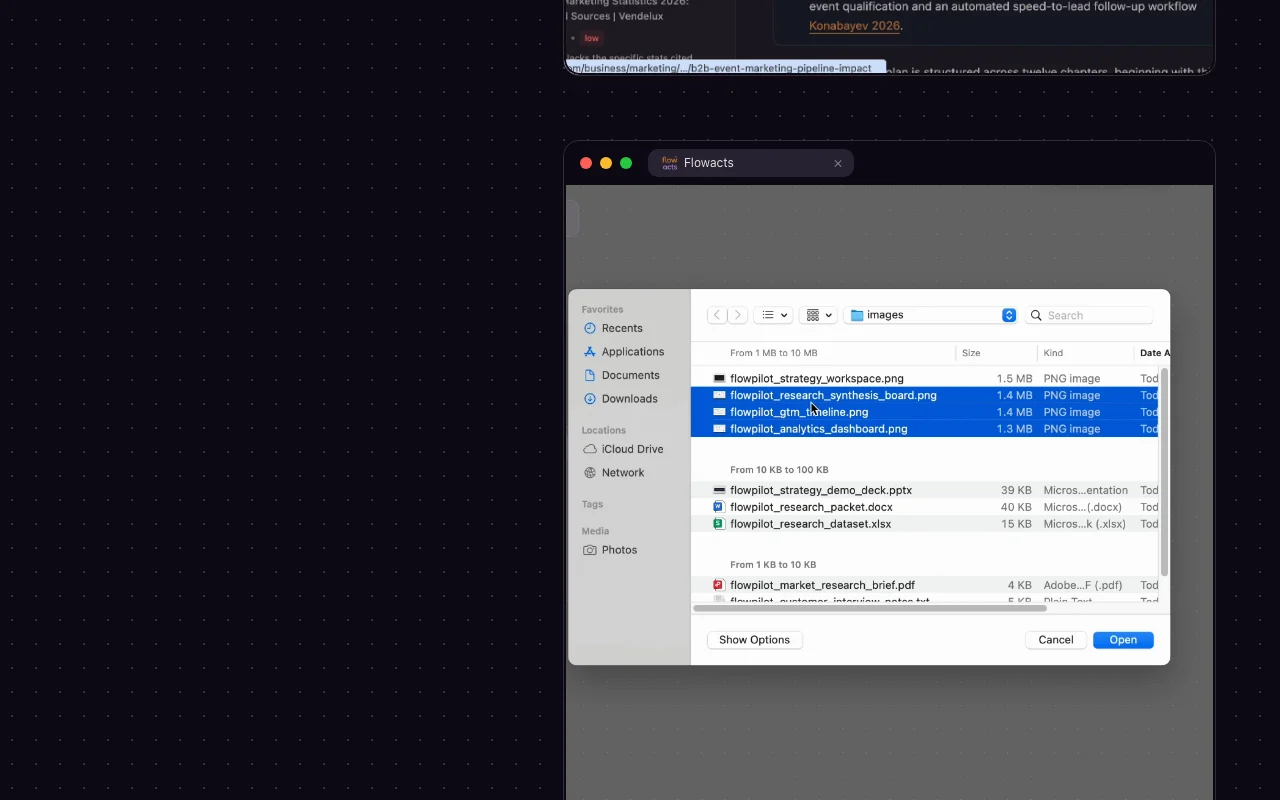
Flowacts turns prompts, notes, files and web pages into a structured visual canvas where concepts stay linked to their sources. Users can branch from any idea and keep context in place. Teams can comment, @mention and share the canvas, and the same context can be turned into documents, tables, slides, mind maps, charts, flowcharts, timelines and images.
You provide
You get back
Scenarios are worked out by our editors from the documentation; the actual result depends on your input and plan.
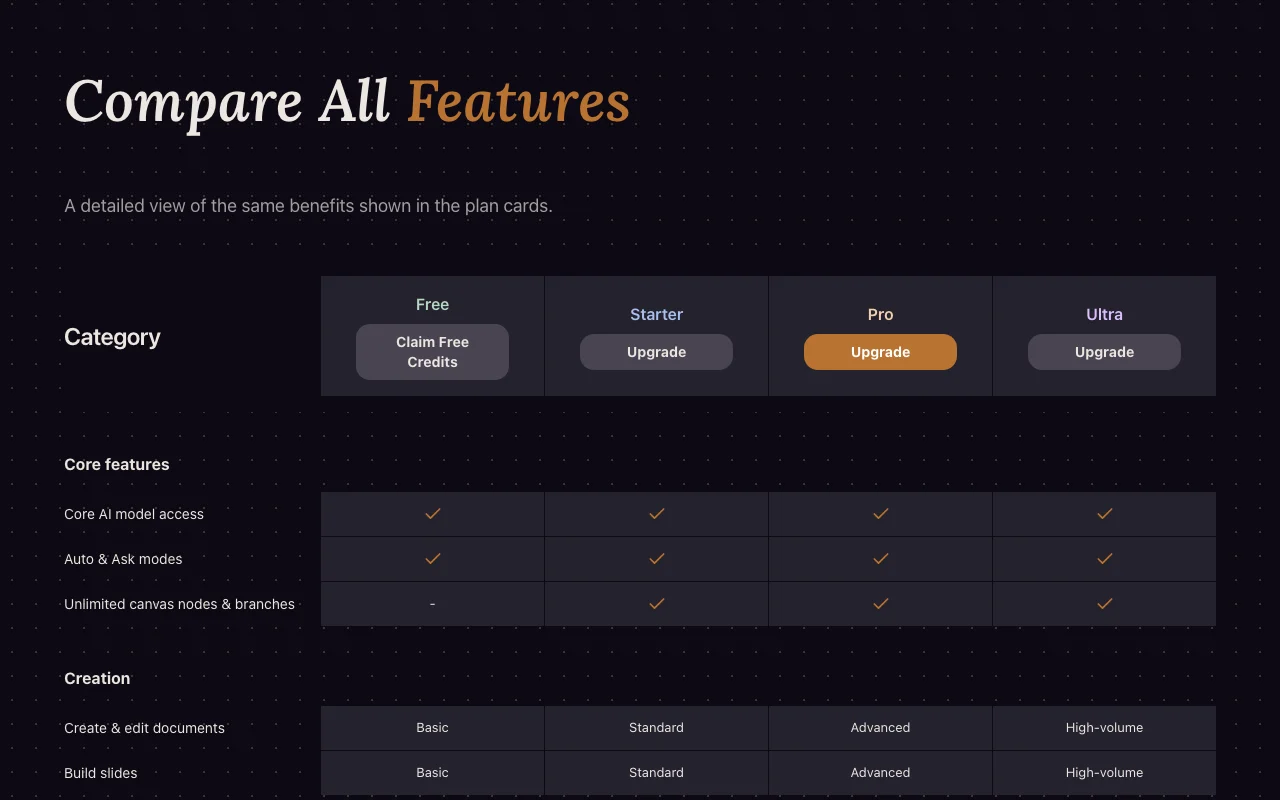
Lets you branch from any idea on an unlimited canvas. Keeps context in place.
Attaches sources to claims; enables checking. Enables checking.
Offers Auto and Ask modes; matches autonomy to need. Matches autonomy to need.
Generates documents, slides, tables and mind maps from canvas. Reuses context.
Export: Common formats
Flowacts has no public API in its official documentation. Not stated in fetched pages.
Summarized from the vendor's current policies; this is not legal advice and a vendor's badge is not an independent audit.
Files and notes on canvas.
"Better suited" is based on documented features and pricing, not on a head-to-head test.
| Alternative | When to choose it | Pricing | Limitation | |
|---|---|---|---|---|
| Gemini Notebook (formerly NotebookLM) | — | — | ||
| Notion AI | — | — | Compare | |
| ChatGPT | — | — |
No user reviews yet.
Used Flowacts? Be the first to share your experience.
Monthly credits reset each billing cycle and do not roll over.
Up to 10.
AI actions may pause until renewal.
Yes, the same base model; higher tiers get more credits and priority.
Yes, in common formats.
Not verified: Monthly-billing prices not captured.; Page not available: https://www.flowacts.ai/privacy; Page not available: https://www.flowacts.ai/docs.
Every fact about Flowacts above comes from the 3 official pages listed here, last compared on Oct 2, 2026; we have not run Flowacts ourselves, so it has no editorial score. How we check and re-check pages.
Article updated Oct 2, 2026; prices checked Oct 2, 2026. Outbound links to vendors are plain links; we do not earn commissions. How we review · Report an error
compare>