Productivity & writingDocumented overviewLast checked Oct 5, 2026

Fireflies.ai: Pricing, Features & Best Use Cases

Fireflies.ai is an AI notetaker that records, transcribes and summarizes meetings.
Is Fireflies.ai right for you?

Choose Fireflies when you want meetings recorded and searchable automatically, and test the free plan before paying per seat. Based on the vendor's documentation, not on a hands-on test.

Best for: Teams

Also a good fit for

  • Sales and recruiting calls

Consider another tool if free plan has limited AI summaries

Or if

  • Storage and AI credits capped per seat
  • Lowest prices need annual billing

Fireflies.ai pricing and usage limits

Prices checked Oct 5, 2026 on the official US pricing page. Official pricing ↗ Prices and limits change often.

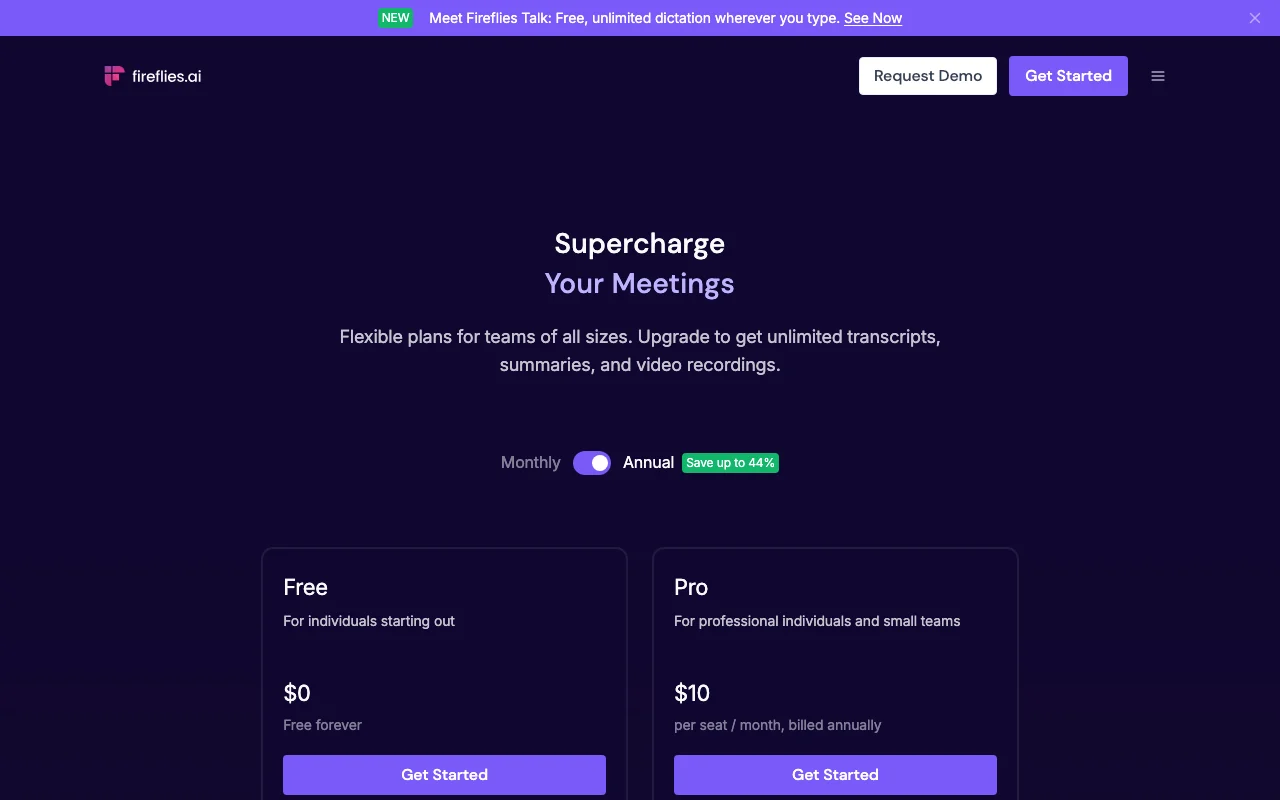
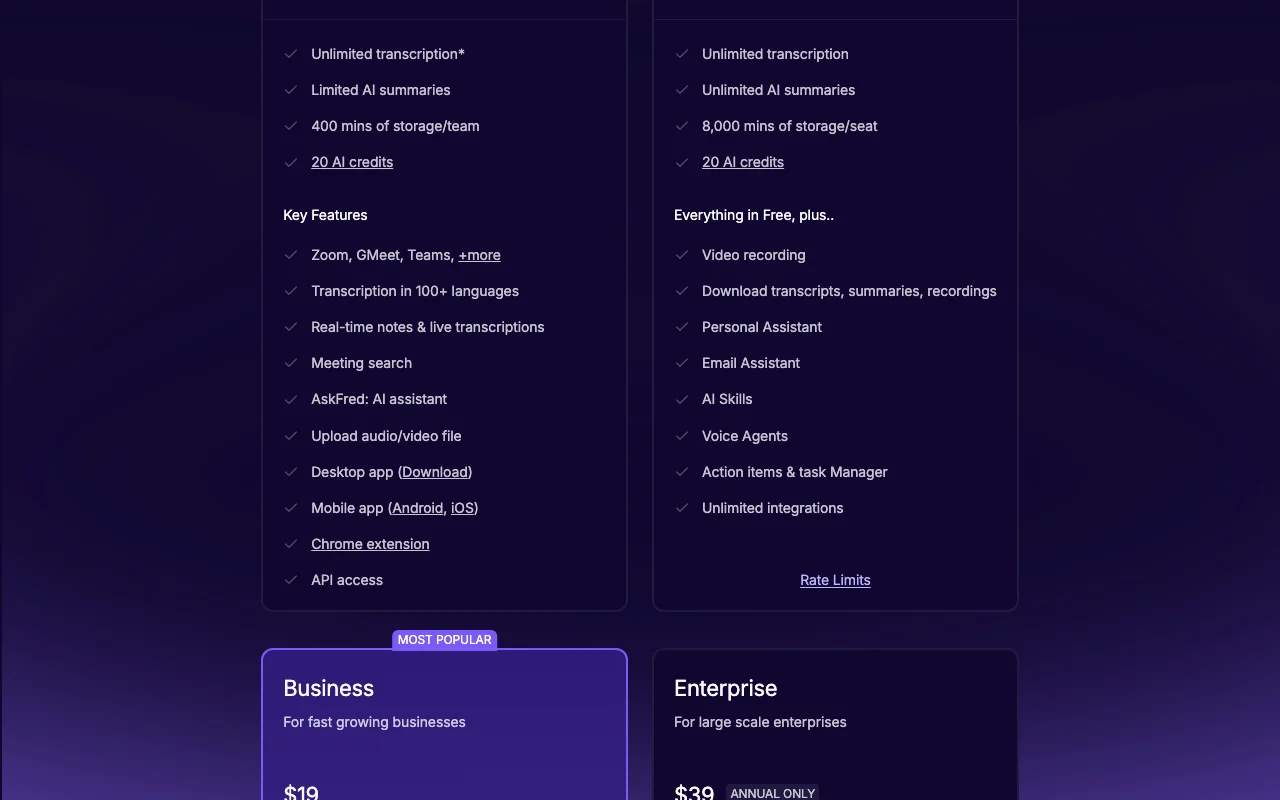
Fireflies.ai pricing page with plans and prices — screenshot of the productivity & writing AI tool, Oct 5, 2026
The official Fireflies.ai pricing page as we saw it. fireflies.ai, captured Oct 5, 2026

Free access and trial conditions

Free forever plan with unlimited transcription and limited summaries.

Not stated on the fetched page.

Paid plans: what changes as you upgrade

Free web

Free source (opens in a new tab)

Month

For: Individuals

Limits

  • Limited AI summaries
  • 400 mins of storage/team
1 more
  • 20 AI credits

Includes

  • Unlimited transcription*
  • 100+ languages
2 more
  • Chrome extension
  • API access

API included

Pro web

$18/mo per seat per month source (opens in a new tab)

Month

$10/seat/mo when billed annually.

For: Professionals

Limits

  • 8,000 mins storage/seat
  • 20 AI credits

Includes

  • Unlimited AI summaries
  • Video recording
1 more
  • AI Skills

API included

Business web

$29/mo per seat per month source (opens in a new tab)

Month

$19/seat/mo when billed annually.

For: Growing businesses

Limits

  • Unlimited storage
  • 30 AI credits

Includes

  • Conversation intelligence
  • Team analytics
1 more
  • User groups

API included

Enterprise web

$39/yr per seat per month source (opens in a new tab)

Year, annual commitment

Annual only; $39/seat/mo billed annually.

For: Large enterprises

Limits

  • Unlimited storage
  • 50 AI credits

Includes

  • SSO + SCIM
  • HIPAA compliance
2 more
  • Custom data retention
  • Audit Logs (API)

API included

Usage caps, credits and extra costs

Per seat; AI credits capped per plan.

Not stated.

What is Fireflies.ai, and how does it work?

Fireflies.ai is an AI meeting notetaker. It joins or records calls, transcribes them and generates AI summaries, so you can search past conversations instead of rewatching them. Documented use cases from the official site: meeting transcription, AI summaries and searching past calls. Features listed by the vendor include unlimited transcription on paid plans, AI summaries, mobile apps for Android and iOS, and a Chrome extension. Pricing is per seat: a Free plan, Pro at $18 per seat monthly ($10 billed annually), Business at $29 ($19 annually) and Enterprise at $39 on annual billing only.

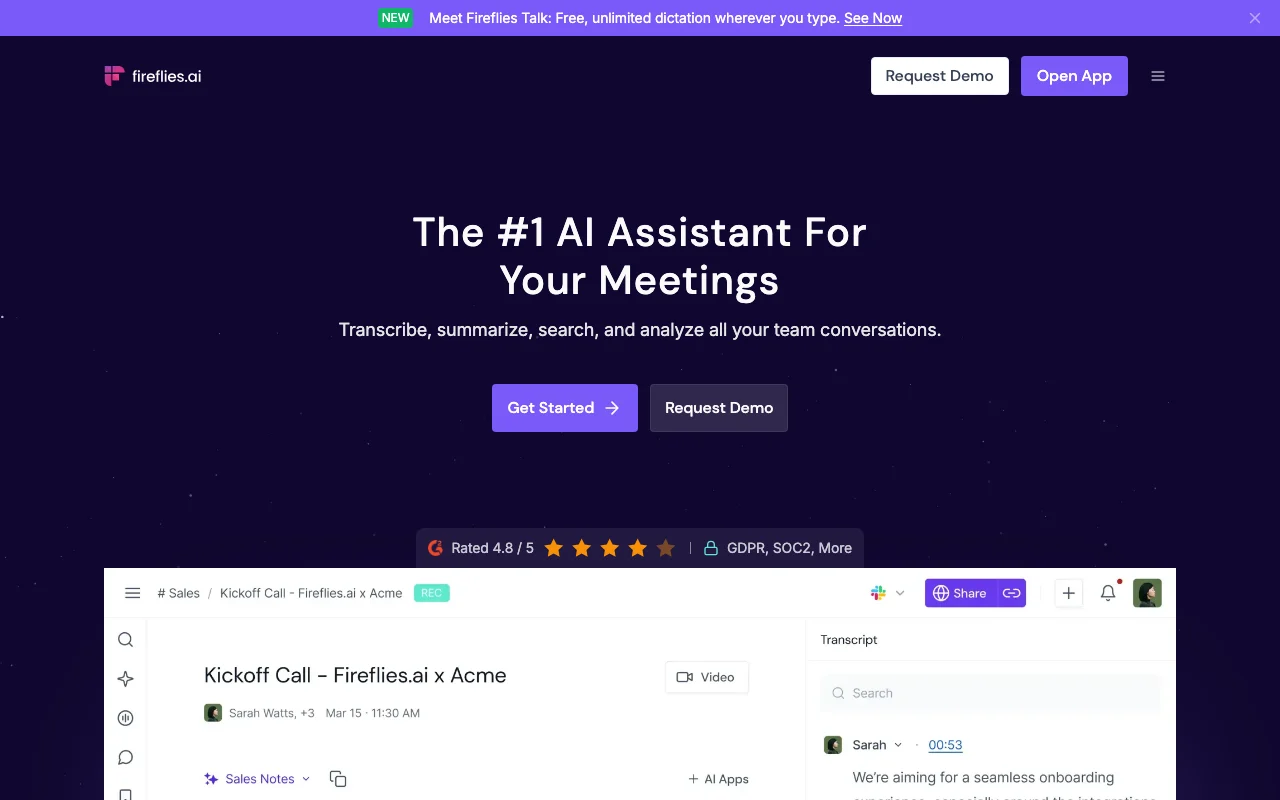
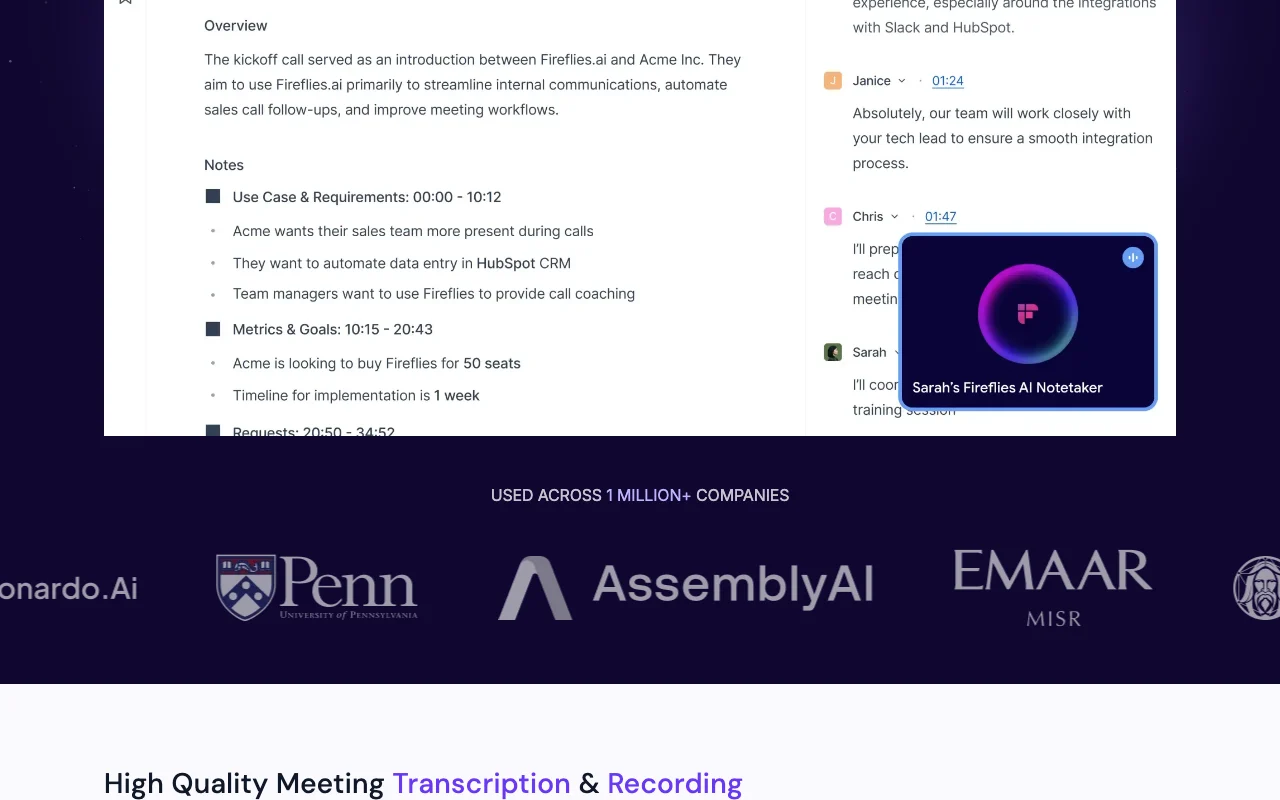
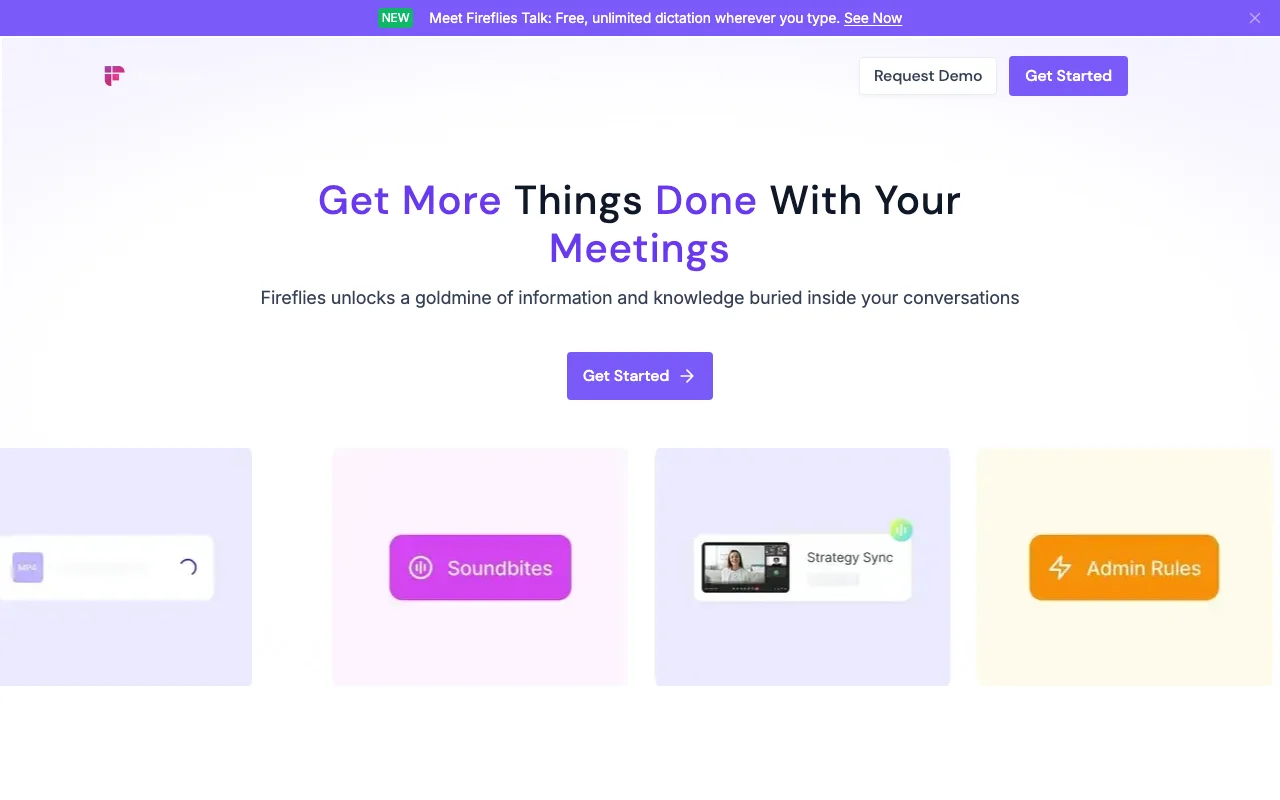
Fireflies.ai homepage — screenshot of the productivity & writing AI tool, Oct 5, 2026
Fireflies.ai's official site: how the product presents itself. fireflies.ai, captured Oct 5, 2026

What you provide and what you get back

How Fireflies.ai works: what you provide, where it runs and what you get backYOU PROVIDEYour inputLive meetings (Zoom, Google Meet,…Uploaded MP3, MP4, WAV, M4A filesDialer callsPRODUCTIVITY & WRITINGFireflies.aiWeb, Mobile, APIfrom $18/mo (Pro)free tier availableaccount requiredchecked Oct 5, 2026YOU GET BACKThe resultTranscriptsAI summaries and action itemsSearchable meeting libraryinput → Fireflies.ai → output · from the vendor's own pages, no hands-on test unless stated
What you give Fireflies.ai and what comes back, from its documentation

You provide

  • Live meetings (Zoom, Google Meet, Teams)
  • Uploaded MP3, MP4, WAV, M4A files
  • Dialer calls

You get back

  • Transcripts
  • AI summaries and action items
  • Searchable meeting library

Where you can use it

Platforms
Web, Mobile, API
Account
Required

Where Fireflies.ai is most useful

Scenarios are worked out by our editors from the documentation; the actual result depends on your input and plan.

Meeting transcription

Who
Teams running many meetings
You provide
Calendar-connected calls
Expected result
Transcript and summary after each call
Plan needed
Free for unlimited transcription
Limitation
Free plan has limited AI summaries source (opens in a new tab)

AI summaries

Who
Managers and sales leads
You provide
A recorded call
Expected result
Overview, bullet points and action items
Plan needed
Pro for unlimited summaries
Limitation
Free summaries limited; AI credits capped source (opens in a new tab)

Searching past calls

Who
Anyone recalling past calls
You provide
A search query or AskFred question
Expected result
Matching sentences with timestamps
Plan needed
All plans
Limitation
Storage is capped on Free and Pro source (opens in a new tab)

Key features and their practical limits

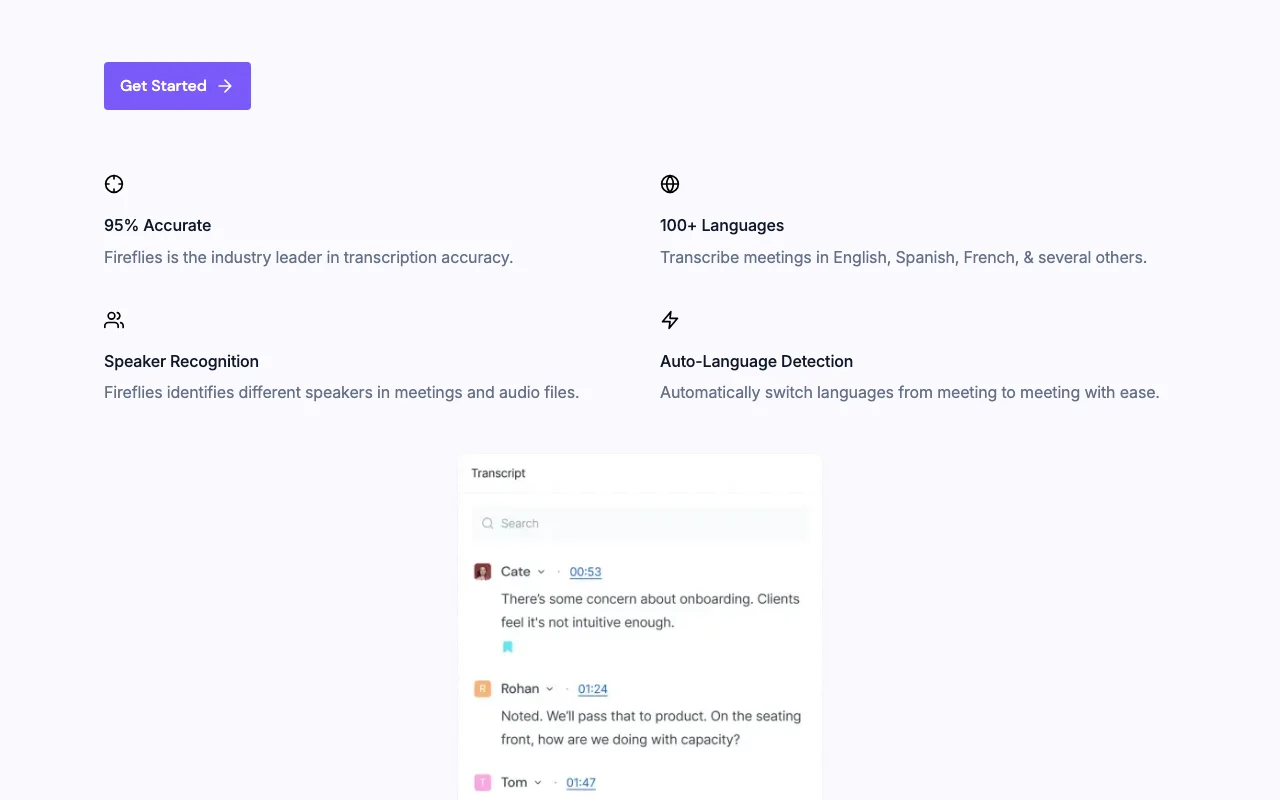
Fireflies.ai homepage — screenshot of the productivity & writing AI tool, Oct 5, 2026
Feature overview on the official site. fireflies.ai, captured Oct 5, 2026

Unlimited transcription

Transcribes calls in 100+ languages with speaker recognition. Removes manual note-taking

Access: All plansLimit: Free storage is 400 mins per team source (opens in a new tab)

AI summaries

Produces overviews, bullet points and action items. Speeds up follow-ups

Access: Limited on Free, unlimited on paidLimit: Free is limited source (opens in a new tab)

Mobile app (Android, iOS)

Lets you record and transcribe on Android and iOS. Captures in-person talks

Access: Free and upLimit: App availability per platform only source (opens in a new tab)

Chrome extension

Records Google Meet calls without a bot via Chrome extension. Avoids visible bots

Access: Free and upLimit: Google Meet focus source (opens in a new tab)

Pros, cons and deal-breakers

Reasons to choose Fireflies.ai

Check before paying for Fireflies.ai

How to use Fireflies.ai for recording and summarizing a meeting

Set up Fireflies.ai

  1. Open fireflies.ai and click Get Started.
  2. Sign in and connect your Google or Microsoft calendar.
  3. Choose whether Fred auto-joins your meetings.
  4. Install the Chrome extension if you want bot-free Meet recording.

Example: recording and summarizing a meeting

  1. Join a scheduled meeting.
  2. Let the notetaker record and transcribe.
  3. Open the transcript after the call.
  4. Read the summary and action items.

Review and export the result

  1. Check speaker names and key figures in the transcript.
  2. Confirm action items match what was agreed.
Example prompt suggested by our editors (not a recorded output of the product)
What decisions did we make about the Q4 launch date, and who owns each follow-up task?

Fireflies.ai integrations and API

Fireflies.ai pricing page with plans and prices — screenshot of the productivity & writing AI tool, Oct 5, 2026
Plan comparison on the official pricing page. fireflies.ai, captured Oct 5, 2026

Native integrations and export formats

Export: Transcript, Summary, Audio, Video

API access and separate billing

Fireflies.ai has no public API in its official documentation. /docs returned 404.

Privacy, data use and commercial rights

Summarized from the vendor's current policies; this is not legal advice and a vendor's badge is not an independent audit.

How your inputs and outputs are handled

Collects meeting audio/visual files and participant details when enabled.

Homepage claims data is never used for AI training.

Custom data retention on Enterprise; policy has a Data Retention section.

Commercial use and plan restrictions

HIPAA, private storage, audit logs on Enterprise

Controls for business users

  • SOC 2 Type II
  • GDPR
  • Private storage
  • SSO + SCIM

Policies: fireflies.ai/privacy-policy

Best Fireflies.ai alternatives for different needs

"Better suited" is based on documented features and pricing, not on a head-to-head test.

Otter.ai: better suited to another notetaker

Gemini Notebook (formerly NotebookLM): better suited to source-based note analysis

Descript: better suited to editing media with text

Microsoft Copilot: better suited to teams-native summaries

Alternatives
AlternativeWhen to choose itPricingLimitation
Otter.aiyou prefer its interfaceSee the alternative profileDifferent limits
Gemini Notebook (formerly NotebookLM)you analyze documentsSee the alternative profileNot a meeting recorder
Descriptyou edit audio/videoSee the alternative profileNot a meeting bot
Microsoft Copilotyou live in Microsoft 365See the alternative profileNeeds Microsoft licensing

Explore Fireflies.ai further

Tools and guides near Fireflies.ai

Fireflies.ai user reviews

No user reviews yet.

Used Fireflies.ai? Be the first to share your experience.

Write a review

Reviews are checked by a moderator before they appear. Your email is never published. Plain text only.

Your rating (required)

Show what you made or what went wrong. Images are published only if the review is approved; location data is removed.

    Fireflies.ai FAQ

    How much does Fireflies Pro cost?

    $18 per seat per month, or $10 billed annually. source (opens in a new tab)

    What is limited on the Free plan?

    AI summaries are limited, storage is 400 mins per team, and 20 AI credits are included. source (opens in a new tab)

    Is Enterprise monthly?

    No, annual billing only at $39 per seat per month. source (opens in a new tab)

    Does Fireflies use my data for AI training?

    The homepage says data is never used for AI training; the privacy policy has details. source (opens in a new tab)

    Which file types can I upload?

    MP3, MP4, WAV and M4A. source (opens in a new tab)

    Sources and review methodology

    Official sources and verification dates

    Not verified: Docs (HTTP 404); Trial; Commercial-use terms; US availability.

    How we documented and maintain this page

    Every fact about Fireflies.ai above comes from the 3 official pages listed here, last compared on Oct 5, 2026; we have not run Fireflies.ai ourselves, so it has no editorial score. How we check and re-check pages.

    Article updated Oct 5, 2026; prices checked Oct 5, 2026. Outbound links to vendors are plain links; we do not earn commissions. How we review · Report an error