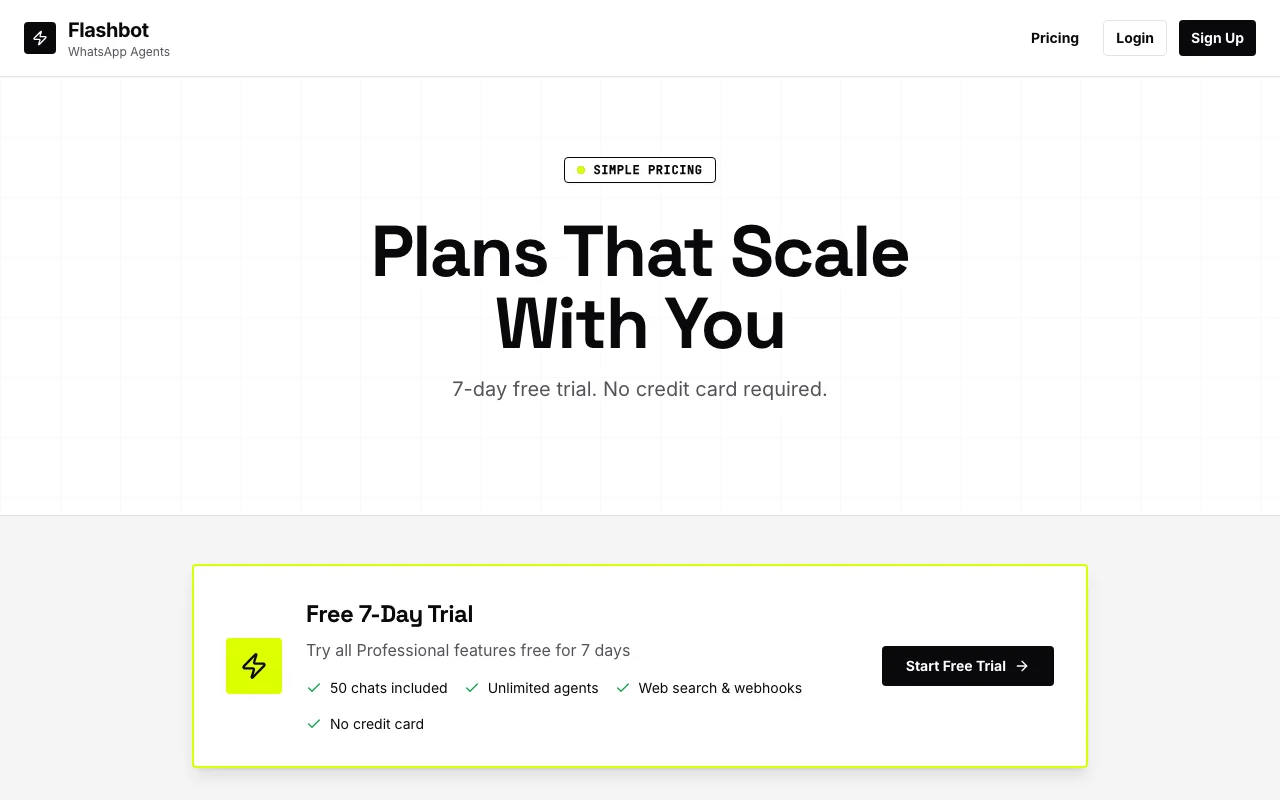
Our take: Choose Flashbot if you want a no-code WhatsApp Business AI agent priced by monthly chat volume, starting with a 7-day free trial.
Main limitation: Agents pause when the monthly chat limit is reached, and every message, web search and webhook call counts as a chat.
By the AI Tool Atlas editors.
Based on the vendor's official documentation; we have not tested this product hands-on. What “documented overview” means
Who should use Flashbot
Choose Flashbot if you want a no-code WhatsApp Business AI agent priced by monthly chat volume, starting with a 7-day free trial. Based on the vendor's documentation, not on a hands-on test.
Best for: Small businesses using WhatsApp for customer contact
Also a good fit for
Non-technical teams that want a no-code agent builder
Consider another tool if agents pause when the monthly chat limit is reached
Or if
Each message, web search and webhook call counts as a chat
Paid plan required after the 7-day trial
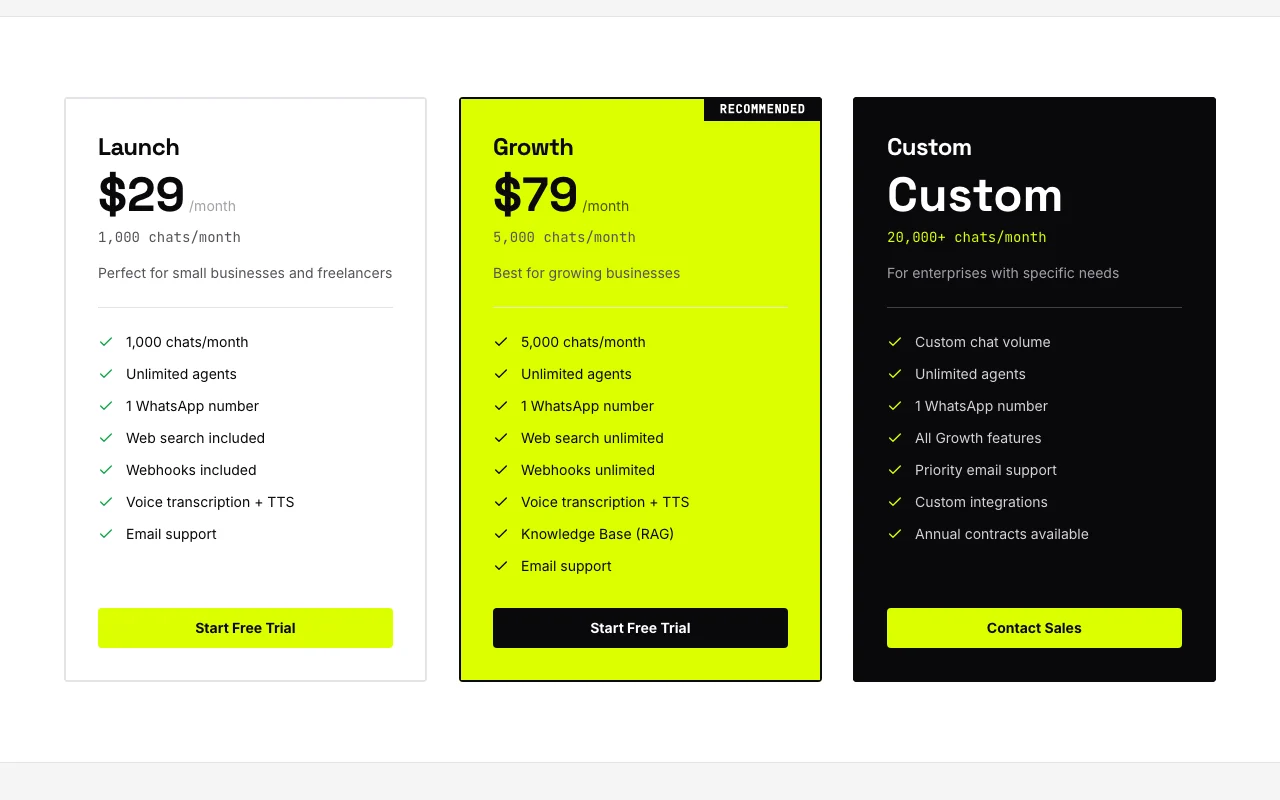
Flashbot pricing and usage limits
Prices checked Oct 4, 2026 on the official US pricing page. Official pricing ↗ Prices and limits change often.
The official Flashbot pricing page as we saw it. flashbot.pro, captured Oct 2, 2026
Each message, web search and webhook call counts as a chat
Not stated on the official pages
What is Flashbot, and how does it work?
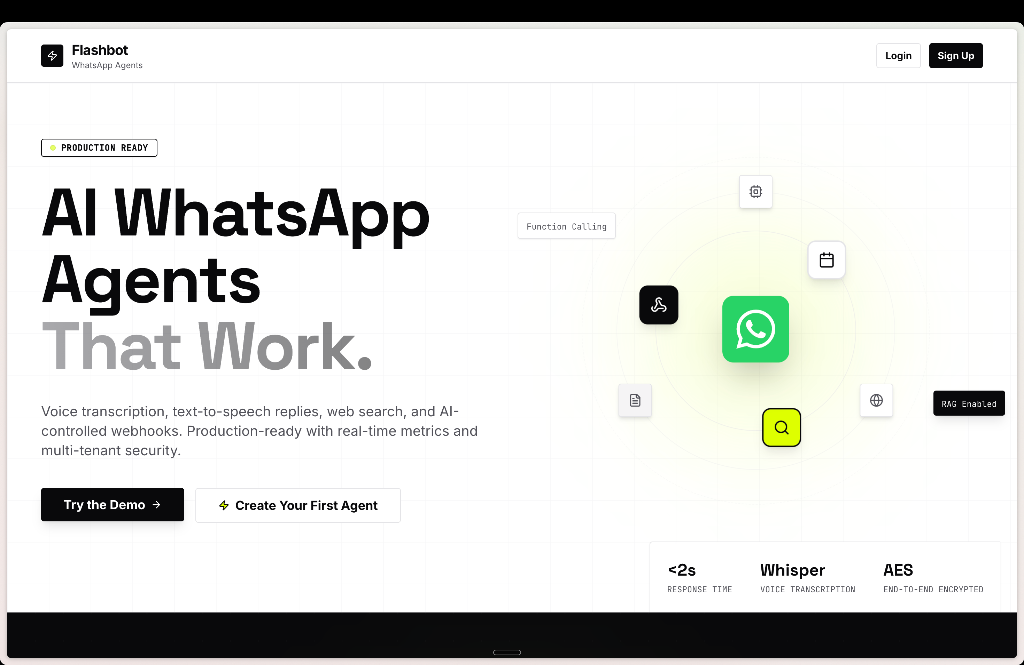
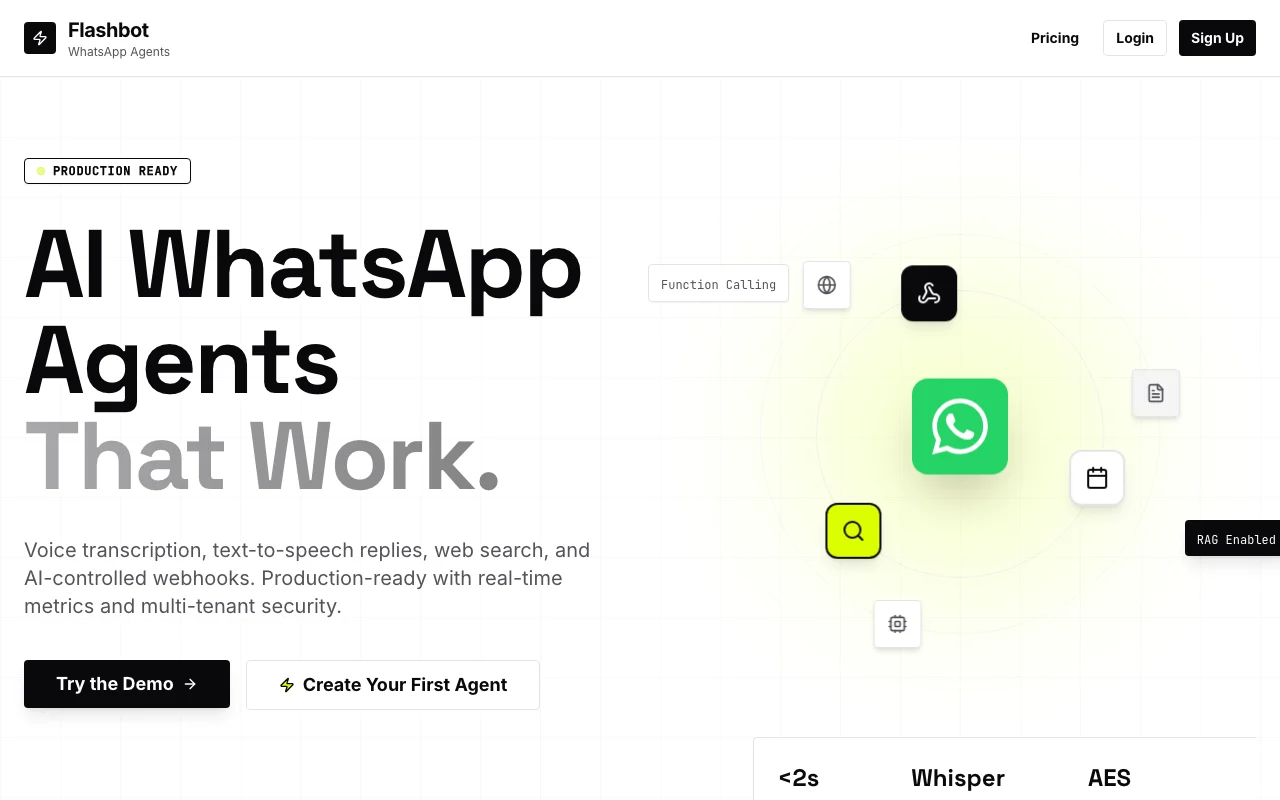
Flashbot is a no-code platform for creating AI agents on WhatsApp Business. Users describe the agent's behavior in a visual interface, connect a WhatsApp Business number through the official WhatsApp Business API, and the agent replies to incoming messages for support, sales and bookings.
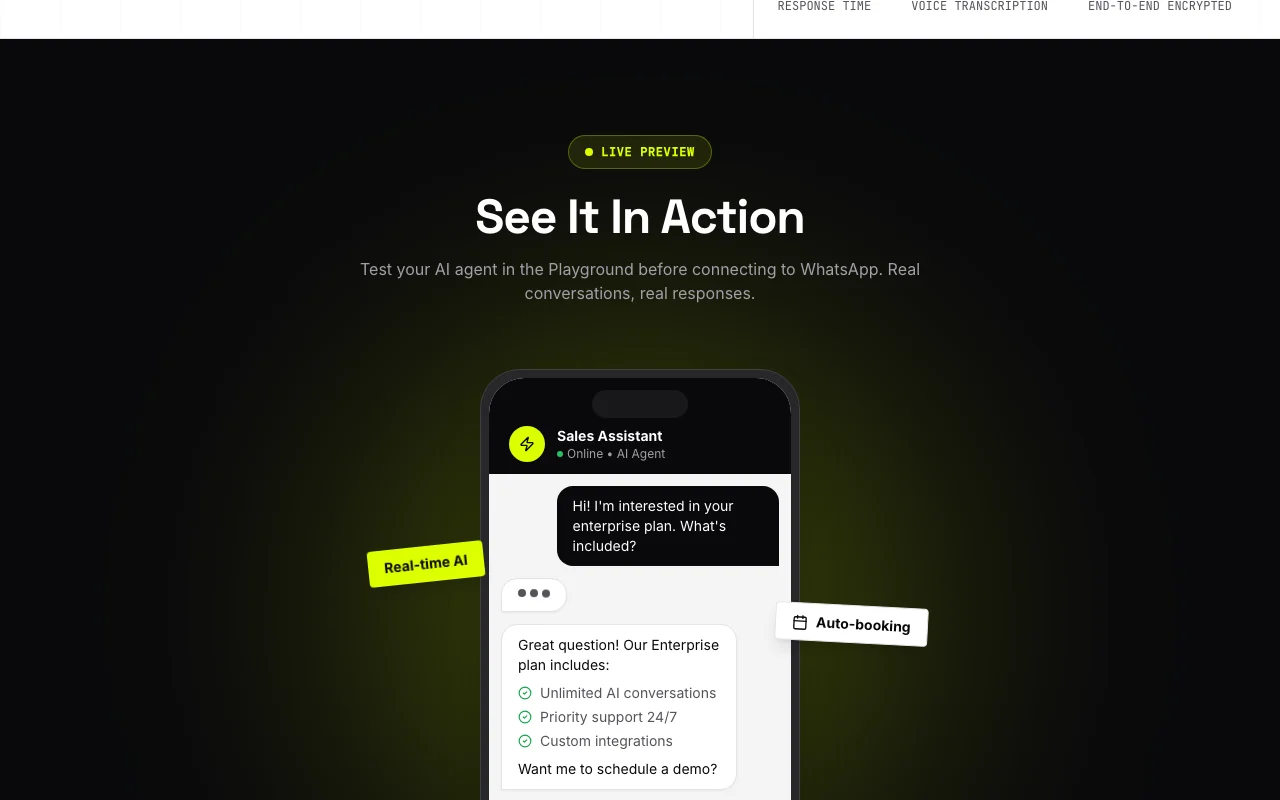
Agents can transcribe voice notes, reply with text-to-speech, search the web, call custom webhooks, and connect to calendar, email and CRM integrations. The platform also offers broadcast campaigns, message templates, notification triggers and a Playground for testing before going live. Plans are priced by monthly chat volume.
Flashbot's official site: how the product presents itself. flashbot.pro, captured Oct 2, 2026
What you provide and what you get back
What you give Flashbot and what comes back, from its documentation
You provide
Agent instructions in a visual builder
WhatsApp Business number
You get back
Automatic WhatsApp replies
Broadcast campaigns
Where you can use it
Account
Required
Channel
WhatsApp Business
Agents
Unlimited
Numbers
One per plan
Capabilities
Voice, search, webhooks
Best use cases for Flashbot
Scenarios are worked out by our editors from the documentation; the actual result depends on your input and plan.
Customer support on WhatsApp
Who
Support teams
You provide
Customer WhatsApp messages
Expected result
Customers get instant answers to their questions on WhatsApp.
Plan needed
Launch
Limitation
The agent pauses once the plan's chat limit is reached, so support stops until the next cycle. source (opens in a new tab)
Sales and lead conversations
Who
Sales teams
You provide
Leads writing in
Expected result
Conversations with incoming leads are held and qualified by the agent.
Plan needed
Launch
Limitation
Every conversation counts toward the monthly chat quota, so high lead volume can exhaust the Launch plan. source (opens in a new tab)
Appointment booking with calendar sync
Who
Service businesses
You provide
Booking requests
Expected result
Appointments booked through chat are placed in the calendar.
Plan needed
Launch
Limitation
Which calendar integrations come with each plan is unclear in the sources, so check before relying on it. source (opens in a new tab)
Flashbot features and their limits
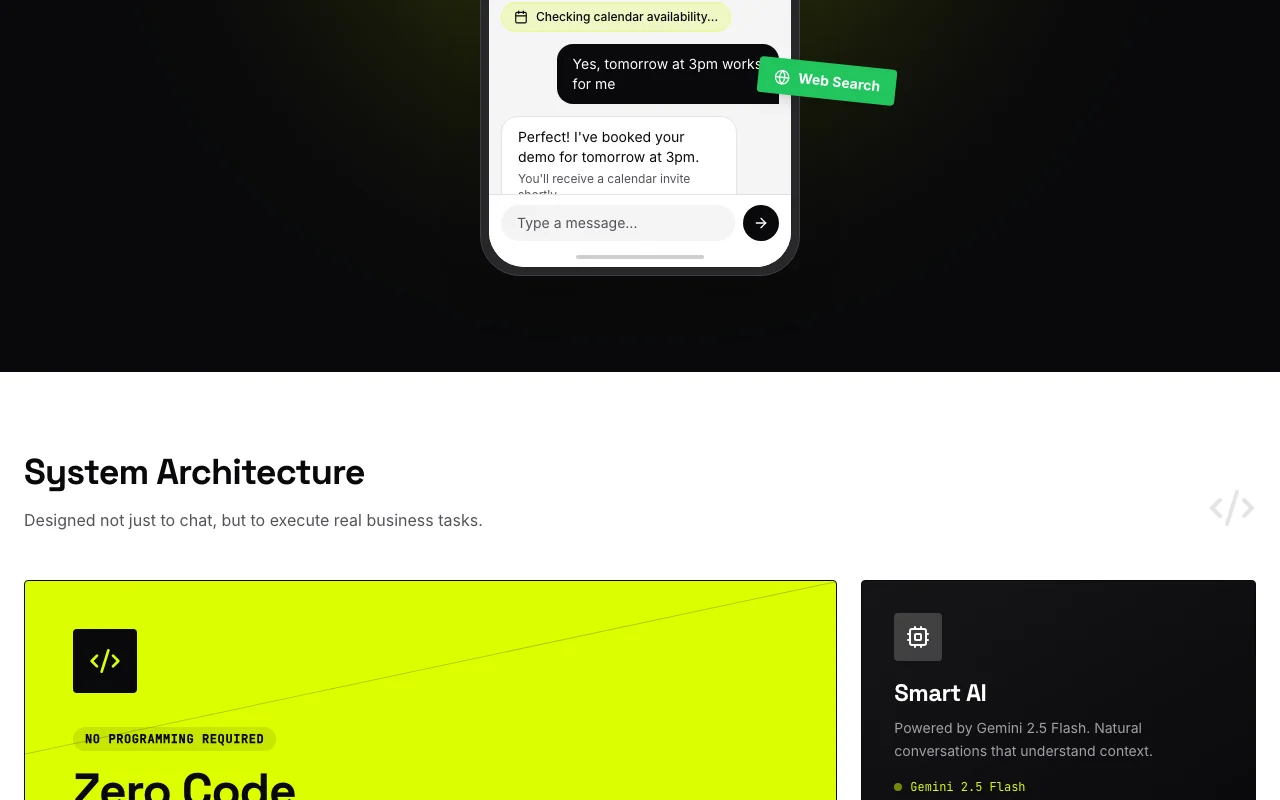
Feature overview on the official site. flashbot.pro, captured Oct 2, 2026
No-code visual agent builder
Builds an agent by describing behavior in a visual interface with no coding. People without coding skills can build and change an agent by describing its behavior in a visual interface.
Access: Not statedLimit: Complex logic needs webhooks, so some cases cannot be built in the visual interface alone.source (opens in a new tab)
Official WhatsApp Business API connection
Connects through the official WhatsApp Business API. Businesses can reply to customers on WhatsApp through the official Business API connection instead of an unofficial workaround.
Access: LaunchLimit: Each plan includes one WhatsApp number, so additional numbers are not covered.source (opens in a new tab)
Voice message transcription and text-to-speech replies
Understands voice notes and can answer with spoken audio. Customers who send voice notes get understood and answered, so support does not require them to type.
Access: Not statedLimit: These voice interactions count as chats against your monthly quota.source (opens in a new tab)
Web search and custom webhook actions
Looks up current information and calls your own endpoints. Teams can give the agent current information and let it trigger their own systems instead of answering from fixed text.
Access: Not statedLimit: Each web search or webhook call uses chat quota, which limits how often the agent can use them.source (opens in a new tab)
Pros, cons and deal-breakers
Where Flashbot is strong
7-day free trial with no credit card required The 7-day trial needs no credit card, so you can build and test an agent on WhatsApp before paying.documentedsource (opens in a new tab)
Unlimited agents on every plan There is no cap on the number of agents on any plan, so you can run separate agents for different tasks within one subscription.documentedsource (opens in a new tab)
Annual billing gives a 20% discount Annual billing gives a 20% discount, so committing for a year lowers the monthly cost.documentedsource (opens in a new tab)
Plans can be changed at any time with proration Plans can be changed at any time with proration, so you can switch plans mid-cycle without paying twice.documentedsource (opens in a new tab)
Limitations to check before paying
Agents pause when the monthly chat limit is reached When the monthly chat limit is reached the agents stop replying, so customers can be left without answers until the next cycle.documentedsource (opens in a new tab)
Each message, web search and webhook call counts as a chat Because each message, web search and webhook call counts as a chat, automated flows can use up your quota faster than the message count suggests.documentedsource (opens in a new tab)
Paid plan required after the 7-day trial After the 7-day trial you must subscribe to a paid plan to keep your agents running.documentedsource (opens in a new tab)
Each plan includes only one WhatsApp number Each plan includes only one WhatsApp number, so running several numbers requires more plans.documentedsource (opens in a new tab)
How to use Flashbot for building a WhatsApp AI agent
Set up Flashbot
Sign up at flashbot.pro for the 7-day trial.
Connect your WhatsApp Business number.
Describe the agent in the builder.
Example: building a WhatsApp AI agent
Create an agent with business instructions.
Test in the Playground.
Go live.
Review and export the result
Send a real message.
Check monthly chat usage.
Example prompt suggested by our editors (not a recorded output of the product)
You are the support agent for a dental clinic; answer hours and book appointments.
Flashbot API
Plan comparison on the official pricing page. flashbot.pro, captured Oct 2, 2026
API access and separate billing
Flashbot has no public API in its official documentation. Webhooks only
Privacy, data use and commercial rights
Summarized from the vendor's current policies; this is not legal advice and a vendor's badge is not an independent audit.
Not verified: Platforms; US availability; Training use; Official pages could not be read as text (client-rendered, empty fetch); facts come from the verified seed research.
How we documented and maintain this page
Every fact about Flashbot above comes from the 3 official pages listed here, last compared on Oct 4, 2026; we have not run Flashbot ourselves, so it has no editorial score. How we check and re-check pages.
Article updated Oct 2, 2026; prices checked Oct 4, 2026. Outbound links to vendors are plain links; we do not earn commissions. How we review · Report an error

 (open full size in a new tab)
 (open full size in a new tab)
 (open full size in a new tab)
 (open full size in a new tab)
 (open full size in a new tab)