Productivity & writingDocumented overviewLast checked Oct 2, 2026

Brightcall.ai: Pricing, Features & Best Use Cases

Sales dialer and AI voice agent platform for lead response, call routing and appointment setting.

Who should use Brightcall.ai

Choose Brightcall if you need a sales dialer and AI voice agent that call new leads quickly and book appointments, but request pricing from the vendor because none is published. Based on the vendor's documentation, not on a hands-on test.

Best for: Sales teams

Also a good fit for

  • Agencies
  • Real estate

Consider another tool if no pricing page found (/pricing 404)

Or if

  • Requires account
  • AI agent page references the name Convolo

Brightcall.ai pricing and usage limits

Prices checked Oct 2, 2026 on the official US pricing page. Prices and limits change often.

Free access and trial conditions

Homepage offers "Get started" with a Free Account; limits not stated.

Not stated.

Paid plans: what changes as you upgrade

Free account web

See official pricing source (opens in a new tab)

Unknown

For: Evaluating the platform

Limits

  • Terms of the free account not published

Includes

  • Account sign-up offered on homepage

Usage caps, credits and extra costs

Telephony usage costs not stated.

Not stated.

What is Brightcall.ai, and how does it work?

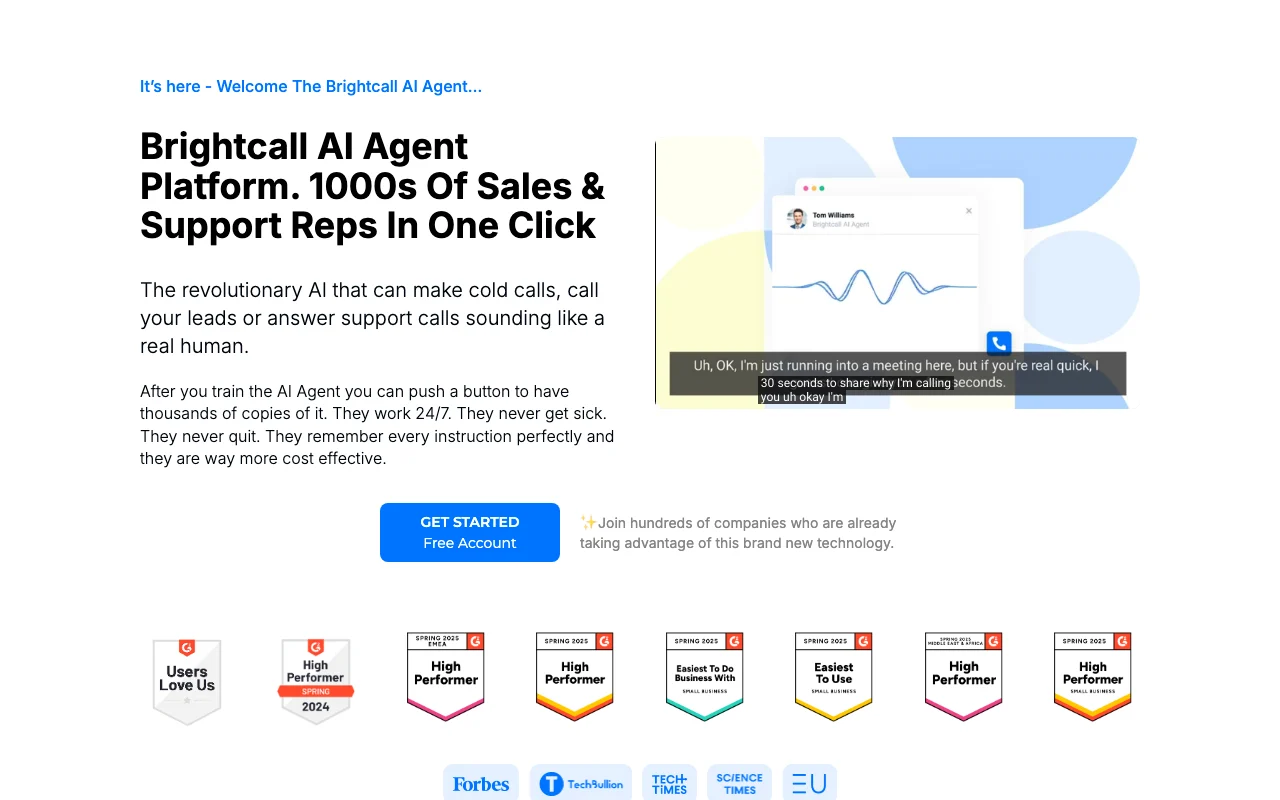
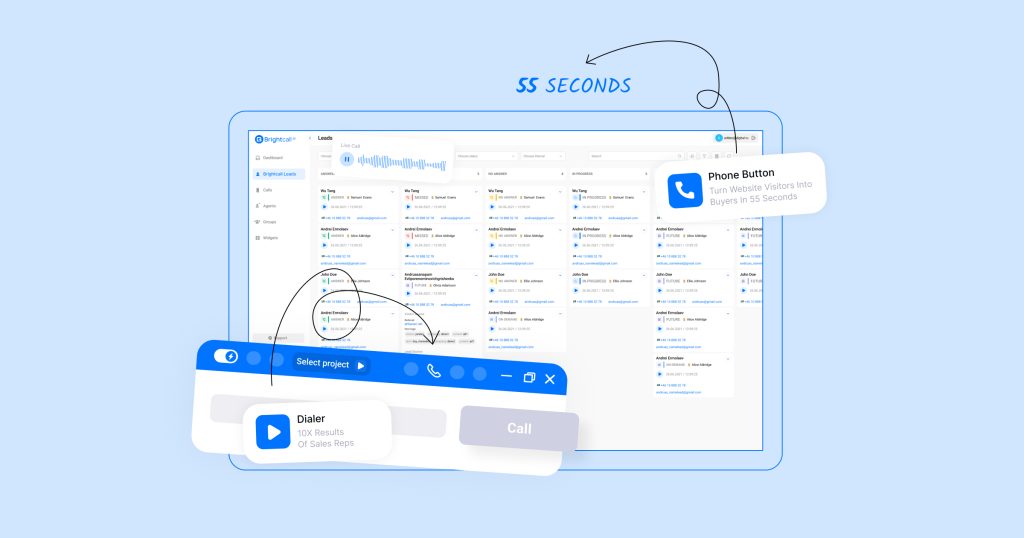
Brightcall offers sales call tools including a multi line dialer, speed-to-lead follow-up, lead routing and an AI agent that can answer, qualify and transfer calls. The AI agent page describes customizable agent personality, voice, script and knowledge base, call cadences and local presence calling.

Brightcall.ai homepage — screenshot of the productivity & writing AI tool, Oct 2, 2026
Brightcall.ai's official site: how the product presents itself. brightcall.ai, captured Oct 2, 2026

What you provide and what you get back

How Brightcall.ai works: what you provide, where it runs and what you get backYOU PROVIDEYour inputLead data from CRMs, ads and web…Call listsTrained AI agent instructionsPRODUCTIVITY & WRITINGBrightcall.aiWebfree tier, paid price not publish…free tier availableaccount requiredchecked Oct 2, 2026YOU GET BACKThe resultOutbound and inbound callsBooked appointmentsCall performance datainput → Brightcall.ai → output · from the vendor's own pages, no hands-on test unless stated
What you give Brightcall.ai and what comes back, from its documentation

You provide

  • Lead data from CRMs, ads and web forms
  • Call lists
  • Trained AI agent instructions

You get back

  • Outbound and inbound calls
  • Booked appointments
  • Call performance data

Where you can use it

Platforms
Web
Account
Required

Best use cases for Brightcall.ai

Scenarios are worked out by our editors from the documentation; the actual result depends on your input and plan.

Speed to lead follow-up

Who
Sales teams and agencies
You provide
New web or ad leads
Expected result
Call to each lead within about 1 minute
Plan needed
Account (pricing unknown)
Limitation
Result claims are vendor marketing source (opens in a new tab)

Outbound power dialing

Who
Sales reps
You provide
Call lists
Expected result
Faster outbound calling with multi-line dialing
Plan needed
Account (pricing unknown)
Limitation
Pricing unknown source (opens in a new tab)

AI appointment setting

Who
Businesses booking meetings
You provide
Inbound and outbound leads
Expected result
AI agent qualifies and books appointments
Plan needed
Account (pricing unknown)
Limitation
Call quality not independently verified source (opens in a new tab)

Key features and their practical limits

Brightcall.ai homepage — screenshot of the productivity & writing AI tool, Oct 2, 2026
Feature overview on the official site. brightcall.ai, captured Oct 2, 2026

Multi Line Dialer

Dials several numbers at once to reduce wait time Reps spend more time talking

Access: AccountLimit: Pricing unknown source (opens in a new tab)

AI agent

AI voice agent makes and answers calls Scales calls without more reps

Access: AccountLimit: Voice quality claims unverified source (opens in a new tab)

Call cadences

Automated follow-up sequences Consistent lead follow-up

Access: AccountLimit: Details not fetched source (opens in a new tab)

Local presence calling

Shows local caller IDs Higher answer rates claimed by vendor

Access: AccountLimit: Number availability not stated source (opens in a new tab)

Pros, cons and deal-breakers

Reasons to choose Brightcall.ai

Check before paying for Brightcall.ai

How to use Brightcall.ai for automating lead follow-up calls

Set up Brightcall.ai

  1. Open brightcall.ai and click Get started
  2. Create a free account
  3. Connect your CRM or lead source (a success manager installs it per homepage)
  4. Set your calling flow or train the AI agent

Example: automating lead follow-up calls

  1. Connect HubSpot or a web form
  2. Set a rule to call new leads within 1 minute
  3. Choose the multi-line dialer or AI agent
  4. Review the call results

Review and export the result

  1. Place a test lead and check the call is triggered
  2. Review call logs in the dashboard

Brightcall.ai API

API access and separate billing

An API is available, billing not documented. Homepage mentions connecting 1000+ systems using webhooks and API.

Privacy, data use and commercial rights

Summarized from the vendor's current policies; this is not legal advice and a vendor's badge is not an independent audit.

How your inputs and outputs are handled

Policy by Brightcall AI Communications AB covers website and client services; details not extracted.

Policies: brightcall.ai/privacy-policy

Brightcall.ai alternatives by need

"Better suited" is based on documented features and pricing, not on a head-to-head test.

Zapier: better suited to

Alternatives
AlternativeWhen to choose itPricingLimitation
Zapier——Compare

Explore Brightcall.ai further

Related to Brightcall.ai

Brightcall.ai user reviews

No user reviews yet.

Used Brightcall.ai? Be the first to share your experience.

Write a review

Reviews are checked by a moderator before they appear. Your email is never published. Plain text only.

Your rating (required)

Show what you made or what went wrong. Images are published only if the review is approved; location data is removed.

    Brightcall.ai FAQ

    How much does Brightcall cost?

    Pricing is not published; the /pricing page returned 404, so contact the vendor. source (opens in a new tab)

    Is there a free account?

    Yes, the homepage offers a Free Account sign-up; its limits are not stated. source (opens in a new tab)

    Which CRMs does it integrate with?

    Homepage lists Salesforce, HubSpot, Pipedrive, GoHighLevel, Zoho and others. source (opens in a new tab)

    What does the AI agent do?

    It makes cold calls, calls leads or answers support calls, per the vendor. source (opens in a new tab)

    What is the privacy policy URL?

    https://brightcall.ai/privacy-policy source (opens in a new tab)

    Sources and review methodology

    Official sources and verification dates

    Not verified: Pricing and plan limits; Telephony usage rates; Supported countries; Voice languages; Retention and training terms; Relation to Convolo name.

    How we documented and maintain this page

    Every fact about Brightcall.ai above comes from the 4 official pages listed here, last compared on Oct 2, 2026; we have not run Brightcall.ai ourselves, so it has no editorial score. How we check and re-check pages.

    Article updated Oct 2, 2026; prices checked Oct 2, 2026. Outbound links to vendors are plain links; we do not earn commissions. How we review · Report an error