Starter web
Free source (opens in a new tab)
Month
For: Trying AI renaming
Limits
- 25 renames per month
Includes
- Desktop app
- Batch rename
1 more
- Magic Folders

Productivity & writingDocumented overviewLast checked Sep 29, 2026
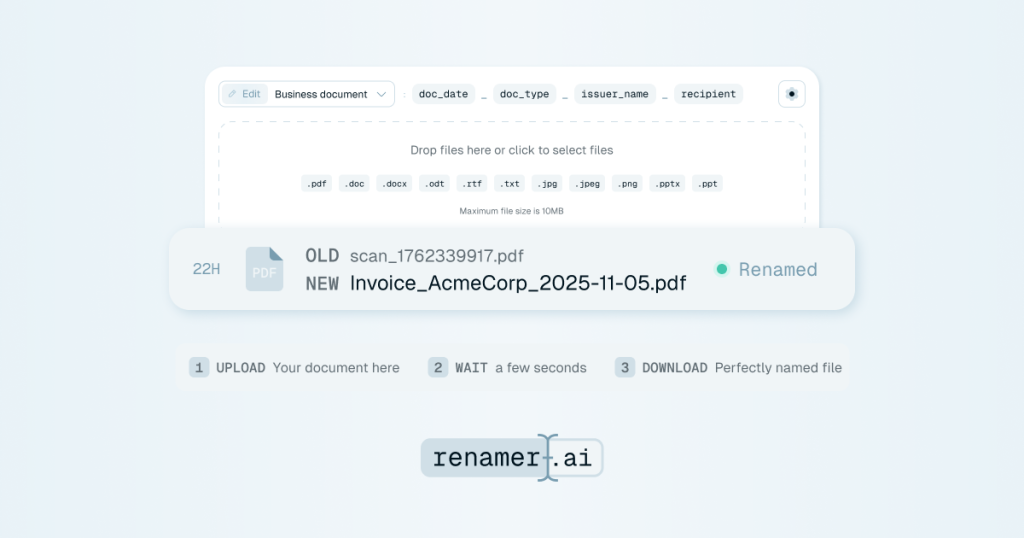
AI file renamer for PDFs, photos and documents, with bulk renaming, templates and Magic Folders automation.
 (open full size in a new tab)
 (open full size in a new tab)
 (open full size in a new tab)
 (open full size in a new tab)
 (open full size in a new tab)
Our take: Renamer.ai suits accounting, admin and creative teams with many scanned or poorly named files who want content-based AI renaming through a web uploader or Mac and Windows app, with a free tier of 25 files a month.
Main limitation: Free is capped at 25 renames a month and web uploads are limited to 100MB per file.
Renamer.ai suits accounting, admin and creative teams with many scanned or poorly named files who want content-based AI renaming through a web uploader or Mac and Windows app, with a free tier of 25 files a month. Based on the vendor's documentation, not on a hands-on test.
Also a good fit for
Or if
Prices checked Sep 29, 2026 on the official US pricing page. Official pricing ↗ Prices and limits change often.
Starter plan with 25 free renames a month
None separate
Free source (opens in a new tab)
Month
For: Trying AI renaming
Limits
Includes
$9.95/mo source (opens in a new tab)
Month
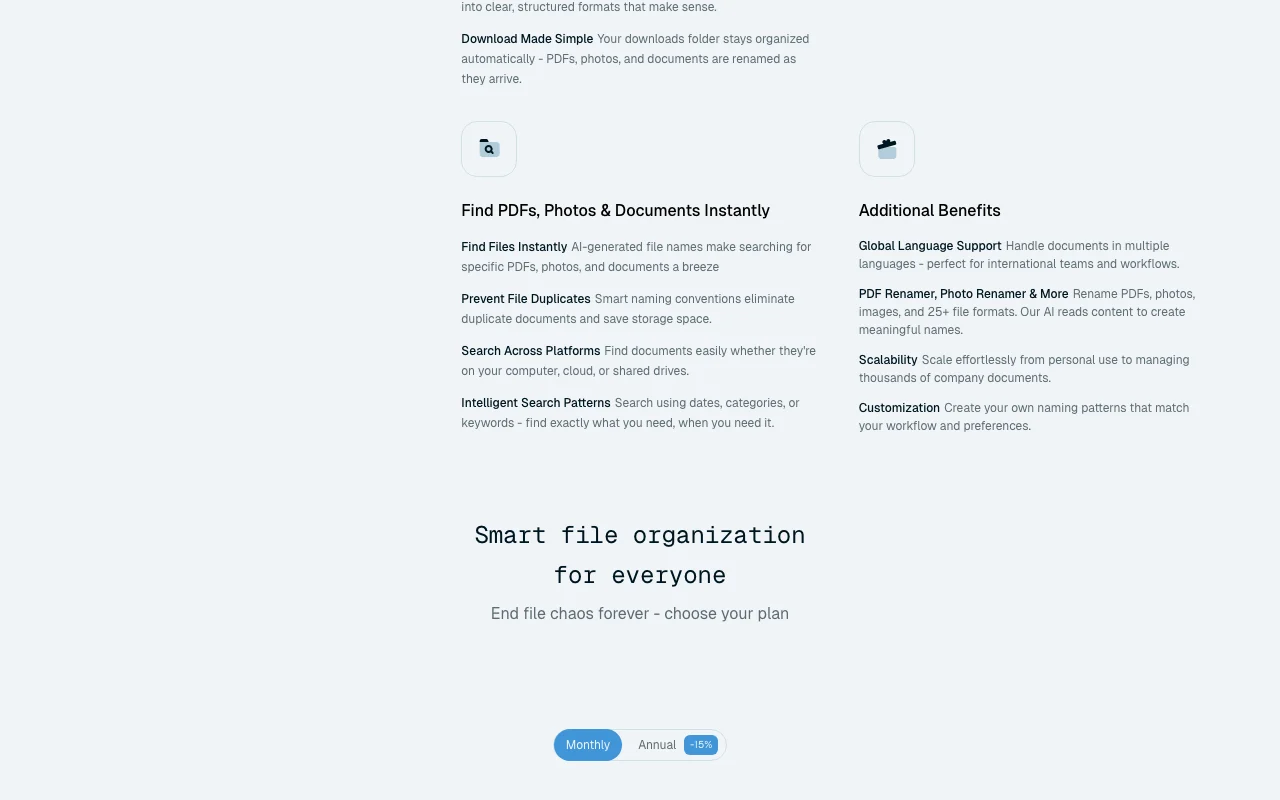
Monthly equivalent; annual billing saves 15%
For: Regular file organization
Limits
Includes
$29.95/mo source (opens in a new tab)
Month
Monthly equivalent
For: Heavy file management
Limits
Includes
$99.95/mo source (opens in a new tab)
Month
Monthly equivalent
For: Large volumes
Limits
Includes
Custom plan on request
Not stated
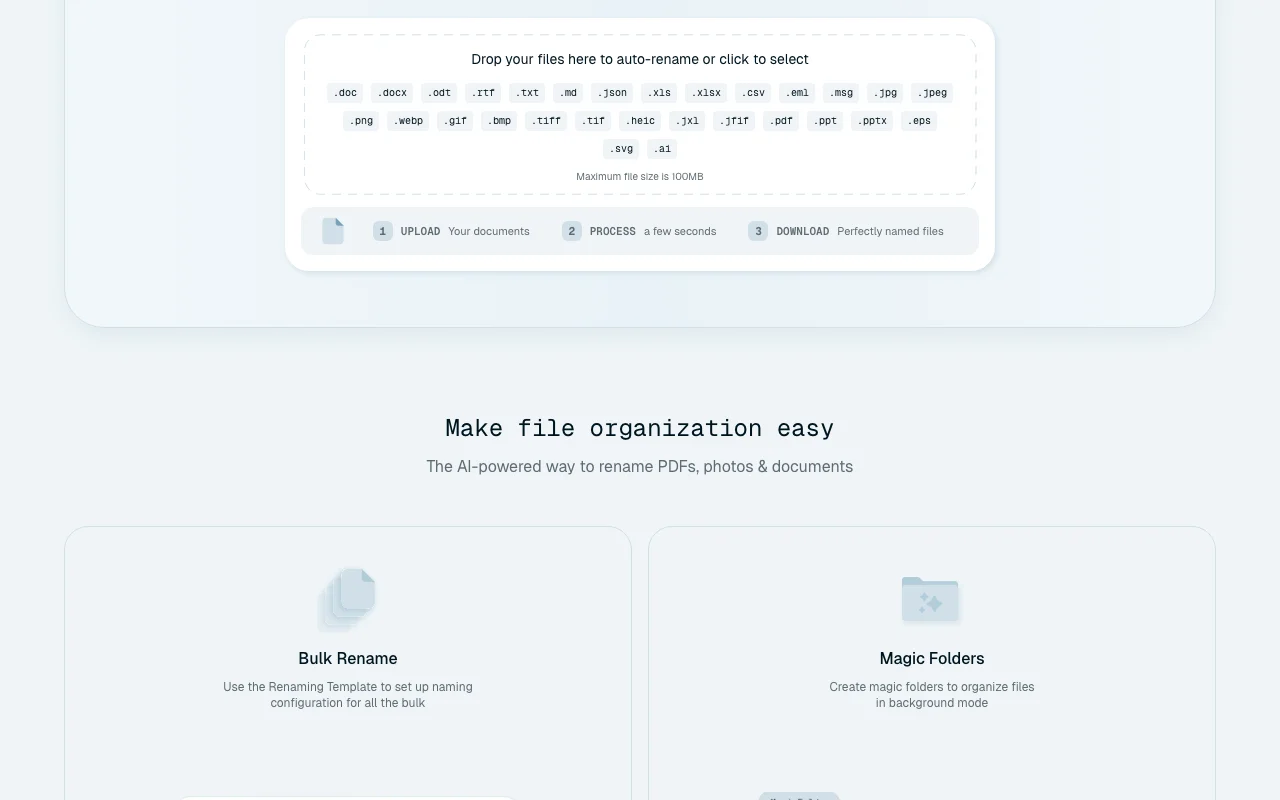
Renamer.ai reads the content of files and renames them using naming templates. It works through a web uploader and a desktop app for Mac and Windows. Magic Folders watch chosen folders and rename new files automatically. The site states web uploads are stored up to 24 hours and desktop files are not stored.
You provide
You get back
Scenarios are worked out by our editors from the documentation; the actual result depends on your input and plan.
Reads each file's contents and proposes a descriptive name Makes files searchable
Processes many files at once in one run Saves time on large folders
Defines the naming pattern used for all renames Enforces conventions
Watches chosen folders and renames new files in the background Keeps downloads tidy
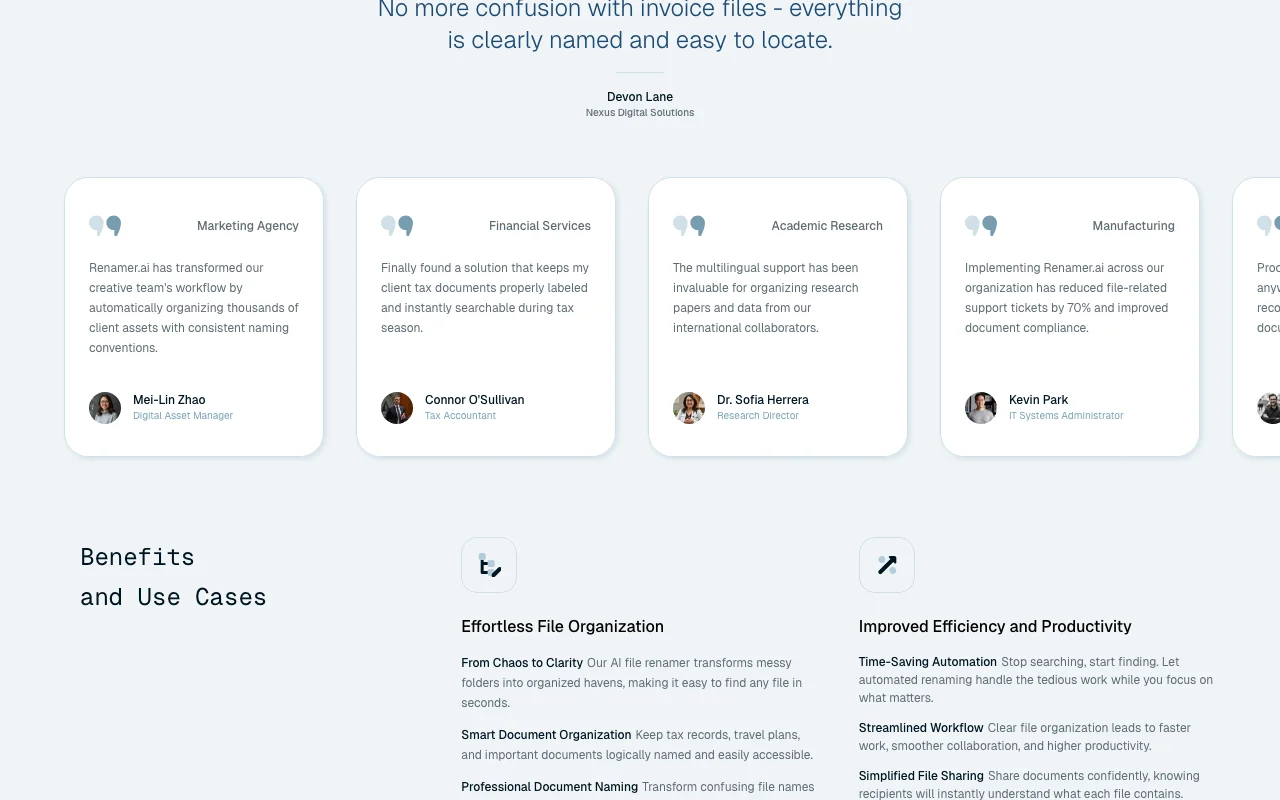
Handles documents in multiple languages Suits international teams
Renamer.ai has no public API in its official documentation. Docs page returned 404
Summarized from the vendor's current policies; this is not legal advice and a vendor's badge is not an independent audit.
Web uploads stored temporarily so you can download renamed files; desktop files renamed on device
Web uploads up to 24 hours; desktop files not stored
"Better suited" is based on documented features and pricing, not on a head-to-head test.
No user reviews yet.
Used Renamer.ai? Be the first to share your experience.
Starter is free with 25 files a month; Pro is $9.95, Power User $29.95 and Ultimate $99.95 per month (monthly equivalent). source (opens in a new tab)
Pro 200, Power User 1,000 and Ultimate 5,000 files per month. source (opens in a new tab)
Web uploads are kept up to 24 hours; desktop files are not stored after processing. source (opens in a new tab)
100MB per file on the web version. source (opens in a new tab)
They watch chosen folders and rename new files automatically in the background. source (opens in a new tab)
Not verified: Pricing page (404); AI training use; Exact file types supported.
Every fact about Renamer.ai above comes from the 2 official pages listed here, last compared on Sep 29, 2026; we have not run Renamer.ai ourselves, so it has no editorial score. How we check and re-check pages.
Article updated Oct 10, 2026; prices checked Sep 29, 2026. Outbound links to vendors are plain links; we do not earn commissions. How we review · Report an error
compare>