Productivity & writingDocumented overviewLast checked Sep 29, 2026

RenderLog: Pricing, Features & Best Use Cases

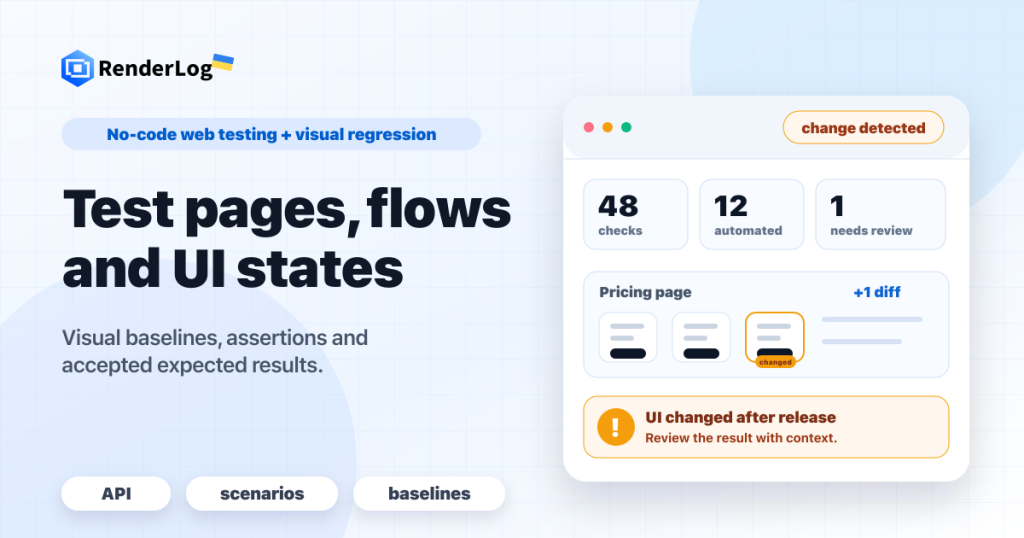
No-code web testing and visual regression tool with a screenshot/PDF API, billed per successful run.

Who RenderLog fits

Choose RenderLog if you want to pay only for successful web checks or screenshot/PDF API runs with no base subscription, and are fine with prices quoted in euros. Based on the vendor's documentation, not on a hands-on test.

Best for: QA teams

Also a good fit for

  • Developers needing a screenshot API
  • Web agencies

Consider another tool if prices are shown in EUR, not USD

Or if

  • Video runs are priced separately
  • Scheduling, throughput and retention are paid add-ons

RenderLog pricing and usage limits

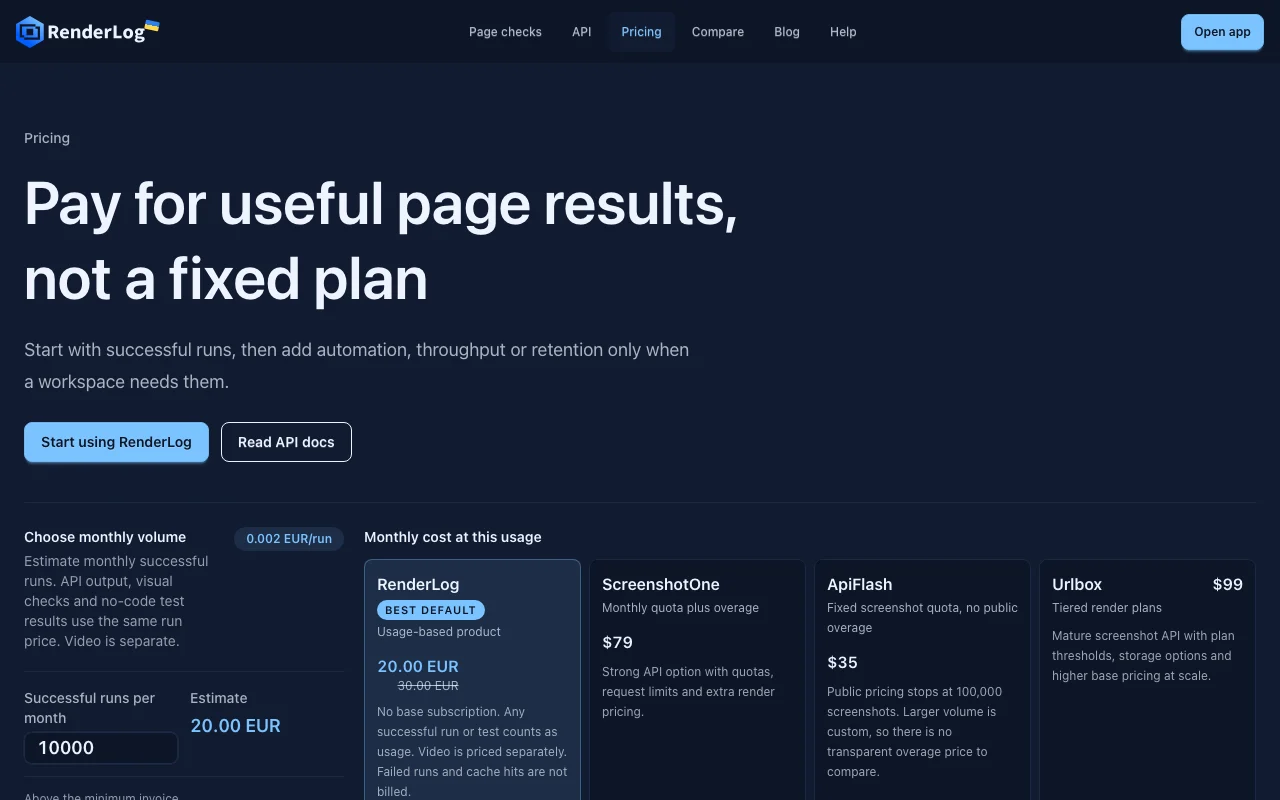
Prices checked Sep 29, 2026 on the official US pricing page. Official pricing ↗ Prices and limits change often.

RenderLog pricing page with plans and prices — screenshot of the productivity & writing AI tool, Oct 1, 2026
The official RenderLog pricing page as we saw it. renderlog.com, captured Oct 1, 2026

Free access and trial conditions

No free plan; first invoice delayed until usage reaches EUR 3.

No separate trial.

Paid plans: what changes as you upgrade

Successful runs Web

Usage-based source (opens in a new tab)

Month

For: Pay-as-you-go web checks

Limits

  • Monthly minimum invoice EUR 3
  • Failed runs and cache hits not billed

Includes

  • Screenshots, PDF, HTML, Markdown
  • Baselines and run history
1 more
  • Async API and webhooks

API included

Automation add-on Web

See official pricing source (opens in a new tab)

Month

For: Frequent scheduled suites

Limits

  • 250 suite launches/day
  • 30 minute minimum interval
1 more
  • 3 viewports per case

Includes

  • Scheduled checks

API included

High Throughput add-on Web

See official pricing source (opens in a new tab)

Month

For: Production API traffic

Limits

  • Up to 300 successful runs/min

Includes

  • Burst API capacity

API included

Retention 1 Year add-on Web

See official pricing source (opens in a new tab)

Month

For: Long result history

Limits

  • History up to 365 days
  • Managed storage up to 3 TB

Includes

  • Audit-friendly files

API included

Usage caps, credits and extra costs

Video runs priced separately; add-ons in EUR.

Not stated.

What is RenderLog, and how does it work?

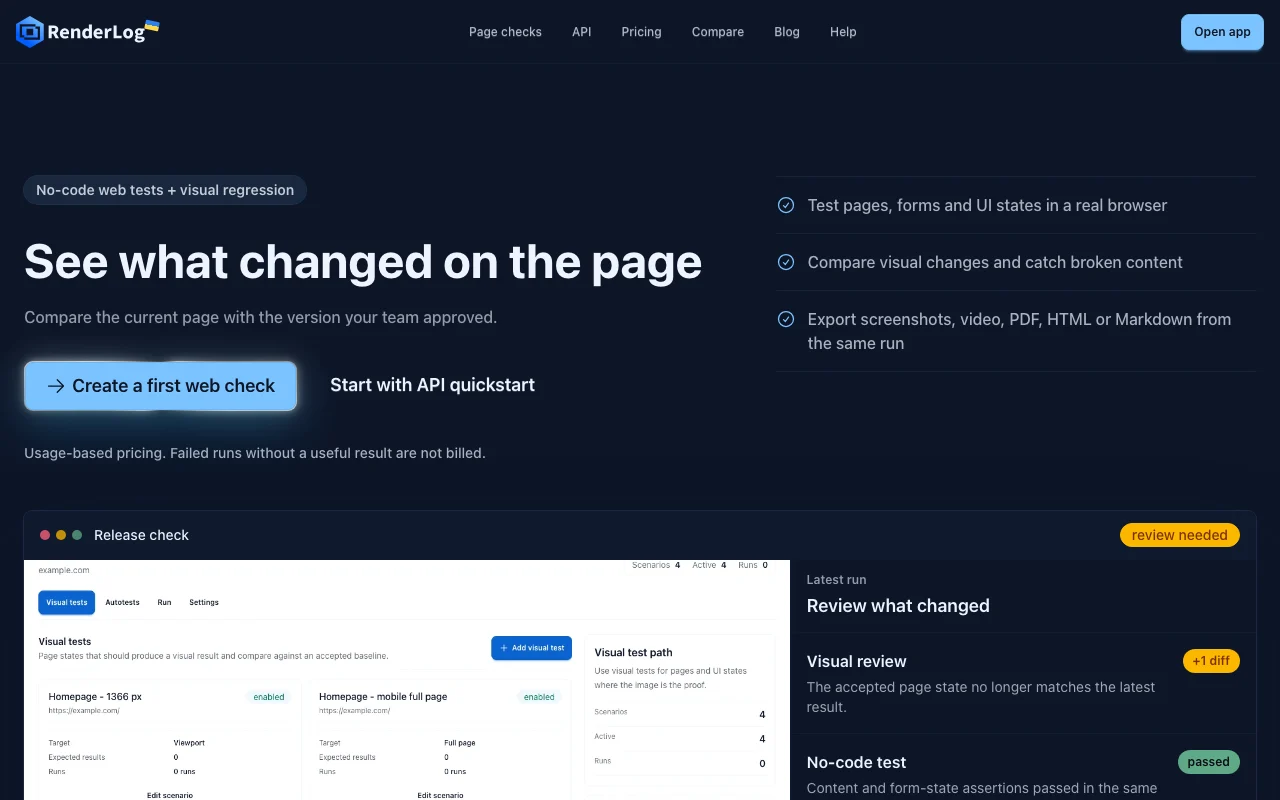
RenderLog lets teams save a web page check (URL, viewport, waits, flow steps), lock an approved baseline and compare later runs against it. Results include screenshots, PDF, HTML, Markdown and, on video runs, video. Checks can be started from the dashboard, the API, CI or a schedule, with webhooks and run history kept per result. Pricing is usage-based rather than a fixed plan.

RenderLog homepage — screenshot of the productivity & writing AI tool, Oct 1, 2026
RenderLog's official site: how the product presents itself. renderlog.com, captured Oct 1, 2026

What you provide and what you get back

How RenderLog works: what you provide, where it runs and what you get backYOU PROVIDEYour inputA URL, viewport, waits and option…Approved baselineAPI calls from CI or schedulePRODUCTIVITY & WRITINGRenderLogWeb, APIprice not publishedno free tieraccount requiredchecked Sep 29, 2026YOU GET BACKThe resultScreenshotsPDF, HTML and MarkdownVideo (separate pricing)Visual diffs and Web Vitalsinput → RenderLog → output · from the vendor's own pages, no hands-on test unless stated
What you give RenderLog and what comes back, from its documentation

You provide

  • A URL, viewport, waits and optional flow steps
  • Approved baseline
  • API calls from CI or schedule

You get back

  • Screenshots
  • PDF, HTML and Markdown
  • Video (separate pricing)
  • Visual diffs and Web Vitals

Where you can use it

Platforms
Web, API
Account
Required
Outputs
Screenshot, PDF, HTML, Markdown, video
Throughput
Up to 300 runs/min with add-on
Retention
30 days base, 365 days add-on
Currency
EUR

Best use cases for RenderLog

Scenarios are worked out by our editors from the documentation; the actual result depends on your input and plan.

Visual regression checks on websites

Who
QA teams
You provide
Saved page checks with a baseline
Expected result
Diff review showing what changed
Plan needed
Usage-based
Limitation
Baseline must be approved by a person source (opens in a new tab)

No-code UI and form-state assertions

Who
Testers without code
You provide
Flow steps in a real browser
Expected result
Pass or fail results with run history
Plan needed
Usage-based
Limitation
Complex flows may need waits tuning source (opens in a new tab)

Screenshot and PDF generation via API

Who
Developers
You provide
API request with URL
Expected result
Screenshot, PDF, HTML or Markdown
Plan needed
Usage-based
Limitation
Throughput add-on for bursts source (opens in a new tab)

Scheduled monitoring of landing pages

Who
Web agencies
You provide
Schedule and targets
Expected result
Recurring checks with webhooks on change
Plan needed
Automation add-on
Limitation
EUR 59 per month add-on source (opens in a new tab)

Key features and their practical limits

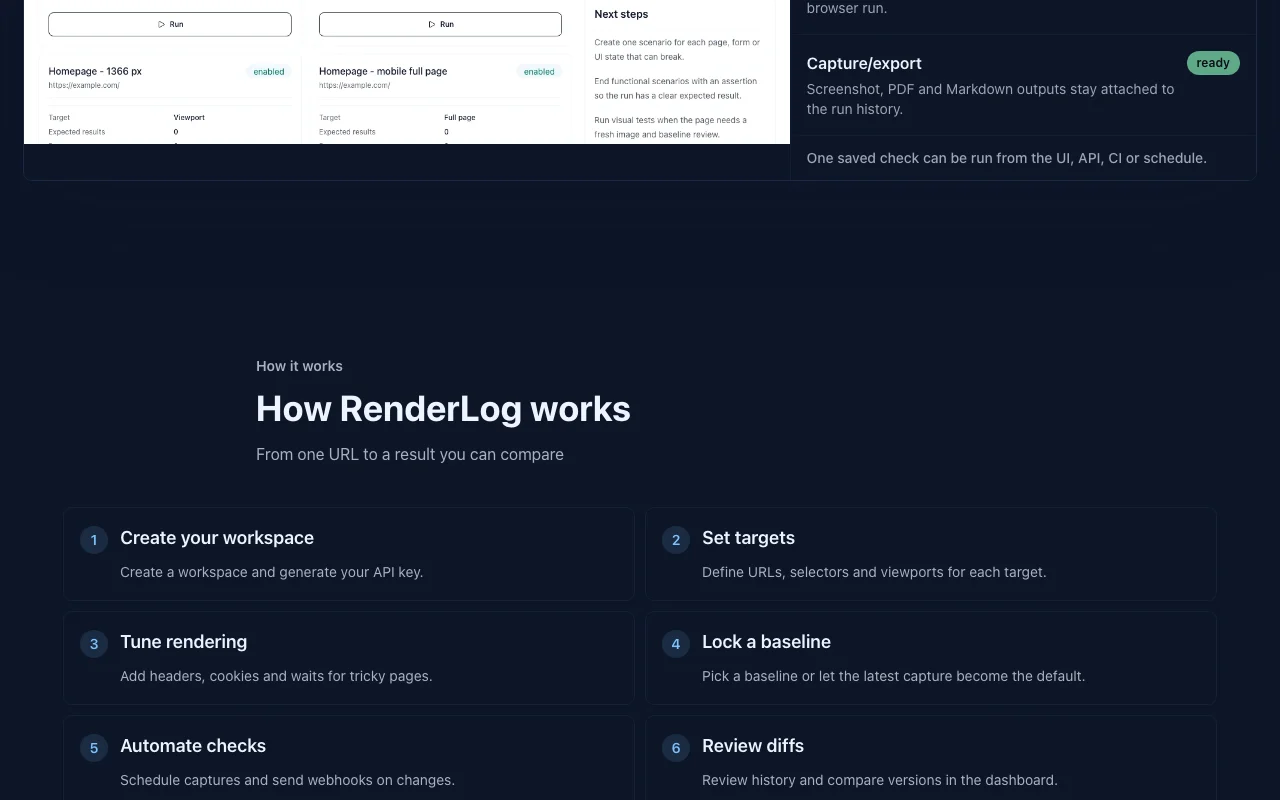
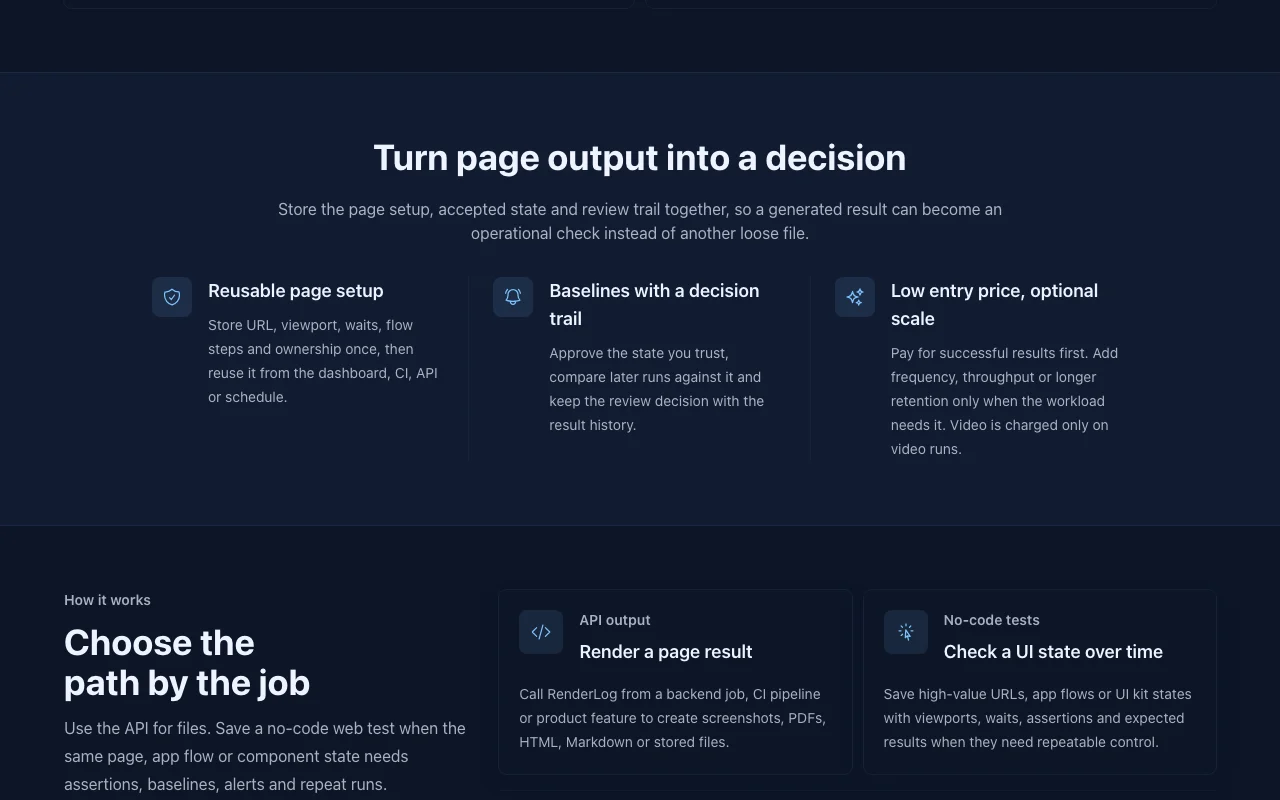
RenderLog homepage — screenshot of the productivity & writing AI tool, Oct 1, 2026
Feature overview on the official site. renderlog.com, captured Oct 1, 2026

Saved reusable page checks

Stores URL, viewport, waits and steps as a reusable check. Run the same test from UI, API, CI or schedule.

Access: Usage-basedLimit: Needs initial setup per target source (opens in a new tab)

Approved baselines with diff review

Locks an approved baseline and compares later runs. Detects unwanted visual changes.

Access: Usage-basedLimit: Baseline approval is manual source (opens in a new tab)

Screenshot, PDF, HTML and Markdown output

Returns screenshots, PDF, HTML, Markdown and video from the same run. One pipeline for many outputs.

Access: Usage-basedLimit: Video is priced separately source (opens in a new tab)

API, CI and scheduled runs

Runs via dashboard, API, CI or schedule with webhooks. Fits release workflows.

Access: Usage-basedLimit: Frequent schedules need the Automation add-on source (opens in a new tab)

Pros, cons and deal-breakers

Where RenderLog is strong

Limitations to check before paying

How to use RenderLog for running a visual regression check on a landing page

Set up RenderLog

  1. Create a RenderLog workspace and generate an API key
  2. Define the target URL, selector and viewports
  3. Add headers, cookies or waits if the page needs them

Example: running a visual regression check on a landing page

  1. Run the first capture and accept it as baseline
  2. Make a change on the page
  3. Run the check again
  4. Open the diff in the dashboard and approve or flag it

Review and export the result

  1. Confirm only intended differences appear
  2. Check run history shows the screenshot, logs and result

RenderLog integrations and API

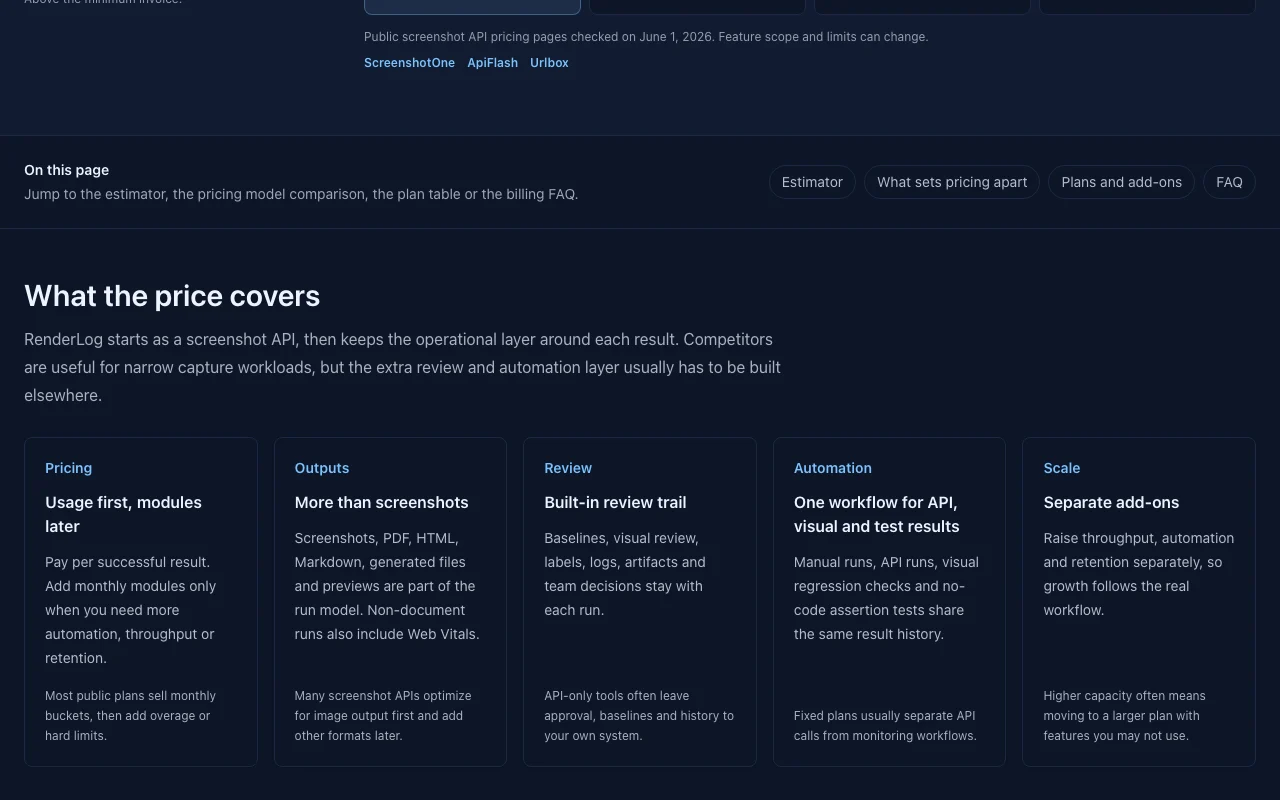
RenderLog pricing page with plans and prices — screenshot of the productivity & writing AI tool, Oct 1, 2026
Plan comparison on the official pricing page. renderlog.com, captured Oct 1, 2026

Native integrations and export formats

Export: PNG screenshot, PDF, HTML, Markdown, Video

API access and separate billing

RenderLog has no public API in its official documentation. API quickstart on homepage; docs page was not available API documentation ↗

Privacy, data use and commercial rights

Summarized from the vendor's current policies; this is not legal advice and a vendor's badge is not an independent audit.

How your inputs and outputs are handled

Target pages, run results and artifacts are stored with run history.

Not stated.

Base history filters within 30 days; 1 Year add-on up to 365 days.

Commercial use and plan restrictions

Not stated.

Longer retention requires add-on.

Controls for business users

  • S3-compatible storage
  • Retention add-on

RenderLog alternatives by need

"Better suited" is based on documented features and pricing, not on a head-to-head test.

n8n: better suited to

Zapier: better suited to

Alternatives
AlternativeWhen to choose itPricingLimitation
n8n——Compare
Zapier——Compare

Explore RenderLog further

If you are looking at RenderLog

RenderLog user reviews

No user reviews yet.

Used RenderLog? Be the first to share your experience.

Write a review

Reviews are checked by a moderator before they appear. Your email is never published. Plain text only.

Your rating (required)

Show what you made or what went wrong. Images are published only if the review is approved; location data is removed.

    RenderLog FAQ

    What counts as a billable run?

    A successful job that returns a real result; failed runs and cache hits are not billed. source (opens in a new tab)

    How much does a run cost?

    0.003 EUR per run, or 0.002 EUR for early users in their first year; prices are shown in EUR only. source (opens in a new tab)

    Is there a free trial?

    No separate trial; the first invoice is delayed until usage reaches EUR 3. source (opens in a new tab)

    What do the add-ons cost?

    Automation 59 EUR, High Throughput 89 EUR and Retention 1 Year 99 EUR per month. source (opens in a new tab)

    Can I use my own storage?

    Yes, S3-compatible storage is supported for larger workspaces. source (opens in a new tab)

    Sources and review methodology

    Official sources and verification dates

    Not verified: USD prices; Video run price; Privacy and training policy; Docs.

    How we documented and maintain this page

    Every fact about RenderLog above comes from the 2 official pages listed here, last compared on Sep 29, 2026; we have not run RenderLog ourselves, so it has no editorial score. How we check and re-check pages.

    Article updated Oct 10, 2026; prices checked Sep 29, 2026. Outbound links to vendors are plain links; we do not earn commissions. How we review · Report an error