Productivity & writingDocumented overviewLast checked Sep 29, 2026

Boast Image: Pricing, Features & Best Use Cases

Visual feedback board for web pages, images and PDFs where clients comment without logging in.
Who Boast Image fits

Choose Boast Image if clients must review designs, live pages or PDFs without creating accounts, and you want unlimited external reviewers on paid plans. Based on the vendor's documentation, not on a hands-on test.

Best for: Freelance designers

Also a good fit for

  • Agencies
  • Web developers

Consider another tool if free plan: 1 project, 5 items, 20 annotations per item

Or if

  • Version control and Kanban only on paid plans
  • Team and Business plans priced per user

Boast Image pricing and usage limits

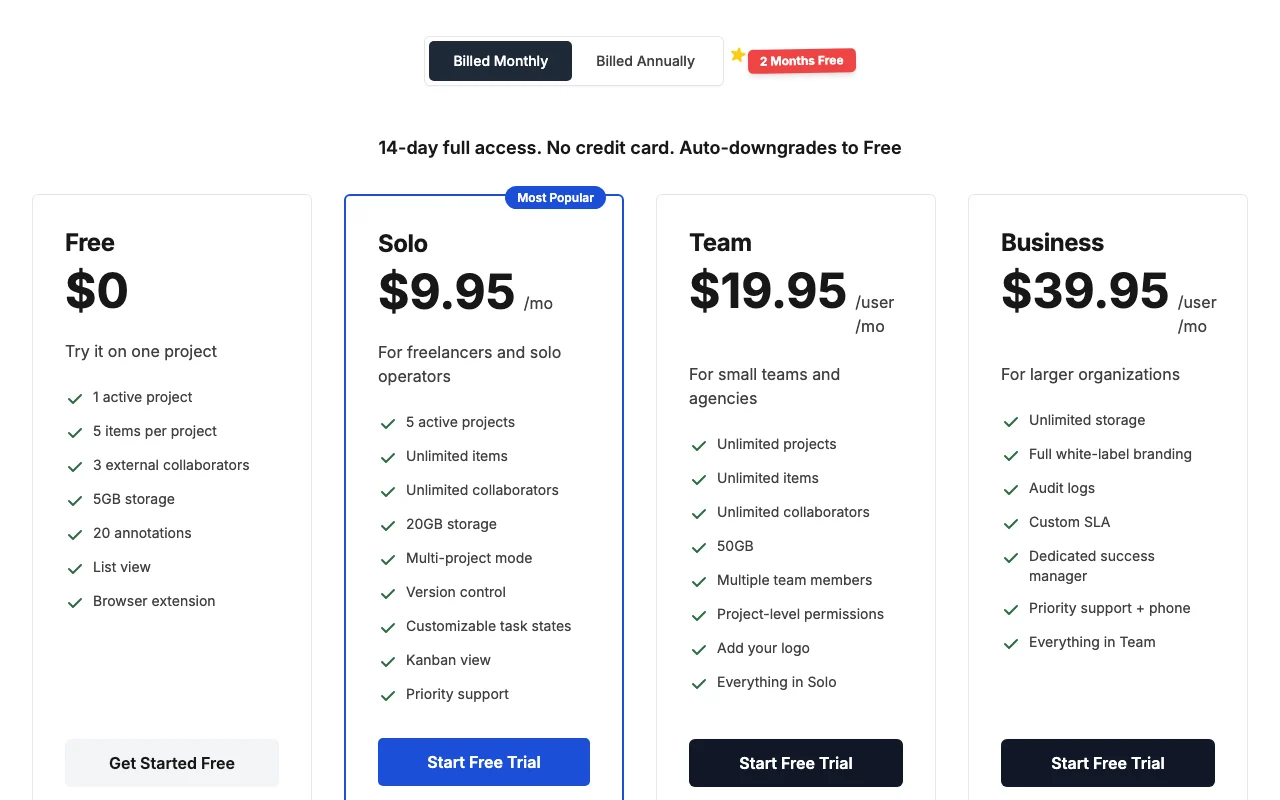
Prices checked Sep 29, 2026 on the official US pricing page. Official pricing ↗ Prices and limits change often.

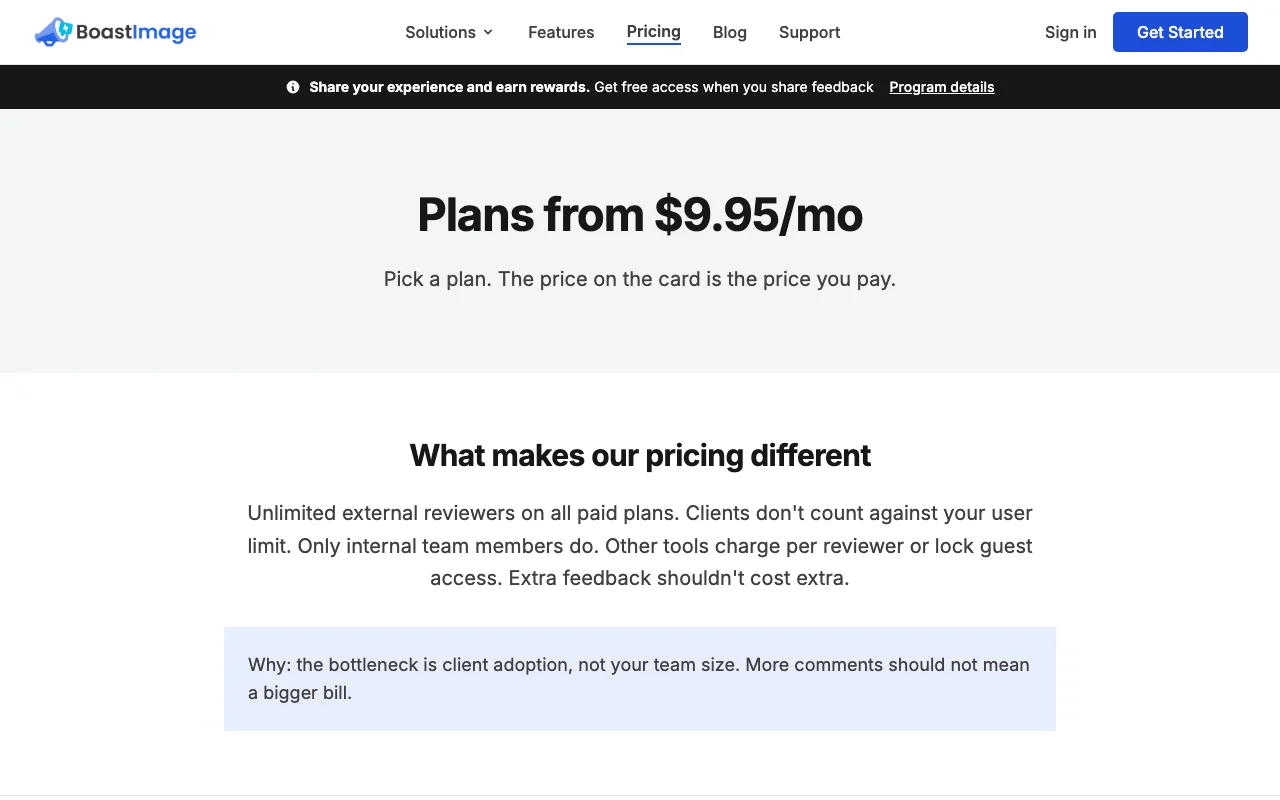
Boast Image pricing page with plans and prices — screenshot of the productivity & writing AI tool, Oct 2, 2026
The official Boast Image pricing page as we saw it. boastimage.com, captured Oct 2, 2026

Free access and trial conditions

Free plan

14-day full access, no card, auto-downgrades to Free

Paid plans: what changes as you upgrade

Free web

Free source (opens in a new tab)

Month, annual commitment

For: One project

Limits

  • 1 project
  • 5 items per project
2 more
  • 3 external collaborators
  • 20 annotations per item

Includes

  • List view
  • Browser extension
1 more
  • 5GB storage

No API

Solo web

$9.95/mo source (opens in a new tab)

Month, annual commitment

$119.40 per year

For: Freelancers

Limits

  • 5 projects
  • 20GB storage
1 more
  • 1 team member

Includes

  • Unlimited items and collaborators
  • Version control
1 more
  • Kanban view

No API

Team web

$19.95/mo per user per month source (opens in a new tab)

Month, annual commitment

$239.40 per user per year

For: Small teams and agencies

Limits

  • 50GB storage

Includes

  • Unlimited projects
  • Project-level permissions
1 more
  • Add your logo

No API

Business web

$39.95/mo per user per month source (opens in a new tab)

Month, annual commitment

$479.40 per user per year

For: Larger organizations

Limits

  • Unlimited storage

Includes

  • White-label branding
  • Audit logs
2 more
  • Custom SLA
  • Dedicated success manager

No API

Usage caps, credits and extra costs

None stated

Not stated

What is Boast Image, and how does it work?

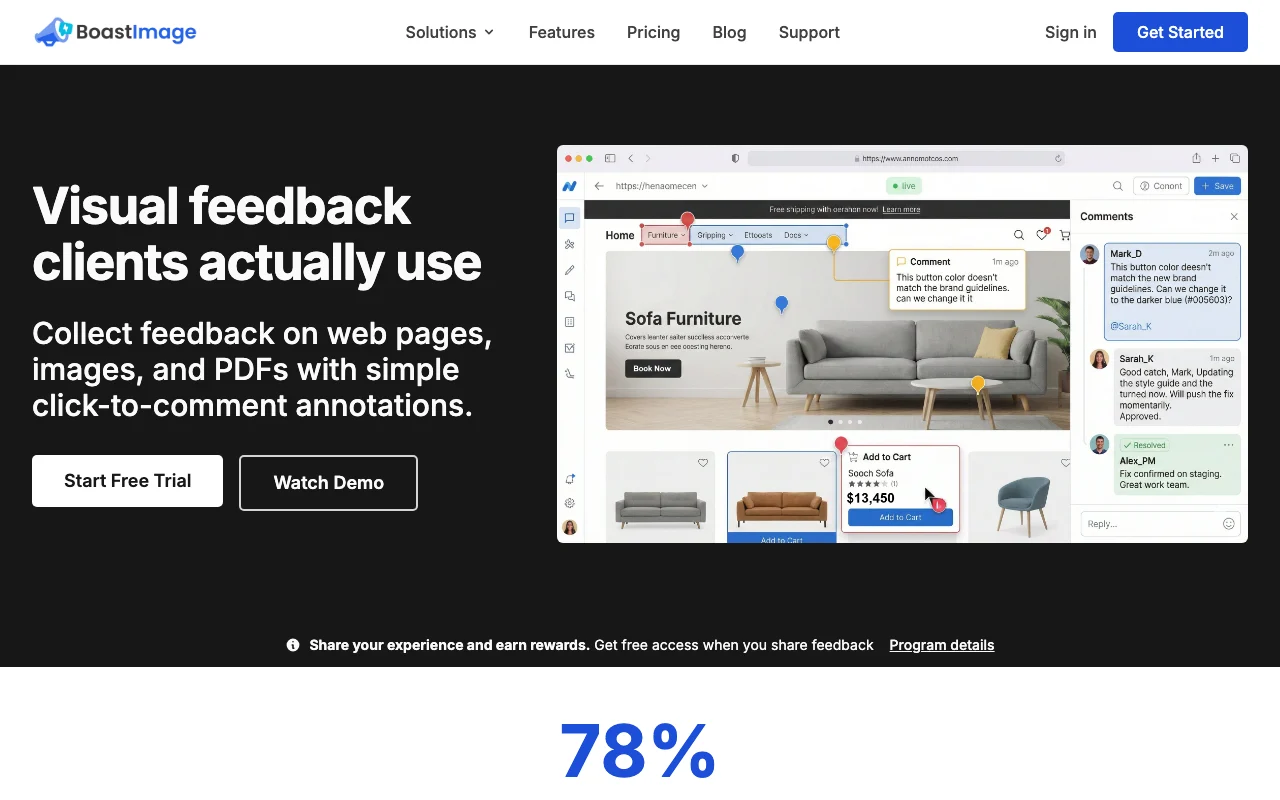
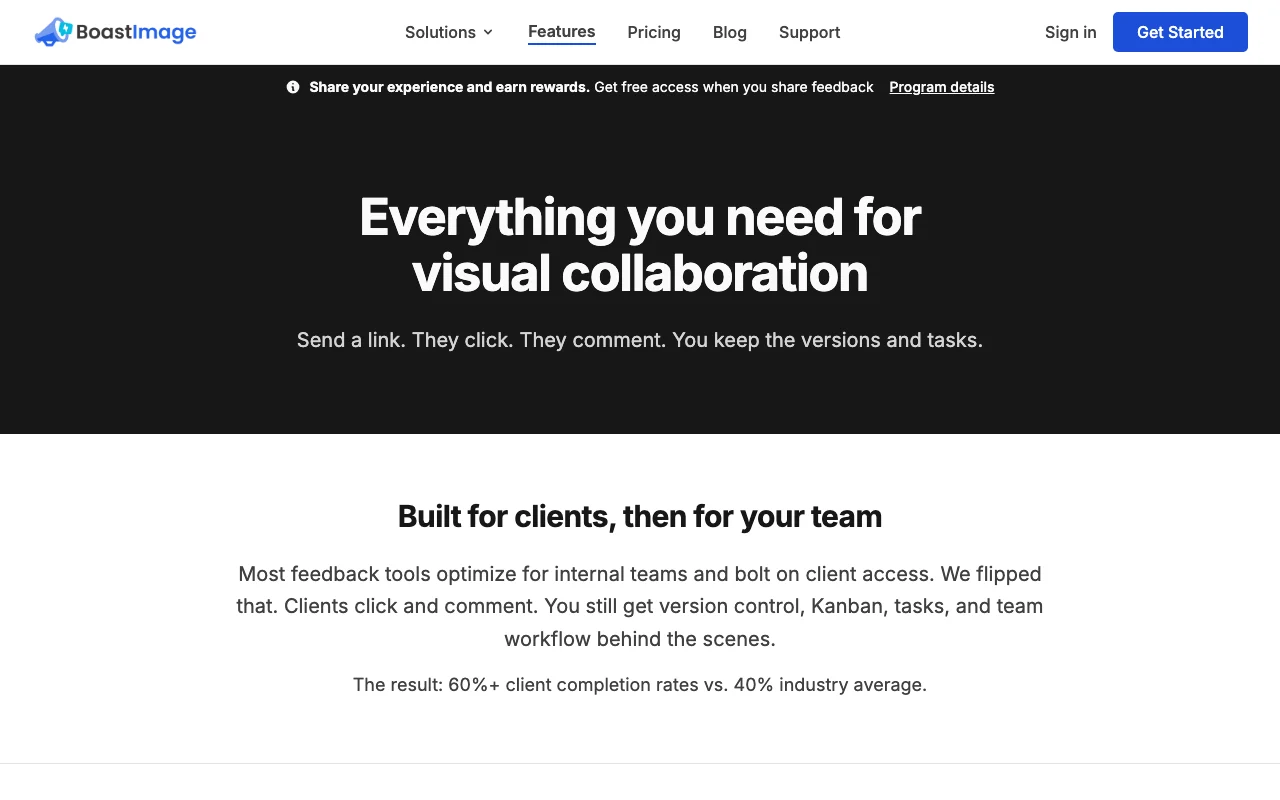
Boast Image is a web-based visual feedback tool. Teams upload web page captures, images or PDFs, and clients click to leave comments with no login or onboarding. It adds versions, tasks, list and Kanban views, and a Chrome extension. The site does not describe AI features, so it is listed here as a feedback and review tool.

Boast Image homepage — screenshot of the productivity & writing AI tool, Oct 2, 2026
Boast Image's official site: how the product presents itself. boastimage.com, captured Oct 2, 2026

What you provide and what you get back

How Boast Image works: what you provide, where it runs and what you get backYOU PROVIDEYour inputWeb page capturesImagesPDFsPRODUCTIVITY & WRITINGBoast ImageWebfrom $9.95/mo (Solo)free tier availableaccount requiredchecked Sep 29, 2026YOU GET BACKThe resultAnnotated feedback threadsTasksVersion historyinput → Boast Image → output · from the vendor's own pages, no hands-on test unless stated
What you give Boast Image and what comes back, from its documentation

You provide

  • Web page captures
  • Images
  • PDFs

You get back

  • Annotated feedback threads
  • Tasks
  • Version history

Where you can use it

Platforms
Web
Account
Required
File types
Web pages, images, PDFs
Storage
5GB to unlimited
Views
List, Kanban (paid)

What people use Boast Image for

Scenarios are worked out by our editors from the documentation; the actual result depends on your input and plan.

Collecting client feedback on designs

Who
Freelance designers
You provide
Design images or PDFs
Expected result
Click-to-comment feedback from clients without logins
Plan needed
Free to test, Solo for volume
Limitation
Free: 5 items per project source (opens in a new tab)

Reviewing live website pages

Who
Web developers
You provide
A live page capture
Expected result
Page-level comments turned into tasks
Plan needed
Solo
Limitation
Version control is paid source (opens in a new tab)

Annotating PDFs

Who
Agencies
You provide
Several client projects and a team
Expected result
Projects with permissions and unlimited external collaborators
Plan needed
Team
Limitation
Priced per internal user source (opens in a new tab)

Key features and their practical limits

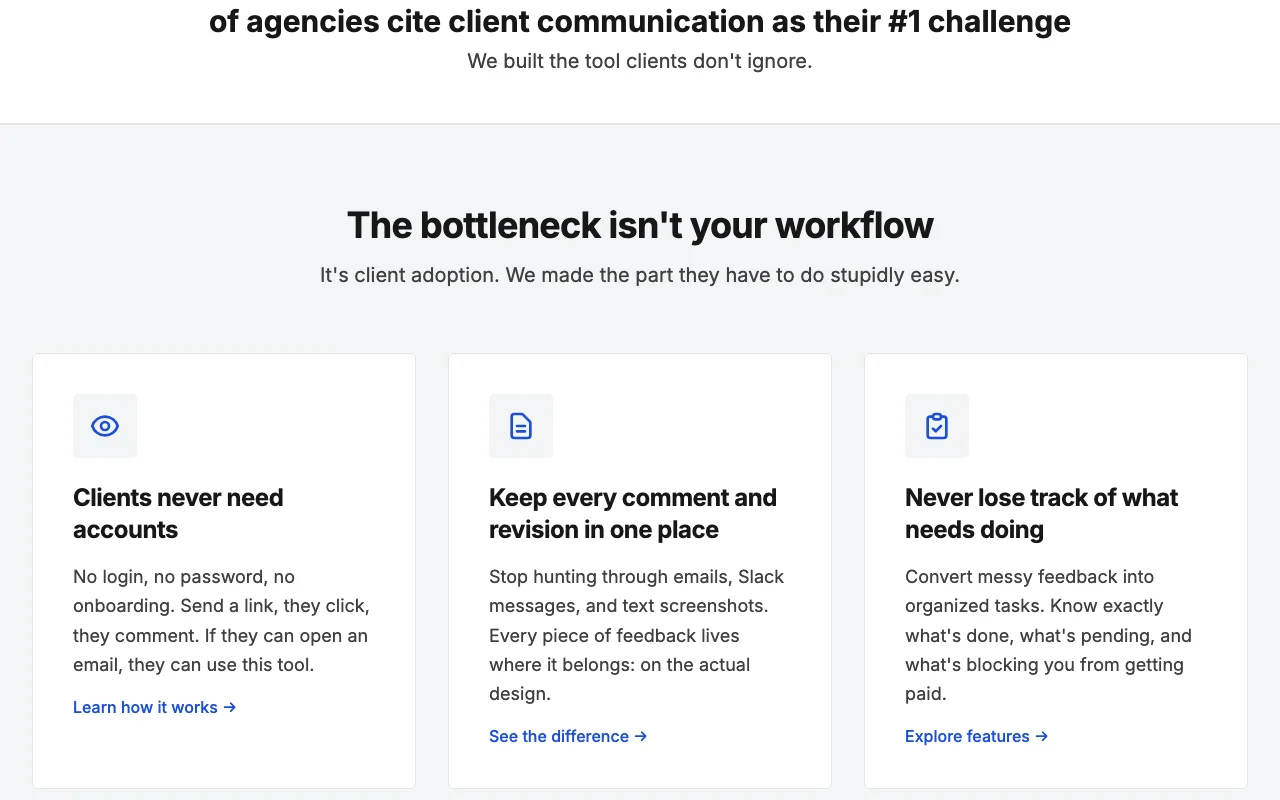
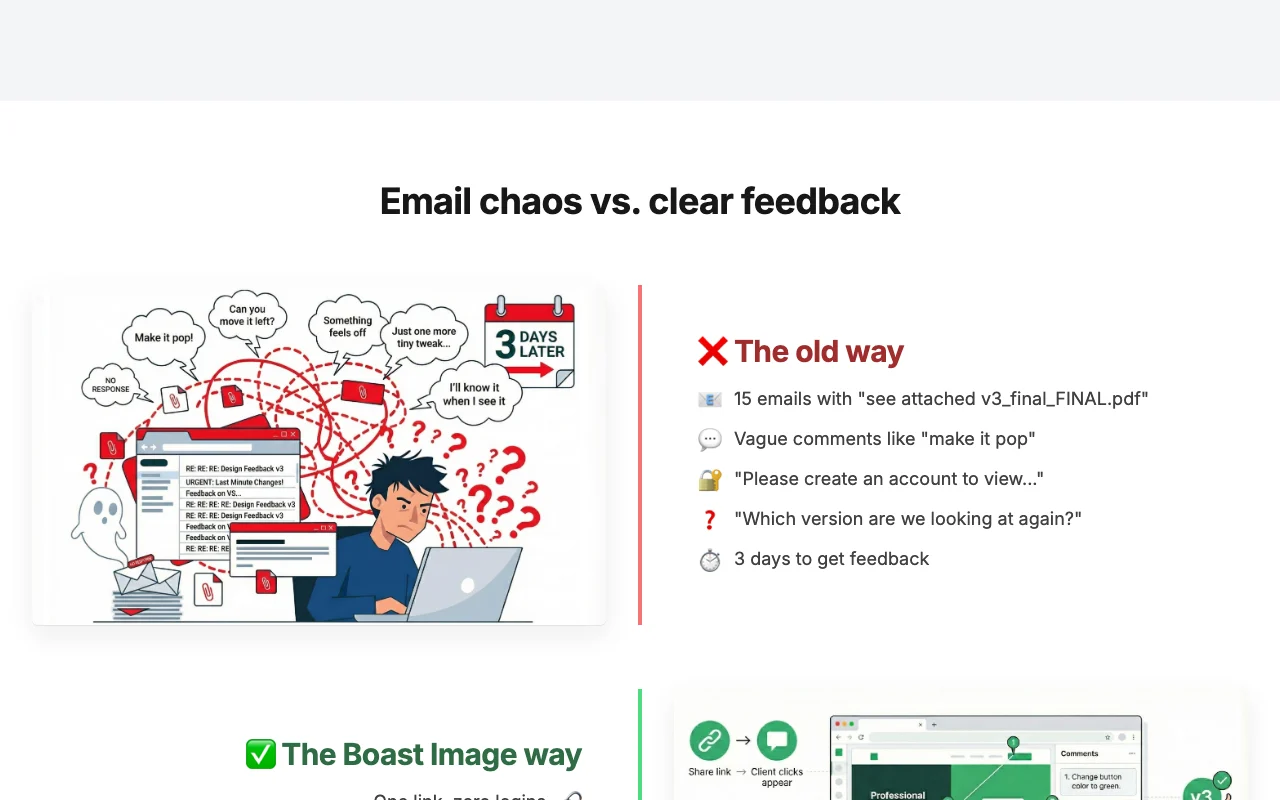
Boast Image homepage — screenshot of the productivity & writing AI tool, Oct 2, 2026
Feature overview on the official site. boastimage.com, captured Oct 2, 2026

Click-to-comment annotations

Clients click on the item to leave comments Precise feedback location

Access: All plansLimit: 20 annotations per item on Free source (opens in a new tab)

No-login access for collaborators

Collaborators need no login Clients actually respond

Access: All plansLimit: Access codes for security source (opens in a new tab)

Web page, image and PDF items

Handles web pages, images and PDFs as review items One tool for all files

Access: All plansLimit: 5 items per project on Free source (opens in a new tab)

Version control and previous versions

Keeps versions and lets you view previous ones Compare revisions

Access: Solo and aboveLimit: Not on Free source (opens in a new tab)

Boast Image: strengths and limits

Reasons to choose Boast Image

Check before paying for Boast Image

How to use Boast Image for collecting client feedback on designs

Set up Boast Image

  1. Create a free account
  2. Create a project
  3. Upload an image, PDF or capture a web page

Example: collecting client feedback on designs

  1. Share the review link with the client
  2. The client clicks the spot and types a comment
  3. Assign the comment as a task
  4. Upload a revised version and mark tasks done

Review and export the result

  1. Confirm the client could comment without logging in
  2. Check comments appear in list or Kanban view

Boast Image API

Boast Image pricing page with plans and prices — screenshot of the productivity & writing AI tool, Oct 2, 2026
Plan comparison on the official pricing page. boastimage.com, captured Oct 2, 2026

API access and separate billing

Boast Image has no public API in its official documentation. Not mentioned

Privacy, data use and commercial rights

Summarized from the vendor's current policies; this is not legal advice and a vendor's badge is not an independent audit.

How your inputs and outputs are handled

Not stated

Not stated (no AI features described)

Not stated

Commercial use and plan restrictions

Not stated

Audit logs on Business

Controls for business users

  • Access codes
  • Audit logs (Business)

Other tools to consider instead of Boast Image

"Better suited" is based on documented features and pricing, not on a head-to-head test.

Canva: better suited to

Alternatives
AlternativeWhen to choose itPricingLimitation
Canva——Compare

Explore Boast Image further

Tools and guides near Boast Image

Boast Image user reviews

No user reviews yet.

Used Boast Image? Be the first to share your experience.

Write a review

Reviews are checked by a moderator before they appear. Your email is never published. Plain text only.

Your rating (required)

Show what you made or what went wrong. Images are published only if the review is approved; location data is removed.

    Boast Image FAQ

    Do clients need accounts?

    No, collaborators comment through loginless access with optional access codes. source (opens in a new tab)

    What file types can I review?

    Web pages, images and PDFs. source (opens in a new tab)

    How many reviewers can I invite?

    3 external collaborators per project on Free; unlimited on paid plans. source (opens in a new tab)

    Is there a trial?

    Yes, 14 days of full access with no card, then it downgrades to Free. source (opens in a new tab)

    Can I change plans?

    Yes, anytime with proration. source (opens in a new tab)

    Sources and review methodology

    Official sources and verification dates

    Not verified: Privacy terms; AI features (none described).

    How we documented and maintain this page

    Every fact about Boast Image above comes from the 3 official pages listed here, last compared on Sep 29, 2026; we have not run Boast Image ourselves, so it has no editorial score. How we check and re-check pages.

    Article updated Oct 2, 2026; prices checked Sep 29, 2026. Outbound links to vendors are plain links; we do not earn commissions. How we review · Report an error