Productivity & writingDocumented overviewLast checked Oct 2, 2026

Bridge (assigned as Simplora): Pricing, Features & Best Use Cases

Bridge: meeting workspace to host AI meetings, capture Zoom, Meet and Teams calls bot-free, and run AI agents.
Is Bridge (assigned as Simplora) right for you?

Bridge suits sales and customer-facing teams who want to host or capture meetings and keep AI notes in one workspace, with a free Starter plan. Based on the vendor's documentation, not on a hands-on test.

Best for: Sales and customer-facing teams

Also a good fit for

  • Teams consolidating meeting notes from several tools

Consider another tool if free plan limits hosted meetings to 5 participants and 60 minutes

Or if

  • Custom agents, MCP and unlimited history need paid plans
  • Bot-free capture desktop app is for Apple Silicon Macs

Bridge (assigned as Simplora) pricing and usage limits

Prices checked Oct 2, 2026 on the official US pricing page. Official pricing ↗ Prices and limits change often.

Free access and trial conditions

Starter is free, no credit card required.

14-day free trial of Professional and Business.

Paid plans: what changes as you upgrade

Starter web

Free source (opens in a new tab)

Month

For: Individuals and small teams

Limits

  • Hosted meetings: 5 participants, 60 min
  • Limited meeting history

Includes

  • Unlimited notes
  • Unlimited workspace members
1 more
  • Capture meetings outside Bridge

Professional web

$20/mo per user per month source (opens in a new tab)

Month

For: Individuals and startups

Limits

  • 25 participants, 8 hr per meeting

Includes

  • Custom meeting agents
  • Unlimited meeting history
2 more
  • Bridge MCP
  • Automatic workspace memory

Business web

$30/mo per user per month source (opens in a new tab)

Month

For: SMBs

Limits

  • 200 participants, 24 hr per meeting

Includes

  • Workspace groups
  • Advanced admin controls
2 more
  • Maximum live meeting AI
  • Slack support channel

Enterprise web

Custom pricing source (opens in a new tab)

Custom

For: Large organizations

Limits

  • 1000 participants, no time limit

Includes

  • SAML SSO
  • SLA guarantees
1 more
  • Custom whitelabeling

Usage caps, credits and extra costs

Paid plans include monthly live AI credits; extra credits are pay-as-you-go.

Not stated.

What is Bridge (assigned as Simplora), and how does it work?

Bridge is a meeting workspace where teams and AI agents meet. Users can host AI meetings on Bridge, capture Zoom, Google Meet and Microsoft Teams calls without a bot joining, record in-person conversations, and import transcript history from other note-takers. Teams can create AI agents with their own identity, permissions, connectors and triggers, keep a searchable memory of people, companies and conversations, and connect to outside AI tools through Bridge MCP. A free Starter plan exists, with paid per-seat plans from $20/user/mo.

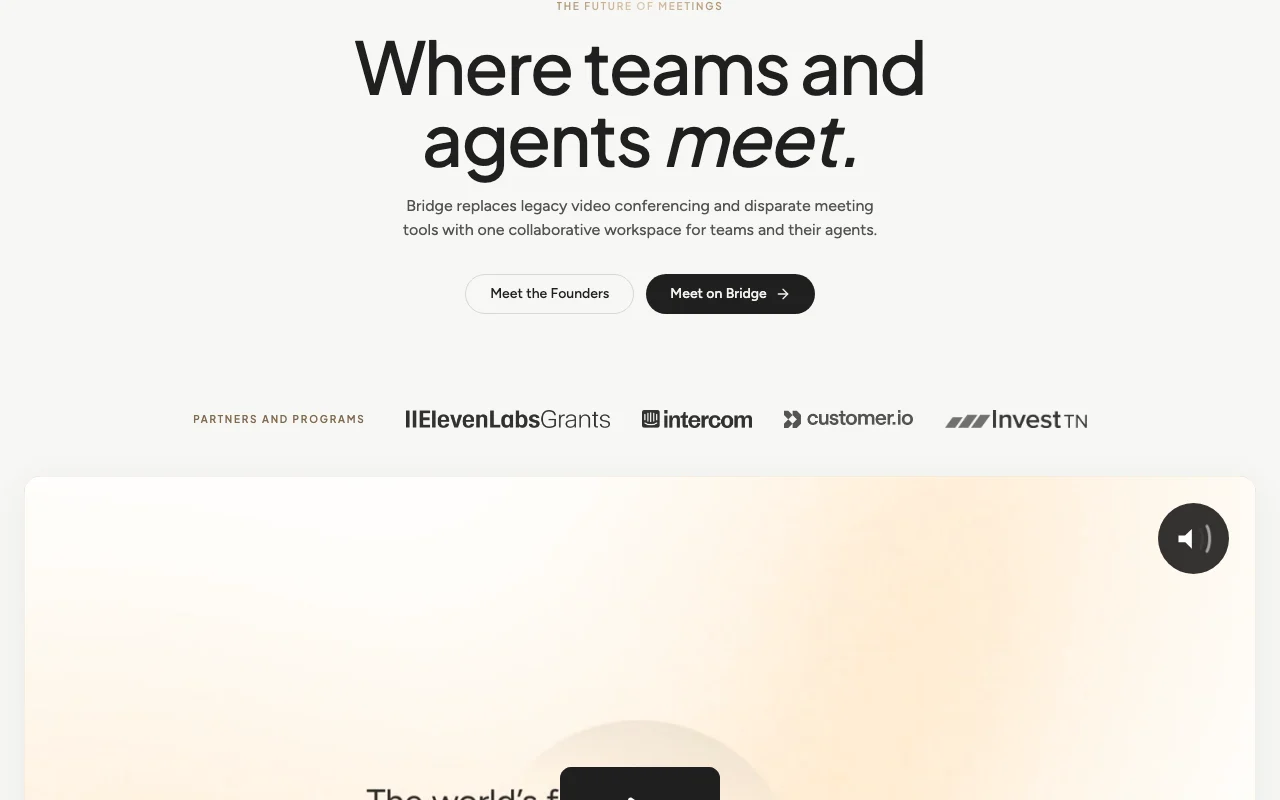
Bridge (assigned as Simplora) homepage — screenshot of the productivity & writing AI tool, Oct 2, 2026
Bridge (assigned as Simplora)'s official site: how the product presents itself. meetonbridge.com, captured Oct 2, 2026

What you provide and what you get back

How Bridge (assigned as Simplora) works: what you provide, where it runs and what you get backYOU PROVIDEYour inputLive meeting audioImported meeting historyConnected toolsPRODUCTIVITY & WRITINGBridge (assigned as Simplora)macosfrom $20/mo (Professional)free tier availableaccount requiredchecked Oct 2, 2026YOU GET BACKThe resultSpeaker-labeled transcriptsAI notesMeeting agent outputsinput → Bridge (assigned as Simplora) → output · from the vendor's own pages, no hands-on test unless stated
What you give Bridge (assigned as Simplora) and what comes back, from its documentation

You provide

  • Live meeting audio
  • Imported meeting history
  • Connected tools

You get back

  • Speaker-labeled transcripts
  • AI notes
  • Meeting agent outputs

Where you can use it

Platforms
macos
Account
Required
Hosted meeting size
5 / 25 / 200 / 1000 participants
Meeting length
60 min / 8 hr / 24 hr / unlimited
Desktop capture
Apple Silicon Macs
Platforms captured
Zoom, Meet, Teams, in-person

Best use cases for Bridge (assigned as Simplora)

Scenarios are worked out by our editors from the documentation; the actual result depends on your input and plan.

Hosting AI-assisted team and customer meetings

Who
Sales teams
You provide
Customer calls on Zoom, Meet or Teams
Expected result
Bot-free captured notes and transcripts
Plan needed
Starter
Limitation
Desktop capture is for Apple Silicon Macs source (opens in a new tab)

Bot-free capture of Zoom, Meet and Teams calls

Who
Team leads
You provide
Meetings hosted on Bridge
Expected result
Recorded meetings with AI assistance
Plan needed
Professional for longer meetings
Limitation
Free limit 60 minutes source (opens in a new tab)

Centralizing transcripts imported from other note-takers

Who
Teams consolidating notes
You provide
History from other note-takers
Expected result
A single searchable workspace
Plan needed
Starter
Limitation
Unlimited history needs a paid plan source (opens in a new tab)

Key features and their practical limits

Bridge (assigned as Simplora) homepage — screenshot of the productivity & writing AI tool, Oct 2, 2026
Feature overview on the official site. meetonbridge.com, captured Oct 2, 2026

Host AI meetings with cloud recording and speaker-labeled transcripts

Hosts meetings with cloud recording and speaker-labeled transcripts. Keeps meetings and notes together.

Access: All plansLimit: Participant and duration caps by plan source (opens in a new tab)

Bot-free capture on Apple Silicon Macs via desktop app

Captures Zoom, Meet and Teams calls without a bot through a desktop app. Avoids bots joining calls.

Access: All plansLimit: Apple Silicon Macs source (opens in a new tab)

Custom meeting agents with connectors and triggers

Builds custom meeting agents with connectors and triggers. Automates follow-ups.

Access: Professional and aboveLimit: Not on Starter source (opens in a new tab)

Workspace memory of people, companies and conversations

Keeps workspace memory of people, companies and conversations. Gives context across meetings.

Access: Professional and aboveLimit: Group memory on Business source (opens in a new tab)

Bridge (assigned as Simplora) pros and cons

Where Bridge (assigned as Simplora) is strong

Limitations to check before paying

How to use Bridge (assigned as Simplora) for capturing and summarizing meetings

Bridge (assigned as Simplora) documentation — screenshot of the productivity & writing AI tool, Oct 2, 2026
Bridge (assigned as Simplora) documentation: where the steps below come from. meetonbridge.com, captured Oct 2, 2026

Set up Bridge (assigned as Simplora)

  1. Create a free Bridge account
  2. Download the Mac desktop app if you want bot-free capture
  3. Connect your calendar
  4. Invite workspace members

Example: capturing and summarizing meetings

  1. Start a Bridge meeting or capture a Zoom call
  2. Read the speaker-labeled transcript
  3. Ask the meeting assistant for action items
  4. Share the notes

Review and export the result

  1. Verify speaker labels and key quotes
  2. Confirm notes appear in the workspace
Example prompt suggested by our editors (not a recorded output of the product)
List the decisions and action items from this meeting with owners.

Bridge (assigned as Simplora) integrations and API

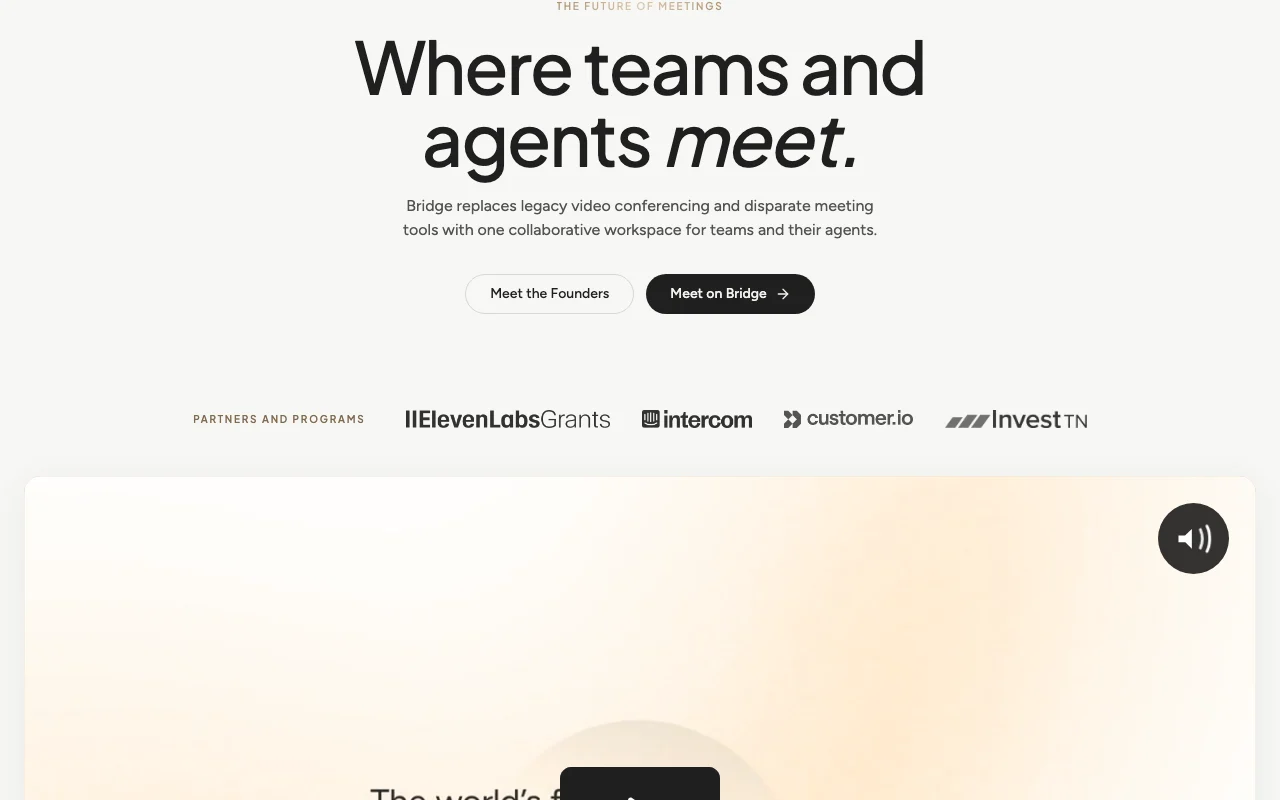
Bridge (assigned as Simplora) documentation — screenshot of the productivity & writing AI tool, Oct 2, 2026
Bridge (assigned as Simplora) documentation (continued). meetonbridge.com, captured Oct 2, 2026

Native integrations and export formats

Export: Transcript export (Professional+)

API access and separate billing

Bridge (assigned as Simplora) has no public API in its official documentation. Bridge MCP on Professional and above; docs page empty.

Privacy, data use and commercial rights

Summarized from the vendor's current policies; this is not legal advice and a vendor's badge is not an independent audit.

How your inputs and outputs are handled

Bridge processes meeting audio, video, recordings, transcripts, participant names and related metadata.

Commercial use and plan restrictions

Advanced security controls on Enterprise.

Controls for business users

  • SAML SSO on Enterprise

Policies: meetonbridge.com/privacy

Other tools to consider instead of Bridge (assigned as Simplora)

"Better suited" is based on documented features and pricing, not on a head-to-head test.

Otter.ai: better suited to

Alternatives
AlternativeWhen to choose itPricingLimitation
Otter.ai——

Explore Bridge (assigned as Simplora) further

Related to Bridge (assigned as Simplora)

Bridge (assigned as Simplora) user reviews

No user reviews yet.

Used Bridge (assigned as Simplora)? Be the first to share your experience.

Write a review

Reviews are checked by a moderator before they appear. Your email is never published. Plain text only.

Your rating (required)

Show what you made or what went wrong. Images are published only if the review is approved; location data is removed.

    Bridge (assigned as Simplora) FAQ

    What are the Bridge Starter limits?

    Hosted meetings are limited to 5 participants and 60 minutes; notes, sharing and workspace members are unlimited. source (opens in a new tab)

    How much is Bridge Professional?

    Professional is $20 per user per month with a 14-day trial. source (opens in a new tab)

    Can Bridge capture meetings without a bot?

    Yes, through a desktop app for Apple Silicon Macs that captures Zoom, Meet and Teams calls. source (opens in a new tab)

    Is Simplora the same as Bridge?

    Unconfirmed: the fetched Bridge pages do not mention Simplora. source (opens in a new tab)

    Sources and review methodology

    Official sources and verification dates

    Not verified: Simplora identity mapping; Training use; Retention; Credit amounts.

    How we documented and maintain this page

    Every fact about Bridge (assigned as Simplora) above comes from the 3 official pages listed here, last compared on Oct 2, 2026; we have not run Bridge (assigned as Simplora) ourselves, so it has no editorial score. How we check and re-check pages.

    Article updated Oct 2, 2026; prices checked Oct 2, 2026. Outbound links to vendors are plain links; we do not earn commissions. How we review · Report an error