Productivity & writingDocumented overviewLast checked Sep 29, 2026

AutomaSnap: Pricing, Features & Best Use Cases

Phone-based AI nameplate scanner that extracts brand, MPN and serial from spare-part photos and exports ERP-ready rows.

Who AutomaSnap fits

AutomaSnap fits spare-parts resellers, distributors and repair shops that need to turn nameplate photos into ERP- or marketplace-ready rows quickly, though no public pricing page exists. Based on the vendor's documentation, not on a hands-on test.

Best for: Spare parts resellers

Also a good fit for

  • Distributors and repair shops

Consider another tool if no public pricing page found

Or if

  • Account/login required
  • Focused on industrial spare parts

AutomaSnap pricing and usage limits

Prices checked Sep 29, 2026 on the official US pricing page. Prices and limits change often.

Free access and trial conditions

Free trial entry point mentioned; no pricing page

Not detailed

AutomaSnap does not publish a plan table we could verify. See official pricing ↗

Usage caps, credits and extra costs

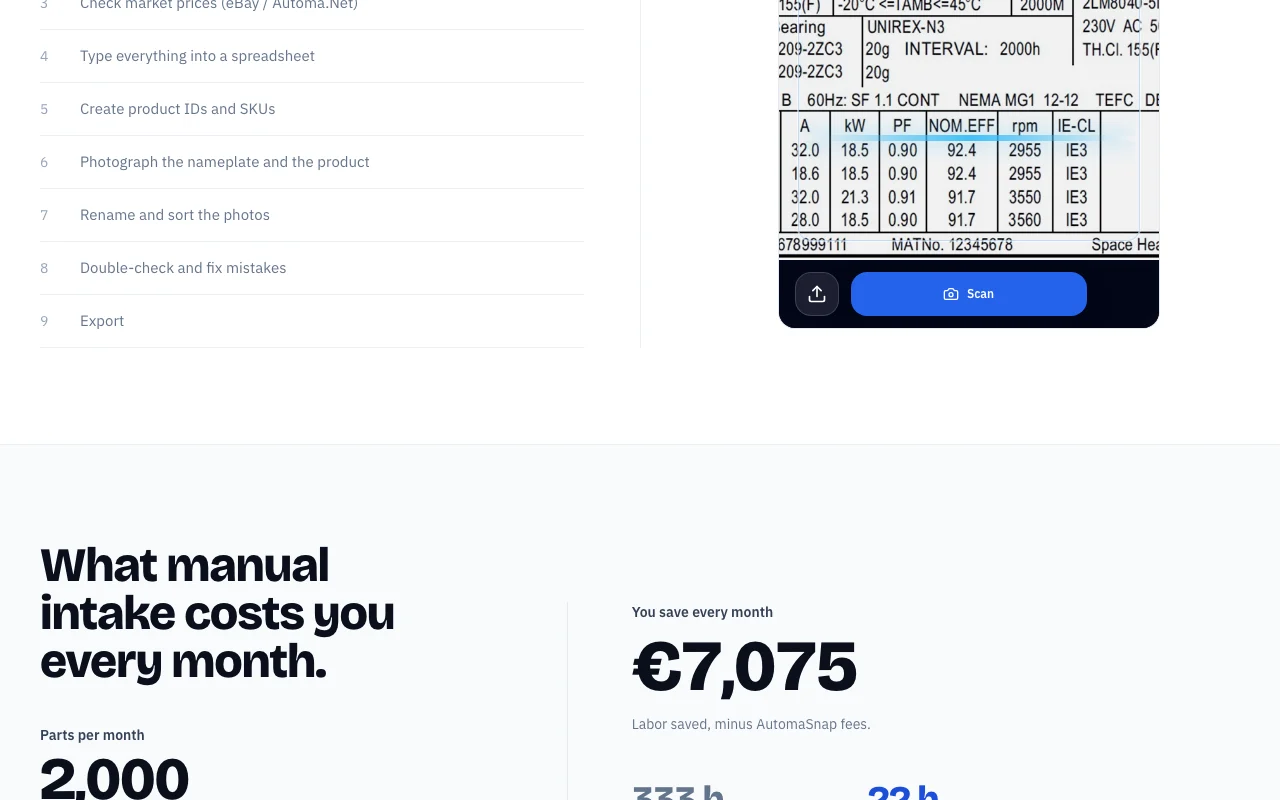
Homepage savings calculator assumes €0.35 per part (EUR)

Not stated

What is AutomaSnap, and how does it work?

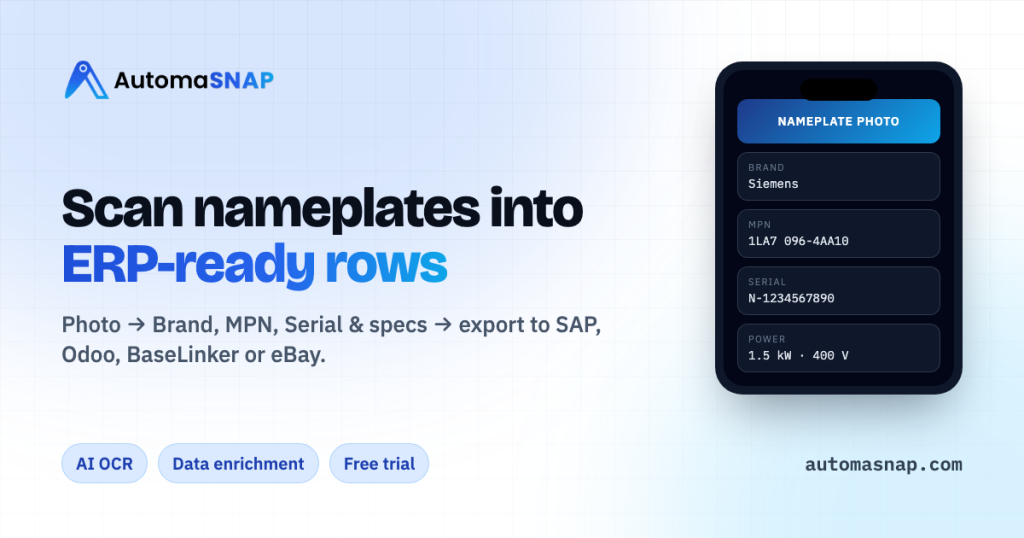
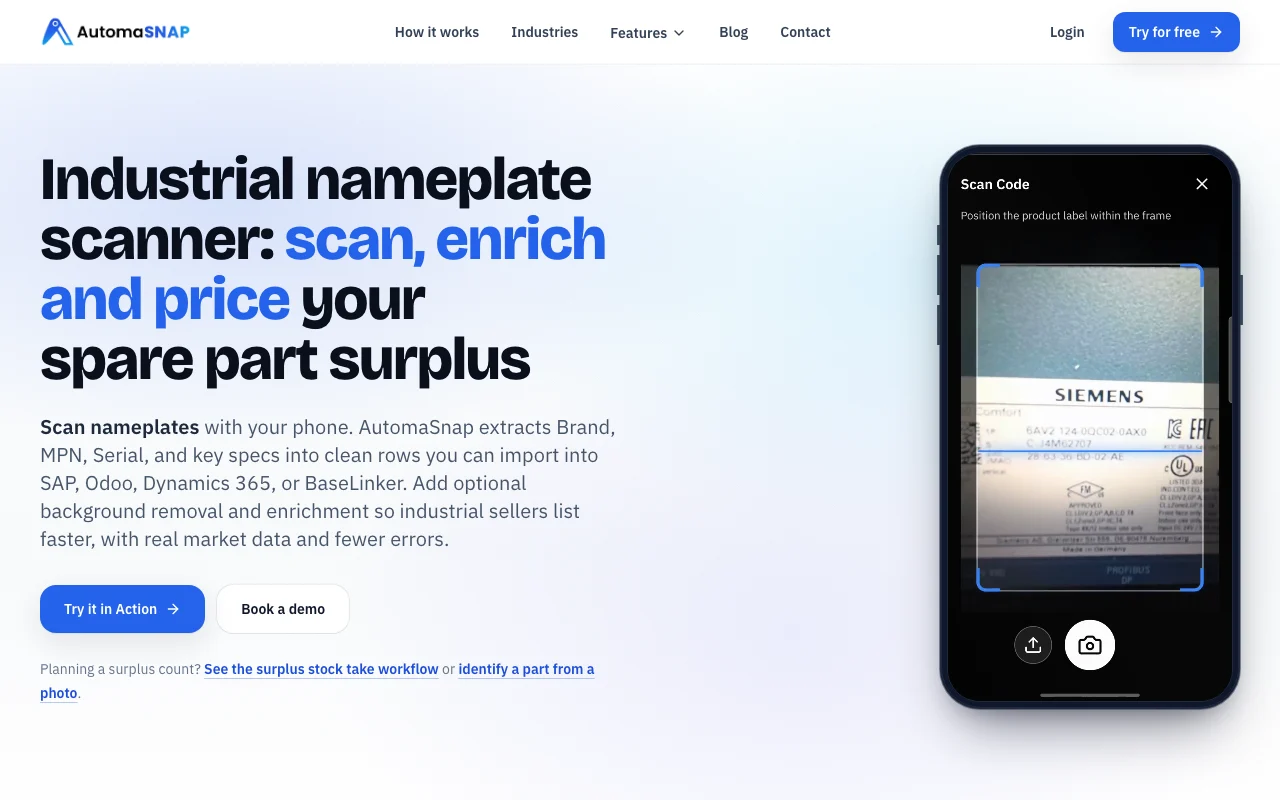
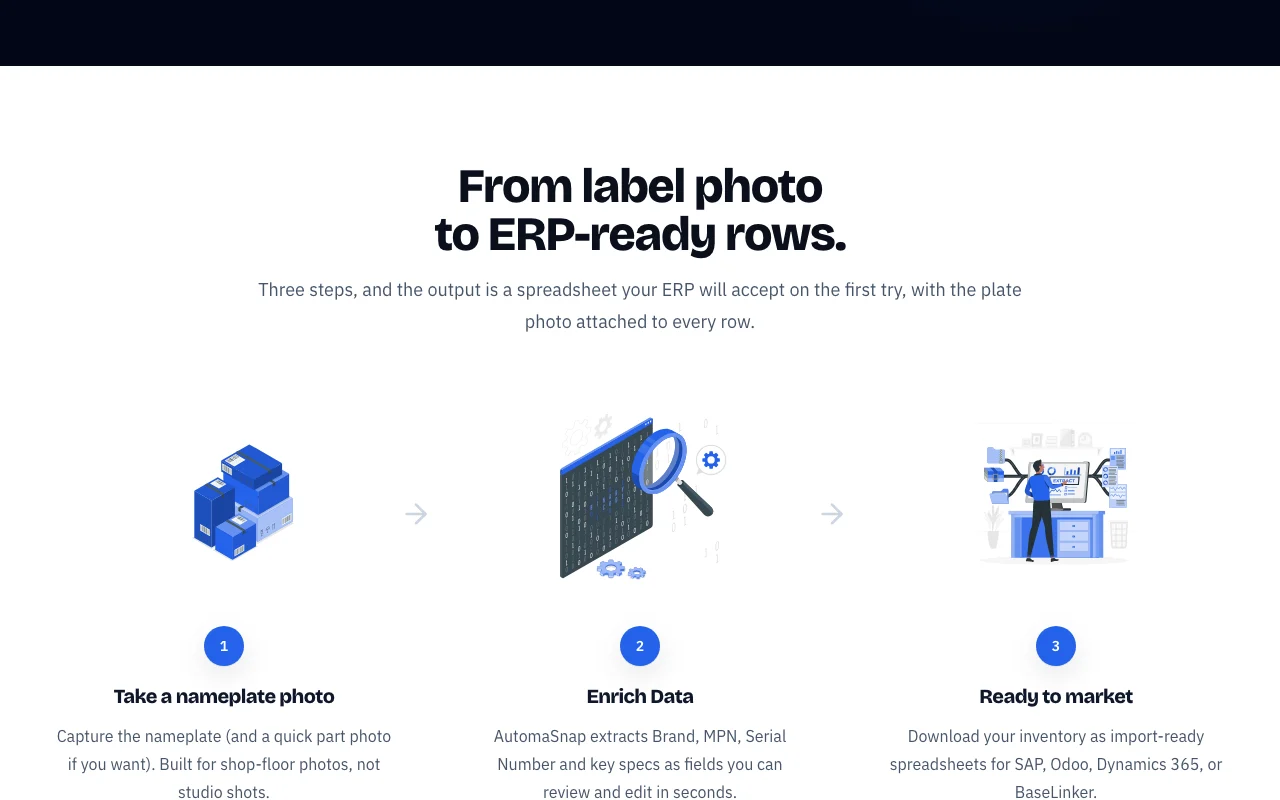
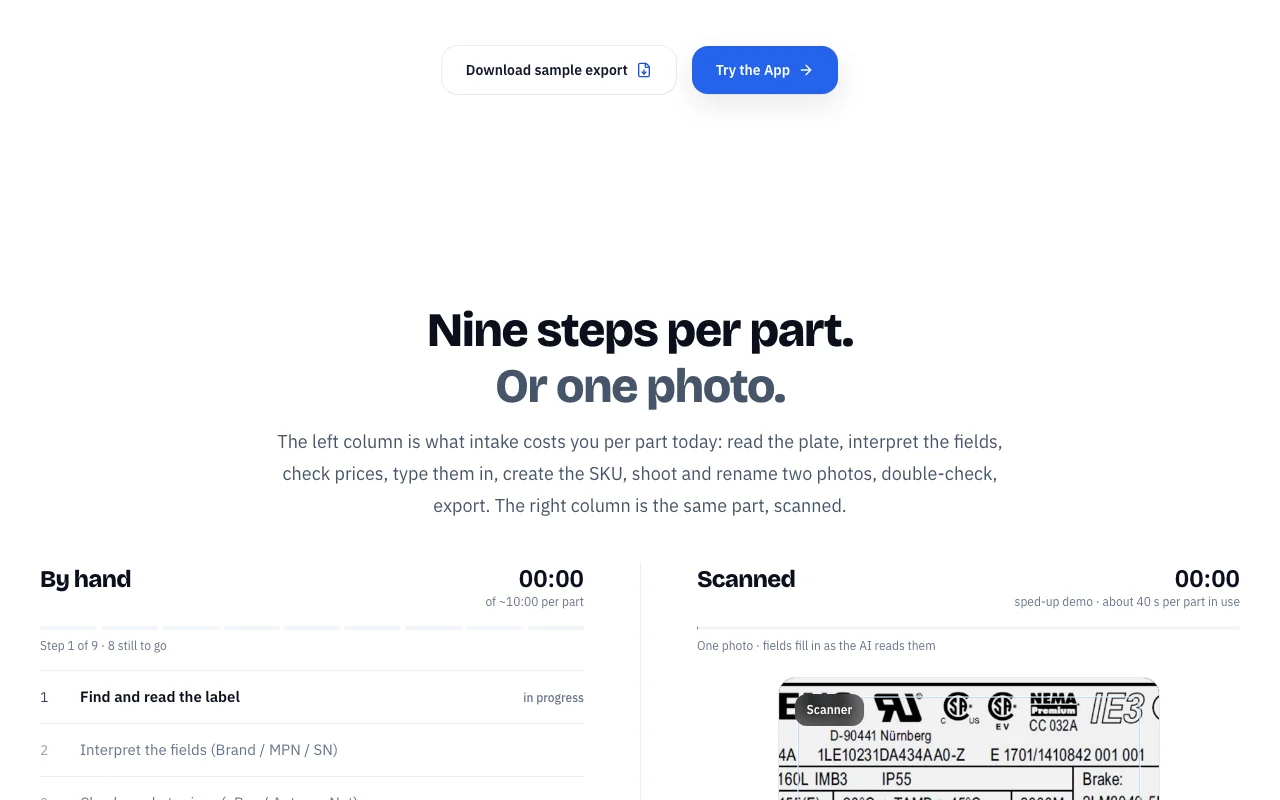
AutomaSnap is an intake tool for industrial spare parts. Users photograph a nameplate and the app extracts brand, MPN, serial number and key specs into editable fields. It adds background removal, QR and barcode reading, a quick eBay and Automa.Net price check, and exports for ERP and marketplace imports.

AutomaSnap homepage — screenshot of the productivity & writing AI tool, Oct 1, 2026
AutomaSnap's official site: how the product presents itself. automasnap.com, captured Oct 1, 2026

What you provide and what you get back

How AutomaSnap works: what you provide, where it runs and what you get backYOU PROVIDEYour inputPhone photo of a nameplateOptional photo of the partQR or barcode on the labelPRODUCTIVITY & WRITINGAutomaSnapWebprice not publishedno free tieraccount requiredchecked Sep 29, 2026YOU GET BACKThe resultBrand, MPN, serial number and key…Import files for SAP, Odoo, Dynam…eBay and Automa.Net listingsinput → AutomaSnap → output · from the vendor's own pages, no hands-on test unless stated
What you give AutomaSnap and what comes back, from its documentation

You provide

  • Phone photo of a nameplate
  • Optional photo of the part
  • QR or barcode on the label

You get back

  • Brand, MPN, serial number and key specs as editable fields
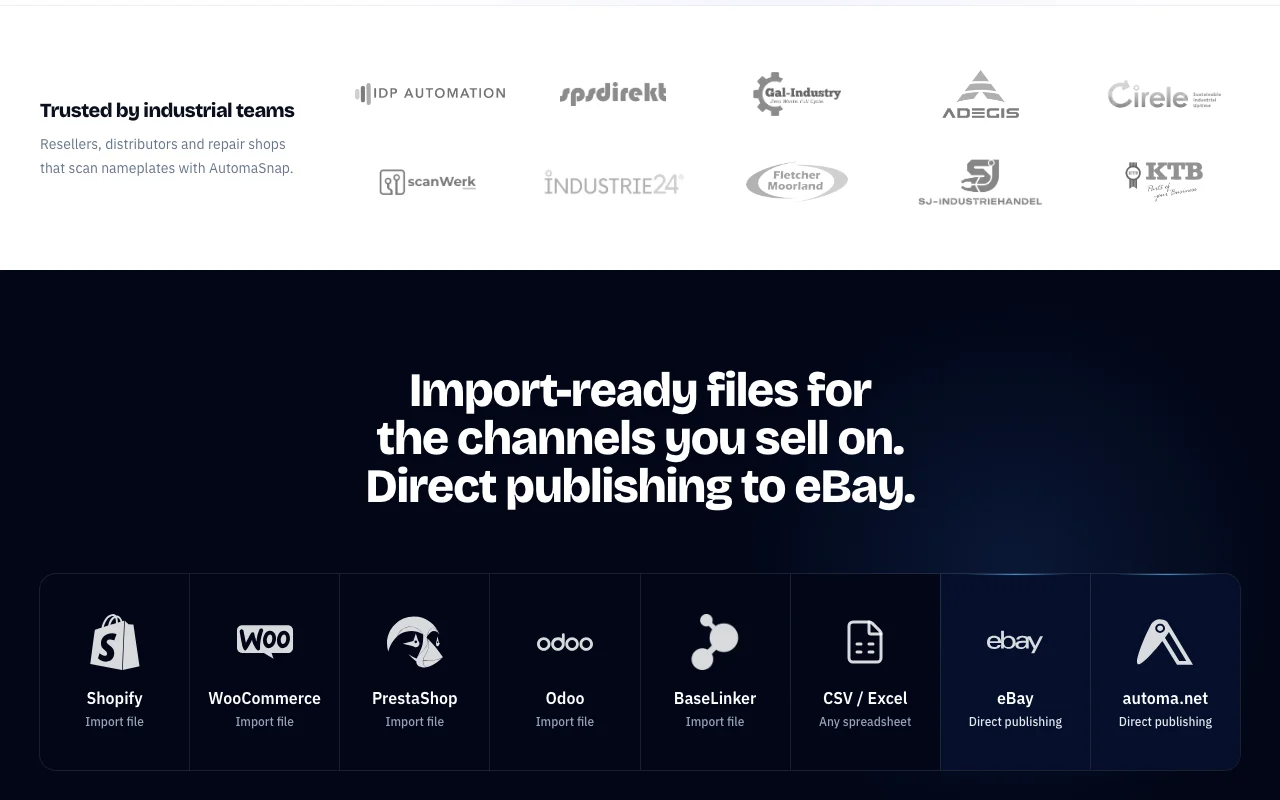
  • Import files for SAP, Odoo, Dynamics 365, BaseLinker, Shopify, WooCommerce and PrestaShop
  • eBay and Automa.Net listings

Where you can use it

Platforms
Web
Account
Required
Exports
SAP, Odoo, Dynamics 365, BaseLinker, Shopify, WooCommerce, PrestaShop, CSV/Excel
Direct publishing
eBay, Automa.Net
Speed claim
About 40 s per part versus ~10 min manual

What people use AutomaSnap for

Scenarios are worked out by our editors from the documentation; the actual result depends on your input and plan.

Identify parts from a nameplate photo

Who
Warehouse managers and repair shops
You provide
Nameplate photo from the shop floor
Expected result
Brand, MPN and serial filled in for review
Plan needed
Free trial entry (pricing not published)
Limitation
Quality depends on photo legibility source (opens in a new tab)

Digitize surplus stock

Who
Resellers buying surplus in bulk
You provide
Photos of each pallet item
Expected result
Spreadsheet of parts ready for ERP import
Plan needed
Contact for plan details
Limitation
Per-part rate shown only in EUR calculator source (opens in a new tab)

Prepare marketplace listings

Who
E-commerce sellers of industrial parts
You provide
Scanned parts with optional background removal
Expected result
Import files or direct eBay and Automa.Net publishing
Plan needed
Account required
Limitation
Direct publishing limited to two marketplaces source (opens in a new tab)

What AutomaSnap does, and where it stops

AutomaSnap homepage — screenshot of the productivity & writing AI tool, Oct 1, 2026
Feature overview on the official site. automasnap.com, captured Oct 1, 2026

AI OCR for nameplates

Reads a whole nameplate photo and fills Brand, MPN, Serial and key specs Removes manual typing of long part numbers

Access: Account requiredLimit: Images go to AI providers such as Gemini for processing source (opens in a new tab)

QR and barcode reading

Reads codes in the browser camera alongside the nameplate Captures label data without separate scanner

Access: Browser, no app installLimit: Camera permission needed source (opens in a new tab)

Background remover

Cleans product photos for listings Produces marketplace-ready images

Access: Optional add-on stepLimit: Image sent to AI provider source (opens in a new tab)

Quick market check

Looks up price signals on eBay and Automa.Net Informs listing price

Access: Included in workflowLimit: Limited to those two sources source (opens in a new tab)

Import-ready exports

Creates spreadsheets and files for SAP, Odoo, Dynamics 365, BaseLinker, Shopify, WooCommerce and PrestaShop with plate photo attached Avoids reformatting data

Access: Download sample export availableLimit: Formats listed on the homepage only source (opens in a new tab)

AutomaSnap pros and cons

Where AutomaSnap is strong

Limitations to check before paying

How to use AutomaSnap for digitizing spare parts from nameplate photos

Set up AutomaSnap

  1. Open automasnap.com and sign in or start the free trial
  2. Allow camera access in the browser
  3. Choose your target format such as Odoo or BaseLinker
  4. Open the scanner on your phone

Example: digitizing spare parts from nameplate photos

  1. Photograph a part's nameplate
  2. Wait for Brand, MPN and Serial to fill in
  3. Correct any wrong field
  4. Download the import-ready spreadsheet

Review and export the result

  1. Compare the extracted MPN with the physical plate
  2. Run the market check before setting a price

AutomaSnap integrations and API

Native integrations and export formats

Export: CSV, Excel, Platform import files

API access and separate billing

AutomaSnap has no public API in its official documentation. Docs page not available

Privacy, data use and commercial rights

Summarized from the vendor's current policies; this is not legal advice and a vendor's badge is not an independent audit.

How your inputs and outputs are handled

Images are sent to AI providers such as Google Gemini for extraction and background removal

Policies: automasnap.com/privacy

Explore AutomaSnap further

If you are looking at AutomaSnap

AutomaSnap user reviews

No user reviews yet.

Used AutomaSnap? Be the first to share your experience.

Write a review

Reviews are checked by a moderator before they appear. Your email is never published. Plain text only.

Your rating (required)

Show what you made or what went wrong. Images are published only if the review is approved; location data is removed.

    AutomaSnap FAQ

    What does AutomaSnap extract from a photo?

    It reads Brand, MPN, serial number and key specs from a nameplate and fills editable fields. source (opens in a new tab)

    Which systems can I export to?

    Import files for SAP, Odoo, Dynamics 365, BaseLinker, Shopify, WooCommerce, PrestaShop and CSV or Excel. source (opens in a new tab)

    Can it publish listings directly?

    Yes, direct publishing to eBay and Automa.Net. source (opens in a new tab)

    How much does it cost?

    No public pricing page exists; the homepage calculator assumes €0.35 per part, so contact the vendor for plans. source (opens in a new tab)

    Does it need an app install?

    No, camera scanning works in the browser. source (opens in a new tab)

    Sources and review methodology

    Official sources and verification dates

    Not verified: Pricing plans in USD; Free trial limits; Retention of uploaded images; Countries supported.

    How we documented and maintain this page

    Every fact about AutomaSnap above comes from the 3 official pages listed here, last compared on Sep 29, 2026; we have not run AutomaSnap ourselves, so it has no editorial score. How we check and re-check pages.

    Article updated Oct 10, 2026; prices checked Sep 29, 2026. Outbound links to vendors are plain links; we do not earn commissions. How we review · Report an error