Productivity & writingDocumented overviewLast checked Oct 1, 2026

AxonSheet: Pricing, Features & Best Use Cases

Microsoft Excel add-in for AI bulk processing: fill cells, add columns, extract documents into tables, research and audit data.

Is AxonSheet right for you?

AxonSheet is a fit for Excel users who prefer a $49 one-time license and paying their own AI provider over a subscription for bulk AI tasks in spreadsheets. Based on the vendor's documentation, not on a hands-on test.

Best for: Excel users processing data in bulk

Also a good fit for

  • Analysts turning documents into tables

Consider another tool if requires your own AI API key and separate provider billing

Or if

  • Requires a Microsoft account and Excel
  • Mac installer is not from the App Store and triggers a Gatekeeper prompt

AxonSheet pricing and usage limits

Prices checked Oct 1, 2026 on the official US pricing page. Official pricing ↗ Prices and limits change often.

AxonSheet pricing page with plans and prices — screenshot of the productivity & writing AI tool, Oct 1, 2026
The official AxonSheet pricing page as we saw it. axonsheet.com, captured Oct 1, 2026

Free access and trial conditions

No free tier shown.

No trial shown.

Paid plans: what changes as you upgrade

Lifetime Access desktop

$49 one-time source (opens in a new tab)

One-time

One-time payment; no annual commitment

For: Excel users who dislike subscriptions

Limits

  • Bring your own AI key; provider billed separately
  • Limited-time deal

Includes

  • Unlimited automation (BYOK model)
  • All future features and updates
1 more
  • Works with any Microsoft account

No API

Usage caps, credits and extra costs

AI provider usage (OpenAI, OpenRouter, Anthropic or local Ollama) is billed by that provider.

Not stated.

What is AxonSheet, and how does it work?

AxonSheet is an add-in for Microsoft Excel that runs AI actions over selected ranges in bulk. It can turn Word or Markdown documents into structured rows, fill empty cells from row context, add columns or rows from a natural-language prompt, rewrite selected cells, and leave audit comments on inconsistent data. A research agent can also pull data from the web into the sheet. It uses a bring-your-own-key model: you pay your AI provider for usage and buy AxonSheet itself as a one-time lifetime license. Installers are offered for Excel on macOS and Windows, and it also runs in Excel on the web.

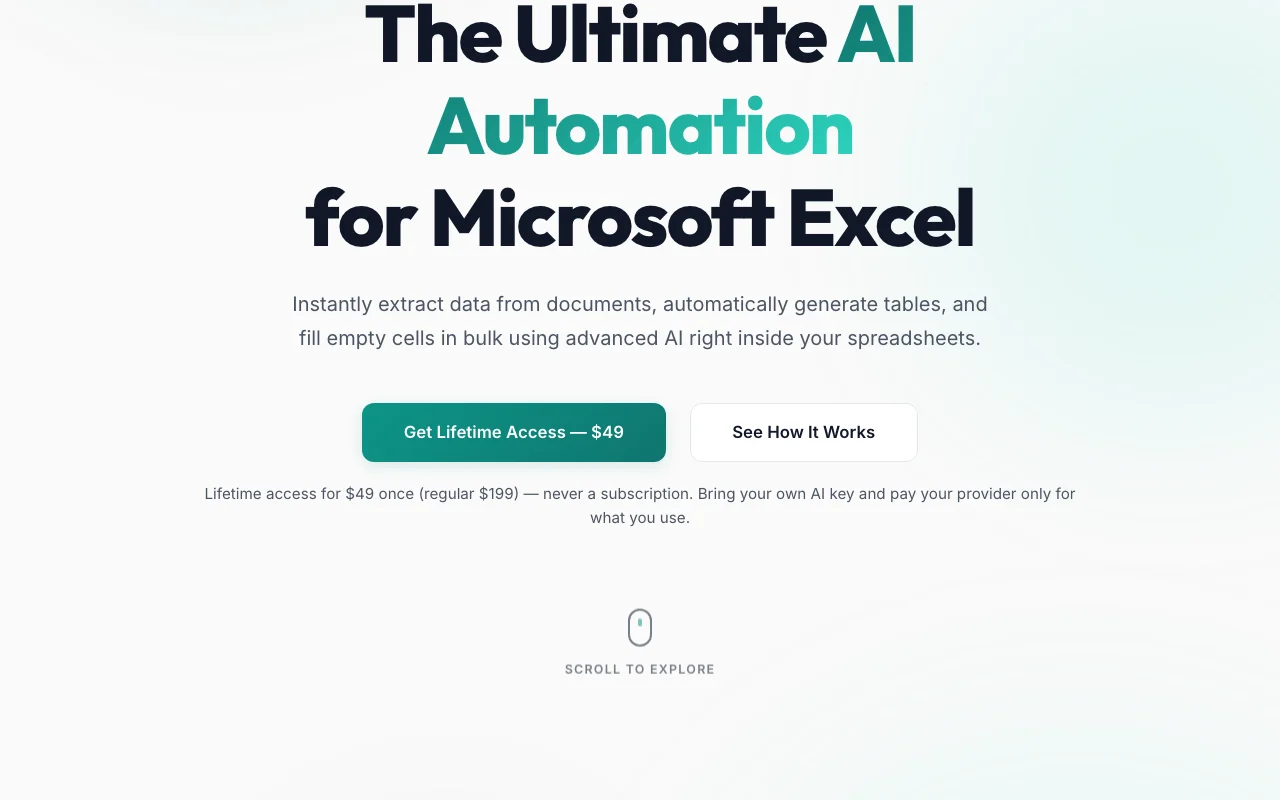
AxonSheet homepage — screenshot of the productivity & writing AI tool, Oct 1, 2026
AxonSheet's official site: how the product presents itself. axonsheet.com, captured Oct 1, 2026

What you provide and what you get back

How AxonSheet works: what you provide, where it runs and what you get backYOU PROVIDEYour inputSelected Excel cells and rangesWord, Markdown, PDF, CSV or JSON…Natural-language promptsPRODUCTIVITY & WRITINGAxonSheetDesktop, Webfrom $49 (Lifetime Access)no free tieraccount requiredchecked Oct 1, 2026YOU GET BACKThe resultStructured rows and columnsFilled cells and new columnsAudit comments in Excelinput → AxonSheet → output · from the vendor's own pages, no hands-on test unless stated
What you give AxonSheet and what comes back, from its documentation

You provide

  • Selected Excel cells and ranges
  • Word, Markdown, PDF, CSV or JSON documents
  • Natural-language prompts

You get back

  • Structured rows and columns
  • Filled cells and new columns
  • Audit comments in Excel

Where you can use it

Platforms
Desktop, Web
Account
Required
Host app
Microsoft Excel (Mac, Windows, web)
Pricing model
One-time license, BYOK
AI providers
OpenAI, OpenRouter, Anthropic, local Ollama
Data path
Excel client directly to AI provider
Document inputs
Word and Markdown on homepage; PDF, CSV, JSON in policy

Where AxonSheet is most useful

Scenarios are worked out by our editors from the documentation; the actual result depends on your input and plan.

Extracting tables from Word/Markdown documents

Who
Analysts
You provide
Word or Markdown documents
Expected result
Structured rows in a sheet
Plan needed
Lifetime
Limitation
Output depends on your chosen AI model source (opens in a new tab)

Bulk-filling missing cells based on existing rows

Who
Operations teams
You provide
A table with blank cells
Expected result
Missing values filled from row context
Plan needed
Lifetime
Limitation
Accuracy not guaranteed; check results source (opens in a new tab)

Generating new columns from natural-language instructions

Who
Marketers and researchers
You provide
A natural-language instruction
Expected result
A new column or rows generated across a table
Plan needed
Lifetime
Limitation
Provider costs scale with rows source (opens in a new tab)

Key features and their practical limits

AxonSheet homepage — screenshot of the productivity & writing AI tool, Oct 1, 2026
Feature overview on the official site. axonsheet.com, captured Oct 1, 2026

Document Processor (Word/Markdown to rows)

Turns Word or Markdown documents into clean Excel rows and columns. Avoids manual copy-paste.

Access: Lifetime license.Limit: Document types beyond those listed are only mentioned in the privacy policy. source (opens in a new tab)

Smart Cell Filling

Fills highlighted blank cells using the context of existing rows. Cleans incomplete tables fast.

Access: Lifetime license.Limit: Based on model inference. source (opens in a new tab)

Deep Research Agent

Deep Research Agent fetches web data into the sheet. Replaces manual googling.

Access: Lifetime license.Limit: Web sources are not shown on checked pages. source (opens in a new tab)

Audit & Comment

Audit and Comment reviews selected cells and leaves comments. Flags inconsistencies inside Excel.

Access: Lifetime license.Limit: Findings are advisory. source (opens in a new tab)

AxonSheet: strengths and limits

Where AxonSheet is strong

Limitations to check before paying

How to use AxonSheet for filling and extracting data in Excel with AI

Set up AxonSheet

  1. Buy Lifetime Access and create an AxonSheet account
  2. Install the add-in for Excel on Mac, Windows or the web
  3. Enter your own AI provider API key in the add-in

Example: filling and extracting data in Excel with AI

  1. Select a range with blank cells
  2. Choose Smart Cell Filling or Add Smart Columns
  3. Type a natural-language instruction
  4. Run it and review the filled values

Review and export the result

  1. Spot-check several filled cells against source data
  2. Review AI usage in your provider dashboard
Example prompt suggested by our editors (not a recorded output of the product)
Add a column named Industry for each company in column A, using a short standard label.

AxonSheet API

AxonSheet pricing page with plans and prices — screenshot of the productivity & writing AI tool, Oct 1, 2026
Plan comparison on the official pricing page. axonsheet.com, captured Oct 1, 2026

API access and separate billing

AxonSheet has no public API in its official documentation. No public API described.

Privacy, data use and commercial rights

Summarized from the vendor's current policies; this is not legal advice and a vendor's badge is not an independent audit.

How your inputs and outputs are handled

Spreadsheet data goes directly from Excel to your chosen AI provider.

Policy says AxonSheet never trains models on spreadsheet contents.

Policy states zero data retention for spreadsheet content; account and license records are kept.

Policies: axonsheet.com/privacy

Best AxonSheet alternatives for different needs

"Better suited" is based on documented features and pricing, not on a head-to-head test.

Microsoft Copilot: better suited to

Notion AI: better suited to

ChatGPT: better suited to

Alternatives
AlternativeWhen to choose itPricingLimitation
Microsoft Copilot——
Notion AI——Compare
ChatGPT——

Explore AxonSheet further

If you are looking at AxonSheet

AxonSheet user reviews

No user reviews yet.

Used AxonSheet? Be the first to share your experience.

Write a review

Reviews are checked by a moderator before they appear. Your email is never published. Plain text only.

Your rating (required)

Show what you made or what went wrong. Images are published only if the review is approved; location data is removed.

    AxonSheet FAQ

    How much does AxonSheet cost?

    $49 once for lifetime access, shown as a limited-time deal against a $199 regular price. There is no subscription. source (opens in a new tab)

    Do I need my own AI key?

    Yes: AxonSheet uses a bring-your-own-key model and you pay your AI provider for usage. source (opens in a new tab)

    Does AxonSheet see my spreadsheet data?

    According to its privacy policy, no: data is sent directly from Excel to your AI provider and does not pass through AxonSheet servers. source (opens in a new tab)

    Which Excel versions work?

    Installers are offered for Mac and Windows, and it runs in Excel on the web. source (opens in a new tab)

    Are updates included?

    Yes: all future features and updates are included in the Lifetime Access price. source (opens in a new tab)

    Sources and review methodology

    Official sources and verification dates

    Not verified: Free trial or refund terms; Rate limits and supported model list; Documentation and install steps (docs page empty); Retention periods for account data; Team or multi-seat licensing.

    How we documented and maintain this page

    Every fact about AxonSheet above comes from the 2 official pages listed here, last compared on Oct 1, 2026; we have not run AxonSheet ourselves, so it has no editorial score. How we check and re-check pages.

    Article updated Oct 10, 2026; prices checked Oct 1, 2026. Outbound links to vendors are plain links; we do not earn commissions. How we review · Report an error