Productivity & writingDocumented overviewLast checked Oct 4, 2026

extraction.app: Pricing, Features & Best Use Cases

AI tool that extracts structured data from PDFs, scans, Word, Excel and images into Excel, CSV or JSON.
Who should use extraction.app

Choose extraction.app if you regularly convert PDFs, scans and spreadsheets into Excel, CSV or JSON and want a free tier to test it first. Based on the vendor's documentation, not on a hands-on test.

Best for: Finance teams digitizing invoices and receipts

Also a good fit for

  • Developers automating document extraction via API

Consider another tool if free plan limited to 5 extractions and 5MB files

Or if

  • Exceeding limits requires upgrading
  • REST API not on Free plan

extraction.app pricing and usage limits

Prices checked Oct 4, 2026 on the official US pricing page. Official pricing ↗ Prices and limits change often.

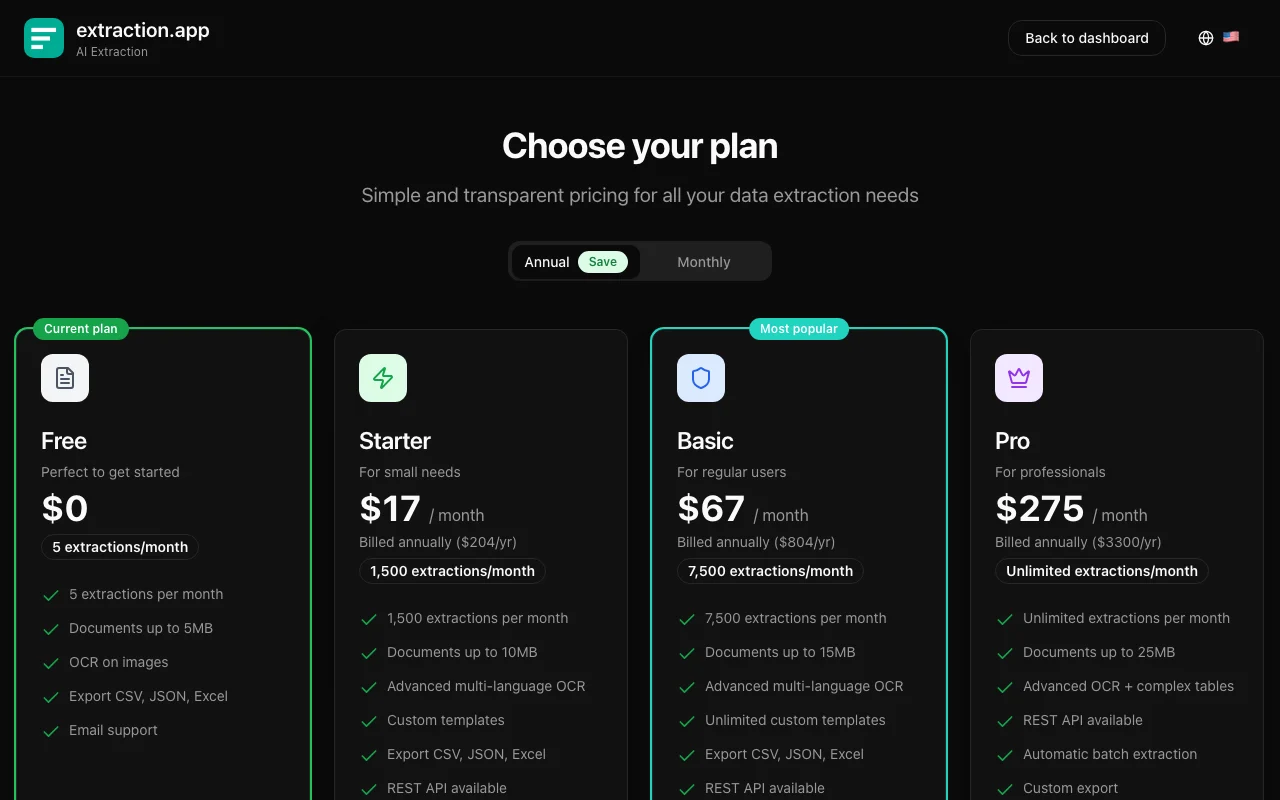
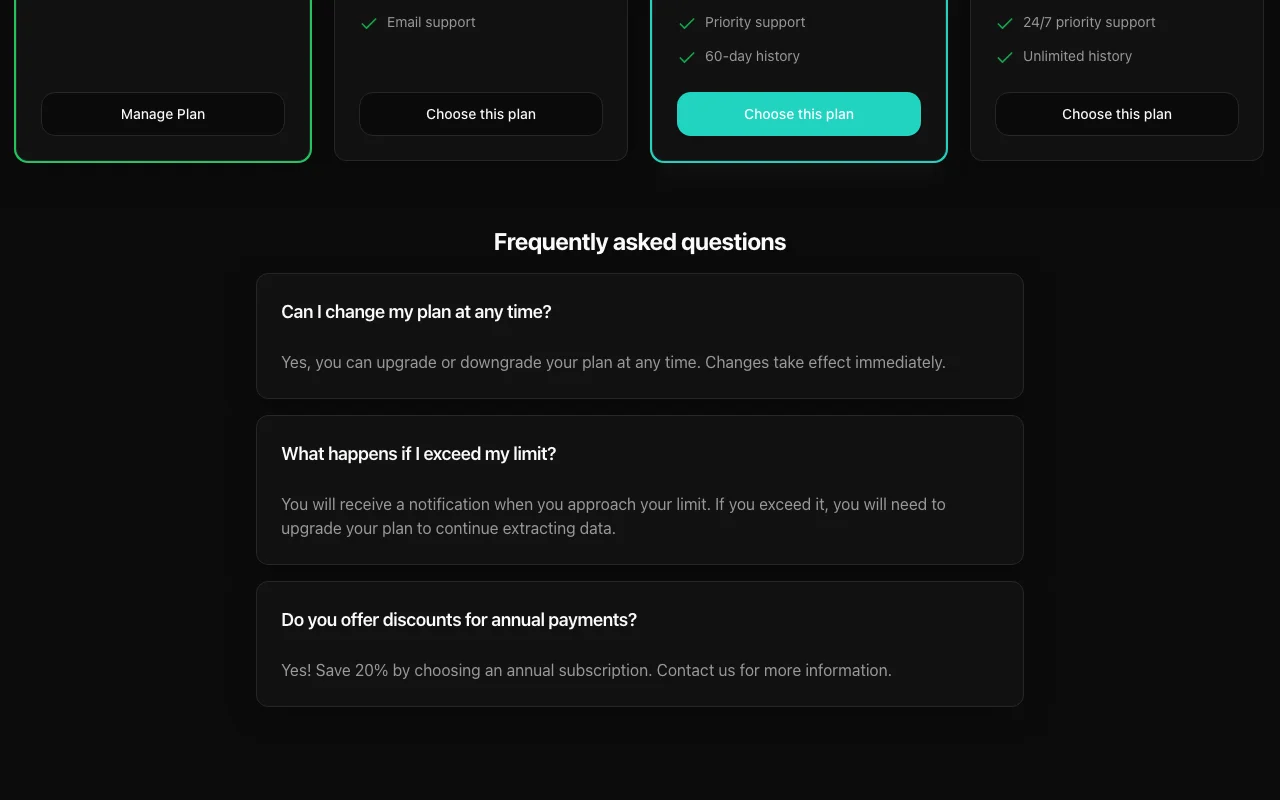
extraction.app pricing page with plans and prices — screenshot of the productivity & writing AI tool, Oct 2, 2026
The official extraction.app pricing page as we saw it. extraction.app, captured Oct 2, 2026

Free access and trial conditions

Free plan: 5 extractions/month, 5MB files

None stated beyond the Free plan

Paid plans: what changes as you upgrade

Starter web

$17/mo source (opens in a new tab)

Month, annual commitment

Seed lists prices billed annually; monthly price not confirmed

For: Light recurring work

Limits

  • 1,500 extractions per month

Basic web

$67/mo source (opens in a new tab)

Month, annual commitment

Billed annually per seed; monthly price not confirmed

For: Teams with steady volume

Limits

  • 7,500 extractions per month

Pro web

$275/mo source (opens in a new tab)

Month, annual commitment

Billed annually per seed

For: High-volume users

Limits

  • Unlimited extractions

Includes

  • REST API

API included

Usage caps, credits and extra costs

Exceeding limits requires upgrading

Not stated

What is extraction.app, and how does it work?

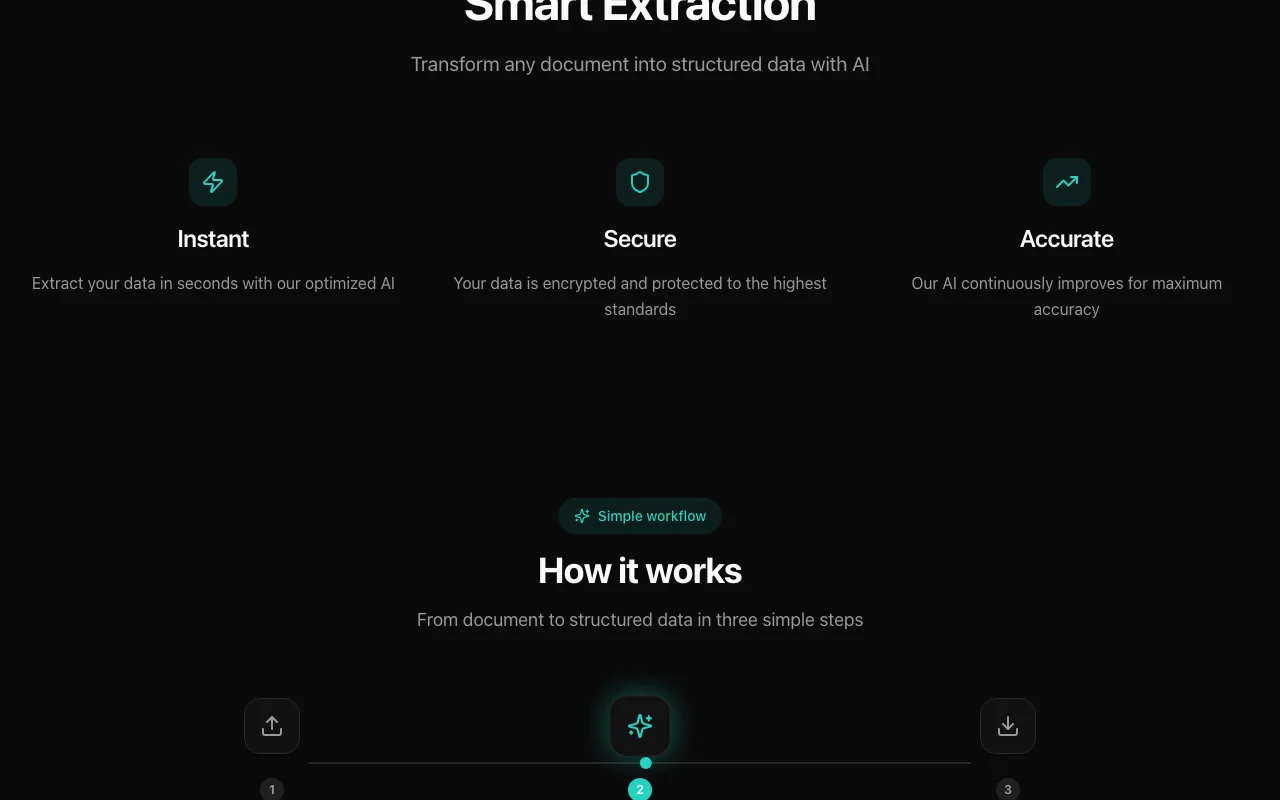
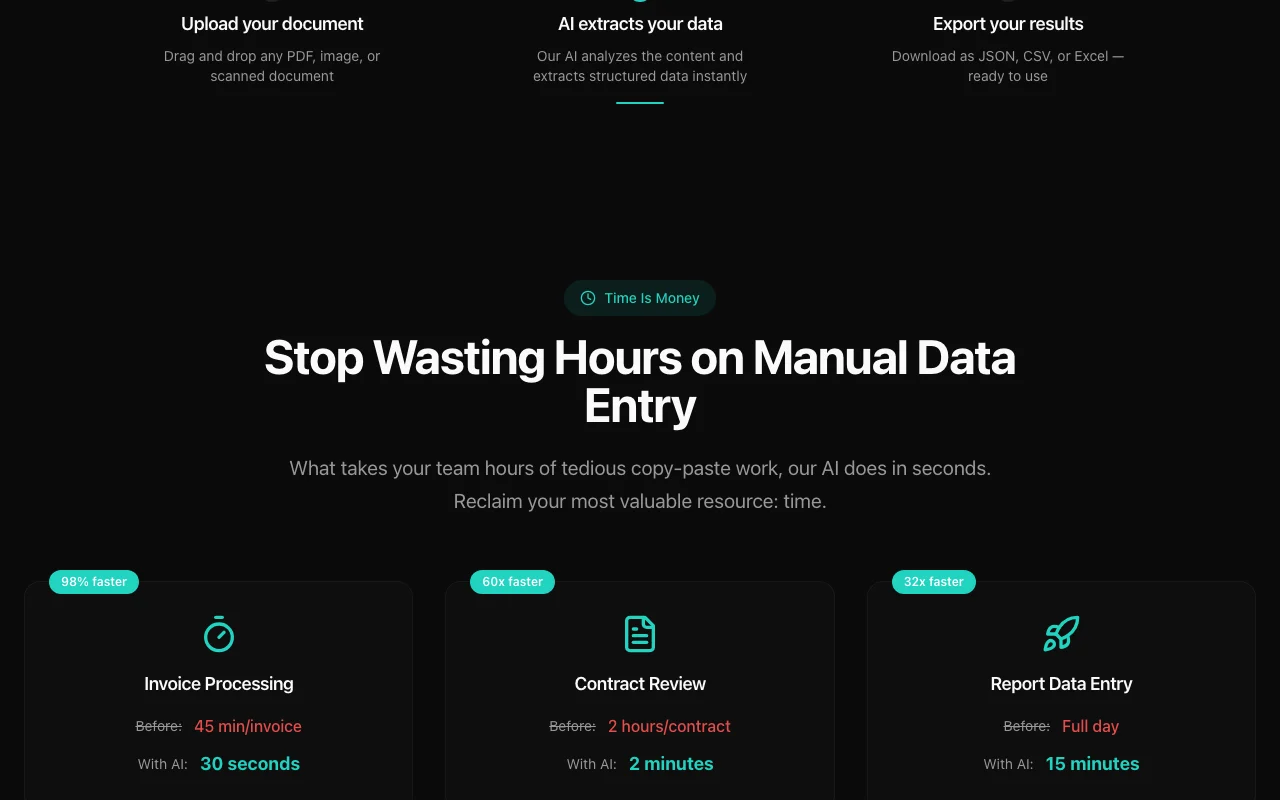
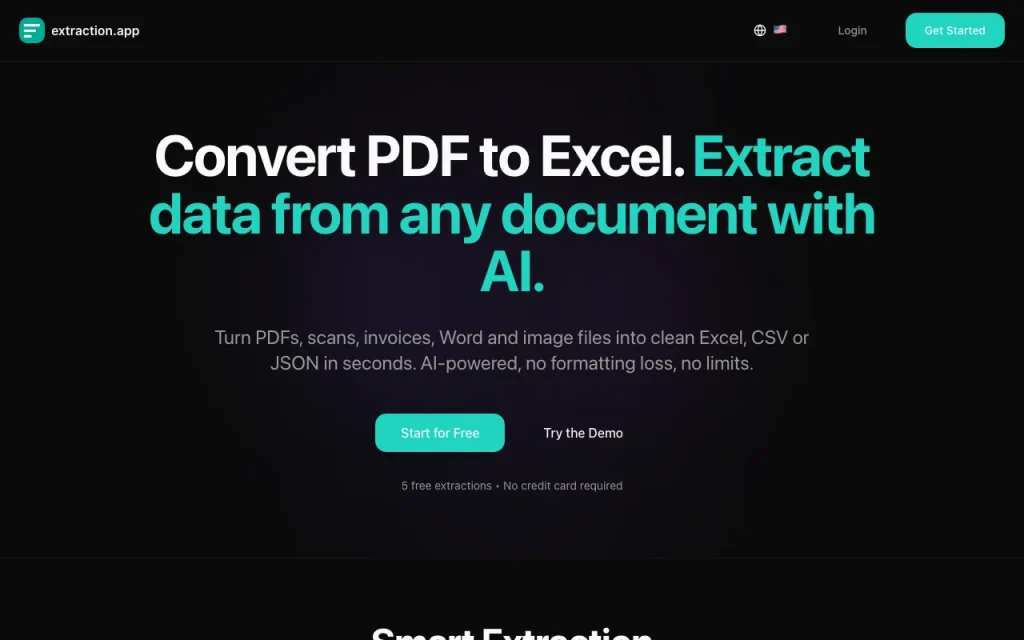
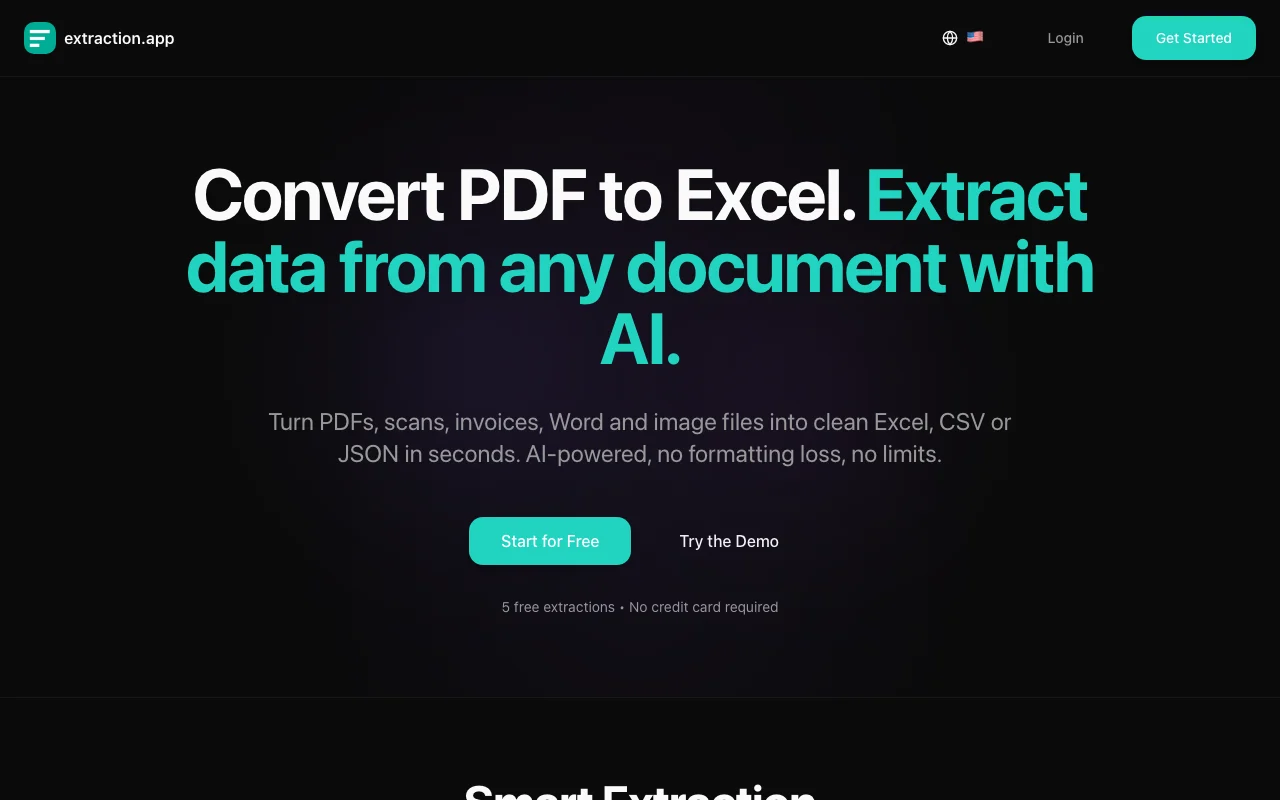
extraction.app uses AI models to turn PDFs, scanned documents, Word and Excel files, images and JSON into structured data. You upload a file, describe the data you want or pick a template, and download Excel, CSV or JSON output; built-in OCR handles scans. It is offered as a web app and a REST API on paid plans. The Free plan includes 5 extractions per month; paid plans raise limits, file size and support. The site states data is processed securely and never used to train external AI models.

extraction.app homepage — screenshot of the productivity & writing AI tool, Oct 2, 2026
extraction.app's official site: how the product presents itself. extraction.app, captured Oct 2, 2026

What you provide and what you get back

How extraction.app works: what you provide, where it runs and what you get backYOU PROVIDEYour inputPDF, scanned documents, Word, Exc…Natural-language prompt or templa…PRODUCTIVITY & WRITINGextraction.appweb, apifrom $17/mo (Starter)free tier availableaccount requiredchecked Oct 4, 2026YOU GET BACKThe resultExcelCSVJSONinput → extraction.app → output · from the vendor's own pages, no hands-on test unless stated
What you give extraction.app and what comes back, from its documentation

You provide

  • PDF, scanned documents, Word, Excel, images, JSON
  • Natural-language prompt or template

You get back

  • Excel
  • CSV
  • JSON

Where you can use it

Platforms
web, api
Account
Required
Inputs
PDF, scans, Word, Excel, images, JSON
Outputs
Excel, CSV, JSON
OCR
Built in
Free limits
5 extractions/month, 5MB

Where extraction.app is most useful

Scenarios are worked out by our editors from the documentation; the actual result depends on your input and plan.

Convert PDF tables to Excel

Who
Finance and operations staff
You provide
PDF with tables
Expected result
You get the tables from the PDF as an Excel or CSV file that you can open in a spreadsheet.
Plan needed
Free
Limitation
The Free plan caps file size at 5MB, so larger PDFs need a paid plan. source (opens in a new tab)

Extract invoice and receipt data

Who
Accounting teams
You provide
Invoices and receipts
Expected result
You get structured line items and totals from invoices and receipts, ready to review and export.
Plan needed
Free
Limitation
Extracted values should be spot-checked against the source documents because accuracy is not guaranteed. source (opens in a new tab)

Pull clauses and dates from contracts

Who
Legal and contract teams
You provide
Contract PDFs
Expected result
You get the clauses and dates you asked for from each contract PDF as structured output.
Plan needed
Free
Limitation
Results depend on how the prompt is worded, so vague requests may miss clauses or dates. source (opens in a new tab)

What extraction.app does, and where it stops

extraction.app homepage — screenshot of the productivity & writing AI tool, Oct 2, 2026
Feature overview on the official site. extraction.app, captured Oct 2, 2026

Natural-language extraction prompts and templates

Lets you describe the fields you want in plain language or choose a template, then pulls those fields out of each file. Anyone who repeats the same extraction can describe the fields once or reuse a template instead of copying values by hand.

Access: Not statedLimit: The template catalog was not readable in the official pages we could read, so which templates exist is unknown. source (opens in a new tab)

OCR for scanned PDFs and images

Reads scanned pages and photographed documents so image-only PDFs can be extracted too. People handling scans or photographed documents can extract data without retyping it, since built-in OCR reads image-only pages.

Access: Not statedLimit: The seed notes that poor scans reduce accuracy, so low-quality images may need checking or a better scan. source (opens in a new tab)

Export to Excel, CSV and JSON

Downloads results as spreadsheet, CSV or JSON files. Teams that work in spreadsheets can open results directly in Excel, CSV or JSON without reformatting.

Access: Not statedLimit: Output formats other than Excel, CSV and JSON are not stated in the official pages we could read. source (opens in a new tab)

REST API on paid plans

Offers programmatic extraction for automations on paid plans. Developers can connect extraction to their own workflows so documents are processed without manual uploads.

Access: ProLimit: The REST API is not available on the Free plan and is listed on the Pro plan. source (opens in a new tab)

Pros, cons and deal-breakers

Where extraction.app is strong

  • Free plan with 5 extractions per month You can run the 5 free monthly extractions on your own documents to judge the output before paying anything. documented source (opens in a new tab)
  • Supports PDF, Word, Excel, images and JSON inputs Because PDFs, Word, Excel, images and JSON are all accepted, you do not need a separate tool for each document type. documented source (opens in a new tab)
  • Plans can be changed at any time Since the site says plans can be changed at any time, you can move up or down as your monthly volume changes. documented source (opens in a new tab)
  • Data stated not to train external models The site states your data is not used to train external AI models, which is a vendor claim you may want to confirm in the privacy policy. documented source (opens in a new tab)

Limitations to check before paying

  • Free plan limited to 5 extractions and 5MB files Files over 5MB or more than 5 extractions in a month cannot be processed on the Free plan, so larger jobs need a paid plan. documented source (opens in a new tab)
  • Exceeding limits requires upgrading Once you pass your plan's monthly extraction limit you have to upgrade, so heavy use turns into a recurring cost. documented source (opens in a new tab)
  • REST API not on Free plan Without a paid plan you cannot call the REST API, so automated or scheduled extraction is not possible on Free. documented source (opens in a new tab)
  • Pro plan costs $275/month billed annually The Pro plan is listed at $275 per month with annual billing, so you commit to a large up-front amount for unlimited extractions. documented source (opens in a new tab)

How to use extraction.app for extracting structured data from documents

Set up extraction.app

  1. Create an extraction.app account.
  2. Upload a PDF, image or Office file.
  3. Describe the fields or choose a template.

Example: extracting structured data from documents

  1. Upload an invoice PDF.
  2. Prompt the fields wanted and run extraction.
  3. Download the Excel or CSV file.

Review and export the result

  1. Compare totals with the source document.
  2. Check every row was captured.
Example prompt suggested by our editors (not a recorded output of the product)
Extract invoice number, date, vendor, line items and total amount.

extraction.app integrations and API

extraction.app pricing page with plans and prices — screenshot of the productivity & writing AI tool, Oct 2, 2026
Plan comparison on the official pricing page. extraction.app, captured Oct 2, 2026

Native integrations and export formats

Export: Excel, CSV, JSON

API access and separate billing

extraction.app has no public API in its official documentation. REST API on paid plans

Privacy, data use and commercial rights

Summarized from the vendor's current policies; this is not legal advice and a vendor's badge is not an independent audit.

How your inputs and outputs are handled

Uploaded documents are processed to produce extracted data.

Site states data is never used to train external AI models

Not stated

Commercial use and plan restrictions

Not stated

Not stated

Policies: extraction.app/privacy

Best extraction.app alternatives for different needs

"Better suited" is based on documented features and pricing, not on a head-to-head test.

Notion AI: better suited to

Alternatives
AlternativeWhen to choose itPricingLimitation
Notion AI——Compare

Explore extraction.app further

Related to extraction.app

extraction.app user reviews

No user reviews yet.

Used extraction.app? Be the first to share your experience.

Write a review

Reviews are checked by a moderator before they appear. Your email is never published. Plain text only.

Your rating (required)

Show what you made or what went wrong. Images are published only if the review is approved; location data is removed.

    extraction.app FAQ

    What does the Free plan include?

    5 extractions per month with a 5MB file limit. source (opens in a new tab)

    Which formats can I export?

    Excel, CSV and JSON. source (opens in a new tab)

    Is there an API?

    Yes, a REST API on paid plans. source (opens in a new tab)

    Can I change plans?

    Yes, plans can be changed at any time. source (opens in a new tab)

    Does it use my data for training?

    The site states data is not used to train external AI models. source (opens in a new tab)

    Sources and review methodology

    Official sources and verification dates

    Not verified: Monthly (non-annual) prices; US availability; Retention period; Official pages could not be read as text (client-rendered, empty fetch); facts come from the verified seed research.

    How we documented and maintain this page

    Every fact about extraction.app above comes from the 3 official pages listed here, last compared on Oct 4, 2026; we have not run extraction.app ourselves, so it has no editorial score. How we check and re-check pages.

    Article updated Oct 2, 2026; prices checked Oct 4, 2026. Outbound links to vendors are plain links; we do not earn commissions. How we review · Report an error