Free web
Free source (opens in a new tab)
Month, annual commitment
For: First demos
Limits
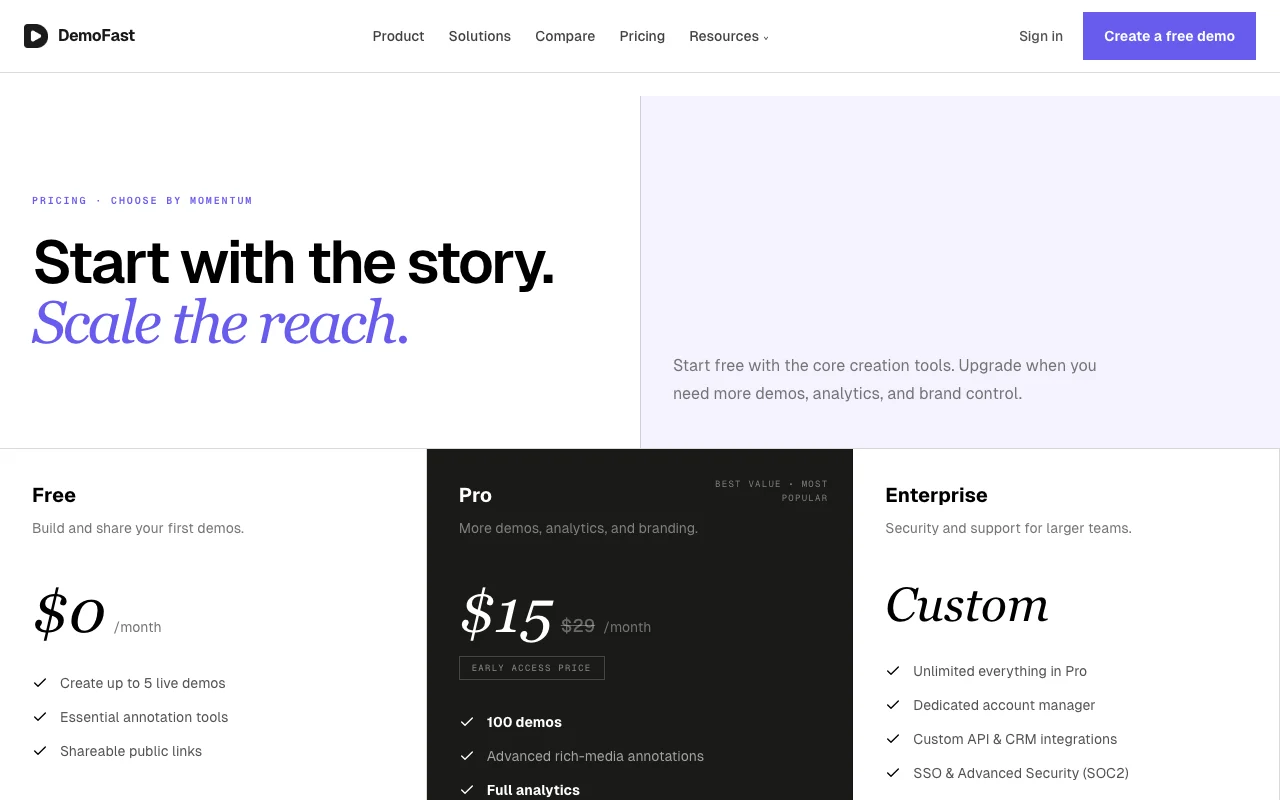
- 5 live demos
Includes
- Essential annotation tools
- Shareable public links
No API

Productivity & writingDocumented overviewLast checked Sep 29, 2026
Interactive product demo software: capture a flow with a Chrome extension or screenshots, annotate it and share or embed it.
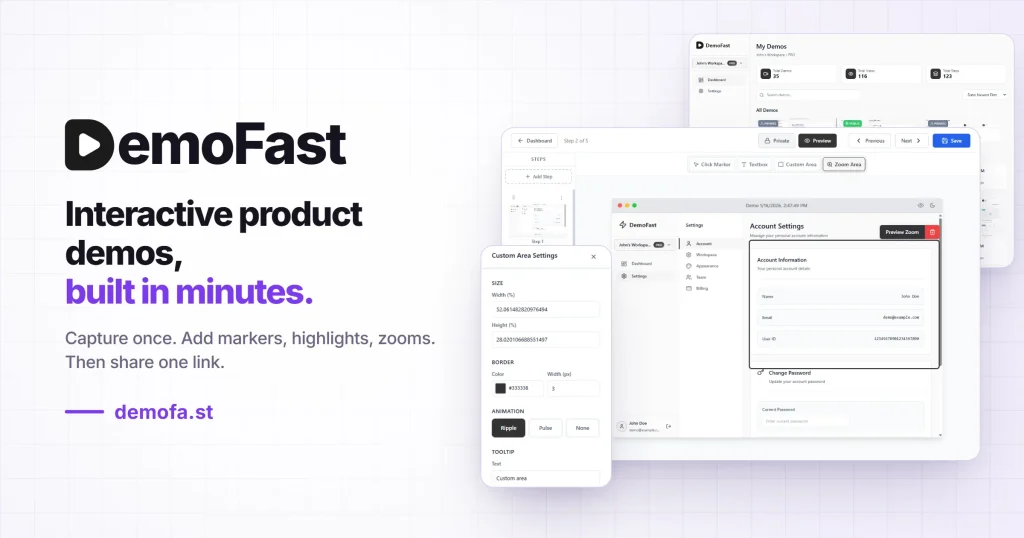
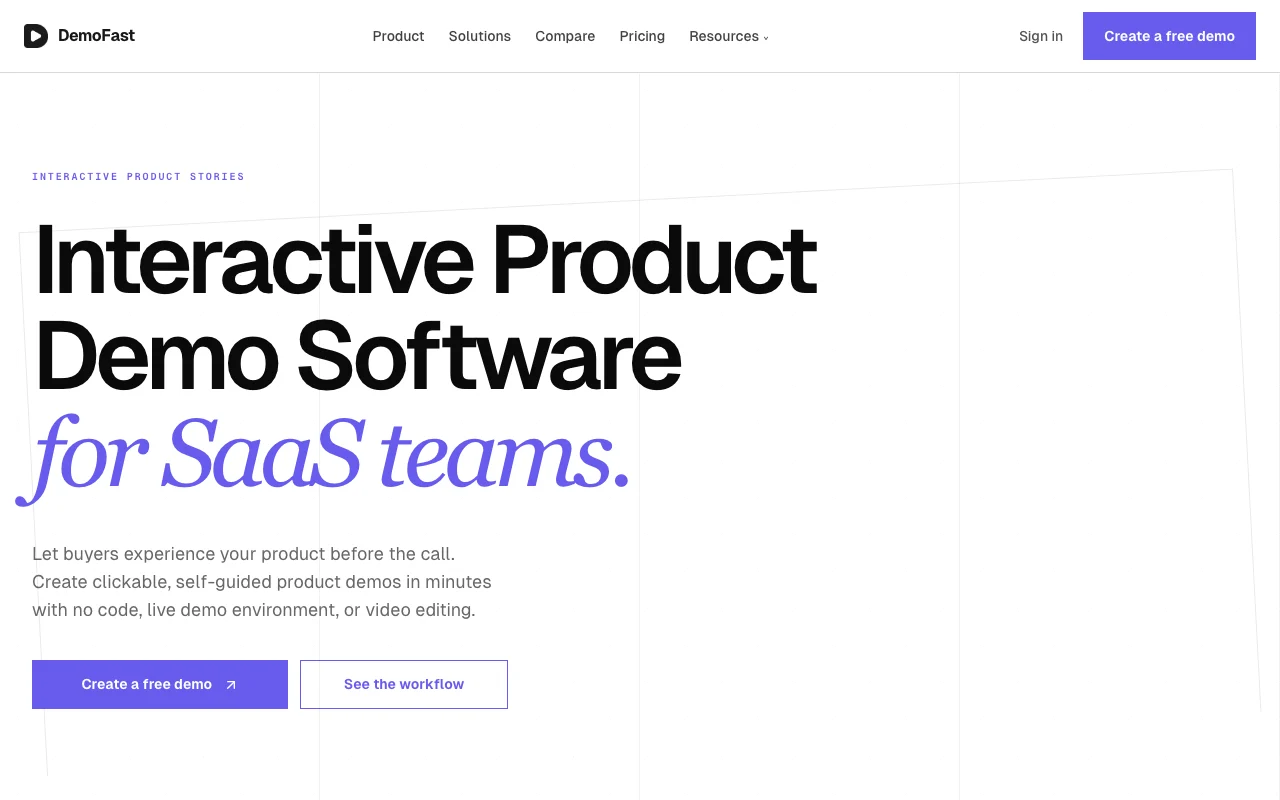 (open full size in a new tab)
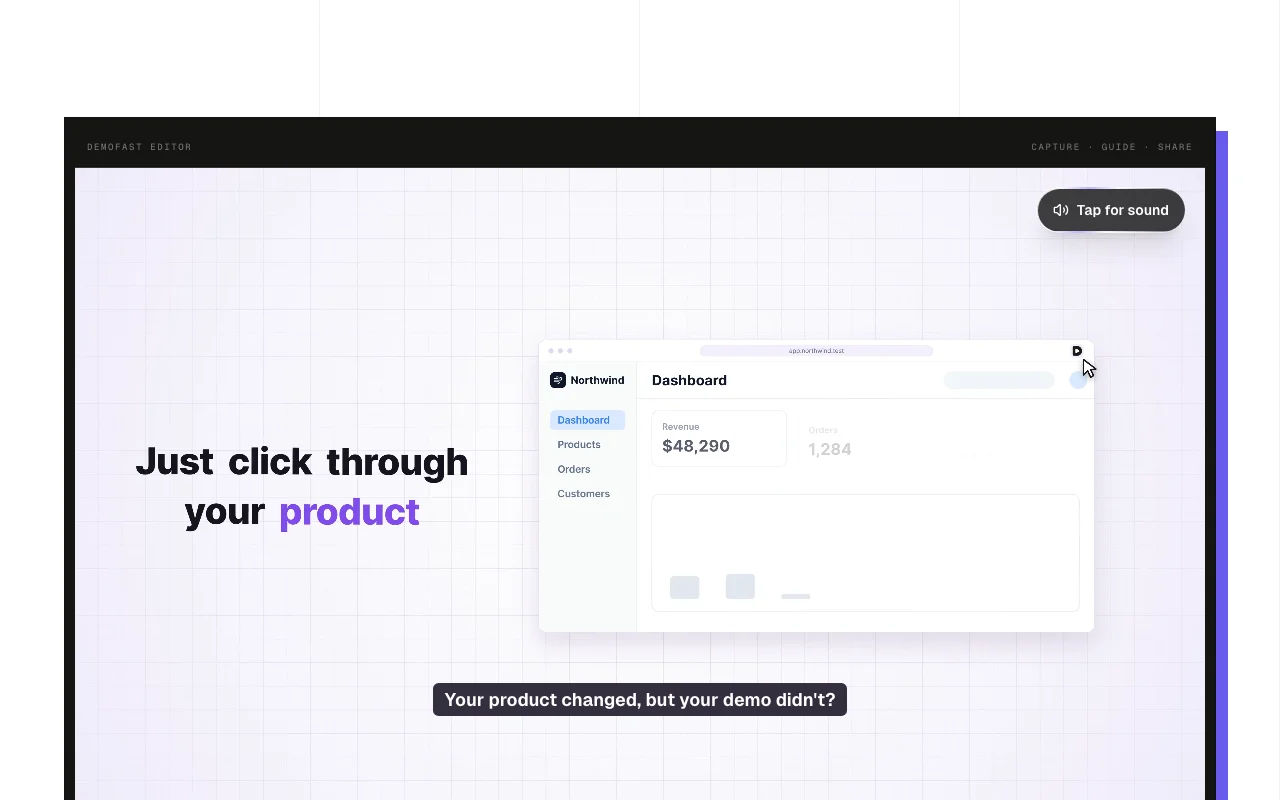 (open full size in a new tab)
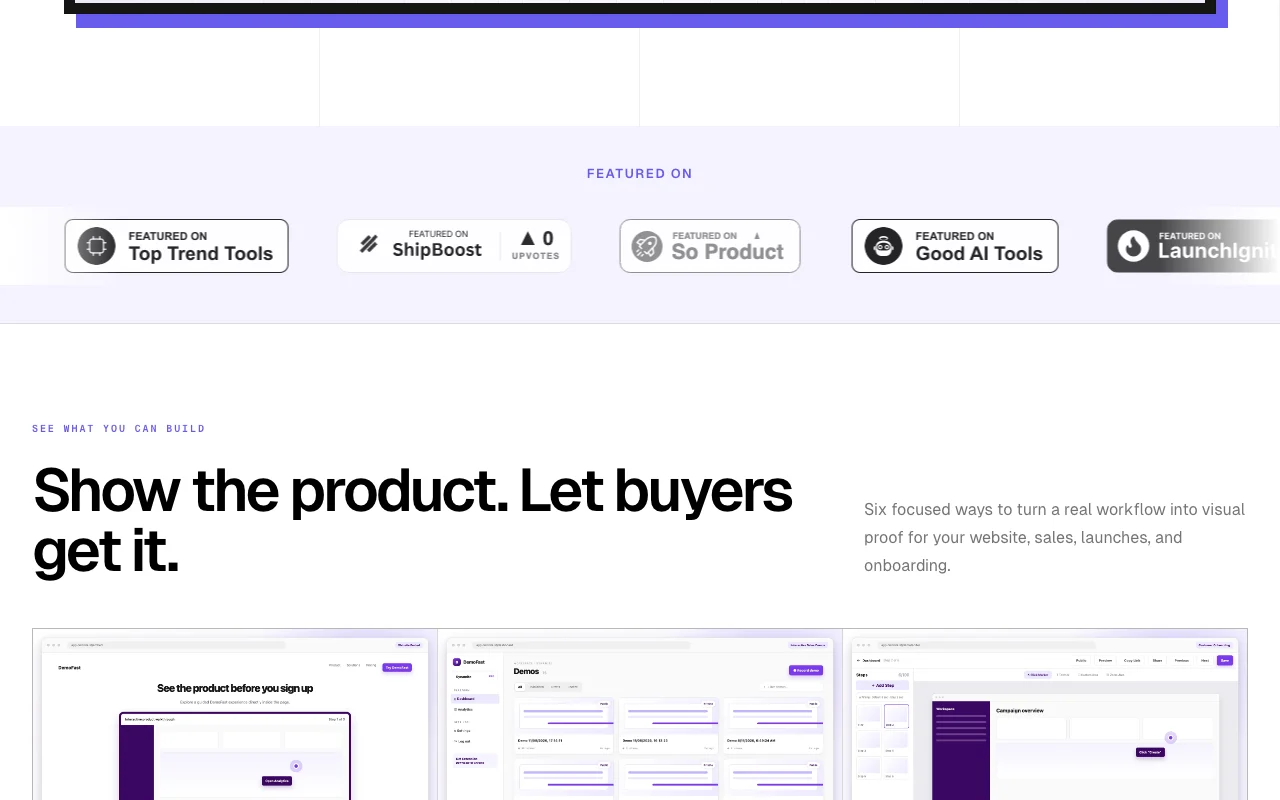 (open full size in a new tab)
 (open full size in a new tab)
 (open full size in a new tab)
 (open full size in a new tab)
Our take: Choose DemoFast to build clickable product demos without code, starting free with up to 5 live demos and moving to Pro for analytics and white-label branding.
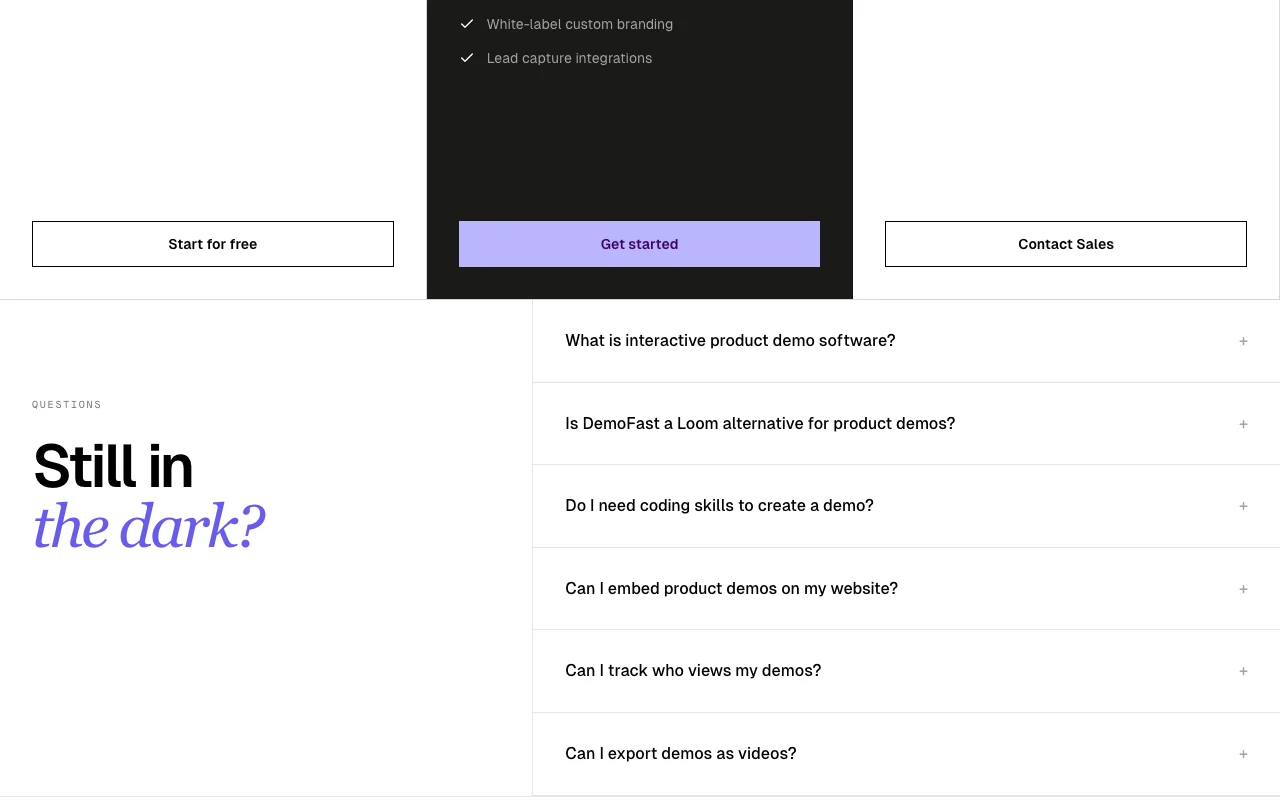
Main limitation: Analytics, white-label branding and lead capture are Pro-only.
Choose DemoFast to build clickable product demos without code, starting free with up to 5 live demos and moving to Pro for analytics and white-label branding. Based on the vendor's documentation, not on a hands-on test.
Also a good fit for
Or if
Prices checked Sep 29, 2026 on the official US pricing page. Official pricing ↗ Prices and limits change often.
Free plan with 5 live demos
Not stated
Free source (opens in a new tab)
Month, annual commitment
For: First demos
Limits
Includes
No API
$15/mo source (opens in a new tab)
Month, annual commitment
Early access price, listed against $29
For: Teams needing analytics
Limits
Includes
No API
Custom pricing source (opens in a new tab)
Month, annual commitment
For: Larger teams
Includes
API included
None stated
Not stated
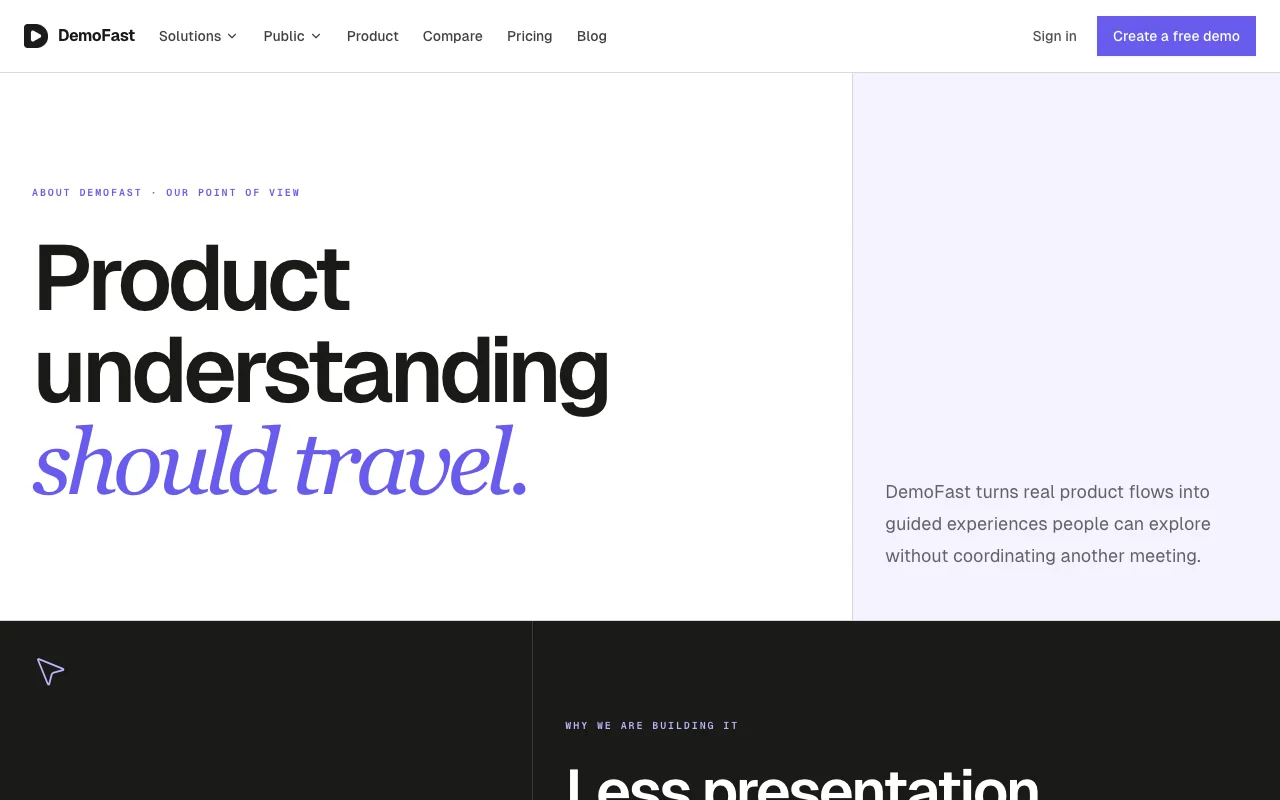
DemoFast lets SaaS teams build clickable, self-guided product demos without code or video editing. A flow is recorded with the Chrome extension or built from uploaded screenshots, then annotated in a visual editor. Finished demos can be shared by link, embedded on a website or exported as WebM or GIF, with view analytics on the paid plan.
You provide
You get back
Scenarios are worked out by our editors from the documentation; the actual result depends on your input and plan.
Records a product flow with a Chrome extension Turns a real session into steps
Builds a demo from uploaded screenshots Allows demos of unreleased or mocked screens
Adds rich text boxes and click markers to each step Guides viewers through the flow
Adds zoom and custom areas to frame details Draws attention to specific UI
Export: WebM, GIF, Embed, Link
DemoFast has no public API in its official documentation. Custom API on Enterprise
Summarized from the vendor's current policies; this is not legal advice and a vendor's badge is not an independent audit.
Not stated in fetched pages
Not stated
Not stated
Not stated
White-label on Pro
"Better suited" is based on documented features and pricing, not on a head-to-head test.
No user reviews yet.
Used DemoFast? Be the first to share your experience.
Yes, as WebM or GIF. source (opens in a new tab)
No; upload screenshots or use the Chrome extension and annotate visually. source (opens in a new tab)
Yes, on Pro: views, engagement and drop-off points. source (opens in a new tab)
The vendor says yes: Loom is passive recording, DemoFast is click-through interactive demos. source (opens in a new tab)
Free 5 live demos, Pro 100, Enterprise unlimited. source (opens in a new tab)
Not verified: Privacy terms; Annual pricing.
Every fact about DemoFast above comes from the 2 official pages listed here, last compared on Sep 29, 2026; we have not run DemoFast ourselves, so it has no editorial score. How we check and re-check pages.
Article updated Oct 10, 2026; prices checked Sep 29, 2026. Outbound links to vendors are plain links; we do not earn commissions. How we review · Report an error
compare>