Productivity & writingDocumented overviewLast checked Sep 29, 2026

DobroDesk: Pricing, Features & Best Use Cases

Customer support workspace with a shared inbox for email and website chat, plus AI drafts and optional auto-replies.

Who should use DobroDesk

DobroDesk suits small support teams that want a shared inbox for email and website chat with AI drafts and approved auto-replies, billed by accepted conversations rather than seats. Based on the vendor's documentation, not on a hands-on test.

Best for: Small support teams

Also a good fit for

  • Teams using Outlook, HubSpot or Stripe

Consider another tool if prices shown in EUR, not USD

Or if

  • Base plan includes 300 accepted conversations
  • Voice, Phone and public Help Center are paid add-ons

DobroDesk pricing and usage limits

Prices checked Sep 29, 2026 on the official US pricing page. Official pricing ↗ Prices and limits change often.

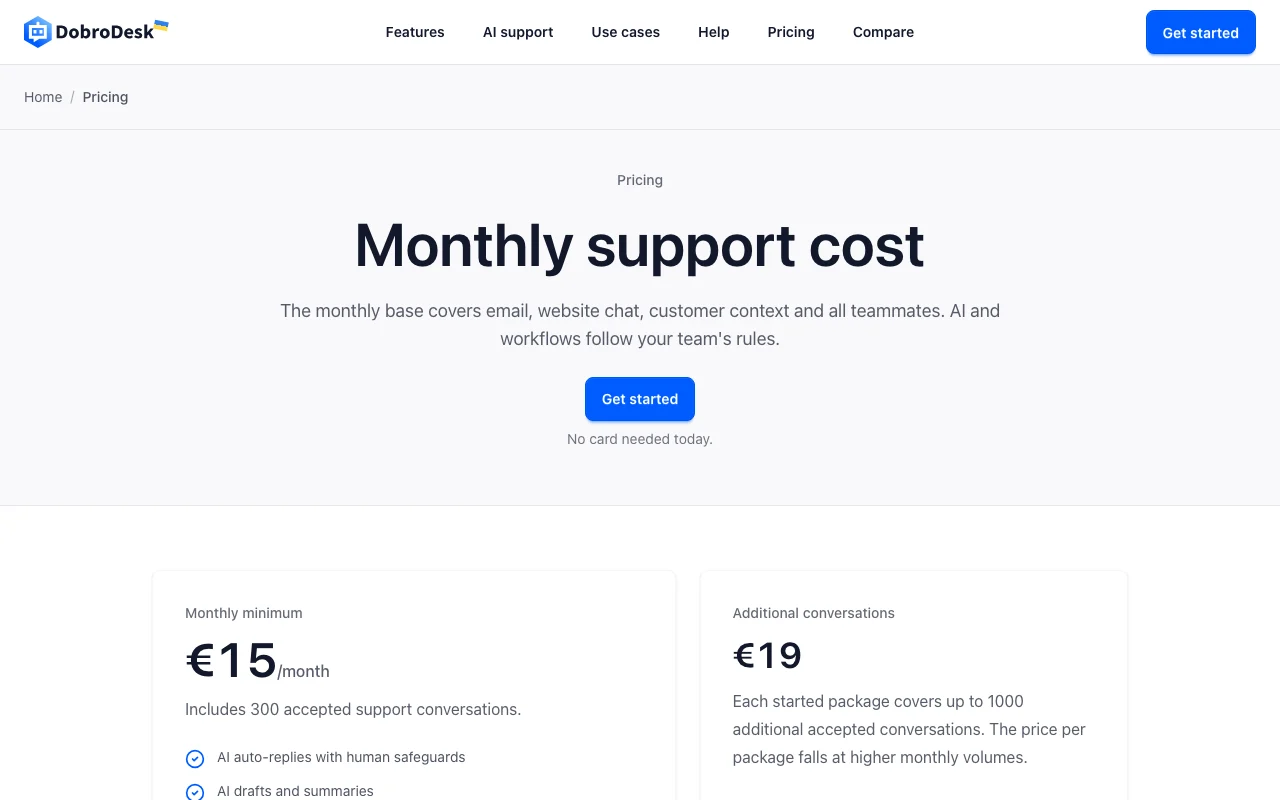
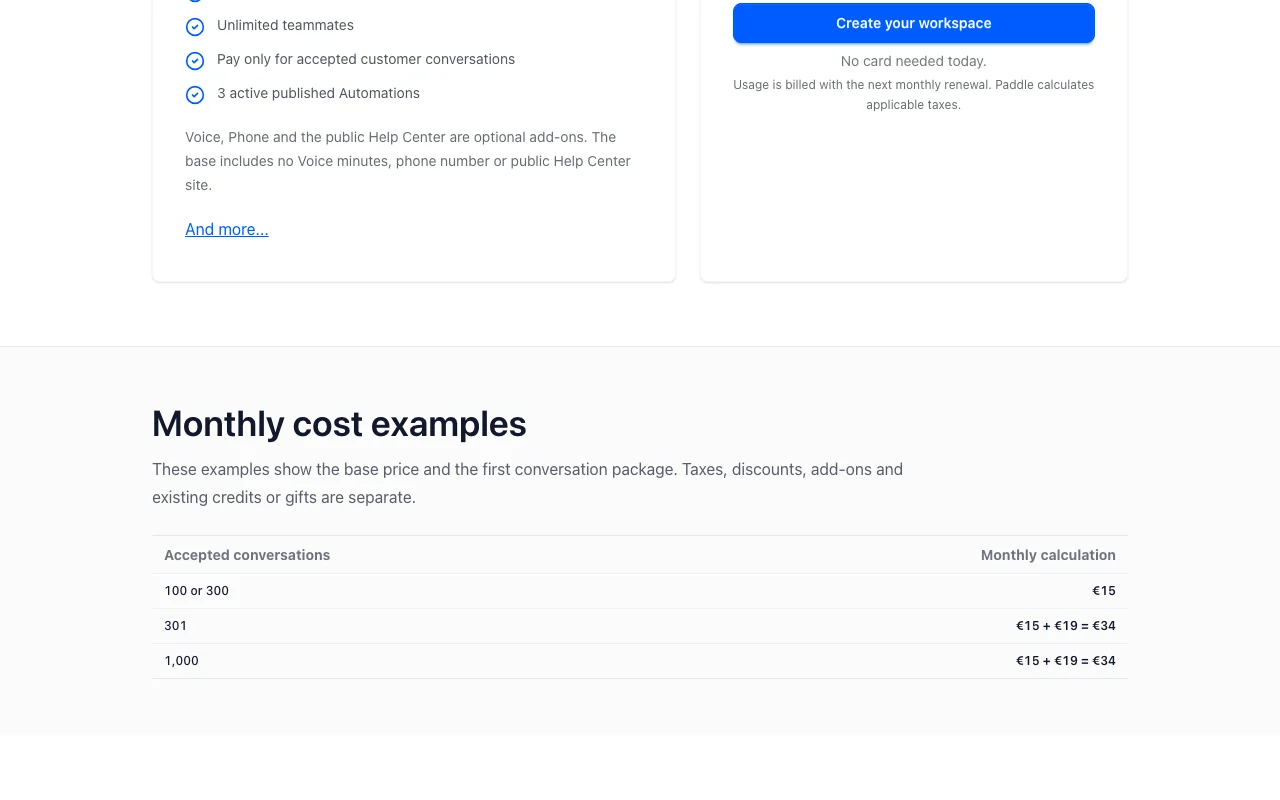
DobroDesk pricing page with plans and prices — screenshot of the productivity & writing AI tool, Oct 1, 2026
The official DobroDesk pricing page as we saw it. dobrodesk.com, captured Oct 1, 2026

Free access and trial conditions

No free plan; no card needed to create a workspace today.

Demo available without sign-up.

Paid plans: what changes as you upgrade

Base plan Web

See official pricing source (opens in a new tab)

Month, annual commitment

Priced in EUR only

For: Small support teams

Limits

  • Includes 300 accepted conversations
  • No Voice minutes, phone number or public Help Center
1 more
  • 3 active published Automations

Includes

  • Shared inbox, email and website chat
  • AI Copilot and auto-replies with safeguards
1 more
  • Unlimited teammates

API included

Additional conversations Web

Usage-based source (opens in a new tab)

Month, annual commitment

For: Growing volume

Limits

  • Price per package falls at higher volume

Includes

  • Billed with next monthly renewal

API included

Usage caps, credits and extra costs

Voice, Phone and public Help Center are optional add-ons.

Paddle calculates applicable taxes.

What is DobroDesk, and how does it work?

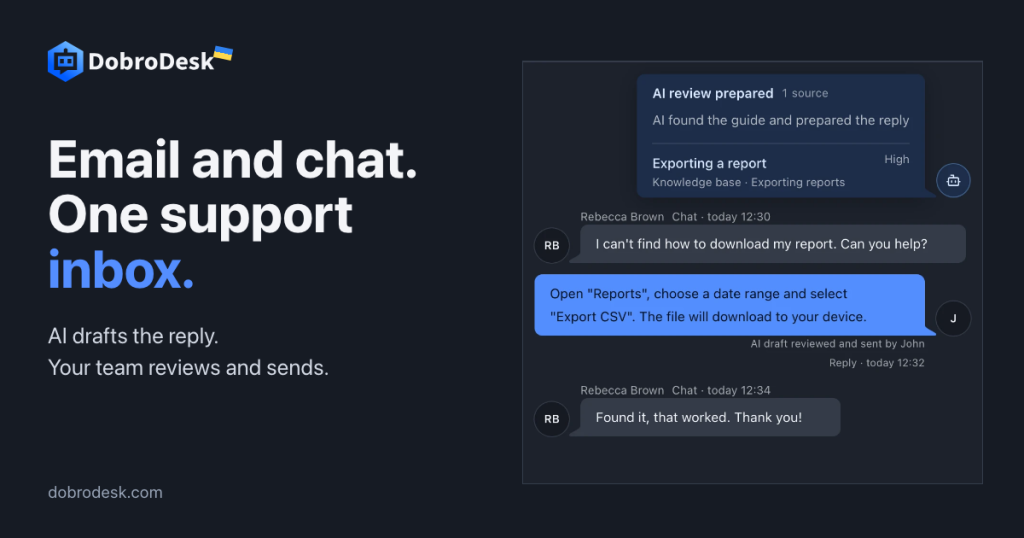
DobroDesk brings support email and website chat into one shared inbox, with assignment, internal notes, customer and company context, and integrations such as Outlook, HubSpot and Stripe. AI can prepare drafts for review or send approved answers to routine questions, while billing, privacy or security requests are handed to a person. Reply modes are configurable.

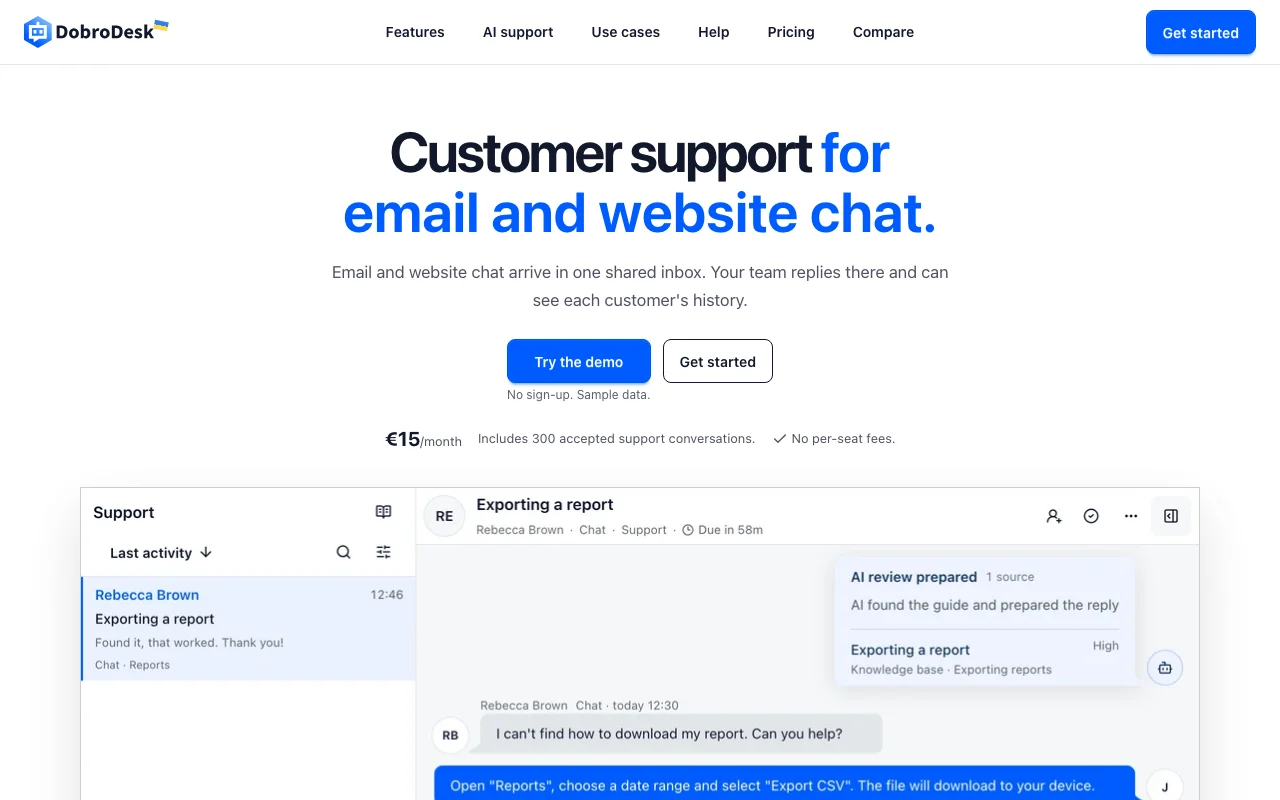
DobroDesk homepage — screenshot of the productivity & writing AI tool, Oct 1, 2026
DobroDesk's official site: how the product presents itself. dobrodesk.com, captured Oct 1, 2026

What you provide and what you get back

How DobroDesk works: what you provide, where it runs and what you get backYOU PROVIDEYour inputSupport emailWebsite chat messagesKnowledge base articlesPRODUCTIVITY & WRITINGDobroDeskWeb, APIfree tier, paid price not publish…free tier availableaccount requiredchecked Sep 29, 2026YOU GET BACKThe resultReplies and summariesAuto-replies with handoffSupport analytics and CSATinput → DobroDesk → output · from the vendor's own pages, no hands-on test unless stated
What you give DobroDesk and what comes back, from its documentation

You provide

  • Support email
  • Website chat messages
  • Knowledge base articles

You get back

  • Replies and summaries
  • Auto-replies with handoff
  • Support analytics and CSAT

Where you can use it

Platforms
Web, API
Account
Required
Pricing basis
Accepted conversations
Currency
EUR
Channels
Email and website chat
Seats
Unlimited

Best use cases for DobroDesk

Scenarios are worked out by our editors from the documentation; the actual result depends on your input and plan.

Shared inbox for support email

Who
Small support teams
You provide
Support email address
Expected result
One inbox with ownership, status and history
Plan needed
Base
Limitation
Gmail and Shopify integrations still in development source (opens in a new tab)

Website chat support

Who
Online shops and SaaS
You provide
Visitor chat messages
Expected result
Chat conversations in the same inbox
Plan needed
Base
Limitation
Widget channel only source (opens in a new tab)

Drafting replies from approved knowledge

Who
Agents handling repeat questions
You provide
Knowledge base and ticket text
Expected result
Suggested reply for review or approved auto-reply
Plan needed
Base
Limitation
Sensitive cases handed off source (opens in a new tab)

Tracking SLA and CSAT

Who
Support leads
You provide
Business hours and SLA rules
Expected result
Response targets and satisfaction surveys by Inbox
Plan needed
Base
Limitation
Analytics scope not detailed source (opens in a new tab)

DobroDesk features and their limits

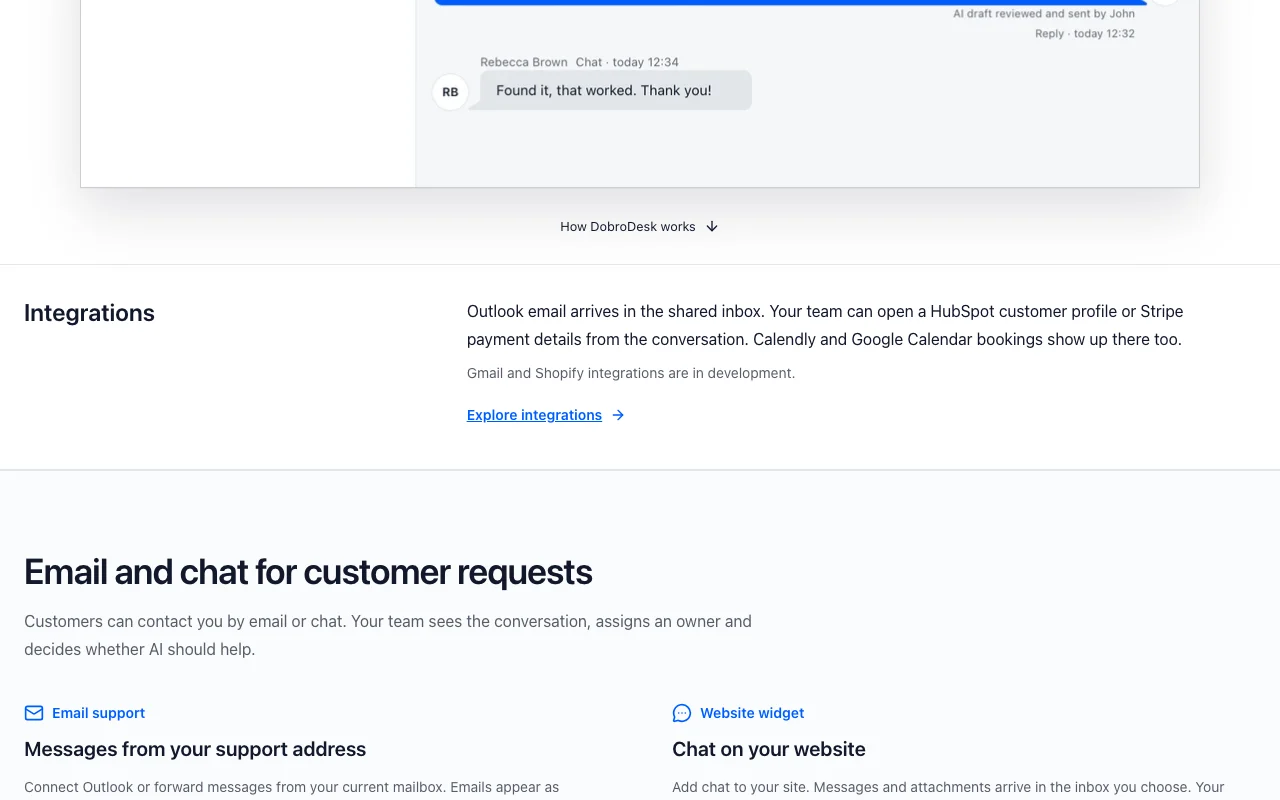
DobroDesk homepage — screenshot of the productivity & writing AI tool, Oct 1, 2026
Feature overview on the official site. dobrodesk.com, captured Oct 1, 2026

Shared inbox

Collects email and chat in one workspace with routing and assignment. One place for support.

Access: BaseLimit: Voice needs add-on source (opens in a new tab)

Website chat widget

Embeds chat on a site and feeds the inbox. Live visitor support.

Access: BaseLimit: Not stated source (opens in a new tab)

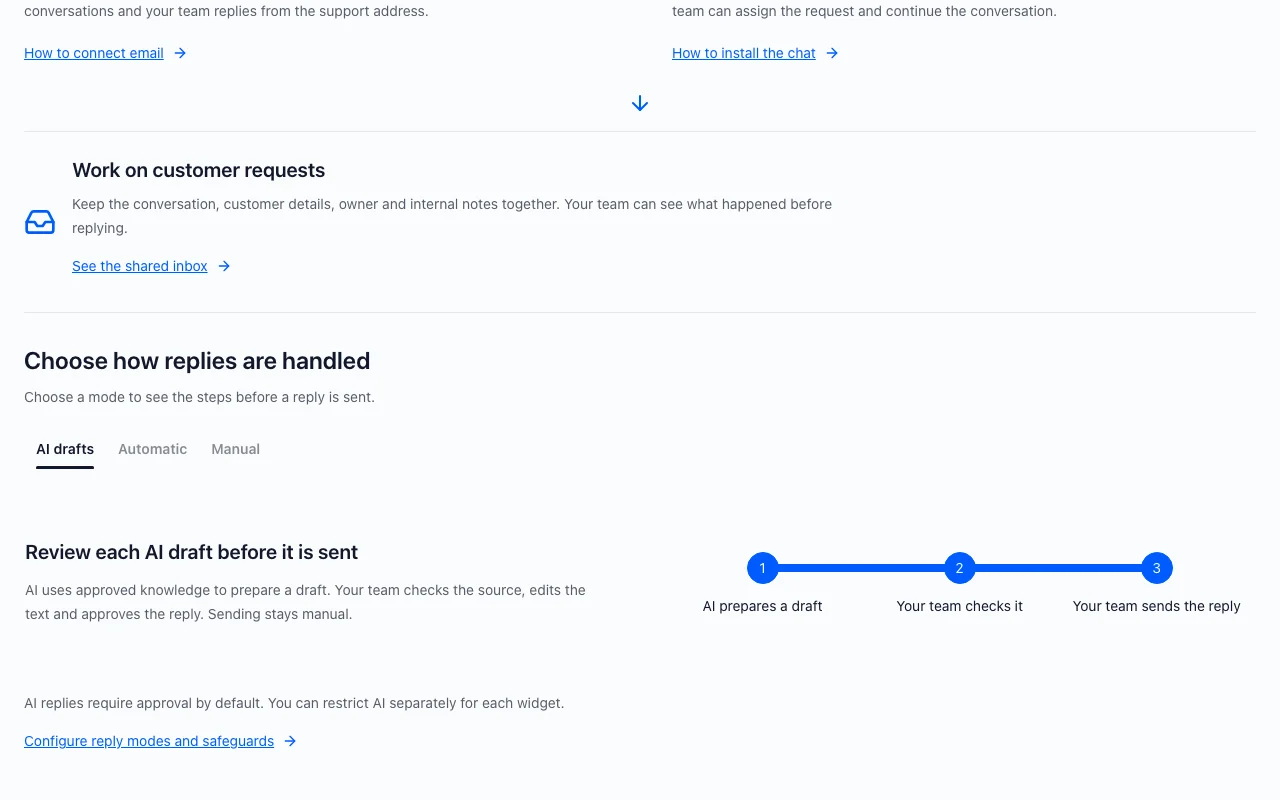
AI Copilot drafts and summaries

Prepares a reply or summary for a teammate to review. Faster responses.

Access: BaseLimit: Human review by default source (opens in a new tab)

AI agent replies with safeguards

Sends replies from approved knowledge and hands off uncertain cases. Deflects routine tickets.

Access: BaseLimit: Requires approval by default source (opens in a new tab)

DobroDesk: strengths and limits

Where DobroDesk is strong

Limitations to check before paying

How to use DobroDesk for setting up a shared support inbox with AI drafts

Set up DobroDesk

  1. Create a workspace on dobrodesk.com
  2. Connect your support email
  3. Add the website chat widget to your site

Example: setting up a shared support inbox with AI drafts

  1. Add knowledge base articles
  2. Turn on AI Copilot drafts
  3. Review a drafted reply and send it
  4. Enable auto-replies for a safe topic

Review and export the result

  1. Check the handoff happens on uncertain questions
  2. Review the audit log for AI decisions

DobroDesk integrations and API

DobroDesk pricing page with plans and prices — screenshot of the productivity & writing AI tool, Oct 1, 2026
Plan comparison on the official pricing page. dobrodesk.com, captured Oct 1, 2026

Native integrations and export formats

Export: Workspace data exports

API access and separate billing

DobroDesk has no public API in its official documentation. Scoped API tokens and signed webhooks. API documentation ↗

Privacy, data use and commercial rights

Summarized from the vendor's current policies; this is not legal advice and a vendor's badge is not an independent audit.

How your inputs and outputs are handled

Support conversations, customer context and knowledge content are processed; CoMStudio is controller for account data and processor for support data.

Not stated in reviewed excerpt.

Not captured.

Commercial use and plan restrictions

Business service for workspace owners.

Business workspaces only.

Controls for business users

  • Audit log
  • Custom roles
  • DPA and subprocessor list

Policies: comstud.io/legal/dobrodesk

DobroDesk alternatives by need

"Better suited" is based on documented features and pricing, not on a head-to-head test.

Zapier: better suited to

ChatGPT: better suited to

Alternatives
AlternativeWhen to choose itPricingLimitation
Zapier——Compare
ChatGPT——

Explore DobroDesk further

Tools and guides near DobroDesk

DobroDesk user reviews

No user reviews yet.

Used DobroDesk? Be the first to share your experience.

Write a review

Reviews are checked by a moderator before they appear. Your email is never published. Plain text only.

Your rating (required)

Show what you made or what went wrong. Images are published only if the review is approved; location data is removed.

    DobroDesk FAQ

    How is DobroDesk priced?

    A EUR 15 monthly minimum includes 300 accepted conversations; each started package of up to 1000 more costs EUR 19. source (opens in a new tab)

    Are there per-seat fees?

    No. All teammates are included. source (opens in a new tab)

    Do AI replies send automatically?

    Replies require approval by default; auto-replies work with safeguards and handoff. source (opens in a new tab)

    What is not in the base plan?

    Voice minutes, a phone number and the public Help Center site are optional add-ons. source (opens in a new tab)

    Who is the data controller?

    CoMStudio is controller for account data and processor for support data per its legal pack. source (opens in a new tab)

    Sources and review methodology

    Official sources and verification dates

    Not verified: USD price; Training use; Retention period.

    How we documented and maintain this page

    Every fact about DobroDesk above comes from the 2 official pages listed here, last compared on Sep 29, 2026; we have not run DobroDesk ourselves, so it has no editorial score. How we check and re-check pages.

    Article updated Oct 10, 2026; prices checked Sep 29, 2026. Outbound links to vendors are plain links; we do not earn commissions. How we review · Report an error