Trial web
Free source (opens in a new tab)
None
For: Evaluation
Limits
- 14 days
Productivity & writing · pricing
Choose CellSource if you audit with Excel on a Mac and want cell-linked PDF evidence without a virtual machine, knowing the product is still in public beta.
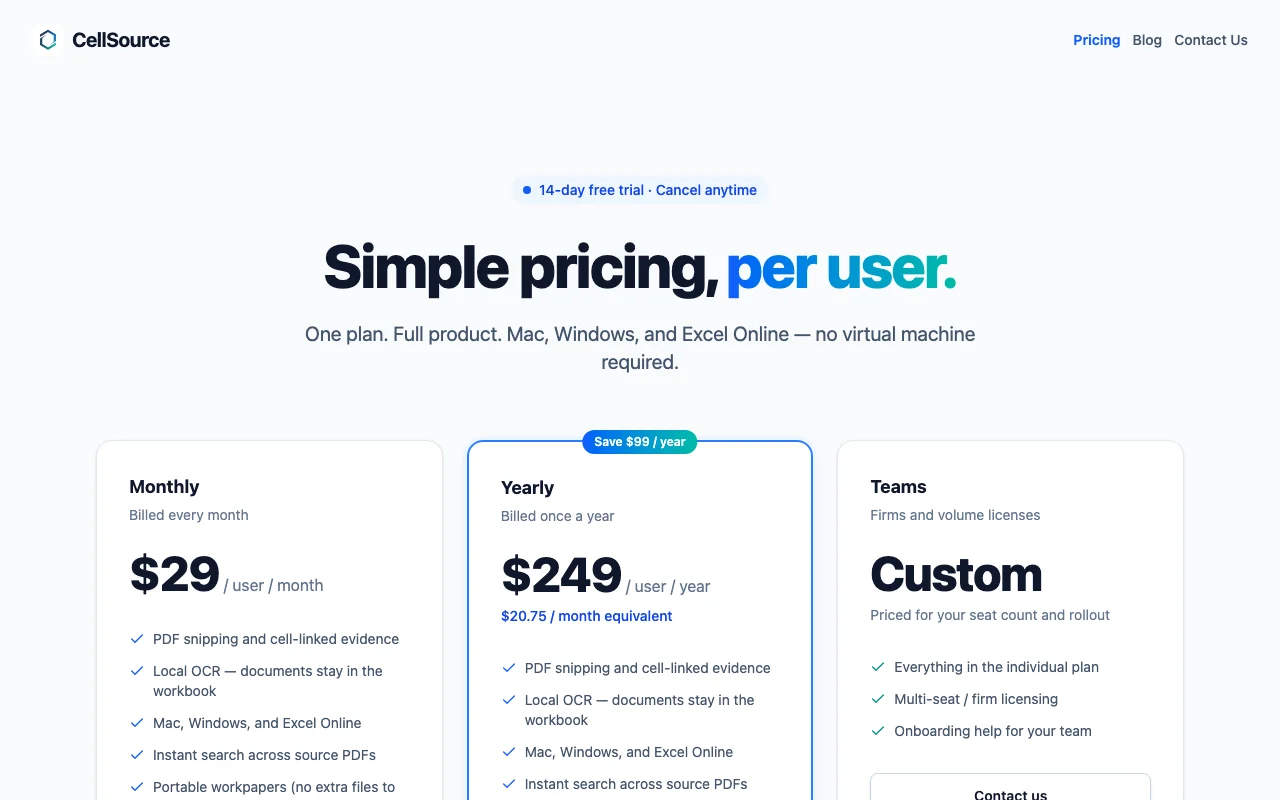
CellSource is an Excel add-in that links evidence from PDFs to cells. It starts with a 14-day free trial, and there is no free tier after the trial. Monthly costs $29 per user. Annual costs $249 per user per year, which is about $20.75 per month equivalent and carries an annual commitment.
Teams is custom-priced, and its feature list is not stated in our verified data. The product is in public beta and requires Microsoft Excel, so you need a Microsoft licence in addition to the add-in. Prices checked on 2026-10-04.
| Plan | Price | Billing | Who it is for | Key limits | API |
|---|---|---|---|---|---|
| Trial web |
Free | None | Evaluation | 14 days | Not stated |
| Monthly web |
$29/mo | Monthly | Individual auditors | Not stated | Not stated |
| Annual web |
$249/yr | Yearly annual commitment |
Regular users | Not stated | Not stated |
| Teams web |
Custom pricing | Unknown | Audit teams | Not stated | Not stated |
| If you | Pick | Why |
|---|---|---|
| you want to evaluate the add-in on your own workbooks | Trial (free) | It is free for 14 days. The product is in beta, so test it carefully before using it on a real engagement. |
| you are an individual auditor who wants to pay month to month | Monthly, $29 per user | No annual commitment is stated for this plan, and it lets you subscribe only for as long as you need it. |
| you use the add-in regularly | Annual, $249 per user per year | About $20.75 per month equivalent, with an annual commitment. |
| you run an audit team | Teams (custom) | Price is custom and not stated in our verified data, so ask the vendor. |
None after trial
14-day free trial
Not stated
Not stated on the official pages
Prices checked Oct 4, 2026 on the official US pricing page. Official pricing ↗ Prices and limits change often.
None after trial
14-day free trial
Free source (opens in a new tab)
None
For: Evaluation
Limits
$29/mo source (opens in a new tab)
Month
For: Individual auditors
$249/yr source (opens in a new tab)
Year, annual commitment
About $20.75 per month equivalent
For: Regular users
Custom pricing source (opens in a new tab)
Unknown
For: Audit teams
Not stated
Not stated on the official pages
At the listed prices, a single user pays between $348 and $2,988 a year on the fixed-price plans. Annual billing discounts, taxes and usage-based extras are listed per plan above where the vendor publishes them.
$29 per user per month or $249 per user per year, with a 14-day trial. source (opens in a new tab)
Yes. The Trial plan is free for 14 days. There is no free tier after the trial.
The Monthly plan is $29 per user. The Annual plan is $249 per user per year, about $20.75 per month equivalent.
Teams is custom-priced, and the price is not stated in our verified data.
Yes. It runs only inside Microsoft Excel, so you need a Microsoft licence in addition to the add-in.
It is in public beta, so its stability and accuracy are not yet established.
compare>