Productivity & writingDocumented overviewLast checked Sep 29, 2026

Pulse AI: Pricing, Features & Best Use Cases

AI business intelligence tool that connects data sources and builds dashboards from plain-language chat.

Who Pulse AI fits

Pulse AI suits small businesses, marketers and ecommerce owners who want to connect CSV, Google Analytics, Facebook or Shopify data and build dashboards by chat, with a free plan and paid plans from $49/month. Based on the vendor's documentation, not on a hands-on test.

Best for: Small businesses

Also a good fit for

  • Marketers
  • Ecommerce owners

Consider another tool if free plan: 7 AI credits/month, 1 dashboard

Or if

  • Database and some connectors marked coming soon
  • Data sync frequency and retention depend on plan

Pulse AI in the news

Headlines from US outlets, selected automatically — not endorsements. Updated Oct 2, 2026

Pulse AI pricing and usage limits

Prices checked Sep 29, 2026 on the official US pricing page. Official pricing ↗ Prices and limits change often.

Free access and trial conditions

Free plan at $0 with 7 AI credits per month.

7-day free trial offered on plans.

Paid plans: what changes as you upgrade

Free web

Free source (opens in a new tab)

Month

For: Trying AI dashboards

Limits

  • 1 project, 1 dashboard page, 1 data source
  • 7 AI credits per month
1 more
  • 7-day data retention

Includes

  • Monthly data sync
  • CSV and Google Analytics integrations

No API

Pro web

$49/mo source (opens in a new tab)

Month

Annual billing 10% off per toggle

For: Individuals analyzing core channels

Limits

  • 3 projects, 10 dashboard pages, 3 data sources per project
  • 25 AI credits per month
1 more
  • 30-day data retention

Includes

  • Weekly data sync
  • Google Ads, Facebook, Shopify and more

No API

Growth web

$149/mo source (opens in a new tab)

Month

Annual billing 10% off per toggle

For: Growing teams with more data sources

Limits

  • 10 projects, 50 dashboard pages, 15 data sources per project
  • 75 AI credits per month
1 more
  • 180-day data retention

Includes

  • Daily data sync
  • 30+ integrations

No API

Business web

$399/mo source (opens in a new tab)

Month

Annual billing 10% off per toggle

For: Full platform access with near real-time data

Limits

  • 50 projects, 100 dashboard pages, 50 data sources per project
  • 500 AI credits per month
1 more
  • 360-day data retention

Includes

  • Hourly data sync
  • All 100+ integrations including custom API and database connectors

No API

Usage caps, credits and extra costs

None listed.

Not stated.

What is Pulse AI, and how does it work?

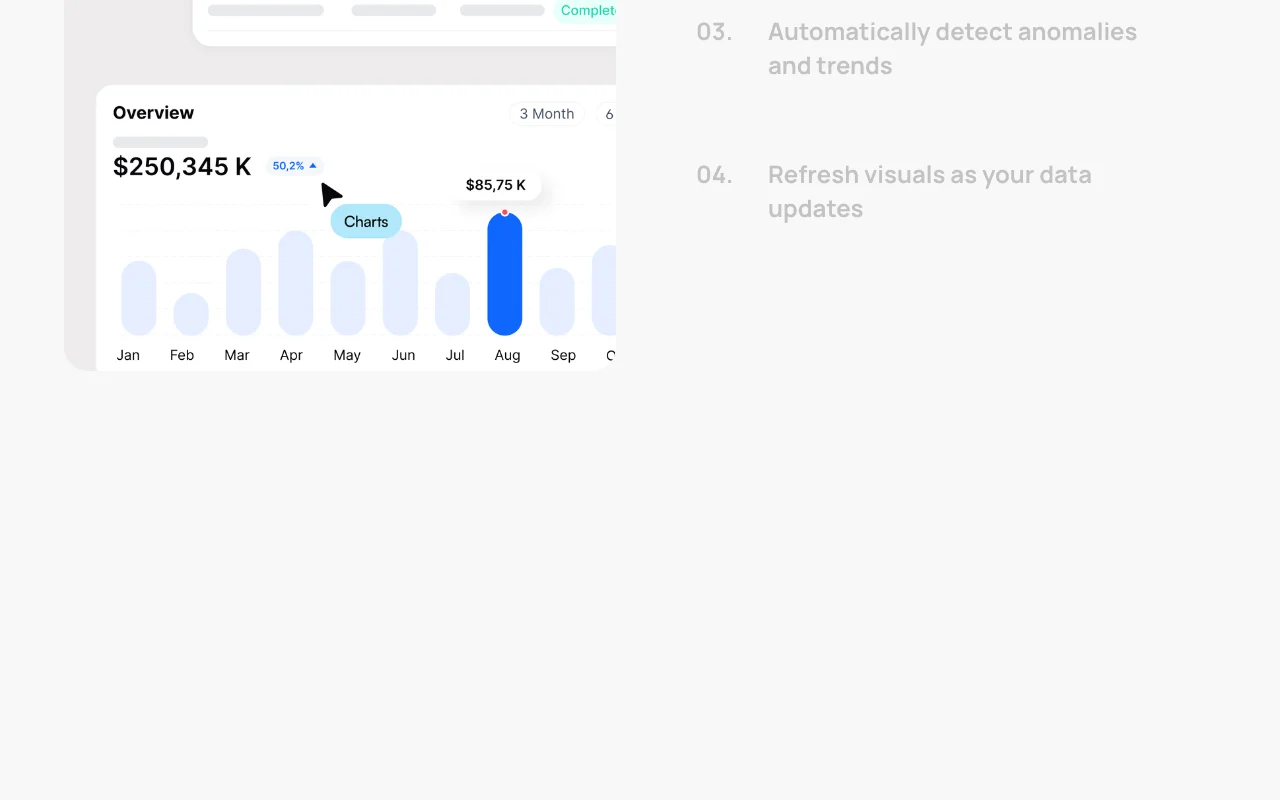
Pulse AI connects to data sources such as CSV, Google Analytics, Google Sheets, Facebook and Shopify, then builds dashboards and answers questions asked in plain language. It also detects anomalies and trends and refreshes visuals as data updates. Plans are tiered by projects, data sources and AI credits.

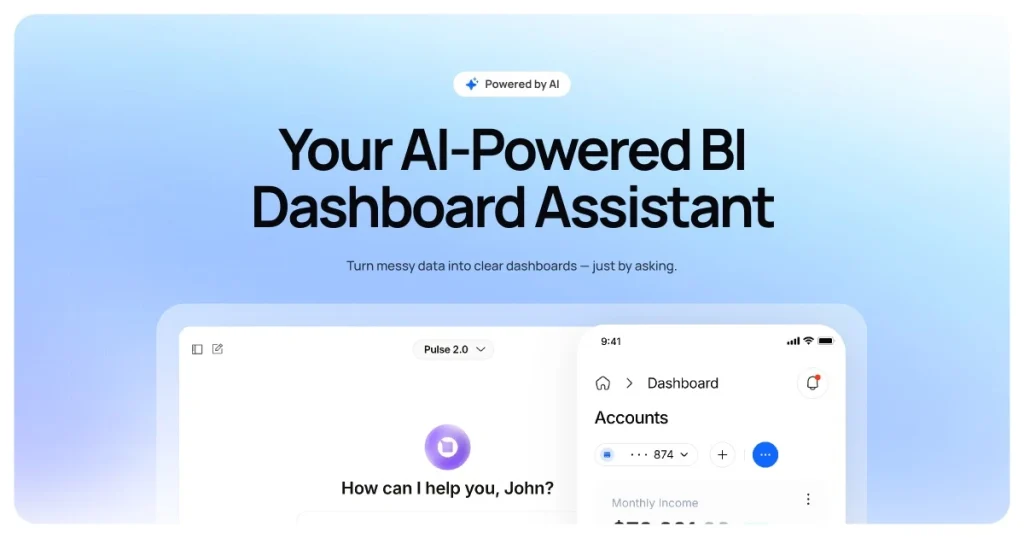
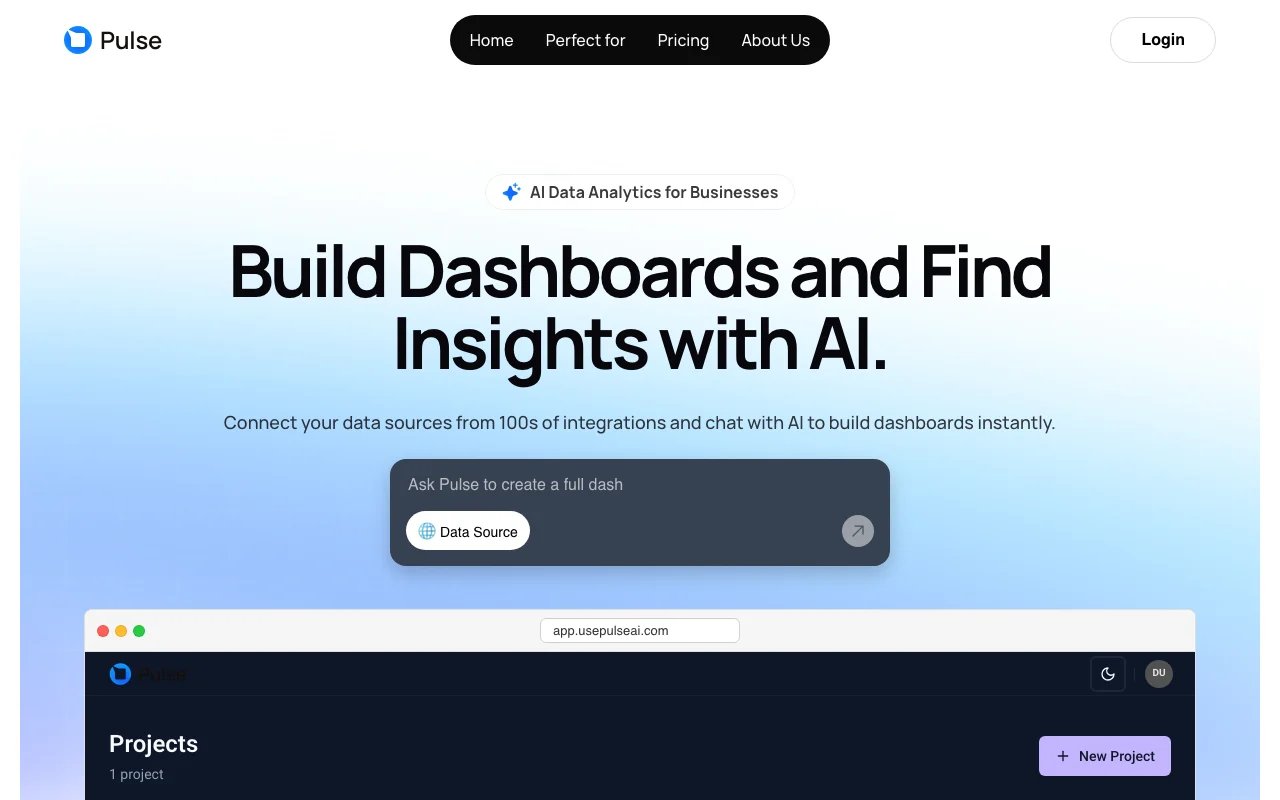
Pulse AI homepage — screenshot of the productivity & writing AI tool, Oct 1, 2026
Pulse AI's official site: how the product presents itself. usepulseai.com, captured Oct 1, 2026

What you provide and what you get back

How Pulse AI works: what you provide, where it runs and what you get backYOU PROVIDEYour inputCSV and Excel filesGoogle Analytics, Google Sheets,…Plain-language questionsPRODUCTIVITY & WRITINGPulse AIWebfrom $49/mo (Pro)free tier availableaccount requiredchecked Sep 29, 2026YOU GET BACKThe resultDashboards with charts, tables an…Answers to follow-up questionsAnomaly and trend alertsAuto-refreshed visualsinput → Pulse AI → output · from the vendor's own pages, no hands-on test unless stated
What you give Pulse AI and what comes back, from its documentation

You provide

  • CSV and Excel files
  • Google Analytics, Google Sheets, Facebook and Shopify data
  • Plain-language questions

You get back

  • Dashboards with charts, tables and KPIs
  • Answers to follow-up questions
  • Anomaly and trend alerts
  • Auto-refreshed visuals

Where you can use it

Platforms
Web
Account
Required
Projects
1, 3, 10, 50 by plan
Retention
7, 30, 180, 360 days
AI credits
7, 25, 75, 500 per month
Sync
Monthly, weekly, daily, hourly
Integrations
Up to 100+ on Business

What people use Pulse AI for

Scenarios are worked out by our editors from the documentation; the actual result depends on your input and plan.

Building dashboards by chat

Who
Founders and operators
You provide
Connected data source and a request in plain language
Expected result
A dashboard with charts, filters and KPIs
Plan needed
Free or Pro
Limitation
AI credits cap how many requests you can make source (opens in a new tab)

Marketing analytics from Google Analytics and Ads

Who
Marketers and agencies
You provide
Google Analytics, Ads and Facebook connections
Expected result
Campaign performance dashboards and insights
Plan needed
Pro
Limitation
Weekly sync on Pro source (opens in a new tab)

Shopify store reporting

Who
Ecommerce owners
You provide
Shopify connection
Expected result
Sales dashboards updated on a schedule
Plan needed
Pro or Growth
Limitation
Shopify not on Free source (opens in a new tab)

Asking follow-up questions about messy spreadsheets

Who
Operators with scattered files
You provide
CSV or Excel with restructured sheets
Expected result
Answers and trend detection without manual cleaning
Plan needed
Free
Limitation
1 data source on Free source (opens in a new tab)

Pulse AI features and their limits

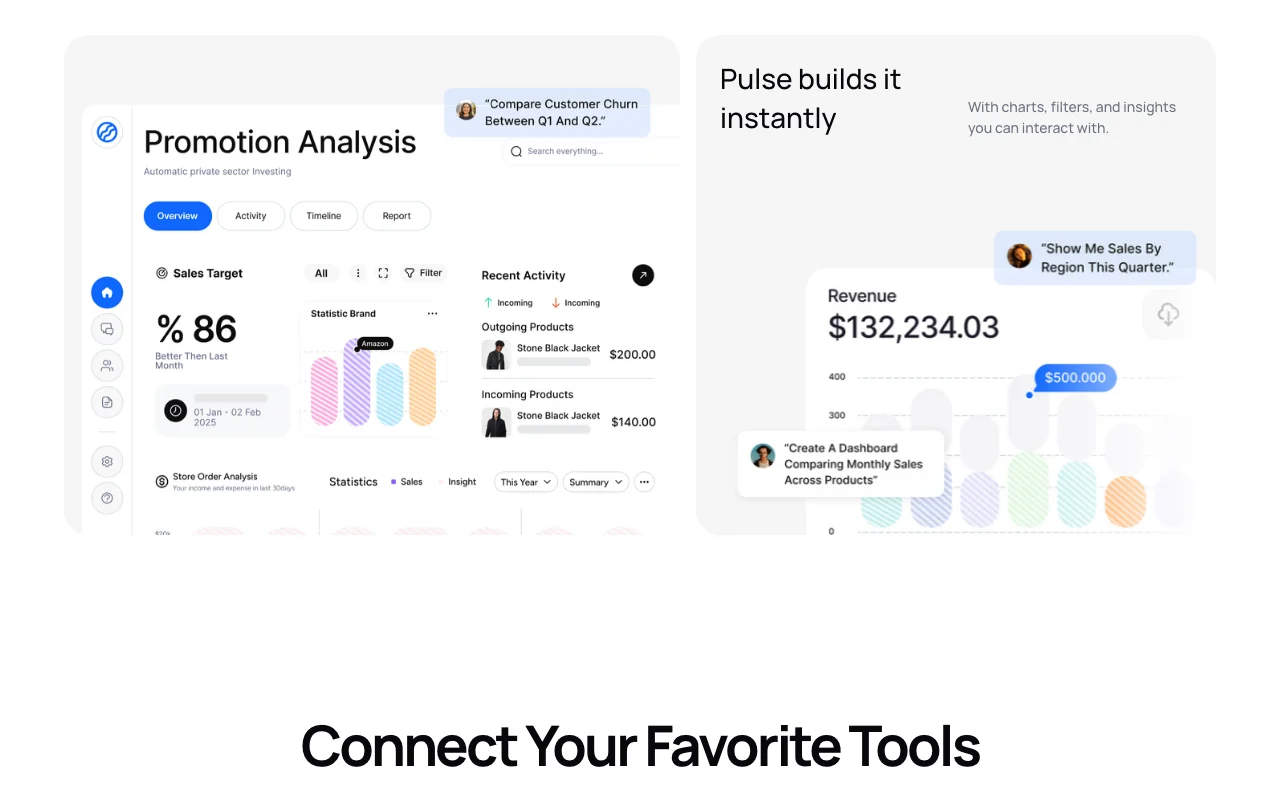
Pulse AI homepage — screenshot of the productivity & writing AI tool, Oct 1, 2026
Feature overview on the official site. usepulseai.com, captured Oct 1, 2026

Chat-built dashboards

Creates dashboards with charts, tables and KPIs from a plain-language request. Replaces manual dashboard building.

Access: All plans, limited by AI creditsLimit: Free allows 1 dashboard page source (opens in a new tab)

100+ integrations on top plan

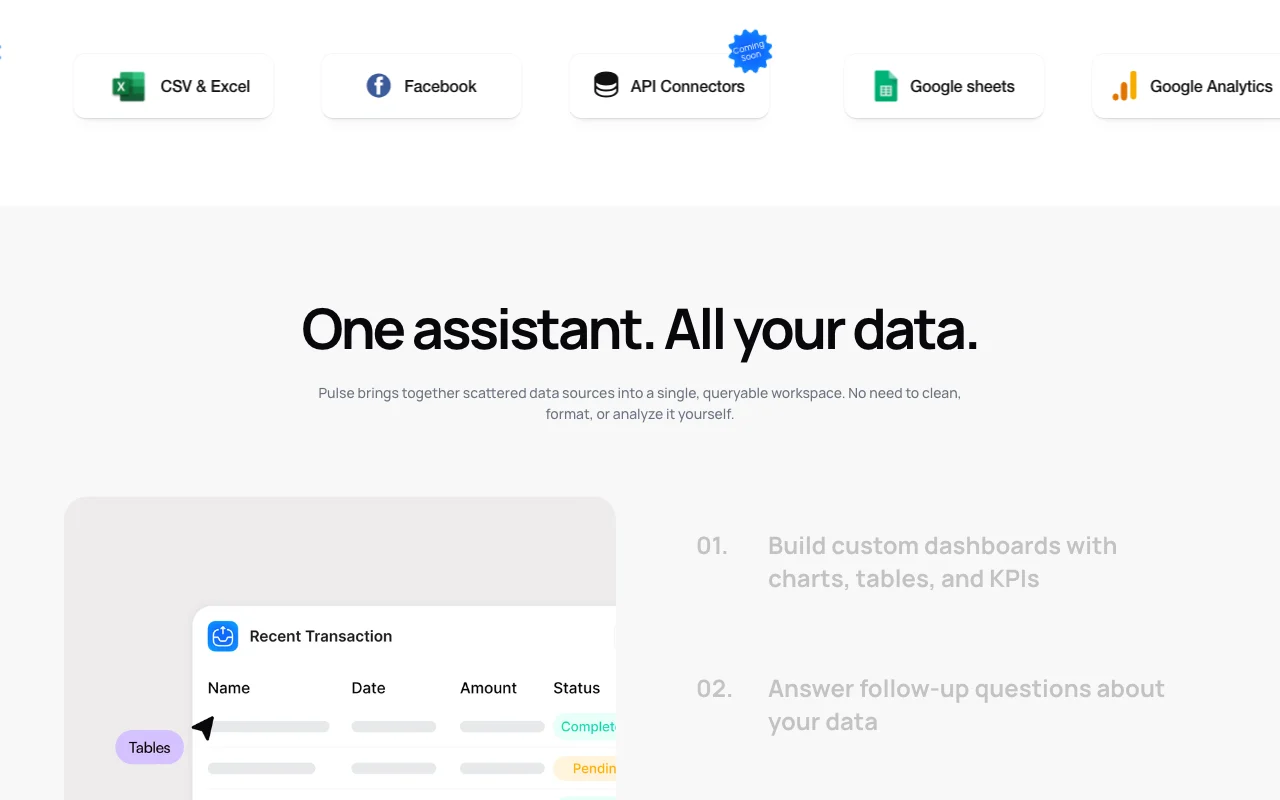
Connects to many sources including custom API and database connectors on Business. One workspace for scattered data.

Access: Business plan for all; fewer on lower plansLimit: Database and API connectors marked coming soon on the homepage source (opens in a new tab)

Anomaly and trend detection

Flags unusual changes and trends in connected data. Catch issues early.

Access: All plansLimit: Detection method is not documented source (opens in a new tab)

Automatic data refresh

Refreshes dashboards as data updates, monthly to hourly depending on plan. Keeps visuals current.

Access: Frequency by planLimit: Free syncs monthly only source (opens in a new tab)

Role-based access controls

Provides granular permissions and role-based settings. Restrict who sees data.

Access: Stated on homepageLimit: Plan availability is not stated source (opens in a new tab)

Pulse AI: strengths and limits

Where Pulse AI is strong

Limitations to check before paying

How to use Pulse AI for building a dashboard from a spreadsheet

Set up Pulse AI

  1. Open usepulseai.com and click Get Started to create an account.
  2. Create a project in the app.
  3. Connect a data source such as a CSV, Google Sheets or Google Analytics.
  4. Open the chat assistant.

Example: building a dashboard from a spreadsheet

  1. Type 'Show monthly revenue by channel as a bar chart with a total KPI'.
  2. Review the generated dashboard and filters.
  3. Ask a follow-up such as 'Why did March drop?'.
  4. Save the dashboard page.

Review and export the result

  1. Compare a KPI on the dashboard with the numbers in your source file.
  2. Check your AI credit balance for the month.
Example prompt suggested by our editors (not a recorded output of the product)
Show monthly revenue by channel as a bar chart and add a KPI card for total revenue.

Pulse AI API

API access and separate billing

Pulse AI has no public API in its official documentation. API connectors marked coming soon; docs page returned 404

Privacy, data use and commercial rights

Summarized from the vendor's current policies; this is not legal advice and a vendor's badge is not an independent audit.

How your inputs and outputs are handled

Uploaded and connected data is encrypted in transit and at rest.

Site states uploaded data is not used to train models.

Data retention window by plan: 7, 30, 180 or 360 days.

Commercial use and plan restrictions

Retention and sync frequency vary by plan

Controls for business users

  • Role-based permissions
  • GDPR and CCPA compliance claims

Pulse AI alternatives by need

"Better suited" is based on documented features and pricing, not on a head-to-head test.

Notion AI: better suited to

ChatGPT: better suited to

Zapier: better suited to

Alternatives
AlternativeWhen to choose itPricingLimitation
Notion AI——Compare
ChatGPT——
Zapier——Compare

Explore Pulse AI further

Related to Pulse AI

Pulse AI user reviews

No user reviews yet.

Used Pulse AI? Be the first to share your experience.

Write a review

Reviews are checked by a moderator before they appear. Your email is never published. Plain text only.

Your rating (required)

Show what you made or what went wrong. Images are published only if the review is approved; location data is removed.

    Pulse AI FAQ

    How much does Pulse AI cost?

    Free is $0, Pro $49, Growth $149 and Business $399 per month, with a 10% annual discount toggle. source (opens in a new tab)

    How many AI credits does each Pulse AI plan include?

    7 credits per month on Free, 25 on Pro, 75 on Growth and 500 on Business. source (opens in a new tab)

    How often does Pulse AI sync data?

    Monthly on Free, weekly on Pro, daily on Growth and hourly on Business. source (opens in a new tab)

    Which data sources does Pulse AI connect to?

    CSV and Excel, Google Analytics, Google Sheets, Facebook and Shopify today; database and API connectors are marked coming soon. source (opens in a new tab)

    Does Pulse AI train on my data?

    The homepage says it does not use your data to train models and that data is encrypted in transit and at rest. source (opens in a new tab)

    Sources and review methodology

    Official sources and verification dates

    Not verified: Privacy policy; Docs and API; Annual price amounts; US availability.

    How we documented and maintain this page

    Every fact about Pulse AI above comes from the 2 official pages listed here, last compared on Sep 29, 2026; we have not run Pulse AI ourselves, so it has no editorial score. How we check and re-check pages.

    Article updated Oct 10, 2026; prices checked Sep 29, 2026. Outbound links to vendors are plain links; we do not earn commissions. How we review · Report an error