Productivity & writingDocumented overviewLast checked Sep 29, 2026

ClickUp Brain: Pricing, Features & Best Use Cases

ClickUp's AI layer (Brain 2) with company context, memory, multiple models and agents inside the ClickUp workspace.
Who ClickUp Brain fits

ClickUp Brain suits teams already running work in ClickUp who want one AI with workspace context and several models, with paid plans from $7 per user per month billed yearly. Based on the vendor's documentation, not on a hands-on test.

Best for: Teams already on ClickUp

Also a good fit for

  • Project managers wanting AI over workspace data

Consider another tool if full AI use requires a paid plan beyond the trial

Or if

  • Billing period of the $9 price not stated on the Brain page
  • Value depends on adopting the ClickUp platform

ClickUp Brain pricing and usage limits

Prices checked Sep 29, 2026 on the official US pricing page. Official pricing ↗ Prices and limits change often.

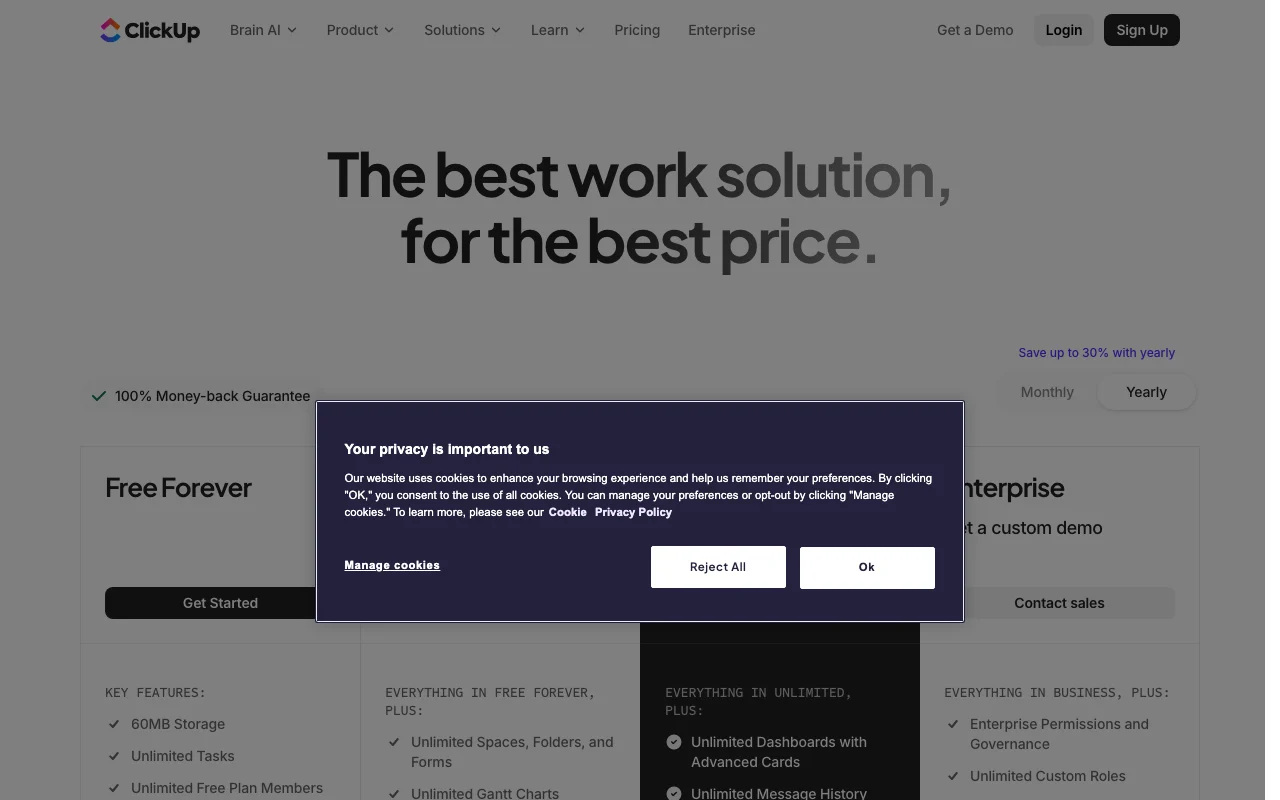
ClickUp Brain pricing page with plans and prices — screenshot of the productivity & writing AI tool, Oct 1, 2026
The official ClickUp Brain pricing page as we saw it. clickup.com, captured Oct 1, 2026

Free access and trial conditions

Free Forever plan; AI usage limits apply.

Brain 2 free to try, no card required (Brain page).

Paid plans: what changes as you upgrade

Free Forever web

Free source (opens in a new tab)

Month

For: Individuals trying ClickUp

Limits

  • 60 MB storage, 5 Spaces
  • AI free usage: limits apply
1 more
  • 1 Form, 3 Whiteboards

Includes

  • Unlimited tasks and members
  • Docs, Kanban, sprints

Unlimited web

$10/mo per user per month (monthly billing) source (opens in a new tab)

Month

$7 per user per month billed yearly

For: Small teams

Limits

  • AI free usage: limits apply
  • Unlimited storage and integrations
1 more
  • 1,000 automation executions

Includes

  • Gantt charts, goals
  • Native time tracking
1 more
  • Guests with permissions

Business web

$19/mo per user per month (monthly billing) source (opens in a new tab)

Month

$12 per user per month billed yearly

For: Growing teams

Limits

  • AI free usage: limits apply
  • 5,000 automation executions
1 more
  • Unlimited dashboards

Includes

  • Google SSO
  • Mind maps and private whiteboards
1 more
  • Webhooks

Enterprise web

Custom pricing source (opens in a new tab)

Custom

For: Large organizations

Limits

  • 250,000 automation executions
  • 10,000 API calls per minute

Includes

  • SAML SSO and SCIM
  • Audit log
1 more
  • HIPAA and data residency

Usage caps, credits and extra costs

Brain page says Unlimited starts at $9, period not stated; ClickUp pricing page lists $7 yearly or $10 monthly.

Not stated.

What is ClickUp Brain, and how does it work?

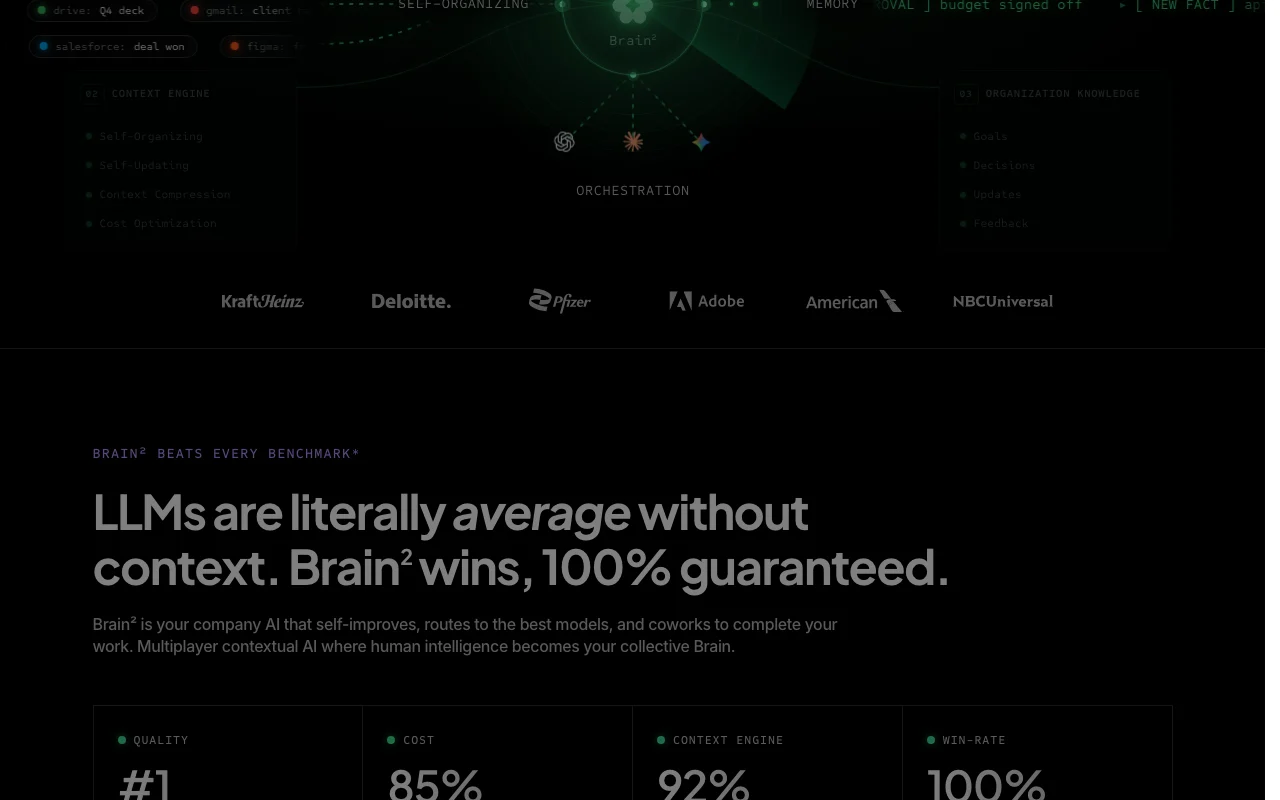
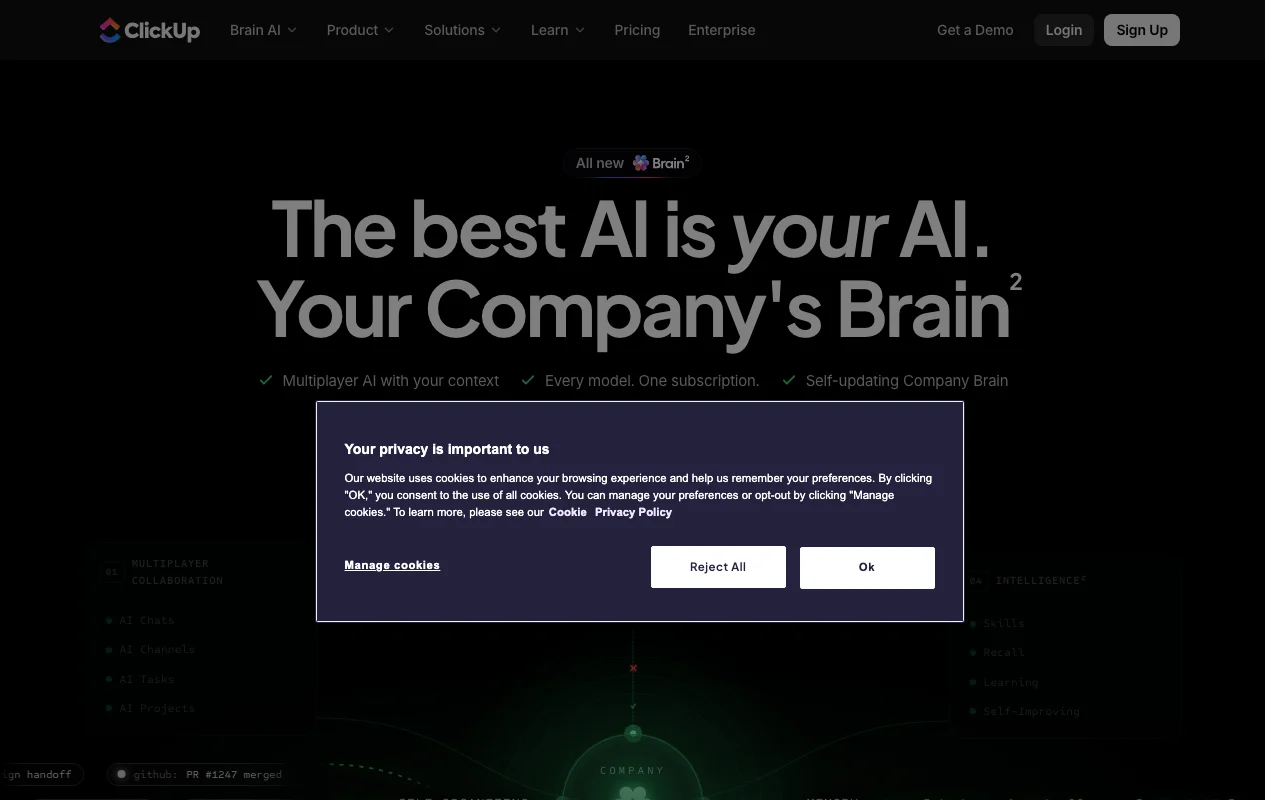
ClickUp Brain is the AI assistant built into the ClickUp work platform. The current page presents Brain 2 as a multiplayer AI that uses a company's tasks, docs, chats and connected apps as context, with a self-updating company memory. The page lists downloads for iOS, Android, Windows, Mac and Chrome, offers a free trial of Brain 2 without a card, and states that Unlimited starts at $9.

ClickUp Brain homepage — screenshot of the productivity & writing AI tool, Oct 1, 2026
ClickUp Brain's official site: how the product presents itself. clickup.com, captured Oct 1, 2026

What you provide and what you get back

How ClickUp Brain works: what you provide, where it runs and what you get backYOU PROVIDEYour inputWorkspace tasks, docs, chats and…Connected app data such as Slack,…Questions and instructions in chatPRODUCTIVITY & WRITINGClickUp BrainWeb, Desktop, Mobilefrom $10/mo (Unlimited)free tier availableaccount requiredchecked Sep 29, 2026YOU GET BACKThe resultAnswers drawn from company contextDrafts and summariesAgent-run task updatesinput → ClickUp Brain → output · from the vendor's own pages, no hands-on test unless stated
What you give ClickUp Brain and what comes back, from its documentation

You provide

  • Workspace tasks, docs, chats and comments
  • Connected app data such as Slack, GitHub, Drive, Gmail
  • Questions and instructions in chat

You get back

  • Answers drawn from company context
  • Drafts and summaries
  • Agent-run task updates

Where you can use it

Platforms
Web, Desktop, Mobile
Account
Required
Platforms
Web, iOS, Android, Windows, Mac, Chrome
Models
Several models under one subscription
Integrations
50+ native, e.g. Slack, Hubspot, Google Drive
Storage
60 MB Free, unlimited paid
API calls
100/minute, 10,000/minute Enterprise

Where ClickUp Brain is most useful

Scenarios are worked out by our editors from the documentation; the actual result depends on your input and plan.

Answering questions from workspace tasks and docs

Who
Project managers
You provide
Workspace tasks and docs
Expected result
A weekly plan and status summary
Plan needed
Unlimited or Business
Limitation
AI usage limits apply source (opens in a new tab)

Drafting and summarizing work content

Who
Engineering leads
You provide
Tasks, PR and Slack signals
Expected result
Triaged work and drafted updates
Plan needed
Business
Limitation
Quality depends on connected sources source (opens in a new tab)

Automating routine project work with agents

Who
Agency owners managing clients
You provide
Client tasks, docs and chat threads
Expected result
Agent that tracks accounts and drafts replies
Plan needed
Business
Limitation
Agents run within workspace permissions source (opens in a new tab)

Key features and their practical limits

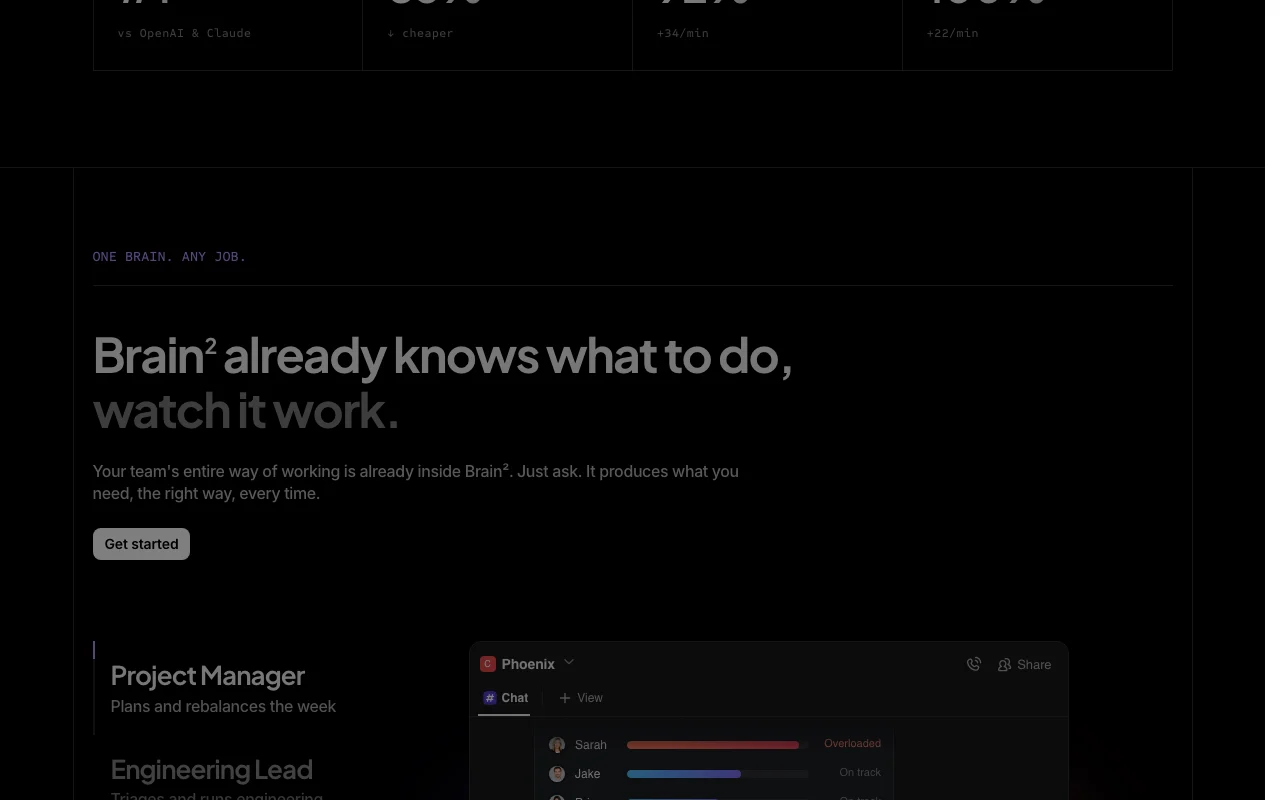
ClickUp Brain homepage — screenshot of the productivity & writing AI tool, Oct 1, 2026
Feature overview on the official site. clickup.com, captured Oct 1, 2026

Multiplayer AI with company context

Gives AI chats, channels, tasks and projects shared company context Teammates work from the same context

Access: Brain 2 trial then paid planLimit: Needs ClickUp workspace adoption source (opens in a new tab)

Self-updating company memory

Keeps a self-updating memory re-indexed from workspace activity Avoids re-explaining background

Access: Brain 2Limit: Depth of retention not documented source (opens in a new tab)

Access to multiple AI models under one subscription

Offers several AI models under one subscription Pick the model per task without extra accounts

Access: Brain 2 subscriptionLimit: Model list not shown on loaded page source (opens in a new tab)

Skills and decisions tracking

Tracks reusable skills and versioned decisions Keeps decisions auditable

Access: Brain 2Limit: Specifics beyond marketing copy not shown source (opens in a new tab)

ClickUp Brain: strengths and limits

Where ClickUp Brain is strong

Limitations to check before paying

How to use ClickUp Brain for asking questions across ClickUp tasks and docs

Set up ClickUp Brain

  1. Open the Brain page and choose Try Brain 2 free
  2. Sign in or create a ClickUp workspace
  3. Connect the apps you use such as Slack or Google Drive
  4. Import memory from another AI assistant if offered

Example: asking questions across ClickUp tasks and docs

  1. Open an AI chat in the workspace
  2. Ask for a summary of last week's tasks
  3. Turn the answer into a doc or task
  4. Share the chat with a teammate

Review and export the result

  1. Open the cited tasks to verify the facts
  2. Check your plan's AI usage meter
Example prompt suggested by our editors (not a recorded output of the product)
Summarize everything that changed in the API v3 project this week and list blockers with owners.

ClickUp Brain API

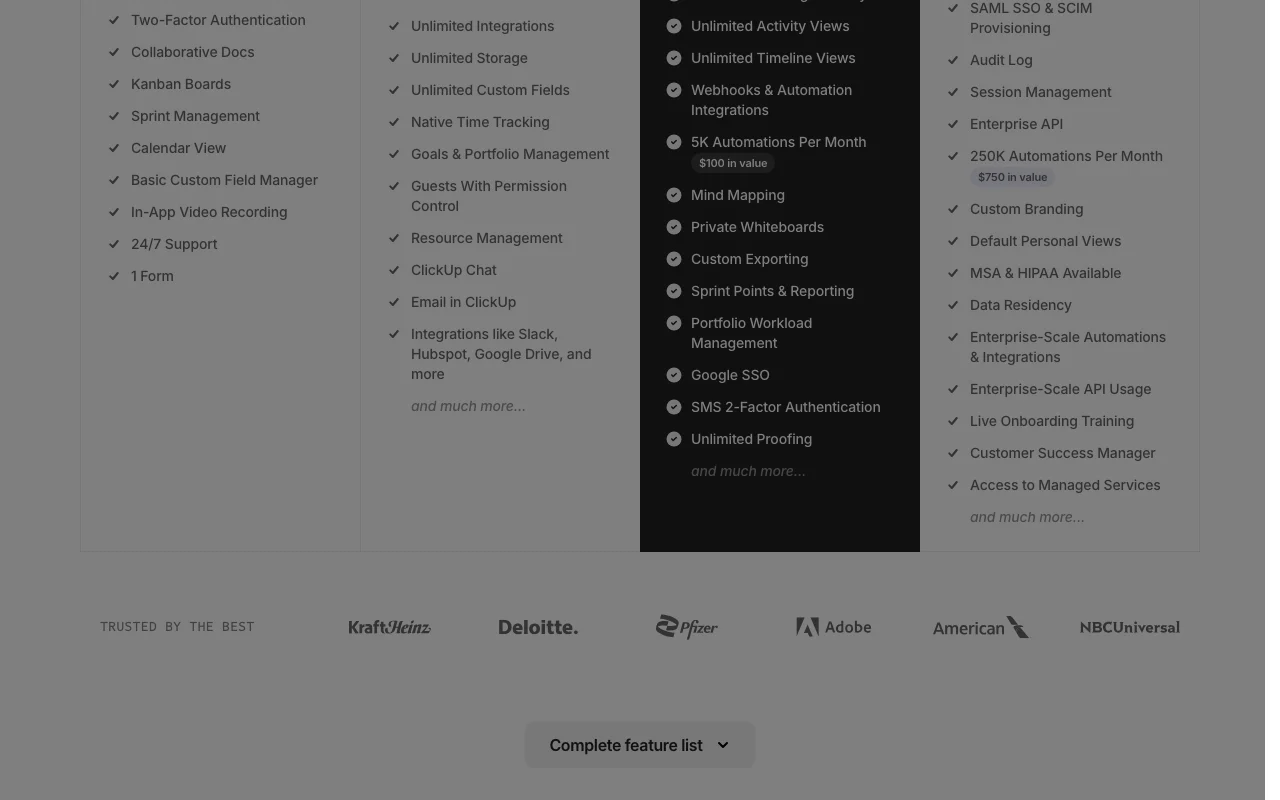
ClickUp Brain pricing page with plans and prices — screenshot of the productivity & writing AI tool, Oct 1, 2026
Plan comparison on the official pricing page. clickup.com, captured Oct 1, 2026

API access and separate billing

ClickUp Brain has no public API in its official documentation. ClickUp API 100 calls per minute on Free to Business, 10,000 on Enterprise; Brain API not described.

Privacy, data use and commercial rights

Summarized from the vendor's current policies; this is not legal advice and a vendor's badge is not an independent audit.

How your inputs and outputs are handled

Workspace content is used as context for Brain answers.

Commercial use and plan restrictions

HIPAA and data residency on Enterprise

Controls for business users

  • SAML SSO
  • Audit log
  • Custom roles on Enterprise

ClickUp Brain alternatives by need

"Better suited" is based on documented features and pricing, not on a head-to-head test.

Notion AI: better suited to

Microsoft Copilot: better suited to

ChatGPT: better suited to

Alternatives
AlternativeWhen to choose itPricingLimitation
Notion AI——Compare
Microsoft Copilot——
ChatGPT——

Explore ClickUp Brain further

Related to ClickUp Brain

ClickUp Brain user reviews

No user reviews yet.

Used ClickUp Brain? Be the first to share your experience.

Write a review

Reviews are checked by a moderator before they appear. Your email is never published. Plain text only.

Your rating (required)

Show what you made or what went wrong. Images are published only if the review is approved; location data is removed.

    ClickUp Brain FAQ

    How much does ClickUp Brain cost?

    The Brain page says Unlimited starts at $9 without a billing period; ClickUp's pricing page lists Unlimited at $7 per user per month yearly or $10 monthly. source (opens in a new tab)

    Is there a free trial of Brain?

    Yes. The Brain page invites you to try Brain 2 free and says no card is required. source (opens in a new tab)

    Does the Free Forever plan include AI?

    The plan table shows AI free usage with limits apply on every plan, including Free Forever. source (opens in a new tab)

    Which platforms is Brain available on?

    The page lists iOS, Android, Windows, Mac and Chrome downloads. source (opens in a new tab)

    How many automations are included?

    Free 100 executions, Unlimited 1,000, Business 5,000 and Enterprise 250,000 per month. source (opens in a new tab)

    Sources and review methodology

    Official sources and verification dates

    Not verified: Brain-specific plan pricing; AI usage caps; privacy and training terms; model list.

    How we documented and maintain this page

    Every fact about ClickUp Brain above comes from the 2 official pages listed here, last compared on Sep 29, 2026; we have not run ClickUp Brain ourselves, so it has no editorial score. How we check and re-check pages.

    Article updated Oct 10, 2026; prices checked Sep 29, 2026. Outbound links to vendors are plain links; we do not earn commissions. How we review · Report an error