Free web
Free source (opens in a new tab)
Monthly
For: Trying the product
Limits
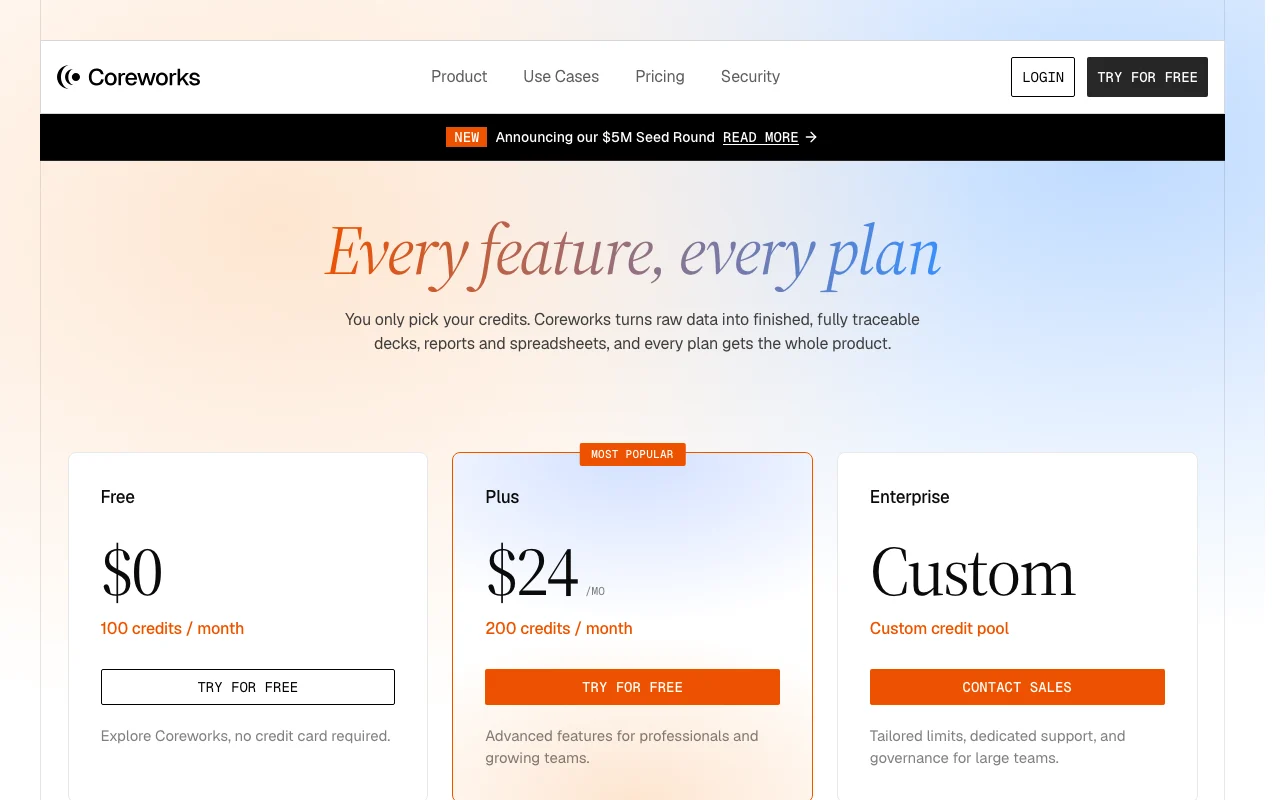
- 100 credits per month
- About 20 credits per generation
Includes
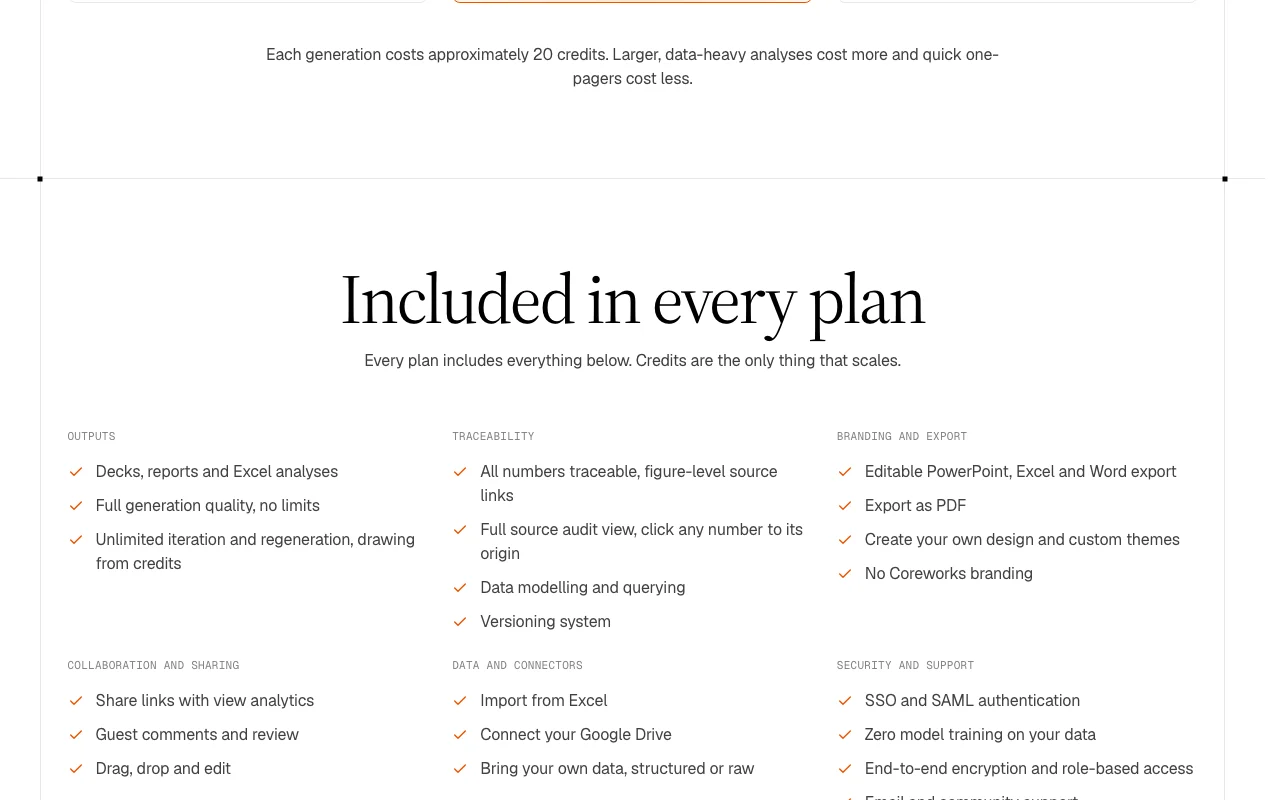
- All features of every plan
- Traceable figures
1 more
- Editable exports

Productivity & writingDocumented overviewLast checked Oct 1, 2026
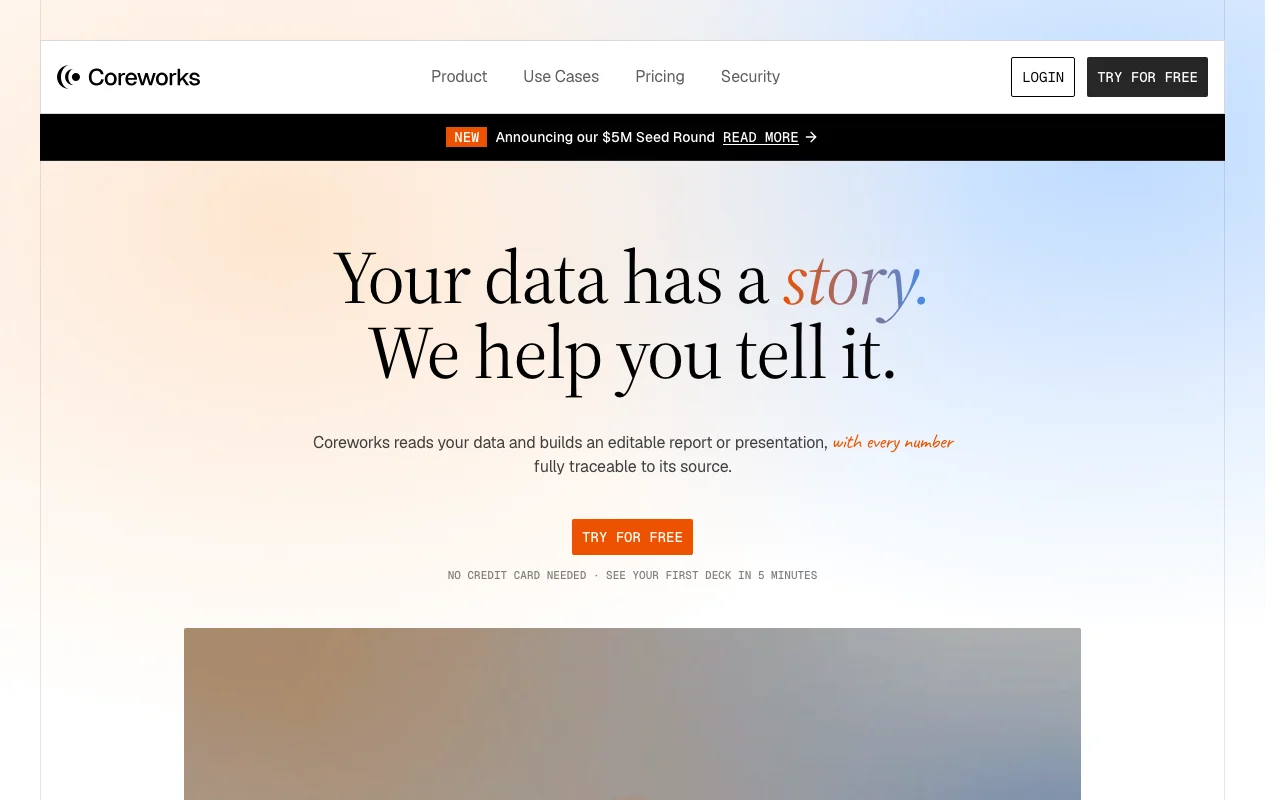
Turns business data into editable, source-traceable decks, reports and Excel analyses.
 (open full size in a new tab)
 (open full size in a new tab)
 (open full size in a new tab)
 (open full size in a new tab)
 (open full size in a new tab)
Our take: Coreworks fits marketing, sales and rev-ops teams that rebuild recurring decks and reports by hand and want every number traceable to its source cell.
Main limitation: Generations are metered in credits (about 20 each)
Coreworks fits marketing, sales and rev-ops teams that rebuild recurring decks and reports by hand and want every number traceable to its source cell. Based on the vendor's documentation, not on a hands-on test.
Also a good fit for
Or if
Prices checked Oct 1, 2026 on the official US pricing page. Official pricing ↗ Prices and limits change often.
Free plan with 100 credits per month, no credit card
Free source (opens in a new tab)
Monthly
For: Trying the product
Limits
Includes
$24 source (opens in a new tab)
Monthly
For: Professionals and growing teams
Limits
Includes
Custom pricing source (opens in a new tab)
Custom
For: Large teams
Limits
Includes
Larger analyses use more than 20 credits
Not stated
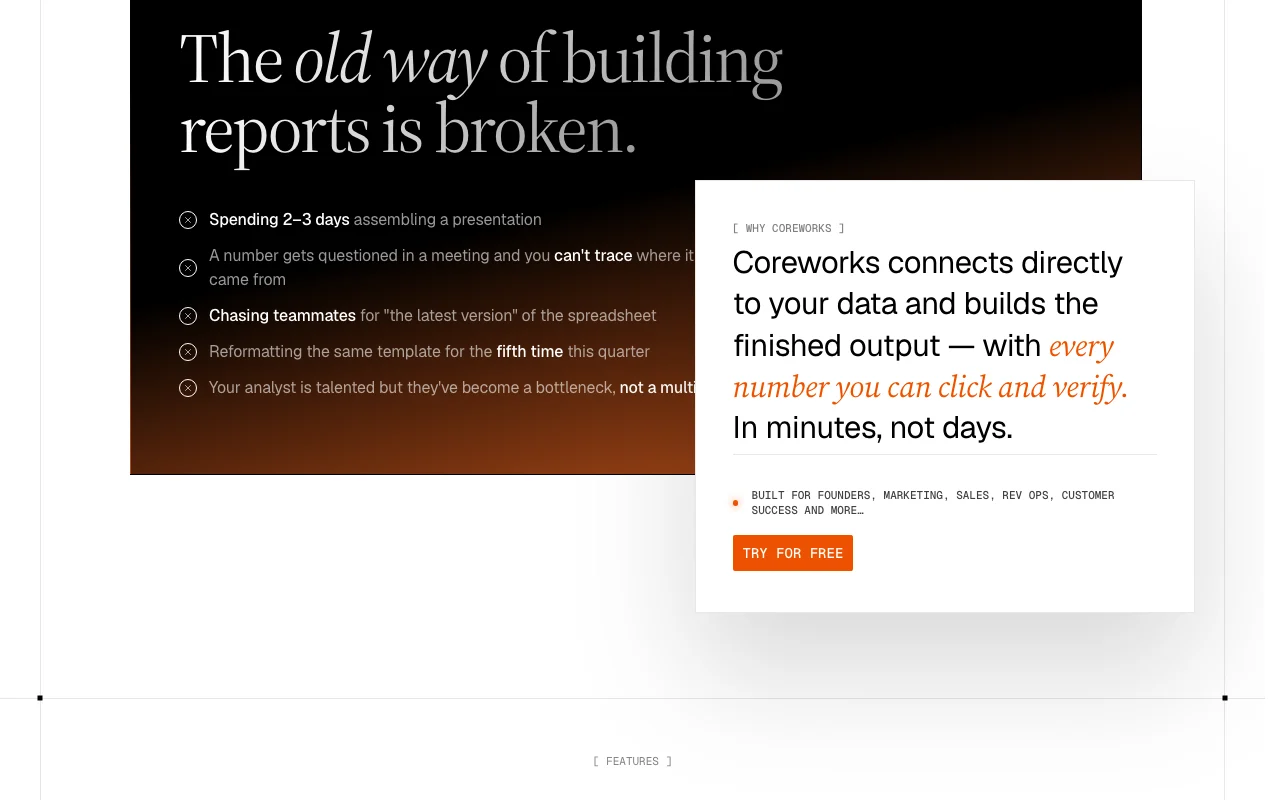
Coreworks reads connected or uploaded business data and builds editable presentations, reports and spreadsheets. Each number links back to its source cell or formula. It is aimed at teams such as marketing, sales, rev ops and customer success who otherwise assemble recurring reports by hand. Outputs can be exported to PowerPoint, Excel, Word or PDF.
You provide
You get back
Scenarios are worked out by our editors from the documentation; the actual result depends on your input and plan.
Reads data structure and surfaces insights automatically Skips manual analysis
Links each number to its source cell or formula Makes numbers auditable
Lets you drag, drop and edit generated slides Final polish without regenerating
Exports editable Office files and PDF Fits existing workflows
Create a monthly business review deck from this sales spreadsheet highlighting revenue by region.
Export: PowerPoint, Excel, Word, PDF
Coreworks has no public API in its official documentation. No API listed
Summarized from the vendor's current policies; this is not legal advice and a vendor's badge is not an independent audit.
Business data you upload or connect
Zero model training on your data (pricing page)
"Better suited" is based on documented features and pricing, not on a head-to-head test.
| Alternative | When to choose it | Pricing | Limitation | |
|---|---|---|---|---|
| Gemini Notebook (formerly NotebookLM) | — | — | ||
| Microsoft Copilot | — | — | ||
| Notion AI | — | — | Compare |
No user reviews yet.
Used Coreworks? Be the first to share your experience.
100 per month on Free and 200 on Plus; each generation costs about 20 credits. source (opens in a new tab)
No. Credits reset at the start of each billing cycle and do not carry over. source (opens in a new tab)
Every output includes data lineage so you can trace each figure to its source, and calculations are cross-validated. source (opens in a new tab)
Editable PowerPoint, Excel and Word, plus PDF. source (opens in a new tab)
The pricing page lists zero model training on your data. source (opens in a new tab)
Not verified: Data retention period; Other connectors beyond Google Drive; Annual pricing; Page not available: https://www.coreworks.ai/privacy; Page not available: https://www.coreworks.ai/docs.
Every fact about Coreworks above comes from the 2 official pages listed here, last compared on Oct 1, 2026; we have not run Coreworks ourselves, so it has no editorial score. How we check and re-check pages.
Article updated Oct 10, 2026; prices checked Oct 1, 2026. Outbound links to vendors are plain links; we do not earn commissions. How we review · Report an error
compare>