Community self-hosted
Free source (opens in a new tab)
Unknown
For: Small teams
Limits
- Self-hosted by you
- Community forum access only
Includes
- Open source
- Core functionality
Productivity & writingDocumented overviewLast checked Oct 2, 2026
Workspace for files, projects, chat and data with no-code tools; free self-hosted Community edition, custom-priced organization plans.
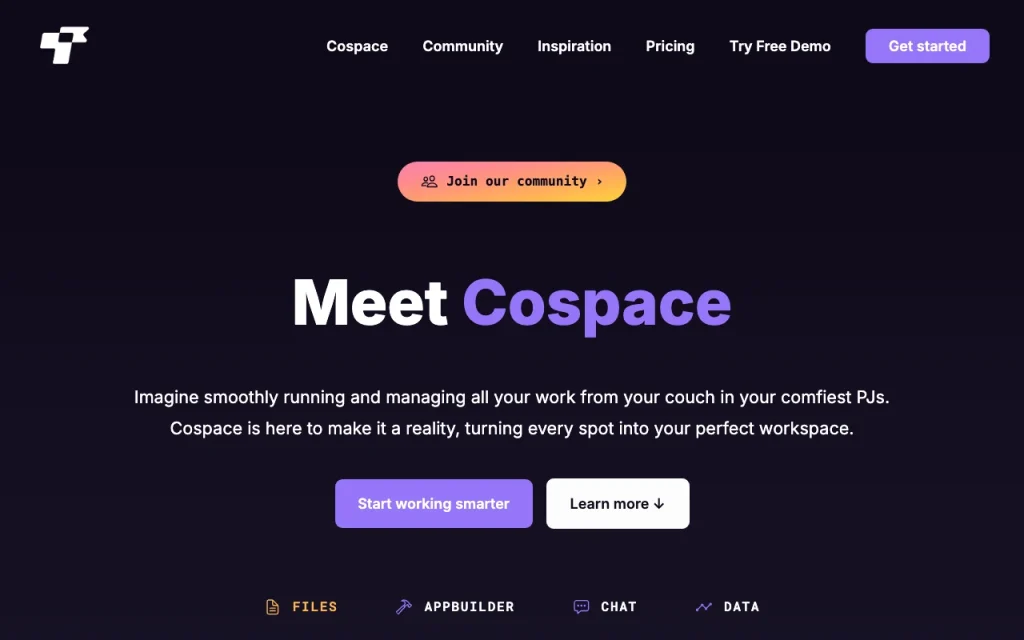
Our take: Choose Cospace if you want a single workspace for files, projects, chat and data with no-code tools, using the free self-hosted Community edition or a custom-quoted organization plan, and treat its AI features as integrations rather than a core AI product.
Main limitation: Organization pricing is not published and the free Community edition is self-hosted with community-forum support only.
Choose Cospace if you want a single workspace for files, projects, chat and data with no-code tools, using the free self-hosted Community edition or a custom-quoted organization plan, and treat its AI features as integrations rather than a core AI product. Based on the vendor's documentation, not on a hands-on test.
Also a good fit for
Or if
Prices checked Oct 2, 2026 on the official US pricing page. Official pricing ↗ Prices and limits change often.
Community edition is free forever; browser demo needs no sign-up (resets every 30 minutes).
Browser demo.
Free source (opens in a new tab)
Unknown
For: Small teams
Limits
Includes
Custom pricing source (opens in a new tab)
Unknown
For: Organizations needing control
Includes
Not stated.
Not stated.
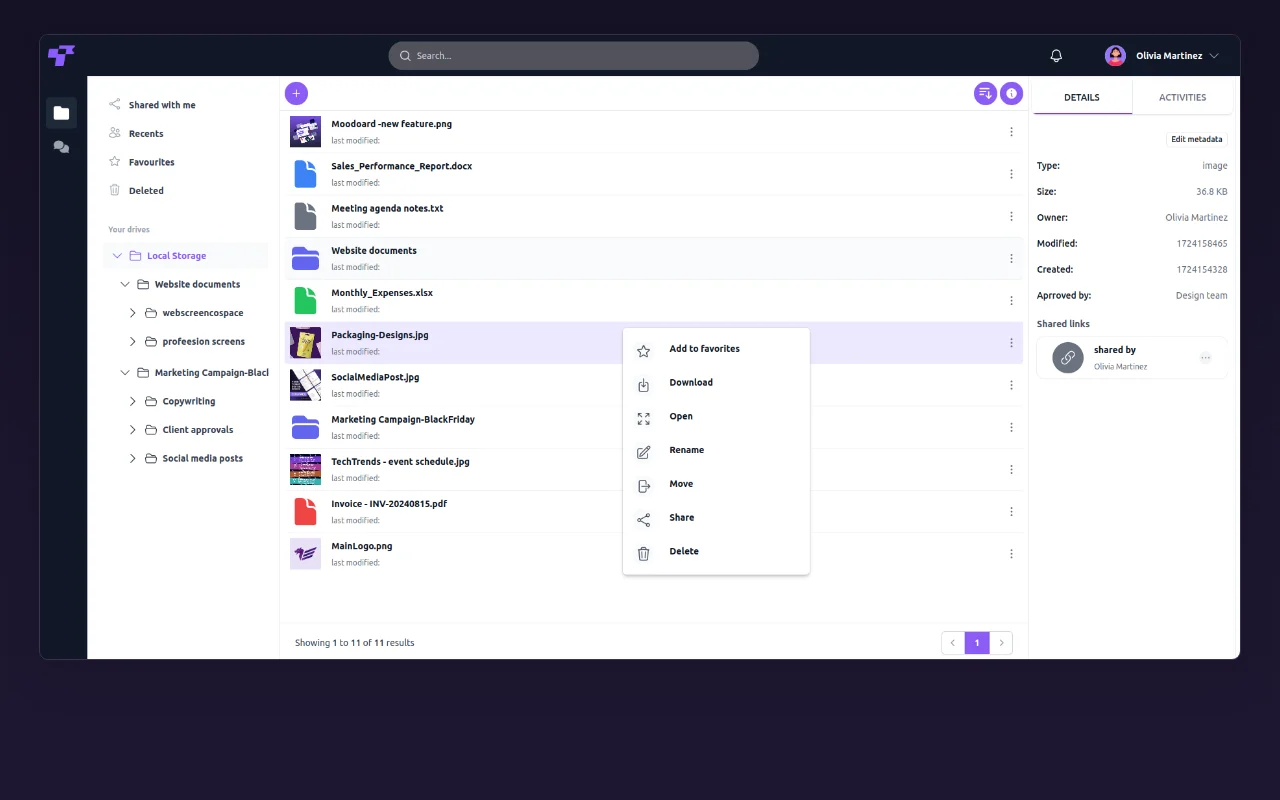
Cospace, from Twigex, is a workspace that combines file storage and sharing, project views, real-time chat and video, and a data area with dashboards. It supports Microsoft Office formats and offers no-code tools such as forms and workflow automation. The homepage lists a free open-source self-hosted Community edition and a customized organization plan (on-premises, hybrid or cloud). AI is mentioned mainly as integrations with AI tools.
You provide
You get back
Scenarios are worked out by our editors from the documentation; the actual result depends on your input and plan.
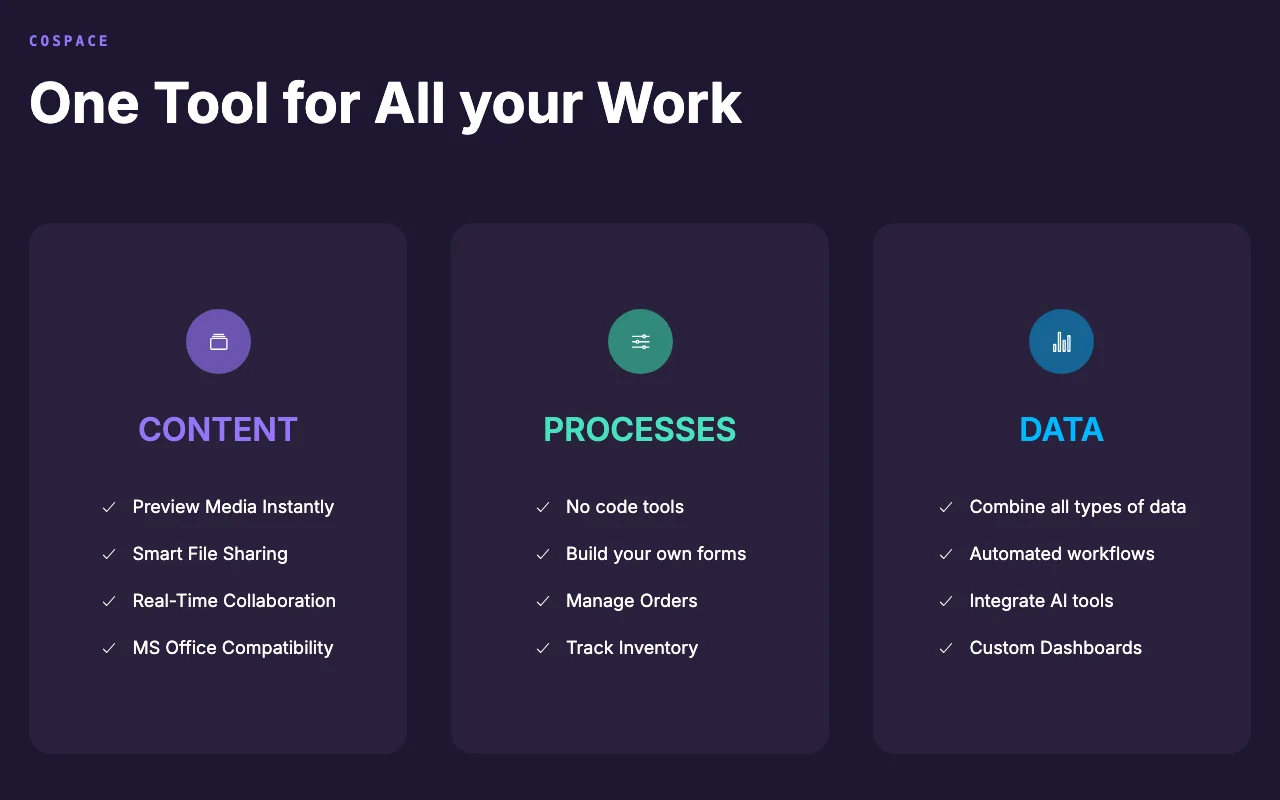
Previews media and shares files securely Faster file handling
Co-edit Microsoft Office formats in real time Simultaneous work
Build forms and processes without code Custom workflows
Chat and video calls Fewer separate tools
"Better suited" is based on documented features and pricing, not on a head-to-head test.
| Alternative | When to choose it | Pricing | Limitation | |
|---|---|---|---|---|
| Notion AI | — | — | Compare | |
| Microsoft Copilot | — | — |
No user reviews yet.
Used Cospace? Be the first to share your experience.
The Community edition is free forever, open source and self-hosted. source (opens in a new tab)
It is quoted on request; no price is published. source (opens in a new tab)
Yes, a browser demo resets every 30 minutes. source (opens in a new tab)
On-premises, hybrid or cloud for organizations. source (opens in a new tab)
The site describes AI tool integrations and AI-assisted analytics, without detail. source (opens in a new tab)
Not verified: USD pricing; AI feature specifics; Mobile apps; Retention and training terms; Hosting requirements.
Every fact about Cospace above comes from the 3 official pages listed here, last compared on Oct 2, 2026; we have not run Cospace ourselves, so it has no editorial score. How we check and re-check pages.
Article updated Oct 2, 2026; prices checked Oct 2, 2026. Outbound links to vendors are plain links; we do not earn commissions. How we review · Report an error
compare>