Starter web
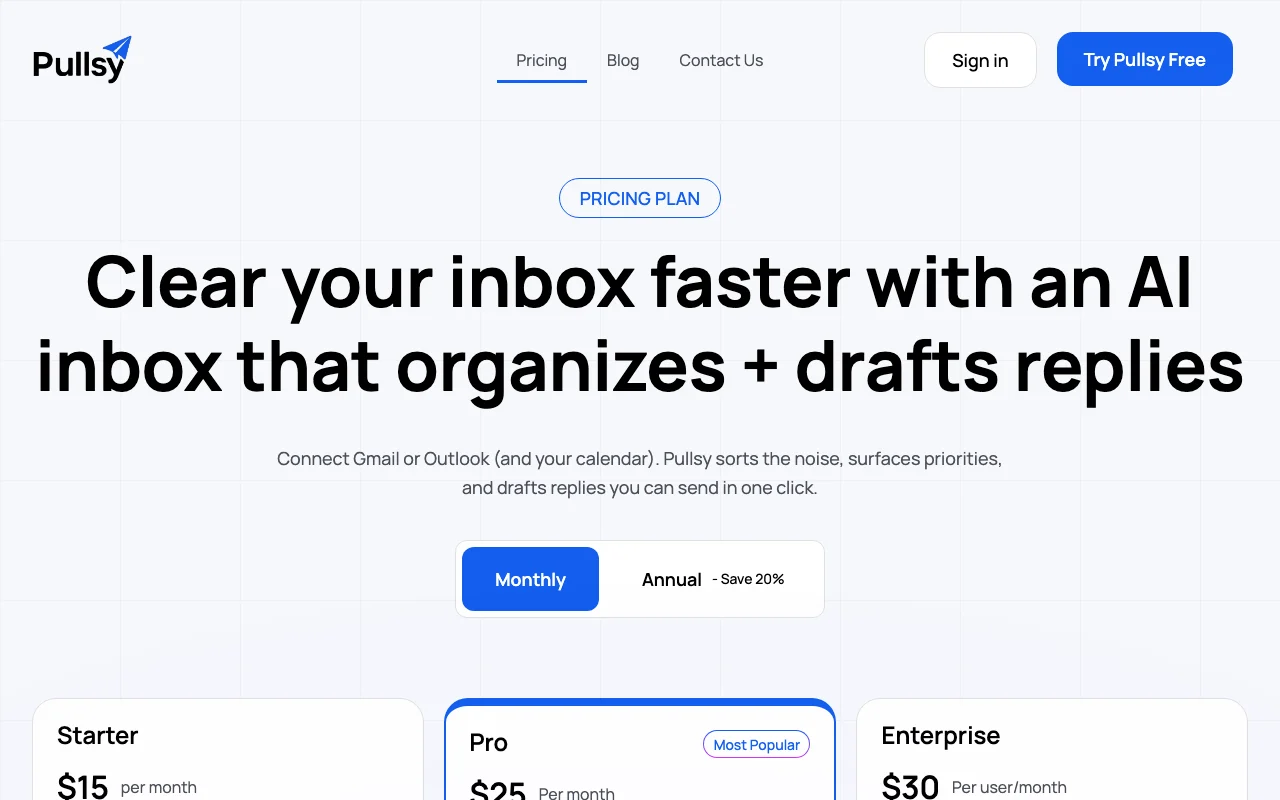
$15/mo source (opens in a new tab)
Month, annual commitment
$12/month billed annually ($144)
For: Single mailbox users
Limits
- 1 inbox
- 1 calendar
Includes
- Draft replies in your voice
- AI categorization
2 more
- Custom categories
- 14-day trial

Productivity & writingDocumented overviewLast checked Sep 29, 2026
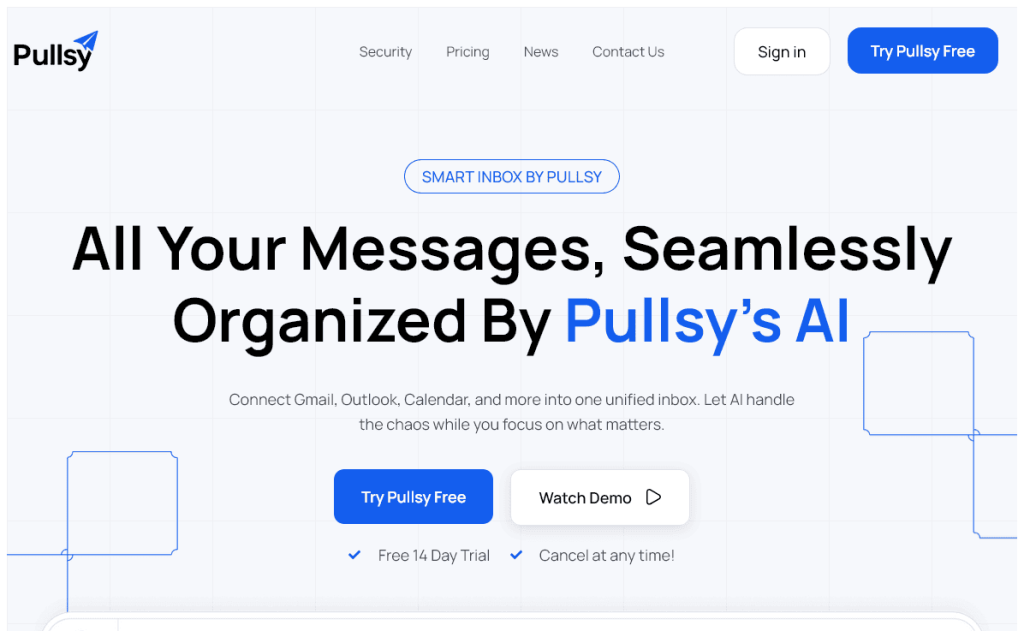
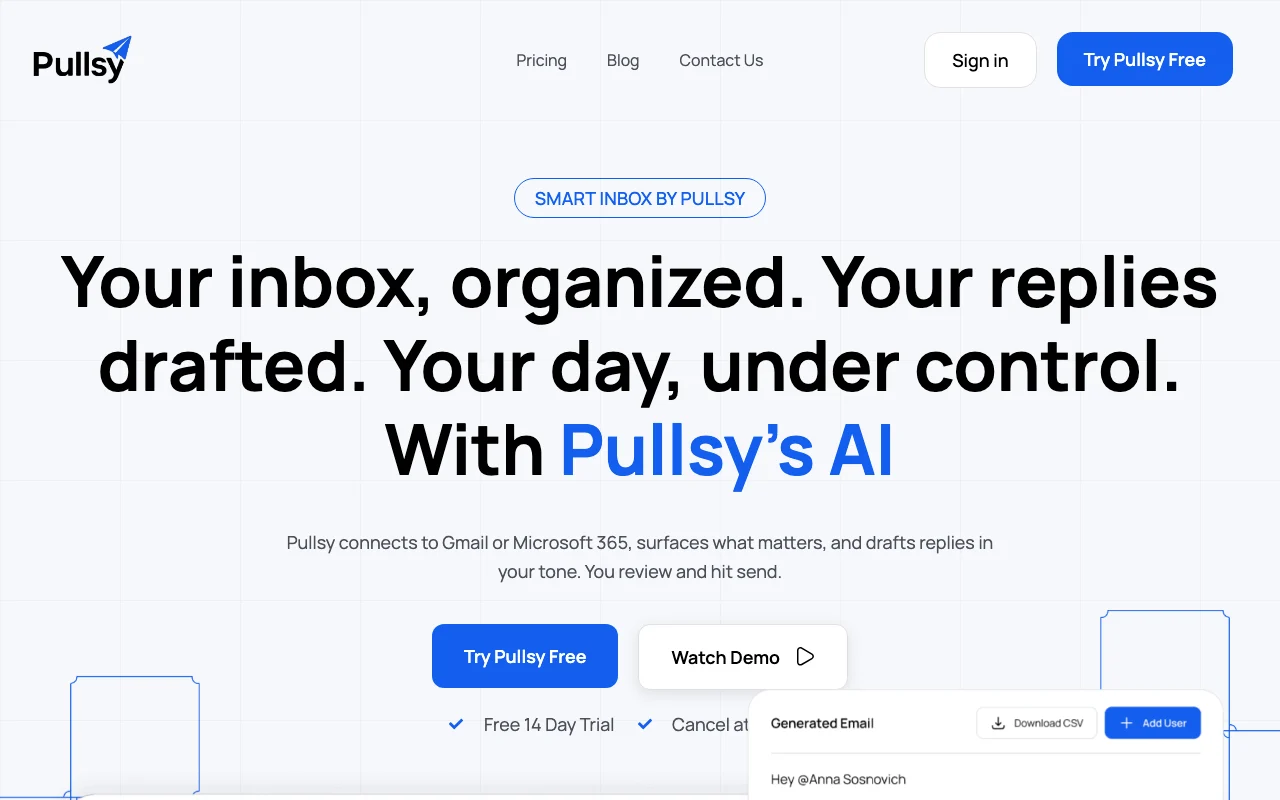
AI inbox assistant that sorts Gmail or Microsoft 365 mail, flags priorities and drafts replies in your tone.
 (open full size in a new tab)
 (open full size in a new tab)
 (open full size in a new tab)
 (open full size in a new tab)
 (open full size in a new tab)
 (open full size in a new tab)
Our take: Pick Pullsy if you live in Gmail or Microsoft 365 and want mail sorted, priorities surfaced and reply drafts in your tone that you still review before sending.
Main limitation: There is no permanent free plan, and Starter connects only one inbox and one calendar.
Pick Pullsy if you live in Gmail or Microsoft 365 and want mail sorted, priorities surfaced and reply drafts in your tone that you still review before sending. Based on the vendor's documentation, not on a hands-on test.
Also a good fit for
Or if
Prices checked Sep 29, 2026 on the official US pricing page. Official pricing ↗ Prices and limits change often.
None
14 days, card required but not charged until trial ends
$15/mo source (opens in a new tab)
Month, annual commitment
$12/month billed annually ($144)
For: Single mailbox users
Limits
Includes
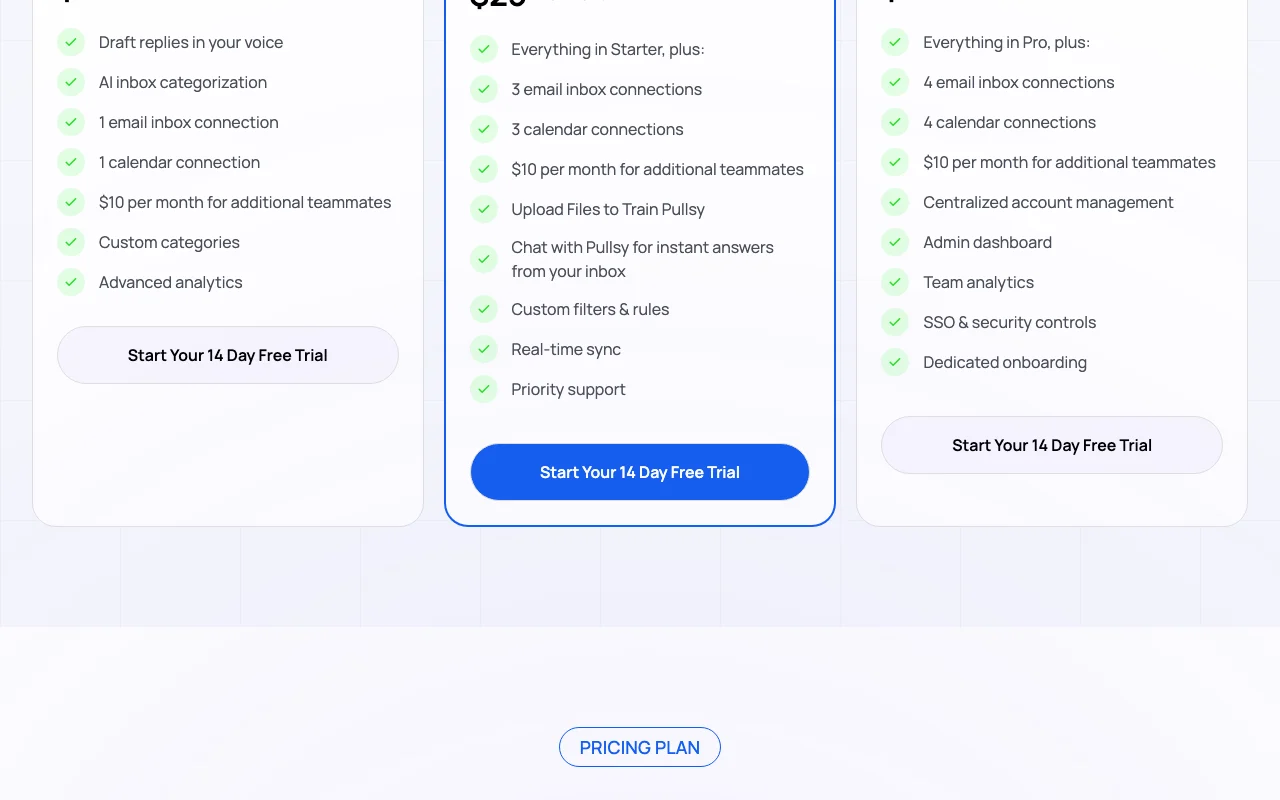
$25/mo source (opens in a new tab)
Month, annual commitment
$20/month billed annually ($240)
For: Multi-inbox professionals
Limits
Includes
$30/mo per user per month source (opens in a new tab)
Month, annual commitment
$24/month billed annually ($288)
For: Teams
Limits
Includes
$10 per month per additional teammate
Not stated
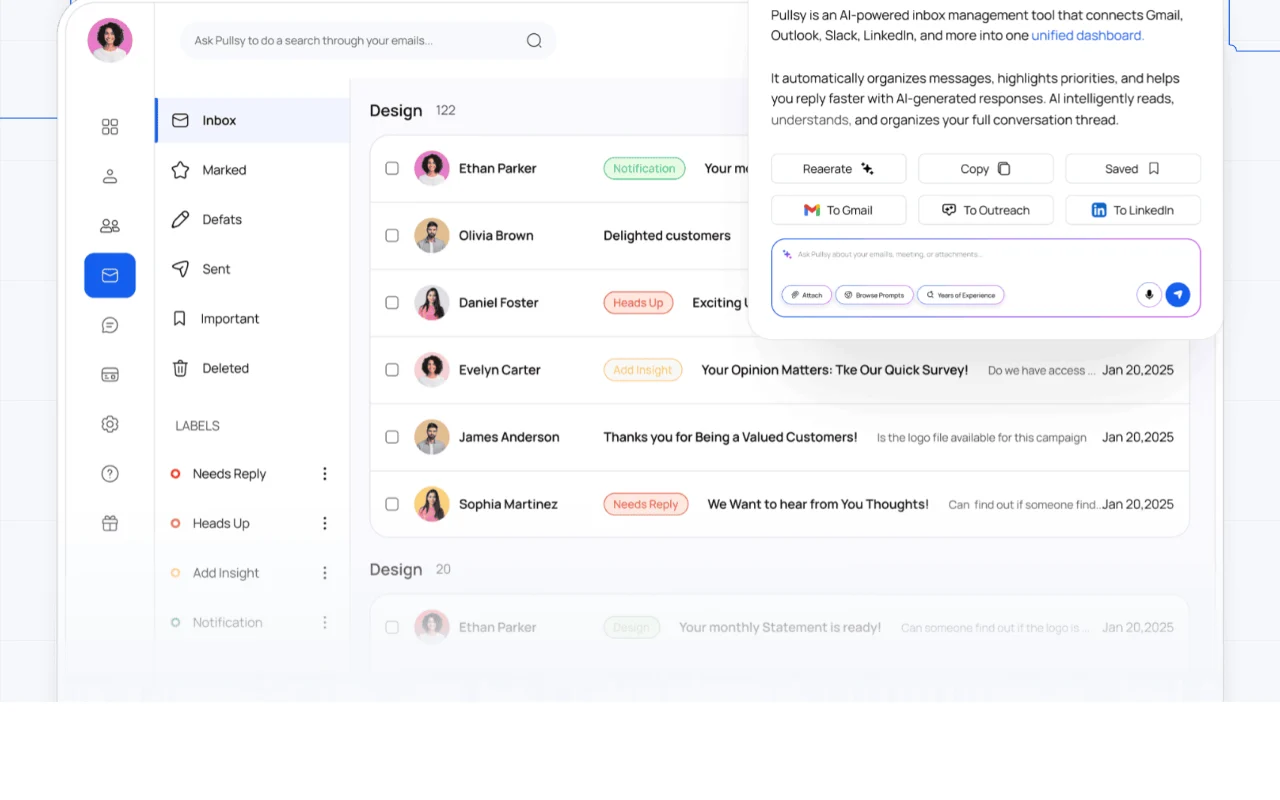
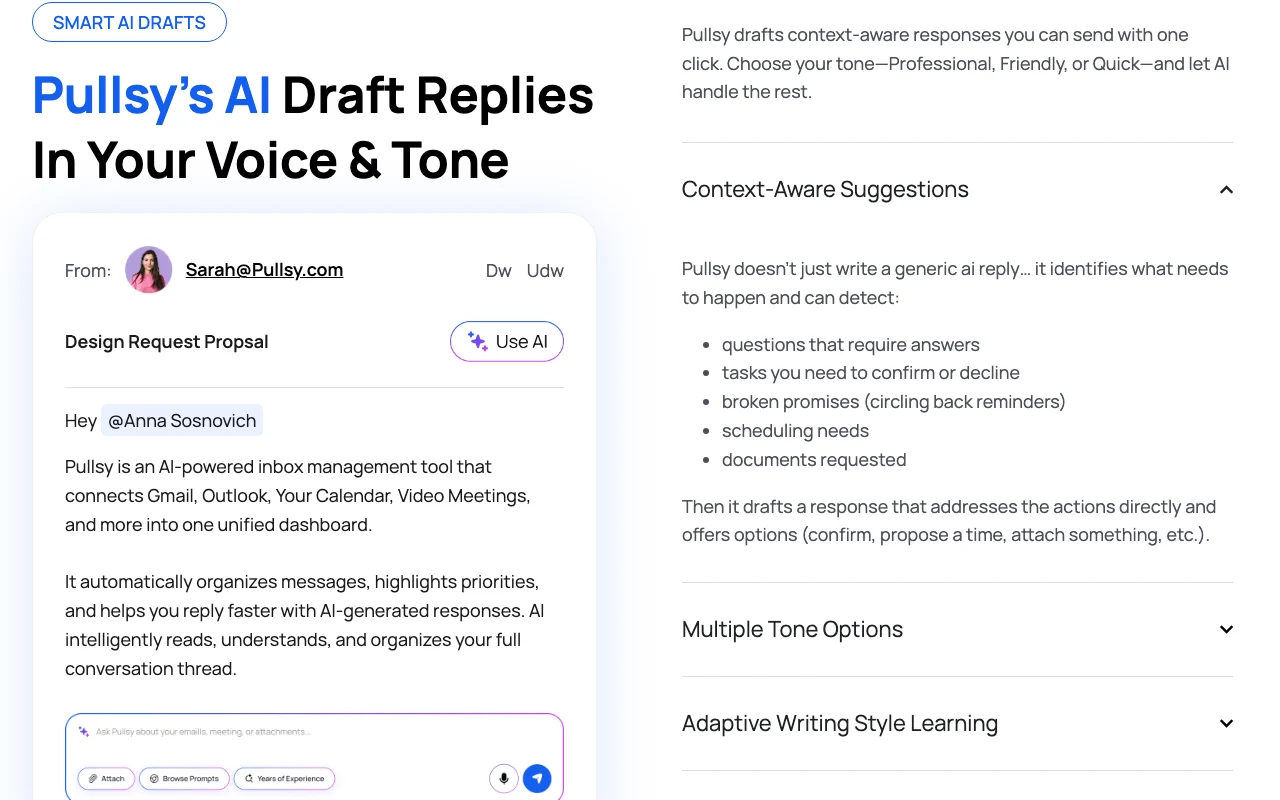
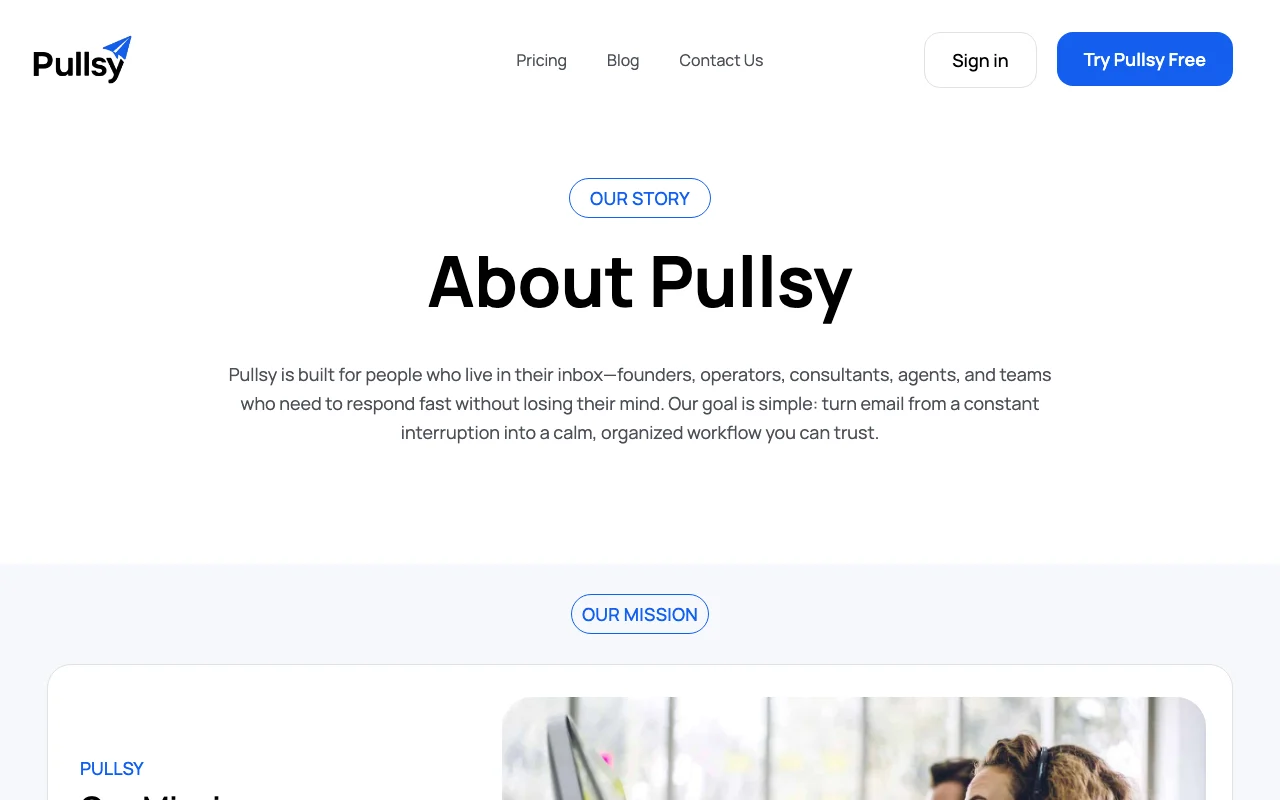
Pullsy connects to Gmail or Microsoft 365 and calendars, categorizes incoming email, surfaces priority messages and drafts replies the user reviews and sends. Drafts can follow a chosen tone and adapt to the user's writing style. It also offers a chat interface to ask questions about the inbox, custom categories and rules, and team features on higher plans.
You provide
You get back
Scenarios are worked out by our editors from the documentation; the actual result depends on your input and plan.
Categorizes incoming mail with AI Reduces triage time
Drafts replies adapting to your writing style Faster responses
Tone options for drafts Match formal or casual needs
Chat with your inbox Get instant answers about mail
Which emails from this week still need a reply from me?
Pullsy has no public API in its official documentation. Not mentioned
Summarized from the vendor's current policies; this is not legal advice and a vendor's badge is not an independent audit.
Reads connected mail and calendar to categorize and draft
Not stated
Not stated
Not stated
SSO on Enterprise
"Better suited" is based on documented features and pricing, not on a head-to-head test.
| Alternative | When to choose it | Pricing | Limitation | |
|---|---|---|---|---|
| Notion AI | — | — | Compare | |
| Microsoft Copilot | — | — | ||
| Google Gemini | — | — |
No user reviews yet.
Used Pullsy? Be the first to share your experience.
No, it generates drafts you review and send. source (opens in a new tab)
Gmail or Google Workspace and Outlook or Microsoft 365. source (opens in a new tab)
One connected email account such as one Gmail mailbox. source (opens in a new tab)
Yes, but you are not charged until it ends. source (opens in a new tab)
20%, for example Starter at $12 a month. source (opens in a new tab)
Not verified: Privacy terms; Training use.
Every fact about Pullsy above comes from the 2 official pages listed here, last compared on Sep 29, 2026; we have not run Pullsy ourselves, so it has no editorial score. How we check and re-check pages.
Article updated Oct 10, 2026; prices checked Sep 29, 2026. Outbound links to vendors are plain links; we do not earn commissions. How we review · Report an error
compare>