Productivity & writingDocumented overviewLast checked Oct 2, 2026

RenameClick: Pricing, Features & Best Use Cases

Desktop app for Mac and Windows that renames and sorts files by content using local AI, with an optional bring-your-own-key cloud mode.

Who should use RenameClick

RenameClick suits Mac and Windows users with messy folders who want AI file renaming that runs locally by default, with a free tier of 100 successful renames or moves per month. Based on the vendor's documentation, not on a hands-on test.

Best for: Mac and Windows users with messy folders

Also a good fit for

  • Privacy-minded users

Consider another tool if free plan limited to 100 successful renames or moves per month

Or if

  • Local AI needs about 4 GB disk and RAM
  • 16 GB RAM recommended

RenameClick pricing and usage limits

Prices checked Oct 2, 2026 on the official US pricing page. Official pricing ↗ Prices and limits change often.

Free access and trial conditions

Free plan, no credit card required.

No separate trial; Free plan available.

Paid plans: what changes as you upgrade

Free desktop

Free source (opens in a new tab)

Month

For: Trying on your own files

Limits

  • 100 successful renames or moves per month

Includes

  • Unlimited analysis
  • AI Search uses no apply credits

Pro Monthly desktop

$8/mo source (opens in a new tab)

Month

For: Regular users

Limits

  • Cancel anytime

Includes

  • Unlimited renames and moves
  • All features in your installation channel

Pro Lifetime desktop

$36 source (opens in a new tab)

One_time

For: Users avoiding subscriptions

Limits

  • Direct licenses cover up to 3 active devices

Includes

  • Unlimited renames and moves
  • Lifetime updates

Usage caps, credits and extra costs

Cloud AI providers charge separately via your own API key.

Prices shown exclude VAT.

What is RenameClick, and how does it work?

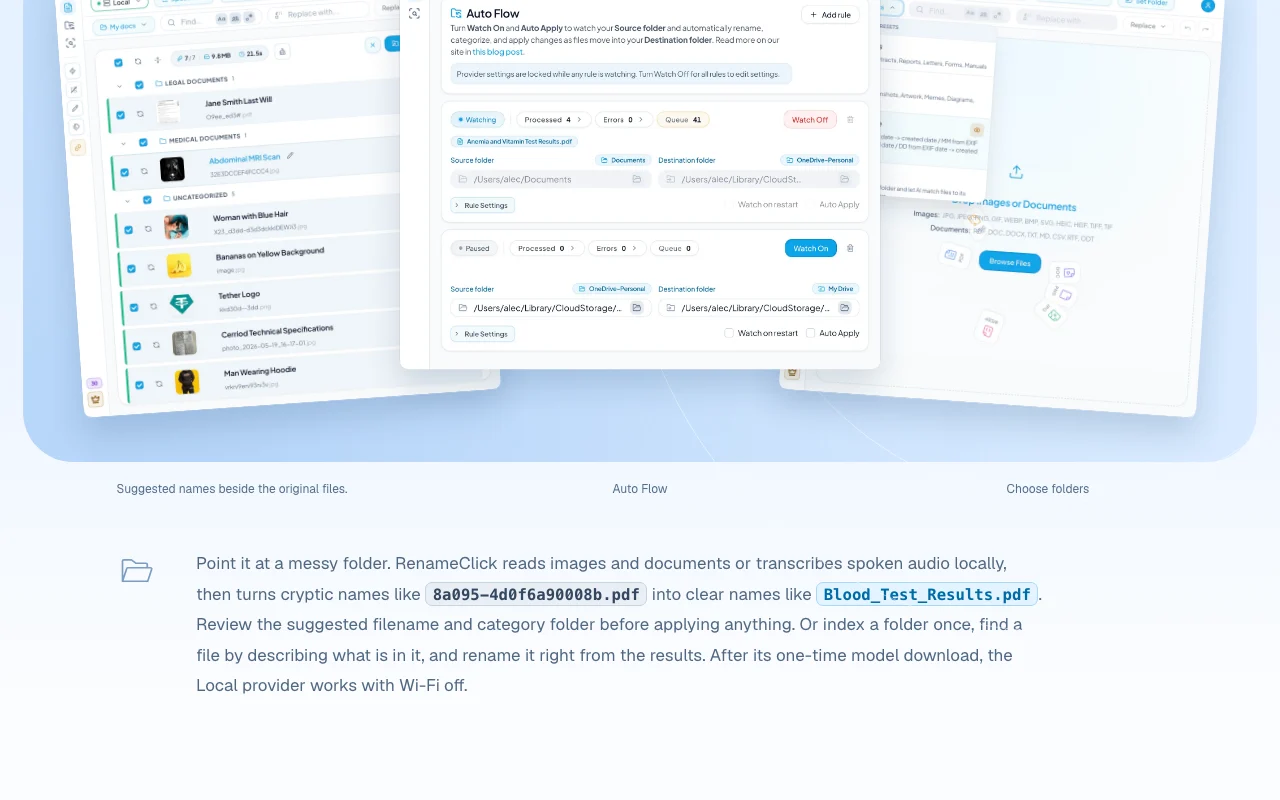
RenameClick reads images, documents and transcribed audio on your computer and suggests clear filenames and category folders, which you review before applying. It can also index a folder so you can find a file by describing it. Processing can run with a built-in local model, Ollama or LM Studio, or optionally cloud providers using your own API key (direct builds only).

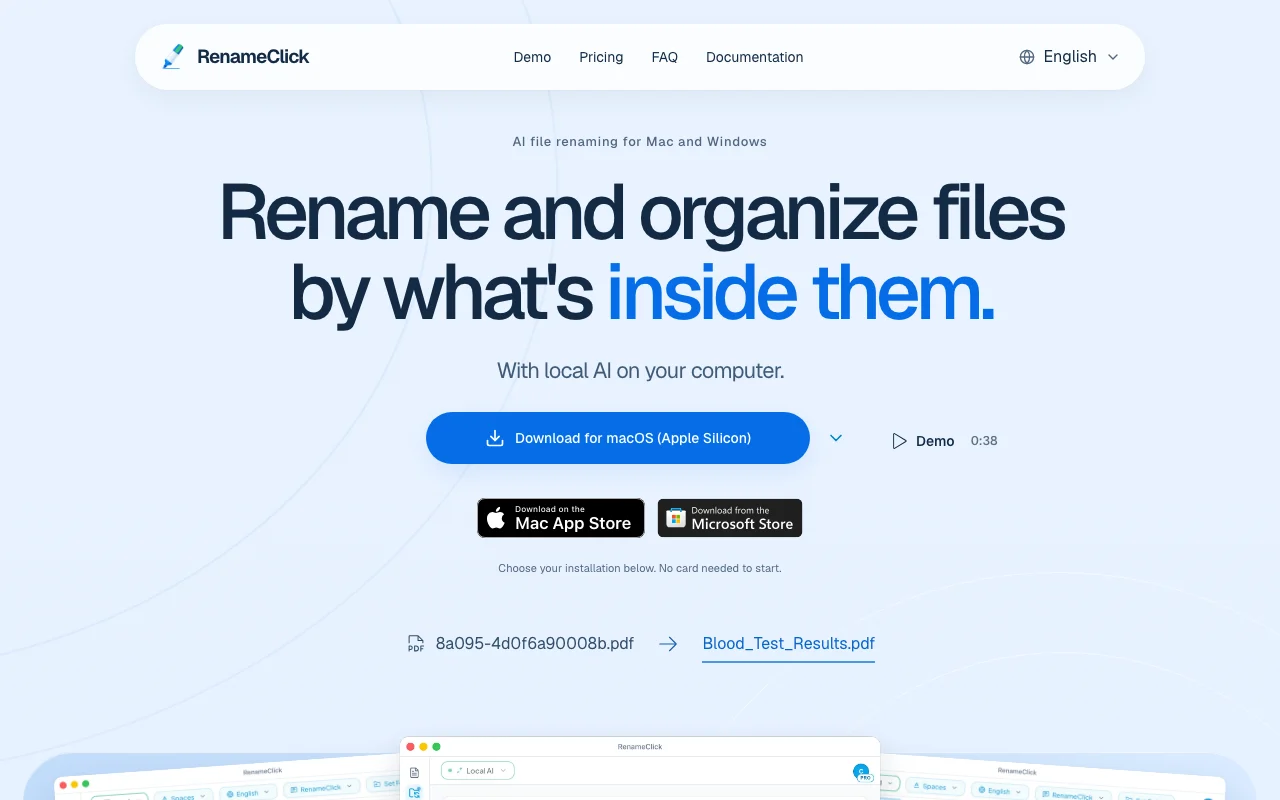
RenameClick homepage — screenshot of the productivity & writing AI tool, Oct 2, 2026
RenameClick's official site: how the product presents itself. rename.click, captured Oct 2, 2026

What you provide and what you get back

How RenameClick works: what you provide, where it runs and what you get backYOU PROVIDEYour inputImages, documents and audio filesFolders to watchOptional cloud provider API keyPRODUCTIVITY & WRITINGRenameClickmacos, windowsfrom $8/mo (Pro Monthly)free tier availablechecked Oct 2, 2026YOU GET BACKThe resultSuggested filenamesCategory foldersRenamed or moved filesinput → RenameClick → output · from the vendor's own pages, no hands-on test unless stated
What you give RenameClick and what comes back, from its documentation

You provide

  • Images, documents and audio files
  • Folders to watch
  • Optional cloud provider API key

You get back

  • Suggested filenames
  • Category folders
  • Renamed or moved files

Where you can use it

Platforms
macos, windows
Account
Not required
Platforms
macOS, Windows
File types
Images, documents, audio
Local AI
Built-in, Ollama, LM Studio
Filename languages
Multiple, e.g. English, Spanish, French, Japanese

What people use RenameClick for

Scenarios are worked out by our editors from the documentation; the actual result depends on your input and plan.

Rename cryptic PDF scans

Who
People with scanned PDFs
You provide
Files with cryptic names
Expected result
Clear content-based filenames
Plan needed
Free
Limitation
100 applied changes per month source (opens in a new tab)

Organize downloads into category folders

Who
Anyone with a Downloads folder
You provide
A folder of mixed files
Expected result
Files sorted into category folders
Plan needed
Free or Pro
Limitation
Review needed before applying source (opens in a new tab)

Name audio recordings from speech

Who
Interview or meeting recorders
You provide
MP3, WAV, FLAC, M4A or AAC recordings
Expected result
Filenames generated from transcribed speech
Plan needed
Free or Pro
Limitation
Requires audio transcription install source (opens in a new tab)

What RenameClick does, and where it stops

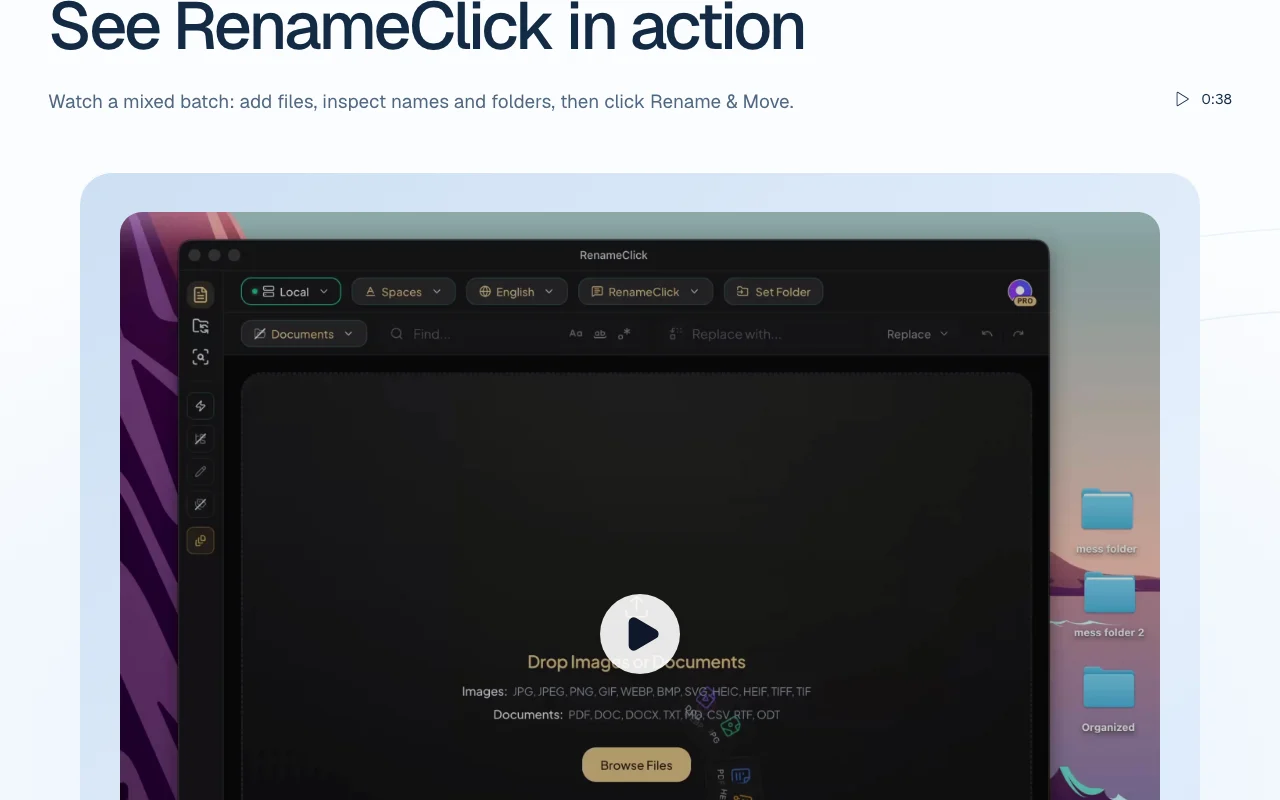
RenameClick homepage — screenshot of the productivity & writing AI tool, Oct 2, 2026
Feature overview on the official site. rename.click, captured Oct 2, 2026

Local AI file renaming

Reads images and documents or transcribes audio on the device with a built-in model, then proposes new filenames. Keeps content on your computer.

Access: All plansLimit: Needs about 4 GB disk and RAM source (opens in a new tab)

Rename, categorize or both

Lets you rename only, categorize only, or rename and categorize in one step. Combines tidying actions.

Access: All plansLimit: You review suggestions before applying source (opens in a new tab)

Auto Flow folder watching

Watches chosen folders while the app runs and can apply changes automatically. Keeps new files organized.

Access: All plansLimit: Runs only while the app is open; undo history is not kept across restart source (opens in a new tab)

Content-based AI Search

Indexes a folder once so you can find a file by describing its content and rename it from results. Finds files without remembering names.

Access: All plansLimit: Index must be built first source (opens in a new tab)

RenameClick: strengths and limits

Reasons to choose RenameClick

Check before paying for RenameClick

How to use RenameClick for renaming files by their content

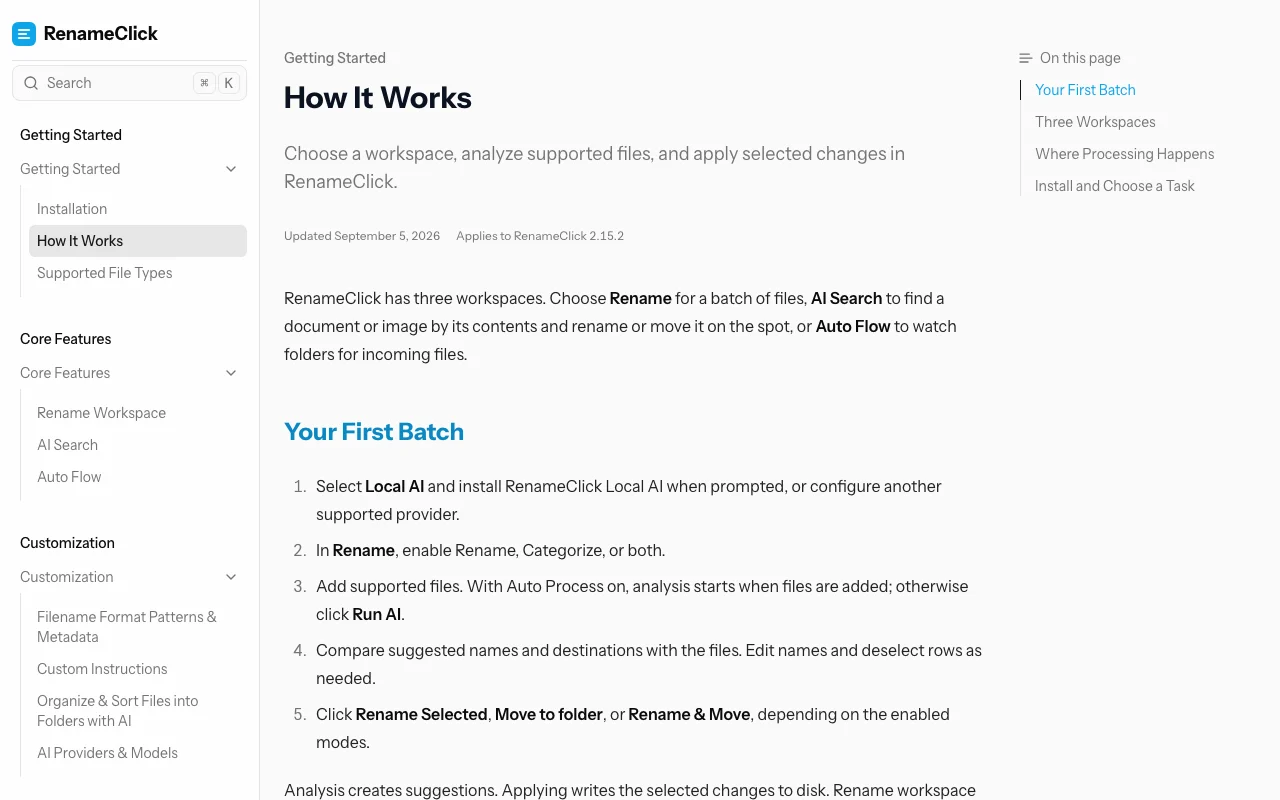
RenameClick documentation — screenshot of the productivity & writing AI tool, Oct 2, 2026
RenameClick documentation: where the steps below come from. rename.click, captured Oct 2, 2026

Set up RenameClick

  1. Download RenameClick for macOS or Windows from rename.click
  2. Download the built-in local AI model on first launch
  3. Add a folder of files
  4. Choose Rename, Categorize or both

Example: renaming files by their content

  1. Select a messy folder
  2. Review the suggested names and folders
  3. Apply the changes
  4. Turn on Auto Flow for a downloads folder

Review and export the result

  1. Confirm the new names match file content
  2. Check the monthly apply count against the 100 limit

RenameClick API

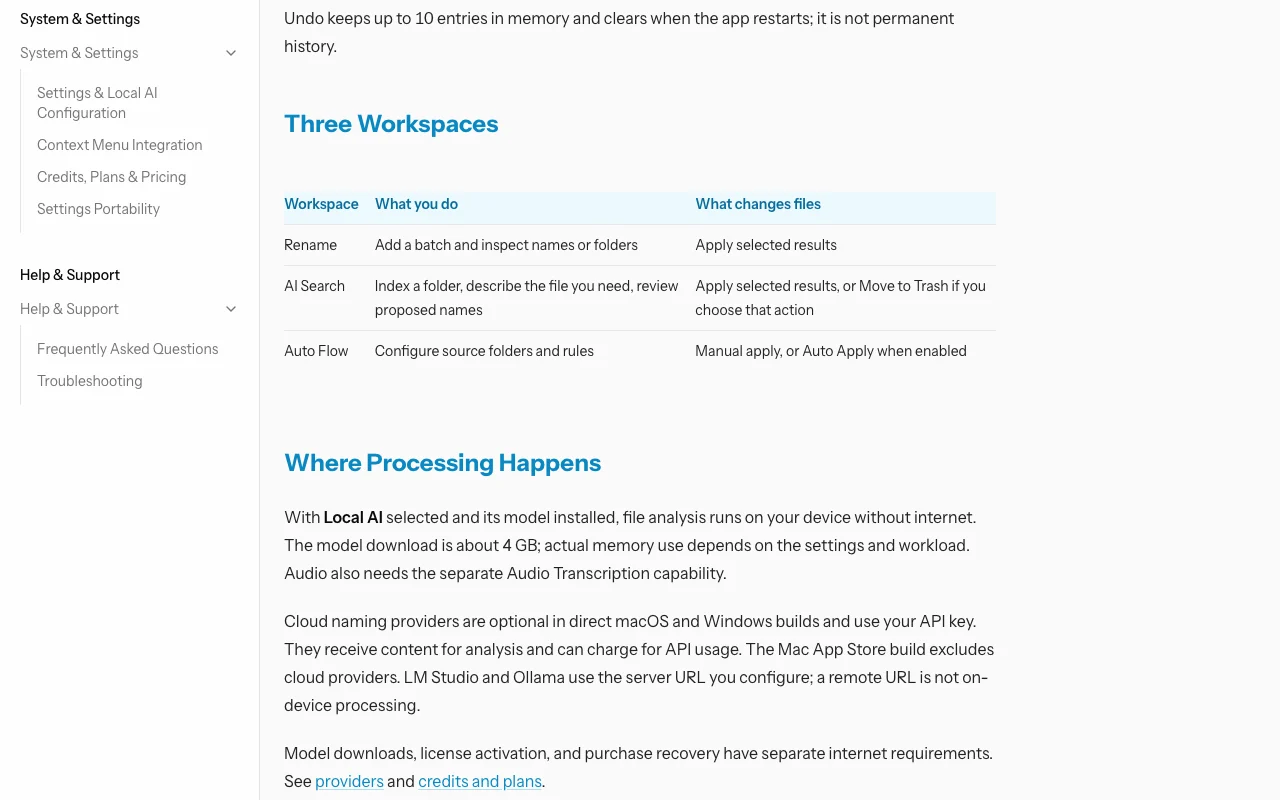
RenameClick documentation — screenshot of the productivity & writing AI tool, Oct 2, 2026
RenameClick documentation (continued). rename.click, captured Oct 2, 2026

API access and separate billing

RenameClick has no public API in its official documentation. Uses your own provider keys for cloud mode. API documentation ↗

Privacy, data use and commercial rights

Summarized from the vendor's current policies; this is not legal advice and a vendor's badge is not an independent audit.

How your inputs and outputs are handled

Policy says files, filenames and AI results are not collected or stored on RenameClick servers; local AI processing happens on your computer.

Not applicable to local mode; cloud providers receive content you send with your own key.

Files not retained by the vendor.

Commercial use and plan restrictions

Cloud providers excluded from the Mac App Store build.

Policies: rename.click/privacy

Best RenameClick alternatives for different needs

"Better suited" is based on documented features and pricing, not on a head-to-head test.

Notion AI: better suited to

Alternatives
AlternativeWhen to choose itPricingLimitation
Notion AI——Compare

Explore RenameClick further

Related to RenameClick

RenameClick user reviews

No user reviews yet.

Used RenameClick? Be the first to share your experience.

Write a review

Reviews are checked by a moderator before they appear. Your email is never published. Plain text only.

Your rating (required)

Show what you made or what went wrong. Images are published only if the review is approved; location data is removed.

    RenameClick FAQ

    Does RenameClick upload my files?

    Not with the built-in local AI; the privacy policy says files and filenames are not collected on RenameClick servers. Cloud providers receive content only if you choose them. source (opens in a new tab)

    Which operating systems does RenameClick support?

    macOS (Apple Silicon and Intel) and Windows. source (opens in a new tab)

    How many devices does a RenameClick license cover?

    Direct macOS and Windows licenses cover up to 3 active devices. source (opens in a new tab)

    What audio formats can RenameClick transcribe for renaming?

    MP3, WAV, FLAC, M4A and AAC. source (opens in a new tab)

    Sources and review methodology

    Official sources and verification dates

    Not verified: Commercial use terms.

    How we documented and maintain this page

    Every fact about RenameClick above comes from the 4 official pages listed here, last compared on Oct 2, 2026; we have not run RenameClick ourselves, so it has no editorial score. How we check and re-check pages.

    Article updated Oct 2, 2026; prices checked Oct 2, 2026. Outbound links to vendors are plain links; we do not earn commissions. How we review · Report an error