Productivity & writingDocumented overviewLast checked Oct 1, 2026

Recallify: Pricing, Features & Best Use Cases

Cognitive support app that records, summarizes and turns speech into reminders, tasks and quizzes.

Is Recallify right for you?

Choose Recallify if memory, attention or executive-function difficulties make it hard to keep track of conversations and tasks, and you want recordings turned into summaries, reminders and quizzes. Based on the vendor's documentation, not on a hands-on test.

Best for: People with ADHD or memory difficulties

Also a good fit for

  • Students
  • Employers supporting staff

Consider another tool if prices shown in GBP, not USD

Or if

  • Personal plan limited to 600 transcription minutes per month
  • 60-minute cap per recording

Recallify pricing and usage limits

Prices checked Oct 1, 2026 on the official US pricing page. Official pricing ↗ Prices and limits change often.

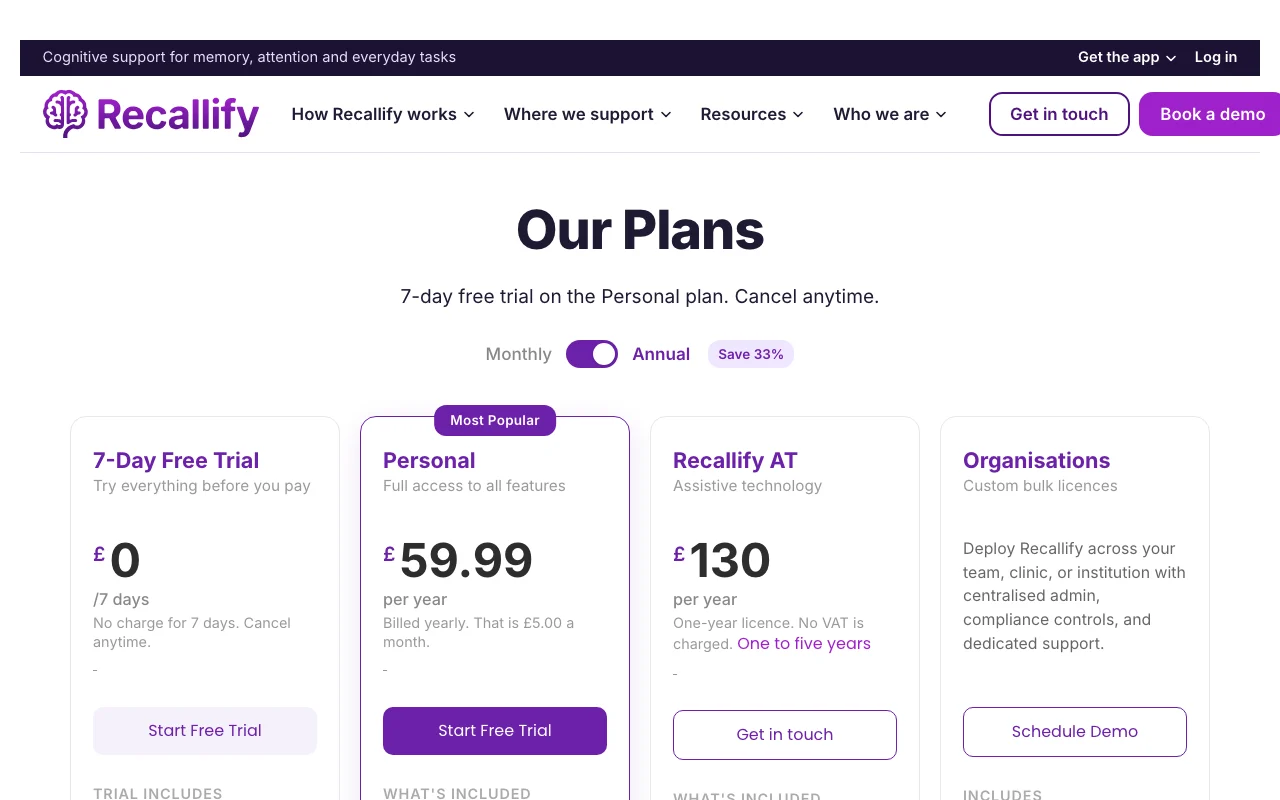
Recallify pricing page with plans and prices — screenshot of the productivity & writing AI tool, Oct 2, 2026
The official Recallify pricing page as we saw it. recallify.ai, captured Oct 2, 2026

Free access and trial conditions

No free plan; 7-day free trial of Personal

7-day free trial with full Personal features; cancel before it ends to avoid charge

Paid plans: what changes as you upgrade

Personal Web

See official pricing source (opens in a new tab)

Year, annual commitment

Price shown in GBP only; no USD price on page

For: Individuals

Limits

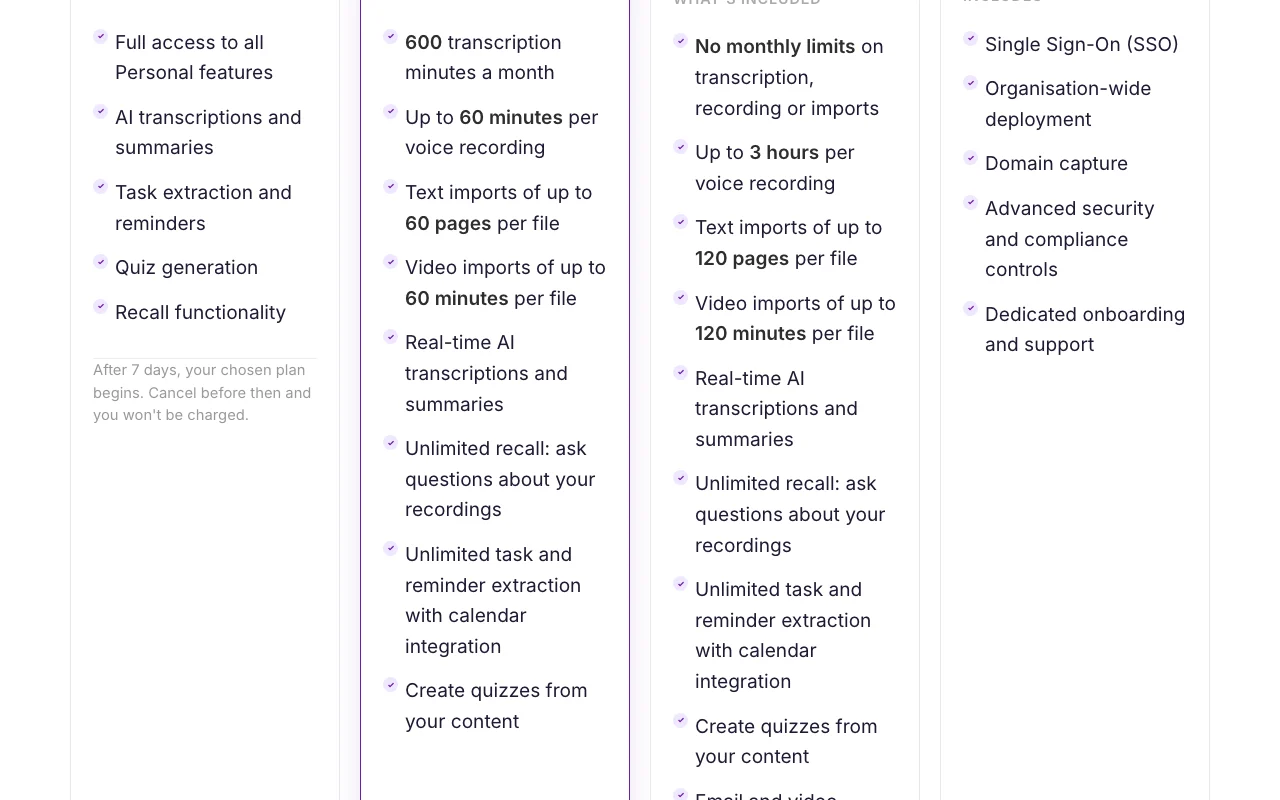
  • 600 transcription minutes a month
  • Up to 60 minutes per recording
1 more
  • Text imports up to 60 pages; video up to 60 minutes

Includes

  • Real-time transcription and summaries
  • Unlimited recall questions
2 more
  • Unlimited task and reminder extraction
  • Quiz generation

No API

Recallify AT Web

See official pricing source (opens in a new tab)

Year

Price shown in GBP only; no USD price on page

For: People whose disability affects memory, attention or executive function

Limits

  • No monthly limits (fair use)
  • Up to 3 hours per recording
1 more
  • Text up to 120 pages; video up to 120 minutes

Includes

  • Assistive technology licence for disability or rehabilitation
  • Email and video support
1 more
  • Guided AT with practitioner training also available

No API

Organisations Web

Custom pricing source (opens in a new tab)

Unknown

For: Teams, clinics, institutions

Includes

  • Single Sign-On
  • Domain capture
2 more
  • Advanced security and compliance controls
  • Dedicated onboarding

No API

Usage caps, credits and extra costs

Additional transcription minutes available through subscription settings

Recallify AT: no VAT charged; other plans not stated

What is Recallify, and how does it work?

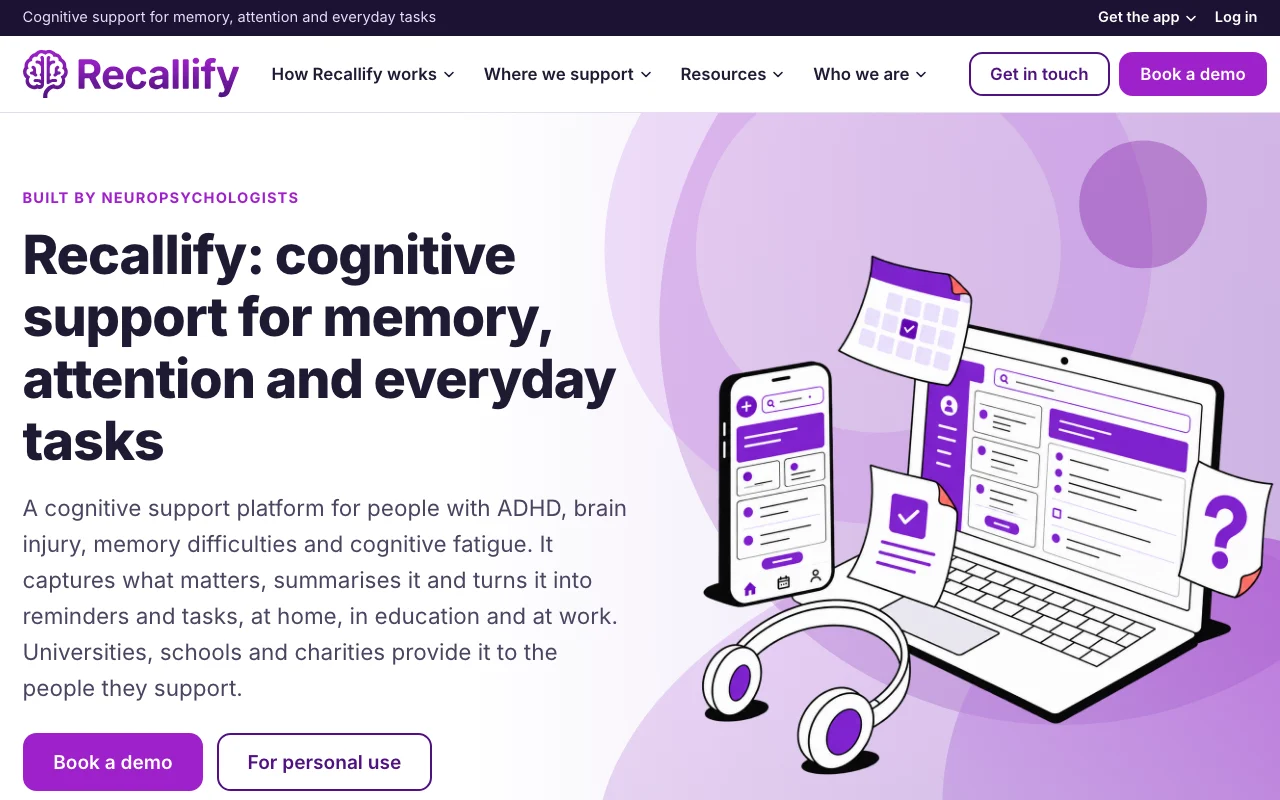
Recallify is aimed at people with ADHD, brain injury, memory difficulties or cognitive fatigue. It transcribes recordings, summarizes them and extracts reminders and tasks. It is available on iOS, Android and in the browser, and is also provided through universities, schools and employers.

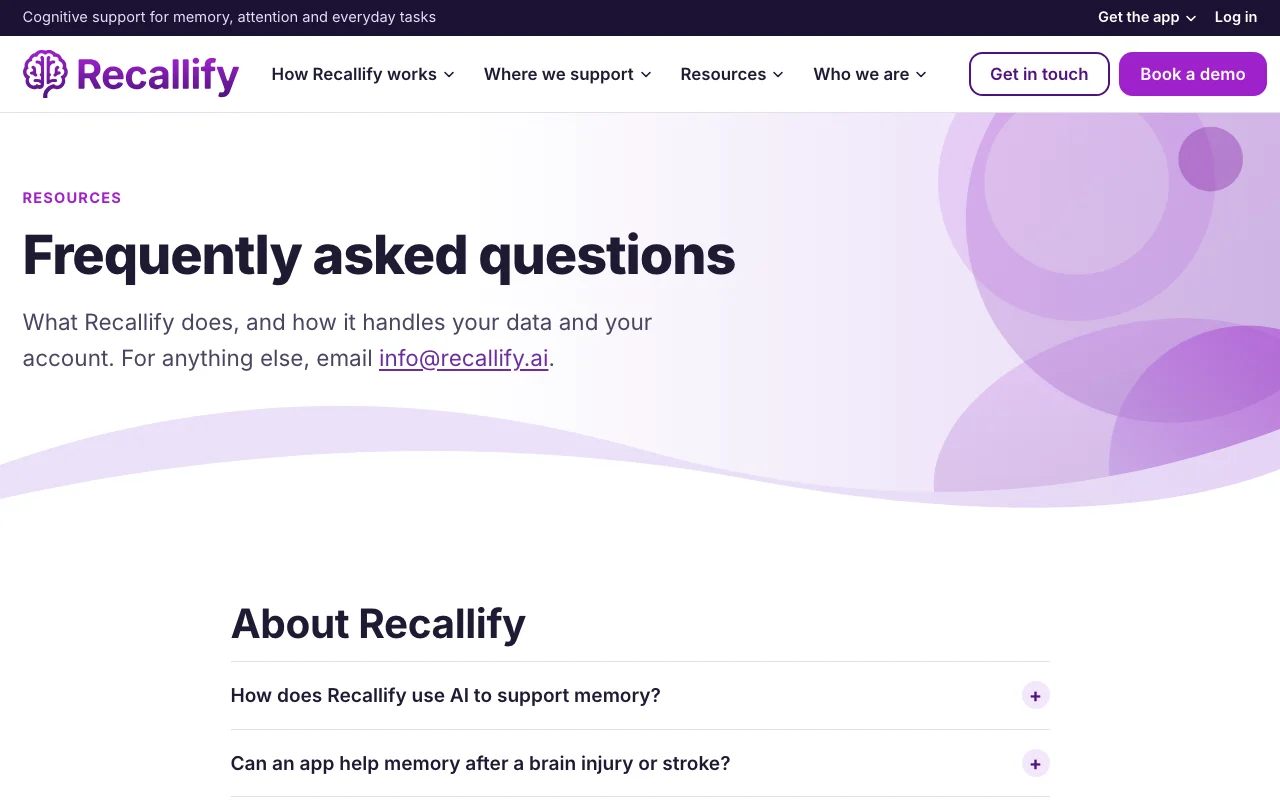
Recallify homepage — screenshot of the productivity & writing AI tool, Oct 2, 2026
Recallify's official site: how the product presents itself. recallify.ai, captured Oct 2, 2026

What you provide and what you get back

How Recallify works: what you provide, where it runs and what you get backYOU PROVIDEYour inputVoice recordings of conversations…Typed notes, documents, slides, p…Video importsPRODUCTIVITY & WRITINGRecallifyWeb, Mobilefree tier, paid price not publish…free tier availableaccount requiredchecked Oct 1, 2026YOU GET BACKThe resultTranscripts and AI summariesTasks and reminders sent to your…Recall quizzesinput → Recallify → output · from the vendor's own pages, no hands-on test unless stated
What you give Recallify and what comes back, from its documentation

You provide

  • Voice recordings of conversations, lectures or appointments
  • Typed notes, documents, slides, photos
  • Video imports

You get back

  • Transcripts and AI summaries
  • Tasks and reminders sent to your calendar
  • Recall quizzes

Where you can use it

Platforms
Web, Mobile
Account
Required
Platforms
iOS, Android, web
Recording limit
60 minutes (Personal), 3 hours (AT)
Monthly minutes
600 on Personal
Imports
Text and video, per-file caps
Roles
Single user; organisations with SSO

Best use cases for Recallify

Scenarios are worked out by our editors from the documentation; the actual result depends on your input and plan.

Lecture and meeting capture

Who
Students and lecture attendees
You provide
Recorded lecture or imported slides
Expected result
Summary and quiz questions for revision
Plan needed
Personal
Limitation
Max 60 minutes per recording source (opens in a new tab)

Task and reminder extraction

Who
People with ADHD, brain injury or memory difficulties
You provide
Spoken task or recorded meeting
Expected result
Tasks and reminders in your calendar
Plan needed
Personal or Recallify AT
Limitation
600 transcription minutes a month on Personal source (opens in a new tab)

Study quizzes

Who
Employers, universities and clinics
You provide
Organisation-wide deployment
Expected result
Centrally managed licences with SSO
Plan needed
Organisations
Limitation
Custom quote required source (opens in a new tab)

What Recallify does, and where it stops

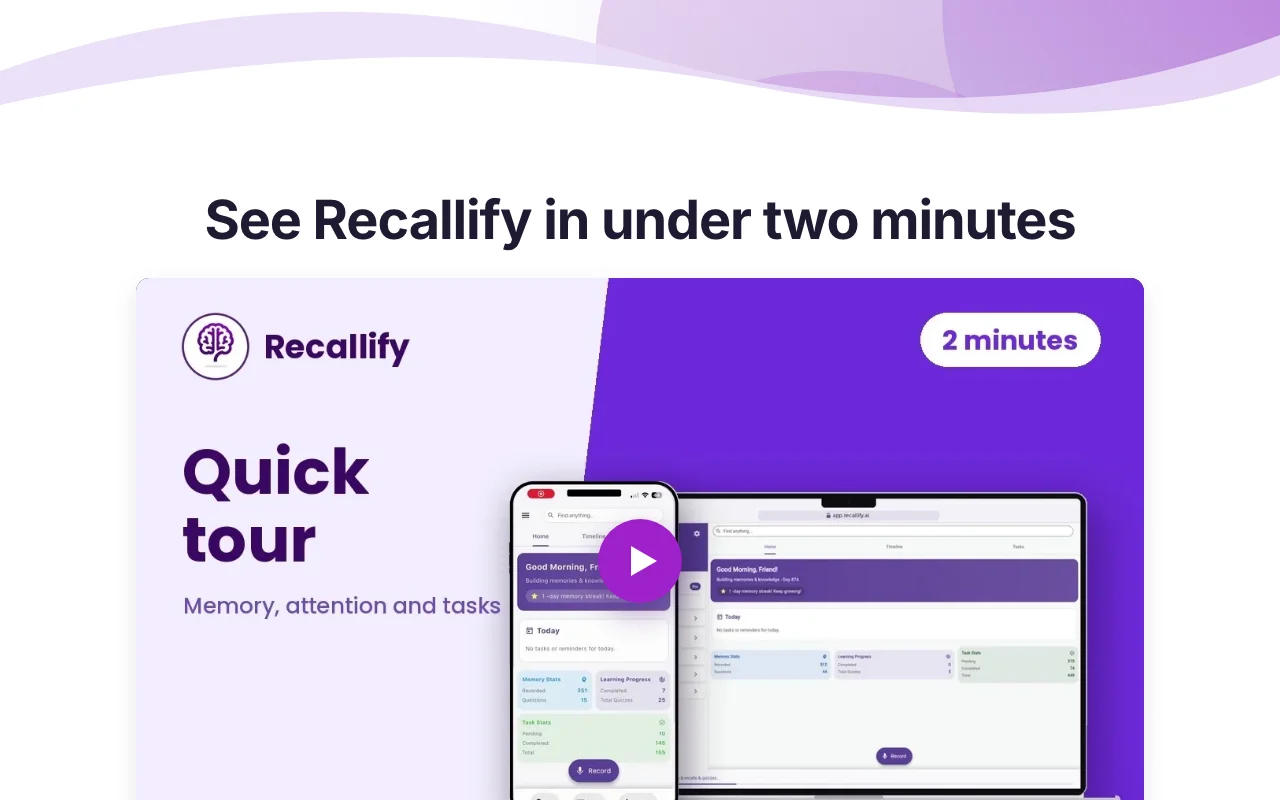
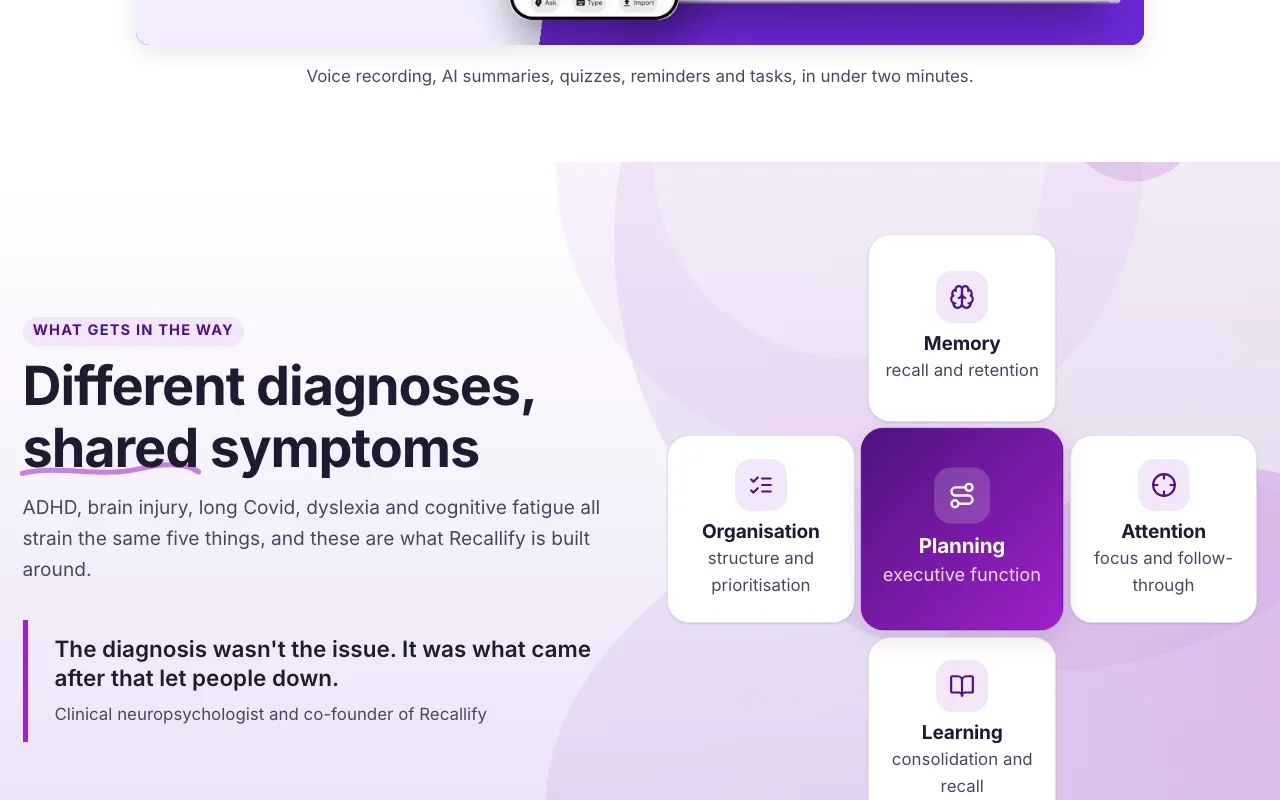
Recallify homepage — screenshot of the productivity & writing AI tool, Oct 2, 2026
Feature overview on the official site. recallify.ai, captured Oct 2, 2026

Voice recording with AI transcription

Records voice and transcribes in real time with AI summaries Captures what matters without note-taking

Access: Personal and aboveLimit: 60 minutes per recording on Personal; 3 hours on AT source (opens in a new tab)

AI summaries

Extracts tasks and reminders with calendar integration Turns speech into actions

Access: Personal and aboveLimit: Calendar details not listed source (opens in a new tab)

Task extraction with calendar integration

Generates quizzes using active recall and spaced repetition Supports learning and retention

Access: Personal and aboveLimit: Built from your own content only source (opens in a new tab)

Quiz generation

Lets you ask questions about your recordings (recall) Finds past information quickly

Access: Personal and aboveLimit: Answers depend on AI accuracy source (opens in a new tab)

Recallify pros and cons

Reasons to choose Recallify

Check before paying for Recallify

How to use Recallify for capturing conversations as summaries and reminders

Set up Recallify

  1. Install Recallify from the App Store or Google Play, or open the web app
  2. Sign up and start the 7-day free trial
  3. Allow microphone access
  4. Connect your calendar for reminders

Example: capturing conversations as summaries and reminders

  1. Record a lecture or meeting
  2. Open the summary and key points
  3. Review extracted tasks and send them to the calendar
  4. Generate a quiz from the recording

Review and export the result

  1. Compare the summary with the recording for accuracy
  2. Confirm tasks appear in your calendar with deadlines

Privacy, data use and commercial rights

Summarized from the vendor's current policies; this is not legal advice and a vendor's badge is not an independent audit.

How your inputs and outputs are handled

Content is sent to AI sub-processors for transcription, summaries, tasks and quizzes

Policy says AI sub-processors do not use content to train their models

Controls for business users

  • End-to-end encryption, GDPR compliance, ICO registration and Cyber Essentials stated on all plans
  • Access, correct, export and delete data

Policies: recallify.ai/privacy_policy/

Recallify alternatives by need

"Better suited" is based on documented features and pricing, not on a head-to-head test.

Otter.ai: better suited to

Gemini Notebook (formerly NotebookLM): better suited to

Notion AI: better suited to

Alternatives
AlternativeWhen to choose itPricingLimitation
Otter.ai——
Gemini Notebook (formerly NotebookLM)——
Notion AI——Compare

Explore Recallify further

Tools and guides near Recallify

Recallify user reviews

No user reviews yet.

Used Recallify? Be the first to share your experience.

Write a review

Reviews are checked by a moderator before they appear. Your email is never published. Plain text only.

Your rating (required)

Show what you made or what went wrong. Images are published only if the review is approved; location data is removed.

    Recallify FAQ

    How much does Recallify cost?

    Personal is GBP 59.99 per year; prices are shown in GBP, not USD. source (opens in a new tab)

    Is there a free trial?

    Yes, 7 days with full Personal features; cancel before it ends to avoid charge. source (opens in a new tab)

    What are the usage limits?

    Personal has 600 transcription minutes a month, 60 minutes per recording and 60 pages per text import. source (opens in a new tab)

    Is there a plan for students with a disability?

    Yes, Recallify AT at GBP 130 per year, with no monthly limits. source (opens in a new tab)

    Is customer content used to train AI?

    The policy says the AI sub-processors do not use your content to train their models. source (opens in a new tab)

    Sources and review methodology

    Official sources and verification dates

    Not verified: USD prices; Data retention periods; API availability; Offline mode.

    How we documented and maintain this page

    Every fact about Recallify above comes from the 3 official pages listed here, last compared on Oct 1, 2026; we have not run Recallify ourselves, so it has no editorial score. How we check and re-check pages.

    Article updated Oct 2, 2026; prices checked Oct 1, 2026. Outbound links to vendors are plain links; we do not earn commissions. How we review · Report an error