ReMynd Local Desktop
Free source (opens in a new tab)
Free, annual commitment
For: Individual Mac users
Limits
- macOS 14+, Apple silicon
- Recordings stay in your user Library
Includes
- On-device OCR search
- Call recording
1 more
- Cmd+K ask

Productivity & writingDocumented overviewLast checked Sep 29, 2026
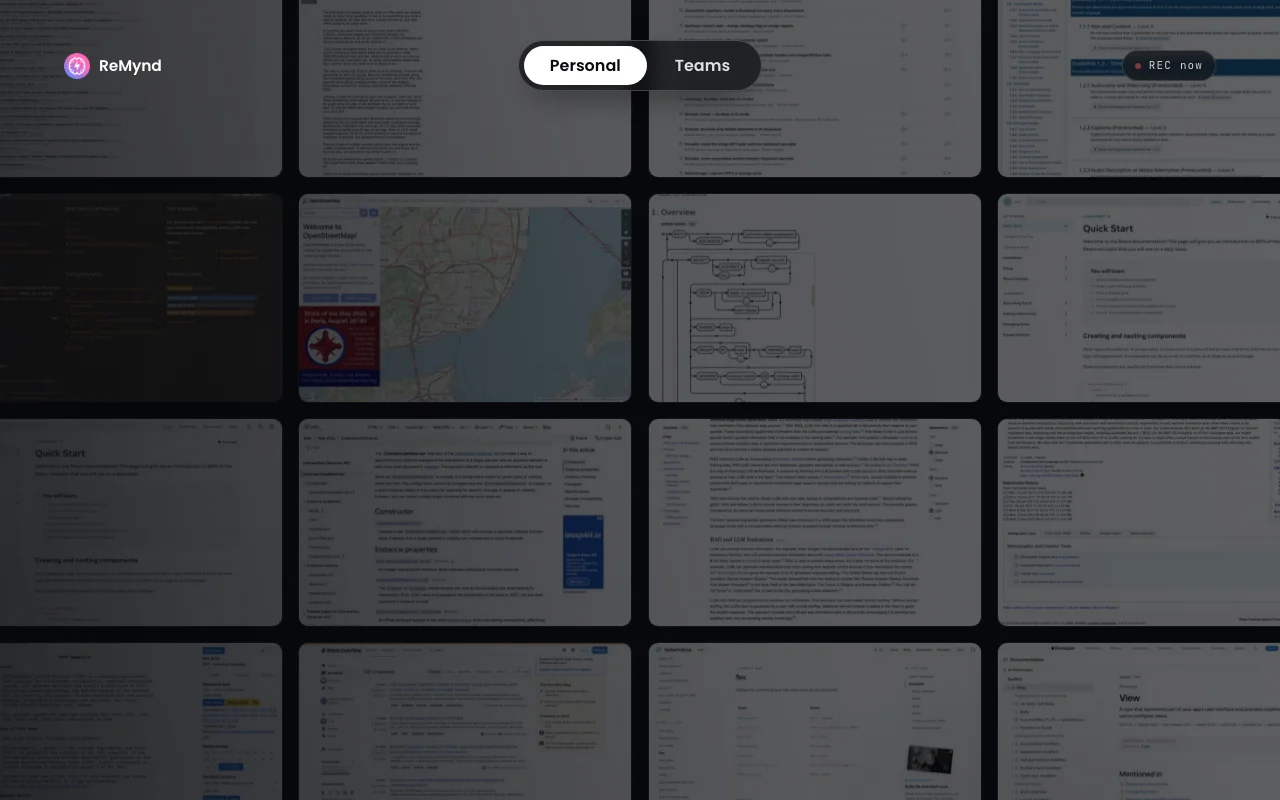
Mac app that records your screen and calls locally so you can search and ask about anything you have seen or heard.
 (open full size in a new tab)
 (open full size in a new tab)
 (open full size in a new tab)
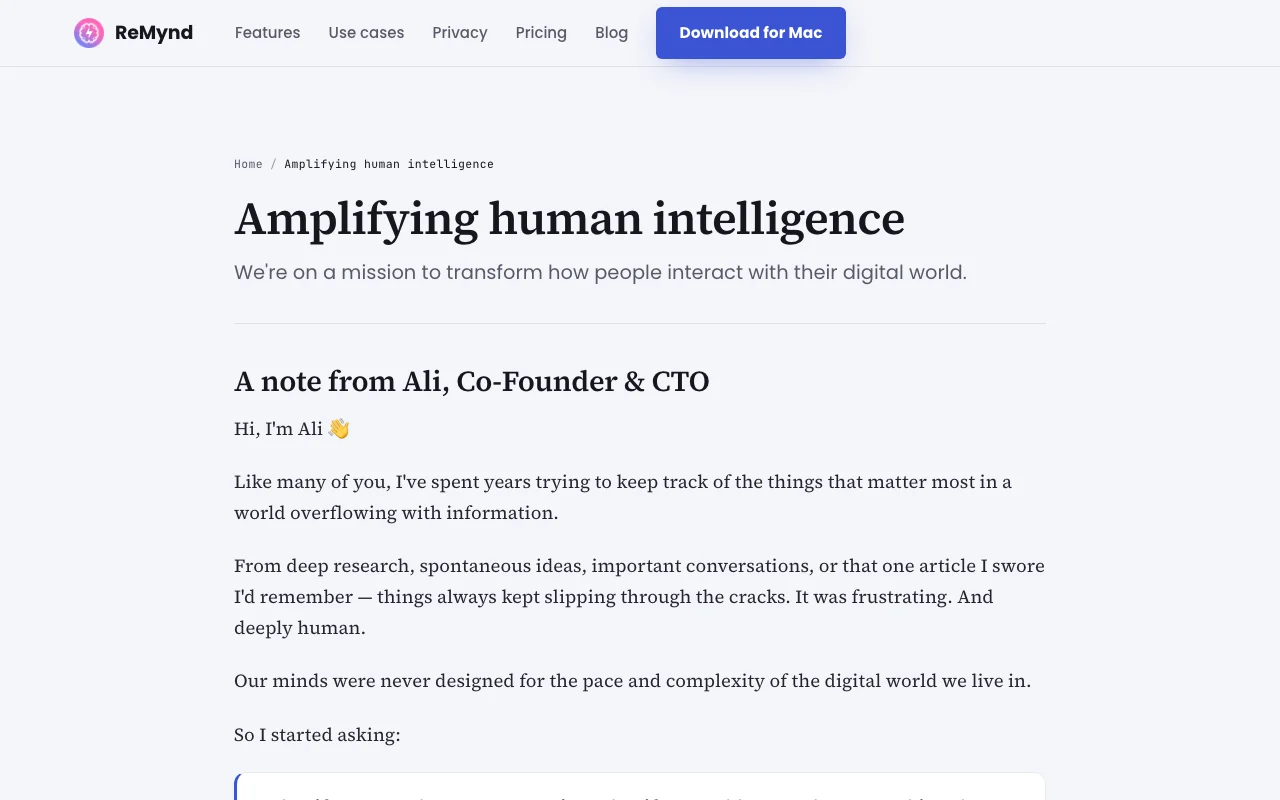 (open full size in a new tab)
 (open full size in a new tab)
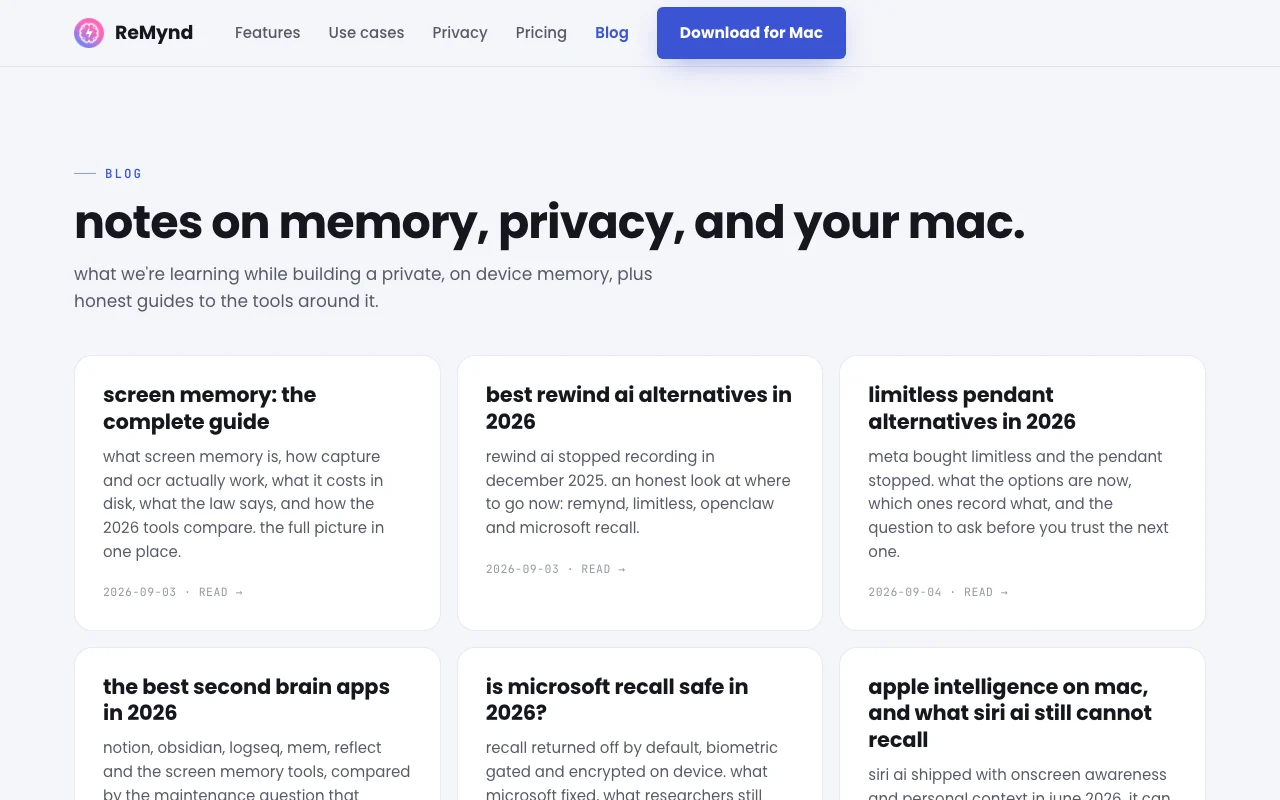 (open full size in a new tab)
Our take: ReMynd suits Mac users who want a local, searchable memory of their screen and calls, with recordings kept on the machine and a free Local edition.
Main limitation: It runs only on macOS 14+ with Apple silicon, and optional paid plans are not priced on the fetched page.
ReMynd suits Mac users who want a local, searchable memory of their screen and calls, with recordings kept on the machine and a free Local edition. Based on the vendor's documentation, not on a hands-on test.
Also a good fit for
Or if
Prices checked Sep 29, 2026 on the official US pricing page. Official pricing ↗ Prices and limits change often.
ReMynd Local is free to download.
Not applicable.
Free source (opens in a new tab)
Free, annual commitment
For: Individual Mac users
Limits
Includes
See official pricing source (opens in a new tab)
Unknown, annual commitment
For: Teams
Limits
Includes
Optional backup to your own bucket is your cost.
Not stated.
ReMynd is a macOS app (14 or later, Apple silicon) that records the screen and calls, extracts text with on-device OCR and builds a searchable timeline. Recordings are stored in the user's Library, and the site says there is no upload path to the vendor. A Cmd+K search lets users find and ask about past content and jump to the source frame. Calls on Zoom, Google Meet, Microsoft Teams and Slack Huddles are transcribed into the same timeline. A separate Teams product reports on team busywork.
You provide
You get back
Scenarios are worked out by our editors from the documentation; the actual result depends on your input and plan.
Records what appears on screen in the background. Creates a rewindable timeline.
Extracts text locally and indexes it. Search everything read.
Records and transcribes calls from Zoom, Meet, Teams and Slack Huddles. Recall commitments.
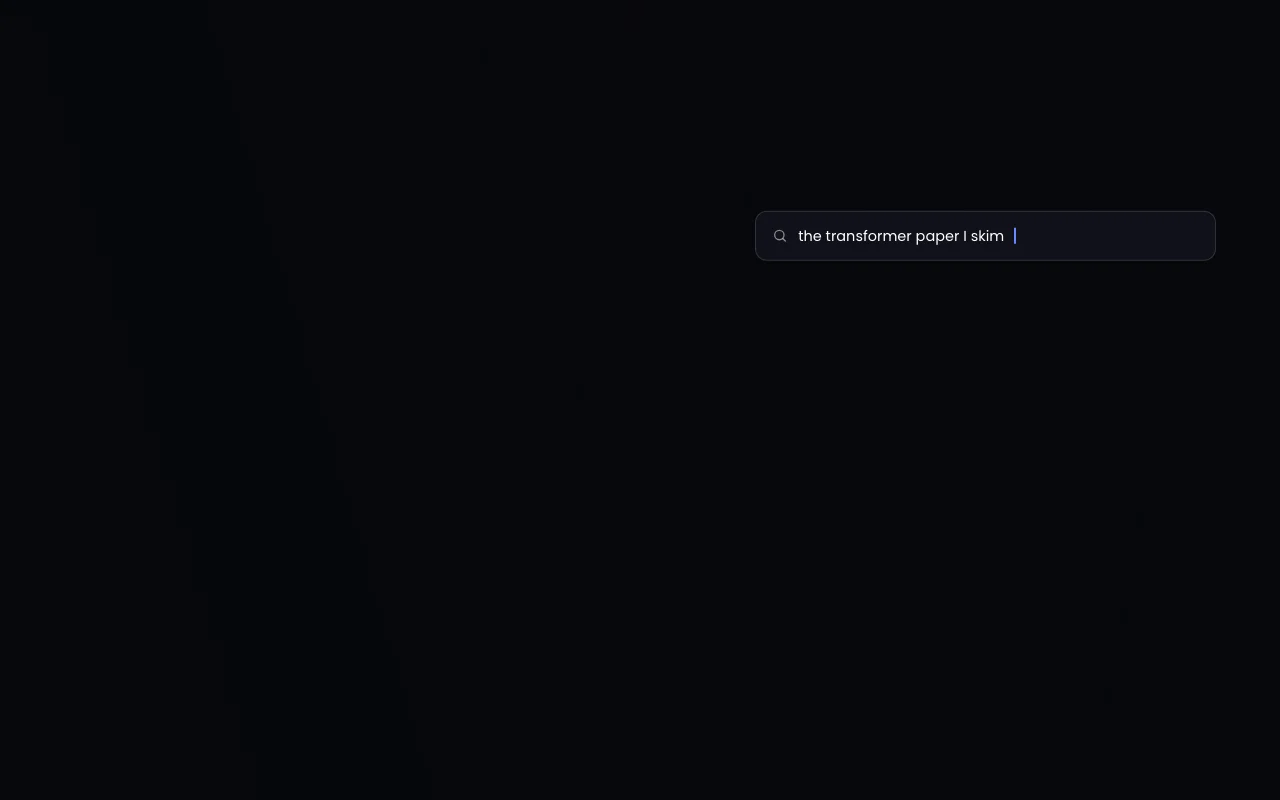
Lets you search or ask questions about your history. Fast retrieval.
What did Priya say about the vendor contract deadline?
Export: Local timeline
ReMynd has no public API in its official documentation. No API mentioned.
Summarized from the vendor's current policies; this is not legal advice and a vendor's badge is not an independent audit.
Recordings, extracted text and timeline live in your user Library with no upload path to the vendor.
Not stated beyond local-only claim.
Stored on your Mac until you delete them.
Not stated.
Backup to your own bucket is opt-in.
Policies: remyndai.com/
"Better suited" is based on documented features and pricing, not on a head-to-head test.
| Alternative | When to choose it | Pricing | Limitation | |
|---|---|---|---|---|
| Otter.ai | — | — | ||
| Gemini Notebook (formerly NotebookLM) | — | — |
No user reviews yet.
Used ReMynd? Be the first to share your experience.
ReMynd Local is listed as free for macOS 14+; optional paid plans exist but are not priced on the page. source (opens in a new tab)
The vendor says there is no upload path to it; encrypted backup to your own bucket is opt-in. source (opens in a new tab)
Zoom, Google Meet, Microsoft Teams and Slack Huddles. source (opens in a new tab)
Not yet; there is a Windows waitlist. source (opens in a new tab)
macOS 14+ on Apple silicon. source (opens in a new tab)
Not verified: Paid plan prices; Docs; Retention controls.
Every fact about ReMynd above comes from the 3 official pages listed here, last compared on Sep 29, 2026; we have not run ReMynd ourselves, so it has no editorial score. How we check and re-check pages.
Article updated Oct 2, 2026; prices checked Sep 29, 2026. Outbound links to vendors are plain links; we do not earn commissions. How we review · Report an error
compare>